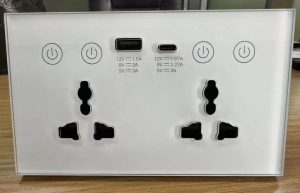
Posted on — Leave a comment

220-240 V Smart Switches and LED Loads: Reading the 5-200 W per Gang Rating (DS-121JL)

Two Smart switches can look identical on a shelf and behave completely differently once a client replaces the lamps. The difference is not the radio or the touch panel — it is how the output stage handles the load, and specifically how it handles LED loads, which draw badly non-sinusoidal current at a fraction of the wattage the switch was designed around.

The DS-121JL publishes its LED limit separately from its incandescent limit, and that is the number a buyer should actually plan against. This article explains the rating, why the two figures differ so much, and how to lay out circuits so a four-gang plate does not end up flickering in a finished building.

The rating, stated plainly

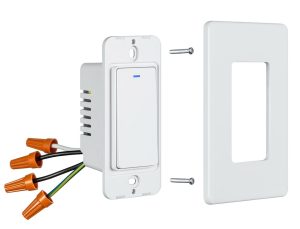
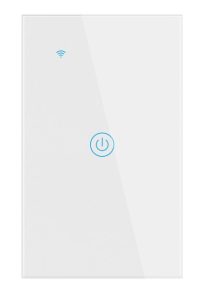
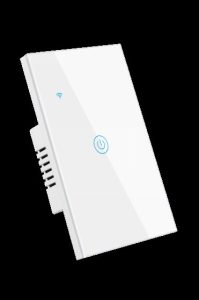
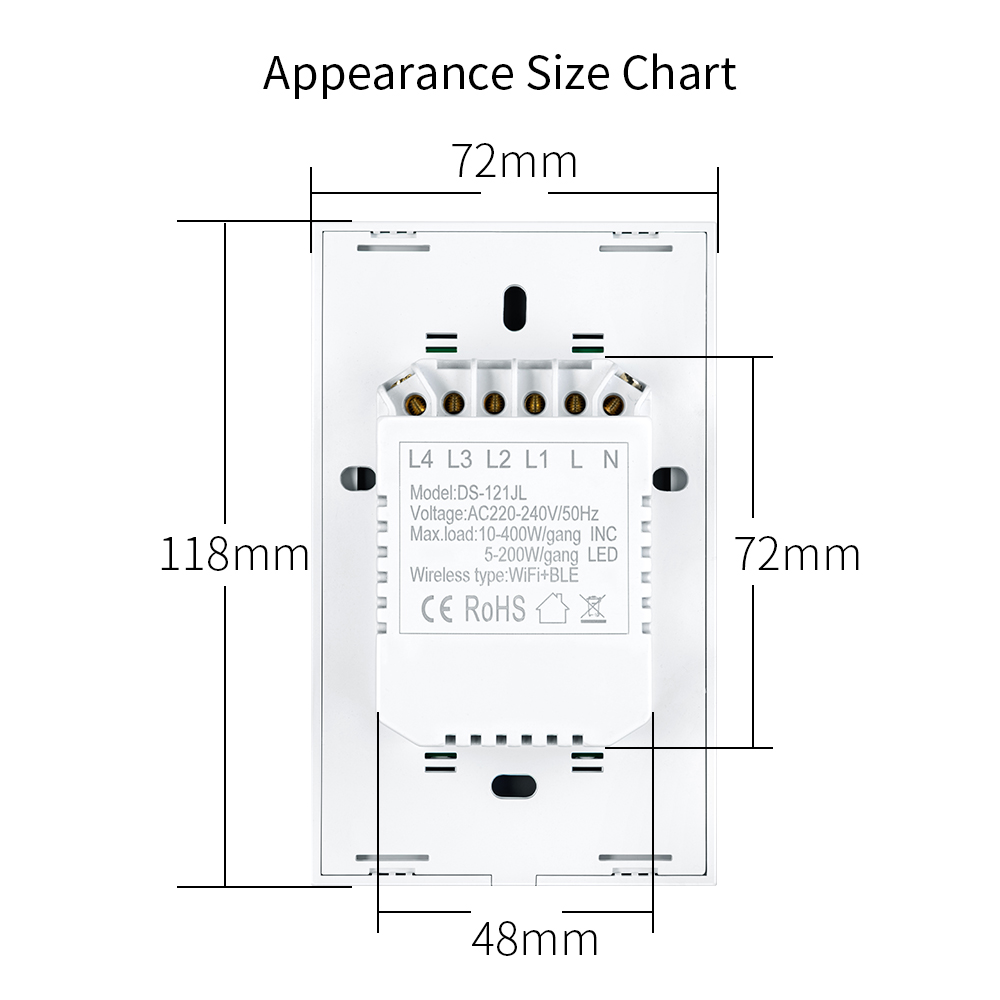
The detail page gives: Voltage AC 220-240 V / 50 Hz, max load 10-400 W per gang INC and 5-200 W per gang LED, with Wi-Fi + BLE wireless and CE / RoHS marking. The 118 × 72 × 39 mm vertical format and 1-4 gang options are shared with the rest of the 118-type platform.
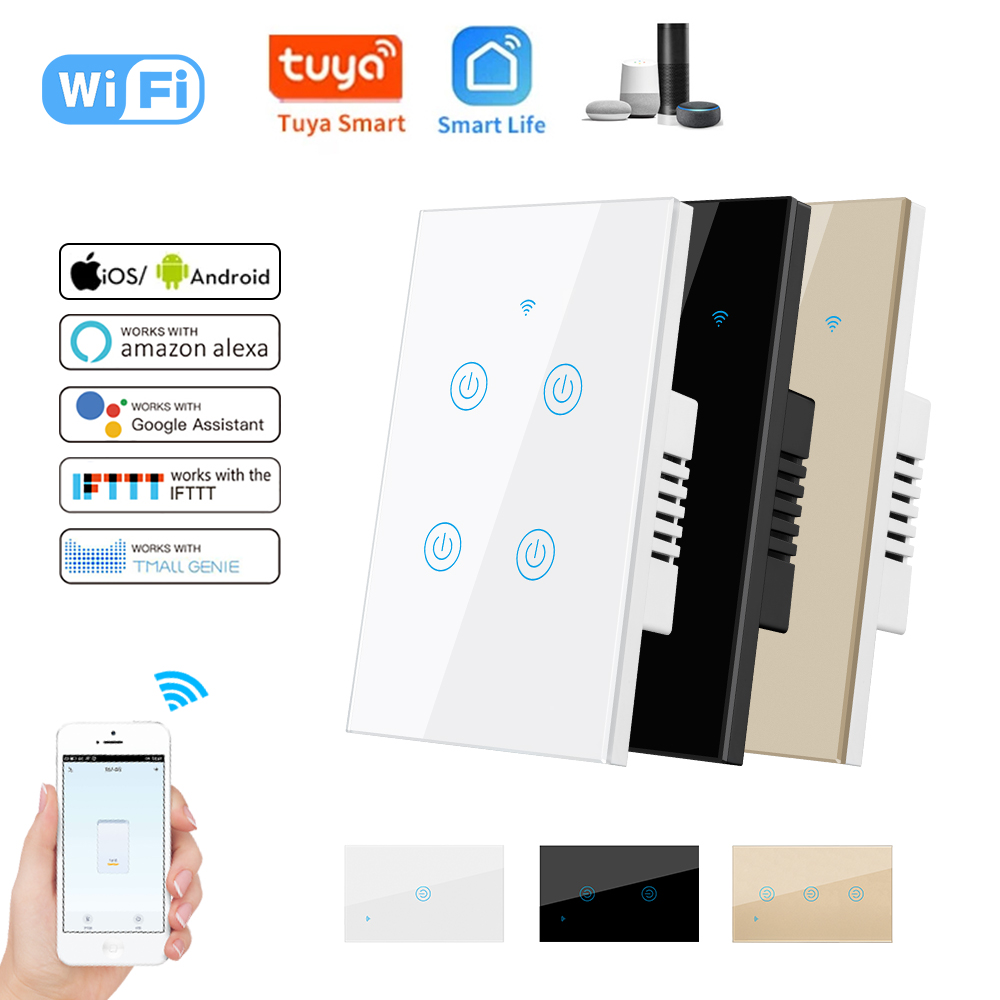
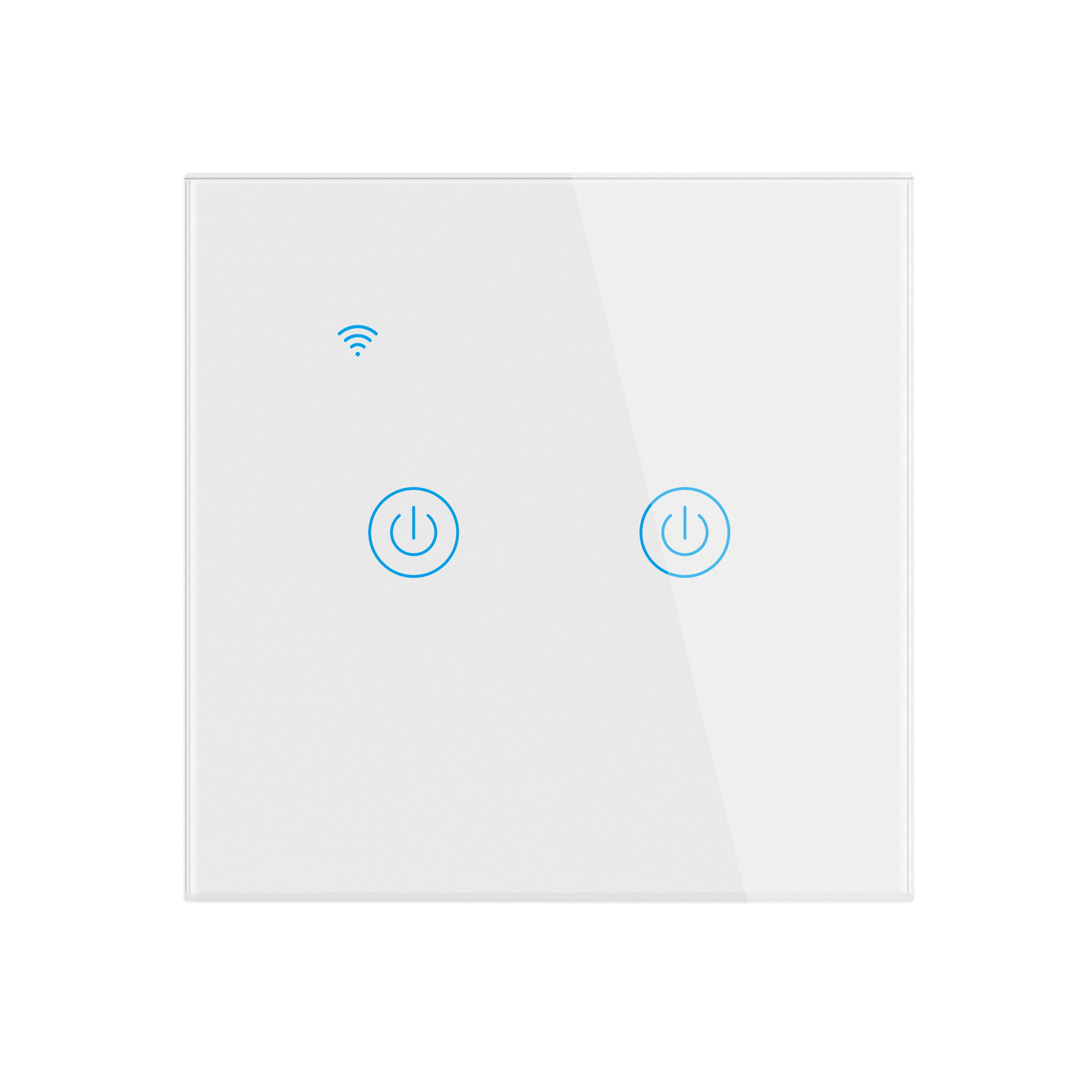
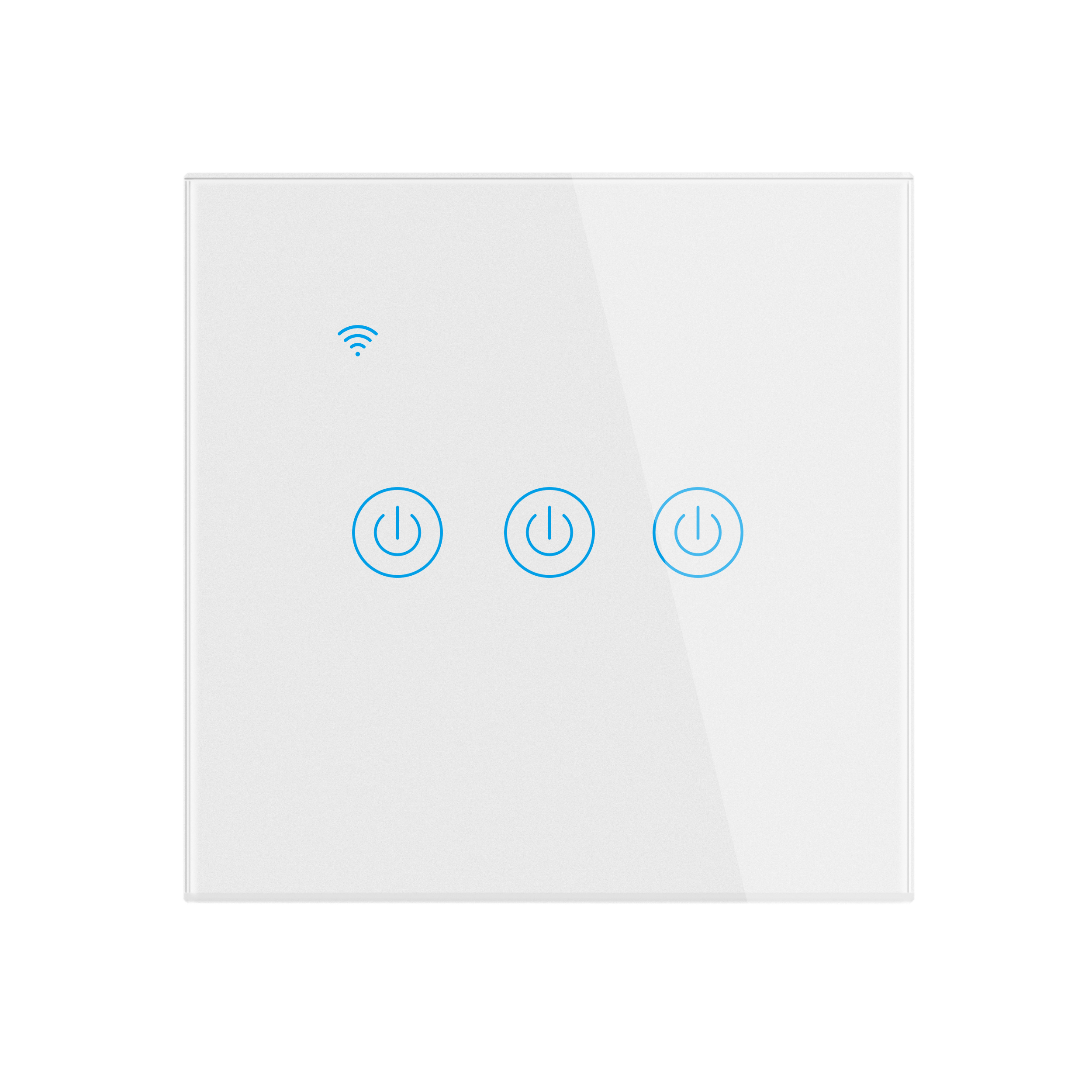
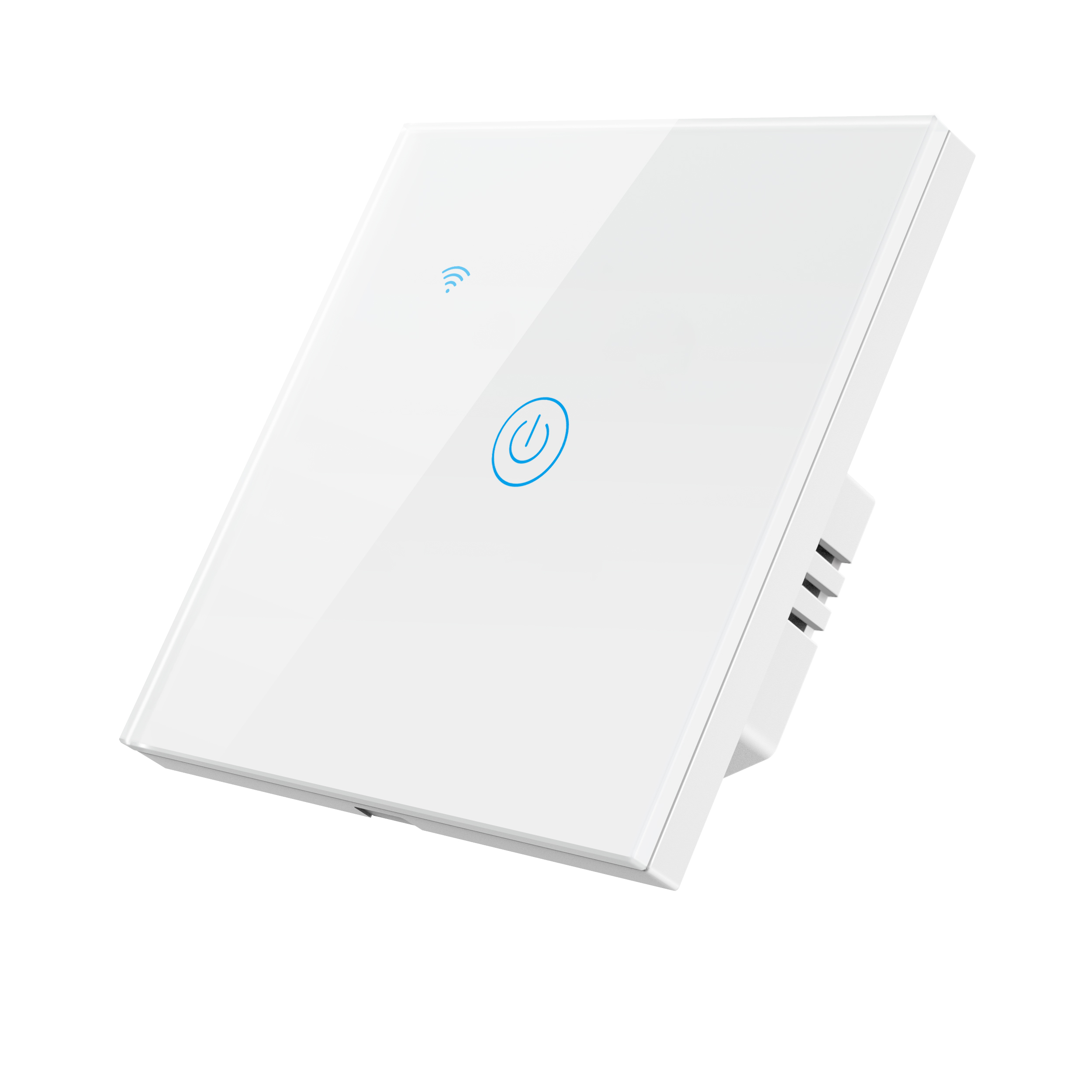
DS-121JL 118 type smart switch with LED load rating specification page
DS-121JL — 220-240 V input with separate INC and LED load ratings per gang.

Specification table

Item Specification
Model DS-121JL (1–4 gang)
Standard / format 118-type vertical wall plate
Panel size 118 × 72 mm, 39 mm body depth
Faceplate Tempered Glass touch panel
Rated voltage AC 220-240 V, 50 Hz
Max load — incandescent 10–400 W per gang
Max load — LED 5–200 W per gang
Wireless Wi-Fi 2.4 GHz + BLE
Wiring modes Neutral required / single live wire with bypass capacitor
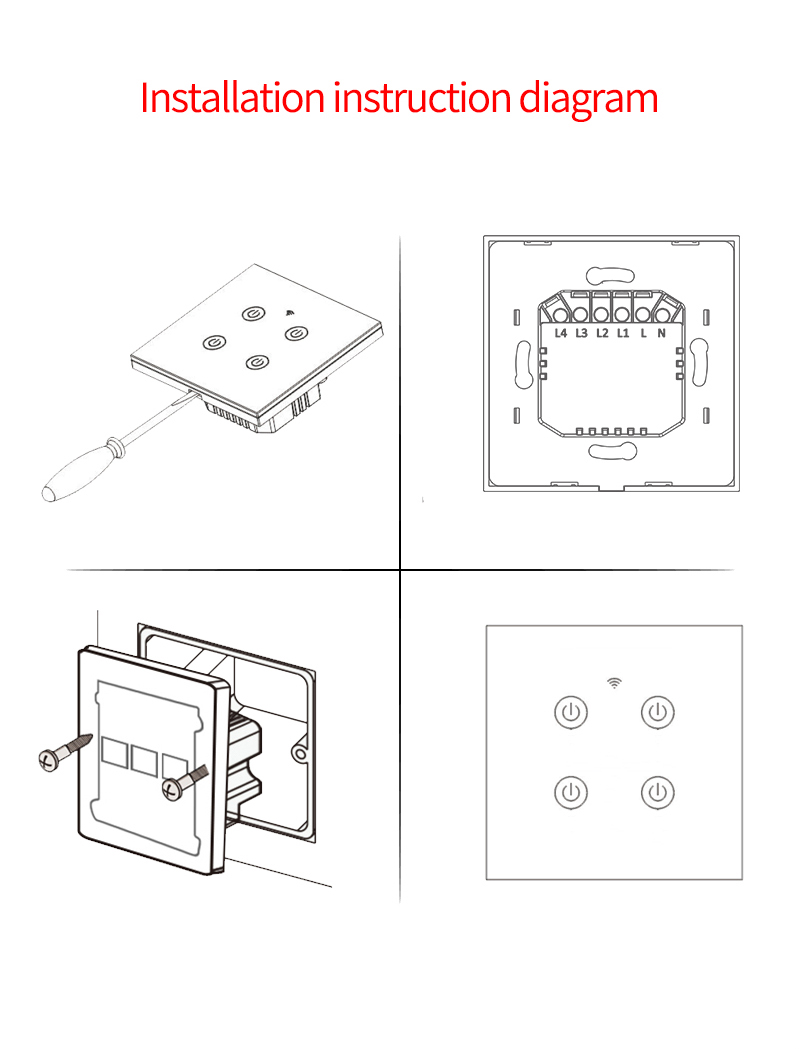
Terminals L1, L2, L3, L4, L, N
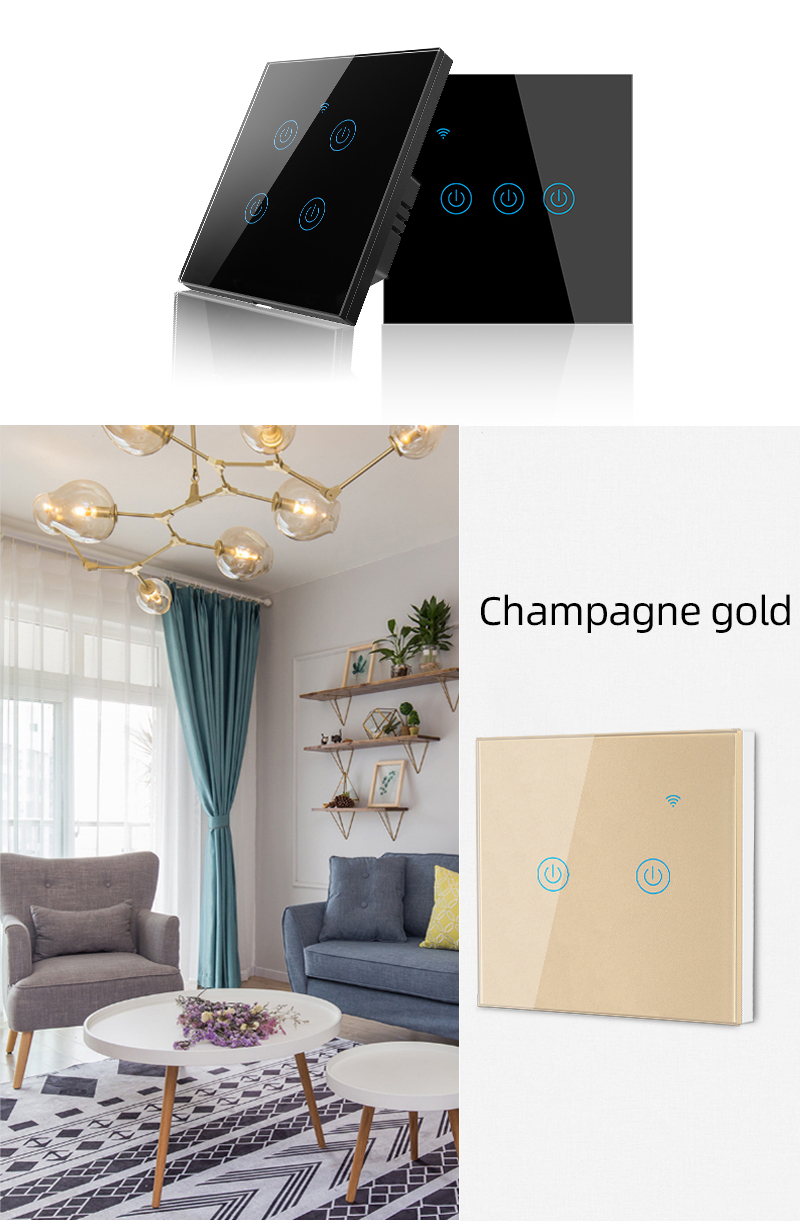
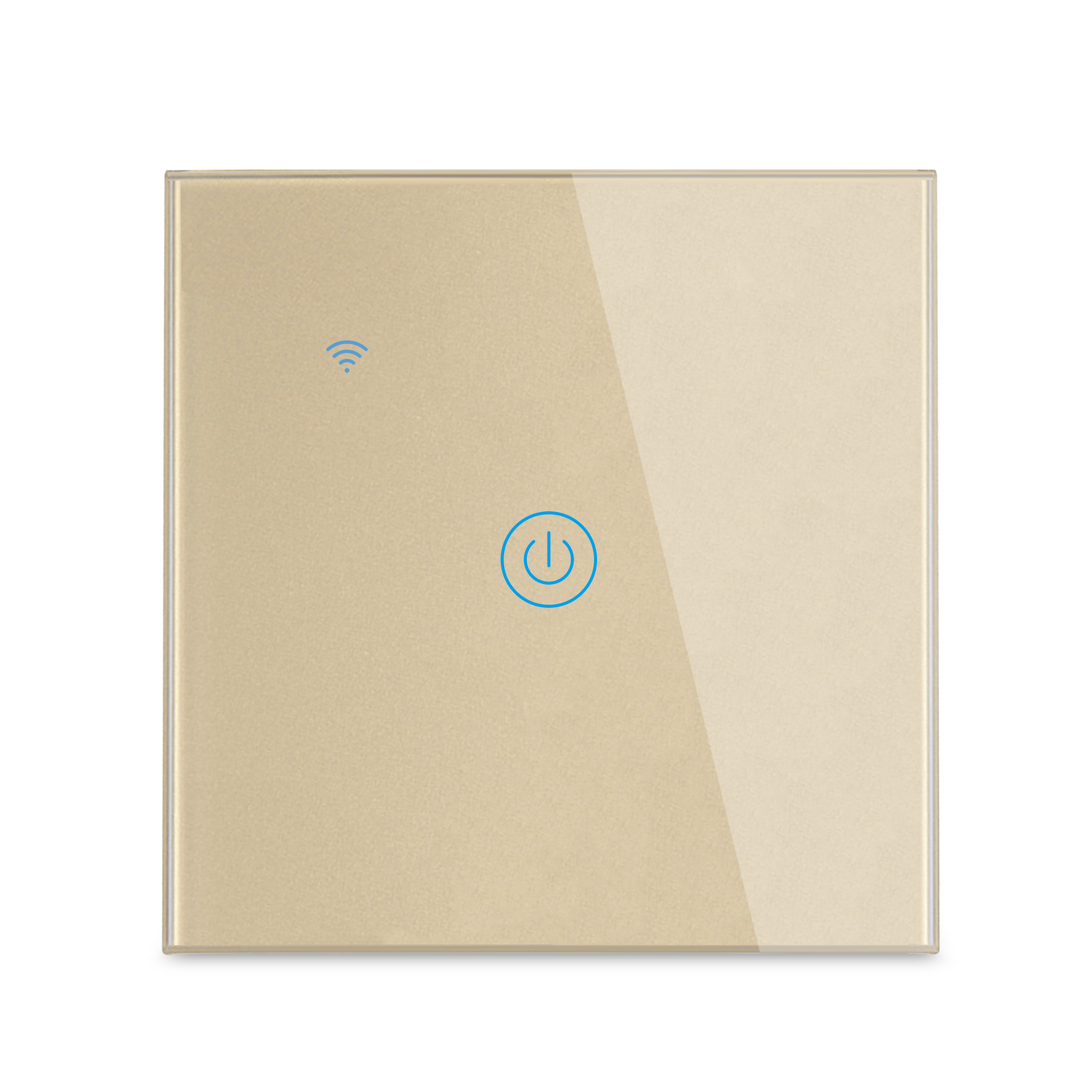
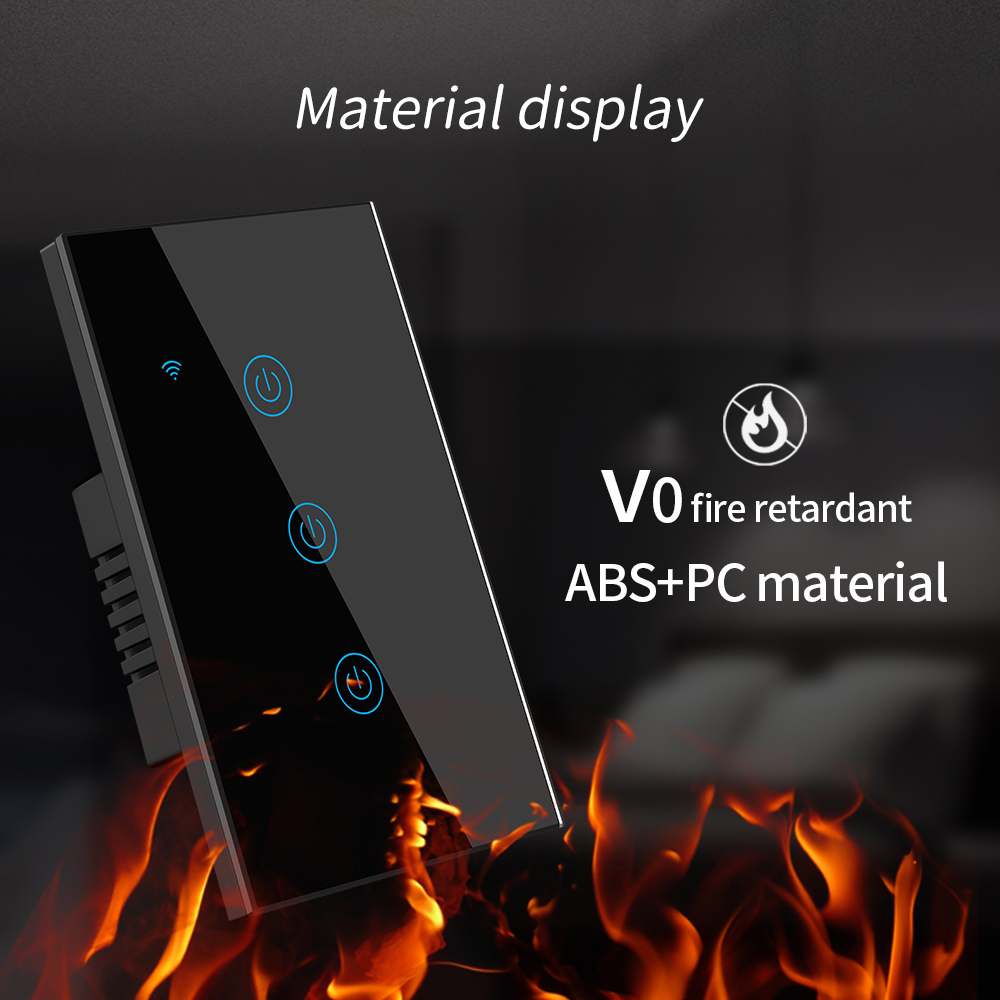
Colours White / Black / Champagne gold
Certification CE, RoHS

Why the LED figure is roughly half the incandescent figure

Incandescent and halogen lamps are close to resistive: current follows voltage, and a 400 W lamp draws a predictable current at 230 V. LED lamps are not resistive. They rectify the mains, draw current in short pulses near the voltage peaks, and rely on a driver or an integrated capacitor to smooth the result. The consequences for a switching device are:

  • Peak current is much higher than the average suggests. A 100 W LED group can present peak currents a 400 W resistive rating was never sized for.
  • Harmonics and reactive current add heat in the output stage and the neutral, which is why the manufacturer publishes a lower ceiling rather than a conversion factor.
  • Low loads are their own problem. Below the stated 5 W per gang, leakage in a Smart switch standby circuit can be enough to make lamps glow faintly when off.

So the LED number is not a conservative marketing reduction. It is the practical rating for the load type, and it should be used as the design limit whenever LED is involved.
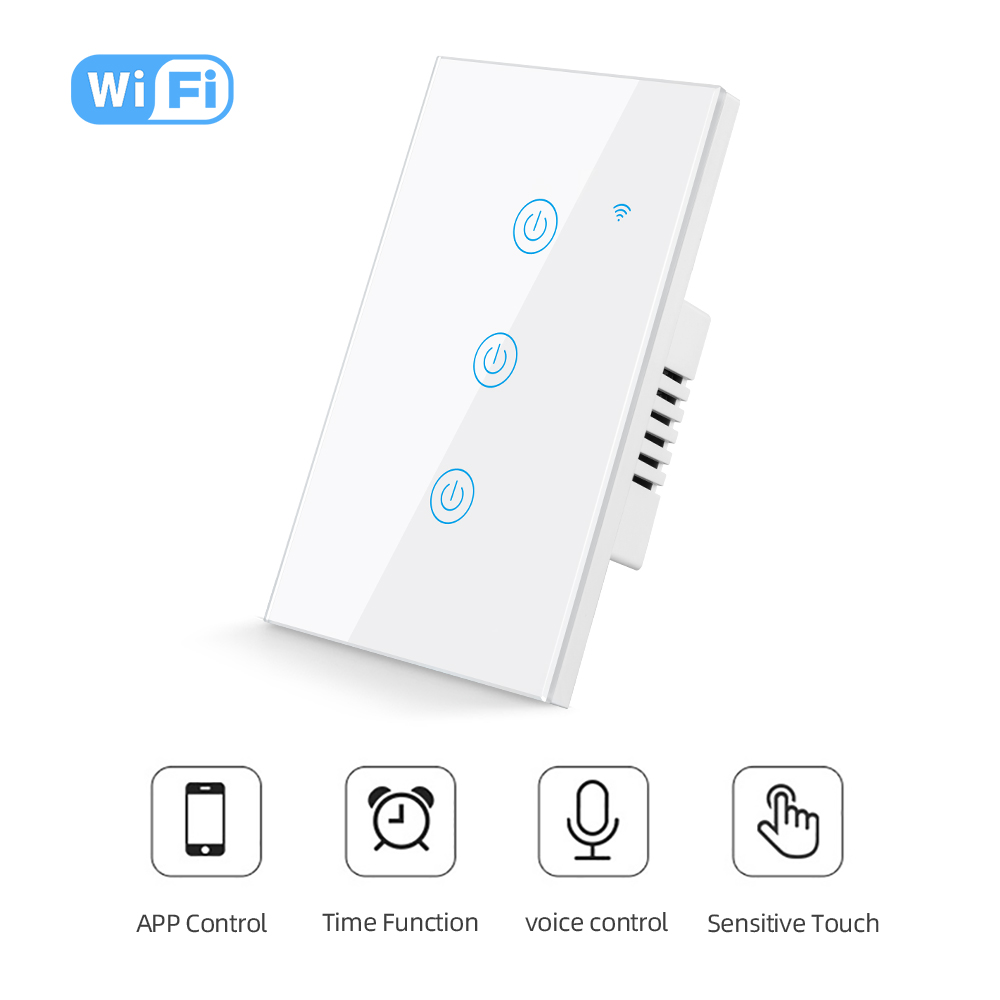
DS-121JL rated voltage AC 220-240V 50Hz and load specification detail
Rating block as printed on the detail page: 220-240 V / 50 Hz, 10-400 W INC, 5-200 W LED.

Circuit planning: five rules that hold up on site

1. Budget LED circuits at 200 W per gang, not 400 W

If a four-gang plate runs 200 W of LED per gang, the plate is at its LED limit. Mixed circuits — some LED, some halogen — must be rated by the LED rule, because the LED part of the load is what drives the peak current.

2. Split large lighting groups across gangs

A 480 W LED bank on one gang exceeds the limit; split across three gangs it does not. Because the four-gang unit has four independent outputs, the fix is usually a wiring decision at design stage rather than a different product.

3. Above 200 W per circuit, switch a contactor

Retail floors, warehouse bays and exterior lighting banks routinely exceed 200 W of LED per circuit. Use the smart switch to drive a contactor coil and let the contactor carry the load. The switch then handles a coil rather than a lamp bank and the rating question disappears.

4. Keep lamp types consistent within a group

Mixing an integrated LED downlight and a driver-based retrofit on the same switched circuit makes flicker diagnosis almost impossible. Standardise lamps per circuit and record the model in the handover file — the single most effective measure for reducing warranty claims.

5. Watch the low end as carefully as the high end

Below 5 W per gang, a lamp may not draw enough to keep the electronics stable, particularly in single-live-wire mode. One 5 W lamp on a gang is a specification to test, not to assume.
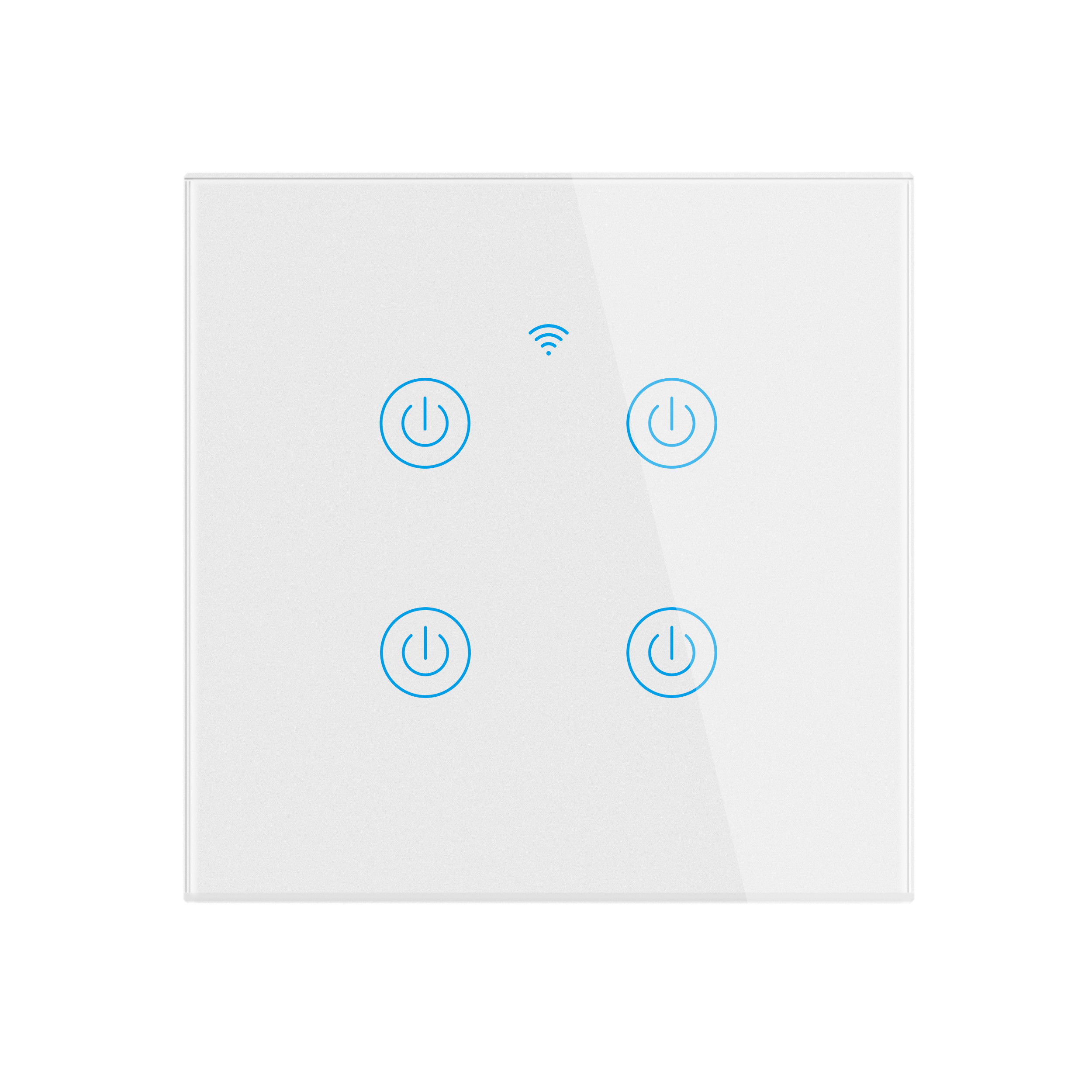
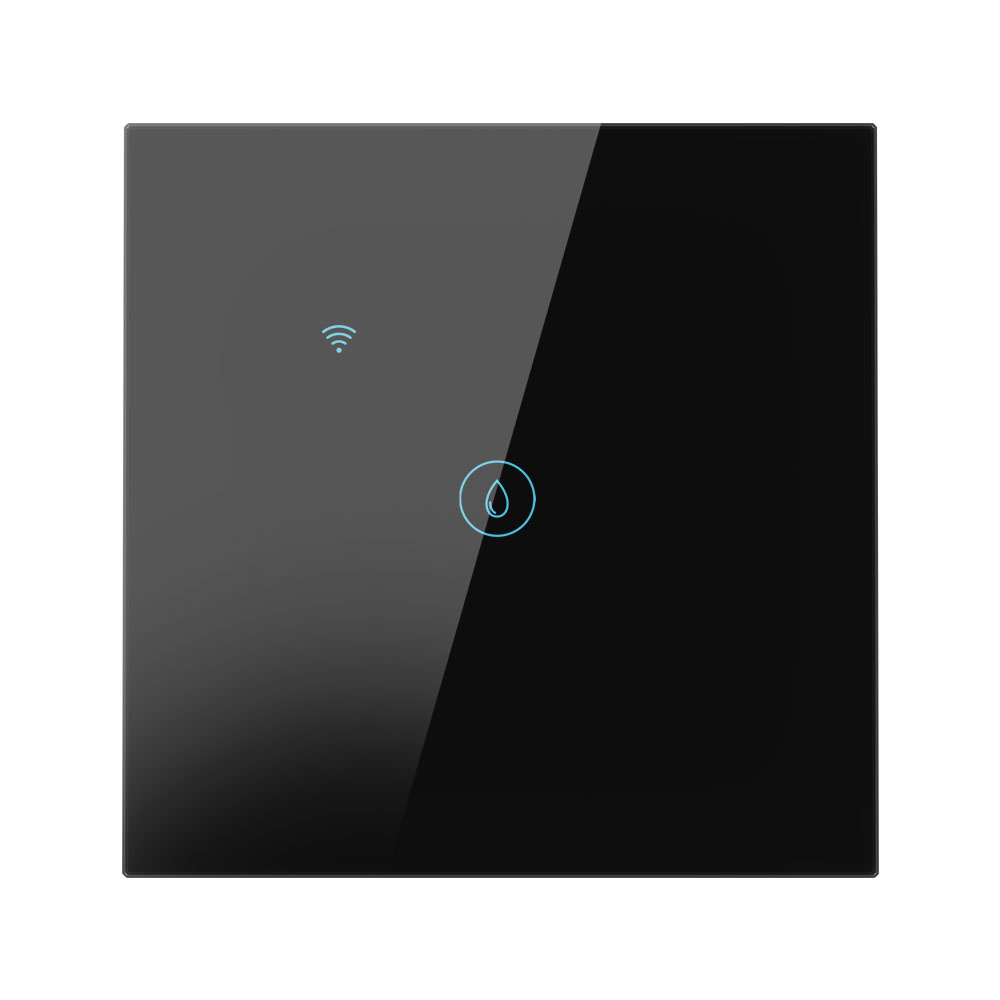
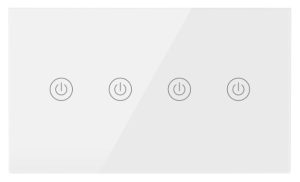
DS-121JL four gang LED lighting load distribution across outputs
Distribute LED load across gangs — four independent outputs, each rated 5-200 W LED.

Single live wire or neutral, on a 220-240 V site

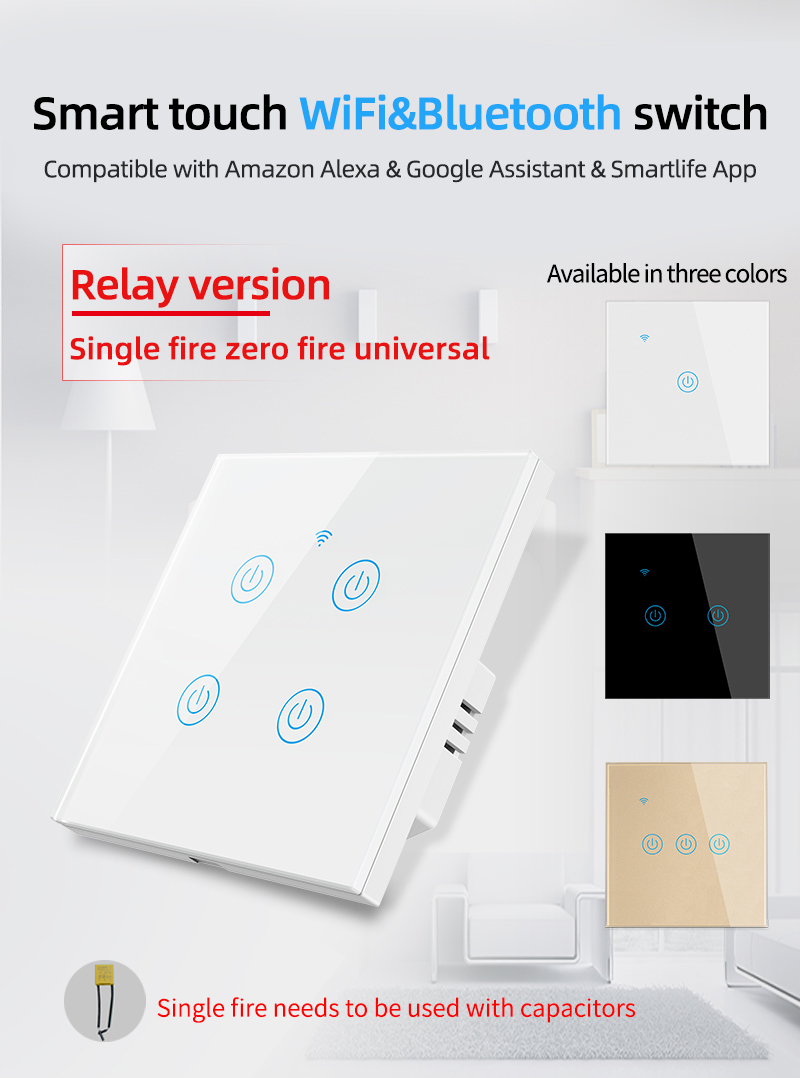
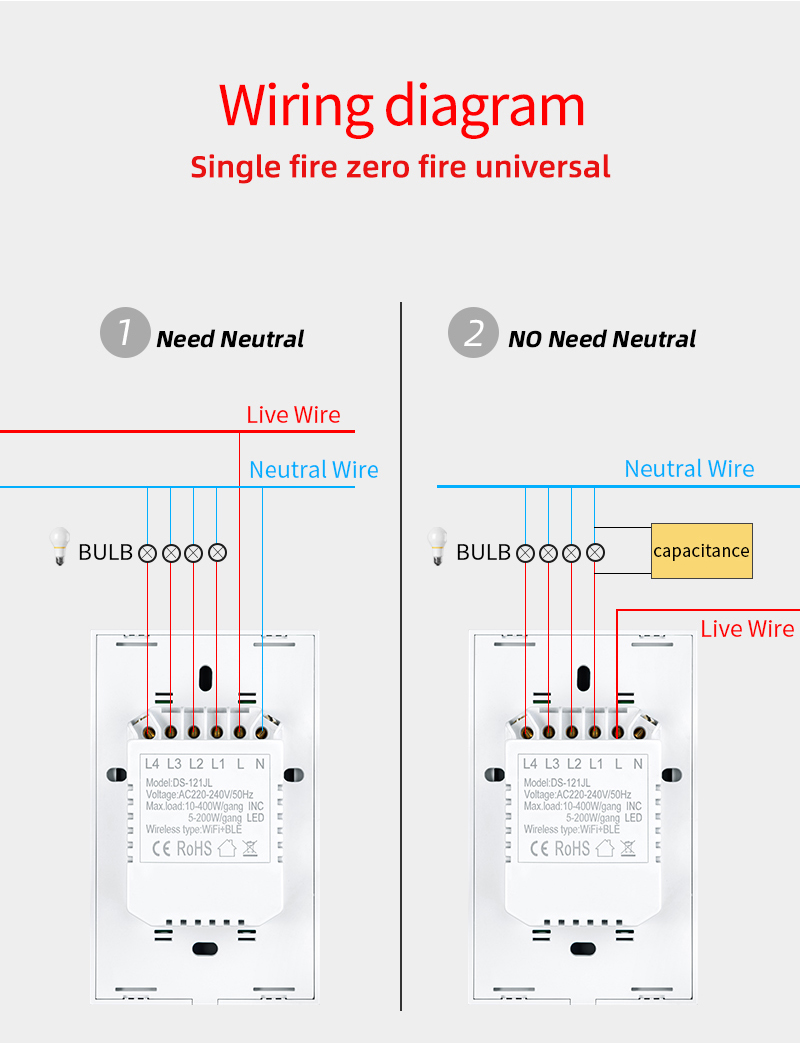
The JL platform is documented as single fire zero fire universal: it can be wired with a neutral, or without one using a bypass capacitor across the load. On 220-240 V markets the single-live-wire route is common in older housing where the neutral is looped at the ceiling.

Where LED lamps are involved, the single-live-wire mode deserves extra care. The standby current needed to keep the switch alive flows through the lamp, and a low-wattage LED driver may interpret that trickle as a signal rather than a nuisance — visible as a faint glow or a slow flash at night. If the site is LED throughout, neutral mode is the safer specification wherever a neutral exists.
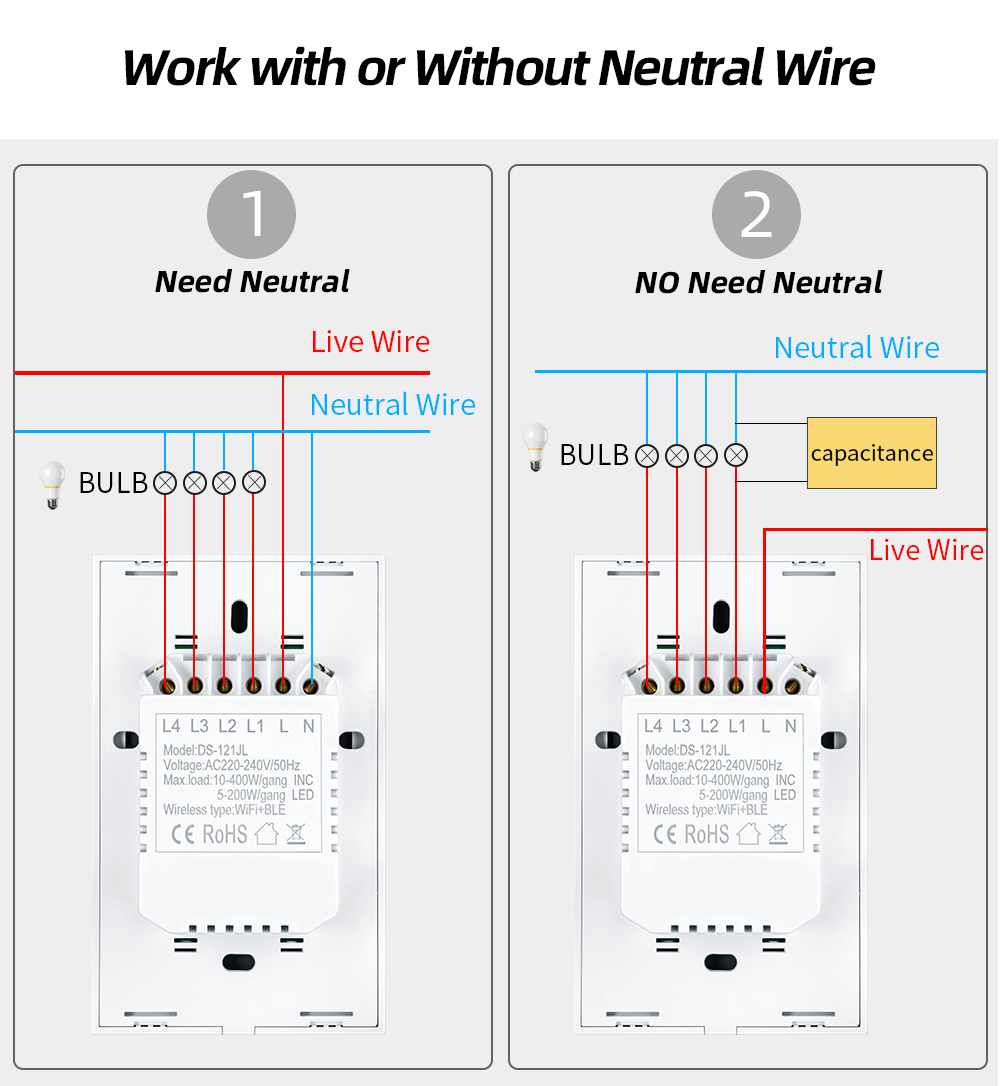
DS-121JL single live wire and neutral wiring diagram for 220V market
Both wiring modes on one SKU — neutral connection, or single live wire with capacitor.

Markets this SKU is built for

The 220-240 V input with a 118-type vertical plate is the combination used across much of the Middle East, South-East Asia, South America and parts of Africa, where the 118 opening is standard but the supply is European-style. Specifying a 120 V-rated product into those projects is a common and expensive mistake; the JL variant is the correct part number there.
DS-121JL 118 type vertical switch dimension drawing 118 by 72 by 39 mm
118 × 72 × 39 mm — the vertical format used across 220-240 V markets with 118 openings.

Applications

Hospitality refurbishment in 220 V markets

Guest rooms typically have four lighting groups — entrance, bedside, desk and bathroom — and almost always on LED. Four gangs at 200 W LED each is comfortably above a typical room load, with margin for future lamp changes.

Residential LED retrofit

Replacing halogen downlights with LED drops the load by a wide margin, which is exactly when users discover that their old switch was fine and their new one flickers. Rating the circuit by the LED figure at design stage avoids that conversation.
DS-121JL scene application with white black champagne gold finishes
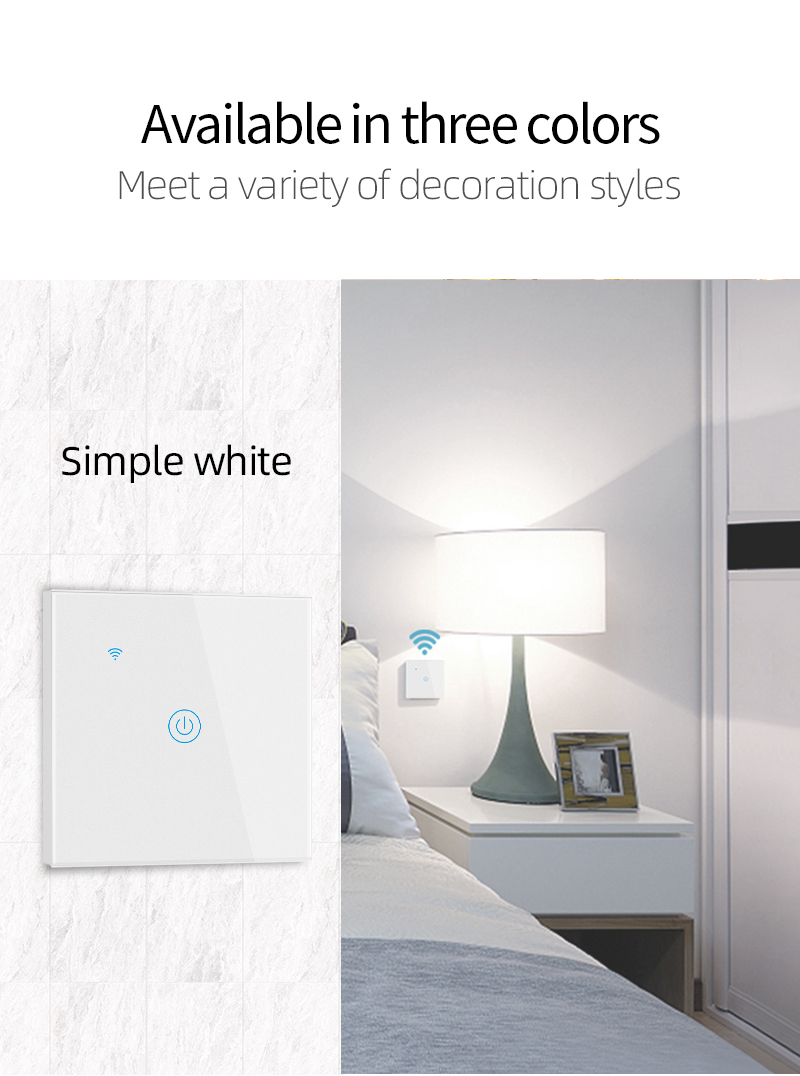
Finish options — white, black and champagne gold across the 118-type range.

Restaurants and retail frontage

Track lighting and display lighting are almost entirely LED and often exceed 200 W per circuit. Split the circuits, or drive a contactor from the switch and keep the smart control at the wall.
DS-121JL material and build detail glass touch panel
Glass touch panel and housing — the finish buyers verify at sample approval.

OEM / ODM and documentation

Private label runs on the standard 118-type glass housing: laser-etched logo, custom retail box, multilingual manual and neutral packaging for online sellers. Alongside the goods, ask for these documents — they are what an electrical contractor will want on site:

  • CE and RoHS declarations for the 220-240 V variant
  • The two wiring diagrams (neutral / single live wire) in the destination language
  • Bypass capacitor specification and recommended quantity
  • Lamp compatibility guidance for the LED range
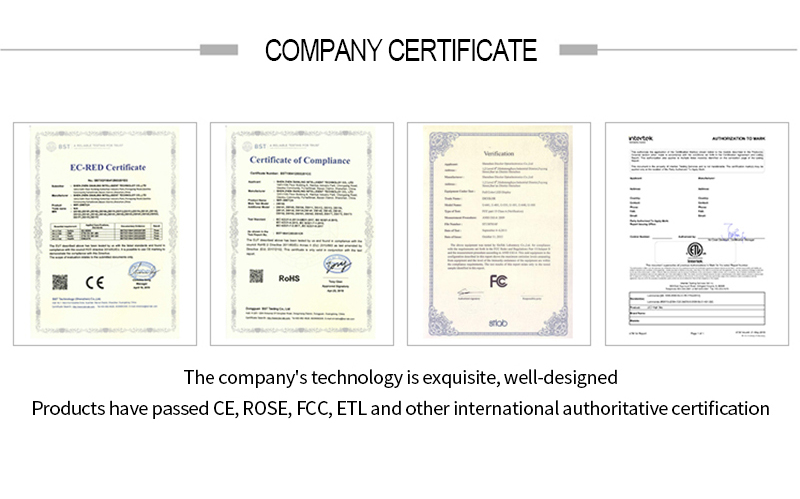
DS-121JL certification and specification page CE RoHS
Certification and rating page supplied with the quotation pack.

Ask us before you commit the circuit

Send us the lamp schedule — wattage per circuit, lamp type, driver or integrated, and whether a neutral is present at each drop. We will tell you whether the DS-121JL stays within rating for each circuit or whether the load should be split or contactor-switched, and we will quote against the gang mix the project actually needs.

Request DS-121JL quotation, LED compatibility sheet and a sample → include your destination market and per-circuit lamp wattage, and we will confirm the suitable part number in the same reply.

Related Articles

You Might Also Like

Frequently Asked Questions

Is Smart Switch Led Load Compatibility worth buying?

Based on the breakdown in this article, Smart Switch Led Load Compatibility offers a solid mix of features and value. If your main goal matches the key benefits described above, it is a practical choice for everyday use.

How do I choose the right smart switch led load compatibility for my needs?

Start with your core use case, then compare battery life, compatibility, and build quality as covered above. Choosing the right smart switch led load compatibility comes down to matching specs with how you actually use it.

Does smart switch led load compatibility require a companion app?

Most devices of this type pair with a free companion app for setup and firmware updates. A few advanced features may sit behind a paid plan, so check the official specs page before buying.

Posted on — Leave a comment

Smart Switch Without a Neutral Wire: How the DS-101JL Single-Live-Wire Mode Works

Ask any installer in Europe what stops a Smart switch retrofit and you will get the same answer: there is no neutral in the switch drop. In most of the continent’s older housing stock the switch box carries a switched live and nothing else — the neutral is looped at the ceiling rose or the junction box, not at the wall. A neutral-referenced smart switch simply cannot be fitted there without pulling new cable.

The DS-101JL is the answer to that specific objection: a 1- to 4-gang 86 mm Touch switch that can be wired either with a neutral or, using a bypass capacitor across the load, on a single live wire. This article explains the two wiring modes, the limits of the single-live-wire approach, and how to qualify a site before ordering.

Two wiring modes on one device

The rear terminal block is marked L4, L3, L2, L1, L, N. In neutral mode, L is the permanent live and N is connected to the neutral conductor. In single-live-wire mode, N is left unconnected and the device draws its standby current through the load, with a capacitor fitted across the lamp to provide a return path.

DS-101JL smart switch wiring modes diagram with and without neutral wire
Wiring diagram — the same device supports a neutral connection or a single-live-wire feed.

The detail page states the two configurations explicitly: Need Neutral and No Need Neutral + capacitance. That is the honest way to present it. A single-live-wire smart switch is not a magic neutral substitute; it is a circuit that keeps a small standby current flowing through the lamp, and every consequence of that follows from the physics.

Bypass capacitor fitted across LED lamp for single live wire smart switch installation
The bypass capacitor across the load provides the return path in single-live-wire mode.

Technical specification

Item Specification
Model DS-101JL (1–4 gang)
Standard / format EU 86 × 86 mm back box
Panel size 86 × 86 mm, 35 mm thickness, ~49 mm rear depth
Faceplate Tempered Glass touch panel, PC + ABS flame-retardant housing (UL94 V-0)
Rated voltage AC 100–240 V, 50/60 Hz
Max load 600 W per gang
Max current 10 A
Wireless Wi-Fi 2.4 GHz + BLE
Wiring modes Neutral required / single live wire with bypass capacitor
Terminals L1, L2, L3, L4, L, N
Colours White / Black / Champagne gold
Certification CE, RoHS, FCC, ETL

The five things that decide whether single-live-wire will work

1. The load must be a lighting load, and it must be present

The standby current has to flow through something. A single-live-wire switch with no lamp connected — or with the lamp removed — has no return path and will not power up. This is not a fault; it is the design. If a circuit needs to be isolated at the switch for maintenance, that is an argument for the neutral mode.

2. Low-wattage LED lamps are the main failure mode

Below a certain load, the standby current is not enough to keep the electronics alive and the lamp may flicker or glow faintly when “off”. The bypass capacitor raises the available current, which is why it is supplied with the device rather than being an optional accessory. On a circuit with one 5 W LED lamp, test before rolling out to a hundred rooms.

3. Dimmable and driver-based lamps behave differently

Lamps with an electronic driver — most GU10 retrofits, integrated LED downlights — can interact badly with the leakage path, showing a faint glow at night. In practice the fix is either a different lamp, a second capacitor, or switching that circuit to neutral mode. Budget for a lamp substitution on problem circuits rather than assuming the switch is at fault.

4. Never use single-live-wire mode on a socket circuit

The device is a lighting controller. Socket outlets, appliances with a mains switch, and anything that draws standby power on its own should not be switched this way. Keep the scope to lighting and the failure rate stays low.

5. Four gangs on one live feed aggregate the leakage

A four-gang single-live-wire unit draws standby current through the sum of its loads. On a lighting group where one gang feeds a single small lamp and three feed nothing, behaviour becomes unpredictable. Where gang count is high and loads are small, specify neutral mode.

DS-101JL rear terminals L4 L3 L2 L1 L N for single live wire wiring
Rear terminal block — L4 / L3 / L2 / L1, permanent live L, neutral N (unused in single-live-wire mode).

Site survey: the four questions to ask before quoting

  1. Is there a neutral at the switch drop? If yes, use neutral mode and stop worrying about lamp compatibility.
  2. What is the lamp type and wattage per gang? Filament lamps are forgiving; low-wattage LED retrofits are not.
  3. Is the switch box deep enough? 35 mm panel thickness, roughly 49 mm of rear depth including terminals — check against the box.
  4. Who is the installer? Single-live-wire work involves mains voltage with the circuit live during testing. Specify a licensed electrician in the tender documents and put the wiring diagram in the manual.
Installation steps for DS-101JL wall switch in older EU building
Installation sequence — isolate the circuit, wire per diagram, fix the panel, restore power.

Where the single-live-wire capability pays for itself

Pre-1980s housing and heritage buildings

Where chasing walls is either expensive or prohibited, a switch that works on the existing two-wire drop converts an impossible upgrade into a same-day installation. This is the primary market for the JL variant.

Rental and social housing portfolios

Owners rarely permit new cabling. A device that fits the existing wiring and can be removed again at the end of a lease is the only version of the product a property manager will sign off.

Small hotels converting to app control

Room-by-room upgrade without closing floors. Where a room does have a neutral, use neutral mode; where it does not, the same SKU covers it. Keeping one part number across a mixed building simplifies spares.

DS-101JL smart switch installed in residential retrofit without neutral wire
Residential retrofit — no new cabling, no wall chasing.

Control, app and voice

The switch runs on the Smart Life / Tuya stack over 2.4 GHz Wi-Fi with BLE for pairing. Local BLE commissioning means a room can be paired before the building network is live — a practical advantage on phased fit-outs. Alexa and Google Assistant are supported once the account is linked, and device sharing lets facilities staff control rooms without holding the owner credentials.

DS-101JL voice control with Alexa and Google Assistant
Voice control and app scheduling across the gang range.

OEM / ODM

Private-label programmes run on the standard 86 mm glass housing without new tooling: laser-etched logo on the glass, custom retail box, multilingual manual, neutral packaging for marketplace sellers, and firmware-level brand configuration. Because the single-live-wire capability is a documented wiring option rather than a hardware variant, a distributor can carry one SKU and address both neutral and non-neutral sites — which is usually the difference between a viable stock holding and an unviable one.

Compliance and documentation to request

Ask for the CE and RoHS declarations, the ETL and FCC reports if you sell outside the EU, the wiring diagram in the destination language, and the capacitor specification. The last item is frequently missing from competitor packs and is exactly what an electrician needs when a lamp glows in the dark.

DS-101JL certification CE RoHS FCC ETL documentation
Certification set — CE, RoHS, FCC and ETL reports available with quotation.
DS-101JL glass touch panel finish and product detail for single live wire switch
Finish and build detail — verify panel colour and terminal layout against the purchase order.

Before you order

Send us the site profile: how many drops have a neutral, the lamp type and wattage per circuit, gang count per room and the destination country. We will confirm whether the JL variant is the right part number for each circuit, supply the sample and capacitor, and quote on the gang mix you Actually need rather than a flat blend. Mixed orders combining the 86 mm EU range with the 118 mm US-format range ship in a single consolidated container.

Request DS-101JL pricing, the wiring diagram and a test sample → tell us the number of non-neutral drops in the project and we will advise on capacitor quantities in the same reply.

Related Articles

You Might Also Like
Frequently Asked Questions

Is Smart Switch Without Neutral Wire worth buying?

Based on the breakdown in this article, Smart Switch Without Neutral Wire offers a solid mix of features and value. If your main goal matches the key benefits described above, it is a practical choice for everyday use.

How do I choose the right smart switch without neutral wire for my needs?

Start with your core use case, then compare battery life, compatibility, and build quality as covered above. Choosing the right smart switch without neutral wire comes down to matching specs with how you actually use it.

Does smart switch without neutral wire require a companion app?

Most devices of this type pair with a free companion app for setup and firmware updates. A few advanced features may sit behind a paid plan, so check the official specs page before buying.

Posted on — Leave a comment

The 86 mm Glass-Front Smart Switch: Why DS-101BW Suits EU Renovation and Hotel Fit-Outs

In Europe, the 86 × 86 mm round-corner box is not a niche format — it is the default back box in apartments, hotels and offices built or renovated over the last three decades. That single fact drives most of the sourcing decisions we see from EU distributors: any Smart switch that cannot drop into an existing 86 mm box without chasing walls has a very limited addressable market.

The DS-101BW is built around that constraint. It is a tempered-glass-front, 1- to 4-gang capacitive Touch switch with Wi-Fi and BLE on board, sized to the EU 86 mm format and slim enough to sit close to the wall. This article covers what it Actually is, what it is not, and how to spec it so that a container load does not become a returns problem.

What the DS-101BW actually is

The unit is a wall-mounted lighting controller, not a plug-in module. Power and load terminals sit on the rear, switching is done through capacitive touch keys under a glass faceplate, and the radio link is a 2.4 GHz Wi-Fi + BLE combination. BLE is what makes first-time commissioning tolerable — pairing happens locally over Bluetooth, then the device joins the customer’s 2.4 GHz network.

DS-101BW 86 mm glass-front smart wall switch, EU format, front view
DS-101BW — EU 86 mm format, tempered glass faceplate, capacitive touch keys.

Panel and body dimensions

The faceplate is 86 × 86 mm with a 35 mm overall profile and roughly 49 mm of rear depth including the terminal block. That rear figure is the one that decides whether an install works: shallow European dry-lining boxes and older concrete boxes are frequently under 45 mm of usable depth once cables are folded back. Measure before quoting, or specify a deeper box for new-build.

DS-101BW side profile showing 35 mm slim body and rear terminal depth
Side profile: 35 mm body depth, rear section measured for shallow EU boxes.

Gang options and finish range

One to four gangs are available on the same 86 mm faceplate, so a project can standardise on one SKU family and cover single-pole bathroom lighting through to four-zone living areas. Finishes run white, black and champagne gold — the champagne variant matters more than it sounds, because hotel interior packages increasingly specify warm metallics and will reject a project on a pure-white-only range.

DS-101BW glass touch panel finish variants for hotel interior packages
Finish options across the 86 mm family — white, black and champagne gold.
Technical specification
Item Specification
Model DS-101BW (1–4 gang)
Standard / format EU 86 × 86 mm back box
Panel size 86 × 86 mm, 35 mm overall thickness, ~49 mm rear depth
Faceplate Tempered glass, capacitive touch keys
Rated voltage AC 100–240 V, 50/60 Hz
Max load 600 W per gang
Max current 10 A
Wireless Wi-Fi 2.4 GHz + BLE
Wiring terminals L1, L2, L3, L4, L and N
Colours White / Black / Champagne gold
Voice ecosystems Amazon Alexa, Google Assistant
Certification CE, RoHS, FCC, ETL

Note on ratings: the electrical figures above are the shared DS-101 platform values published in our DS-101 JL English datasheet and detail pages. Where a tender requires a stamped declaration per SKU, confirm the final rating on the datasheet issued with your quotation — do not copy the platform table into a tender response without that confirmation.

Why a glass front, and where it fails

Glass is chosen for two reasons that have nothing to do with aesthetics. First, it does not yellow or scuff the way lacquered plastics do after a few years of cleaning chemicals — relevant in hotels where rooms are wiped daily. Second, a sealed glass faceplate with no mechanical travel has no gap for dust or steam ingress at the key, which is why glass touch panels dominate bathroom and kitchen specifications.

What glass does not fix is the mounting surface. A glass panel is unforgiving of a box that is set 2 mm out of plane or a wall that is not flat: the panel will show a shadow line, and on a four-gang unit that line is 86 mm long. On retrofit projects, insist on a box alignment check during the site survey rather than discovering it at handover.

Four-gang DS-101BW glass panel mounted in an EU 86 mm box
Four-gang variant — four independent zones on a single 86 mm faceplate.

Wiring layout and load planning

The rear terminal block is laid out as L4, L3, L2, L1, L, N. Each L terminal drives one lighting circuit; L is the permanent live feed and N is the neutral. Two practical points come up on almost every project:

  • Neutral is required. This is a neutral-referenced design — there is no single-live-wire workaround on the BW platform. If a site has switch drops with live only, that is a different product decision, and it should be resolved at survey stage, not on site.
  • 600 W per gang is a switching limit, not a suggestion. Four gangs at 600 W is 2,400 W on one 86 mm faceplate. The heat has to go somewhere. For high-wattage circuits — water heaters, large resistive loads, big commercial lighting banks — use a contactor driven by the switch rather than the switch itself.
DS-101BW rear terminal layout L4 L3 L2 L1 L N for four lighting circuits
Rear terminals: L4 / L3 / L2 / L1 plus permanent live L and neutral N.

Where this SKU earns its place

Hotel and serviced apartment refurbishment

Room-by-room replacement is the classic use case. The existing 86 mm boxes stay, the wiring stays, and the only change is the device. Four-gang units cover entrance, bedside and desk lighting groups; scenes and schedules are pushed from the app rather than rewired. Because commissioning uses BLE locally, a technician can pair a room without the hotel Wi-Fi credentials being available yet — which in practice removes the single biggest scheduling conflict on a fit-out programme.

DS-101BW installed in hotel guest room lighting control application
Guest-room lighting groups controlled from a single 86 mm glass panel.

Residential upgrade and rental stock

In rented flats the appeal is reversibility: a glass touch panel replaces the original rocker without touching the wiring, so a landlord can install it and, if required, put the original switch back at the end of a tenancy. The 1- and 2-gang versions are the volume movers here.

Clinics, offices and small retail

Where a facility wants scheduled lighting — reception lighting on at 07:30, signage off at 22:00 — timer and schedule functions in the app do the job without a building management system. The 4-gang unit maps cleanly onto a four-zone open-plan floor plate.

DS-101BW glass touch switch in office and commercial lighting application
Commercial fit-out: scheduled zone control without a BMS.

Commissioning and app control

Devices are commissioned through the Smart Life / Tuya ecosystem. The sequence is the same one that has become standard across the category: hold the key to enter pairing mode, connect over BLE, enter the 2.4 GHz network credentials, assign the device to a room. Alexa and Google Assistant are supported once the account is linked. Multi-user sharing matters for the hotel scenario — housekeeping and maintenance need access without sharing the owner’s login.

OEM / ODM programme

For distributors and private-label brands, the 86 mm glass platform is available with customisation at the points that actually differentiate a product on a shelf:

  • Laser-etched logo on the glass faceplate
  • Custom colour box and multilingual manual (EN / DE / FR / ES available on request)
  • Neutral packaging for marketplace sellers, retail packaging for distribution
  • Firmware-level brand configuration within the app ecosystem

Tooling for private-mould variants is quoted separately and depends on volume; the standard 86 mm glass housing can be branded without new tooling, which is usually the fastest route to market for a first container.

Procurement checklist

  1. Confirm neutral availability at every switch drop before committing to the BW platform.
  2. Measure rear box depth — target 50 mm usable; flag anything below 45 mm.
  3. Fix the gang mix per room type rather than ordering a flat blend of 1–4 gang.
  4. Decide the finish split by project package; champagne gold is a project-driven SKU, not a stock item.
  5. Confirm certification documentation required by the destination market (CE / RoHS for EU, FCC / ETL for North American tenders).
  6. Request a sample unit and test it on the target network with the target app version before volume release.
DS-101BW glass smart switch product detail for procurement verification
Product detail — verify finish, gang marking and terminal layout against the PO.

Next step

If you are specifying 86 mm glass touch switches for an EU renovation, a hotel roll-out or a private-label launch, send us the room-type schedule, the gang mix, the finish split and your target certification set. We will come back with a quotation, the SKU-level datasheet for each gang count, and a sample lead time. Mixed containers with the 118 mm US-format range can be consolidated in a single shipment to reduce freight cost per unit.

Request a quotation, datasheet and sample for DS-101BW → include your project country, estimated annual volume and required certification, and we will respond with availability and pricing.

Related Articles

You Might Also Like
Frequently Asked Questions

Is 86mm Glass Smart Wall Switch worth buying?

Based on the breakdown in this article, 86mm Glass Smart Wall Switch offers a solid mix of features and value. If your main goal matches the key benefits described above, it is a practical choice for everyday use.

How do I choose the right 86mm glass smart wall switch for my needs?

Start with your core use case, then compare battery life, compatibility, and build quality as covered above. Choosing the right 86mm glass smart wall switch comes down to matching specs with how you actually use it.

Does 86mm glass smart wall switch require a companion app?

Most devices of this type pair with a free companion app for setup and firmware updates. A few advanced features may sit behind a paid plan, so check the official specs page before buying.

Posted on — Leave a comment

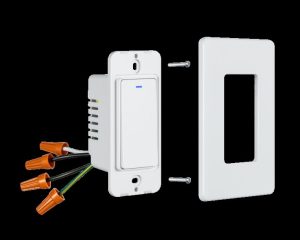
US-Standard Smart Wall Switches: A B2B Selection Guide to the DS-121 / DS-122 / DS-123 Range

Selling Smart switches into North America is not a specification problem, it is a catalogue problem. A US-standard wall box takes a 118 mm plate, the market expects a rocker or a Touch panel depending on the room, and a single-family home may need one-gang, three-gang and a 3-way stairwell circuit in the same order. Distributors who carry one model run out of answers at the second room; distributors who carry a structured range can quote the whole house.

This guide maps the US-standard 118 mm range model by model, explains which control surface belongs in which room, and sets out how to build the range into something a contractor or an Amazon listing can Actually sell.

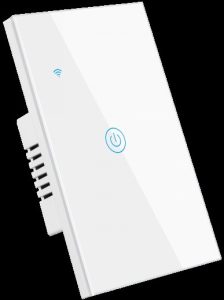
DS-121 US-standard touch wall switch, front view

The range in one table

Family Control surface Configuration Typical placement
DS-121 series Tempered Glass touch panel Single gang, with dedicated 4-gang variant artwork Living rooms, master bedrooms, hotel guest rooms
DS-122 series Mechanical push-button (rocker feel) Single gang Hallways, utility rooms, rental units, retrofit projects
DS-123-1 series Glass touch panel, variant 1 Single gang Bedside, study, bathrooms
DS-123-2 series Glass touch panel, variant 2 Single gang Kitchens, open-plan areas, feature walls
DS-122-S / DS-122-T Push-button, multi-gang 2-gang and 3-gang Wi-Fi panels Whole-house lighting banks, contractor packages
DS-123-1S / 1T, DS-123-2S / 2T Glass touch, multi-gang 2-gang and 3-gang Wi-Fi panels Premium residential, hospitality suites
DS-122-3WAY / DS-123-3WAY Push-button and glass touch 3-way (two-point) switching pairs Stairwells, corridors, rooms with two entrances
DS-128 (LS01) Glass touch panel Single gang, separate artwork set Projects requiring a distinct design line

Electrical ratings, gang counts and certification markings must be taken from the datasheet of the specific model you order. This guide covers the commercial structure of the range; it deliberately does not restate ratings that vary by variant — ask for the specification sheet of the exact SKU before publishing a listing.

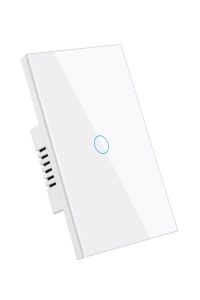
DS-121 touch control detail view

First decision: touch or push-button?

The case for glass touch (DS-121, DS-123-1, DS-123-2)

Touch panels win the visual argument. A flush glass front sits level with the wall, cleans with a single wipe, and photographs well — which matters more than most distributors admit, because the hero image is what converts on a marketplace listing. In hospitality and premium residential, the touch panel is also the expected format: it reads as an upgrade in a way that a tactile rocker does not.

The case for push-button (DS-122 series)

Push-button panels win the operational argument. There is tactile feedback, the state is readable in the dark by feel alone, and the mechanism survives being pressed by someone wearing gloves, carrying boxes, or operating a switch for the first time in a rental property. In utility rooms, garages and short-let units, that robustness is worth more than the aesthetics.

For a distributor building a first US-standard range, the honest recommendation is to lead with one touch family and one push-button family rather than stocking four near-identical touch variants. Let the buyer Choose the interface first, then the configuration.

DS-122 US-standard push-button wall switch, front view
DS-122 push-button detail view

Second decision: how many gangs

US residential lighting is gang-heavy. A kitchen may want four circuits on one plate; a hallway wants two. The range covers this with dedicated multi-gang models rather than by asking the customer to buy several single panels:

  • 2-gang (-S) and 3-gang (-T) versions exist in both the push-button family (DS-122-S / DS-122-T) and the glass touch family (DS-123-1S / 1T and DS-123-2S / 2T).
  • Each multi-gang panel is a single Wi-Fi device controlling several circuits, which is what the customer actually wants: one tile in the app per plate, not three.
  • Generic multi-gang main-image artwork is also supplied, so you can build a single listing that covers the 2-gang and 3-gang options with a variant selector instead of maintaining separate listings.

There is a commercial point buried here. Multi-gang panels raise average order value without raising shipping volume per unit, because the carton is one box, not three. If you are optimising a container for value density, that is the lever.

DS-123-1 US-standard touch wall switch
DS-123-2 US-standard touch wall switch

Third decision: 3-way circuits

A 3-way circuit — one light controlled from two positions, such as the bottom and top of a staircase — is where most Smart switch ranges quietly fail. The customer buys a single Smart switch, discovers that the second switch position no longer works, and returns the product.

The range includes dedicated 3-way models in both interfaces: DS-122-3WAY for the push-button line and DS-123-3WAY for the glass touch line. Each is supplied with its own English main-image and detail-image set, which means the pairing configuration can be explained visually in the listing instead of in a support email.

Practical advice for your listing copy: state clearly and early that 3-way installation requires the matching 3-way model and describe how the two units are paired. The returns you avoid are worth more than the words cost.

Ecosystem and app expectations

The English marketing assets for these models document compatibility with the major voice platforms, including Amazon Alexa, Google Assistant and IFTTT, along with app-based remote control. For a US buyer, that combination is table stakes: Alexa and Google for the mass market, IFTTT for the enthusiast segment that reviews products loudly.

Because these panels are Wi-Fi based, they do not need a proprietary hub. That is a genuine selling point in North America, where the buyer has usually already been burned by a hub that was discontinued. Put it in the bullet list.

DS-122-S multi-gang US-standard wall switch

What ships with the product

Every model in the range is supported by a complete English asset set, prepared for marketplace and independent-store upload:

Asset type What it is used for
English main images Marketplace hero and gallery images, several per model
English detail images A+ style long-form description blocks, feature callouts, wiring diagrams
Front-view renders Category thumbnails and comparison charts
Multi-gang generic artwork One listing covering 2-gang and 3-gang variants
3-way dedicated artwork Explaining two-point pairing without support tickets

This matters more than it sounds. A distributor’s real cost is not the unit price, it is the six hours of design work needed to build a listing for each new SKU. Arriving with English copy already laid out on the image compresses that to an afternoon.

3-way pairing push-button wall switch

OEM and ODM options

  • Panel and finish — plate colour and glass finish can be aligned to your own design language across the whole family, so the one-gang, multi-gang and 3-way models look like one product line rather than three.
  • Branding — logo printing on the panel, custom legend text, and retail-ready packaging with your artwork and barcodes.
  • App identity — the Wi-Fi platform can be delivered under your own app with your onboarding screens, so the product is yours rather than a white-label of someone else’s.
  • Range assembly — order a curated mix (for example: touch single-gang, push-button single-gang, 2-gang, 3-gang, 3-way pair) as one container instead of five separate purchases.
  • Documentation pack — English specification sheets and image assets supplied in upload-ready format for Amazon, Alibaba and your own store.

Building the range for your market

Channel Recommended opening mix Why
Amazon US / retail marketplace Touch single-gang + push-button single-gang + 3-way pair Covers the three searches that actually convert: Smart switch, smart light switch 3-way, and the value alternative
Electrical distributors and contractors Push-button single-gang + 2-gang + 3-gang Contractors buy configurations, not hero images
Hospitality and multi-family projects Touch single-gang + touch 2-gang + 3-way touch Consistent visual language across hundreds of rooms
Own-brand independent store Full touch family under your own app identity Positioning and margin control
Frequently asked questions

Do these panels work in a standard US wall box?

The range is built on the 118 mm US plate standard, so the plate matches the box opening. Confirm plate depth against your specific box before ordering, since multi-gang panels sit deeper than a mechanical switch.

Can I mix touch and push-button panels in one installation?

Yes, and this is common: touch in guest-facing rooms, push-button in service areas. Both are managed from the same app, so the user experience stays consistent even though the interfaces differ.

Do multi-gang panels require multiple neutral wires?

Wiring depends on the specific model. Request the wiring diagram for the exact SKU before the electrician begins; do not generalise from a single-gang installation.

Are the image assets in English?

Yes. Each model in this guide is supported by English main images, English detail images and front-view renders, which is why we can describe the range at this level of detail without translating anything for you.

Request the range sheet

Send us the configurations you want to open with — interface, gang count, 3-way requirement, plate colour — and we will return a range quotation with the matching English asset set for each model, plus a sample plan.

Ask for the US-standard smart switch range quotation and the English listing asset pack.

This guide describes the commercial structure of the US-standard range. Ratings, gang configurations and certification details vary by model and must be confirmed on the datasheet of the exact SKU before publication or installation.

Related Articles

You Might Also Like
Posted on — Leave a comment

5,000 W Metered or 3,500 W Double-Pole? Choosing a Smart Wall Switch for Electric Water Heaters

An electric water heater is the heaviest load on a residential circuit, and it is the load most often left running by mistake. That combination — high current plus human forgetfulness — is why the water heater Switch has become one of the fastest-moving categories in Smart home hardware. It is also why distributors get it wrong: a switch rated for a light circuit will not survive a 3 kW heating element, and a switch with the right rating but the wrong protection logic is a warranty claim waiting to happen.

This article compares the two architectures available in our high-power range so that you can place the correct product on the correct circuit instead of over-specifying everywhere or, worse, under-specifying where it matters.

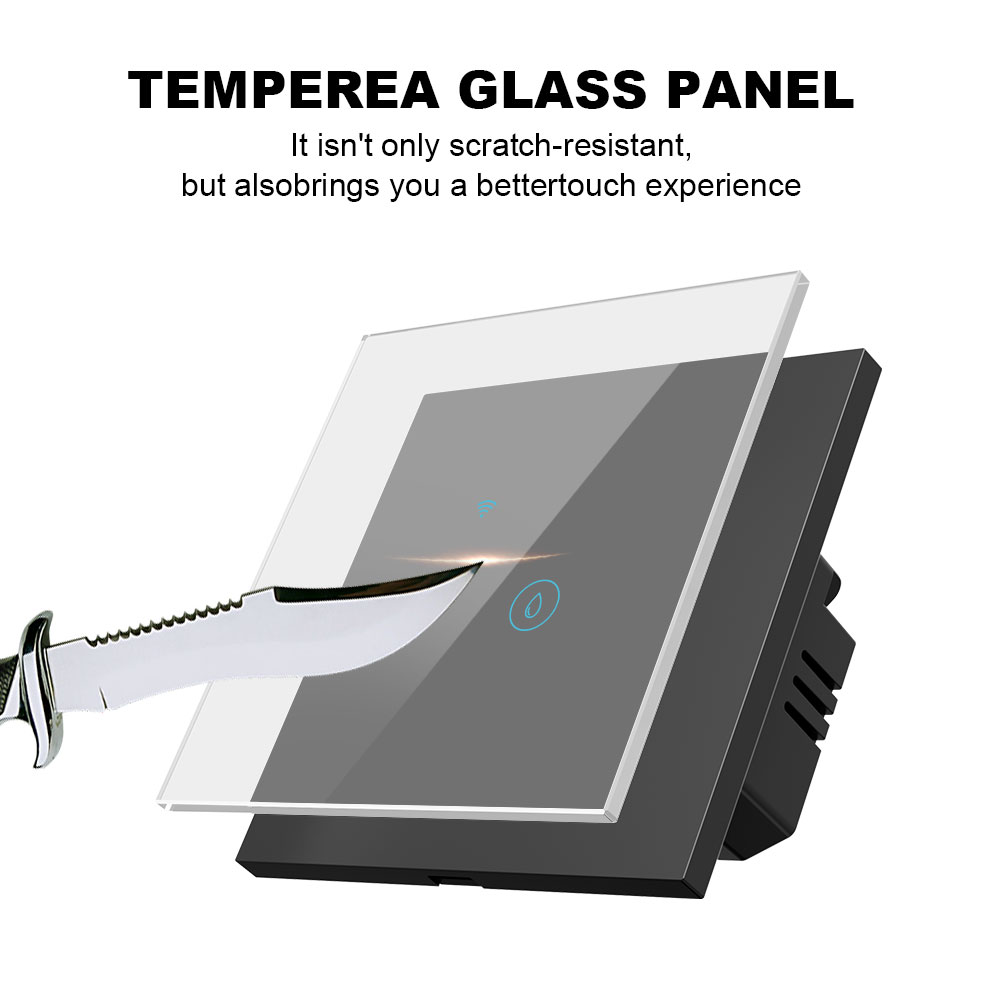
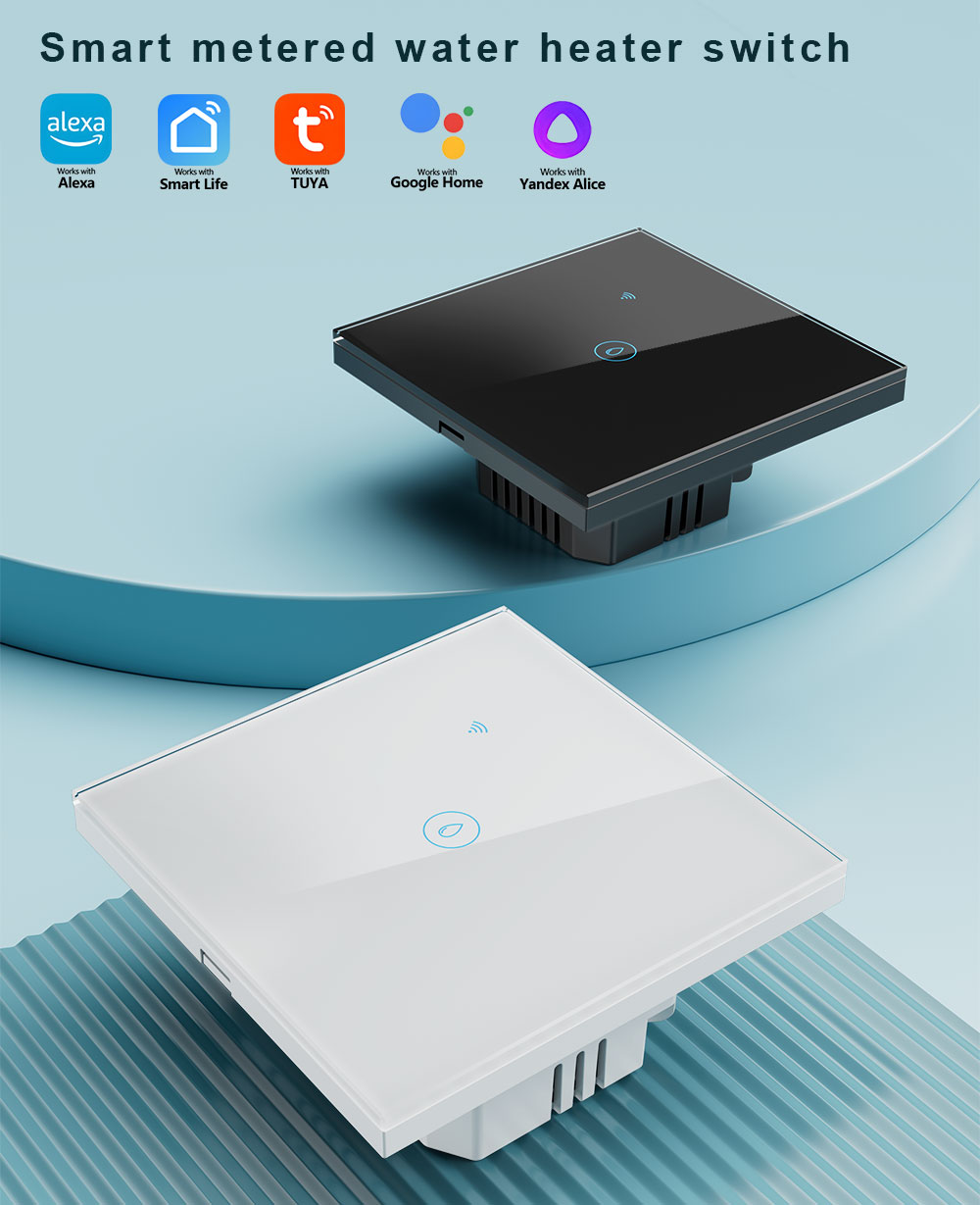
5,000 W metered smart water heater switch DS-101GWN front panel
DS-101GWN – the 5,000 W metered panel for electric water heaters

The two architectures at a glance

Attribute Metered series Double-pole cut-off series
Models DS-101GWN (EU 86 mm)
DS-121GWN (US 118 mm)
DS-107NWN (EU 86 mm)
DS-127NWN (US 118 mm)
Maximum load 5,000 W per gang 3,500 W per gang (16 A)
Panel dimensions EU 86 × 86 × 35 mm
US 118 × 72 × 39 mm
EU 86 × 86 × 35 mm
US 118 × 72 × 35 mm
Front material PC + tempered Glass PC + 2.5D tempered glass (AG soft-touch finish)
Input voltage AC 100–240 V AC 100–240 V
Input frequency 50/60 Hz 50/60 Hz
Wireless 2.4 GHz Wi-Fi (Wi-Fi + BLE module) 2.4 GHz Wi-Fi (Wi-Fi + BLE module)
Colours White / Black / Gold / Grey White / Black
Operating temperature -20 °C to 45 °C -20 °C to 45 °C
Operating humidity < 80 % RH < 80 % RH
Wiring Live + neutral, no capacitor required Live + neutral, double-pole interruption
Signature feature Energy statistics with over-current / over-voltage protection Bipolar (live + neutral) cut-off with over-power protection
smart water heater switch DS-101GWN front and side view
Same electronics, two plate standards: EU 86 mm and US 118 mm

Series 1: 5,000 W with energy metering (DS-101GWN / DS-121GWN)

Who this is for

Any market where electricity cost is a visible line item for the end user: markets with time-of-use tariffs, markets where rental landlords pass electricity through, and markets where buyers simply want proof that the gadget they installed is saving money. The metered series turns the water heater switch into a billing and behaviour tool, not just a remote relay.

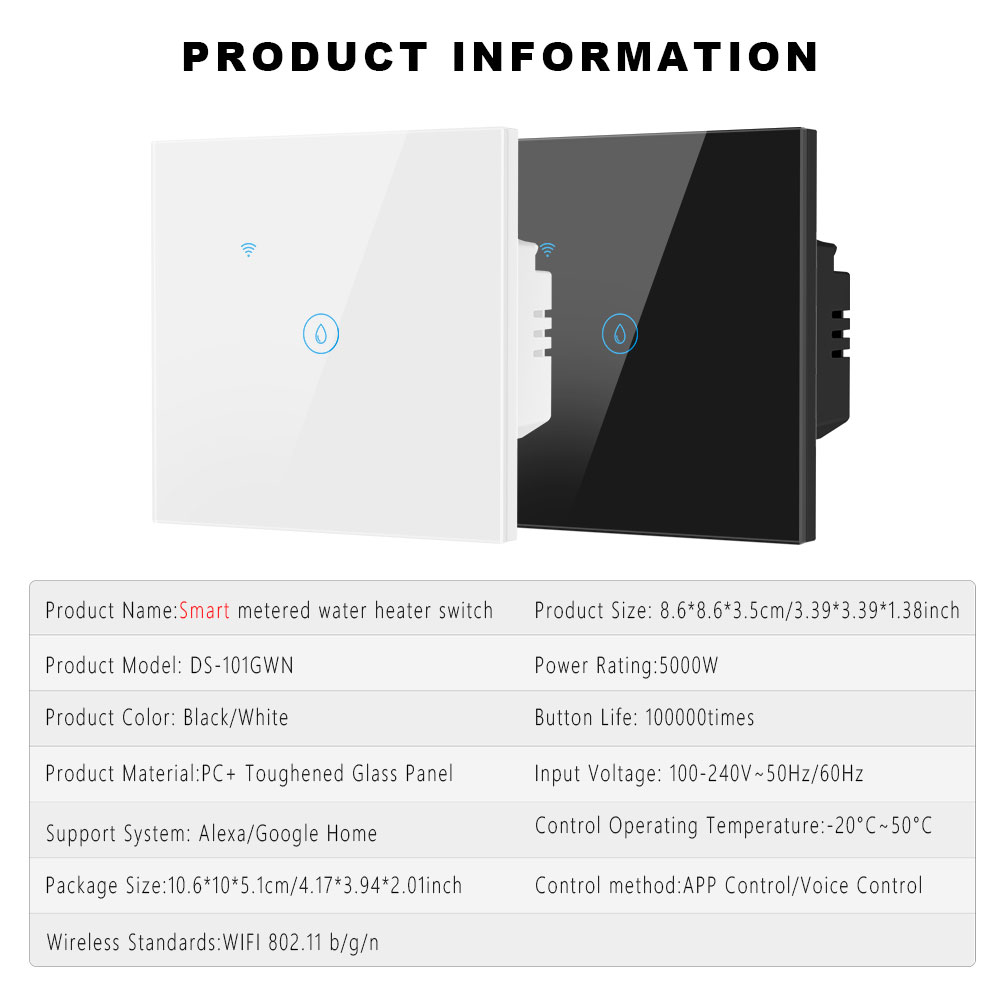
5,000 W smart water heater switch specification and dimensions
Panel geometry: 86 x 86 x 35 mm for EU, 118 x 72 x 39 mm for US

What it measures and what it protects

The metered board reports voltage, current, power and cumulative energy consumption through the app, so the end user can see what the heater Actually draws rather than what the nameplate claims. Protection is configurable: over-current and over-voltage thresholds can be set, and the panel cuts the load automatically once the measured value passes the threshold.

metered water heater switch app energy statistics and protection settings
Voltage, current, power and cumulative energy are reported in the app

Switching logic

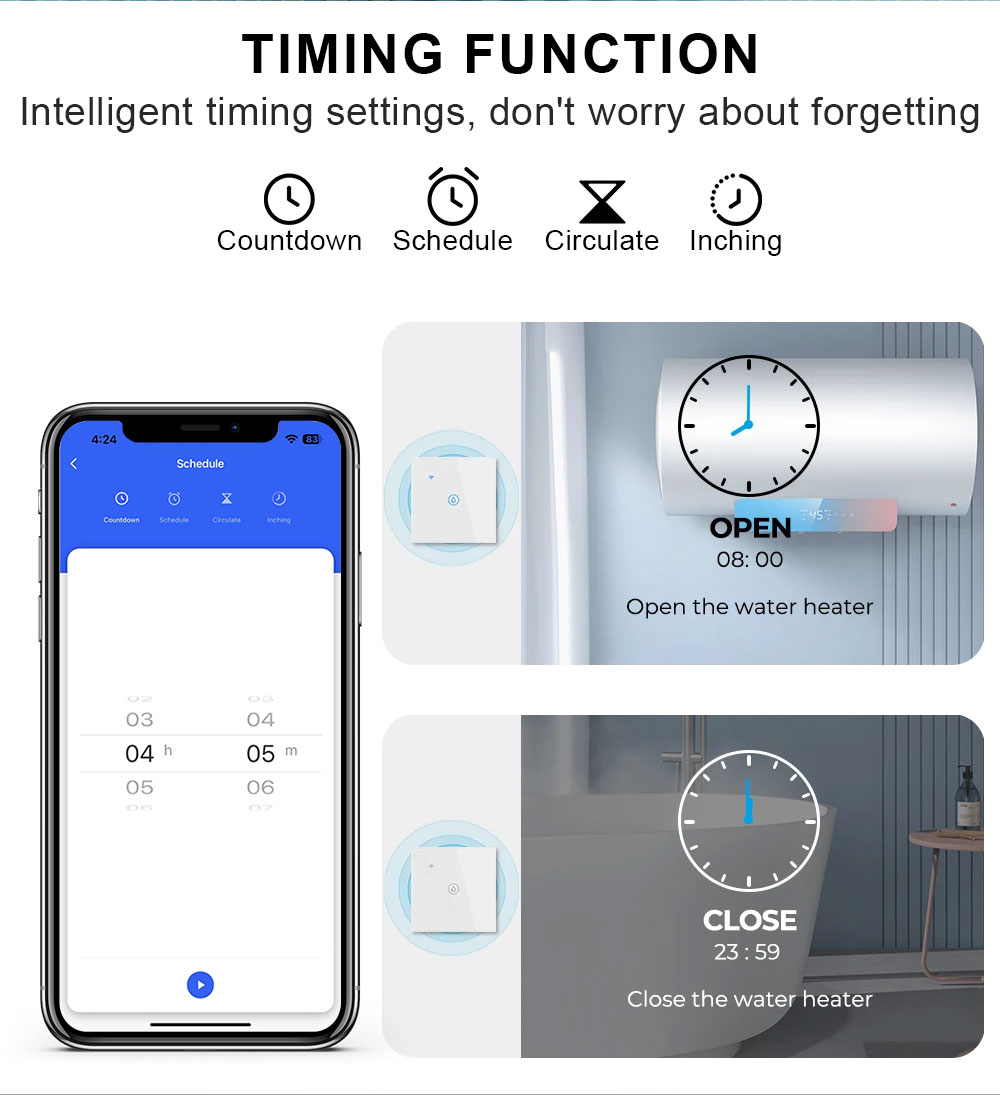
Four scheduling modes cover real usage patterns rather than only the demos: a single timer, a countdown, a repeating cycle timer, and a momentary (jog) mode. The cycle timer is the practical one for water heaters — it lets the user define heating windows across the day instead of leaving the element on standby for twenty hours.

Installation notes that prevent callbacks

This is a live-and-neutral board. It does not require an external capacitor, which removes the single most common failure mode of no-neutral Smart switches installed on heating circuits. The bottom housing is laser-marked with the model, input range, power rating, wireless type and country of origin, so a compliance inspector can read the rating without dismantling the unit.

Because the metered version is available in both 86 mm and 118 mm plates, the same electronics can serve an EU specification and a US specification from one purchase order — a useful simplification for distributors who ship to both markets.

double-pole smart water heater switch DS-107NWN and DS-127NWN
The double-pole range: bipolar isolation plus AG soft-touch glass

Series 2: 3,500 W with true double-pole cut-off (DS-107NWN / DS-127NWN)

Why double-pole matters on a heating circuit

A conventional Smart switch breaks the live conductor. On a water heater, that leaves the neutral connected, and a fault inside the element can still present a hazard when a technician opens the housing. The double-pole board drives live and neutral simultaneously — both are made on start and both are broken on stop. For markets where the installation code or the insurer asks for bipolar isolation on fixed heating appliances, this is the product that passes the conversation.

Ten functions, including the ones installers ask for

# Function How it works
1 Remote control Switch the panel on or off from the phone whenever panel and phone are online
2 Backlight Toggled from the app or by long-pressing the 30m key; red when lit, blue when a timing step is active
3 Child lock Toggled from the app or by long-pressing the 60m key
4 Manual switching Single press on the panel cycles the load on and off
5 Local timer One-touch 30 / 60 / 90 / 120 minute countdowns from the panel itself
6 App timer Scheduled switching with weekday repeat
7 Energy statistics Voltage, current, power and cumulative energy shown in the app
8 OTA upgrade Panel firmware updated over the air
9 Device sharing Multiple household members or staff on one device
10 Voice configuration Works with eleven smart speaker ecosystems

The local timer row is the one worth highlighting in your listing copy. A guest or a family member can start a 60-minute heating cycle with one press, without a phone, without an account and without Wi-Fi. In rental properties this single feature removes most of the support calls that app-dependent products generate.

water heater switch wiring with live and neutral double-pole cut-off
Live and neutral are made and broken together on every start and stop

Four features that separate it from commodity switches

  • AG soft-touch glass. A 2.5D tempered glass front with a jade-like, non-glossy surface. It does not yellow, it wipes clean, and it still looks like a premium fitting after years in a humid bathroom.
  • True double-pole switching. Live and neutral are made and broken together on both start and stop, giving bipolar isolation rather than a single-pole break.
  • Over-power protection. A power ceiling can be set per scene; if the measured load exceeds it — 1,000 W, for example — the panel cuts the circuit automatically.
  • Always-on mode. Long-press the 120M key for five seconds to hold the switch permanently closed, which is what you want when the appliance has its own thermostat and the panel is only there for isolation and monitoring.

Voice ecosystem coverage

Amazon Alexa, Google Assistant, Tmall Genie, JD, Tencent Cloud Xiaowei, Baidu, Xiaomi, Tencent Cloud, Tuya, Yandex Alice and SmartThings. For a distributor, that list is a checklist: the same hardware can be sold into a North American Alexa household, a Korean or Japanese Google household, and a Russian Yandex household without a second SKU.

5,000 W metered water heater switch white background product photo
White-plate version – the Standard finish for project and retail cartons

How to choose: a decision table

Project requirement Recommended series Reason
Heater rated above 3,500 W Metered 5,000 W series Headroom on the relay and on the metering shunt
Code or insurer requires bipolar isolation Double-pole series Live and neutral broken together
Landlord or operator bills electricity separately Metered series Cumulative energy per device
Guest-facing short-let with no app tolerance Double-pole series One-touch 30/60/90/120 min local timers
Humid bathroom, premium finish required Double-pole series AG soft-touch glass front
Mixed EU and US container Either series Both ship in 86 mm and 118 mm plates
Appliance has its own thermostat and must stay energised Double-pole series Always-on mode via 5-second long press

OEM and ODM for water heater programmes

  • Housing marking — bottom-housing laser marking carries your model designation, input range and power rating, which is often the difference between clearing customs smoothly and explaining yourself.
  • App identity — the Wi-Fi + BLE module can be provisioned under your own app, with your onboarding flow and your brand in the pairing screens.
  • Colour and finish — four colours on the metered series, two on the double-pole series, with plate geometry matched to the destination market.
  • Documentation — specification sheets, wiring diagrams, marking artwork and listing images prepared for your marketplace upload.
  • Mixed-container ordering — metered and double-pole boards can be combined in one shipment so your catalogue covers both the monitoring-led and the safety-led selling story.
Frequently asked questions

Can the metered series be installed without a neutral wire?

No. The metered board is a live-and-neutral Design; a neutral conductor is required. The good news is that no external capacitor is needed, so there is no extra component to fail behind the wall.

Is the 5,000 W rating per gang or per panel?

Per gang, and these are single-gang panels. Do not parallel two heaters onto one switch to stay under the number.

Will the panel work if the Wi-Fi drops?

Yes. Manual switching, the local 30/60/90/120 minute timers and always-on mode all run on the panel itself. App control and energy reporting resume when connectivity returns.

Do both series support the same voice assistants?

The double-pole series is documented as supporting eleven ecosystems including Alexa, Google Assistant, Tuya, Yandex Alice and SmartThings. Confirm the list for your specific configuration on the datasheet before you publish it in a listing.

smart water heater switch cutout image for marketplace listings
Cut-out asset supplied for your own marketplace and catalogue listings
Next step

Tell us the heater rating, the market standard (86 mm or 118 mm), whether your channel needs energy metering or bipolar isolation, and your annual volume. We will map your requirement onto the correct series and send a quotation with samples.

Request the water heater switch specification pack and a sample plan for your market.

All technical values in this article are taken from the manufacturer’s specification sheets for DS-101GWN / DS-121GWN and DS-107NWN / DS-127NWN. Final wiring requirements must be confirmed against local electrical codes and the datasheet of the exact model ordered.

Related Articles

You Might Also Like
Posted on — Leave a comment

Choosing a Smart Lock That Fits the Door You Already Have

Smart locks are not interchangeable. Unlike a Smart plug, a lock has to physically fit the door, and “almost fits” means a hole in the wrong place. Measure first, and the choice narrows from dozens of models to two or three.

Measure four things before shopping

  • Door thickness — tape measure across the edge of the door. Most locks cover a range (commonly 35–55 mm or 40–120 mm); yours must fall inside it.
  • Lock body type — a European mortise, a Scandinavian oval cylinder, a US tubular latch, or a simple rim lock. Photograph the edge of the door: the metal plate visible there identifies it faster than any description.
  • Hole spacing — the distance between the cylinder hole and the handle spindle. This is the specification that decides whether an existing hole can be reused.
  • Handing and swing — which side the hinges are on and whether the door opens inward or outward, because some locks are handed.

Take photographs of the door edge, the face of the existing lock and the door from both sides. With those four numbers and three photos, a fit question is answered in one message instead of a return shipment.

Three lock types, and what each one replaces

Type Replaces Best for Intrusiveness
Full handle/lever lock with biometrics The whole lock Front doors, homes you own Permanent
Round knob lock An existing round knob Interior doors, rentals, offices Low, reversible
Video intercom lock The whole lock, adds a camera House entrances, gates Permanent

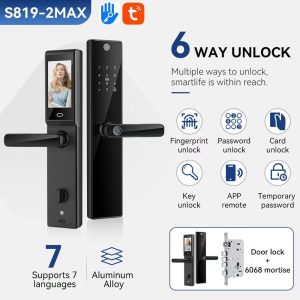
A biometric handle lock is the common answer for a front door. The 3D face recognition lock adds fingerprint, password and app entry, and the palm-vein version is the step up for a main entrance or an office Where you want fewer false rejections and a method that cannot be lifted from a photograph.

A round knob lock is the least disruptive option and the one to consider for an interior door, a home office, or a rental you must hand back unchanged: the Bluetooth knob lock keeps a keyed cylinder as backup and can be swapped back in minutes.

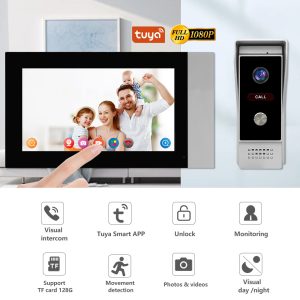
A video intercom lock combines both jobs at a house entrance — camera, intercom, face recognition and lock in one unit, as on the 3D face video intercom lock. If you are weighing this against a separate doorbell and camera, our apartment intercom retrofit guide covers the case where the building’s own system is the constraint.

Opening methods: what each is actually good for

Fingerprint is the everyday method, and the sensor type matters outdoors: capacitive sensors read a dry or cold finger poorly in Winter, so a lock intended for an exposed door should have a robust sensor or a second method. 3D face and palm vein are the hands-full answer, and the reason to spend more. Passwords are for guests, preferably with a disposable code. NFC cards or fobs suit a household with children or cleaners. App and remote unlocking is for letting someone in when you are not home.

Whatever you buy, keep a physical key. Battery failure, a dead module or a flat phone should not be able to lock you out of your own house, and every serious lock retains a keyed override for exactly that reason.

Connectivity, battery and cold

WiFi locks connect directly but consume more power; Bluetooth locks are frugal but need a Gateway for remote access and automations — the trade-off is the same one explained in our guide to smart home hubs. Expect six months to a year from a set of cells under normal use, less in cold weather, and make sure the lock has an emergency contacts or emergency USB terminal so a flat battery can be resolved from outside the door.

For an exposed door in a freezing climate, check the stated operating temperature. Electronics and batteries behave differently at minus ten, and this is the specification most often discovered in January.

What a smart lock does not solve

It does not make a weak door strong, and it does not replace a decent cylinder — a lock is one part of a door’s resistance, and the frame and hinges matter as much. It does not remove the need to manage access: codes should be rotated for guests, and old credentials deleted when a cleaner or a contractor stops coming. And it is not an alarm system; it tells you who opened the door, not that someone is inside. Treat it as convenience plus an access log, and keep physical security separate.
Frequently Asked Questions

Can I fit a smart lock in a rental?

Usually yes if you choose a reversible type such as a knob lock and keep the original hardware to refit. Anything requiring new holes in the door needs the landlord’s agreement.

What happens if the battery dies?

Use the emergency terminal with a power bank for a one-off entry, then replace the cells. Keep the physical key accessible outside the home — with a neighbour, not in the lock box on the door frame.

Is face recognition reliable outdoors?

Modern 3D systems handle backlight and low light far better than camera-based recognition. Sunglasses, heavy scarves and very young children are still the difficult cases, so keep a second method enrolled.

Do I need a hub?

Only for remote access and automations on Bluetooth models. If you unlock at the door and nothing else, you do not.

Related Articles

You Might Also Like
Posted on — Leave a comment

4G Smart Watch with GPS: When a Standalone Watch Beats One Tethered to a Phone

Most smartwatches are accessories to a phone: they mirror notifications over Bluetooth and their GPS is the phone’s GPS. That is fine for an adult carrying a phone, and useless for a seven-year-old walking Home from school or an eighty-year-old who does not carry one. A 4G watch has its own SIM, its own data connection and its own positioning, which means it Works as a locating device whether or not a phone is anywhere near it.

That independence is the entire product. It is also what you pay for, in money and in battery.

What you are choosing between

Bluetooth watch 4G standalone watch
Needs a phone nearby Yes No
Positioning Uses the phone’s GPS GPS plus WiFi and cell-tower positioning
Calls Through the phone Independent number
SIM and plan None Required
Battery Several days typical Often one to two days
Best for Fitness and notifications Children, elderly relatives, lone workers

A model like the 4G LTE watch with a rotating camera sits in the second column: it places itself, makes and receives calls on its own number, and adds a camera for a quick look around — useful when the person wearing it is not going to describe where they are.

Who actually needs one

  • School-age children. A fixed number they can call, a location you can check, and no smartphone. This is the most common reason families buy one.
  • Elderly relatives living alone. Falls and confusion are the scenarios; the value is that the watch is on the wrist rather than on a table across the room.
  • People working alone outdoors — delivery, site visits, farming — where carrying a phone is impractical but being reachable is not optional.

If none of those describe the situation, a Bluetooth watch is the better buy. For health tracking rather than locating, a model such as the Tuya smart watch with heart-rate and blood-oxygen monitoring does that job without a data plan.

The ongoing cost, stated plainly

A 4G watch needs a SIM and a small data plan — usually a low-cost monthly tariff rather than anything expensive, since a watch moves very little data. Budget for it as a subscription, not a one-off. Check which LTE bands the watch supports against the carrier you intend to use before ordering; a watch that supports the wrong bands for your country is the single most common disappointment with these devices, and it is not fixable in software. Tuya vs Sonoff Smart Switch: Which Ecosystem Should You Build On?

Battery: the compromise you are accepting

A watch maintaining a cell connection, running GPS and staying reachable uses far more power than one that just mirrors a phone. Realistic expectation: charging daily or every other day. That is fine for a child who takes it off at home and bad for someone who forgets. Two practical mitigations: charge it as part of a fixed routine rather than a decision, and lower the location-reporting interval in the app — reporting every few minutes instead of continuously makes a visible difference to how long it lasts.

Accuracy, and what the map does not tell you

Positioning on these devices combines satellite, WiFi and cell-tower data, which is why accuracy varies: metres outdoors in the open, tens of metres indoors or between tall buildings. A dot that drifts by a street is normal, not a defect. Read location as “they are in this area”, and use the call function rather than the map when it Actually matters.

Privacy worth thinking about

Anyone buying a locating device for another person should say so plainly. For children that means explaining what the watch does and agreeing when it is on; many schools require watches to be in a silent mode during class, so check the rule before the first day. For elderly relatives, the conversation is about consent and dignity — the watch is worn voluntarily, and the person should know who can see the location. Store the account credentials properly and review who has access to the app periodically.

What to confirm before ordering

Four things, in this order. Bands — the watch’s LTE bands against your carrier, which decides whether it works at all. Size and strap — a watch that is uncomfortable does not get worn, and this is the most common reason these end up in a drawer; check the wrist size rather than the age on the box. Water resistance — children’s watches need to survive handwashing and rain, not swimming. Whether the app works in your language and region, since the location service is only as usable as the app that shows it.

Frequently Asked Questions

Does it work without a phone at all?

Yes. That is the point. Setup is usually done once from a parent’s phone, after which the watch works on its own.

Can I use my existing carrier’s SIM?

Often yes, if the watch supports the carrier’s LTE bands and the plan allows it. Confirm the bands first.

How accurate is the location?

Best outdoors with a clear sky; less so indoors, where it falls back on WiFi and cell towers. Expect an area rather than a pinpoint.

Is the camera necessary?

No, and it is the feature most likely to cause trouble at school. If locating and calling are the goals, a simpler watch is easier to Live with.

Related Articles

You Might Also Like
Posted on — Leave a comment

Do You Actually Need a Smart Home Hub? Zigbee, Matter and Bluetooth Gateways Explained

Every Smart bulb advertises “no hub required”, which has left a lot of people believing hubs are obsolete. They are not — they just moved. A hub was never about connecting bulbs; it was about connecting the devices that cannot reach your router on their own, and there are more of those now, not fewer.

The practical rule: if everything you own is WiFi, you do not need a hub today. The moment you add battery sensors, you do.

Why a battery sensor cannot just use WiFi

A door contact or a motion detector runs for a year on a coin cell. WiFi’s handshake and transmit power would drain that cell in weeks, and a sensor that needs charging is a sensor nobody uses. Zigbee and Thread exist to be cheap to transmit and cheap to sleep, which is why every serious sensor uses them — including our PIR motion sensor and the temperature and humidity sensor. Those devices need something in the house that speaks Zigbee and can reach your router, and that thing is the hub.

Three different things get sold as a “hub”

Type What it really does Worth it when
Zigbee gateway Runs a Zigbee mesh, keeps devices reachable, executes automations locally You own sensors, or more than a handful of switches
Matter / Thread hub Same job, newer standard, works across brands You are starting fresh and want to avoid lock-in
Bluetooth gateway Forwards Bluetooth devices to the cloud so you can control them remotely You have Bluetooth locks or sensors and want them visible when away

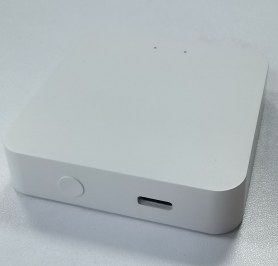
The Bluetooth one deserves a warning, because it is the most misunderstood. A Bluetooth gateway does not turn a Bluetooth lock into a Zigbee device and does not run automations on its own — it is a bridge so your phone’s absence does not mean losing the device. Useful, but not the same purchase as a Zigbee hub. If you want both in one box, a multi-mode gateway such as the MHUB-YR-W also carries an IR blaster, which replaces the pile of remote controls for an air conditioner or a TV at the same time.

Wired or wireless

A wired gateway — the TYGWZ-01, or the MHUB-MS — sits next to the router with an Ethernet cable. It is the most stable option and the one to choose if the hub lives in a cabinet with the network gear. A wireless one such as the TYGWZ-02 or the ZHUB-W only needs power, so you can place it centrally in the flat — which matters more, because Zigbee is a mesh and a hub in the middle of the home hears more devices directly. Pick wired for reliability in a fixed installation; pick wireless when you need to put it where the devices are.

If you are building for the next five years rather than the next five months, a Matter-capable model such as the MZHUB Matter gateway is the safer buy, because it can join either ecosystem later.

How many devices is too many

Zigbee meshes scale further than people expect — our Zigbee 3.0 gateway is specified for up to 130 wired or 30 to 40 wireless devices. The practical limits arrive before the numbers do: put a mains-powered Zigbee device every few rooms so the mesh has routes, and keep the hub away from the microwave and from large metal surfaces.

The reason to care about local execution is simple — automations that run on the hub rather than in the cloud keep working when your internet does not. “Motion in the hallway turns on the light at night” should not depend on a data centre.

When you genuinely do not need one

Three or four WiFi plugs, a couple of bulbs, and a Camera: skip it. You will add complexity for nothing, and every device still works. Add sensors, go past ten devices, or want lights that work during an outage, and the hub stops being optional. The same reasoning applies to the wider ecosystem choice — see our comparison of Zigbee and WiFi devices and, if you are choosing a platform, the Tuya versus Sonoff comparison. For a single panel that does control and hub duties at once, the 4-inch Tuya control panel replaces a wall of switches and a hub with one box.

Three situations, three answers

Two plugs and a bulb. No hub. Add nothing.

An Apartment with sensors on the doors, a motion sensor in the hall, and Smart switches. One Zigbee gateway, wireless if you need it central, wired if it lives by the router — the MHUB-W covers the case where you also have Bluetooth devices, and an IR remote paired with the gateway brings an older air conditioner into the same automations.

A house being wired from scratch. Matter-capable hub, wired, in the cabinet with the network gear — and choose devices that carry Matter or Zigbee rather than WiFi wherever there is a choice.

Frequently Asked Questions

Can two hubs coexist?

Yes — a Zigbee hub and a Bluetooth gateway on the same network are normal. What does not work is one device paired to two hubs; a Zigbee sensor belongs to whichever hub added it.

Do I need a hub for Matter devices?

You need a Thread border router, which most Matter hubs include and some speakers and routers now include too. Check whether you already own one before buying.

Will my devices work if the hub is unplugged?

Zigbee devices lose automations and remote control; anything running locally on a schedule stops. Battery sensors keep their own state but cannot report it.

Is a Bluetooth gateway enough for a smart lock?

For remote control and status, yes. For a lock to trigger other devices or run locally, it needs to be on a hub that executes automations.

Related Articles

You Might Also Like
Posted on — Leave a comment

Zigbee Gateway OEM: Complete Guide for Smart Home Distributors

A Zigbee gateway is the brain of any Smart Home ecosystem. If you’re building a Tuya Smart home product line, the gateway is the highest-value item to get right. This guide covers what to look for when sourcing. ## What Is a Zigbee Gateway? A Zigbee gateway connects your Tuya Zigbee devices (sensors, switches, bulbs, plugs) to the cloud and your phone. Without a gateway, Zigbee devices won’t work remotely. ### Why Zigbee over WiFi? – Lower power consumption (sensors last 1-2 years on battery) – Can connect 100+ devices on one gateway – More stable for mesh networks – No WiFi congestion ## Gateway Specs That Matter ### Device Capacity – Budget: 30-50 devices – Mid-range: 100-150 devices – Premium: 200+ devices – **For distributors, recommend the 100+ version** — customers always add more devices ### Protocol Support – Tuya Zigbee 3.0 (must have) – BLE gateway option (for beacons) – Zigbee + BLE combo gateways available ### Connection Type – WiFi gateway: easiest setup, no wiring – Ethernet gateway: more stable for professional installers – Poe gateway: for commercial projects ### App Integration – Tuya Smart / Smart Life app
– Alexa + Google Home voice control – Home Assistant integration (open gateway firmware available) ## Device Pairs That Sell Best | Gateway + Bundle | Target Customer | Price Point | |—|—|—| | Gateway + PIR sensor + door sensor | Home security DIY | $30-50 | | Gateway + 2x smart plugs | Energy saving | $25-40 | | Gateway + curtain motor + wall switch | Curtain automation | $50-80 | | Gateway + water leak sensor x2 | Flood prevention | $35-55 | ## OEM Opportunities 1. **Bundle packaging** — gateway + sensors as a starter kit 2. **Custom app branding** — Tuya white-label app from 500 units 3. **Logo on gateway unit** — from 100 pcs 4. **Multi-language quick start guide** — EN/ES/RU/AR ## Pricing | Product | MOQ | Unit Price | |—|—|—| | WiFi Zigbee gateway (100 devices) | 50 pcs | $8-15 | | Ethernet gateway | 50 pcs | $12-20 | | Zigbee + BLE combo | 100 pcs | $15-25 | | Custom logo | 100 pcs | +$0.5/pc | ## Common Mistakes 1. **Selling Zigbee devices without a gateway** — customers can’t use them! 2. **Not explaining the gateway requirement** — add it to product listings 3. **Wrong region frequency** — Zigbee is global 2.4GHz, no issue 4. **No reset button visible** — customers need a way to factory reset ## XingLiao Gateway Range We supply: – Tuya Zigbee 3.0 WiFi gateways – Ethernet gateways for professional use – Combo Zigbee + BLE gateways – Can bundle with sensors, plugs, switches – CE/FCC/RoHS certified Ask for gateway sample pricing — 3-day shipping worldwide.
Related Articles

You Might Also Like
Frequently Asked Questions

Is Zigbee Gateway Oem worth buying?

Based on the breakdown in this article, Zigbee Gateway Oem offers a solid mix of features and value. If your main goal matches the key benefits described above, it is a practical choice for everyday use.
How do I choose the right zigbee gateway oem for my needs?

Start with your core use case, then compare battery life, compatibility, and build quality as covered above. Choosing the right zigbee gateway oem comes down to matching specs with how you Actually use it.

Does zigbee gateway oem require a companion app?

Most devices of this type pair with a free companion app for setup and firmware updates. A few advanced features may sit behind a paid plan, so check the official specs page before buying.

Posted on — Leave a comment

Using a Smart Plug as a Heater Thermostat: What Works, and the Two Things to Check First

The cheapest way to make an electric heater Smart is not to replace it. It is to put something between it and the wall. A thermostat plug has its own temperature sensor and switches the outlet according to a target temperature and a schedule, which is exactly what the dial on the heater was supposed to do and usually does badly.

Two checks come first, and they decide whether the idea works at all in your house.

Check one: the load

Read the rating plate on the heater, then read the rating on the plug. A European 16 A thermostat socket handles roughly 3500 W; the US version is rated for a 15 A household circuit, so a 1500 W space heater is comfortable and a second One on the same circuit is not. If the heater’s plate says more than the plug’s rating, stop — this is the one specification where rounding up is not allowed.

Also check what the plug is plugged into. Never chain a heater through an extension lead or a multi-way strip; the combination of a continuous high load and a coiled cable is how these things go wrong. Wall outlet, directly.

Check two: what the heater does when power returns

This is the check people skip, and it is why some setups “do not work”. A thermostat plug controls the heater by cutting and restoring mains power. That only works if the heater comes back on by itself — a mechanical dial or a rocker Switch that stays in the on position will; a heater with an electronic soft-touch power button that wakes up in standby will not, and you will find a cold room and a standby light every morning.

Test it before you buy anything: switch the heater on, pull the plug, wait ten seconds, plug it back in. If it resumes heating, you are fine. If it sits in standby waiting for someone to press a button, you Need either a heater with a mechanical switch or a different approach.

What you actually gain

  • A real thermostat. The bimetal dials on portable heaters drift by several degrees. A plug reading the room temperature holds closer, and you set the target in the app instead of guessing where “3” is.
  • A schedule that matches your life. Warm the room for the hour before you get up and the hour before you get Home, off overnight. This is where the saving comes from — not from any magic inside the plug.
  • Hysteresis done properly. Good thermostat control switches off slightly above target and back on slightly below, instead of chattering around the set point. If your plug’s app has a temperature-difference or hysteresis setting, leave it at one to two degrees.
  • Energy figures you can look at. If you want to know what the heater costs per week, a socket with metering such as the 16 A socket with energy monitoring reports it directly. Our guide to energy monitoring on smart plugs covers how to read those numbers.

Place the sensor where it means something. A plug measuring temperature at floor level next to a heater will report a warm room while you sit cold two metres away; that is the most common reason people conclude the plug is inaccurate.

Thermostat plug versus a proper thermostat

A plug controls one heater at the socket. If you want to control a boiler or a whole heating circuit from the wall, that is a switch or a thermostat wired into the system, not a plug — the trade-offs are set out in our comparison of smart thermostats versus smart switches for heating. And if the room’s switch box is what you are replacing, check whether there is a neutral Wire before ordering, which our no-neutral guide covers.

For a permanent installation rather than a plug-in one, the US standard smart socket or a matching 86 × 86 socket from the same series as your switches keeps the wall looking like one unit. If you are building automations around it, the MPH-S1 socket gateway acts as both an outlet and a hub for the sensors feeding it, and a separate temperature and humidity sensor lets you measure the far side of the room instead of the floor.

Where it should not be used

Three situations where a thermostat plug is the wrong answer. Any heater with a motorised or electronic control panel that loses its settings on power loss — a plug cycling it will wipe the setting every time. Anything safety-related that must never be switched off remotely, such as a heater in a room where pipes could freeze. And loads near or above the plug’s rating, where the correct fix is a properly rated contactor and a thermostat, not a smarter plug.

Frequently Asked Questions

Will a thermostat plug actually cut my heating bill?

It cuts the hours the heater runs while nobody is there, which is usually the largest avoidable part of the bill. It does not make a heater more efficient — a 2000 W heater still draws 2000 W when it is on.

Can I use it with an oil-filled radiator?

Yes, and they suit it well: they have mechanical switches that survive power cuts, and their slow thermal response pairs well with a hysteresis setting.

What about an extension lead?

No. High continuous loads should go straight into a wall outlet. If you must, use a properly rated single-outlet lead, uncoiled, and never daisy-chained.

Does it still work if the WiFi drops?

The schedule stored on the device keeps running; app control and remote changes do not. Set the schedule to survive a router reboot rather than depending on an automation in the cloud.

Related Articles

You Might Also Like