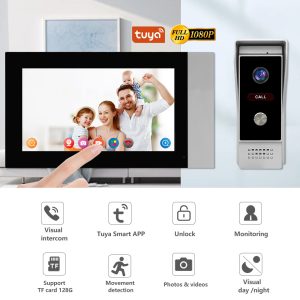
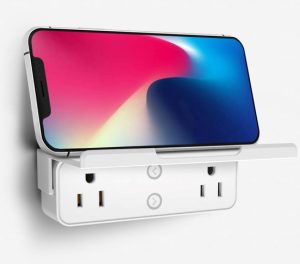
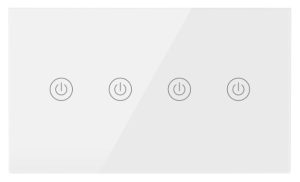
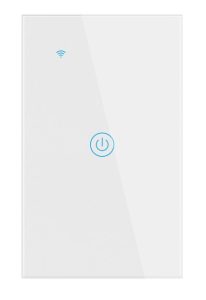
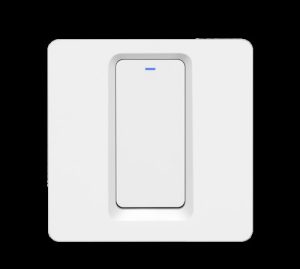
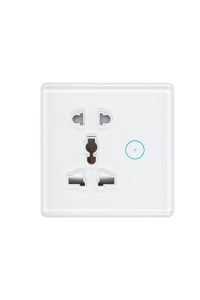
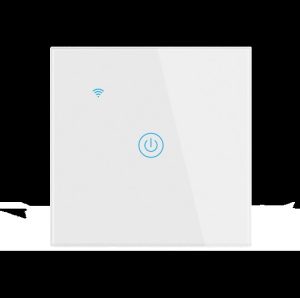
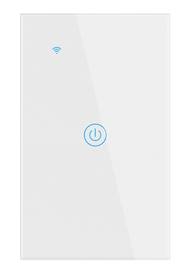
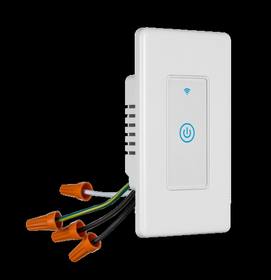
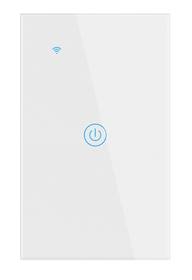
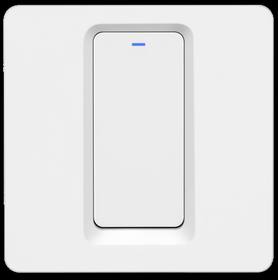
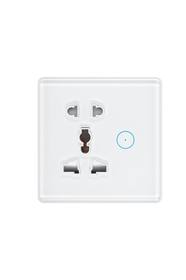
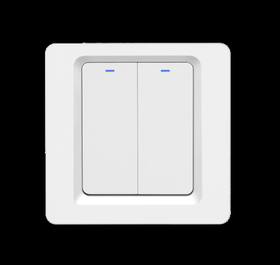
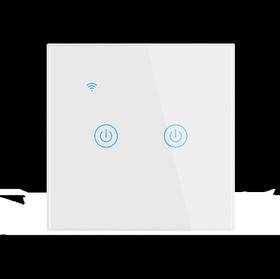
If you are sourcing smart switches, plugs or doorbells for your own brand, the first decision is not the mould or the price — it is which app ecosystem your devices will live in. Tuya vs eWeLink is the comparison most importers end up making, because both platforms let a small brand ship app-controlled hardware without building a cloud team. They are not interchangeable, though: the account model, the white-label route and the way each one behaves when the internet drops are different enough to change your support costs.
This page compares the Two from the factory side, in the terms that matter to a buyer placing an OEM or ODM order.
What Tuya and eWeLink actually are
Tuya is an IoT platform company. Hardware makers license its modules and firmware, and end users control the devices through the Tuya Smart or Smart Life app — the same app under two brand names. Because hundreds of factories build on the same modules, the catalogue is very wide: switches, plugs, sensors, cameras, locks, curtain motors, IR blasters.
eWeLink is the app and cloud platform that grew out of Sonoff (ITEAD). It supports the Sonoff range and a smaller set of third-party devices. Its reputation rests on two things: a strong DIY and maker community, and a local-area-network mode that keeps some device control working when the cloud is unreachable.
Side-by-side comparison
| Question | Tuya | eWeLink |
|---|---|---|
| Consumer app | Tuya Smart / Smart Life (same app, two names) | eWeLink |
| Device catalogue | Very broad, many factories on one platform | Narrower, strongest around Sonoff hardware |
| White-label app | Available through private PID and app branding programmes | Available through eWeLink’s OEM/branding route |
| Voice assistants | Alexa, Google Home, plus regional assistants | Alexa, Google Home |
| Offline behaviour | Cloud-first; ZigBee gateways can hold local scenes | LAN mode on supported devices, otherwise cloud |
| Typical buyer | Brands wanting one app across many categories | Brands standardising on Sonoff-style hardware |
Account model and app ownership
With Tuya, the default path is that your customers download Tuya Smart or Smart Life and the device appears under a Tuya account. If you want your own app name and icon, you move up to a private product ID (PID) and app branding. That step is what most OEM buyers underestimate: it changes the firmware identity, the cloud listing and the app store presence, so it is quoted and scheduled separately from the hardware.
eWeLink works the same way in principle — generic app first, branded route later — but the number of factories that can deliver a fully branded eWeLink build is smaller, so lead times and minimum quantities tend to be less flexible.
Cloud dependency and what happens offline
This is where the two platforms feel different to an end user, and where your support inbox is decided.
Tuya devices are cloud-first. A WiFi Switch with no internet still responds to its physical button, and Zigbee sub-devices keep working through a gateway that holds local scenes, but app control and voice control need the cloud. For most retail buyers that is acceptable; for installation projects — hotels, rental flats, remote sites — you should specify a gateway and local scene behaviour in the contract.
eWeLink’s LAN mode is the feature importers ask about most. On supported devices the app can talk to the device directly over the local network, so schedules and on/off keep working during an outage. If your customers are technical, or your market has unreliable broadband, that is a real differentiator. Confirm per model before you promise it: LAN support is device-specific, not platform-wide.
White-label and OEM routes compared
Four levels exist on both platforms, and it helps to name them the same way when you ask for quotes:
- Logo and packaging only — the device stays on the generic app; you print your brand on the product and box. Fastest and cheapest.
- Private PID / app identity — your own product ID and a branded app panel; the device is listed under your account rather than the generic catalogue.
- Branded app — your own app in the stores, built on the platform’s SDK. Adds review cycles and an annual platform cost.
- Custom firmware and tooling — your enclosure, your PCB layout, your firmware feature set. Months, not weeks.
Most first orders land on level one or two. Level three only pays back once you are shipping several categories and want one app for all of them.
Which one should an importer choose?
Choose Tuya when you need breadth — switches, sensors, cameras and locks from one supplier network, one app, one account model — and when your customers expect a mainstream retail experience. Choose eWeLink when your range is deliberately Sonoff-compatible, when local control is a selling point you intend to advertise, or when your technical customers already use the app.
Two checks decide it faster than any comparison table:
- Ask each supplier which models can be re-platformed, and at what quantity. A factory that builds only one platform will quote the other badly.
- Ask for a sample pair — one device on each platform — and test them on a network you can switch off. Twenty minutes of testing beats a spec sheet.
Our own smart switch and video doorbell ranges are built on Tuya, which is why our smart switch range, Tuya OEM programme and white-label ladder are documented in Tuya terms. If your programme is committed to eWeLink, say so at enquiry stage and we will confirm model by model which units can be supplied that way before any quote is issued. For the sourcing checklist that applies to either platform, see how to vet a smart switch manufacturer in China, or send us your requirements.
Frequently Asked Questions
Is eWeLink the same company as Tuya?
No. Tuya is an IoT platform company that licenses modules and cloud services to many hardware makers. eWeLink is the app and cloud platform built around Sonoff (ITEAD) hardware. They are separate ecosystems with separate accounts, so a device belongs to one or the other.
Can a Tuya device be moved to the eWeLink app?
Not by the end user. The platform identity is set in firmware and in the cloud listing at manufacture. Moving a model from Tuya to eWeLink is a re-platforming project done at the factory, and it is only possible on hardware the factory can reflash and re-certify.
Which platform is better for offline control?
eWeLink, on devices that support LAN mode, because the app can reach the device over the local network without the cloud. Tuya devices keep physical button control offline, and Zigbee gateways can hold local scenes, but app and voice control normally need the cloud.
Do both platforms support Alexa and Google Home?
Yes. Both publish voice assistant integrations, and both support the account-linking flow your customers will use. Regional assistants and Matter support vary by model, so confirm per SKU rather than per platform.
What does a private PID change for my brand?
It gives the device your own product identity instead of the generic catalogue entry: your app panel, your firmware identity and your cloud listing. It is the step between printing a logo and owning a branded app, and it is usually the right level for a first own-brand range.
Related Articles
- DS-101BW Tuya WiFi Touch Switch EU UK CN 86mm Zero-Fire
- Tuya vs Sonoff Smart Switch: Which Ecosystem Should You Build On?
- The 86 mm Glass-Front Smart Switch: Why DS-101BW Suits EU Renovation and Hotel Fit-Outs
- DS-101GWN Smart Water Heater Switch: WiFi Energy Monitoring, Overload Protection and Voice Control
- DS-101GWN Smart Water Heater Switch: WiFi Energy Monitoring, Overload Protection and Voice Control
You Might Also Like
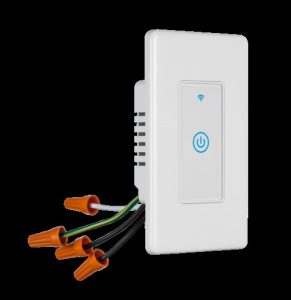 eWeLink US WiFi Touch Switch with Face Cover, 1–3 Way | XingLiao Price range: $11.82 through $13.61
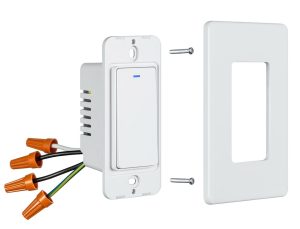 eWeLink US WiFi Button Switch 1200 W, FCC | XingLiao$11.07
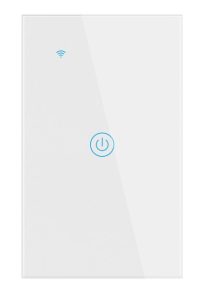 eWeLink US WiFi Touch Switch, Single Live Wire Universal, FCC | XingLiao Price range: $12.12 through $13.91
 eWeLink US WiFi Touch Switch 1–4 Gang, Neutral Wire, FCC | XingLiao Price range: $10.78 through $12.12