Smart Gateways & Hubs
A gateway is the coordinator your low-power devices talk to. Zigbee and Bluetooth sensors, switches and locks cannot reach a router on their own, so the hub translates between them and the home network, holds the mesh table and runs automations locally. That last part is the practical reason to install one: scenes still fire when the internet drops, because the logic lives on the hub rather than in the cloud. Wired or Wireless Uplink The wired models take their uplink over Ethernet, which is the right choice when the hub sits beside the router or in a rack — a fixed uplink removes one WiFi variable from troubleshooting and keeps the mesh stable when the network is busy. The wireless models join the router over WiFi, so they can be placed where coverage is best rather than where a cable reaches. Both work; choose from where the installation can physically sit. Single Protocol or Multi-Mode Zigbee 3.0 only. The straightforward choice for pure Zigbee installs — sensors, switches and locks. Zigbee plus Bluetooth. Lets Bluetooth devices share one app and one automation engine with Zigbee ones, which is what most mixed installations need. Matter / Thread. Can be commissioned straight into Apple Home, Google Home or Alexa, and acts as a Thread border router. The right option where the buyer is selling into an ecosystem-led market. Bluetooth bridge. For Bluetooth-only sub-devices, bridging them to WiFi for app and voice control. With IR blaster. Also drives televisions and air conditioners that were never smart to begin with — a strong add-on for hotel and retrofit projects. Planning a Zigbee Network Place the hub centrally rather than in a corner; indoor Zigbee range is roughly one or two rooms, and distance is solved by adding mains-powered devices that act as routers rather than by moving the hub. Keep it away from the router itself and from USB 3.0 ports, both of which raise the noise floor on 2.4 GHz. Channels 15, 20 and 25 sit between the usual WiFi channels. Metal cabinets, mirrored wardrobes and foil-backed insulation block the signal badly, and a hub behind any of them will perform worse than its specification suggests. Device capacity is quoted as a count, but the real limit is traffic: a hundred sleepy sensors are trivial, while several reporting power meters are not. Roll out in stages — hub first, then the nearest mains-powered devices, then battery sensors working outwards. OEM, Branding and Compliance Neutral stock starts at 100 pieces with mixed models accepted. OEM branding including logo, packaging, manual and firmware starts at 500 pieces per model. New tooling runs 3,000 to 5,000 pieces with 25 to 40 days of tooling. Sampling takes 7 to 15 days, with CE, FCC, RoHS, UKCA, CCC and PSE documentation prepared for the target market.
Shop by Category

Product Videos


Products
-
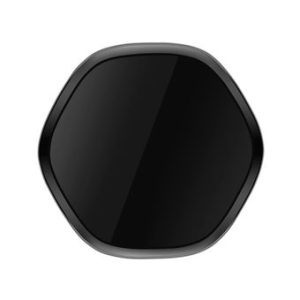
MHUB-YR-W-IR Zigbee + Bluetooth Multi-Mode Gateway
$25.00 Add to cart -
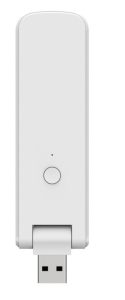
MHUB-FL-U Zigbee + Bluetooth Multi-Mode Gateway
$17.00 Add to cart -
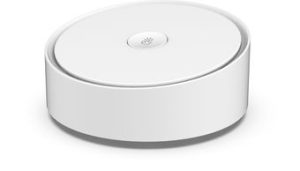
MHUB-W Zigbee + Bluetooth Wireless Multi-Mode Gateway
$34.00 Add to cart -
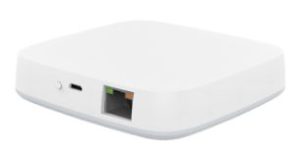
MHUB-MS Zigbee + Bluetooth Wired Multi-Mode Gateway
$39.00 Add to cart -
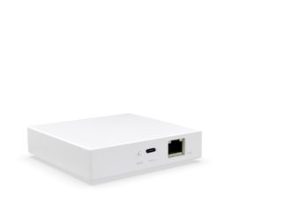
MZHUB Matter Zigbee Wired Gateway
$43.00 Add to cart -
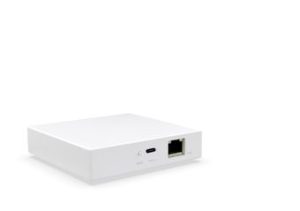
BHUB Bluetooth Gateway
$32.00 Add to cart -
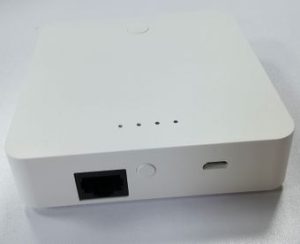
ZHUB-C Zigbee Wired Gateway – connects Zigbee devices to your network via Ethernet (wired)
$20.00 Add to cart -
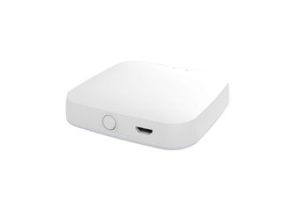
ZHUB-W Zigbee Wireless Gateway
$14.50 Add to cart -
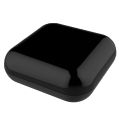
UFO-R 4Z Zigbee IR Remote (Compatible with Zigbee Wired Gateway)
$13.00 Add to cart -
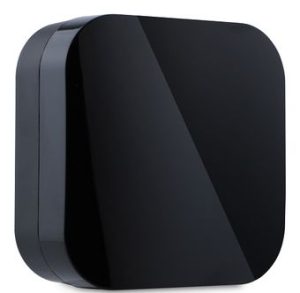
UFO-R 11 Zigbee IR Remote (Compatible with Zigbee Wired Gateway)
$10.80 Add to cart -
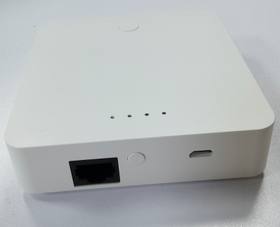
TYGWZ-01 ZigBee wired gateway
$22.25 Add to cart -
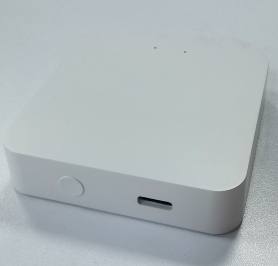
TYGWZ-02 ZigBee wireless smart gateway
$19.78 Add to cart
Buying in volume? Work with the factory
Retail orders ship from stock. For OEM and ODM work — custom firmware, private label, tooling or bulk pricing — the engineering team handles it directly.