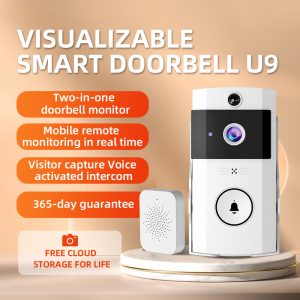
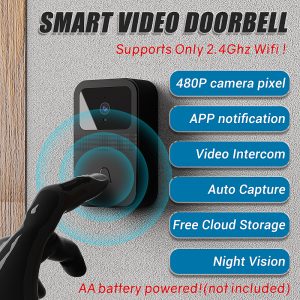
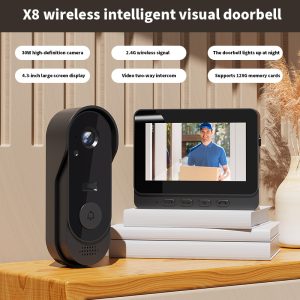
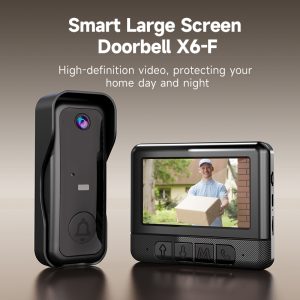
Shenzhen Xingliao Intelligent Technology Co., Ltd is a professional manufacturer of smart home hardware.
We supply smart wall switches, video doorbells, automatic pet feeders and various smart sensors.
We provide one-stop OEM & ODM services including appearance design, software & hardware development, mold opening and private packaging customization.
Our products support Tuya, eWeLink, Apple HomeKit, compatible with global multi-country power standards. Welcome global buyers for cooperation & sample testing.
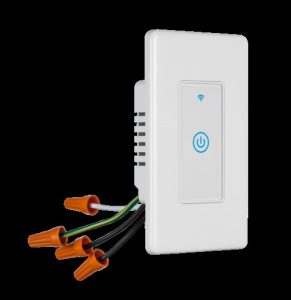
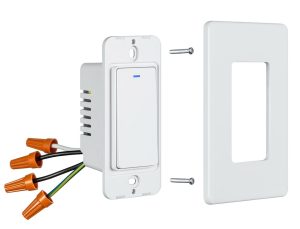
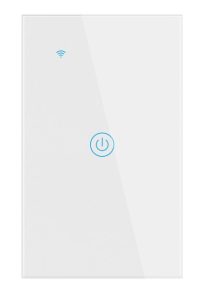
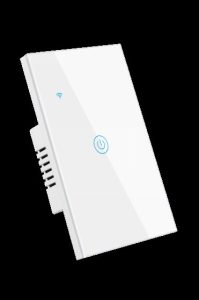
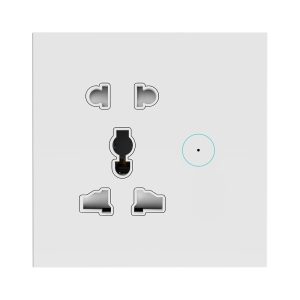
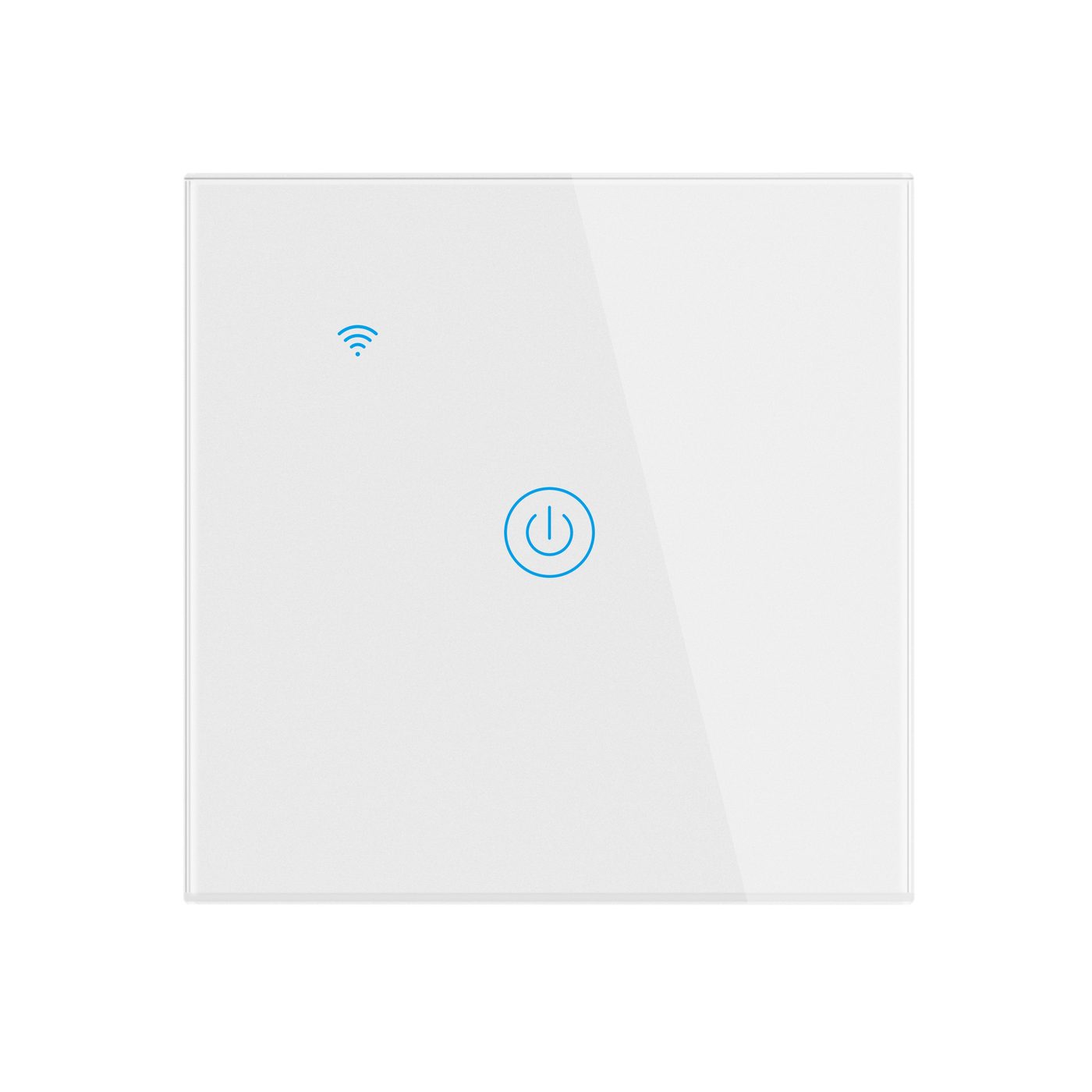
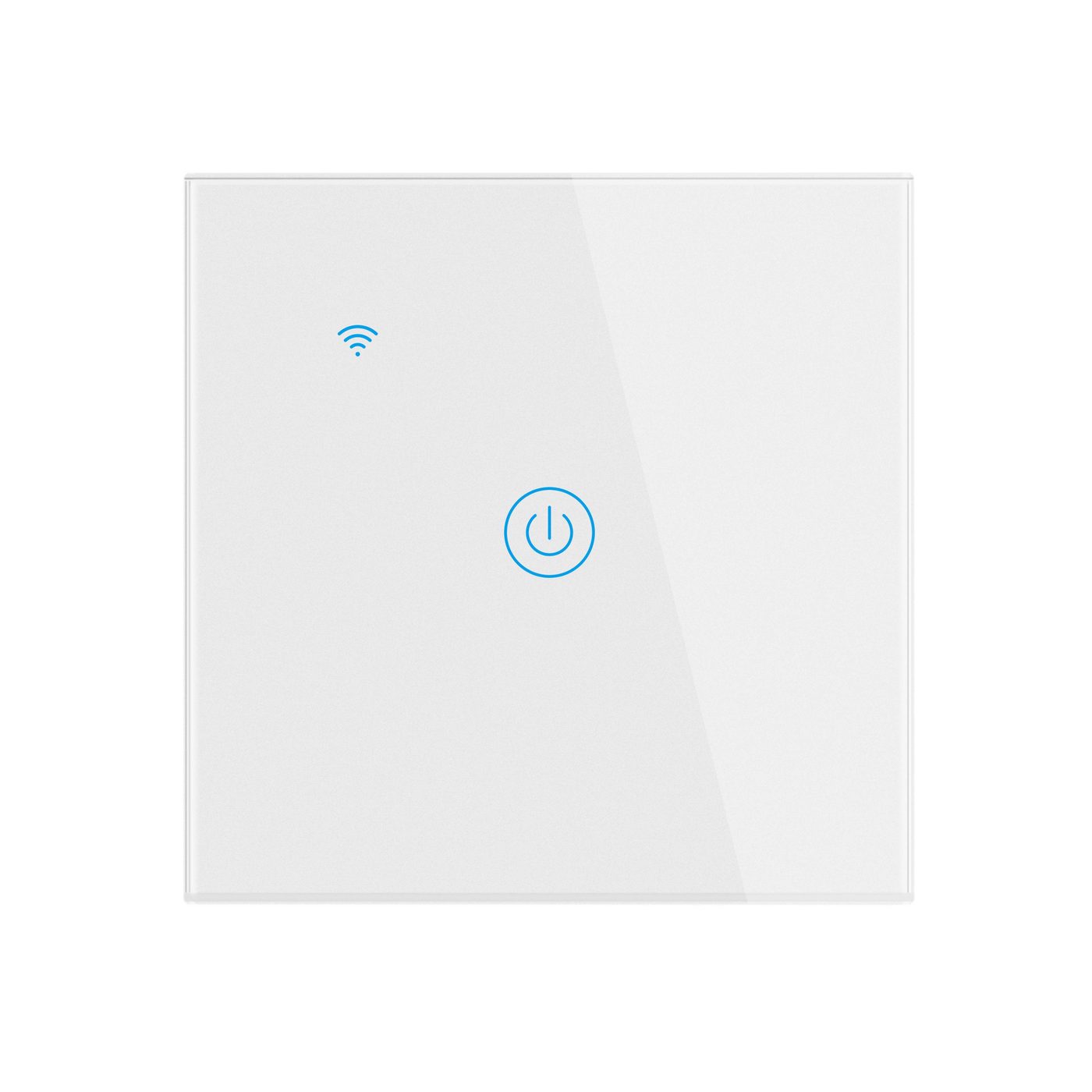
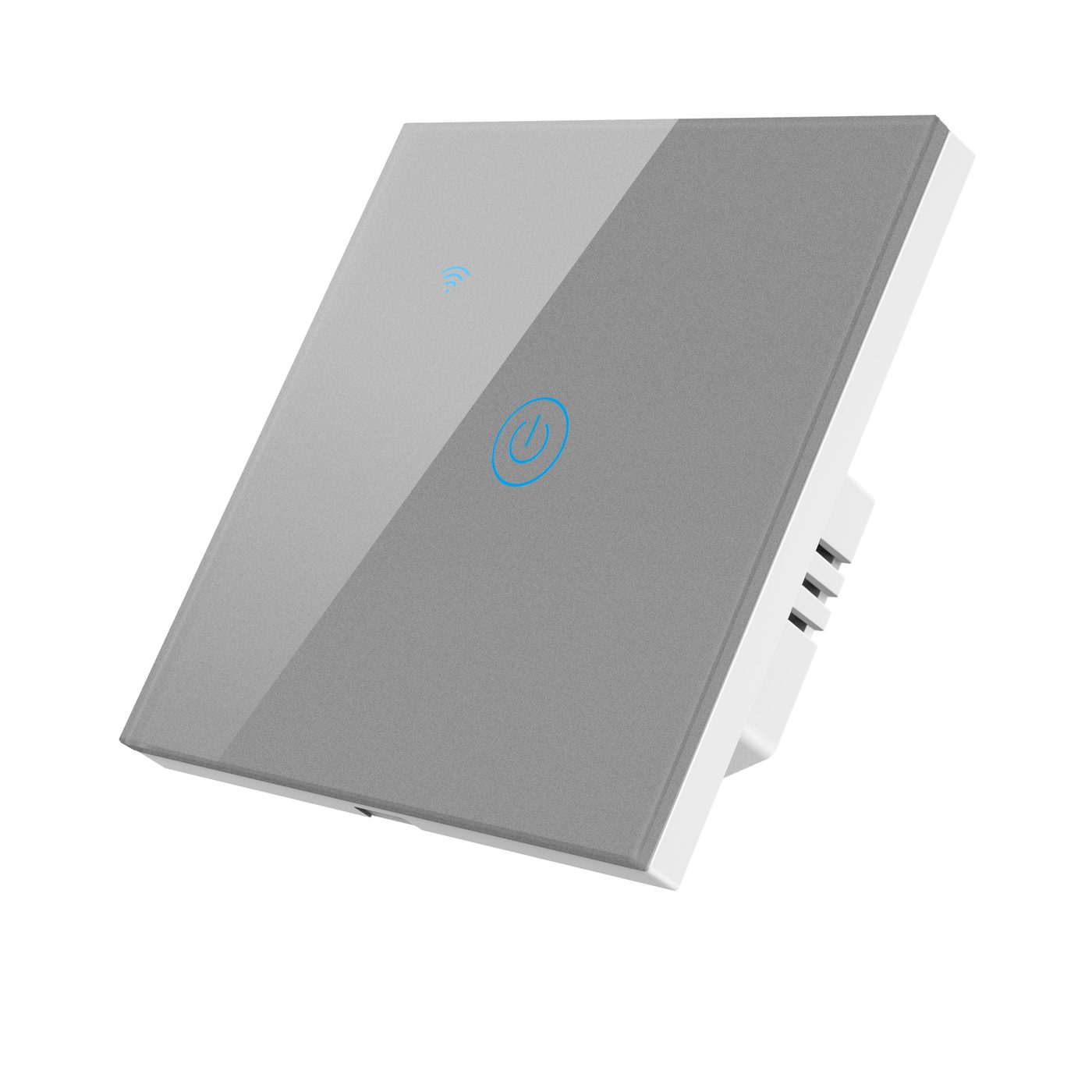
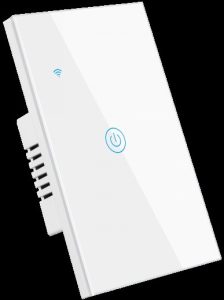
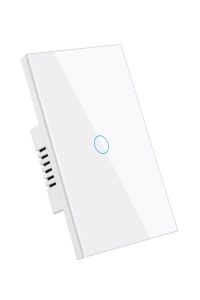
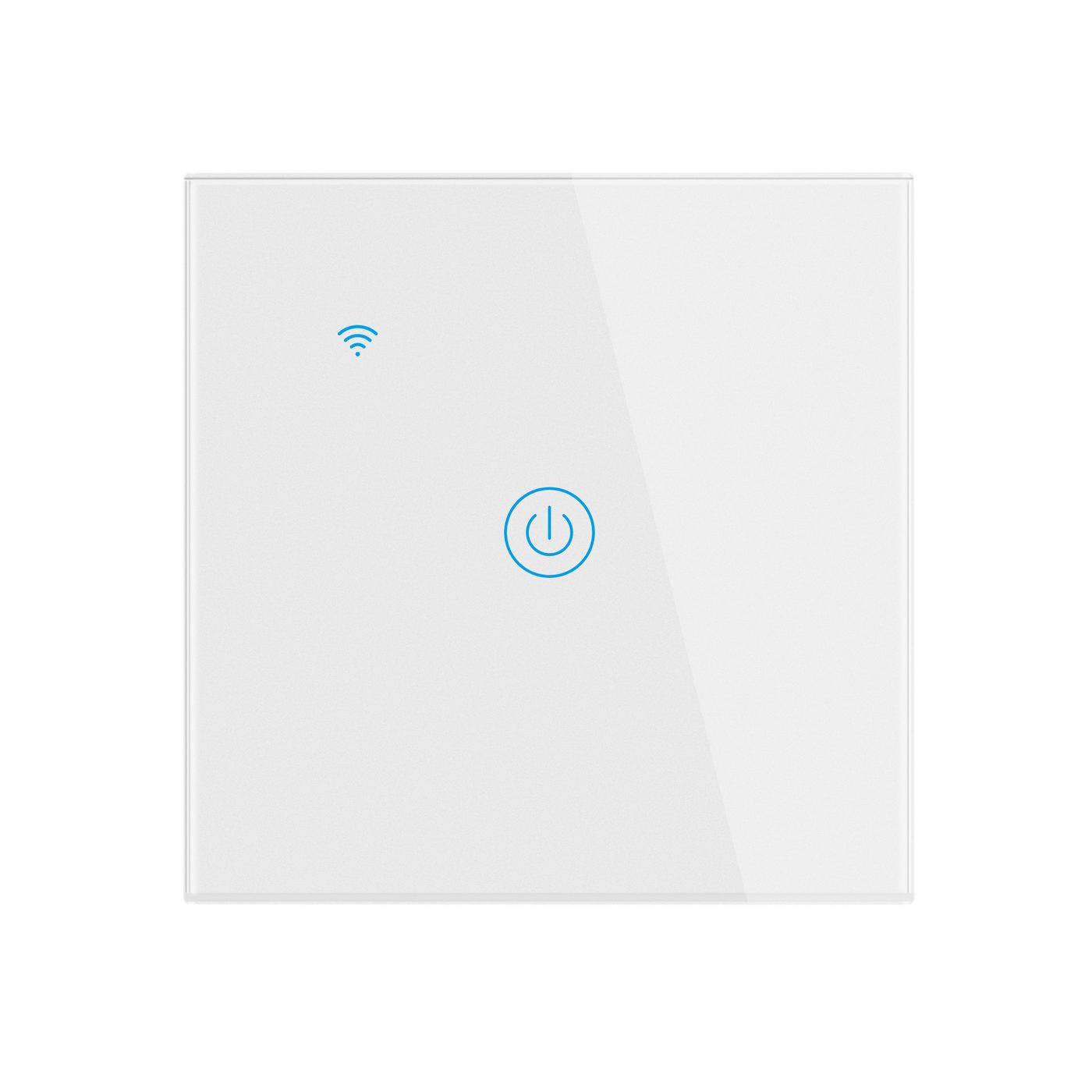
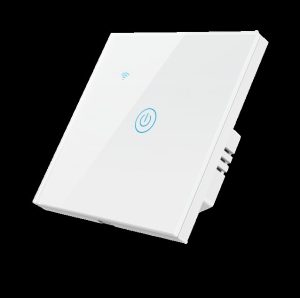
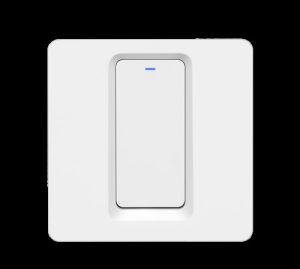
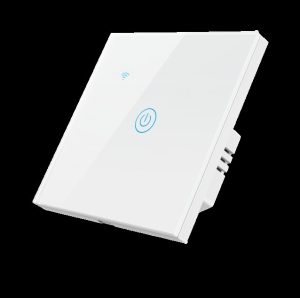
The DS-102DWN is a WiFiSmart wall Switch from the XingLiao switch line: WiFi Button Switch EU UK CN Zero-Fire. It is built for buyers who need a documented model number, a defined panel standard and a repeatable OEM file rather than a generic catalog photo. This page collects the factory specification, the Control functions and the product images in one place so you can shortlist the model before requesting a sample.
What the DS-102DWN does
Network: WiFi, with the Tuya / Smart Life app flow used across XingLiao switch programs.
Panel format: Button Switch EU UK CN Zero-Fire.
Voice control: works with Amazon Alexa and Google Home through the app integration, subject to region and firmware.
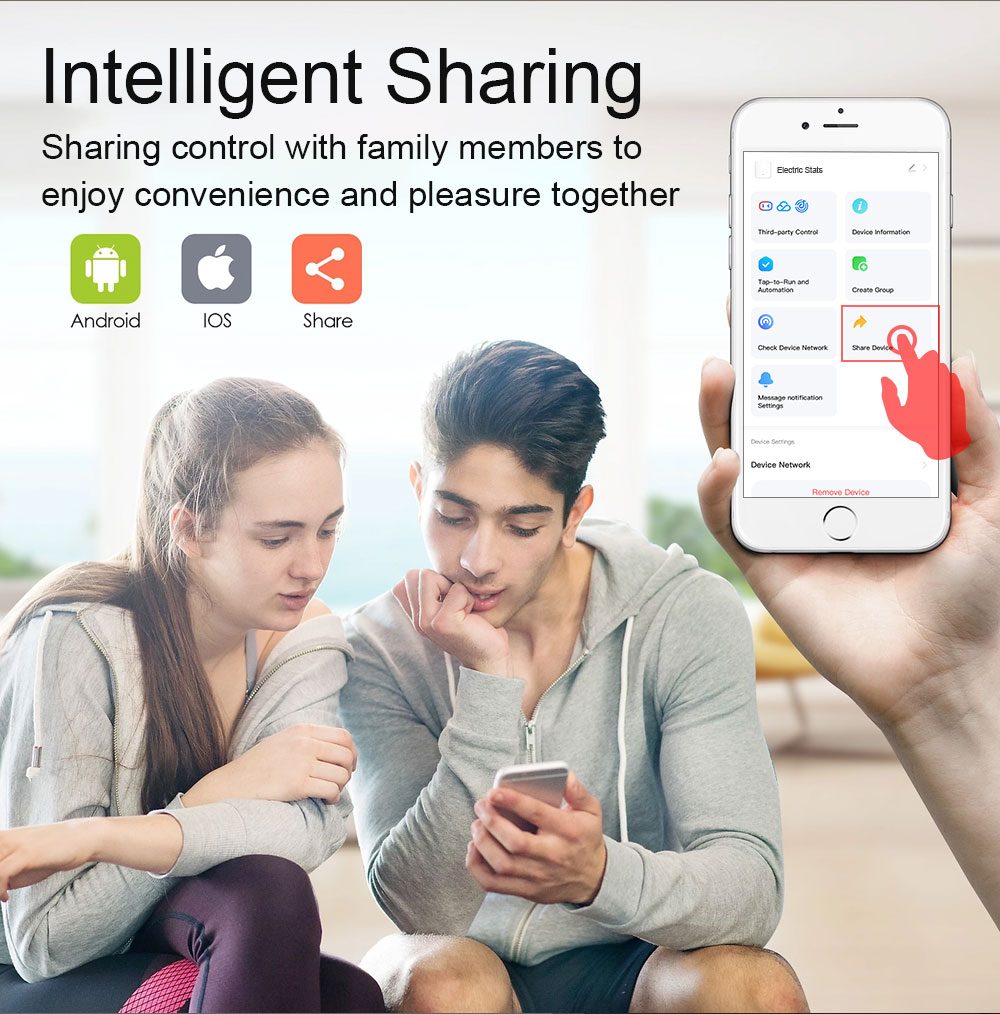
Control modes: app remote control, timer and countdown, status feedback, power-off memory, sharing control and manual operation.
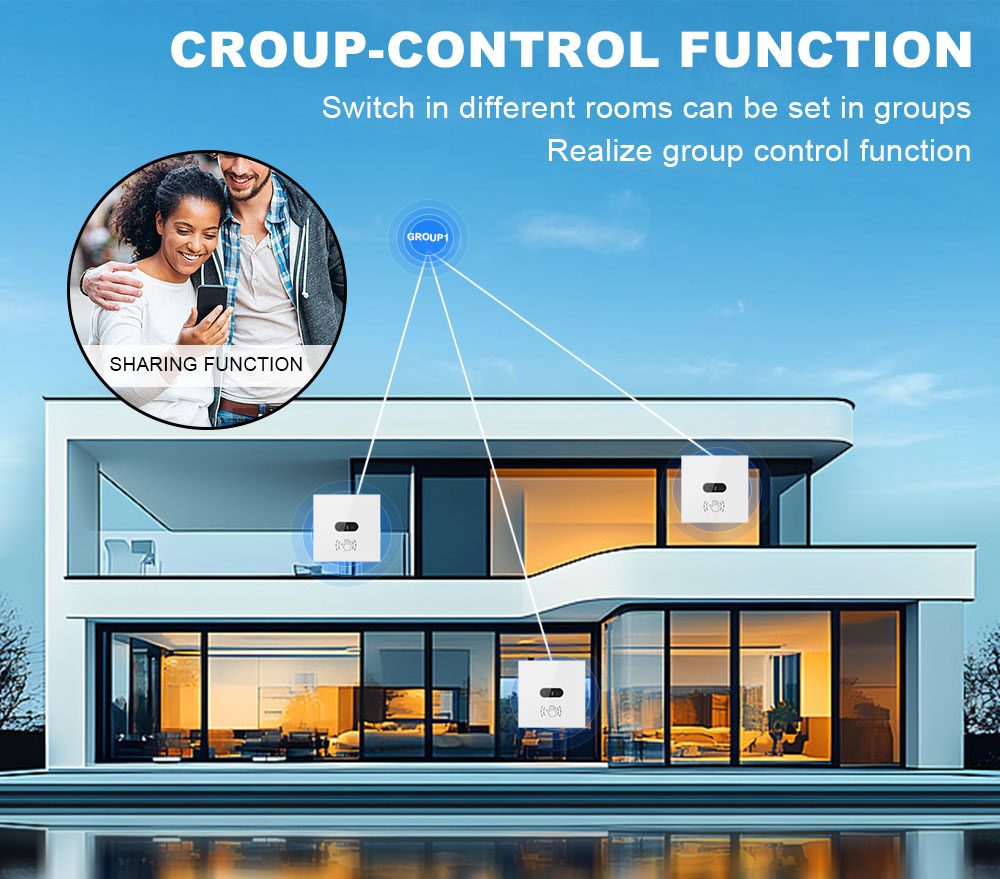
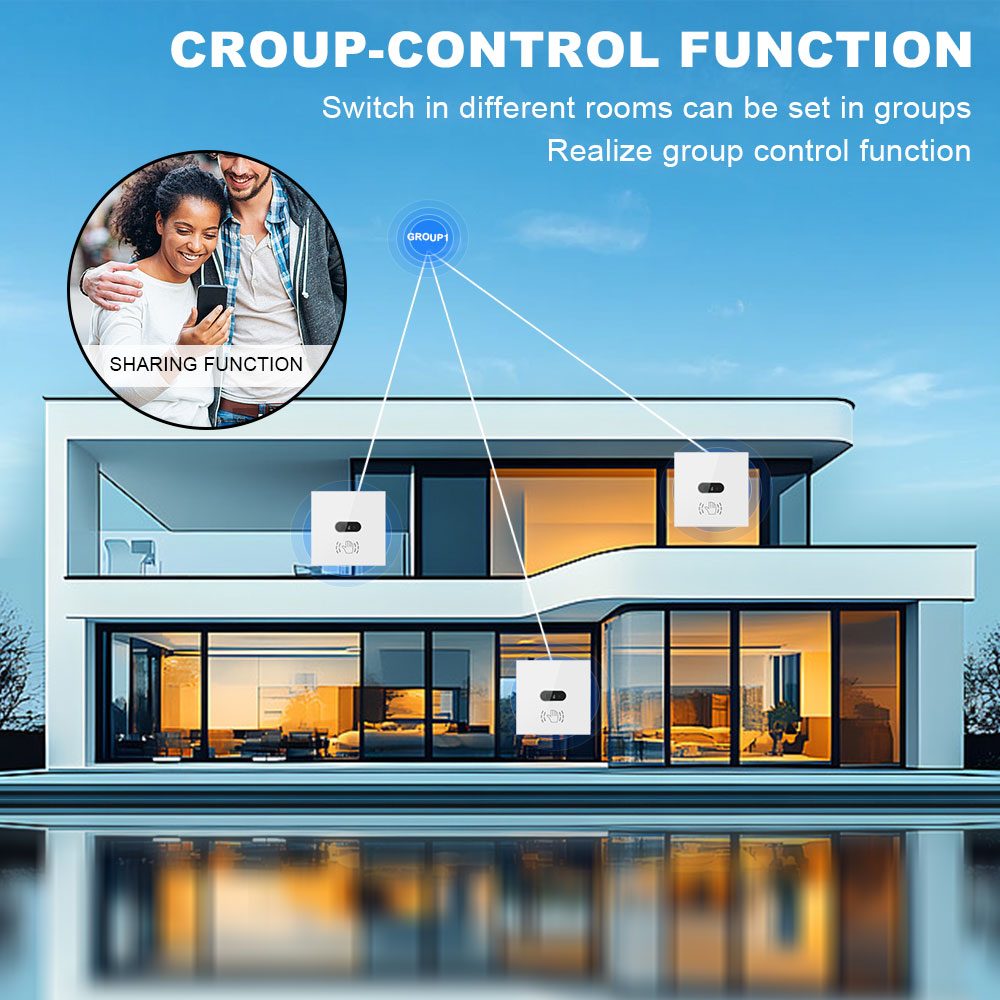
Multi-control association is available for two-way and three-way installations where the wiring supports it.
Certification listed for this family: CE, ROHS. Ask for the current certificate file before artwork approval.
Indicative quotation tiers from the factory sheet: 51-199 pcs – USD 8; 200-999 pcs – USD 7.5; 1000-3000 pcs – USD 6.7. Prices exclude tax and freight; confirm the live tier with the sales team.
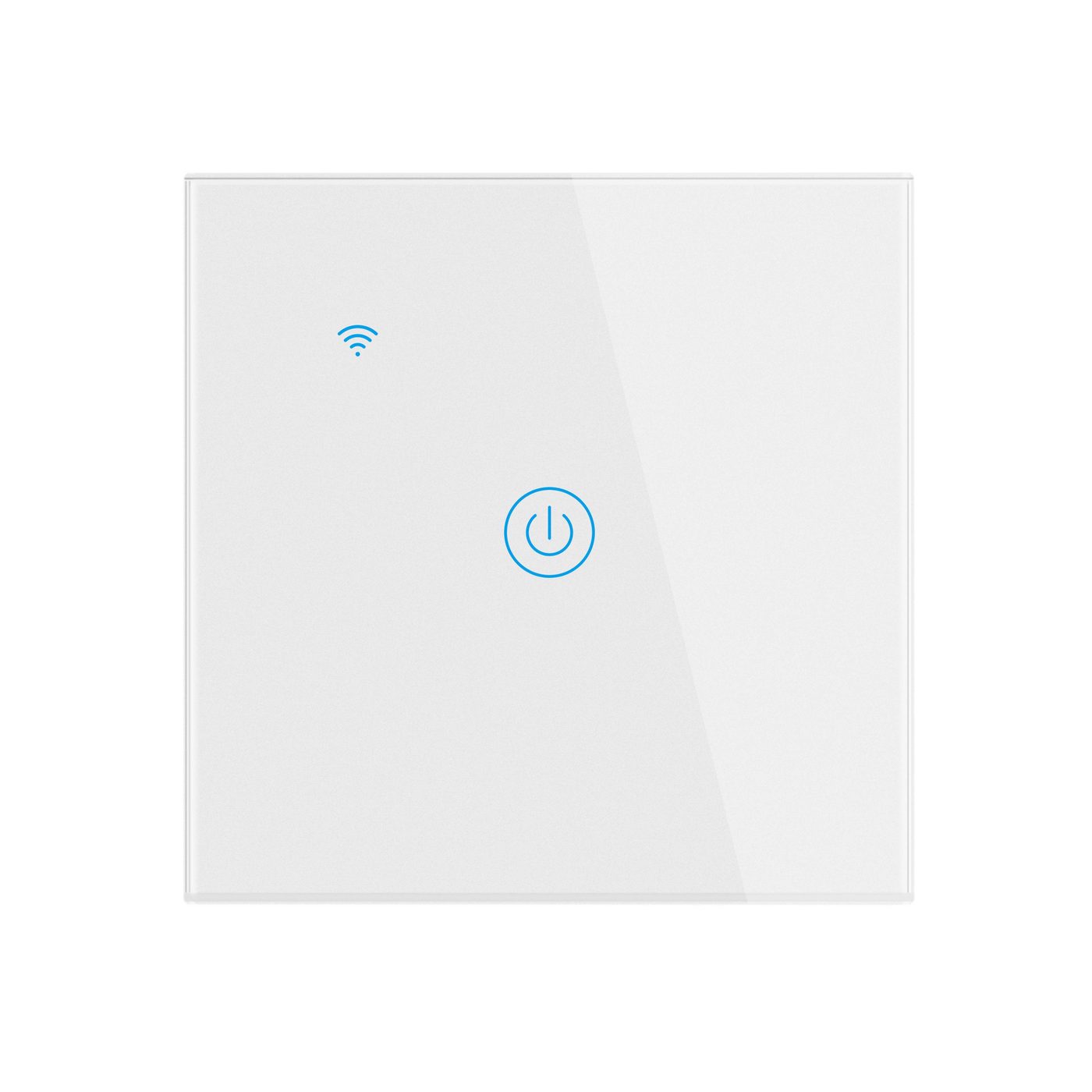
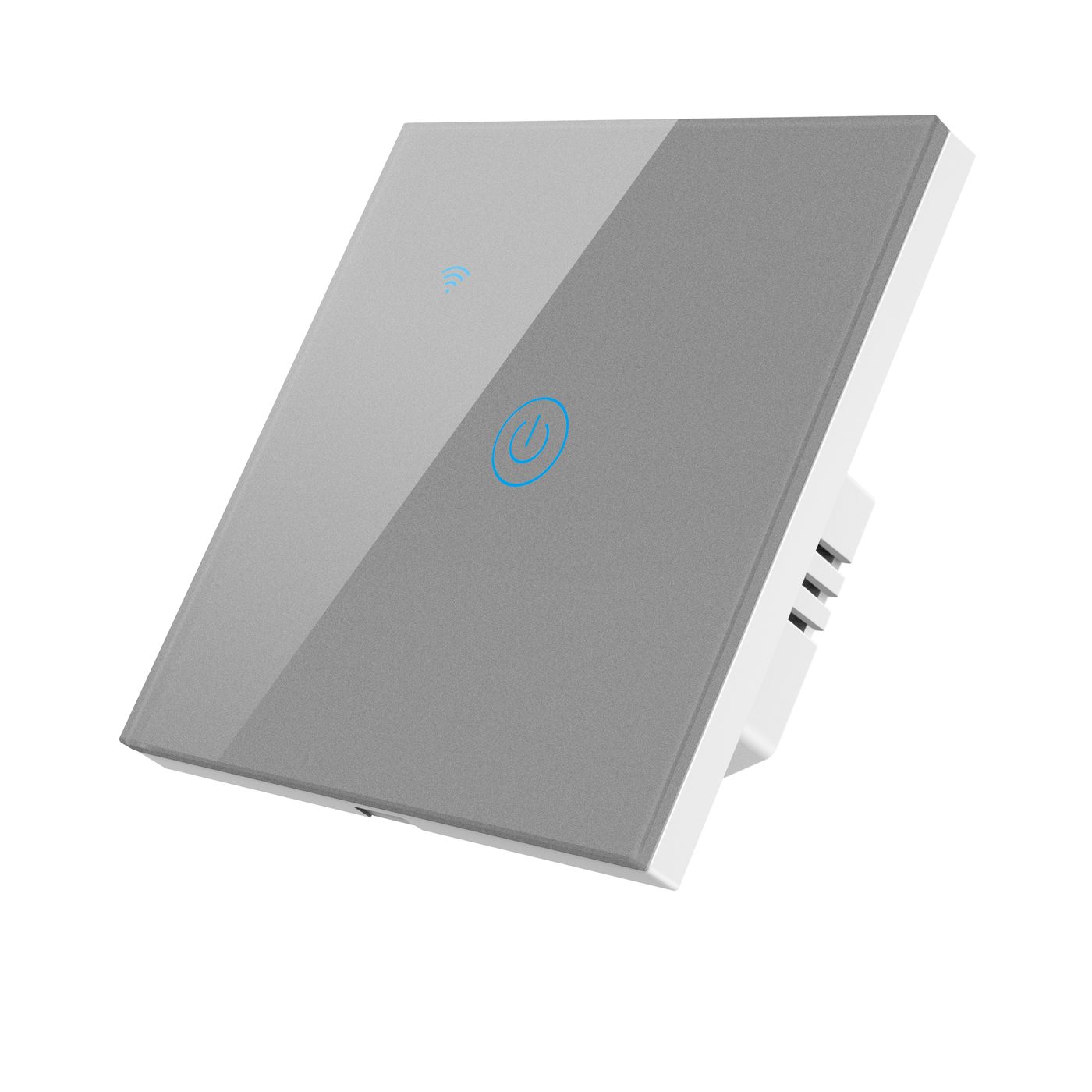
Product photos: DS-102DWN
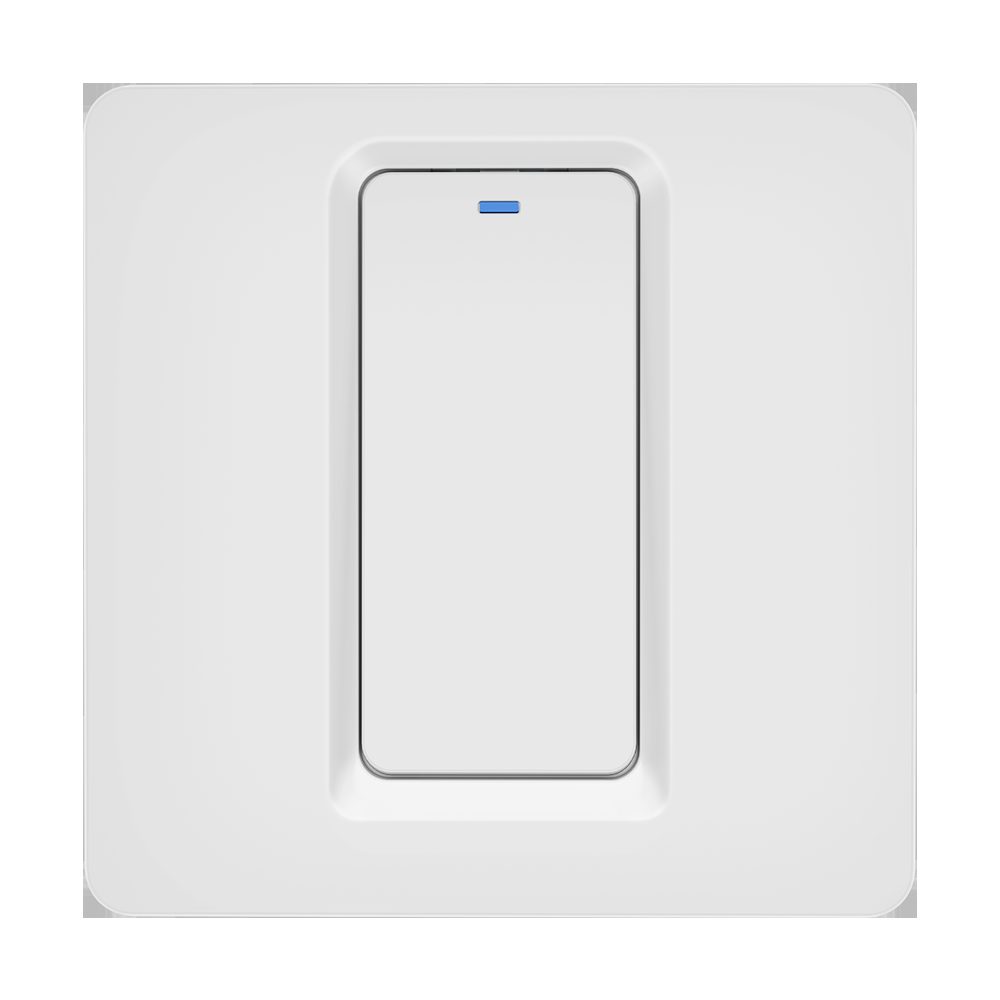
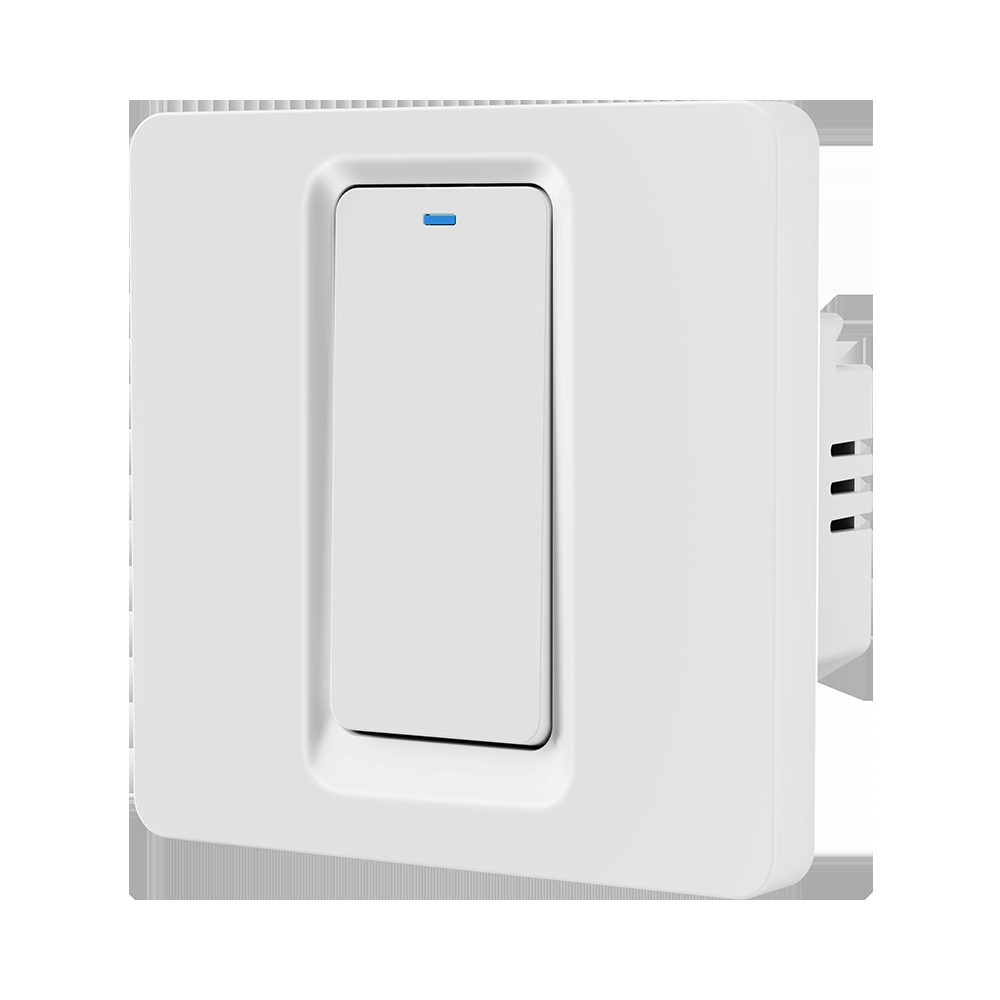
DS-102DWN: WiFi Button Switch EU UK CN Zero-Fire. Photo 1 of the factory image set.DS-102DWN: WiFi Button Switch EU UK CN Zero-Fire. Photo 2 of the factory image set.DS-102DWN: WiFi Button Switch EU UK CN Zero-Fire. Photo 3 of the factory image set.
OEM / ODM notes
For DS-102DWN, the usual customization points are faceplate color, frame finish, logo print or laser mark, packaging and app branding. State your market, panel standard, wiring type (single-wire or neutral) and annual quantity in the first inquiry so the factory can propose the correct base model. CE, FCC, RoHS, UKCA, CCC and PSE support is documented where applicable; do not assume a listing without asking for the file number.
Questions buyers ask about DS-102DWN
Is DS-102DWN a WiFi or ZigBee model?
The model designation in the title identifies the platform. DS-102DWN is the corresponding line in the factory quotation sheet; confirm the exact protocol and firmware before ordering.
Can the DS-102DWN be used with Google Home or Alexa?
Yes through the Tuya app integration, provided the app region and firmware support the integration. Ask for a short app screen recording with your sample.
What must be checked before ordering?
Door or wall box dimensions, panel standard, load type, wiring (neutral present or not), and the certification file for your market. Sendphotos of the installation site with your inquiry.
Based on the breakdown in this article, 102dwn Wifi Button offers a solid mix of features and value. If your main goal matches the key benefits described above, it is a practical choice for everyday use.
How do I choose the right 102dwn wifi button for my needs?
Start with your core use case, then compare battery life, compatibility, and build quality as covered above. Choosing the right 102dwn wifi button comes down to matching specs with how you actually use it.
Does 102dwn wifi button require a companion app?
Most devices of this type pair with a free companion app for setup and firmware updates. A few advanced features may sit behind a paid plan, so check the official specs page before buying.
If you are sourcing smart switches, plugs or doorbells for your own brand, the first decision is not the mould or the price — it is which app ecosystem your devices will live in. Tuya vs eWeLink is the comparison most importers end up making, because both platforms let a small brand ship app-controlled hardware without building a cloud team. They are not interchangeable, though: the account model, the white-label route and the way each one behaves when the internet drops are different enough to change your support costs.
This page compares the Two from the factory side, in the terms that matter to a buyer placing an OEM or ODM order.
What Tuya and eWeLink actually are
Tuya is an IoT platform company. Hardware makers license its modules and firmware, and end users control the devices through the Tuya Smart or Smart Life app — the same app under two brand names. Because hundreds of factories build on the same modules, the catalogue is very wide: switches, plugs, sensors, cameras, locks, curtain motors, IR blasters.
eWeLink is the app and cloud platform that grew out of Sonoff (ITEAD). It supports the Sonoff range and a smaller set of third-party devices. Its reputation rests on two things: a strong DIY and maker community, and a local-area-network mode that keeps some device control working when the cloud is unreachable.
Side-by-side comparison
Question
Tuya
eWeLink
Consumer app
Tuya Smart / Smart Life (same app, two names)
eWeLink
Device catalogue
Very broad, many factories on one platform
Narrower, strongest around Sonoff hardware
White-label app
Available through private PID and app branding programmes
Cloud-first; ZigBee gateways can hold local scenes
LAN mode on supported devices, otherwise cloud
Typical buyer
Brands wanting one app across many categories
Brands standardising on Sonoff-style hardware
Account model and app ownership
With Tuya, the default path is that your customers download Tuya Smart or Smart Life and the device appears under a Tuya account. If you want your own app name and icon, you move up to a private product ID (PID) and app branding. That step is what most OEM buyers underestimate: it changes the firmware identity, the cloud listing and the app store presence, so it is quoted and scheduled separately from the hardware.
eWeLink works the same way in principle — generic app first, branded route later — but the number of factories that can deliver a fully branded eWeLink build is smaller, so lead times and minimum quantities tend to be less flexible.
Cloud dependency and what happens offline
This is where the two platforms feel different to an end user, and where your support inbox is decided.
Tuya devices are cloud-first. A WiFiSwitch with no internet still responds to its physical button, and Zigbee sub-devices keep working through a gateway that holds local scenes, but app control and voice control need the cloud. For most retail buyers that is acceptable; for installation projects — hotels, rental flats, remote sites — you should specify a gateway and local scene behaviour in the contract.
eWeLink’s LAN mode is the feature importers ask about most. On supported devices the app can talk to the device directly over the local network, so schedules and on/off keep working during an outage. If your customers are technical, or your market has unreliable broadband, that is a real differentiator. Confirm per model before you promise it: LAN support is device-specific, not platform-wide.
White-label and OEM routes compared
Four levels exist on both platforms, and it helps to name them the same way when you ask for quotes:
Logo and packaging only — the device stays on the generic app; you print your brand on the product and box. Fastest and cheapest.
Private PID / app identity — your own product ID and a branded app panel; the device is listed under your account rather than the generic catalogue.
Branded app — your own app in the stores, built on the platform’s SDK. Adds review cycles and an annual platform cost.
Custom firmware and tooling — your enclosure, your PCB layout, your firmware feature set. Months, not weeks.
Most first orders land on level one or two. Level three only pays back once you are shipping several categories and want one app for all of them.
Which one should an importer choose?
Choose Tuya when you need breadth — switches, sensors, cameras and locks from one supplier network, one app, one account model — and when your customers expect a mainstream retail experience. Choose eWeLink when your range is deliberately Sonoff-compatible, when local control is a selling point you intend to advertise, or when your technical customers already use the app.
Two checks decide it faster than any comparison table:
Ask each supplier which models can be re-platformed, and at what quantity. A factory that builds only one platform will quote the other badly.
Ask for a sample pair — one device on each platform — and test them on a network you can switch off. Twenty minutes of testing beats a spec sheet.
No. Tuya is an IoT platform company that licenses modules and cloud services to many hardware makers. eWeLink is the app and cloud platform built around Sonoff (ITEAD) hardware. They are separate ecosystems with separate accounts, so a device belongs to one or the other.
Can a Tuya device be moved to the eWeLink app?
Not by the end user. The platform identity is set in firmware and in the cloud listing at manufacture. Moving a model from Tuya to eWeLink is a re-platforming project done at the factory, and it is only possible on hardware the factory can reflash and re-certify.
Which platform is better for offline control?
eWeLink, on devices that support LAN mode, because the app can reach the device over the local network without the cloud. Tuya devices keep physical button control offline, and Zigbee gateways can hold local scenes, but app and voice control normally need the cloud.
Do both platforms support Alexa and Google Home?
Yes. Both publish voice assistant integrations, and both support the account-linking flow your customers will use. Regional assistants and Matter support vary by model, so confirm per SKU rather than per platform.
What does a private PID change for my brand?
It gives the device your own product identity instead of the generic catalogue entry: your app panel, your firmware identity and your cloud listing. It is the step between printing a logo and owning a branded app, and it is usually the right level for a first own-brand range.
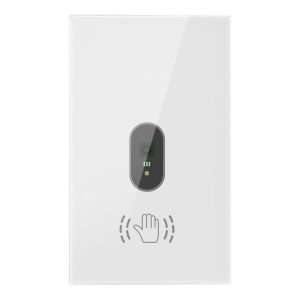
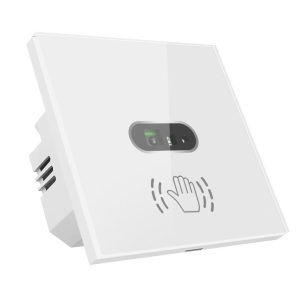
The DS-101KWL is a WiFiSmart wall Switch from the XingLiao switch line: WiFi Hand Wave Gesture Switch Relay EU UK CN. It is built for buyers who need a documented model number, a defined panel standard and a repeatable OEM file rather than a generic catalog photo. This page collects the factory specification, the Control functions and the product images in one place so you can shortlist the model before requesting a sample.
What the DS-101KWL does
Network: WiFi, with the Tuya / Smart Life app flow used across XingLiao switch programs.
Panel format: Hand Wave Gesture Switch Relay EU UK CN.
Voice control: works with Amazon Alexa and Google Home through the app integration, subject to region and firmware.
Control modes: app remote control, timer and countdown, status feedback, power-off memory, sharing control and manual operation.
Multi-control association is available for two-way and three-way installations where the wiring supports it.
Specification snapshot
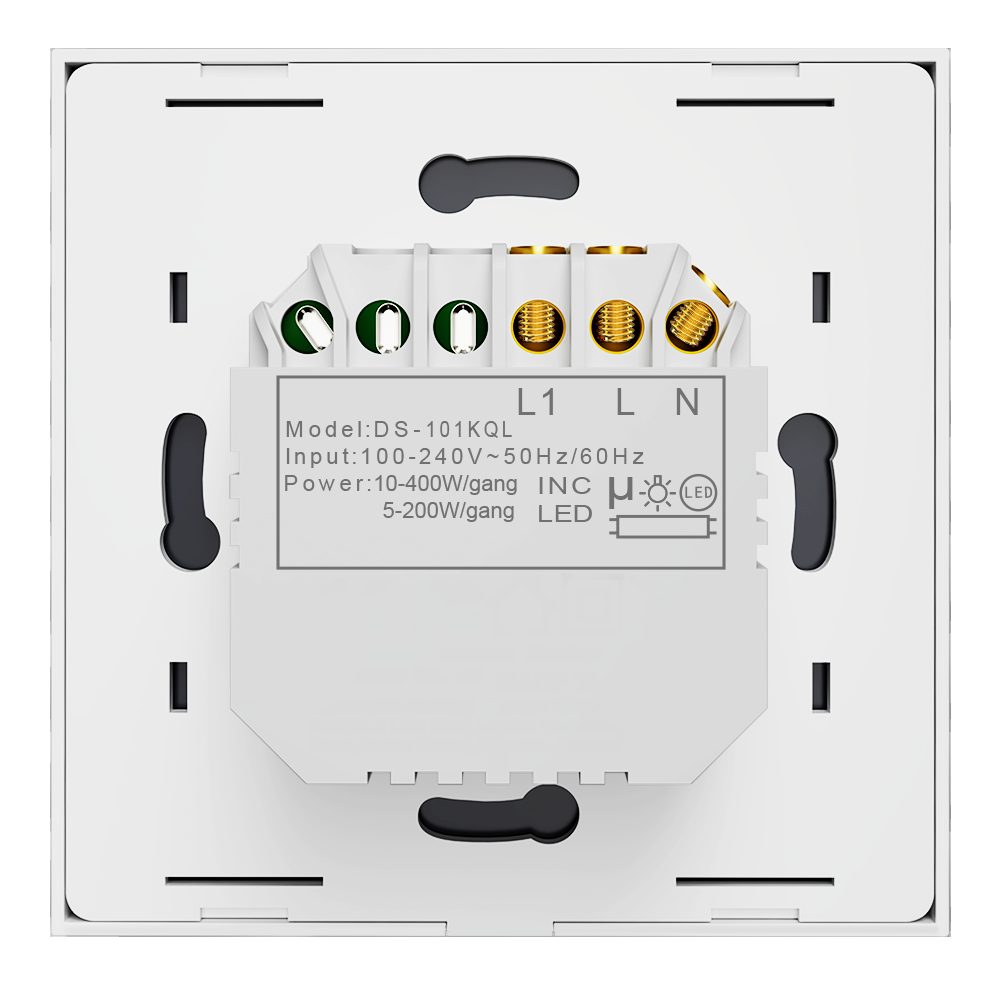
**Input Voltage:** 100–240VAC, 50/60Hz **Network Mode:** WiFi **Peak Power:** 400W **Standard Colors:** White / Black **Product Dimensions:** 86 × 86 × 35 mm (Europe) **Package Dimensions:** 106 × 100 × 51 mm **Product Gross Weight:** 211g
Certification listed for this family: CE、ROHS. Ask for the current certificate file before artwork approval.
Indicative quotation tiers from the factory sheet: 51-199 pcs – USD 6.5; 200-999 pcs – USD 6; 1000-3000 pcs – USD 5.5. Prices exclude tax and freight; confirm the live tier with the sales team.
Product photos: DS-101KWL
DS-101KWL: WiFi Hand Wave Gesture Switch Relay EU UK CN. Photo 1 of the factory image set.DS-101KWL: WiFi Hand Wave Gesture Switch Relay EU UK CN. Photo 2 of the factory image set.DS-101KWL: WiFi Hand Wave Gesture Switch Relay EU UK CN. Photo 3 of the factory image set.
OEM / ODM notes
For DS-101KWL, the usual customization points are faceplate color, frame finish, logo print or laser mark, packaging and app branding. State your market, panel standard, wiring type (single-wire or neutral) and annual quantity in the first inquiry so the factory can propose the correct base model. CE, FCC, RoHS, UKCA, CCC and PSE support is documented where applicable; do not assume a listing without asking for the file number.
Questions buyers ask about DS-101KWL
Is DS-101KWL a WiFi or ZigBee model?
The model designation in the title identifies the platform. DS-101KWL is the corresponding line in the factory quotation sheet; confirm the exact protocol and firmware before ordering. Why Cameras Miss Faces but Doorbells Don’t
Can the DS-101KWL be used with Google Home or Alexa?
Yes through the Tuya app integration, provided the app region and firmware support the integration. Ask for a short app screen recording with your sample.
What must be checked before ordering?
Door or wall box dimensions, panel standard, load type, wiring (neutral present or not), and the certification file for your market. Sendphotos of the installation site with your inquiry.
Based on the breakdown in this article, 101kwl Wifi Hand offers a solid mix of features and value. If your main goal matches the key benefits described above, it is a practical choice for everyday use.
How do I choose the right 101kwl wifi hand for my needs?
Start with your core use case, then compare battery life, compatibility, and build quality as covered above. Choosing the right 101kwl wifi hand comes down to matching specs with how you actually use it.
Does 101kwl wifi hand require a companion app?
Most devices of this type pair with a free companion app for setup and firmware updates. A few advanced features may sit behind a paid plan, so check the official specs page before buying.
📌 This article is part of our Complete Wifi Hub — more guides and buying tips inside.
This clip is deliberately ordinary: someone at home, phone in hand, using the app. That is the actual test of a smart home product line – not the number of devices in a catalog, but whether a single app stays predictable when a house has thirty of them. Here is the architecture behind that everyday scene.
Watch: Smart Home App in Everyday Use
Everyday scene of controlling smart home devices from a phone.
A living-room scene with a phone used as the control point, no product close-ups or spec overlays.
The point of the clip is the interaction: one app, one account, several device types.
It pairs naturally with our control-panel screen recording, which shows the color and scene UI in detail.
The three layers behind a reliable scene
Layer one is the device. Standalone Wi-Fi units connect directly; Tuya ZigBee sub-devices – switches, sensors, curtain motors – connect through one gateway, not one hub each. Layer two is the gateway and the local scene engine: with a gateway on the LAN, scheduled and trigger-based scenes keep running even if the internet drops.
Layer three is the cloud identity. For a private-label line, the app panel, firmware identity and cloud listing belong to your own product ID. A logo on the housing does not change any of those three. Decide the identity question before you order packaging, because re-certifying a changed firmware identity is slower than choosing it correctly at the start.
For distributors building a first order, we usually suggest a gateway, two switch families, a sensor and a doorbell – enough to demonstrate a real scene in a showroom without a hundred SKUs of dead stock.
Order terms buyers ask about
Standard models: MOQ 5 pcs per color.
Samples: 5 pcs, paid, and the sample fee is credited against the first production order.
Logo: silk print from 10 pcs, laser engraving from 300 pcs.
Custom packaging: 500-1,000 pcs. Your own product ID (private PID – app panel, firmware identity, cloud listing): from 1,000 pcs.
Need pricing, a sample or a private-label proposal? Tell us the model, market and quantity. Email xingliaoshop@gmail.com or WhatsApp / WeChat +86 176 6666 9273. We reply within one business day. Contact form
The DS-111 is a ZigbeeSmart wall Switch from the XingLiao switch line: ZigBee Touch Switch EU UK CN Multi-Gang. It is built for buyers who need a documented model number, a defined panel standard and a repeatable OEM file rather than a generic catalog photo. This page collects the factory specification, the Control functions and the product images in one place so you can shortlist the model before requesting a sample.
What the DS-111 does
Network: ZigBee, with the Tuya / Smart Life app flow used across XingLiao switch programs.
Panel format: Touch Switch EU UK CN Multi-Gang.
Voice control: works with Amazon Alexa and Google Home through the app integration, subject to region and firmware.
Control modes: app remote control, timer and countdown, status feedback, power-off memory, sharing control and manual operation.
Multi-control association is available for two-way and three-way installations where the wiring supports it.
Certification listed for this family: CE/ROHS. Ask for the current certificate file before artwork approval.
Indicative quotation tiers from the factory sheet: 51-199 pcs – USD 6.8; 200-999 pcs – USD 6.5; 1000-3000 pcs – USD 6. Prices exclude tax and freight; confirm the live tier with the sales team.
Product photos: DS-111
DS-111: ZigBee Touch Switch EU UK CN Multi-Gang. Photo 1 of the factory image set.DS-111: ZigBee Touch Switch EU UK CN Multi-Gang. Photo 2 of the factory image set.DS-111: ZigBee Touch Switch EU UK CN Multi-Gang. Photo 3 of the factory image set.
OEM / ODM notes
For DS-111, the usual customization points are faceplate color, frame finish, logo print or laser mark, packaging and app branding. State your market, panel standard, wiring type (single-wire or neutral) and annual quantity in the first inquiry so the factory can propose the correct base model. CE, FCC, RoHS, UKCA, CCC and PSE support is documented where applicable; do not assume a listing without asking for the file number. Why Cameras Miss Faces but Doorbells Don’t
Questions buyers ask about DS-111
Is DS-111 a WiFi or ZigBee model?
The model designation in the title identifies the platform. DS-111-1 is the corresponding line in the factory quotation sheet; confirm the exact protocol and firmware before ordering.
Can the DS-111 be used with Google Home or Alexa?
Yes through the Tuya app integration, provided the app region and firmware support the integration. Ask for a short app screen recording with your sample.
What must be checked before ordering?
Door or wall box dimensions, panel standard, load type, wiring (neutral present or not), and the certification file for your market. Sendphotos of the installation site with your inquiry.
Based on the breakdown in this article, 111 Zigbee Touch offers a solid mix of features and value. If your main goal matches the key benefits described above, it is a practical choice for everyday use.
How do I choose the right 111 zigbee touch for my needs?
Start with your core use case, then compare battery life, compatibility, and build quality as covered above. Choosing the right 111 zigbee touch comes down to matching specs with how you actually use it.
Does 111 zigbee touch require a companion app?
Most devices of this type pair with a free companion app for setup and firmware updates. A few advanced features may sit behind a paid plan, so check the official specs page before buying.
📌 This article is part of our Complete Switch Hub — more guides and buying tips inside.
Front doors are badly designed for the way we actually Live. Someone knocks while you are upstairs, in the shower, on a call, or asleep, and the door offers you two choices: open it blind, or ignore it and spend the next hour wondering who it was.
The peephole was supposed to fix that, but it gives you a coin-sized circle that fogs up in the cold, and using it means standing where a stranger expects you to stand.
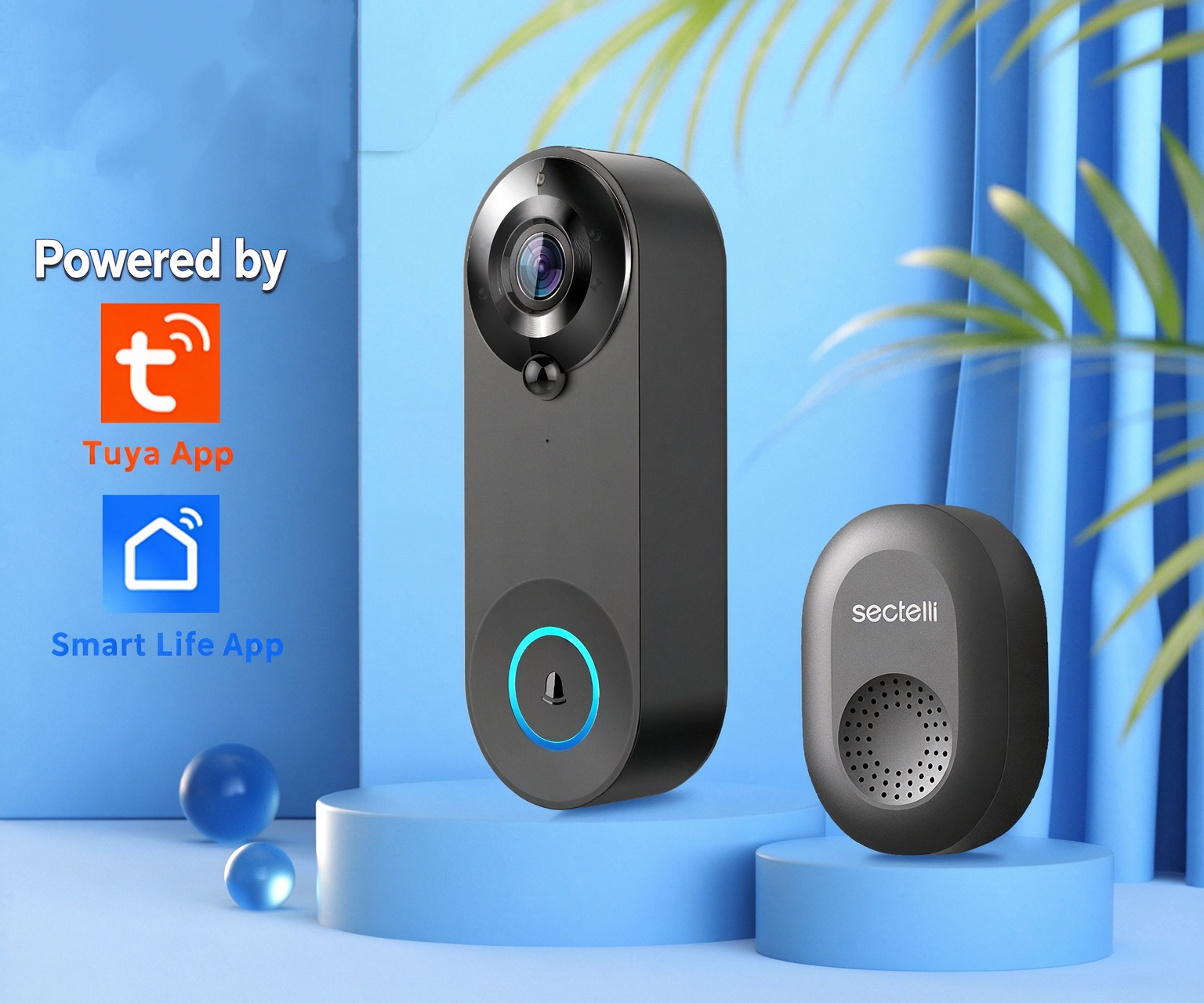
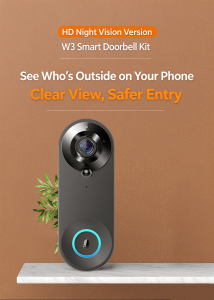
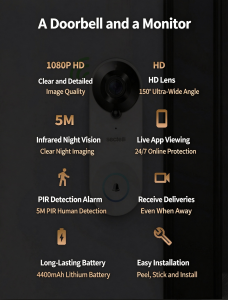
The W3 smart Doorbell kit takes a different approach. It is a battery-powered cameradoorbell that mounts on the outside of the door, an indoor chime that rings inside the house, and an app that puts the same view on your phone from anywhere. No wiring, no electrician, no hole in the wall.
W3 Smart Doorbell Kit, see who is outside your door on your phone
What You Get and How It Sits on the Door
The kit is deliberately simple. Three pieces do the whole job, and only one of them is outdoors.
The Doorbell Unit
The outdoor piece is a slim vertical camera with a wide lens at the top, a PIR sensor below it, a small status light and a bell button in a blue ring at the bottom. It runs on its own battery and talks to your WiFi, so there is no transformer to install and no doorbell wire to reuse.
The Indoor Chime and the App
The indoor chime plugs in somewhere in the house and rings when someone presses the button, which matters because a phone on silent is not a doorbell. The app is the third surface: live view, recordings, motion alerts and one-tap video calls, all on the phone you already carry.
No Wiring, No Electrician
Installation is described as peel, stick and install: the mounting plate goes on, the unit clips into it, the app binds the device to your account, and you are finished. For renters this is the whole point. Nothing is drilled into a wall, nothing needs the landlord’s electrician, and nothing has to be undone when you move out.
What It Changes Day to Day
Specifications matter less than the moments they create. These are the ones that come up most often.
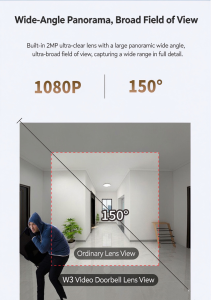
A 150-Degree View of the Approach
150° wide panoramic view, 1080P 2MP ultra clear lens for larger monitoring range
An ordinary doorbell camera sees the person at the moment they press the button. A 150-degree lens also sees the corridor or path they walked in from, plus whatever is happening beside the door. When something goes missing from a porch, that extra width is the difference between seeing a face and seeing a direction.
1080P and a Lens That Reads Faces
Wireless video doorbell with 1080P HD, infrared Night vision, PIR human detection, long battery life
2MP at 1080P is not the highest resolution on the market, and it does not need to be. What matters at a front door is whether you can recognise the person, read a uniform, or see what is in someone’s hands. The app also flags a detected face in the recording timeline, so you can jump to the moment a person appears instead of scrubbing through a corridor.
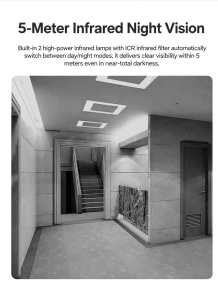
Five Metres of Night Vision
Clear monitoring within 5 meters in total darkness with automatic day and night switch
Two high-power infrared lamps with an automatic infrared filter switch between day and night, giving usable images out to about five metres in near-total darkness. In a dim hallway at midnight you get a clear view of a figure, clothing and posture rather than a grey blur.
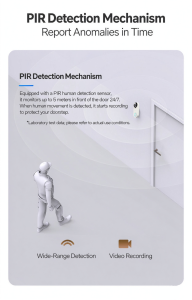
A PIR That Starts Recording on Its Own
5 meters PIR detection, auto record and push alert when human movement is detected
The motion sensor watches up to five metres in front of the door and starts recording when a person moves into that zone. You do not have to arm anything, remember anything, or press anything. The camera is already looking before the visitor reaches for the button, which is what makes the recordings useful rather than decorative.
One Tap to a Video Call
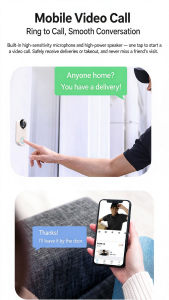
Built-in mic and speaker, one tap video call with visitors, talk to couriers remotely
When the bell rings, the app lets you open a two-way video call with a single tap: a high-sensitivity microphone on the door side and a speaker loud enough to be heard over street noise. That is how you tell a courier to leave the box Behind the planter, or tell a stranger through the speaker that you are not interested, without opening the door.
Local and Cloud Storage Side by Side
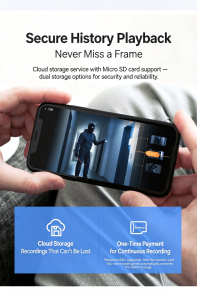
Support cloud storage and micro SD card, review recorded footage anytime
Footage can go to a micro SD card in the unit, up to 64GB, with older clips overwritten automatically once the card is full, or to cloud storage through the app. Running both is the sensible configuration: the card keeps recording when the network is down, and the cloud keeps a copy that a removed card cannot take with it.
Product Specifications
Attribute
Detail
Model
W3 smart doorbell kit, HD night vision version
Resolution
2MP, 1080P HD
Field of view
150 degrees, ultra-wide panoramic lens
Night vision
2 high-power infrared lamps with ICR filter, automatic day and night switching, clear range about 5 m
Motion detection
PIR human detection, range up to 5 m, automatic recording on trigger
Audio
High-sensitivity microphone and high-power speaker, two-way talk, one-tap mobile video call
Power
Built-in 4400mAh lithium battery, fully wireless, no wiring
Connectivity
WiFi, paired with indoor chime and mobile app
Storage
Micro SD card up to 64GB with loop recording, plus cloud storage in the app
Live view
24/7 online monitoring from the app, with face detection marks in the timeline
Account binding
Device is bound to a cloud account and cannot be re-paired until the owner unbinds it
Controls on unit
Power switch, reset button, network indicator, TF card slot
Installation
Peel, stick and install; battery powered, no doorbell wiring required
In the box
Doorbell unit, indoor chime, mounting parts, quick start guide
The Detail Most Buyers Ask About: Where the Footage Lives
A doorbell camera is only as good as the recording you can still find three days later. This one gives you two independent places to keep it, and the difference between them is worth understanding before you buy, not after.
The Memory Card Is the Reliable One
A micro SD card up to 64GB sits in a slot under the back cover, next to the power switch. Recording is continuous and circular: when the card fills, the oldest footage is overwritten so you never have to clear it manually. No network, no subscription, no account dependency. If you want the simplest possible setup, this is it.
The Cloud Is the One That Survives
Cloud storage is handled inside the app and keeps recordings where a person who takes the doorbell cannot reach them, which is exactly the scenario a local-only camera fails at. Cloud service terms are set by the provider in the app, so treat the cloud as an addition rather than a replacement for the card.
Account Binding Protects You, and Can Trip You Up
The unit is tightly bound to the cloud account that first pairs with it, and it will not pair again until that owner unbinds it. For a buyer this is an anti-theft feature: a stolen doorbell is a brick. For a reseller or a second-hand buyer it is a real constraint, so unbind the device before handing it over.
Where This Doorbell Fits
It is a front-door device, and the situations where it earns its keep are fairly specific. None of them are about luxury; all of them are about a door other people come to when you are not next to it.
Apartments and Rental Flats
In a building, the door opens onto a shared corridor where anyone can walk past. A battery doorbell with a stick-on mount gives you a view of that corridor without a wall camera the landlord may not allow and a deposit you would rather keep.
Houses That Get a Lot of Parcels
Couriers arrive at the worst possible time and leave with the box if nobody answers. A video call from the app lets you direct the delivery to a porch, a neighbour or a locker, and the recording documents that the exchange happened.
Homes With Older Parents or Children
The indoor chime means the person at home does not need a phone, an app or a login to know someone is at the door. A child who has been told not to open the door for strangers gets a second layer of supervision, and a parent who does not use a smartphone still hears the bell.
Small Shops, Studios and Home Offices
A studio or small storefront has the same problem as a front door, only with customers instead of couriers. Two-way audio lets you say you are coming, and continuous recording covers the minutes you spend in the back room.
Who This Doorbell Suits
Renters who want a door camera without drilling, wiring or asking permission.
Households that miss deliveries because nobody is near the door when the bell rings.
Anyone who lives alone and would rather speak to a stranger through a speaker than open the door.
Homes where the person at home will not use a phone app to check who is outside.
Small shops, studios and home offices that need a record of who came to the door and when.
Care and Maintenance
The unit lives outdoors, so most of the maintenance is about keeping the lens and sensors clean. Wipe the camera Window and the PIR window with a soft dry cloth; do not use solvent cleaners or abrasive pads, and do not spray water directly at the housing. Keep the button ring and the speaker grille free of dust so the chime and the audio stay clear.
The battery is the part that needs a habit rather than attention. A 4400mAh cell lasts according to how busy your doorway is and how often you open live view, so charge it when the app reports a low level rather than when the unit goes dark. Cold weather shortens the interval, which is worth remembering in winter.
The memory card deserves two minutes a month. Check in the app that recording is still running, and format the card from the app if clips stop appearing. The card slot is under the back cover next to the power switch, so it is reachable without tools but not something to open in the rain.
Is It Right for Your Door?
The honest answer starts with your WiFi. A wireless doorbell depends on a signal that reaches the outside of your door, and a thick wall or a door at the far end of the house can make that marginal. Check the signal strength on your phone standing at the door before you order; if it is weak there, the doorbell will be too.
The second condition is the mounting surface. The unit is designed to be stuck on rather than screwed through a wall, which is what makes it renter-friendly, but a textured, damp or painted surface needs cleaning and drying first so the adhesive holds. For a metal door or an exposed coastal wall, plan the position with care.
The third is about expectations. This is a doorway camera, not a whole-home security system. It watches the strip in front of the door, it stores footage locally and in the cloud, and it needs its battery charged. It is not a lock, it does not replace an alarm, and its night vision reaches about five metres rather than across a garden. Within those limits, it does its job well and without a single wire.
Frequently Asked Questions
Do I need to hire an electrician?
No. The doorbell runs on a built-in 4400mAh battery and connects over WiFi, and the indoor chime plugs into a normal socket. Installation is peel, stick and install, with no doorbell wiring and no transformer.
What happens when the memory card is full?
Recording is circular. Once the card reaches capacity, new clips automatically overwrite the oldest footage, so you keep the most recent recordings without ever clearing the card by hand. Cards up to 64GB are supported.
Can I talk to a visitor from my phone?
Yes. When someone presses the button, the app opens a one-tap video call with two-way audio through the unit’s microphone and speaker. You can see the visitor and speak to them from anywhere you have a connection.
How far can it see at night?
About five metres in near-total darkness, using two high-power infrared lamps with an automatic day and night filter. In a corridor or porch that covers the doorway and the approach.
Can I move it to another door or give it away?
The device is bound to the cloud account that first paired with it and will not re-pair until the owner unbinds it in the app. Unbind it before moving it to a new account, selling it, or handing it to someone else.
If your WiFi reaches the door and your doorway is the place people come to when you are not standing next to it, there is very little left to decide: the unit sticks on, the chime rings inside, the app shows you who is outside, and the next knock stops being a guess.
The DS-101BW is a WiFi+BluetoothSmart wall switch from the XingLiao switch line: TuyaWiFiTouch Switch EU UK CN 86mm Zero-Fire. It is built for buyers who need a documented model number, a defined panel standard and a repeatable OEM file rather than a generic catalog photo. This page collects the factory specification, the Control functions and the product images in one place so you can shortlist the model before requesting a sample.
What the DS-101BW does
Network: WiFi+Bluetooth, with the Tuya / Smart Life app flow used across XingLiao switch programs.
Panel format: WiFi Touch Switch EU UK CN 86mm Zero-Fire.
Voice control: works with Amazon Alexa and Google Home through the app integration, subject to region and firmware.
Control modes: app remote control, timer and countdown, status feedback, power-off memory, sharing control and manual operation.
Multi-control association is available for two-way and three-way installations where the wiring supports it.
Certification listed for this family: CE, ROHS. Ask for the current certificate file before artwork approval.
Indicative quotation tiers from the factory sheet: 51-199 pcs – USD 5.1; 200-999 pcs – USD 4.8; 1000-3000 pcs – USD 4.5. Prices exclude tax and freight; confirm the live tier with the sales team. Why Cameras Miss Faces but Doorbells Don’t
Product photos: DS-101BW
DS-101BW: Tuya WiFi Touch Switch EU UK CN 86mm Zero-Fire. Photo 1 of the factory image set.DS-101BW: Tuya WiFi Touch Switch EU UK CN 86mm Zero-Fire. Photo 2 of the factory image set.DS-101BW: Tuya WiFi Touch Switch EU UK CN 86mm Zero-Fire. Photo 3 of the factory image set.
OEM / ODM notes
For DS-101BW, the usual customization points are faceplate color, frame finish, logo print or laser mark, packaging and app branding. State your market, panel standard, wiring type (single-wire or neutral) and annual quantity in the first inquiry so the factory can propose the correct base model. CE, FCC, RoHS, UKCA, CCC and PSE support is documented where applicable; do not assume a listing without asking for the file number.
Questions buyers ask about DS-101BW
Is DS-101BW a WiFi or ZigBee model?
The model designation in the title identifies the platform. DS-101BW-1 is the corresponding line in the factory quotation sheet; confirm the exact protocol and firmware before ordering.
Can the DS-101BW be used with Google Home or Alexa?
Yes through the Tuya app integration, provided the app region and firmware support the integration. Ask for a short app screen recording with your sample.
What must be checked before ordering?
Door or wall box dimensions, panel standard, load type, wiring (neutral present or not), and the certification file for your market. Sendphotos of the installation site with your inquiry.
Based on the breakdown in this article, 101bw Tuya Wifi offers a solid mix of features and value. If your main goal matches the key benefits described above, it is a practical choice for everyday use.
How do I choose the right 101bw tuya wifi for my needs?
Start with your core use case, then compare battery life, compatibility, and build quality as covered above. Choosing the right 101bw tuya wifi comes down to matching specs with how you actually use it.
Does 101bw tuya wifi require a companion app?
Most devices of this type pair with a free companion app for setup and firmware updates. A few advanced features may sit behind a paid plan, so check the official specs page before buying.
📌 This article is part of our Complete Wifi Hub — more guides and buying tips inside.
A dark room, a phone held up to a live view, and one caption: real-time view. Short clips like this are useful because they show the moment buyers rarely test – opening the app at night. They are also easy to misread. Below the video we turn that one scene into a repeatable sample checklist.
Watch: Real-Time View Demo in Low Light
Short low-light live-view demo shown on a phone screen.
A phone screen showing a live view in a low-light room; the demo is about the viewing experience, not a spec table.
The frame is deliberately dark, so it is a fair prompt to discuss IR switching, exposure and bitrate rather than megapixels.
No model number or resolution is claimed in the clip.
Write these four items into your sample checklist
First, IR cut timing: switch a light on and off and time how long the image settles. Second, backlight: stand a person in front of a bright window and check whether the face is recoverable – this is wide dynamic range, not resolution. Third, motion blur: walk past the lens at normal speed at night and freeze a frame.
Fourth, network behavior: repeat the same tests on a throttled 4G connection and record the frame rate and the delay from tap to first frame. A camera that looks fine on office Wi-Fi and stalls on a phone hotspot will generate support tickets in every market.
Ask the supplier which of these are fixed firmware behaviors and which can be tuned for your SKU. Firmware identity and the cloud listing are part of the private-PID discussion, not a free cosmetic change.
Order terms buyers ask about
Certification support: CE, FCC, RoHS, UKCA, CCC and PSE. We do not hold UL or ETL listings – for North America we confirm the current file case by case.
Platform: Tuya (Tuya ZigBee for sub-devices, Wi-Fi for standalone units). App panel, packaging and manuals can be white-labeled.
Standard models: MOQ 5 pcs per color; samples 5 pcs (paid, creditable against the first order).
Need pricing, a sample or a private-label proposal? Tell us the model, market and quantity. Email xingliaoshop@gmail.com or WhatsApp / WeChat +86 176 6666 9273. We reply within one business day. Contact form
There is a very specific moment most of us know by heart. You are upstairs, or in the shower, or already in bed with the lights off, and the doorbell rings. Nobody in the house is near the Door. You spend the next ten minutes wondering whether it was a delivery, a neighbour, or someone you would rather not have opened the door to at all.
The traditional answer is the peephole, and the peephole is a disappointment. It gives you a fisheye circle the size of a coin, it fogs up in cold weather, and using it means pressing your face against the door in exactly the position a stranger would expect.
A wireless Smart video doorbell solves both halves of that problem at once. This one is built as a two-part system: a camera that sits outside the door where a peephole would go, and a colour screen that sits inside on your side of it. Between the two, you stop guessing who is at the door and start knowing.
What This Doorbell Actually Is
Most video doorbells are one device plus a phone app. This one adds a third element, and that element is why it makes sense for households that never got along with app-only doorbells.
The Outdoor Unit: A Camera in the Peephole
The outside piece is a compact camera head with a bell button, a small speaker grille and a set of lenses. It mounts through the door in the place a peephole occupies, so it sees the corridor or porch from the same height a peephole would. Because it sits in the door itself rather than beside it, there is no bracket to align, no wall to drill, and no gap where a cable would normally run.
Inside that head you get a 2MP sensor shooting 1080P, a wide lens that takes in more of the corridor than a standard peephole does, and four 850nm infrared lights for the dark. A PIR motion sensor watches the approach, and a microphone and speaker handle two-way conversation.
The Indoor Unit: A Screen on Your Side of the Door
The second part is the piece people tend to underestimate. It is a colour display that mounts on the interior side of the door, on the same assembly, and shows you the view from outside without an app, without a phone, and without walking to the door.
How the Two Halves Talk
The outdoor unit connects to your WiFi and pairs with the indoor screen and the mobile app. That gives you three ways to see the same view: the screen inside the door, the app on your phone, and the recordings the unit makes when it detects movement. Setup runs through the app, which is why it is described as a smart WiFi setup.
Six Things It Does That a Peephole Cannot
A doorbell is not for being looked at. It is for answering a question quickly and safely. Here is what that looks like in daily use.
Detect Someone Before They Press the Bell
The PIR sensor watches a zone of roughly three metres in front of the door. Someone walking up the corridor, a courier reading the house number, a person standing at the door deciding whether to knock: all of that triggers an alert before the bell is pressed. On a phone that means a notification arrives while the visitor is still outside, which is usually the difference between catching a delivery and finding a slip of paper on the mat.
Answer With Voice and Video, From Anywhere
When a visitor does press the button, the unit starts a video call. You can see them and speak to them through the app, and the listing describes both the audio and the video as clean enough for a normal conversation rather than a shouted exchange. That is what makes the “leave it with the neighbour” conversation possible when you are three cities away.
Show You a Wider, Sharper Picture
A 1080P image with a wider field of view than an ordinary peephole lens means you see the visitor and some of the surroundings, not just a face pressed into the centre of the frame. Snapshots taken inside three metres come out sharp enough to recognise a person and read a uniform or a badge.
See in Full Darkness
Four 850nm infrared lights plus an optimised night mode mean the view does not collapse after sunset. In a dark corridor at two in the morning you still get a usable image of who is standing there, which is precisely the hour when a peephole is least useful.
Record What Happened While You Were Out
Automatic recording means the unit captures the moments that triggered it rather than asking you to remember to press record. Combined with mobile monitoring, you can open the app during the day and look at the door, or review what the sensor caught while the house was empty.
Keep Working When the Power or the Network Drops
This is what separates a two-part system from an app-only one. If the power goes out, the WiFi drops, or the router needs a reboot, the link between the outdoor camera and the indoor screen is still there. You can still see who is outside, and the bell still rings. Remote app access needs power and a network; the local view does not.
Product Specifications
Attribute
Detail
Product type
Two-part wireless video doorbell: outdoor peephole camera plus indoor display screen
Image resolution
2MP sensor, 1080P output
Lens
Wide-angle HD lens, wider field of view than a conventional peephole
Clear identification range
Approximately 3 m / 9.8 ft
Night vision
4 x 850nm infrared lights with optimised low-noise night mode
Motion detection
Built-in PIR sensor, approximate 3 m detection zone, dual-sensing logic to reduce false alarms
Alerts
Front-door motion alerts and loitering alerts pushed to the mobile app
Audio
Two-way voice through the outdoor unit; remote video call from the app
Connectivity
WiFi connection with in-app smart setup; pairs with indoor screen and mobile app
Recording
Automatic recording triggered by detection and by bell presses
4 to 6 months on a full charge under normal low-power use; frequent video calls shorten this
Indoor unit
Colour display screen mounted on the interior side of the door, works without app or network
Installation
Fits the door in place of an existing peephole; confirm door thickness and hole diameter before ordering
The Problem Every Video Doorbell Has: False Alarms
Anyone who has lived with a motion-triggered device knows the real failure mode is not missing events. It is being told about events that did not happen. Leaves, headlights, a cat on the step: after two weeks of that, people turn notifications off, and a doorbell with notifications off is an expensive peephole.
Dual Sensing and a Three-Metre Range
This unit answers that in two ways. First, dual-sensing protection confirms the trigger instead of accepting the first signal. Second, detection range is deliberately short at about three metres, aimed at the strip in front of the door rather than the whole street.
The result is fewer alerts about a car passing and more about a person standing at your door. That is a narrower promise than detecting everything, and for a front door it is the more useful one.
Where It Fits in a Real Home
The device earns its place in a fairly specific set of living situations. None of them are about luxury; all of them are about a door that other people come to when you are not standing next to it.
Apartments With a Shared Corridor
In a building, the door opens onto a semi-public corridor where anyone can walk past. A camera in the door plus a screen inside gives you a view of that space without a wall-mounted camera a landlord may not allow.
Houses That Receive a Lot of Parcels
Couriers press the bell at the worst possible time and leave with the parcel if nobody answers. With remote video call, you can tell them to leave it in the porch, hand it to a neighbour, or put it in a locker, and the recording keeps a record of the exchange.
Homes With Elderly Parents or Small Children
An indoor screen means the person at home needs no phone, app or login to see who is outside. That matters for an older parent who will not use a smartphone, and for a child told not to open the door to strangers.
Small Shops, Studios and Home Offices
A studio or small storefront has the same problem, only with customers instead of couriers. Two-way audio lets you tell a visitor you are coming, and automatic recording covers the gap when you are in the back room.
Who This Doorbell Suits
Households where the bell rings when nobody is near the door and guessing has become normal.
Renters who want a door-level camera without asking permission to mount hardware on a wall.
People who receive frequent deliveries and are tired of coming home to collection slips.
Anyone who lives alone and would rather speak to a stranger through a speaker than open the door.
Households with someone at home who will not use a phone app to check the door.
Care and Maintenance
The outdoor unit lives with weather, dust and hands. Wipe the lens and bell button with a soft dry or slightly damp cloth; do not use solvent cleaners on the camera Window or housing. Keep the speaker grille clear so audio does not go muffled, and avoid spraying water straight at the unit.
The battery is the part that needs a habit rather than attention. At four to six months of standby, a single charge covers most of a year’s worth of forgetting, but only if you recharge when the app reports a low level rather than when the unit stops answering. Frequent video calls, cold weather and a busy corridor all shorten the interval. Charge it before the level gets critical, and the doorbell never goes dark at an inconvenient moment.
The indoor screen needs almost nothing: dust it, keep it out of direct sun, and leave the pairing alone once it works. If the two halves stop talking after a router change, re-pair in the app.
Is It Right for Your Door?
The honest answer is that this is a replacement for a peephole, not a device that mounts anywhere. It fits into the hole a peephole already occupies, on a door with a conventional thickness. If your door already has a peephole, installation is a swap. If it does not, a hole has to be made, and that is a decision to take seriously on a fire-rated door or a door you do not own.
Renters should check with the landlord before drilling; in many buildings the peephole hole already exists and the question does not arise. For fire doors and doors with unusual construction, ask the building manager or a locksmith. Confirming door thickness and hole diameter before ordering takes two minutes and prevents a return.
The second caveat is about expectations. Remote viewing depends on power and a working network, the outdoor unit depends on its battery, and the camera sees the doorway rather than the house. It is a front-door device, not a whole-home security system.
Frequently Asked Questions
Do I need an existing peephole to install it?
It sits where a peephole sits. If your door already has one, the outdoor unit goes into that opening. If not, a hole of the matching diameter has to be drilled, so clear it with the landlord first.
Does it still work if the power or WiFi goes out?
Locally, yes. The indoor screen is paired directly with the outdoor camera, so you can still see who is at the door and still hear the bell. Remote access from the app needs power at home and an active network connection.
How long does the battery really last?
The listing gives four to six months of standby on one charge from a 5000mAh battery. Real life depends on how often the sensor triggers, how many calls you take, and how cold it gets. Treat that range as a normal-use figure.
Can it see in the dark?
Yes. Four 850nm infrared lights with an optimised night mode produce a usable image in complete darkness, which is the situation a peephole handles worst.
Will it alert me about everything that moves?
It is built to avoid that. Detection is limited to roughly three metres in front of the door and uses dual-sensing logic to confirm a trigger, so passing cars and distant movement produce fewer false alerts.
If your door already has a peephole, the decision is unusually simple: the hole is there, the camera goes in it, the screen goes on the inside, and the next time the bell rings you will know who is outside before you reach for the handle.
This clip is a product graphic built around one promise: remote real-time view of both the doorbell and the surveillance camera, from a phone, anywhere. The graphic shows the doorbell, the indoor chime, and an incoming-call screen. It is a clear statement of the feature – but a graphic is not a test report. Here is what to verify on a physical unit before you approve a bulk order.
Watch: Remote Real-Time View – Doorbell and Surveillance
Product graphic showing remote real-time view of both a video doorbell and a surveillance camera from a phone.
A wall-mounted doorbell with a two-lens front, a plug-in indoor chime, and a phone showing an incoming video call.
The caption says remote real-time view for both doorbell and surveillance – two product lines sharing one app.
The phone UI is a call-style screen with accept and decline, which is how Tuya doorbells surface a visitor event.
Six checks that a graphic cannot replace
Wake-up time matters more than resolution. Ask for the delay between a button press and the first frame on the phone, on both Wi-Fi and 4G. Battery doorbells sleep between events; wired units stay awake. If your project needs pre-roll clips, a wired model is the safer architecture.
Then test two-way talk at three meters, chime volume in the next room, night switching at dusk, local storage behavior when the internet drops, and what happens when two family members answer at once. These five failure modes generate most of the returns in this category.
For private-label programs, confirm which parts of the call UI can be branded: the app panel, the push notification text, the packaging and the manual. Your own product ID in the Tuya cloud is a separate decision and starts at 1,000 pieces.
Order terms buyers ask about
Standard models: MOQ 5 pcs per color.
Samples: 5 pcs, paid, and the sample fee is credited against the first production order.
Logo: silk print from 10 pcs, laser engraving from 300 pcs.
Custom packaging: 500-1,000 pcs. Your own product ID (private PID – app panel, firmware identity, cloud listing): from 1,000 pcs.
Need pricing, a sample or a private-label proposal? Tell us the model, market and quantity. Email xingliaoshop@gmail.com or WhatsApp / WeChat +86 176 6666 9273. We reply within one business day. Contact form
 Tuya WiFi High-Power Water Heater Switch 20A / 40A (Touch & Button) Price range: $7.90 through $8.50