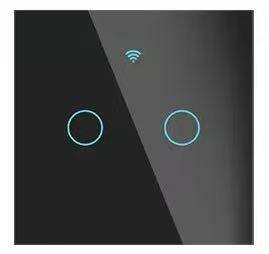
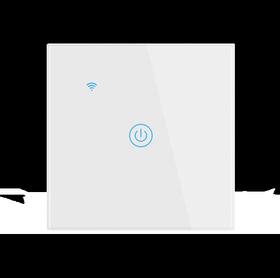
Ask any installer in Europe what stops a Smart switch retrofit and you will get the same answer: there is no neutral in the switch drop. In most of the continent’s older housing stock the switch box carries a switched live and nothing else — the neutral is looped at the ceiling rose or the junction box, not at the wall. A neutral-referenced smart switch simply cannot be fitted there without pulling new cable.
The DS-101JL is the answer to that specific objection: a 1- to 4-gang 86 mm Touch switch that can be wired either with a neutral or, using a bypass capacitor across the load, on a single live wire. This article explains the two wiring modes, the limits of the single-live-wire approach, and how to qualify a site before ordering.
Two wiring modes on one device
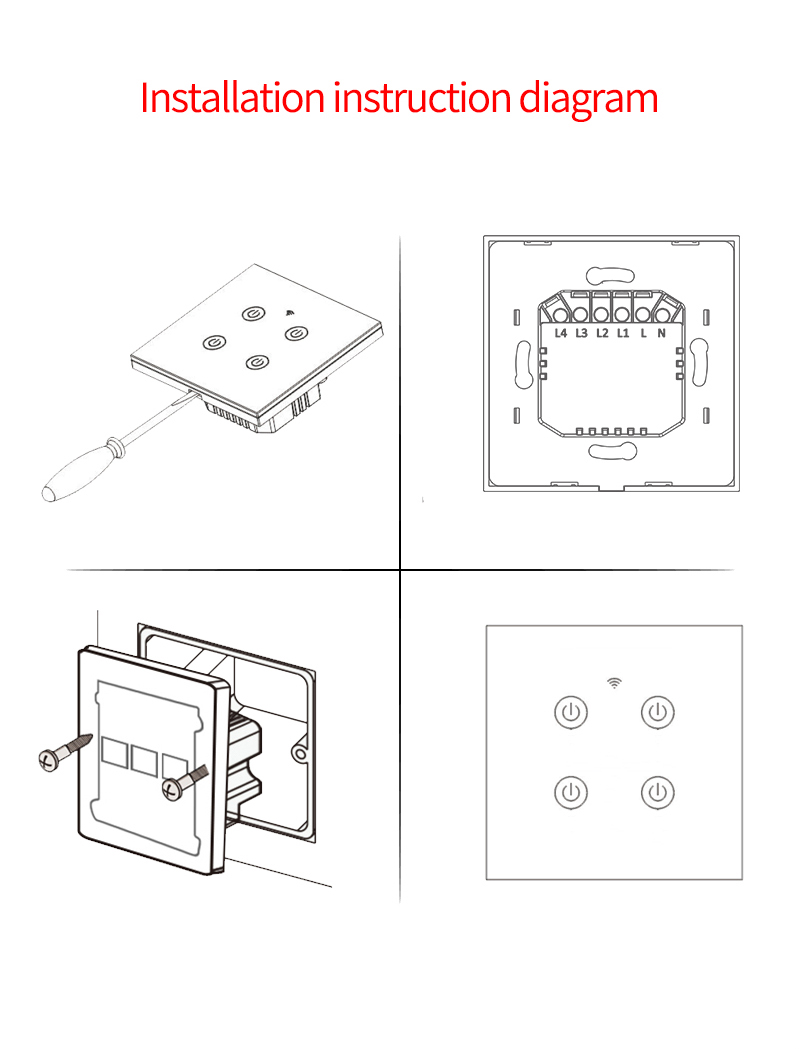
The rear terminal block is marked L4, L3, L2, L1, L, N. In neutral mode, L is the permanent live and N is connected to the neutral conductor. In single-live-wire mode, N is left unconnected and the device draws its standby current through the load, with a capacitor fitted across the lamp to provide a return path.
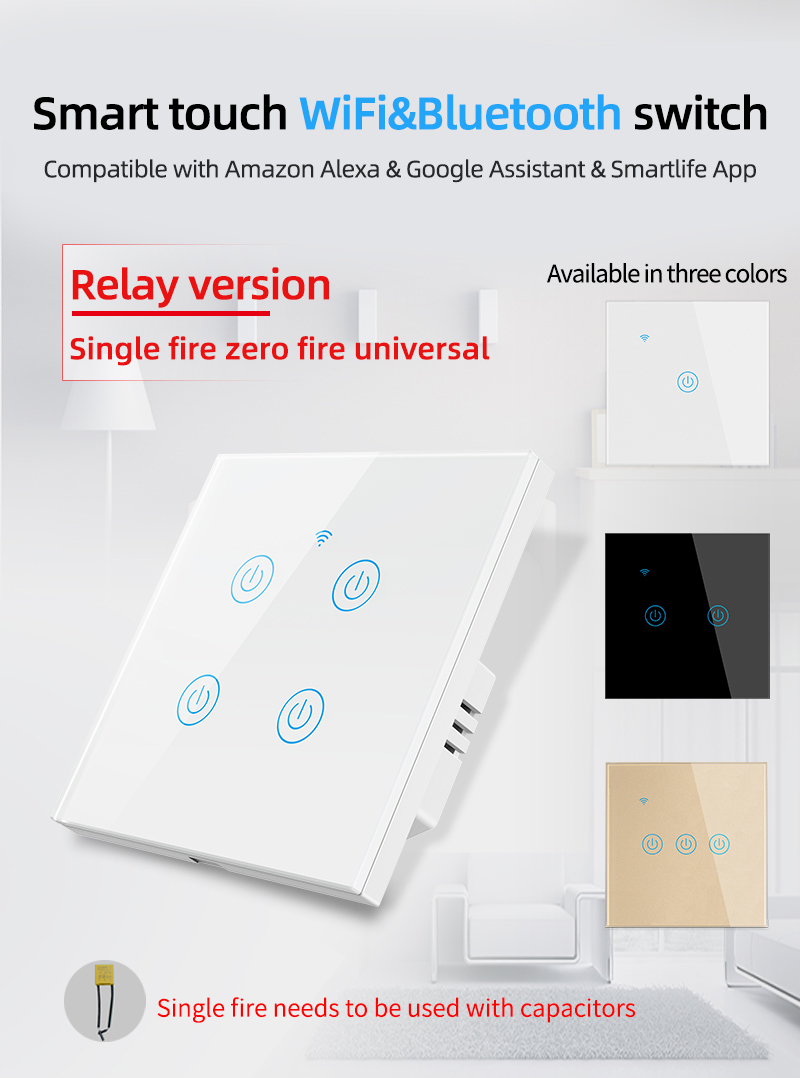
The detail page states the two configurations explicitly: Need Neutral and No Need Neutral + capacitance. That is the honest way to present it. A single-live-wire smart switch is not a magic neutral substitute; it is a circuit that keeps a small standby current flowing through the lamp, and every consequence of that follows from the physics.
Technical specification
| Item | Specification |
|---|---|
| Model | DS-101JL (1–4 gang) |
| Standard / format | EU 86 × 86 mm back box |
| Panel size | 86 × 86 mm, 35 mm thickness, ~49 mm rear depth |
| Faceplate | Tempered Glass touch panel, PC + ABS flame-retardant housing (UL94 V-0) |
| Rated voltage | AC 100–240 V, 50/60 Hz |
| Max load | 600 W per gang |
| Max current | 10 A |
| Wireless | Wi-Fi 2.4 GHz + BLE |
| Wiring modes | Neutral required / single live wire with bypass capacitor |
| Terminals | L1, L2, L3, L4, L, N |
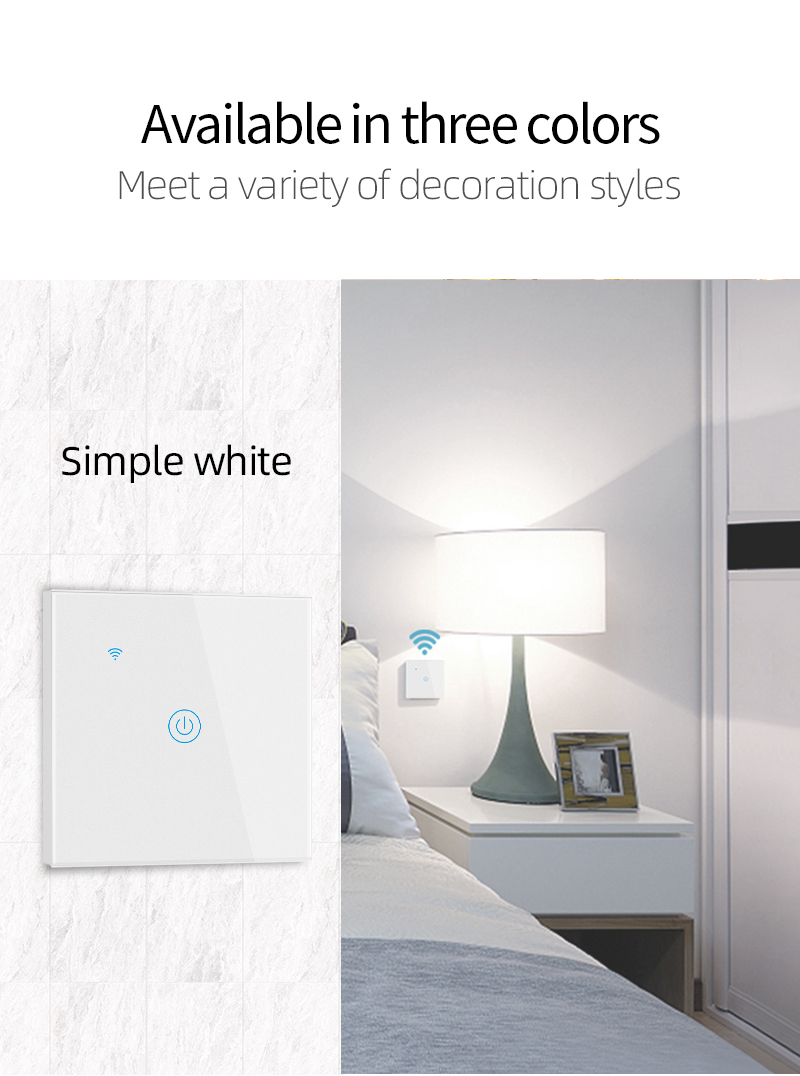
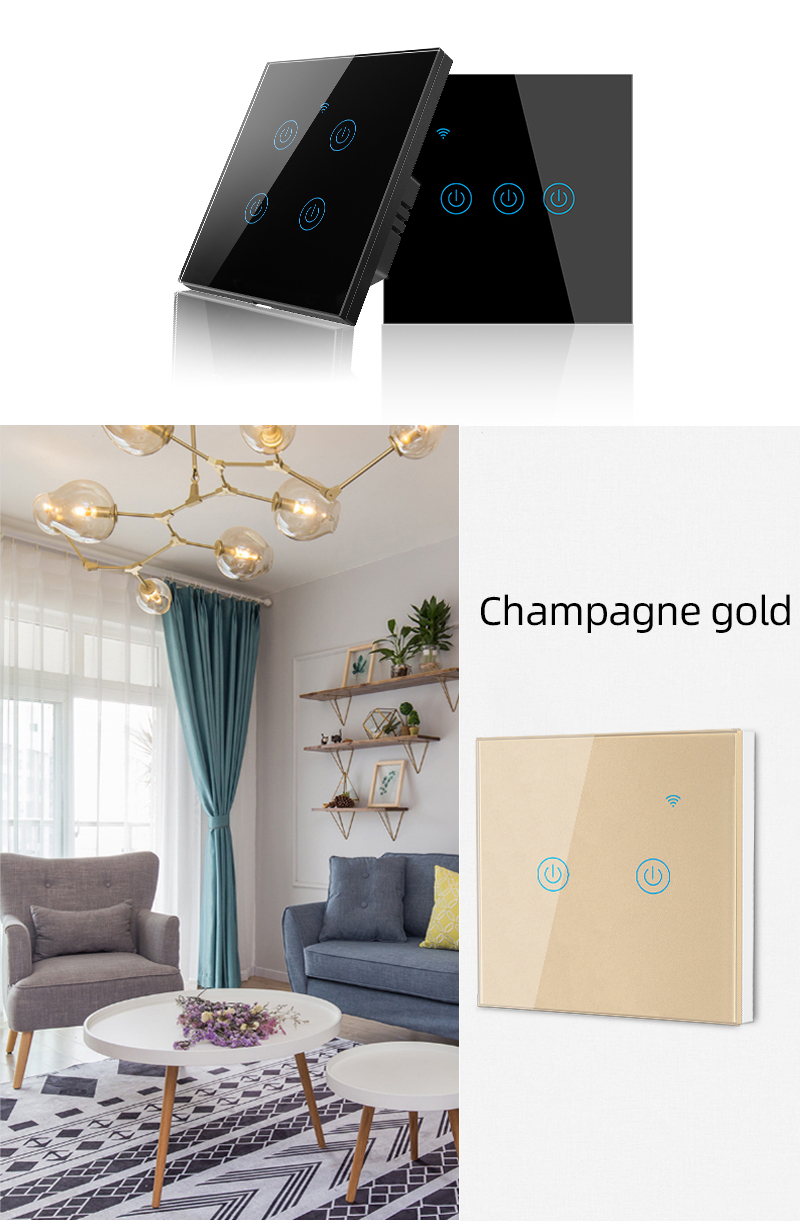
| Colours | White / Black / Champagne gold |
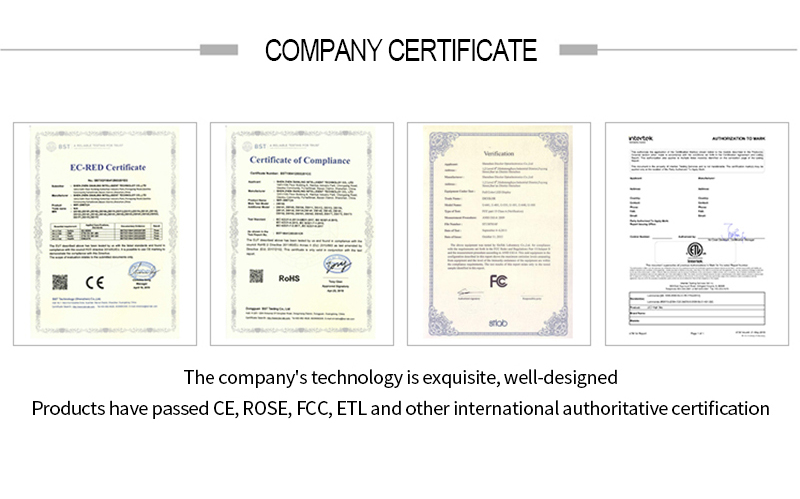
| Certification | CE, RoHS, FCC, ETL |
The five things that decide whether single-live-wire will work
1. The load must be a lighting load, and it must be present
The standby current has to flow through something. A single-live-wire switch with no lamp connected — or with the lamp removed — has no return path and will not power up. This is not a fault; it is the design. If a circuit needs to be isolated at the switch for maintenance, that is an argument for the neutral mode.
2. Low-wattage LED lamps are the main failure mode
Below a certain load, the standby current is not enough to keep the electronics alive and the lamp may flicker or glow faintly when “off”. The bypass capacitor raises the available current, which is why it is supplied with the device rather than being an optional accessory. On a circuit with one 5 W LED lamp, test before rolling out to a hundred rooms.
3. Dimmable and driver-based lamps behave differently
Lamps with an electronic driver — most GU10 retrofits, integrated LED downlights — can interact badly with the leakage path, showing a faint glow at night. In practice the fix is either a different lamp, a second capacitor, or switching that circuit to neutral mode. Budget for a lamp substitution on problem circuits rather than assuming the switch is at fault.
4. Never use single-live-wire mode on a socket circuit
The device is a lighting controller. Socket outlets, appliances with a mains switch, and anything that draws standby power on its own should not be switched this way. Keep the scope to lighting and the failure rate stays low.
5. Four gangs on one live feed aggregate the leakage
A four-gang single-live-wire unit draws standby current through the sum of its loads. On a lighting group where one gang feeds a single small lamp and three feed nothing, behaviour becomes unpredictable. Where gang count is high and loads are small, specify neutral mode.
Site survey: the four questions to ask before quoting
- Is there a neutral at the switch drop? If yes, use neutral mode and stop worrying about lamp compatibility.
- What is the lamp type and wattage per gang? Filament lamps are forgiving; low-wattage LED retrofits are not.
- Is the switch box deep enough? 35 mm panel thickness, roughly 49 mm of rear depth including terminals — check against the box.
- Who is the installer? Single-live-wire work involves mains voltage with the circuit live during testing. Specify a licensed electrician in the tender documents and put the wiring diagram in the manual.
Where the single-live-wire capability pays for itself
Pre-1980s housing and heritage buildings
Where chasing walls is either expensive or prohibited, a switch that works on the existing two-wire drop converts an impossible upgrade into a same-day installation. This is the primary market for the JL variant.
Rental and social housing portfolios
Owners rarely permit new cabling. A device that fits the existing wiring and can be removed again at the end of a lease is the only version of the product a property manager will sign off.
Small hotels converting to app control
Room-by-room upgrade without closing floors. Where a room does have a neutral, use neutral mode; where it does not, the same SKU covers it. Keeping one part number across a mixed building simplifies spares.
Control, app and voice
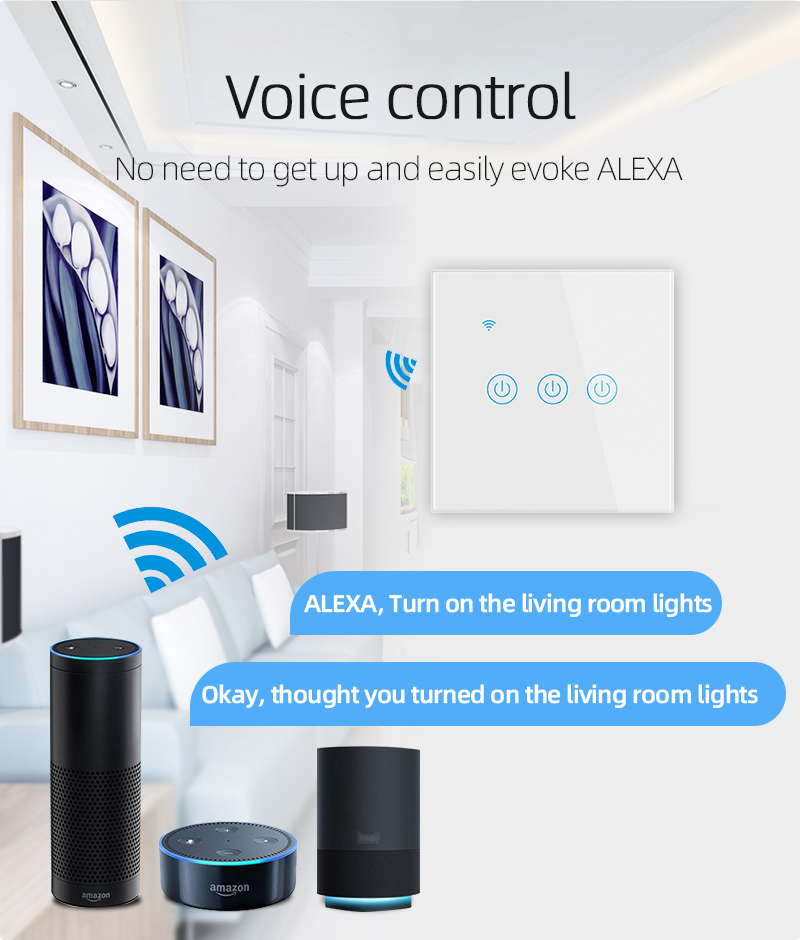
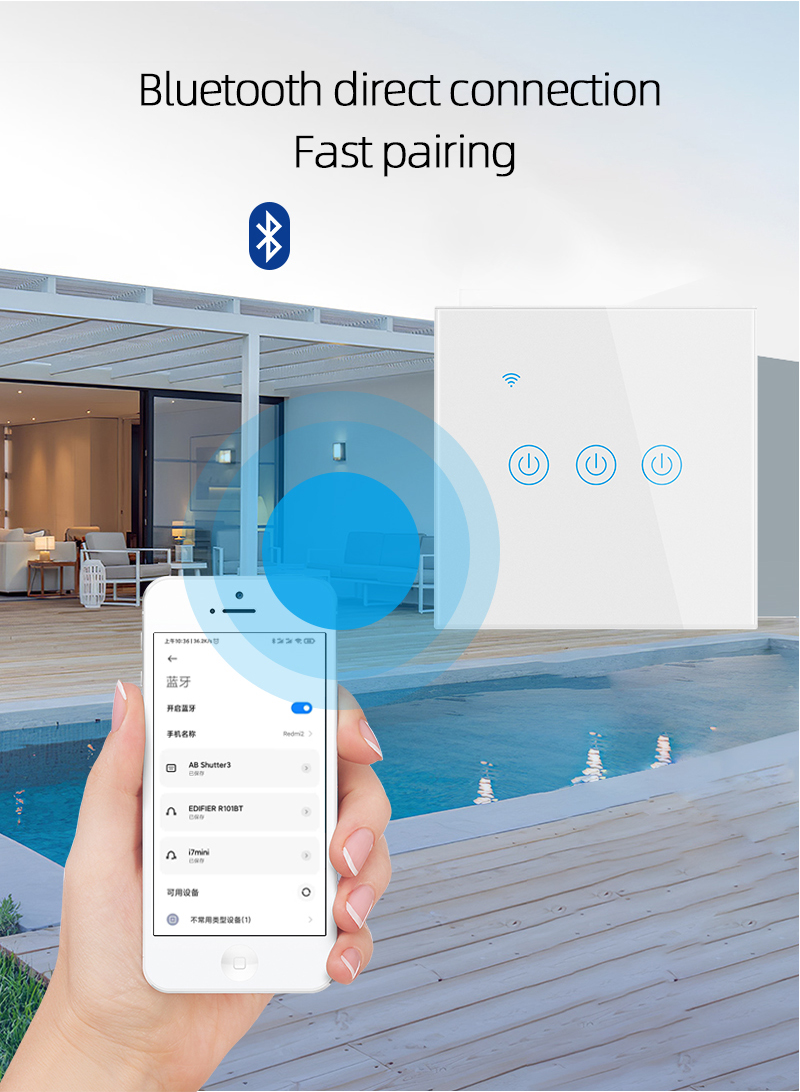
The switch runs on the Smart Life / Tuya stack over 2.4 GHz Wi-Fi with BLE for pairing. Local BLE commissioning means a room can be paired before the building network is live — a practical advantage on phased fit-outs. Alexa and Google Assistant are supported once the account is linked, and device sharing lets facilities staff control rooms without holding the owner credentials.
OEM / ODM
Private-label programmes run on the standard 86 mm glass housing without new tooling: laser-etched logo on the glass, custom retail box, multilingual manual, neutral packaging for marketplace sellers, and firmware-level brand configuration. Because the single-live-wire capability is a documented wiring option rather than a hardware variant, a distributor can carry one SKU and address both neutral and non-neutral sites — which is usually the difference between a viable stock holding and an unviable one.
Compliance and documentation to request
Ask for the CE and RoHS declarations, the ETL and FCC reports if you sell outside the EU, the wiring diagram in the destination language, and the capacitor specification. The last item is frequently missing from competitor packs and is exactly what an electrician needs when a lamp glows in the dark.

Before you order
Send us the site profile: how many drops have a neutral, the lamp type and wattage per circuit, gang count per room and the destination country. We will confirm whether the JL variant is the right part number for each circuit, supply the sample and capacitor, and quote on the gang mix you Actually need rather than a flat blend. Mixed orders combining the 86 mm EU range with the 118 mm US-format range ship in a single consolidated container.
Request DS-101JL pricing, the wiring diagram and a test sample → tell us the number of non-neutral drops in the project and we will advise on capacitor quantities in the same reply.
Related Articles
- Smart Switch Without Neutral Wire
- The 86 mm Glass-Front Smart Switch: Why DS-101BW Suits EU Renovation and Hotel Fit-Outs
- US-Standard Smart Wall Switches: A B2B Selection Guide to the DS-121 / DS-122 / DS-123 Range
- 5,000 W Metered or 3,500 W Double-Pole? Choosing a Smart Wall Switch for Electric Water Heaters
- Touch-Free by Design: The 400 W Wave-Sensor Wi-Fi Wall Switch for Hotels, Clinics and High-Traffic Projects
You Might Also Like
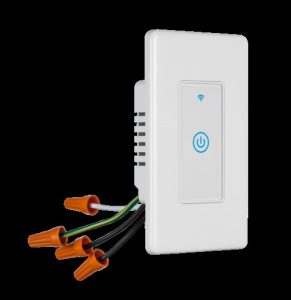 eWeLink US WiFi Touch Switch with Face Cover, 1–3 Way | XingLiao Price range: $11.82 through $13.61
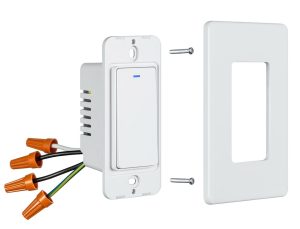 eWeLink US WiFi Button Switch 1200 W, FCC | XingLiao$11.07
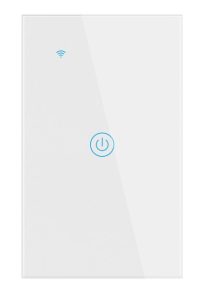 eWeLink US WiFi Touch Switch, Single Live Wire Universal, FCC | XingLiao Price range: $12.12 through $13.91
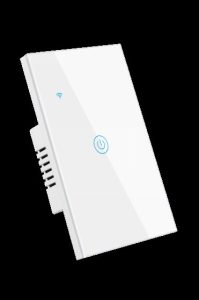 eWeLink US WiFi Touch Switch 1–4 Gang, Neutral Wire, FCC | XingLiao Price range: $10.78 through $12.12
Frequently Asked Questions
Is Smart Switch Without Neutral Wire worth buying?
Based on the breakdown in this article, Smart Switch Without Neutral Wire offers a solid mix of features and value. If your main goal matches the key benefits described above, it is a practical choice for everyday use.
How do I choose the right smart switch without neutral wire for my needs?
Start with your core use case, then compare battery life, compatibility, and build quality as covered above. Choosing the right smart switch without neutral wire comes down to matching specs with how you actually use it.
Does smart switch without neutral wire require a companion app?
Most devices of this type pair with a free companion app for setup and firmware updates. A few advanced features may sit behind a paid plan, so check the official specs page before buying.
📌 This article is part of our Complete Smart Hub — more guides and buying tips inside.