Posted on — Leave a comment

Do You Actually Need a Smart Home Hub? Zigbee, Matter and Bluetooth Gateways Explained

Every Smart bulb advertises “no hub required”, which has left a lot of people believing hubs are obsolete. They are not — they just moved. A hub was never about connecting bulbs; it was about connecting the devices that cannot reach your router on their own, and there are more of those now, not fewer.

The practical rule: if everything you own is WiFi, you do not need a hub today. The moment you add battery sensors, you do.

Why a battery sensor cannot just use WiFi

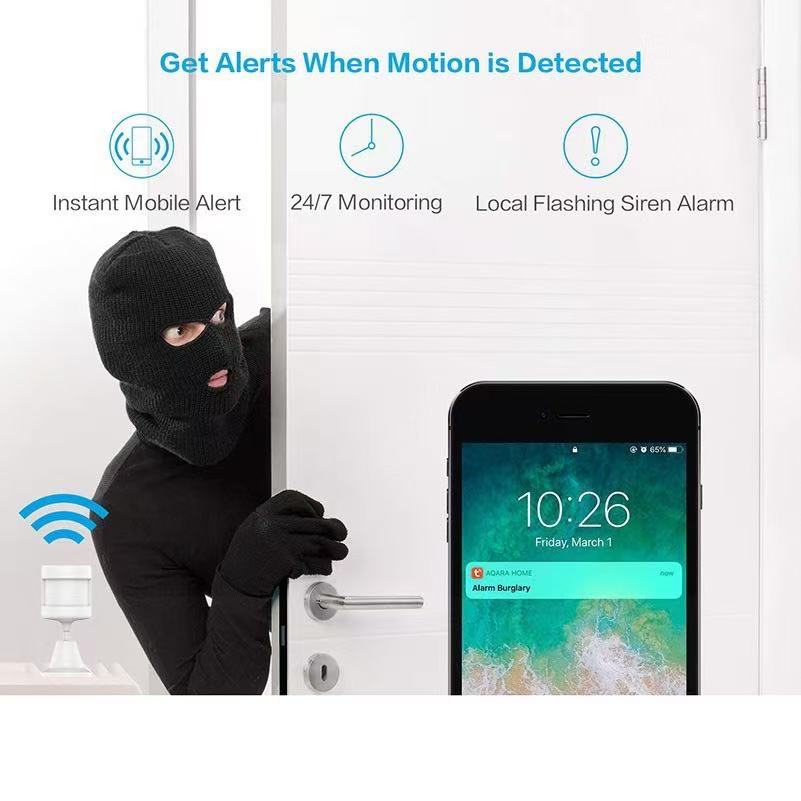
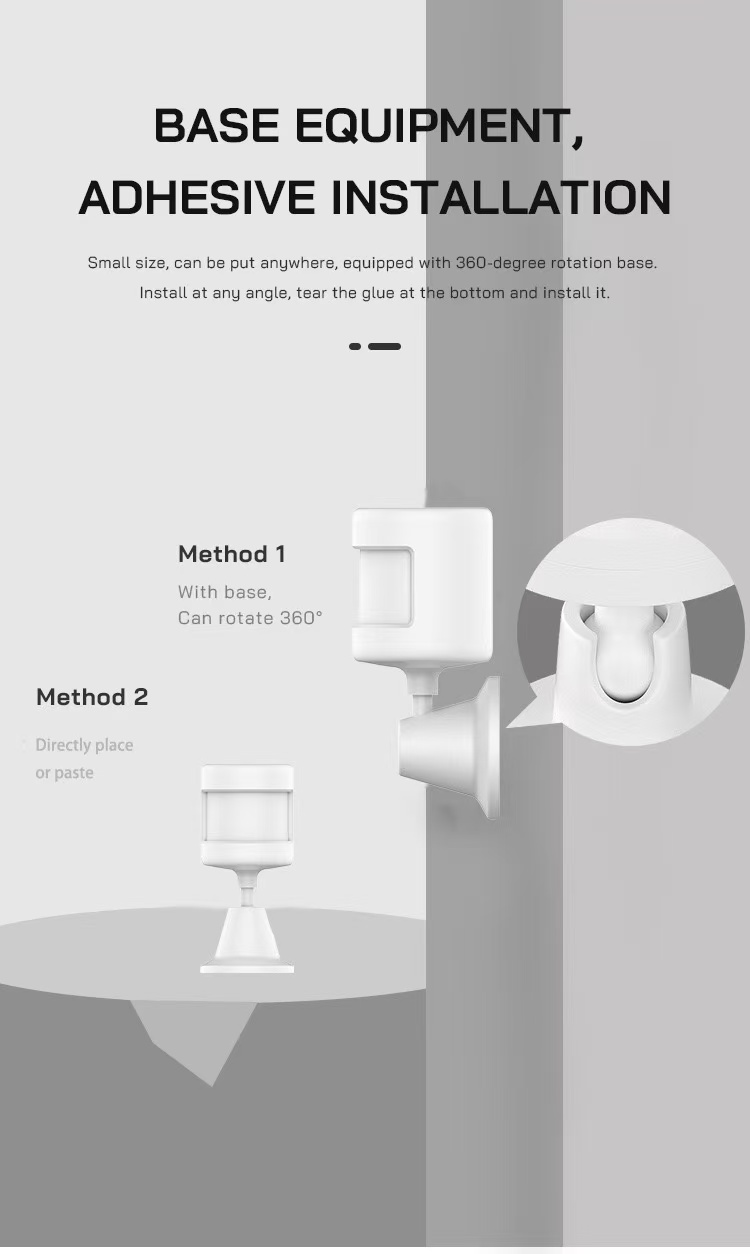
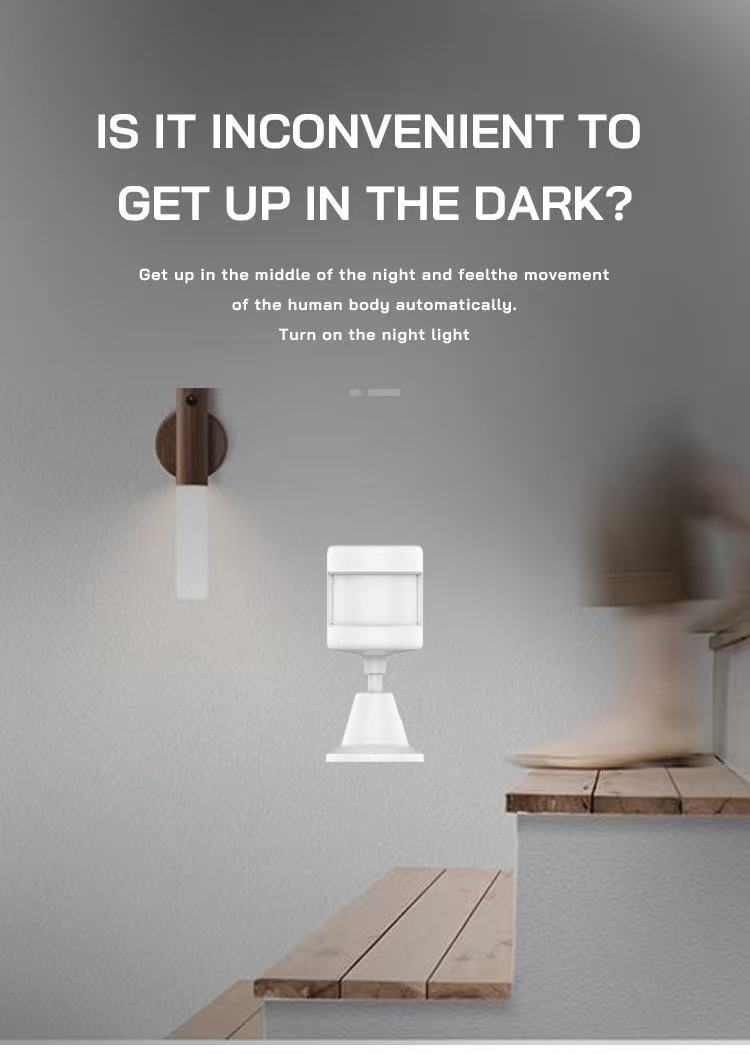
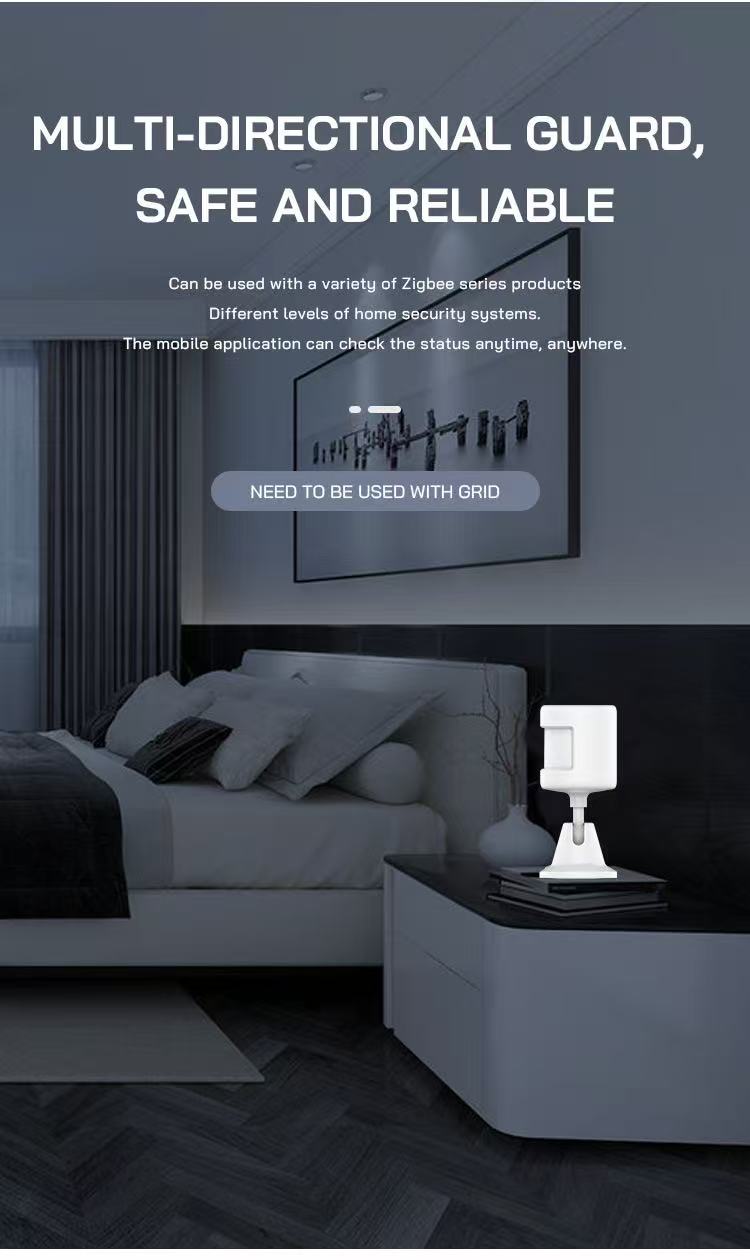
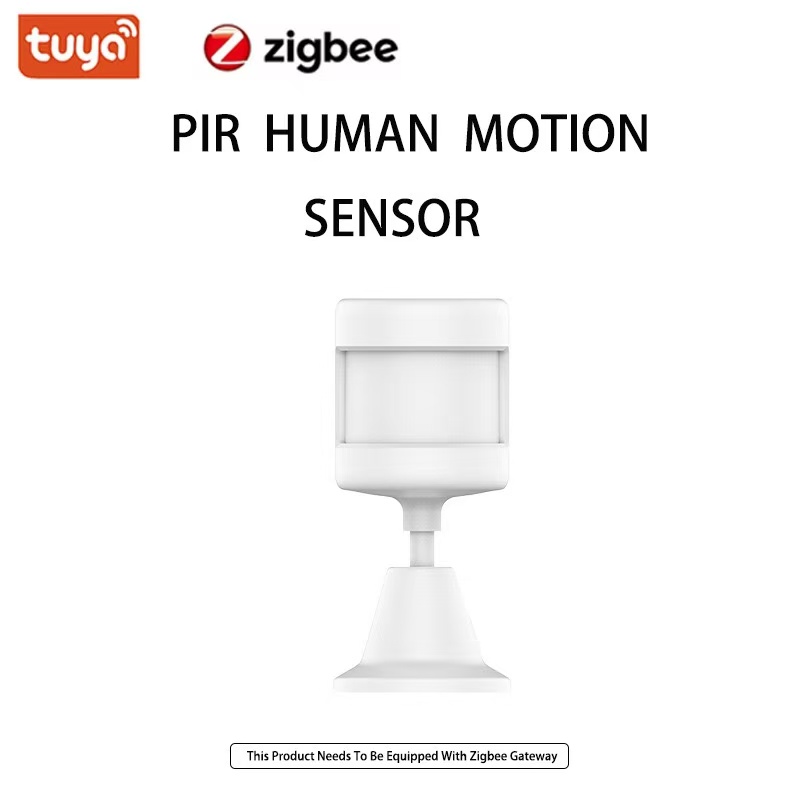
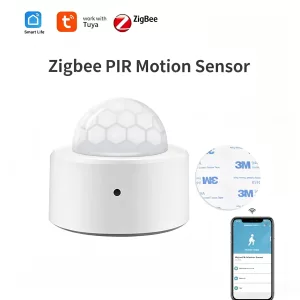
A door contact or a motion detector runs for a year on a coin cell. WiFi’s handshake and transmit power would drain that cell in weeks, and a sensor that needs charging is a sensor nobody uses. Zigbee and Thread exist to be cheap to transmit and cheap to sleep, which is why every serious sensor uses them — including our PIR motion sensor and the temperature and humidity sensor. Those devices need something in the house that speaks Zigbee and can reach your router, and that thing is the hub.

Three different things get sold as a “hub”

Type What it really does Worth it when
Zigbee gateway Runs a Zigbee mesh, keeps devices reachable, executes automations locally You own sensors, or more than a handful of switches
Matter / Thread hub Same job, newer standard, works across brands You are starting fresh and want to avoid lock-in
Bluetooth gateway Forwards Bluetooth devices to the cloud so you can control them remotely You have Bluetooth locks or sensors and want them visible when away

The Bluetooth one deserves a warning, because it is the most misunderstood. A Bluetooth gateway does not turn a Bluetooth lock into a Zigbee device and does not run automations on its own — it is a bridge so your phone’s absence does not mean losing the device. Useful, but not the same purchase as a Zigbee hub. If you want both in one box, a multi-mode gateway such as the MHUB-YR-W also carries an IR blaster, which replaces the pile of remote controls for an air conditioner or a TV at the same time.

Wired or wireless

A wired gateway — the TYGWZ-01, or the MHUB-MS — sits next to the router with an Ethernet cable. It is the most stable option and the one to choose if the hub lives in a cabinet with the network gear. A wireless one such as the TYGWZ-02 or the ZHUB-W only needs power, so you can place it centrally in the flat — which matters more, because Zigbee is a mesh and a hub in the middle of the home hears more devices directly. Pick wired for reliability in a fixed installation; pick wireless when you need to put it where the devices are.

If you are building for the next five years rather than the next five months, a Matter-capable model such as the MZHUB Matter gateway is the safer buy, because it can join either ecosystem later.

How many devices is too many

Zigbee meshes scale further than people expect — our Zigbee 3.0 gateway is specified for up to 130 wired or 30 to 40 wireless devices. The practical limits arrive before the numbers do: put a mains-powered Zigbee device every few rooms so the mesh has routes, and keep the hub away from the microwave and from large metal surfaces.

The reason to care about local execution is simple — automations that run on the hub rather than in the cloud keep working when your internet does not. “Motion in the hallway turns on the light at night” should not depend on a data centre.

When you genuinely do not need one

Three or four WiFi plugs, a couple of bulbs, and a Camera: skip it. You will add complexity for nothing, and every device still works. Add sensors, go past ten devices, or want lights that work during an outage, and the hub stops being optional. The same reasoning applies to the wider ecosystem choice — see our comparison of Zigbee and WiFi devices and, if you are choosing a platform, the Tuya versus Sonoff comparison. For a single panel that does control and hub duties at once, the 4-inch Tuya control panel replaces a wall of switches and a hub with one box.

Three situations, three answers

Two plugs and a bulb. No hub. Add nothing.

An Apartment with sensors on the doors, a motion sensor in the hall, and Smart switches. One Zigbee gateway, wireless if you need it central, wired if it lives by the router — the MHUB-W covers the case where you also have Bluetooth devices, and an IR remote paired with the gateway brings an older air conditioner into the same automations.

A house being wired from scratch. Matter-capable hub, wired, in the cabinet with the network gear — and choose devices that carry Matter or Zigbee rather than WiFi wherever there is a choice.

Frequently Asked Questions

Can two hubs coexist?

Yes — a Zigbee hub and a Bluetooth gateway on the same network are normal. What does not work is one device paired to two hubs; a Zigbee sensor belongs to whichever hub added it.

Do I need a hub for Matter devices?

You need a Thread border router, which most Matter hubs include and some speakers and routers now include too. Check whether you already own one before buying.

Will my devices work if the hub is unplugged?

Zigbee devices lose automations and remote control; anything running locally on a schedule stops. Battery sensors keep their own state but cannot report it.

Is a Bluetooth gateway enough for a smart lock?

For remote control and status, yes. For a lock to trigger other devices or run locally, it needs to be on a hub that executes automations.

Related Articles

You Might Also Like

Posted on — Leave a comment

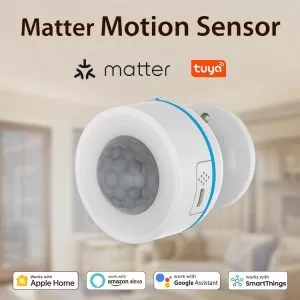
Matter PIR Motion Sensor: 8 Automations That Actually Work, and the 5 Things That Cause False Triggers

Matter PIR motion sensor mounted on a hallway wall at 2.1m height covering a corridor

Quick answer: a Matter PIR sensor gives you occupancy, not presence. It tells a hub that someone moved through a space in the last few seconds, which is enough for lighting, heating setbacks, fans and alerts — and not enough for “is someone still in the room”. Build automations that only need a trigger plus a timeout, mount the sensor 2–2.2m high facing across the room rather than at a window, and most reliability problems disappear before they start.

Matter PIR motion sensor mounted on a hallway wall at 2.1m height covering a corridor
A hallway is the highest-value position in any Home — everyone passes through it, several times a day.

Eight Automations Worth Running

  1. Hallway light on movement, off after two minutes. The classic, and still the one people notice most. Two minutes is long enough to walk through with your hands full.
  2. Night-only pathway lighting. Same trigger, but only between 23:00 and 06:00, at 10–20% brightness. Full brightness at 3am is a design failure.
  3. Bathroom extractor fan. Trigger the fan on entry, run it for ten minutes after the last trigger. Cheaper and more reliable than a humidity sensor in most bathrooms.
  4. Heating or air-conditioning setback. No movement in a room for 30 minutes → drop the setpoint by 2°C. Movement → restore. This is where a sensor pays for itself.
  5. Standby kill for a Home office or a media wall. No occupancy for 45 minutes → cut the socket strip. Screens, speakers and chargers draw more than people expect.
  6. Arrival lighting at the entrance. Movement in the porch during the evening → porch light plus the hallway light, so nobody unlocks a Door in the dark.
  7. Away-mode alerting. Movement in a room that should be empty while the house is in away mode → notification. It is not an alarm system, but it is a useful second opinion.
  8. Staircase handover. Sensor at the bottom triggers the stair lights, sensor at the top keeps them on until the top landing is reached. Two sensors, no switch.
Compact Matter Thread PIR motion sensor with USB-C and battery dual power options
USB-C plus battery means the sensor can be permanent in one spot and moved for testing without rewiring.

Why Automations Fail: Occupancy Is Not Presence

A PIR reports motion, then goes quiet after a timeout. The moment someone sits still — reading, working at a desk, watching a film — the sensor reports “no motion” and a naive automation switches the lights off on them. Three ways out:

  • Use a generous timeout (10–15 minutes) for rooms where people sit still.
  • Do not let motion switch lights off in those rooms — let motion switch them on and let a schedule or a manual switch handle off.
  • Combine with a door contact if you need real room state: door closed plus no motion is far more reliable than motion alone.

Five Things That Cause False Triggers

  1. Direct sunlight or a hot draught on the lens. PIR detects infrared change; a sunbeam moving across a floor or warm air from a heater vent looks like a person. Move the sensor, not the radiator.
  2. Curtains and plants above a heater or an open window. Air movement plus fabric is the most common daytime false trigger.
  3. Pets at sensor height. Mount at 2–2.2m and, if the sensor supports it, angle it slightly downward; a cat on the floor is then mostly outside the pattern.
  4. Sensors pointed at windows. Cars, pedestrians and reflections outside the glass are all infrared events. Point the sensor into the room, across the walkway.
  5. Mounting on a vibrating surface. A sensor on a loose door frame or next to a washing machine can self-trigger. Solid wall, solid fixings.
Matter motion sensor installed in a staircase detecting movement for automatic lighting
Staircases are where a well-placed sensor stops being a gadget: hands full, no switch, light already on.

Placement Rules That Hold Up in Real Homes

  • 2–2.2m highon a wall rather than a ceiling corner, for room sensors.
  • Face across the walking pathnot along it — crossing the detection pattern registers far more reliably than walking towards it.
  • Cover the entry point. The first two metres inside a door is where the trigger has to happen, otherwise the light comes on after you are already in the dark.
  • Keep it away from heat sources — radiators, boiler cupboards, the top of a fridge, direct sun.
  • Test before fixing. Walk the room for two minutes with the app open and watch the trigger log. Move it then, not after the adhesive is set.

Why Matter Matters Here

Matter is the reason a sensor like this is worth buying now rather than in two years. It pairs locally with any Matter controller instead of locking you to one app, it joins a Thread mesh that does not congest Wi-Fi, and it keeps working when the internet does not — automations that depend on a cloud round-trip are the ones that fail at 2am during an outage. For distributors it also removes the “which ecosystem does the customer use” question from the sales conversation.

PIR smart home sensor paired with a smart light bulb for hallway automation
Paired with Smart lighting, the sensor becomes the trigger for the scene rather than the device people think about.

Battery vs USB-C

Battery buys placement freedom and a clean install; USB-C buys zero maintenance and the ability to place the sensor somewhere awkward for a battery swap. In practice: battery for hallways, landings and anywhere you cannot run a cable discreetly; USB-C for offices, media walls and anywhere with a socket already behind furniture. A sensor that supports both, as this one does, means you can install on battery and move to USB-C later without replacing hardware.

Matter PIR occupancy sensor in a living room used for heating and lighting automations
In a living room the valuable automation is the heating setback, not the light switch — it is where the energy actually goes.
Frequently Asked Questions

Will it work without internet?

Yes. Matter automations run on the local controller and over Thread, so lighting and heating scenes keep working during an outage. U9 2-in-1 Smart Video Doorbell: No-Drill Home Security With Free Cloud Storage

Can it tell who is in the room?

No. It reports motion in its field of view, not identity. For per-person automations you need a phone presence or a wearable.

How long does the battery last?

Months rather than weeks in a normal hallway. High-traffic positions and very cold rooms shorten it; USB-C removes the question entirely.

Does it detect a seated person?

Not reliably — small movements are often missed. Use a long timeout, or add a door contact if you need to know whether a room is occupied.

Do I need a hub?

You need a Matter controller, which most current Smart speakers and Smart Home hubs already are. Pair it the same way you would pair any Matter accessory.

Related Reading

Product page: Matter Thread PIR Motion Sensor — USB-C and battery dual power

Related Articles

You Might Also Like
Posted on — Leave a comment

Matter PIR Motion Sensor: The 2027 Buyer’s Guide to Truly Smart Home Motion Detection

Matter PIR motion sensor with accurate human detection for smart home

Matter PIR motion sensor side view with size dimensions showing compact 72mm design for discreet wall or ceiling mounting in smart homes
Matter Motion Sensor – Compact Size Dimensions
## Why Your Old Motion Sensor Keeps Letting You Down You bought a “smart” motion sensor. It took 40 minutes to set up. It only works in one app. Your cat triggers it at 3 a.m and last week, when your Wi-Fi blipped, the whole thing went dark. Sound familiar? The problem was never motion detection itself. The problem is the **protocol** behind it. Most sensors are locked into one ecosystem, rely on the cloud, and fall apart the moment your network hiccups. Enter the **Matter PIR motion sensor** — a device built on the smart home industry’s first truly universal standard. In this guide, we’ll cover what a Matter PIR sensor is, how it works, who it’s for, and why it’s quickly becoming the default choice for new smart homes in 2025. — ## What Is a Matter PIR Motion Sensor? A **Matter PIR motion sensor** combines two things: 1. **PIR (Passive Infrared) technology** — the sensor detects the infrared heat signature emitted by the human body. When someone walks into range, the sensor “sees” the change in heat and triggers an action. 2. **Matter connectivity** — the device speaks Matter, the unified smart home protocol backed by Apple, Google, Amazon, and Samsung. Put them together and you get a **wireless human-body sensor that works natively with every major smart home platform** — no bridges, no proprietary hubs, no app lock-in. > **Quick definition:** A Matter PIR motion sensor is a battery-powered infrared detector that senses human movement and talks directly to your Apple Home, Alexa, Google Homeor SmartThings setup using the Matter standard.

—

Matter PIR motion sensor side view with size dimensions showing compact 72mm design for discreet wall or ceiling mounting in smart homes
Matter Motion Sensor – Compact Size Dimensions
Matter PIR motion sensor showing accurate detection in a smart home — pet-immune 25kg with adjustable sensitivity and 120° wide-angle security coverage
Matter Motion Sensor – Accurate Pet-Immune Detection
## What Is Matter (and Why Should You Care)? Matter launched in 2022 as a joint effort by the **Connectivity Standards Alliance (CSA)** — the same group behind Zigbee — with founding members including Apple, Amazon, Google, and Samsung. Before Matter, buying a smart device meant playing a guessing game: “Will this work with my hub?” Matter ended that. **A Matter-certified device works with:** | Ecosystem | Native Matter Support | |———–|———————-| | 🍎 Apple Home (HomeKit) | ✅ Yes | | 🗣️ Amazon Alexa | ✅ Yes | | 🔍 Google Home | ✅ Yes | | 🏠 Samsung SmartThings | ✅ Yes | | 🛠️ Home Assistant | ✅ Yes | One device. Every platform. That’s the entire pitch — and it works. —
Matter PIR motion sensor showing accurate detection in a smart home — pet-immune 25kg with adjustable sensitivity and 120° wide-angle security coverage
Matter Motion Sensor – Accurate Pet-Immune Detection

## How Does a PIR Motion Sensor Actually Work?

PIR stands for **Passive Infrared**. Here’s the simple version:

– Every warm object (including you) emits infrared radiation.
– A PIR sensor has a **Fresnel lens** that splits the room into detection zones.
– When a warm body moves between those zones, the sensor detects the change in infrared levels.
– It sends a signal: “Motion detected.”

Modern Matter PIR sensors add **smart filtering** on top of this. Advanced firmware can distinguish a 25 kg (55 lb) pet from a full-grown human, so your dog doesn’t set off the alarm every time it walks past the sofa.

—

Matter PIR motion sensor showing accurate detection in a smart home — pet-immune 25kg with adjustable sensitivity and 120° wide-angle security coverage
Matter Motion Sensor – Accurate Pet-Immune Detection
Matter PIR motion sensor side view with size dimensions showing compact 72mm design for discreet wall or ceiling mounting in smart homes
Matter Motion Sensor – Compact Size Dimensions

## Why Choose a Matter PIR Sensor Over Older Options?

### Matter vs. Zigbee / Z-Wave / Wi-Fi Sensors
Feature | Matter over Thread | Zigbee | Z-Wave | Wi-Fi |
———|——————-|——–|——–|——-|
Cross-platform | ✅ Native | ⚠️ Needs hub/bridge | ⚠️ Needs hub/bridge | ⚠️ App-dependent |
Local control (no cloud) | ✅ Yes | ✅ Yes | ✅ Yes | ❌ Usually cloud |
Battery life | 🔋 Excellent (years) | 🔋 Good | 🔋 Good | 🔋 Poor (drains fast) |
Mesh networking | ✅ Thread mesh | ✅ Yes | ✅ Yes | ❌ No |
Setup speed | ⚡ Under 60 sec | 🐢 Slower | 🐢 Slower | 🐢 Slower |
Future-proof | ✅ High | ⚠️ Medium | ⚠️ Medium | ⚠️ Medium |

**The takeaway:** Matter over Thread gives you the **local speed of Zigbee, the battery life of Z-Wave, and the universal compatibility none of them had.**

—

## 7 Ways a Matter PIR Sensor Makes Life Easier

🏠 **1. Hands-Free Hallway Lights**
Walk to the kitchen at midnight — lights fade on gently. No fumbling for switches.

🚪 **2. Front-Porch Welcome Lighting**
Greeting lights turn on the moment a guest approaches your door.

📦 **3. Package & Intruder Alerts**
Get a push notification the second someone steps onto your porch or into your garage.

🛡️ **4. Basement & Garage Security**
Monitor the low-traffic areas where break-ins most often start.

👶 **5. Toddler Wandering Alerts**
Get notified if your toddler (age 2+) leaves the bedroom at night.

🐕 **6. Pet Activity Tracking**
Know when your cat visits the food bowl — or sneaks onto the couch.

👴 **7. Aging-in-Place Safety**
Set up “no motion for X hours” alerts for elderly family members living alone.

—

## Key Features to Look For in a Matter PIR Sensor

When shopping, prioritize these specs:

– ✅ **Matter over Thread** (not a bridged/Zigbee device awkwardly labeled “Matter-compatible”)
– ✅ **Pet immunity** up to 25 kg / 55 lb
– ✅ **Battery life of 2+ years** (CR123A or coin-cell)
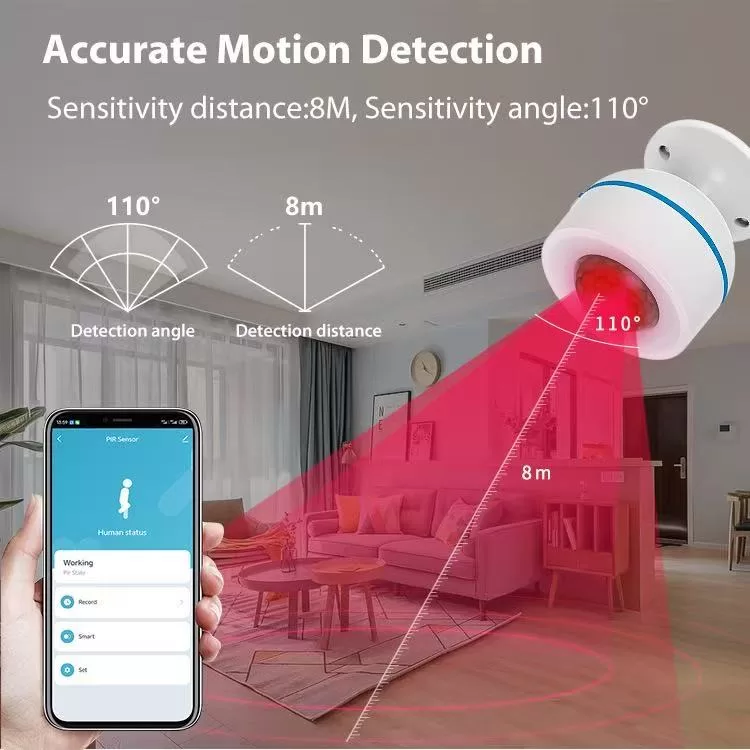
– ✅ **Detection range ≥ 5 m** with a **120° field of view**
– ✅ **Local automation** (works even when the internet is down)
– ✅ **Certifications**: Matter, FCC, CE, RoHS

—

## Technical Specifications (Reference Table)
Feature | Typical Specification |
———|———————-|
**Protocol** | Matter over Thread |
**Detection Type** | Passive Infrared (PIR) |
**Detection Range** | 5 m (16.4 ft) |
**Detection Angle** | 120° |
**Pet Immunity** | Up to 25 kg / 55 lb |
**Power** | 2× CR123A (or 2× AAA) |
**Battery Life** | Up to 3 years |
**Wireless Range** | 30 m indoor |
**Mounting** | 3M adhesive or screws |
**Certifications** | Matter, FCC, CE, RoHS |
**Warranty** | 2-year limited |

—

## How to Set Up a Matter PIR Sensor (It Really Is 60 Seconds)
Open your ecosystem app (Apple Home, Alexa, or Google Home).
Tap “Add Device” and scan the QR code on the sensor.
Stick it to the wall with the included 3M adhesive.
Done — start automating immediately.

**No hub required** if you already own a Thread border router (Apple TV 4K, HomePod mini, Nest Hub Max, or Echo 4th Gen). Most 2021+ smart homes already have one.

—

## Frequently Asked Questions

**Do I need a hub for a Matter PIR sensor?**
You need a Thread border router (Apple TV 4K, HomePod mini, Nest Hub Max, or Echo 4th Gen). Most users already own one.

**Does it work without internet?**
Yes. Local automations like “lights on with motion” run entirely on your home network.

**Is my data private?**
Yes. Matter devices run locally with end-to-end encryption. No cloud uploads, no tracking.

**Can I use it outdoors?**
Most Matter PIR sensors are rated for indoor use. For outdoor coverage, look for a weatherproof model.

**What if my pet is heavier than 25 kg?**
Disable pet-immunity mode in the app to detect any motion regardless of size.

—

## Final Verdict: Is a Matter PIR Sensor Worth It?

If you’re building or upgrading a smart home in 2025, a **Matter PIR motion sensor is one of the highest-ROI devices you can buy**. It’s cheap, it lasts years on a battery, it works with everything you own, and it keeps working when the internet doesn’t.

Skip the proprietary hubs. Skip the cloud dependency. Go Matter.

—

*Ready to upgrade? [Browse our Matter PIR Motion Sensors →](#)*

**Internal linking suggestions for SEO:**
– Link “Thread border router” → your blog post about Matter hubs
– Link “pet immunity” → a guide on pet-friendly smart home
(truncated).

Related Articles

You Might Also Like