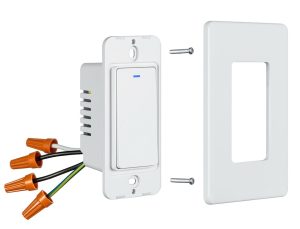
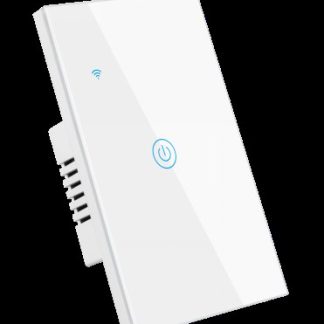
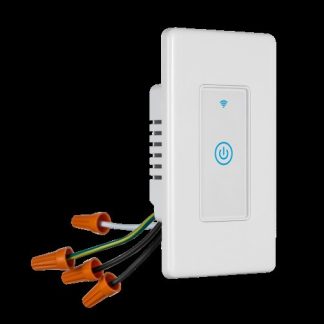
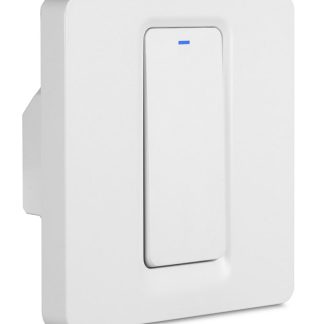
Posted on — Leave a comment

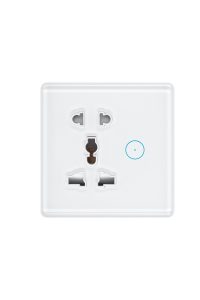
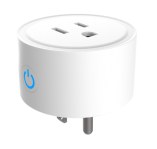
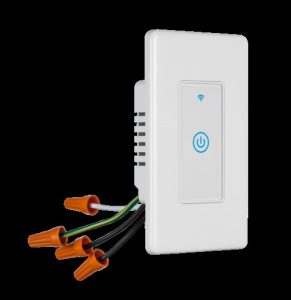
DS-1539WN Smart WiFi Wall Socket: In-Situ Replacement in 86mm Box with Child Safety Shutter

A wall socket is the one electrical accessory that every room needs, and it is also the hardest to Upgrade: pulling new cable through finished walls is expensive, disruptive and often impossible in occupied buildings. The DS-1539WN smart WiFi wall socket is built around the opposite idea – it replaces the existing socket in situ, in the international 86 mm wall box, without touching the wiring inside the wall.

This article explains how the DS-1539WN is installed, what the child safety shutter does, how app and voice control work, and what distributors and project buyers should check before ordering.

What “In-Situ Replacement” Actually Means

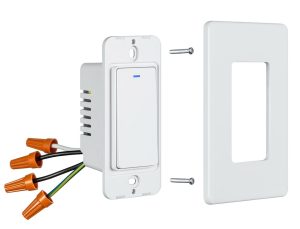
In-situ replacement means the socket body is swapped for the smart module while the original supply wiring stays in the wall. The installer works only at the wall box:

  • The old socket is removed from the 86 mm back box.
  • Existing L, N and earth conductors are reconnected to the marked terminals.
  • The smart module is fixed with the supplied screws and the glass panel is clipped on.

No chasing, no new conduit, no repainting – which is why the platform is used in hotel room refurbishments and rental turnovers where a room cannot be taken out of service for long.
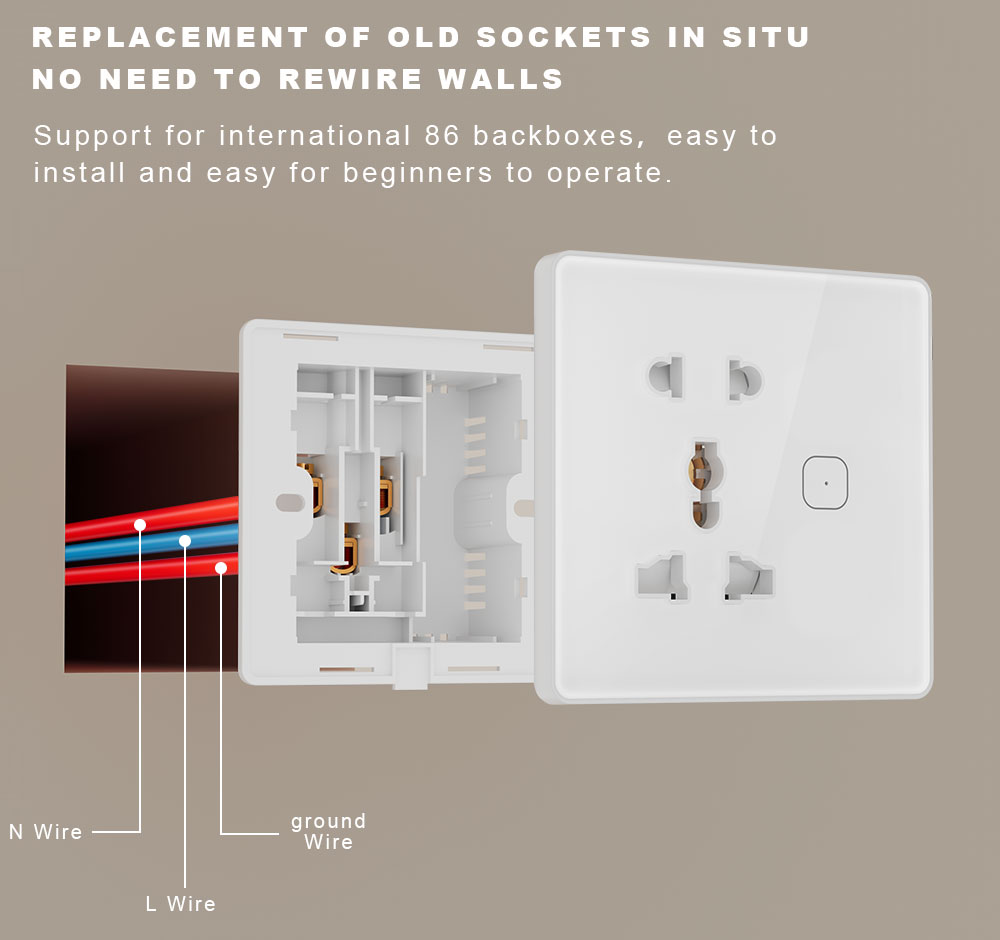
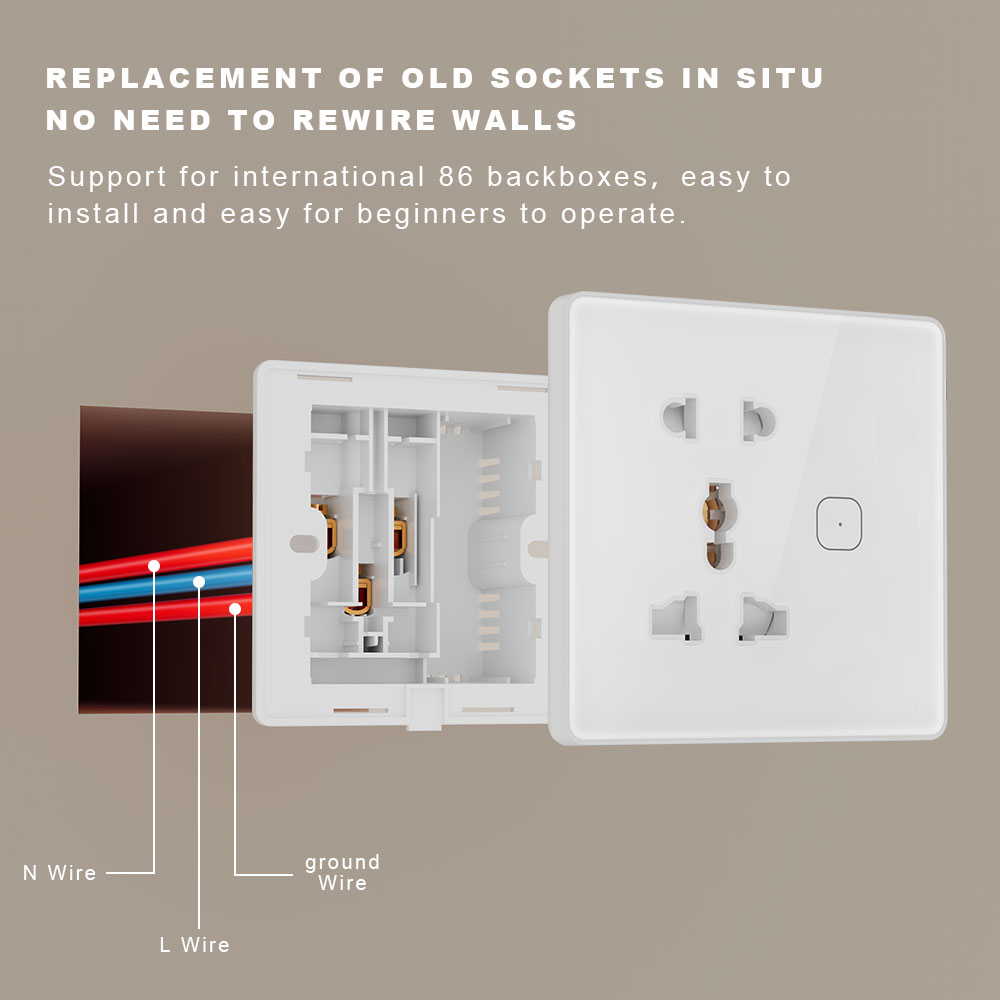
DS-1539WN in-situ replacement without rewiring wallsDS-1539WN wiring diagram for 86 mm back box

Key Features of the DS-1539WN

1. Touch Panel and Manual Override

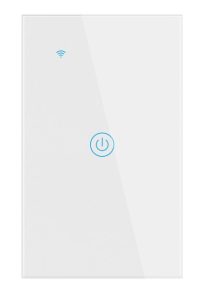
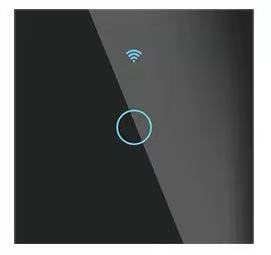
A touch button on the glass panel switches the socket directly. If the Wi-Fi network is unavailable, the socket still works as a normal switched wall outlet – an important requirement for hotel maintenance teams.
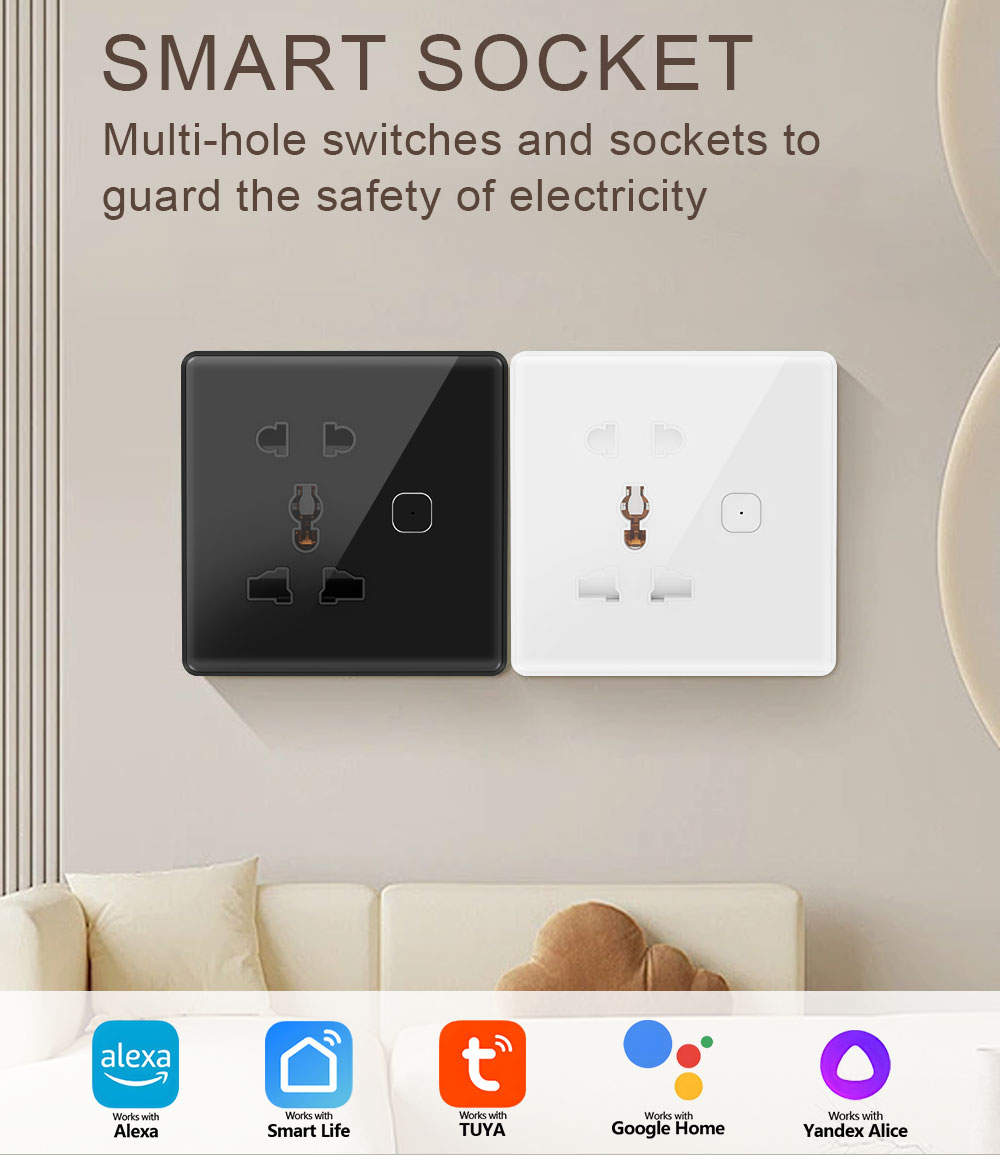
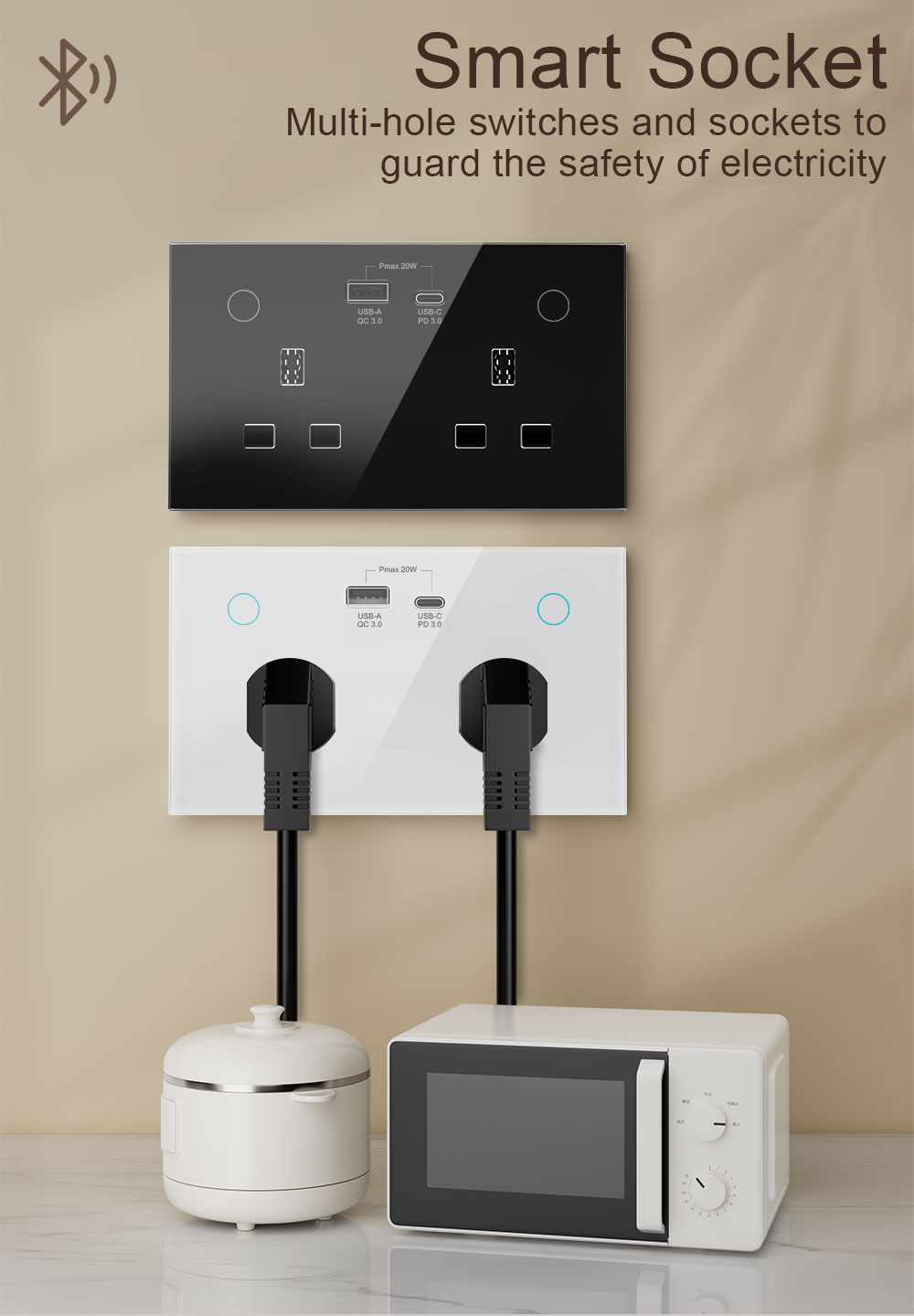
DS-1539WN smart socket installed in a living room

2. App Control with Real Device Naming

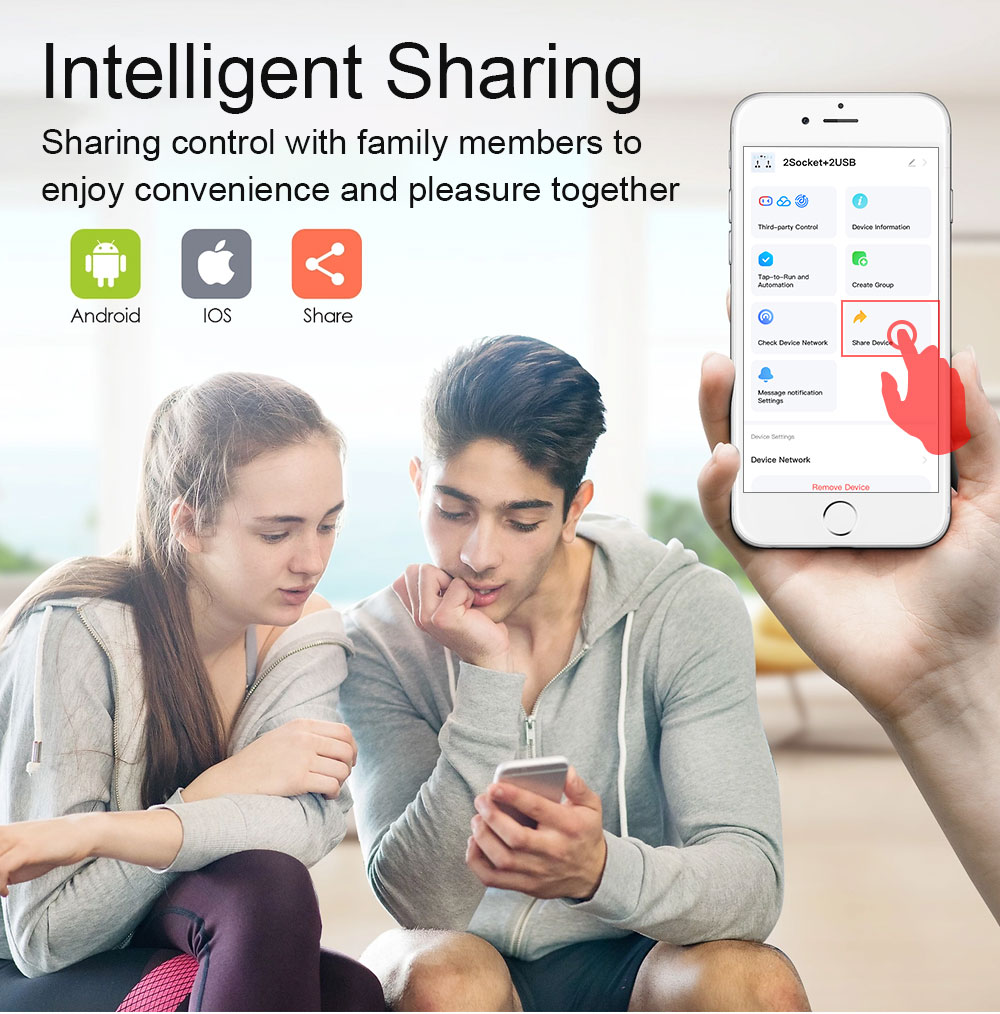
Each socket appears in the app as an individually named device (“Wall Socket”, “Living Room”, “Guest Room 402”), so a whole floor can be managed without guessing which outlet is which.
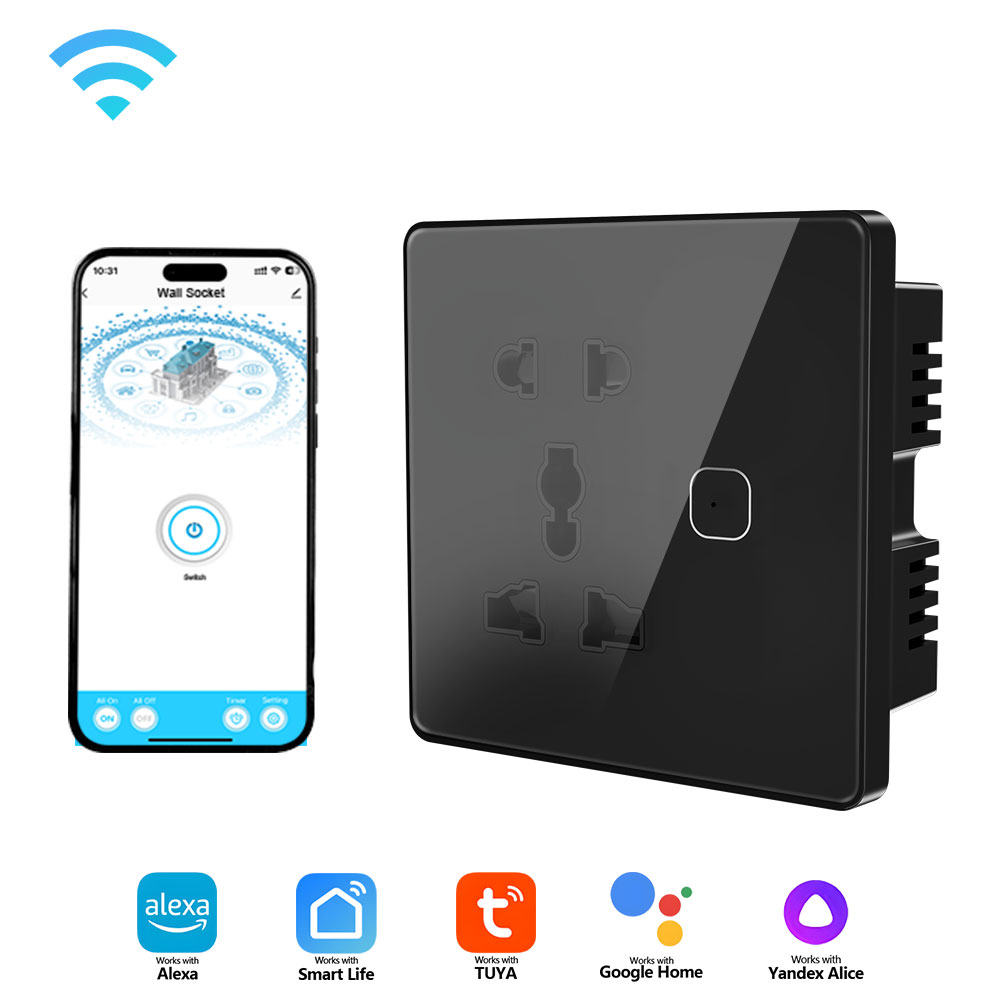
DS-1539WN app control interface on a black WiFi wall socket

3. Voice Control

The socket integrates with Alexa, Google Assistant, Tuya, Smart Life and Yandex Alice ecosystems, so voice control continues to work alongside the app rather than replacing it.

4. Child Safety Shutter

A mechanical safety gate blocks the live contacts until a plug is inserted with the correct pin pressure. This stops thin objects – keys, pins, screwdrivers – from reaching the terminals, a standard requirement for family homes, kindergartens and hotels with children.
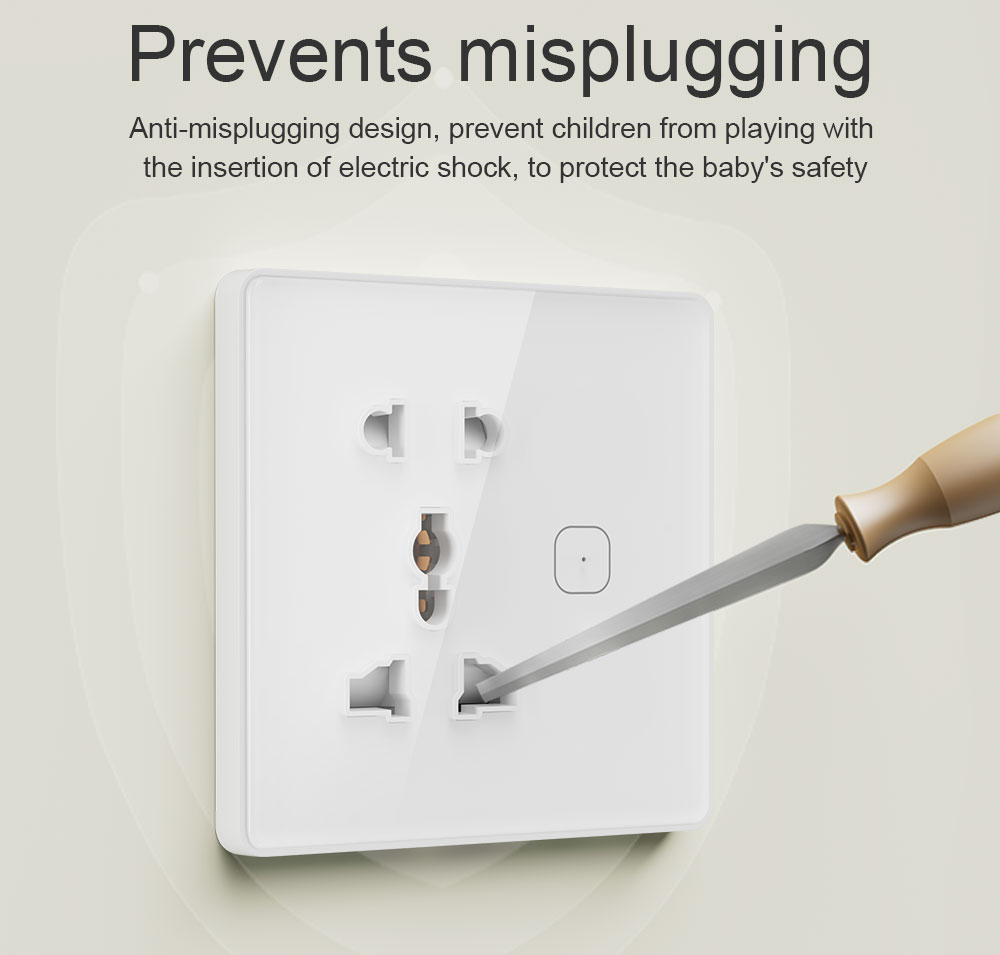
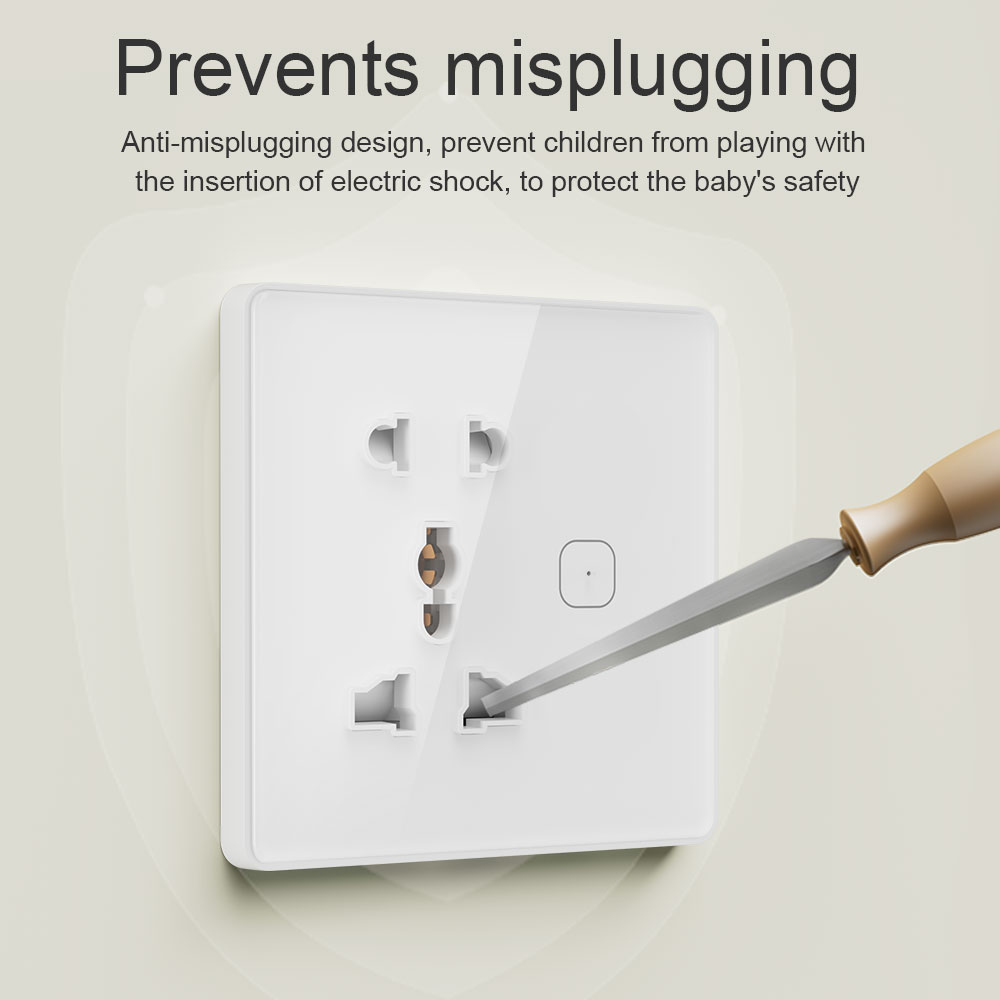
DS-1539WN child proof safety gateDS-1539WN child safety shutter test with foreign object

5. Timer, Schedule and Remote Switching

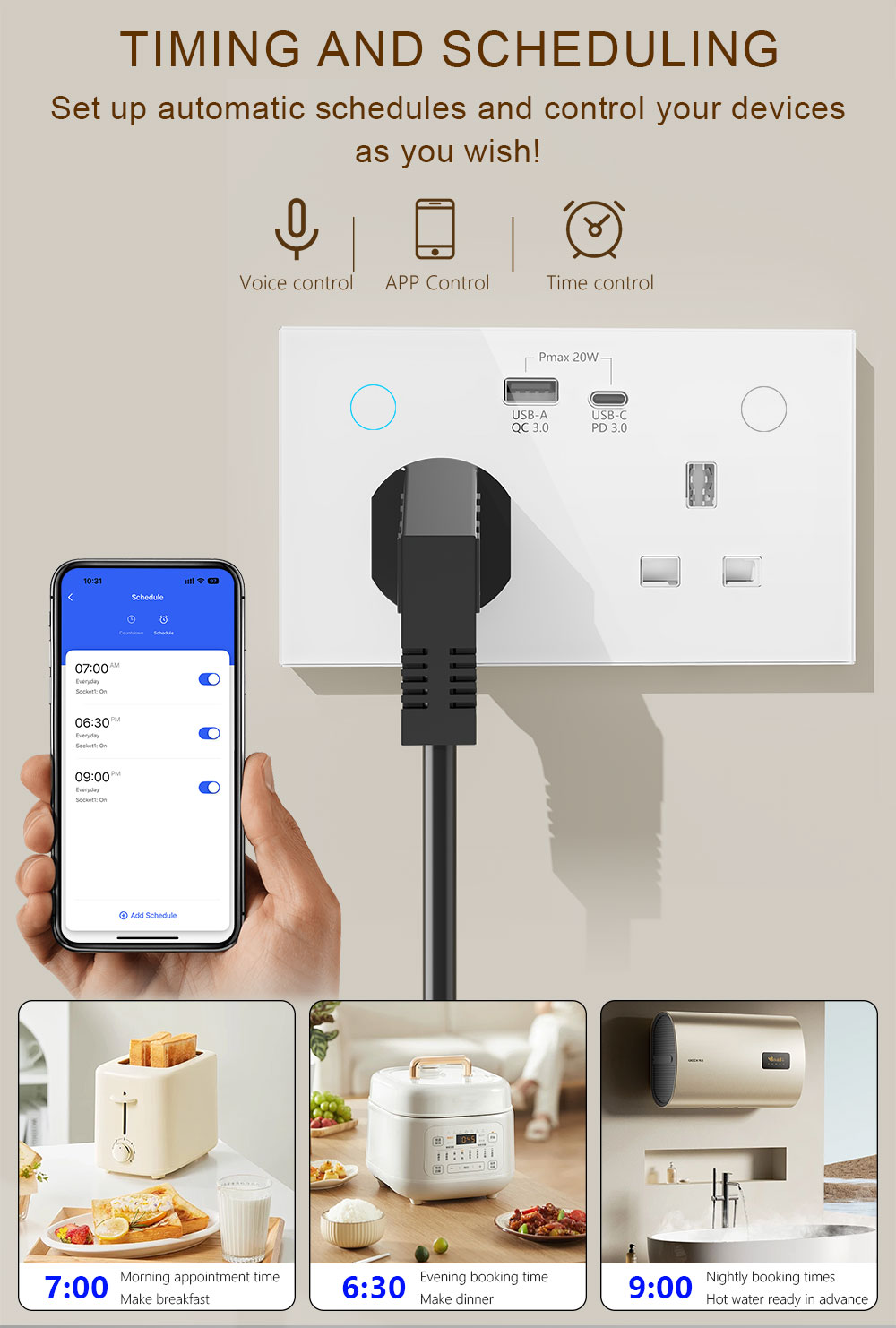
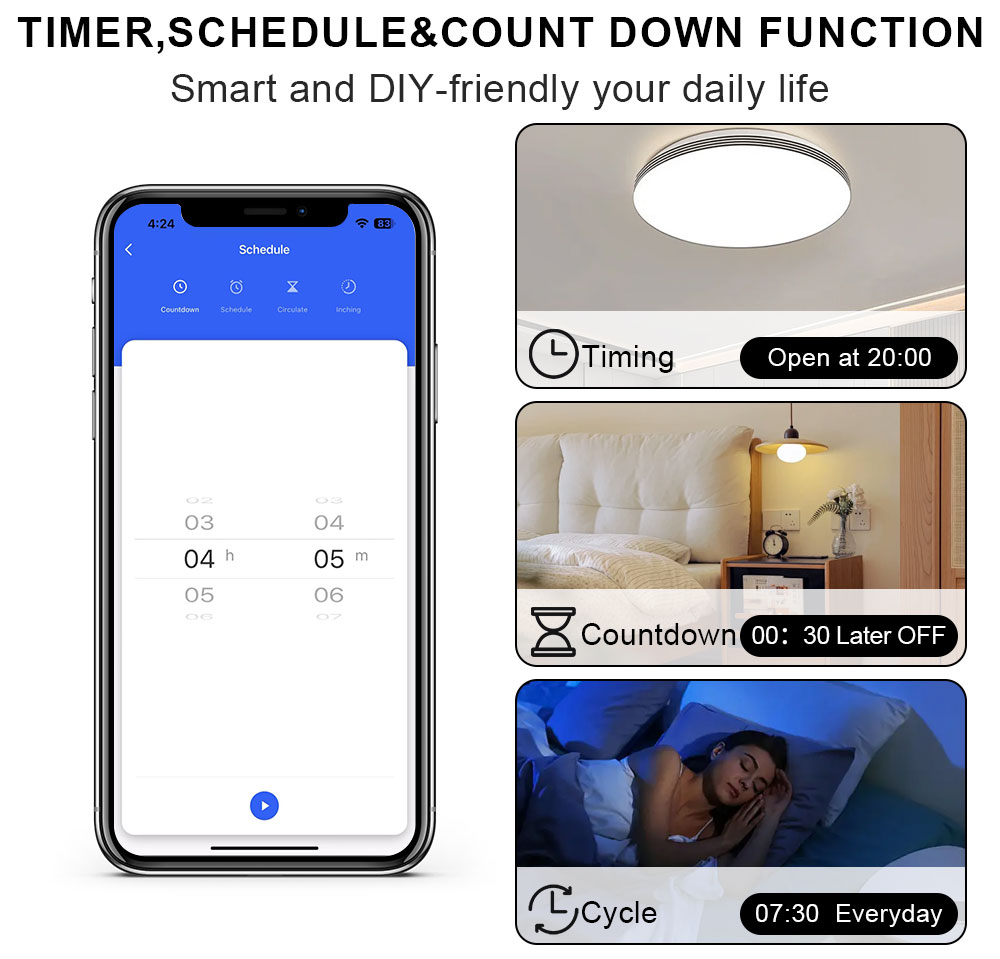
Devices on the socket – lamps, fans, chargers, dehumidifiers, seasonal displays – can be scheduled or switched remotely. This is the difference between standing charges accumulating unattended and a socket that is off when the building is empty.

6. Heat Dissipation and Rear Terminals

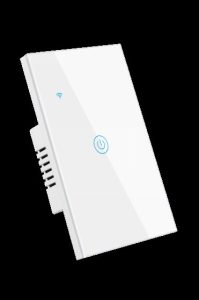
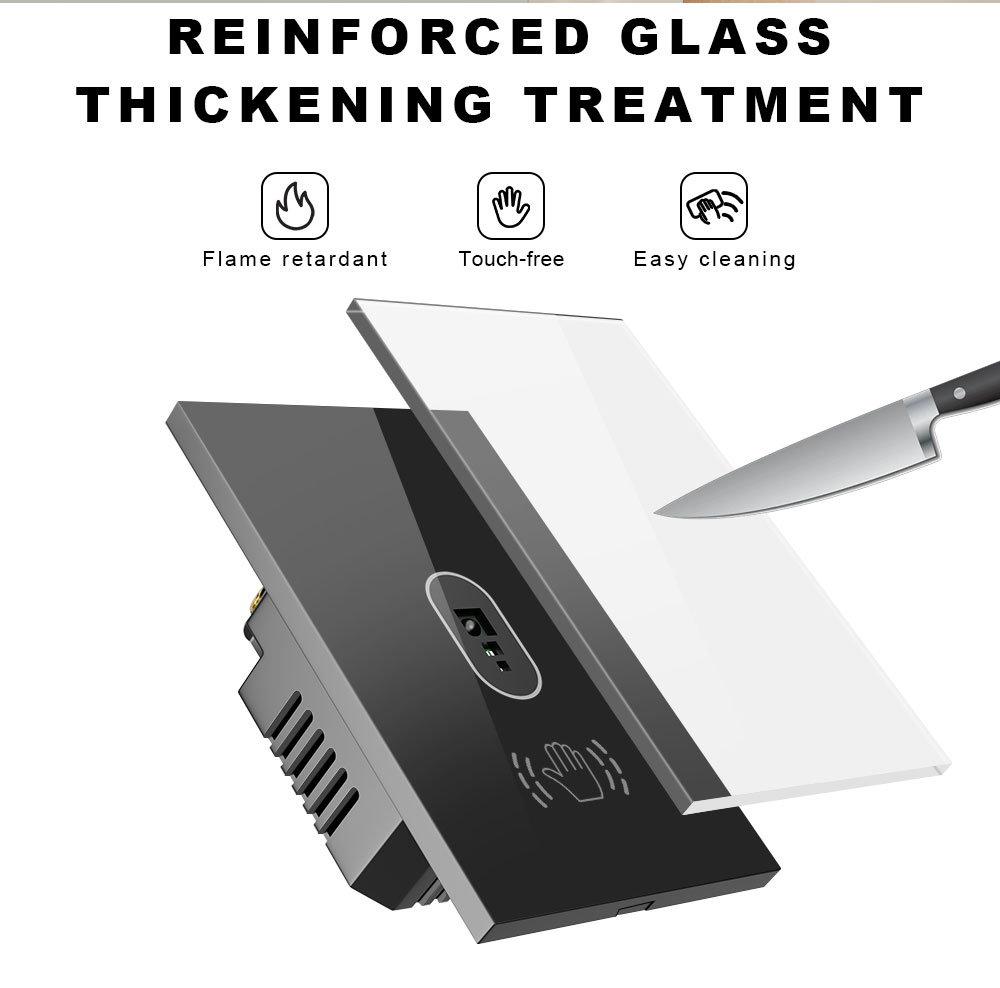
The rear housing carries clearly marked terminals and a vented lower section to keep the module cooler under continuous load. Construction uses a glass front panel over a flame-retardant housing, with visible metal contacts and positive side clips that hold the panel rigid to the wall.
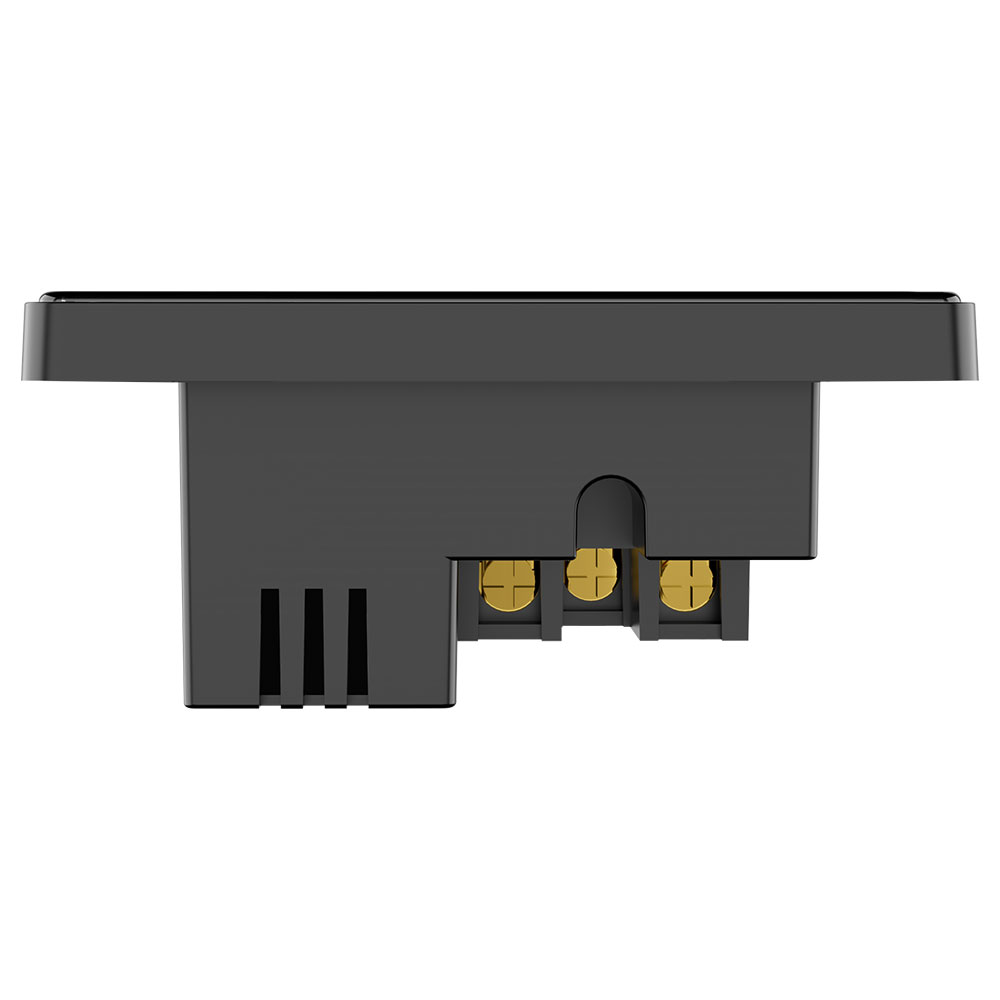
DS-1539WN wall socket back terminals and heat vents

Installation in Four Steps

The supplied manual documents a four-step procedure that any qualified electrician can follow:

  1. Insert a screwdriver into the slot and pry off the front panel.
  2. Confirm the supply is isolated, then connect the wires according to the wiring diagram (terminals marked L and N).
  3. Place the module in the wall box and fix it with the supplied screws.
  4. Clip the panel back on and restore power.
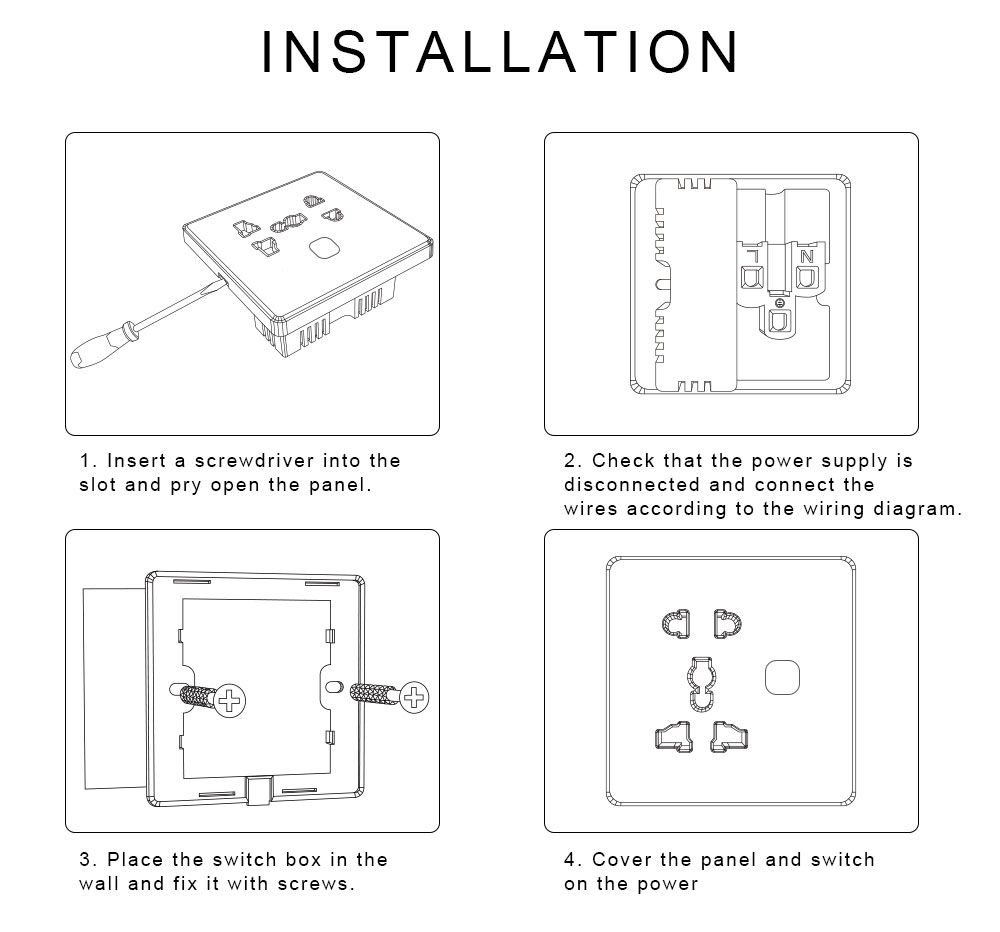
DS-1539WN installation steps for 86 mm back box

Specifications and Pack Contents

Model DS-1539WN
Product type Smart Wi-Fi + BLE wall socket
Wall box standard International 86 mm back box (in-situ replacement)
Front panel Tempered glass, black (touch control)
Terminals L and N, marked on the rear housing
Wireless Wi-Fi + BLE
App Tuya / Smart Life ecosystem
Voice assistants Amazon Alexa, Google Assistant, Yandex Alice
Control Touch panel, app, voice, schedule
Pack contents Smart socket x 1, packaging box x 1, instruction manual x 1, screws x 2
Rated voltage / current Per destination market variant (UK BS / EU) – datasheet on request

Because socket ratings differ between the UK BS and EU markets, always confirm the rated voltage, current and plug standard for your destination before placing a production order.

Where the DS-1539WN Fits Best

  • Hotel and serviced apartment refurbishment – upgrade sockets room by room without closing floors.
  • Rental and student housing – scheduled switching of heating, lighting and appliances.
  • Offices and common areas – see smart lighting and socket solutions for offices.
  • Residential retrofits – child safety and app control added to an existing installation.

Standards, Markets and OEM Support

Sockets are supplied to BS standard requirements for the UK market and to EU standard requirements for European markets, with branded packaging, localised manuals and product labelling available for OEM programmes. As a factory-direct smart switch and socket manufacturer, we quote MOQ, packaging and lead time directly against your project schedule.

FAQ

Will it fit my existing socket box?
If your wall box follows the international 86 mm standard, yes – the module is designed to replace the existing socket without new cabling.

Do I need a neutral wire?
Yes. The socket uses L and N supply terminals plus earth, exactly as a conventional switched socket does.

Can the socket be used without the app?
Yes. The touch panel and any schedule already stored on the device keep working without a network connection.

Is the child safety shutter mechanical?
Yes. It is a physical gate in front of the contacts and does not depend on firmware or the app.

Can I order different plug standards?
Yes. Tell us the destination market and the plug standard required, and we will confirm the matching variant, datasheet and certification documents.

Related Reading

Related Articles

You Might Also Like

Frequently Asked Questions

Is 1539wn Smart Wifi worth buying?

Based on the breakdown in this article, 1539wn Smart Wifi offers a solid mix of features and value. If your main goal matches the key benefits described above, it is a practical choice for everyday use.

How do I choose the right 1539wn smart wifi for my needs?

Start with your core use case, then compare battery life, compatibility, and build quality as covered above. Choosing the right 1539wn smart wifi comes down to matching specs with how you actually use it.

Does 1539wn smart wifi require a companion app?

Most devices of this type pair with a free companion app for setup and firmware updates. A few advanced features may sit behind a paid plan, so check the official specs page before buying.

Posted on — Leave a comment

DS-101GWN Smart Water Heater Switch: WiFi Energy Monitoring, Overload Protection and Voice Control

Electric water heaters are among the heaviest loads in any home, hotel room or rental apartment. Leaving them powered around the clock wastes energy, and switching them on and off by hand every day is not realistic. The DS-101GWN Smart metered water heater switch closes that gap: a 5000W high-power smart switch in a Standard 86 mm wall plate, with real-time electricity statistics, overload protection, timers, away mode and voice control.

This guide covers what the DS-101GWN does, the specifications your procurement team needs, how it is wired, and how it fits hotel, apartment and modern-home projects.

Why Water Heaters Need a Dedicated Smart Switch

A standard lighting switch is not built for a resistive load that can run for hours. Water heater retrofits usually fail for three reasons:

  • Current and power rating. A 3000-5000W heater needs switching hardware rated well above a typical lighting circuit.
  • Heat build-up. Long duty cycles demand larger contact area and proper heat dissipation.
  • No feedback. Without metering, neither the property owner nor the installer knows how much energy the heater really consumes.

The DS-101GWN is designed specifically for this load class, using the same 86 mm form factor as the rest of our smart switch range, so it retrofits into existing wall boxes without rework.

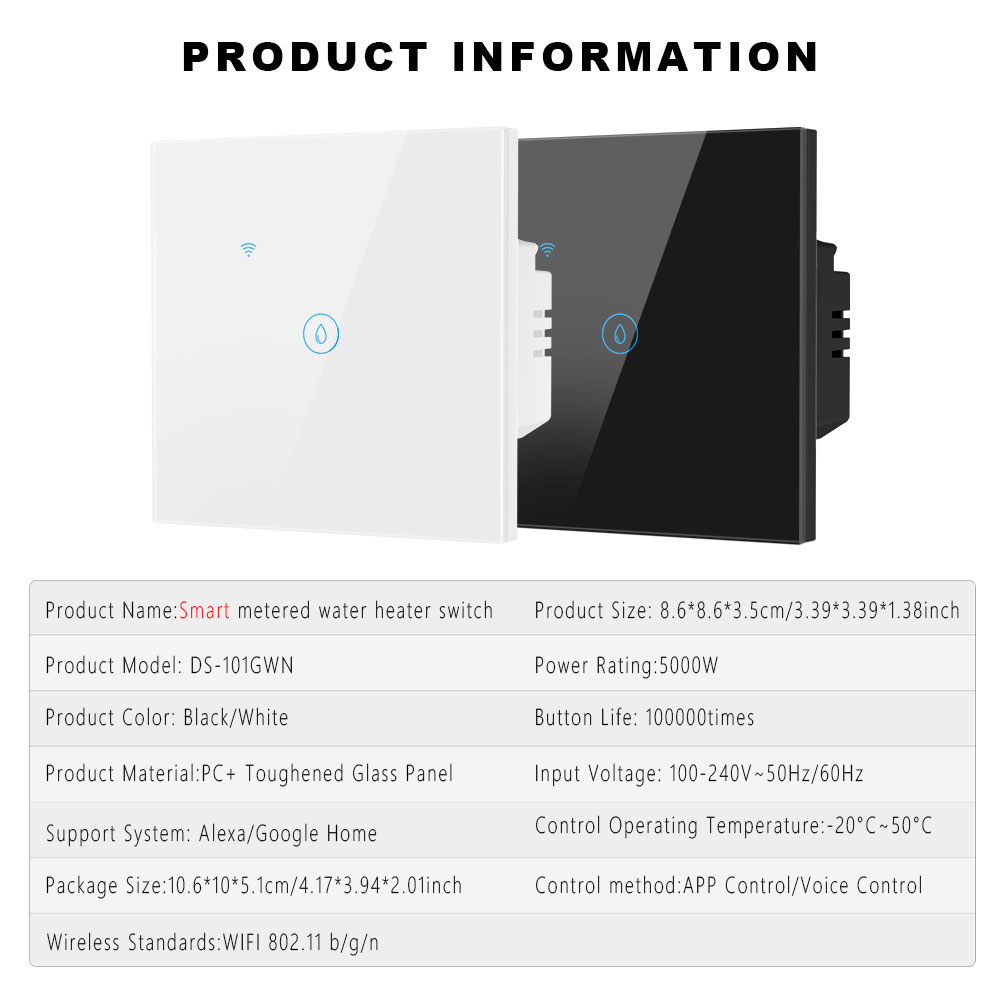
DS-101GWN smart metered water heater switch specifications

Key Features of the DS-101GWN

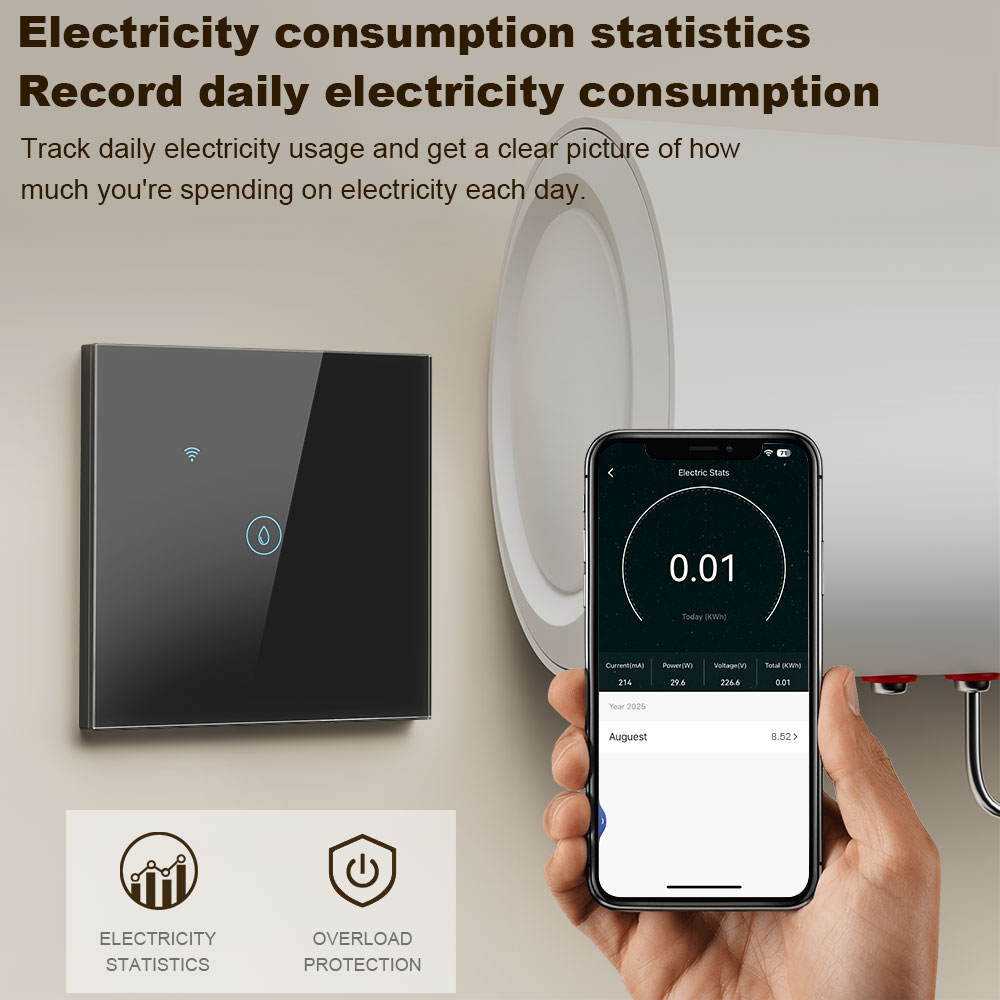
1. Real-Time Electricity Statistics

Voltage, current, power and accumulated energy consumption are measured inside the switch and displayed in the app. Property managers can see which rooms consume the most, and guests or tenants can be billed against actual usage instead of a flat fee.

DS-101GWN energy monitoring in the mobile app

2. Overload Protection

When the connected load exceeds the safe threshold, the switch cuts the circuit instead of letting the relay and Wiring overheat. This is the single most requested feature from hotel and apartment operators, because a failed water heater circuit can take a whole floor offline.

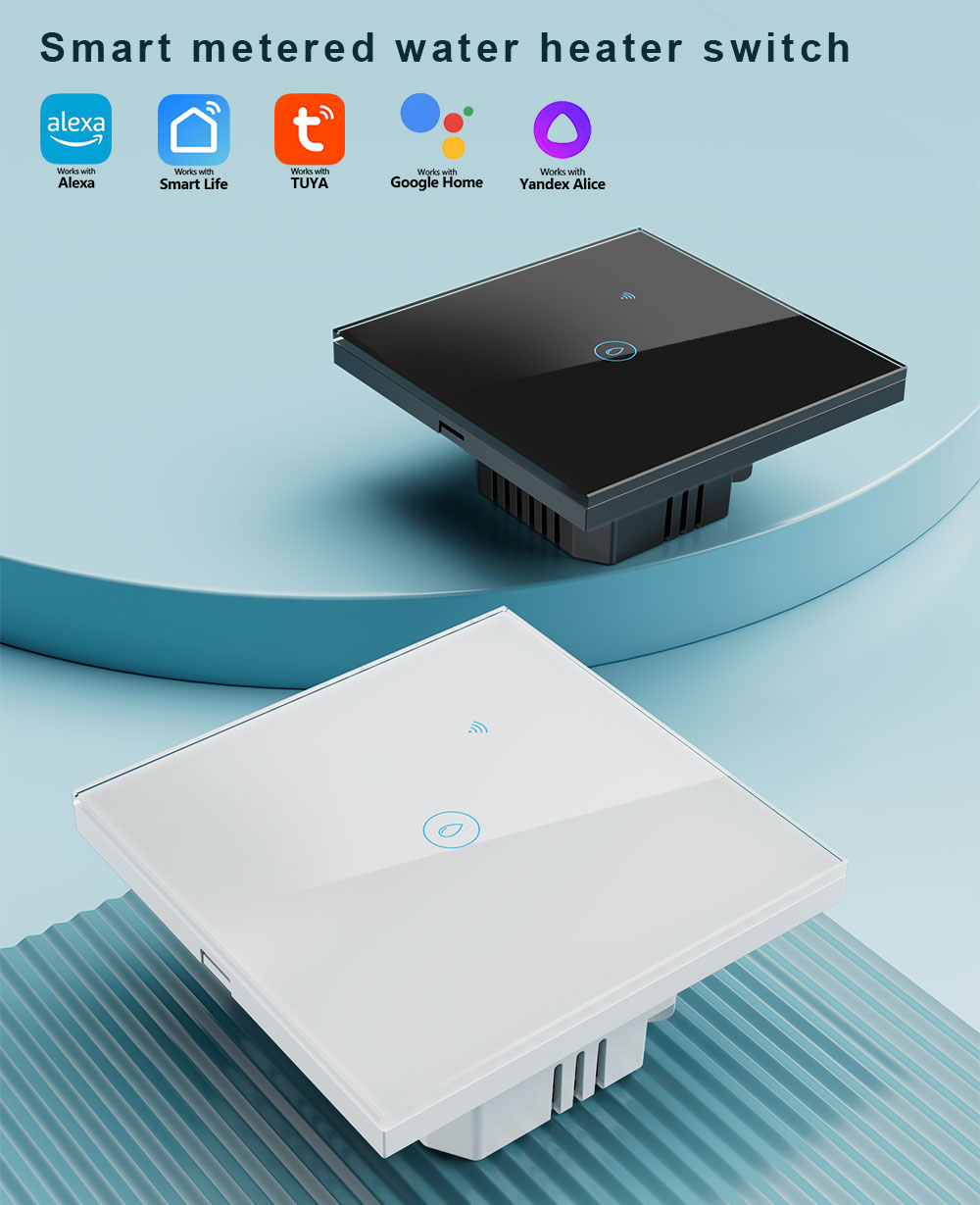
3. Voice Control with Alexa and Google Home

The DS-101GWN pairs with Amazon Alexa and Google Home, so the heater can be switched by voice in hands-free applications, while the physical Touch panel keeps working normally for users who prefer it.

DS-101GWN compatible with Alexa and Google Home

4. Countdown Timer and Weekly Schedules

Set a 30-minute boost before a shower, or schedule the heater to run only during off-peak hours. Schedules run on the device itself, so heating still follows the routine even if the Wi-Fi network drops.

5. Away Mode

Away mode cuts the circuit automatically when the property is vacant, which is useful for serviced apartments, holiday rentals and second homes Where heaters would otherwise stay on for weeks.

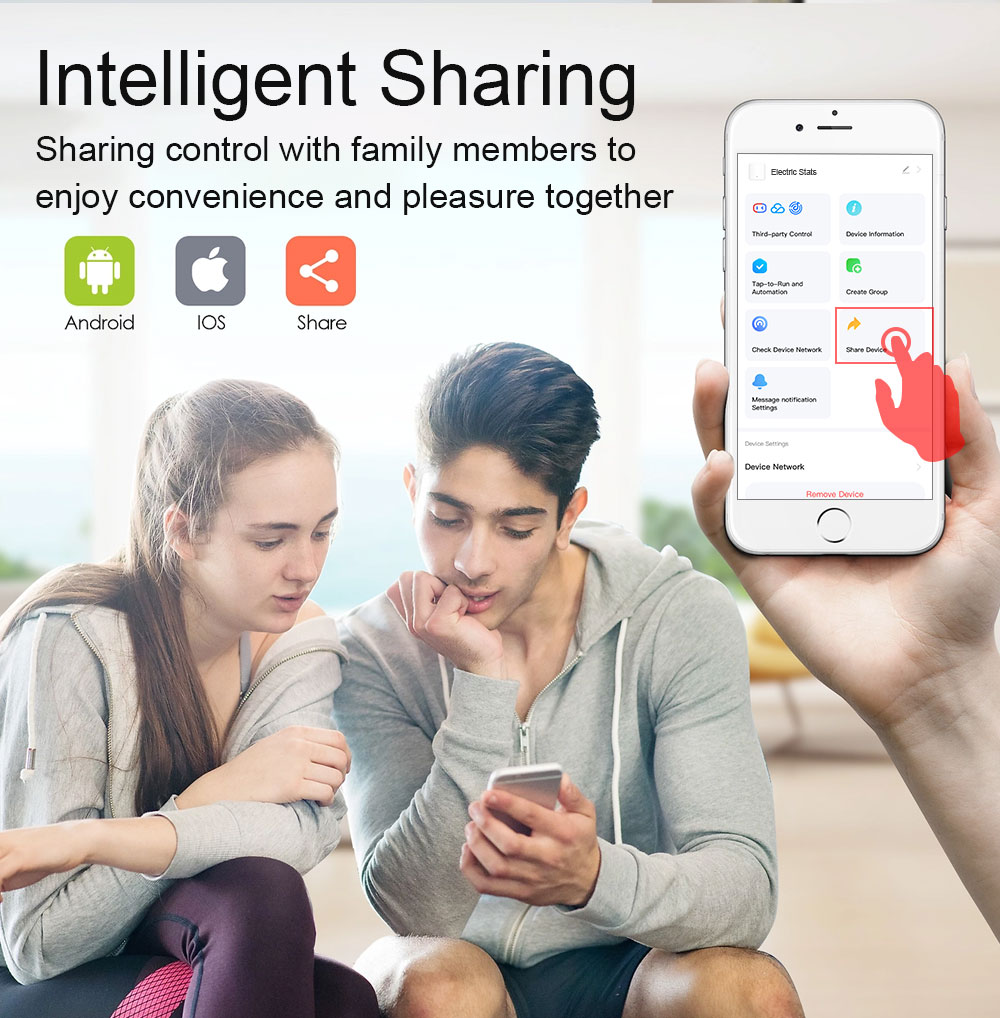
6. Family Sharing and Multi-User Control

Several accounts can control the same switch, with permission levels for owners, managers and family members. That makes the unit suitable for households as well as small property teams.

DS-101GWN family sharing and multi-user control

7. Remote Control from Anywhere

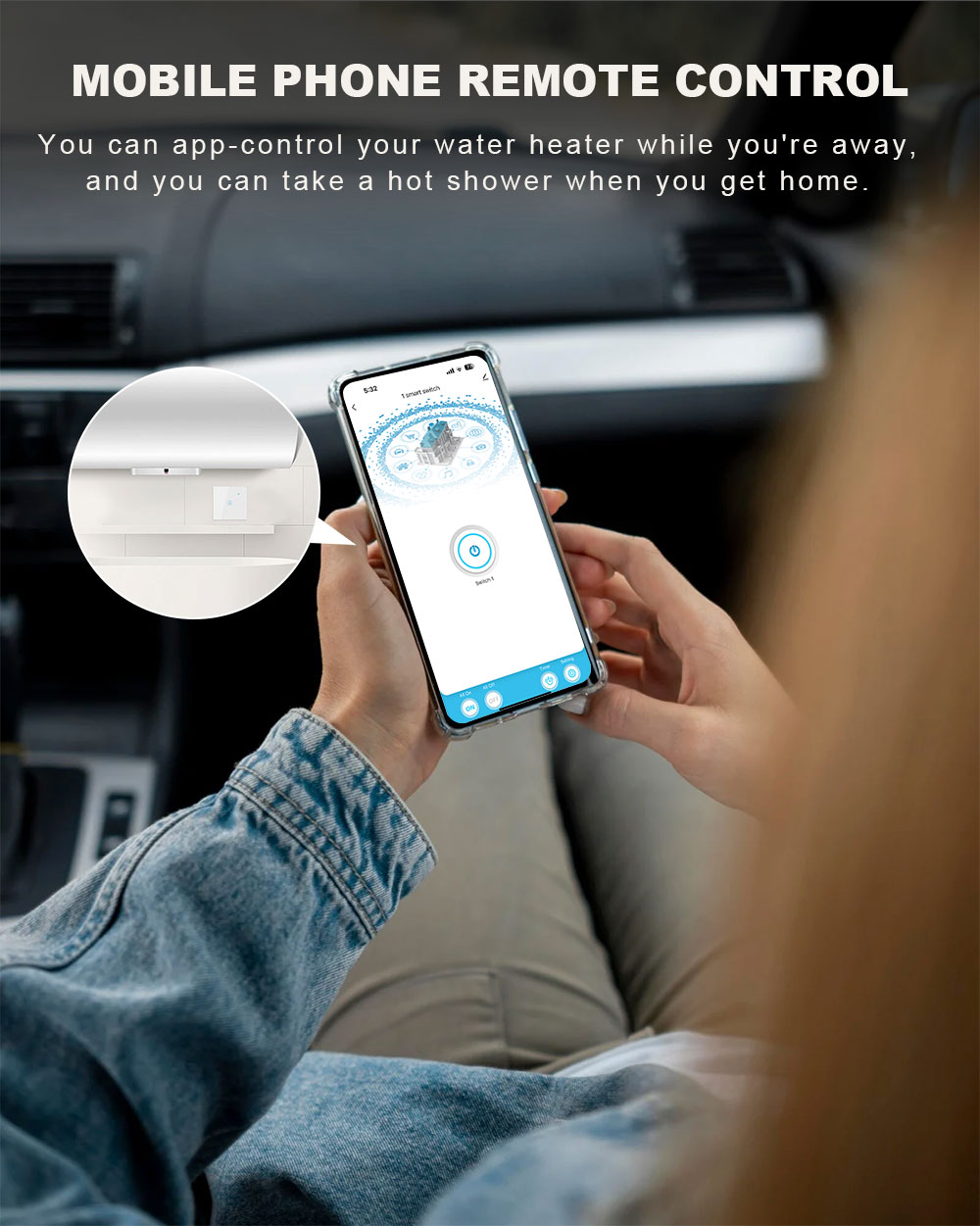
Once paired with the app, the heater can be switched on before arrival and turned off after leaving – a practical feature for landlords and short-stay operators who need to protect their energy budget.

DS-101GWN remote control of the water heater from the app

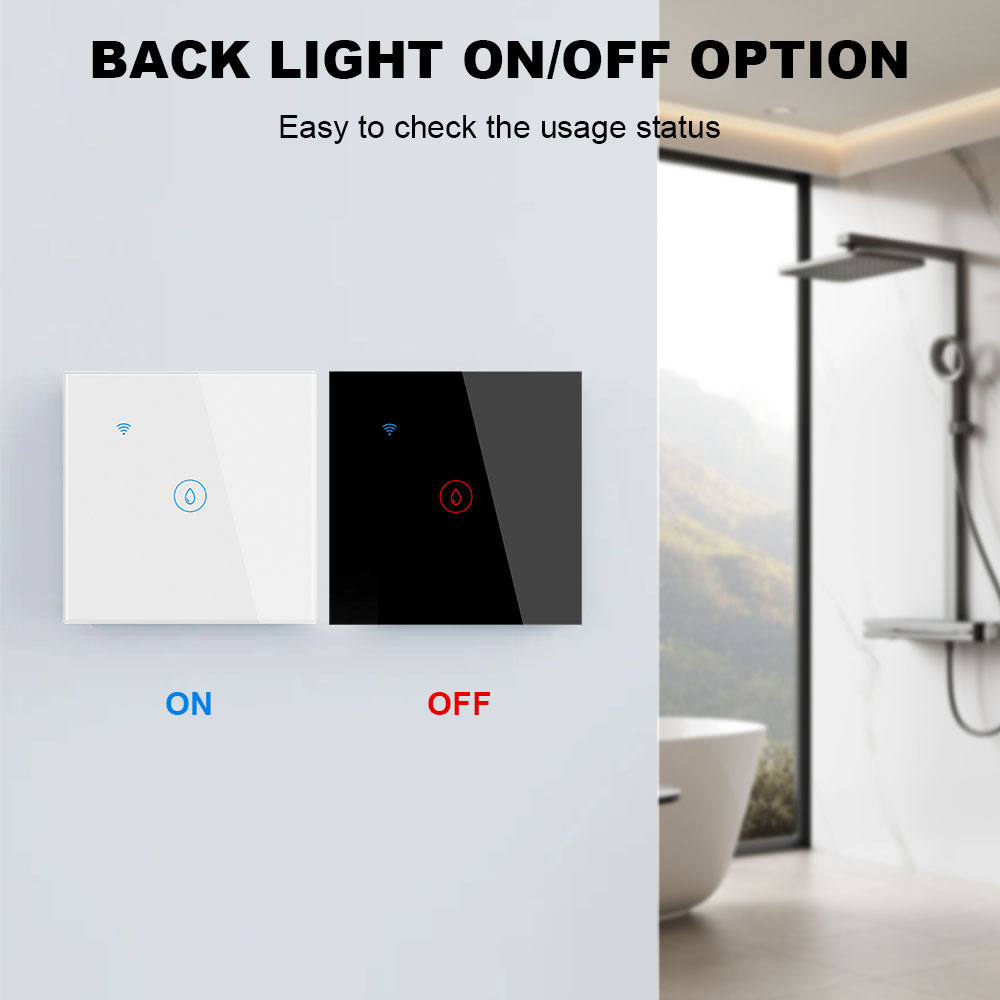
8. Black Glass Touch Panel with Backlight

The tempered glass front is available in black or white, with a backlit touch panel that stays readable in dark corridors and hotel bathrooms. The panel carries a 100,000-press button life rating.

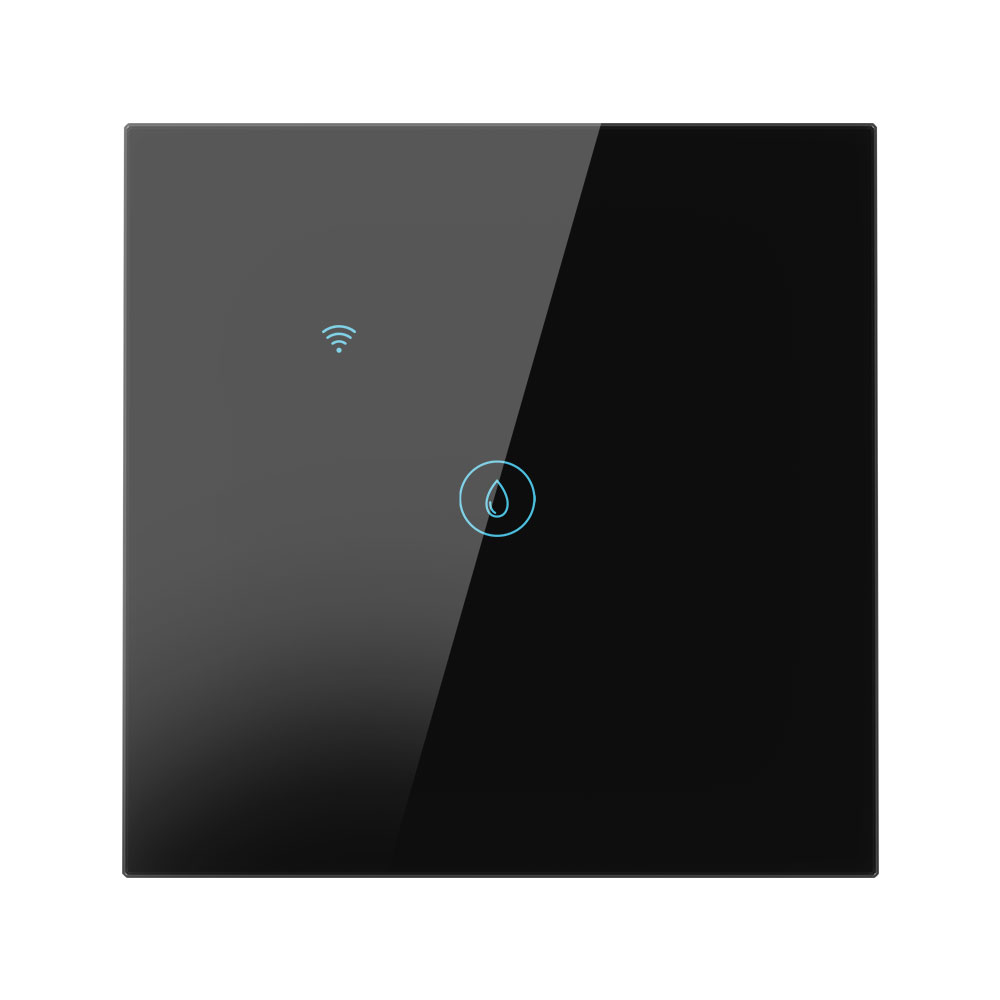
DS-101GWN backlit touch panelDS-101GWN black glass panel WiFi switch

DS-101GWN Specifications

Product name Smart metered water heater switch
Model DS-101GWN
Colour options Black / White
Material PC + toughened glass panel
Product size 86 x 86 x 35 mm (3.39 x 3.39 x 1.38 in)
Input voltage 100-240V~ 50Hz/60Hz
Power rating 5000W
Wireless standard WiFi 802.11 b/g/n (Wi-Fi + BLE)
Control method Touch panel / App / Voice
Compatible systems Amazon Alexa, Google Home
Button life 100,000 presses
Operating temperature -20C to 50C
Package size 106 x 100 x 51 mm (4.17 x 3.94 x 2.01 in)
Markings CE, UKCA

Dimensions, Wiring and Installation

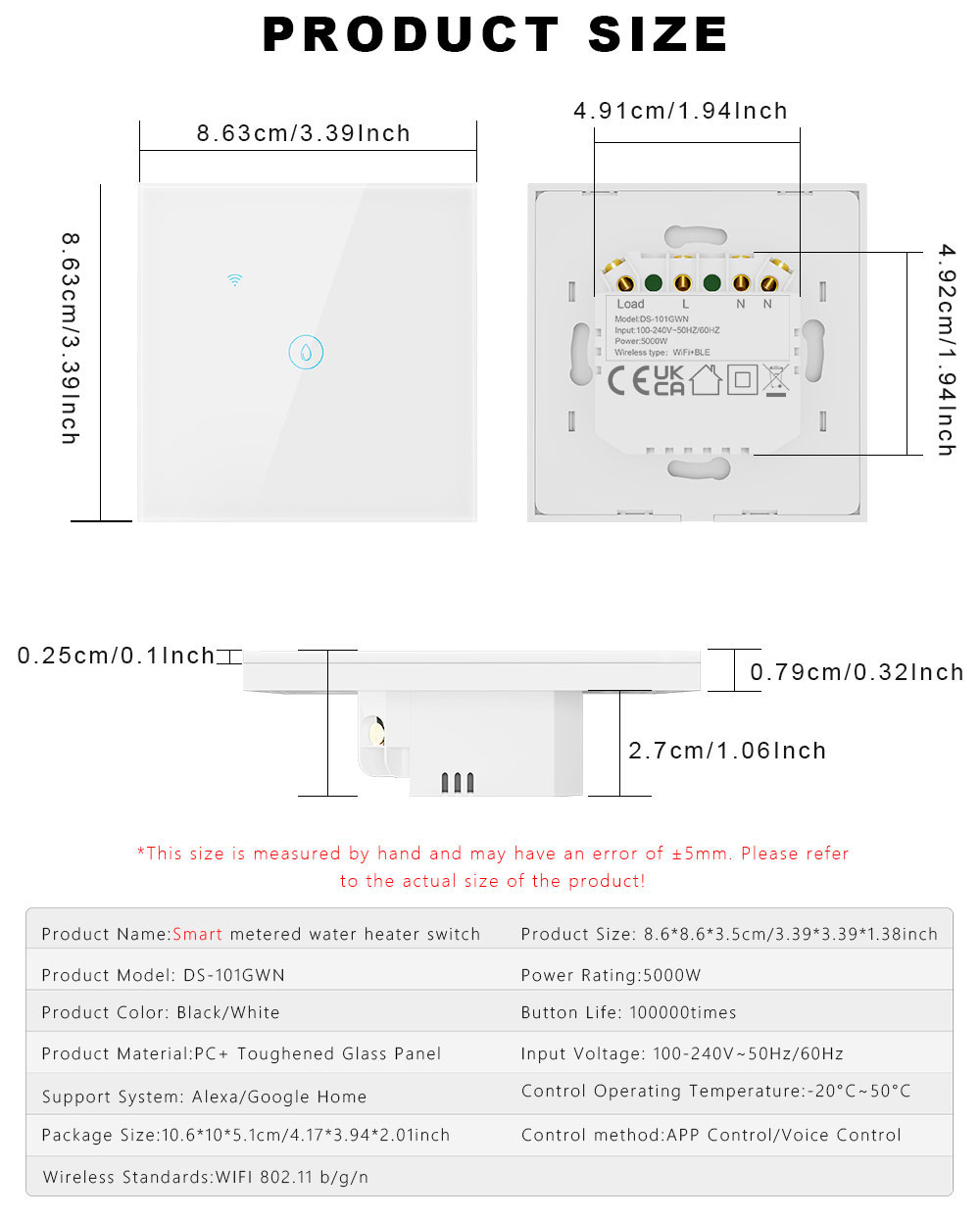
The switch uses the international 86 mm wall box standard. Terminals are marked L, N and N (load L / N / N), and the wall plate is 8.6 cm square with a 2.5 mm glass front and a mounting bracket projecting 0.79 cm from the wall. Hand-measured dimensions may vary by +/-5 mm.

DS-101GWN dimensions and wiring specifications

Installation follows the standard sequence used across the range: isolate the circuit, verify the wiring against the diagram, fix the unit into the wall box, fit the panel and restore power. For a step-by-step walkthrough of the same platform, see our guide on how to install a WiFi touch smart switch.

Typical Applications

Certification, Packaging and Quality Control

Units carry CE and UKCA markings and are produced with PC flame-retardant housings and tempered glass panels. Each batch is function-tested before packing, and OEM packaging with your own brand, manual and barcode is available.

OEM, ODM and Wholesale Support

We supply the DS-101GWN to distributors, importers and project contractors, with support for custom logos, colour selection, packaging design and private-label firmware. Because we are a factory-direct OEM and ODM smart switch and socket manufacturer, MOQ and lead time can be quoted against your project schedule. Request the datasheet and price list for your market before finalising a tender.

FAQ

Does the DS-101GWN require a neutral wire?
Yes – the device uses L and N supply terminals, so a neutral conductor must be present in the wall box.

What is the maximum load?
The switch is rated at 5000W with an input range of 100-240V~, which covers the large majority of domestic and hospitality water heaters. Confirm the actual heater rating before installation.

Can it work without the app?
Yes. The touch panel and the schedules stored on the device continue to work; the app is needed only for remote control, metering history and firmware updates.

Which app and voice assistants are supported?
The switch works with Amazon Alexa and Google Home, and with the standard Tuya-based smart life ecosystem.

Do you support custom branding?
Yes. Logo printing, custom packaging, manual localisation and firmware branding are available for volume orders.

Related Reading

Related Articles

You Might Also Like
Frequently Asked Questions

Is 101gwn Smart Water worth buying?

Based on the breakdown in this article, 101gwn Smart Water offers a solid mix of features and value. If your main goal matches the key benefits described above, it is a practical choice for everyday use.

How do I choose the right 101gwn smart water for my needs?

Start with your core use case, then compare battery life, compatibility, and build quality as covered above. Choosing the right 101gwn smart water comes down to matching specs with how you actually use it.

Does 101gwn smart water require a companion app?

Most devices of this type pair with a free companion app for setup and firmware updates. A few advanced features may sit behind a paid plan, so check the official specs page before buying.

Posted on — Leave a comment
DS-101GWN Smart Water Heater Switch: WiFi Energy Monitoring, Overload Protection and Voice Control
ds-101gwn-smart-switch-specifications

Electric water heaters are among the heaviest loads in any home, hotel room or rental apartment. Leaving them powered around the clock wastes energy, and switching them on and off by hand every day is not realistic. The DS-101GWN Smart metered water heater switch closes that gap: a 5000W high-power smart switch in a Standard 86 mm wall plate, with real-time electricity statistics, overload protection, timers, away mode and voice control.

This guide covers what the DS-101GWN does, the specifications your procurement team needs, how it is wired, and how it fits hotel, apartment and modern-home projects. Reolink vs Tuya Security Camera

Why Water Heaters Need a Dedicated Smart Switch

A standard lighting switch is not built for a resistive load that can run for hours. Water heater retrofits usually fail for three reasons:

  • Current and power rating. A 3000–5000W heater needs switching hardware rated well above a typical lighting circuit.
  • Heat build-up. Long duty cycles demand larger contact area and proper heat dissipation.
  • No feedback. Without metering, neither the property owner nor the installer knows how much energy the heater really consumes.

The DS-101GWN is designed specifically for this load class, using the same 86 mm form factor as the rest of our smart switch range, so it retrofits into existing wall boxes without rework.

DS-101GWN smart metered water heater switch specifications

Key Features of the DS-101GWN

1. Real-Time Electricity Statistics

Voltage, current, power and accumulated energy consumption are measured inside the switch and displayed in the app. Property managers can see which rooms consume the most, and guests or tenants can be billed against actual usage instead of a flat fee.

DS-101GWN energy monitoring in the mobile app

2. Overload Protection

When the connected load exceeds the safe threshold, the switch cuts the circuit instead of letting the relay and Wiring overheat. This is the single most requested feature from hotel and apartment operators, because a failed water heater circuit can take a whole floor offline.

3. Voice Control with Alexa and Google Home

The DS-101GWN pairs with Amazon Alexa and Google Home, so the heater can be switched by voice in hands-free applications, while the physical Touch panel keeps working normally for users who prefer it.

DS-101GWN compatible with Alexa and Google Home

4. Countdown Timer and Weekly Schedules

Set a 30-minute boost before a shower, or schedule the heater to run only during off-peak hours. Schedules run on the device itself, so heating still follows the routine even if the Wi-Fi network drops.

5. Away Mode

Away mode cuts the circuit automatically when the property is vacant, which is useful for serviced apartments, holiday rentals and second homes Where heaters would otherwise stay on for weeks.

6. Family Sharing and Multi-User Control

Several accounts can control the same switch, with permission levels for owners, managers and family members. That makes the unit suitable for households as well as small property teams.

DS-101GWN family sharing and multi-user control

7. Remote Control from Anywhere

Once paired with the app, the heater can be switched on before arrival and turned off after leaving — a practical feature for landlords and short-stay operators who need to protect their energy budget.

DS-101GWN remote control of the water heater from the app

8. Black Glass Touch Panel with Backlight

The tempered glass front is available in black or white, with a backlit touch panel that stays readable in dark corridors and hotel bathrooms. The panel carries a 100,000-press button life rating.

DS-101GWN backlit touch panel
DS-101GWN black glass panel WiFi switch

DS-101GWN Specifications
Product name Smart metered water heater switch
Model DS-101GWN
Colour options Black / White
Material PC + toughened glass panel
Product size 86 × 86 × 35 mm (3.39 × 3.39 × 1.38 in)
Input voltage 100–240V~ 50Hz/60Hz
Power rating 5000W
Wireless standard WiFi 802.11 b/g/n (Wi-Fi + BLE)
Control method Touch panel / App / Voice
Compatible systems Amazon Alexa, Google Home
Button life 100,000 presses
Operating temperature -20°C to 50°C
Package size 106 × 100 × 51 mm (4.17 × 3.94 × 2.01 in)
Markings CE, UKCA
Dimensions, Wiring and Installation

The switch uses the international 86 mm wall box standard. Terminals are marked L, N and N (load L / N / N), and the wall plate is 8.6 cm square with a 2.5 mm glass front and a mounting bracket projecting 0.79 cm from the wall. Hand-measured dimensions may vary by ±5 mm.

DS-101GWN dimensions and wiring specifications

Installation follows the standard sequence used across the range: isolate the circuit, verify the wiring against the diagram, fix the unit into the wall box, fit the panel and restore power. For a step-by-step walkthrough of the same platform, see our guide on how to install a WiFi touch smart switch.

Typical Applications
Certification, Packaging and Quality Control

Units carry CE and UKCA markings and are produced with PC flame-retardant housings and tempered glass panels. Each batch is function-tested before packing, and OEM packaging with your own brand, manual and barcode is available.

OEM, ODM and Wholesale Support

We supply the DS-101GWN to distributors, importers and project contractors, with support for custom logos, colour selection, packaging design and private-label firmware. Because we are a factory-direct OEM and ODM smart switch and socket manufacturer, MOQ and lead time can be quoted against your project schedule. Request the datasheet and price list for your market before finalising a tender.

FAQ

Does the DS-101GWN require a neutral wire?
Yes — the device uses L and N supply terminals, so a neutral conductor must be present in the wall box.

What is the maximum load?
The switch is rated at 5000W with an input range of 100–240V~, which covers the large majority of domestic and hospitality water heaters. Confirm the actual heater rating before installation.

Can it work without the app?
Yes. The touch panel and the schedules stored on the device continue to work; the app is needed only for remote control, metering history and firmware updates.

Which app and voice assistants are supported?
The switch works with Amazon Alexa and Google Home, and with the standard Tuya-based smart life ecosystem.

Do you support custom branding?
Yes. Logo printing, custom packaging, manual localisation and firmware branding are available for volume orders.

Related Reading

Related Articles

You Might Also Like
Frequently Asked Questions

Is 101gwn Smart Water worth buying?

Based on the breakdown in this article, 101gwn Smart Water offers a solid mix of features and value. If your main goal matches the key benefits described above, it is a practical choice for everyday use.

How do I choose the right 101gwn smart water for my needs?

Start with your core use case, then compare battery life, compatibility, and build quality as covered above. Choosing the right 101gwn smart water comes down to matching specs with how you actually use it.

Does 101gwn smart water require a companion app?

Most devices of this type pair with a free companion app for setup and firmware updates. A few advanced features may sit behind a paid plan, so check the official specs page before buying.

Posted on — Leave a comment

DS-1420WN UK 13A Smart WiFi Socket with USB-A QC3.0 & USB-C PD3.0 – Power, Charging and Voice Control in One

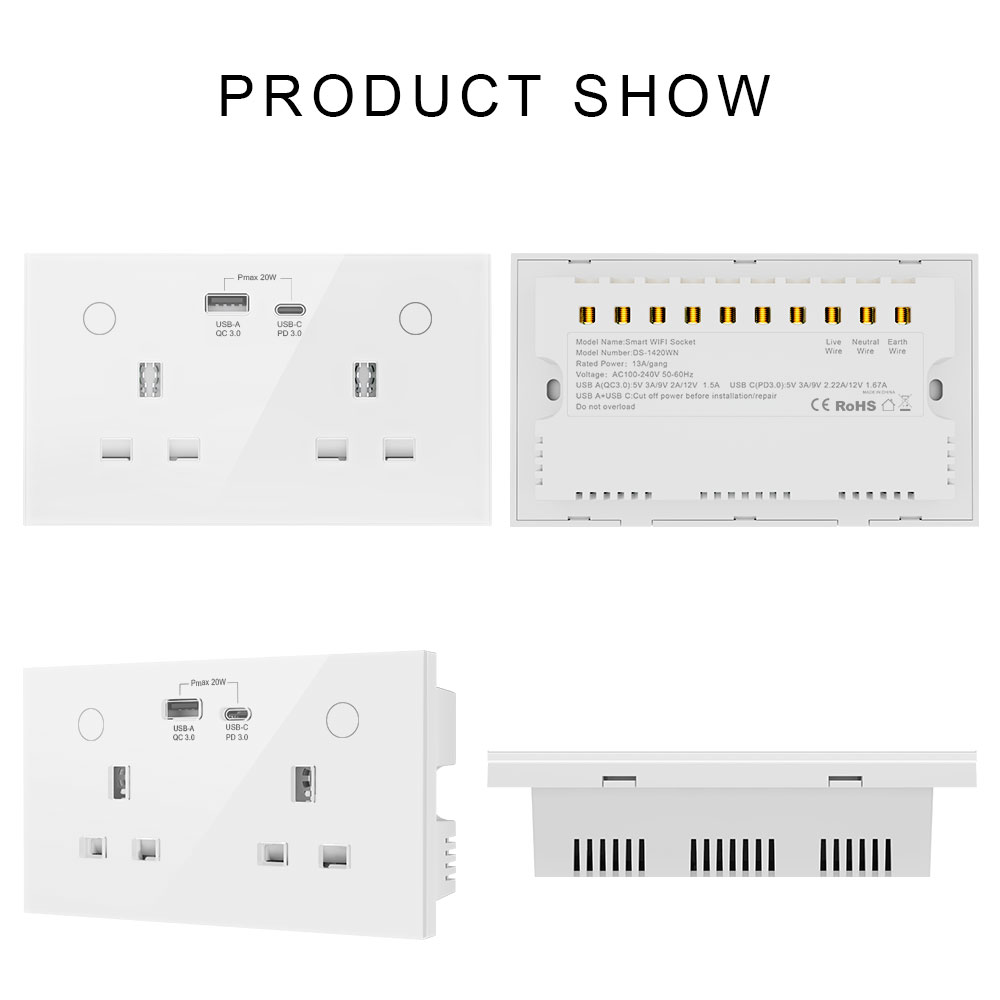
The DS-1420WN is a UK-standard Smart WiFi socket (13A, Type G) that combines reliable remote power control with fast dual-port USB charging. Built for the British and Irish markets, it is the ideal choice for wholesalers, distributors and smart-home integrators looking for a compact, certified and feature-rich socket.

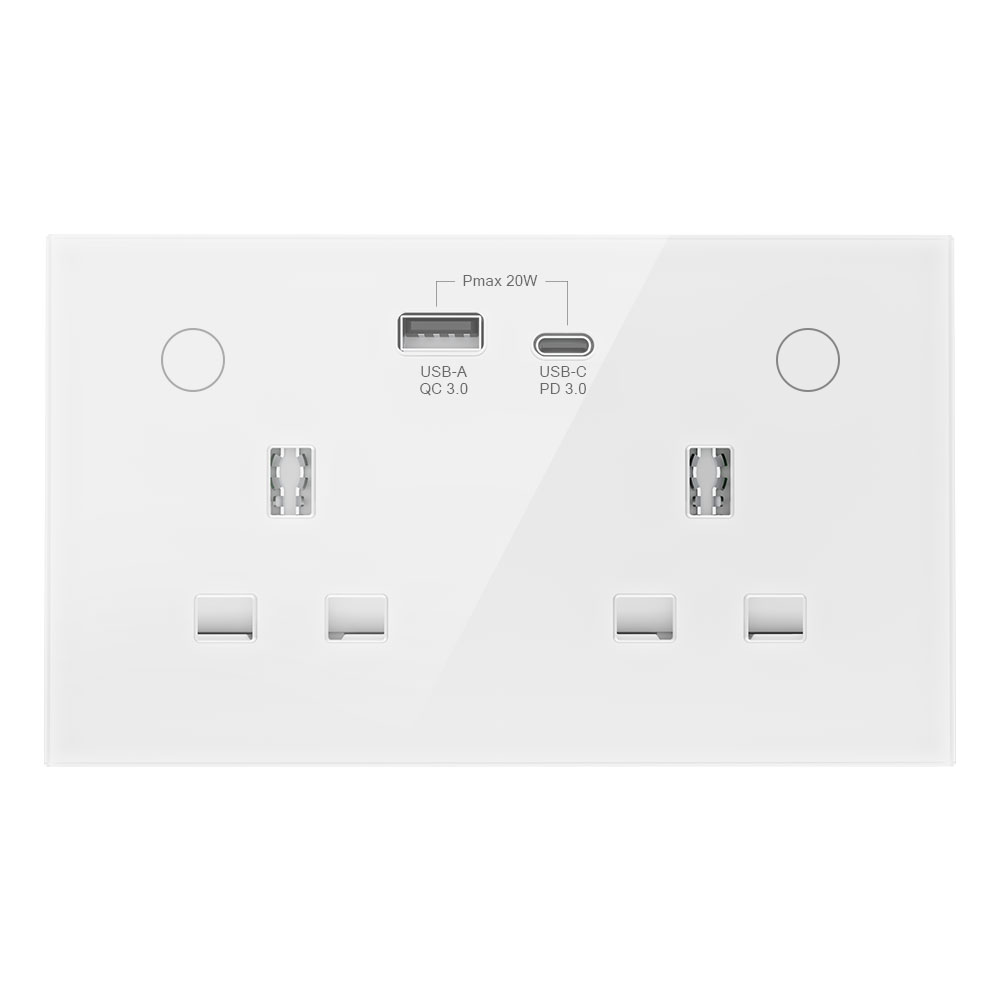
DS-1420WN UK smart WiFi socket product view

Why Buyers Choose the DS-1420WN

  • 13A UK Socket + Dual USB Charging: One standard Type G outlet plus USB-A (QC3.0) and USB-C (PD3.0) ports delivering up to 20W fast charging — no extra adapter needed.
  • WiFi + BLE Dual Connectivity: Remote on/off via the Tuya / Smart Life app, with voice control through Amazon Alexa and Google Home.
  • Smart Scheduling & Timer: Set timers, schedules and scenes to cut standby power and automate appliances.
  • Share Control with Family: Multiple users can share device access, making it perfect for households and small offices.
  • Compact & Safe Design: Space-saving 147-series body with flame-retardant shell and built-in safety shutter for peace of mind.

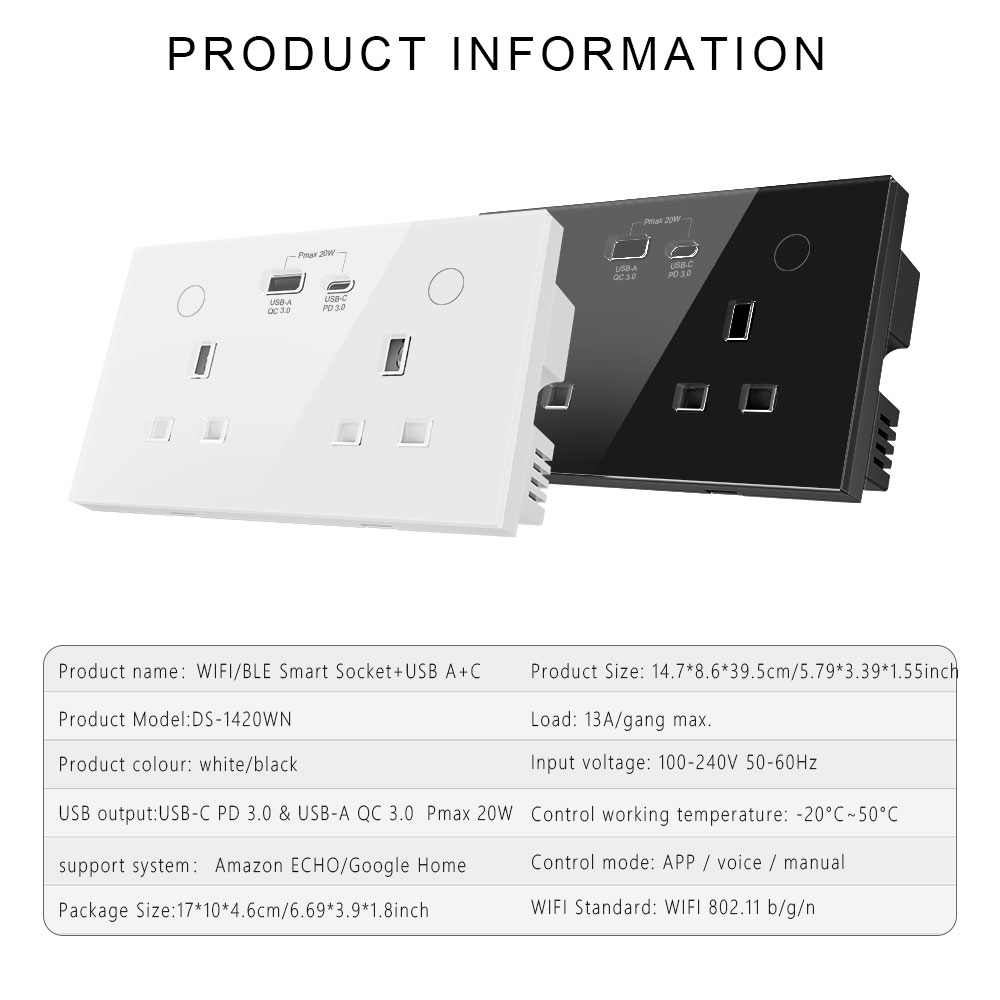
DS-1420WN product information

Technical Specifications

  • Standard: UK Type G, 13A
  • Input: AC 100-240V
  • USB-A output: QC3.0
  • USB-C output: PD3.0, up to 20W total
  • Connectivity: WiFi 2.4GHz + Bluetooth (BLE)
  • Compatibility: Tuya / Smart Life, Amazon Alexa, Google Home
  • Colors: Black / White

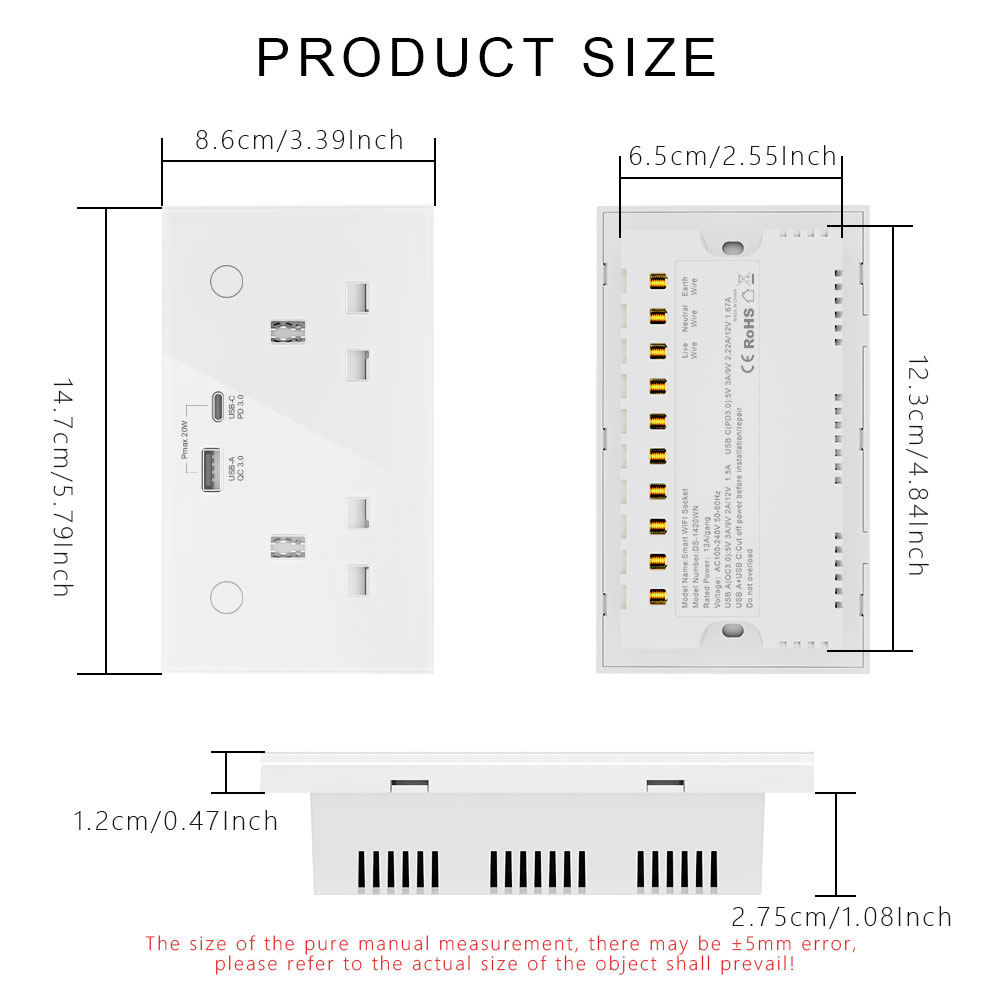
DS-1420WN dimensions

Fast USB Charging

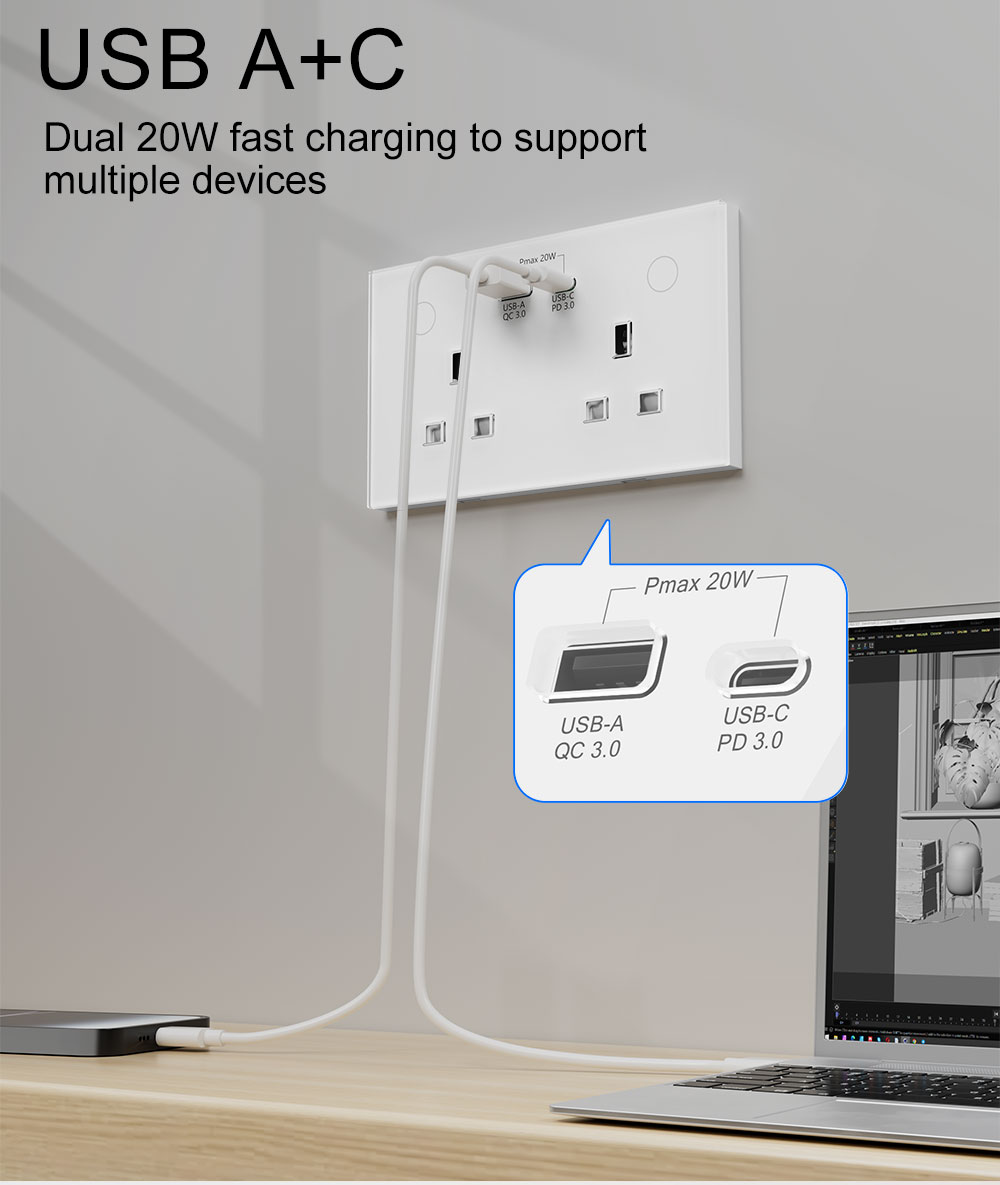
With QC3.0 on USB-A and PD3.0 on USB-C, the DS-1420WN charges smartphones, tablets and small devices quickly — a convenient built-in charging station for living rooms, bedrooms and hotel rooms.

DS-1420WN USB charging ports

Safety & Certification

The socket is built with flame-retardant materials and a child-safety shutter, and is designed and tested to meet UK market safety requirements for reliable long-term use.

DS-1420WN safety features

Smart Timers & Sharing

Schedule appliances to switch off automatically, create morning and night routines, and share access with family members or colleagues through the app.

DS-1420WN timer and scheduling

DS-1420WN family sharing

Ordering & OEM Support

As a factory-direct supplier, we offer competitive bulk pricing, OEM/ODM customization, fast lead times and comprehensive after-sales service. Contact our sales team for samples, quotes and wholesale terms.

DS-1420WN white variant

Related Articles

You Might Also Like
Frequently Asked Questions

Is 1420wn 13a Smart worth buying?

Based on the breakdown in this article, 1420wn 13a Smart offers a solid mix of features and value. If your main goal matches the key benefits described above, it is a practical choice for everyday use.

How do I choose the right 1420wn 13a smart for my needs?

Start with your core use case, then compare battery life, compatibility, and build quality as covered above. Choosing the right 1420wn 13a smart comes down to matching specs with how you actually use it.

Does 1420wn 13a smart require a companion app?

Most devices of this type pair with a free companion app for setup and firmware updates. A few advanced features may sit behind a paid plan, so check the official specs page before buying.

Posted on — Leave a comment

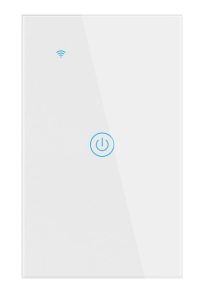
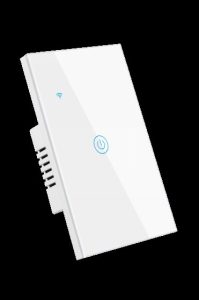
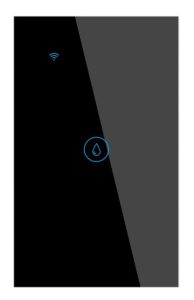
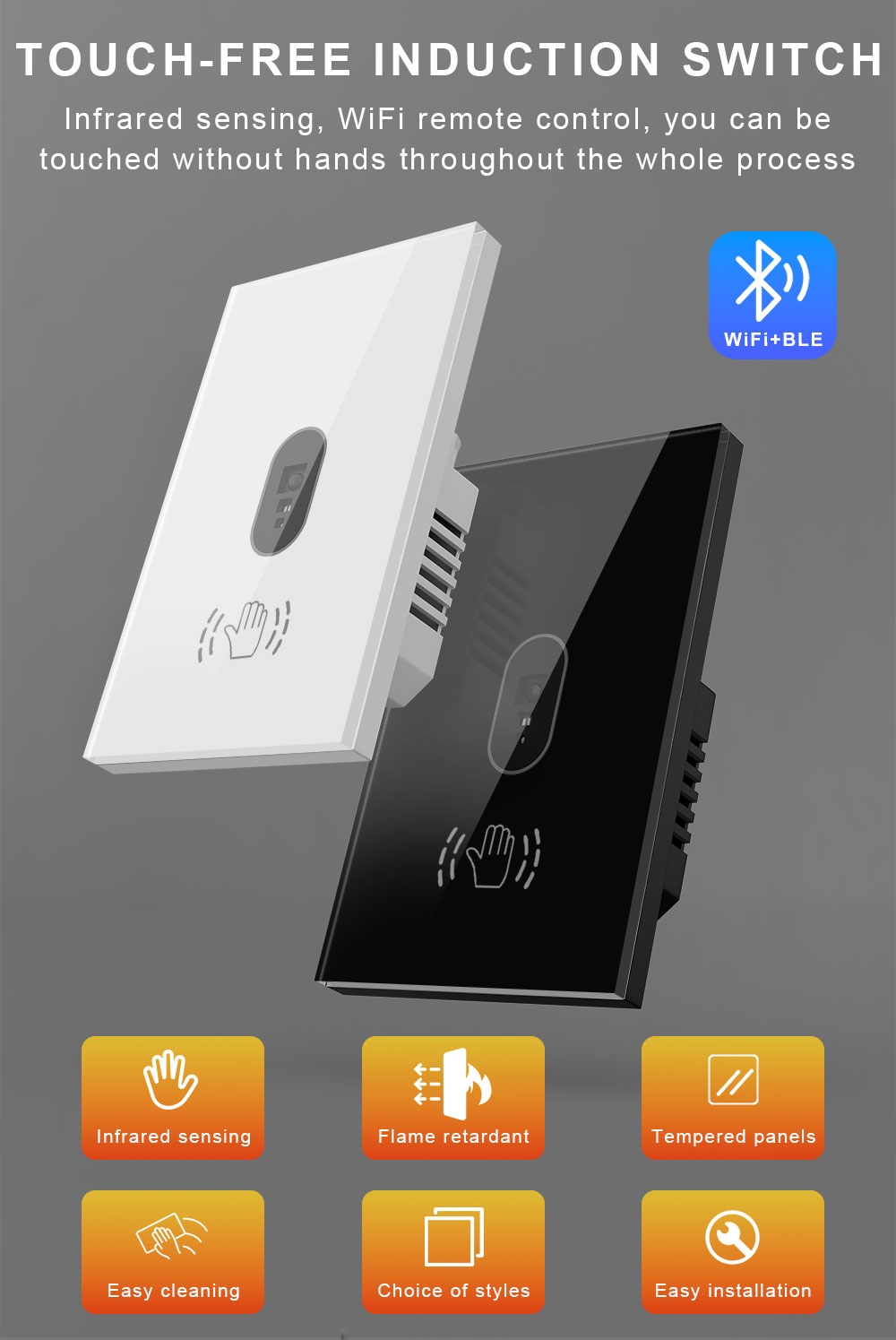
DS-121KWL Wave & WiFi Smart Touch Switch (No Neutral Required) – Advanced Hands-Free Control for Modern Homes

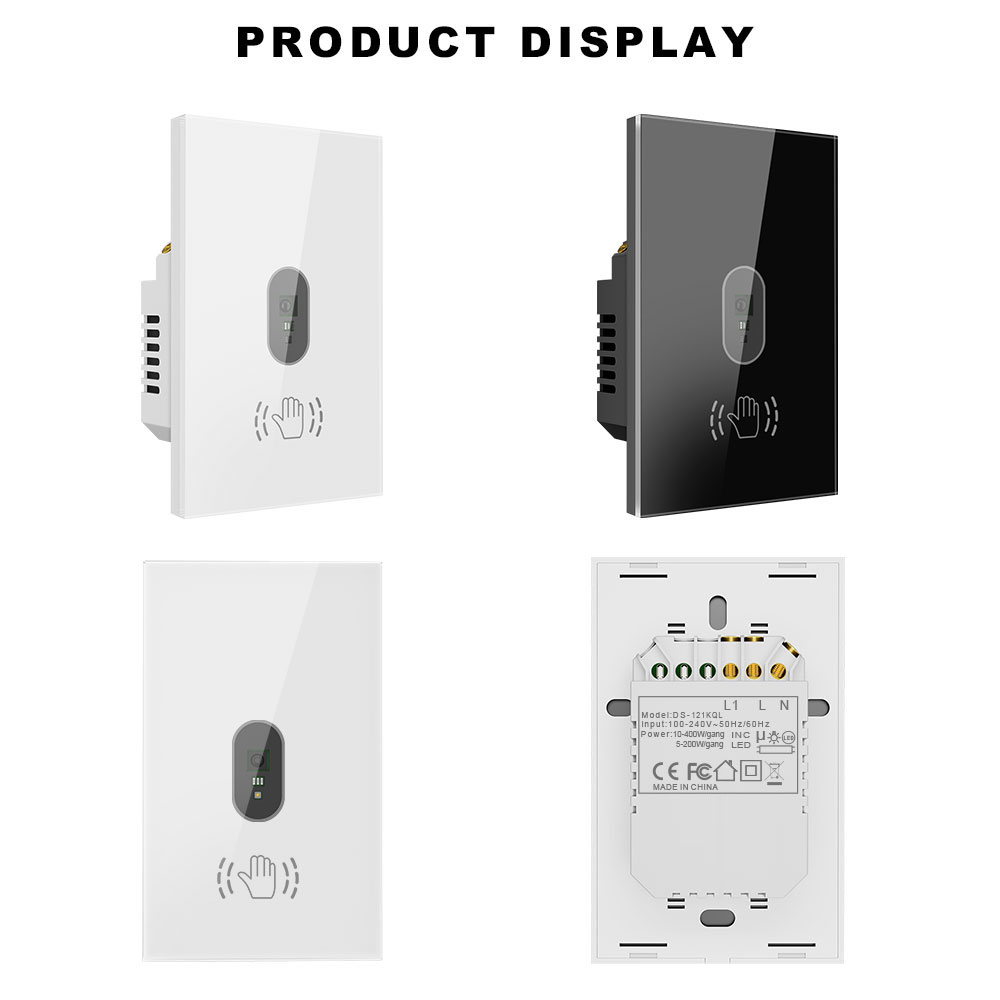
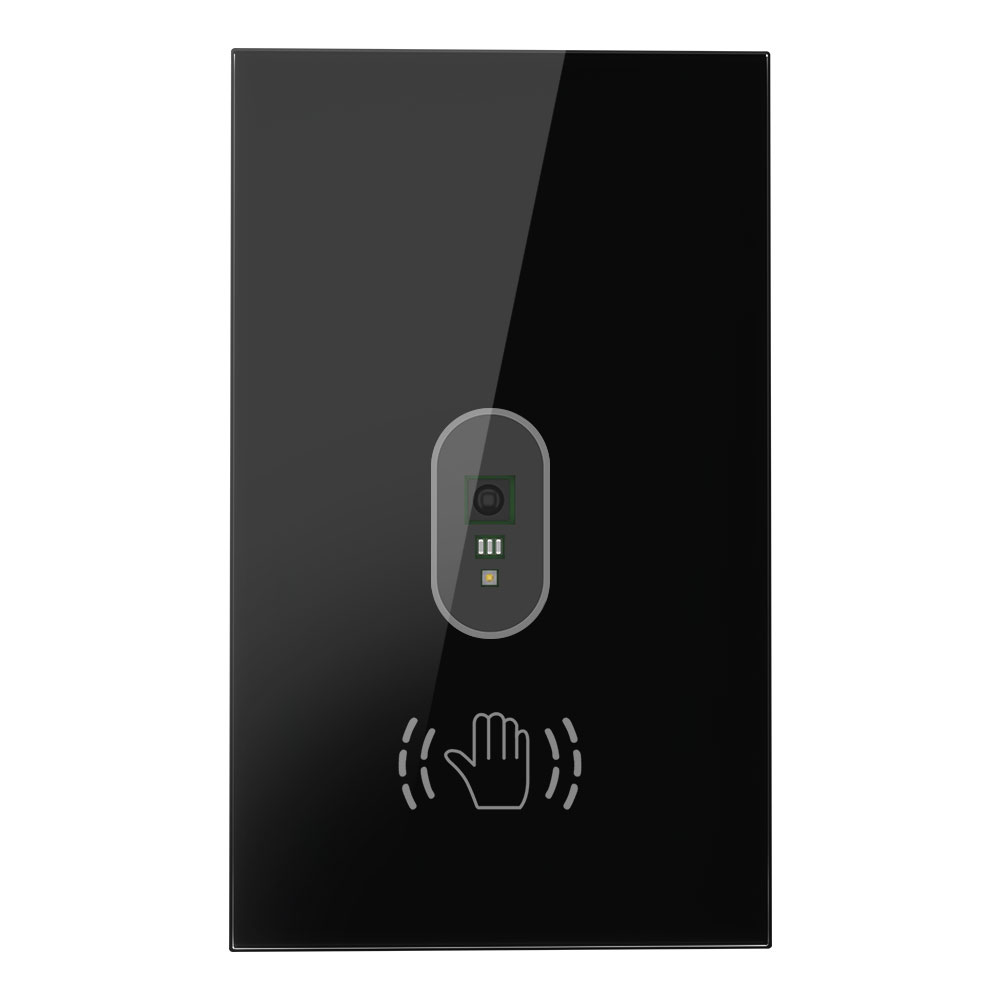
The DS-121KWL Wave & WiFi Smart Touch Switch is a premium single-gang switch designed for modern residential and commercial projects. Combining wave (gesture) sensing with WiFi + Bluetooth control, it delivers true hands-free lighting management without the need for a neutral wire — making retrofitting quick and cost-effective.

DS-121KWL Wave WiFi Smart Touch Switch main

Key Selling Points for Buyers

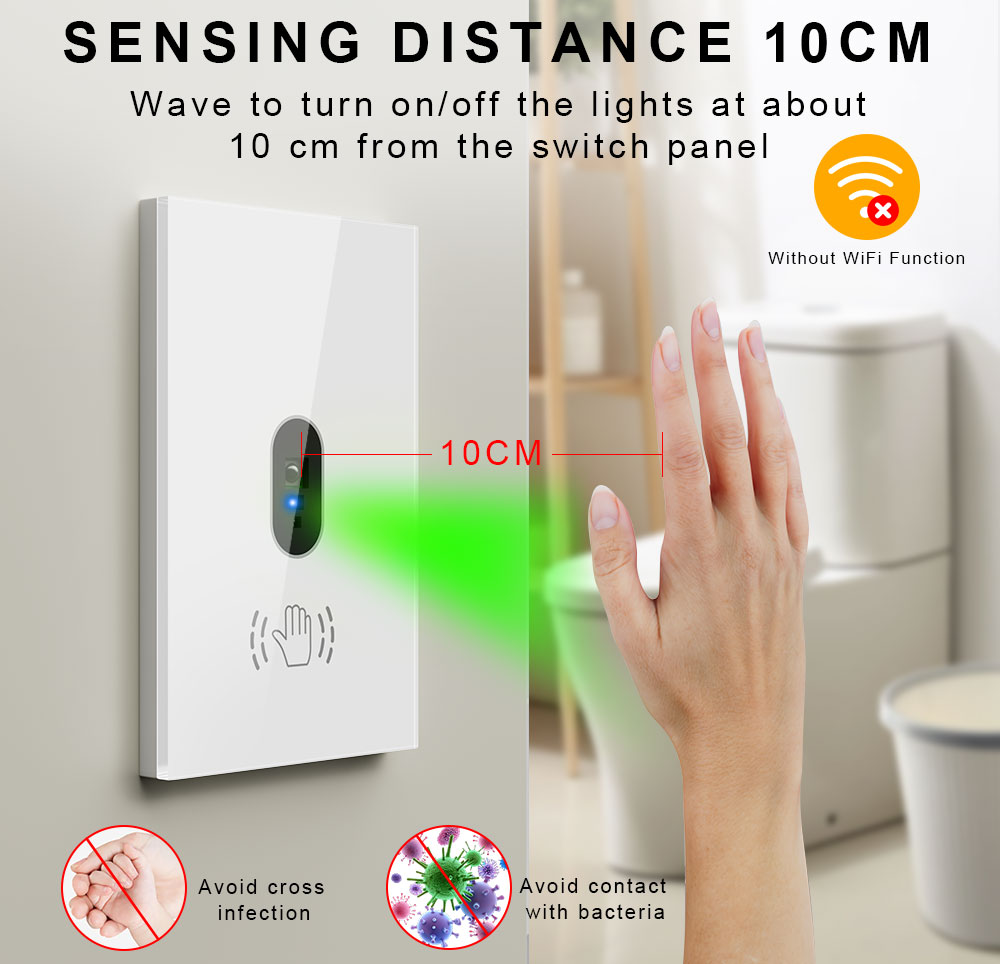
  • Wave Hands-Free Control: Simply wave your hand within 10 cm of the panel to turn lights on or off — ideal for kitchens, hallways, bedrooms and elderly-friendly spaces.
  • WiFi + BLE Dual Connectivity: Works with Tuya / Smart Life, Amazon Alexa, Google Home and Yandex for voice and app control from anywhere.
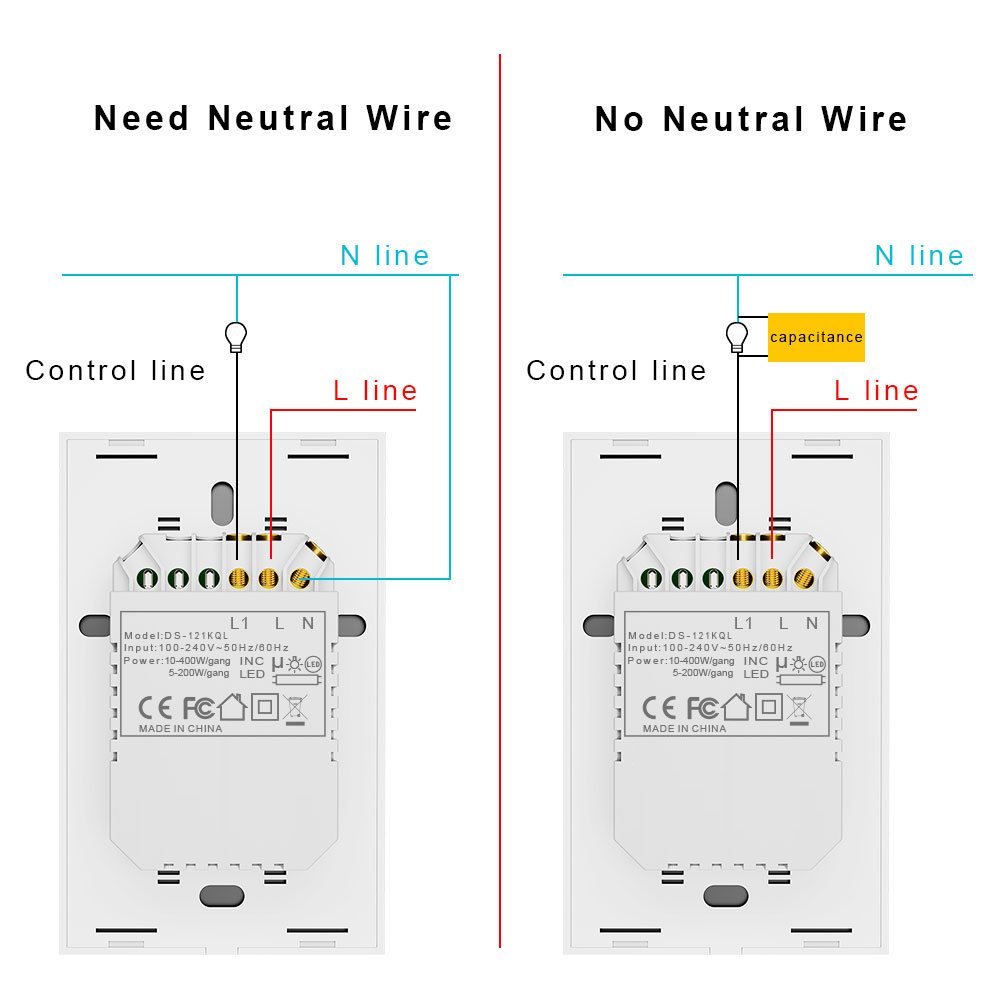
  • No Neutral Wire Required: Compatible with both single-live and neutral-live Wiring; when no neutral is available, simply connect a capacitor (per diagram) for a fast retrofit.
  • Glass Panel & Flame-Retardant Build: Toughened glass surface with a flame-retardant housing delivers a sleek look and reliable safety.
  • Smart Scheduling: Built-in timer, schedule and countdown functions let end users automate daily lighting routines.

DS-121KWL features overview

Technical Specifications
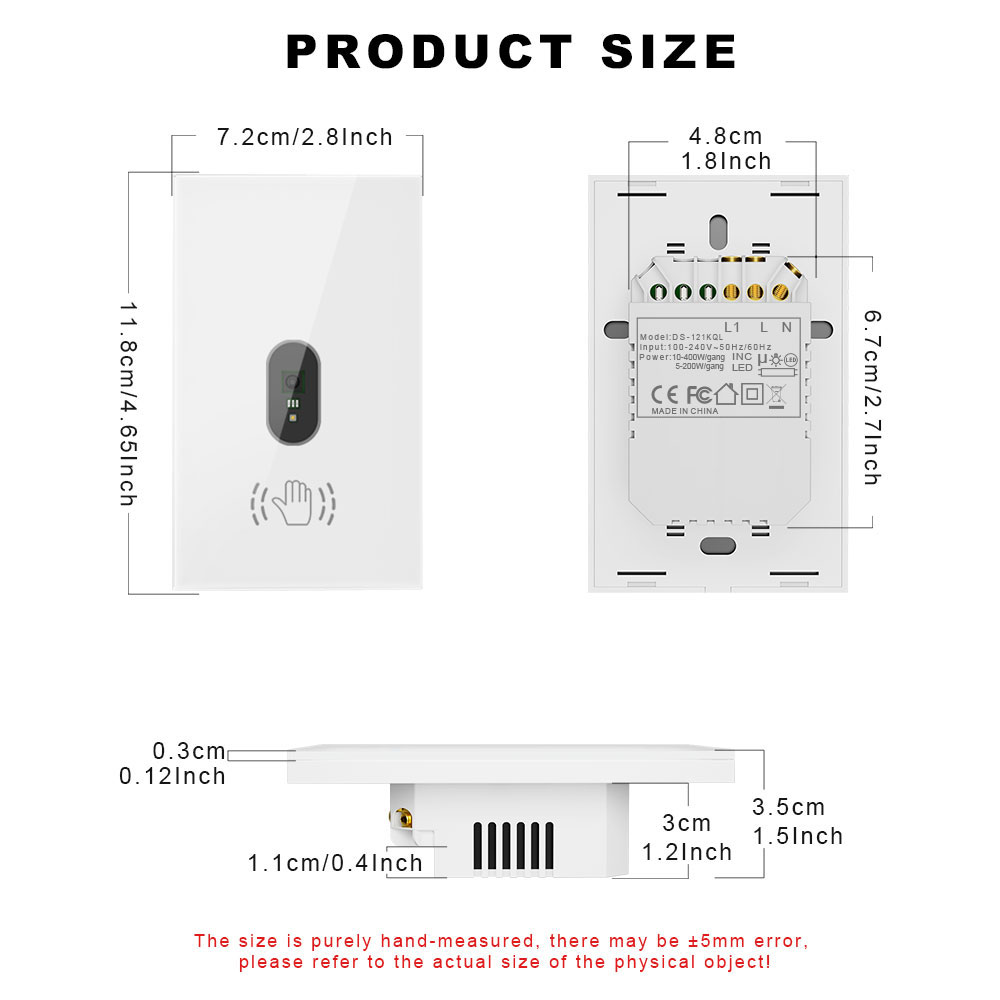
  • Model: DS-121KQL
  • Input: 100-240V ~ 50/60Hz
  • Load: 10-400W (LED) / 5-200W (Incandescent), single channel
  • Certifications: CE / FC
  • Gesture sensing range: approx. 10 cm
  • Colors: Black / White

DS-121KWL size dimensions

Wiring & Installation

The switch supports both single-live and neutral-live installations. When no neutral line is present, connect the supplied capacitor as shown in the Wiring diagram below. Standard wall box installation applies — no hub required.

DS-121KWL wiring diagram

Sensing & Daily Automation

The wave sensor responds reliably at close range, and combined with the app timer you can set scenes, countdowns and schedules for energy-saving routines. The toughened glass panel is easy to clean and resists fingerprints. Where the DS-1042ZC Series Fits: Apartments, Hotels and Office Retrofits

DS-121KWL gesture sensing

DS-121KWL timer and schedule

Elegant Glass Design

Available in black and white, the glass panel complements modern interior styles and is built with flame-retardant materials for added safety. Where the DS-101YJL Series Fits: Apartments, Hotels and Office Retrofits

DS-121KWL glass panel design

DS-121KWL white variant

Ordering & OEM Support

As a factory-direct supplier, we offer competitive wholesale pricing, OEM/ODM customization, fast lead times and full after-sales support. Contact our sales team for a quote, samples and bulk order terms.

Related Articles

You Might Also Like
Frequently Asked Questions

Is 121kwl Wave Wifi worth buying?

Based on the breakdown in this article, 121kwl Wave Wifi offers a solid mix of features and value. If your main goal matches the key benefits described above, it is a practical choice for everyday use.

How do I choose the right 121kwl wave wifi for my needs?

Start with your core use case, then compare battery life, compatibility, and build quality as covered above. Choosing the right 121kwl wave wifi comes down to matching specs with how you actually use it.

Does 121kwl wave wifi require a companion app?

Most devices of this type pair with a free companion app for setup and firmware updates. A few advanced features may sit behind a paid plan, so check the official specs page before buying.

Posted on — Leave a comment

How to Install a WiFi Touch Smart Switch: Step-by-Step Guide

A WiFi touch Smart switch replaces the plain wall switch you already have, and from that moment the light or fan behind it can be turned on from your phone, from a schedule, or by voice. Because everything stays in the wall — no plug, no hub, no batteries — it is one of the cleanest upgrades you can make to a room. This guide walks through the whole job: safety, wiring with and Without a neutral wire, pairing with the Tuya or Smart Life app, and the settings that make a Smart switch board genuinely useful.

The good news: if you can replace a normal wall switch, you can install a Smart one. The wiring is the same family of connections, plus one extra wire on most models. M3 Pro Foldable 3-Axis Gimbal Stabilizer, Professional Handheld Gimbal for Smartphones

What you are installing

A touch switch board is a glass or acrylic panel with capacitive touch zones, mounted in the same wall box as your old switch. Behind the panel sits a relay and a WiFi module. The module talks to your router, the relay switches the live wire, and the touch zone replaces the rocker. Most models in the XingLiao DS series follow this pattern, with one, two, three or four gangs on a single 86 mm or 120 mm plate.

  • Live in: the wire that was on your old switch’s common terminal.
  • Load out: one per gang, the wires that run to each light.
  • Neutral: needed by most smart switches to power the WiFi module. Some models work without it.

Before you start

  • A voltage tester (non-contact one is fine) — never trust the breaker label alone.
  • A small flat and Phillips screwdriver, and painter’s tape to label wires.
  • Your phone with the Tuya Smart or Smart Life app installed, and your 2.4 GHz WiFi password ready.
  • Ten minutes per gang. First one takes longer; the second switch in the same room takes half the time.

Safety first: isolate the circuit

Turn off the breaker for the circuit you are working on, then test the switch terminals with the voltage tester before touching anything. Check twice: once at the breaker, once at the switch. If the tester still indicates voltage, you have the wrong breaker — find the right one. In older homes with shared or mislabeled breakers, this step is the one that keeps the job boring, which is what you want.

Step 1: remove the old switch

Unscrew the plate and pull it gently away from the wall box. Photograph the existing wiring with your phone before disconnecting anything — the photo is worth more than memory when you are holding three wires and a new switch. Disconnect the old switch and set it aside.
Step 2: identify your wiring

Look into the box and count the wires. If you see a bundle of blue or black wires joined with a connector in the back of the box, you very likely have a neutral available — unscrew the connector and confirm the wires are not switched lives. If there are only two wires at the switch (live in, load out), you have a switch loop without neutral, and you need a no-neutral model or one with a bypass capacitor.

Label each wire with painter’s tape as you identify it: L for live, N for neutral, and L1/L2/L3 for each gang’s load.

Step 3: connect the smart switch

With the breaker still off, connect in this order:

  1. Neutral to the N terminal — this powers the module. No-neutral models: skip, and fit the bypass capacitor between live and the first load if the manual calls for it.
  2. Live to the L terminal.
  3. Each load to its gang terminal L1, L2, L3, L4.
  4. Tuck the wires back into the box, keeping the WiFi module clear of metal box sides where possible, and screw the frame in place. The glass panel usually clips or slides on last.

For a touch switch board with multiple gangs, double-check that each load wire went to the gang you think it did — the numbering on the back of the panel is your reference, and the photo from Step 1 tells you which old wire was which.

Step 4: restore power and test the touch

Turn the breaker back on. The panel should light up or show a standby indicator. Touch each zone once: every gang should click its relay and switch its light. If one gang controls the wrong light, that is just a load wire in the wrong terminal — power down and swap it.

Step 5: pair with the Tuya or Smart Life app

Open the app, tap add device, and choose Wall Switch. Put the switch into pairing mode — usually by holding one touch zone for about five seconds until the indicator flashes. The app will ask for your WiFi credentials; use the 2.4 GHz network, because most Tuya-based modules do not see 5 GHz. Pairing takes under a minute, and each gang appears as its own controllable switch in the app.

Models that support the same ecosystem can then be grouped: a hallway panel, a bedroom panel and a smart plug can all sit in one “Downstairs” group and switch together.

Step 6: set up the useful parts

  • Schedules: bathroom fan on for 20 minutes every morning; porch light on at sunset, off at midnight. Sunset tracking is built into Tuya’s scheduling.
  • Countdown timers: one tap starts a 30-minute run — ideal for fans, heated towel rails and garage lights.
  • Scenes: one tap in the app, or one voice command, sets several switches at once. “Movie time” can dim the living room and kill the kitchen lights.
  • Voice assistants: link the Tuya skill in Google Home or Alexa, then “Hey Google, turn off the hallway” just works.
  • Random vacation mode: toggles lights at varied evening times so the house looks lived-in.

Troubleshooting

  • No power after install: the live is in the wrong terminal, or the breaker is still off. Recheck with the tester.
  • Panel works but won’t pair: 90% of the time this is the 5 GHz network. Join the 2.4 GHz SSID, move the router closer, and retry pairing mode.

  • Switch clicks but light stays off: load wire is loose or in the wrong gang terminal.
  • WiFi drops occasionally: metal wall boxes and long runs weaken the signal; a WiFi extender in the same room usually fixes it.
  • LED lamps flicker or glow when off: very low loads can leak through some relays. A bypass capacitor across the load, or specifying no-neutral models rated for LED loads, resolves it.

XingLiao WiFi touch switches

Frequently Asked Questions

Do I need a neutral wire for a WiFi touch switch?

Most models do, because the WiFi module needs a small continuous supply. If your switch box has only two wires, choose a no-neutral model or add the bypass capacitor the manufacturer supplies. Check before buying — it is the single most common compatibility issue.

Can I install a smart switch myself?

If you can safely replace a standard wall switch — breaker off, wires tested, terminals tightened — the job is within DIY scope. If your wiring is old, aluminium, or you are unsure which breaker is which, use a qualified electrician.
Will the switch still work if WiFi is down?

Yes. The touch panel and relay are local: you can always press the zone to turn the light on or off. Only the app, schedules and voice control pause until the router recovers.

Does a touch switch board need a hub?

WiFi models like the DS series do not. They connect straight to your 2.4 GHz router. Zigbee versions exist and do need a gateway, which suits larger installs with many devices.

Can one panel control lights in different rooms?

A multi-gang board switches the circuits wired to its own box, so gangs usually control lights in the same room. To control other rooms together, use app scenes or voice groups instead of rewiring.

What load can one gang switch?

Typically 10 A per gang, enough for any normal lighting circuit and small fans. For heaters, towel rails or motors, check the rating on the specific model and stay inside it.

Related guides

Browse smart switches and control panels · Tell us your wiring setup and we will recommend the right model

Related Articles

You Might Also Like
Posted on — Leave a comment

WiFi Smart Plug: Current Ratings, Energy Monitoring and What to Check Before Buying

What a WiFi Smart Plug Does (and What It Cannot)

A WiFi Smart plug sits between your wall socket and whatever you plug into it, and gives that appliance three new abilities: on/off from your Phone, a schedule, and — on the better models — a live reading of how much electricity it is using.

It is the cheapest way to make something Smart, takes about thirty seconds to set up, and needs no tools. It is also the easiest way to waste money on the wrong appliance, so it is worth knowing where it works. F6 3-Axis Gimbal Stabilizer, Handheld Smartphone Gimbal for Smooth Video

Where it shines: lamps, fans, heaters, coffee machines, Christmas lights, aquarium equipment, phone chargers you want to stop at 100%, irons and hair tools you want to make sure are off, and anything on a timer. C08 Gimbal Stabilizer 69cm, Extendable Selfie Stick Tripod for iPhone & Android

Where it does not: ceiling lights (there is no socket), hardwired appliances, and — importantly — high-draw or inductive loads that exceed the plug’s rating. A smart plug is a switch, not a miracle. C07 Mini Gimbal Stabilizer 66cm, Foldable Extendable Selfie Stick Tripod for Smartphones

Current Rating: The Number That Matters Most

Before anything else, match the rating to the appliance: C06 Series Selfie Stick with Light & Tripod, Extendable Gimbal Stabilizer for Smartphones F10 3-Axis Gimbal Stabilizer, Handheld Smartphone Stabilizer for Smooth Video Recording

  • 10A — lamps, small fans, chargers, most consumer electronics. Fine for around 2,300W at 230V.
  • 16A — heaters, kettles, air conditioners, washing machines, water pumps. Around 3,600W at 230V. If you are in Europe or the UK and the appliance has a proper plug and draws real power, buy 16A.
  • Inductive loads — anything with a motor (pumps, compressors, some fans) draws a surge several times its running current at startup. Leave headroom or the relay welds shut.

Then match the plug standard to your country: EU (Schuko / French type E), UK (BS 1363, fused, 3-pin), US (Type A/B), or universal. This sounds obvious and is still the most common ordering mistake in export.

Two models in our range cover the common cases: the Tuya WiFi smart socket EU 16A with energy monitoring for European markets, and the UK 2-gang wall socket with 20W USB PD where you want a fixed wall outlet rather than a plug-in adapter.

Energy Monitoring: Worth It?

A monitoring plug measures voltage, current and power factor and turns them into watts and kilowatt-hours. It will not match your utility meter to the cent, but it is accurate enough to answer the questions people actually have:

  • How much does it cost to run the heater for an hour?
  • Is the old fridge actually the problem, or is it the tumble dryer?
  • Is this device still drawing power when it is “off”?

That third one is where the money is. Standby draw of 5–15W across a dozen devices runs year-round, and you will never find it without measuring. Our guide to smart plug energy monitoring walks through the setup and how to read the numbers.

If you only want scheduling and voice control, a non-monitoring plug is cheaper and does the job.

Scheduling and Automations That Actually Get Used

The novelty wears off in a week. What survives is the boring stuff:

  • Sunset-based lighting rather than a fixed clock time — the schedule follows the seasons without you touching it.
  • Heater on 30 minutes before waking, off at bedtime. Comfort without running it all night.
  • Charging cutoff for e-bikes and power tools, to stop overnight trickle charging.
  • Away mode — randomise lamp on/off times while you are travelling.
  • Interlocks — if the leak sensor trips, cut power to the washing machine.

Most of these need a sensor or a second device to be genuinely useful, which is why plugs work best as part of a small System rather than alone. See six practical automation scenes.

Safety and Certification

Cheap uncertified plugs are the one smart home product where cutting corners is genuinely risky: a plug carries full mains current, sits in your wall, and is often left unattended for years. Check for:

  • Flame-retardant enclosure (usually PC V-0 rated).
  • Real certification for your market — CE for Europe, UKCA/BS for the UK, FCC and UL or ETL for the US, PSE for Japan, CCC for China.
  • A relay rated above the load, with over-current and over-temperature protection.
  • Proper pin construction — thin plated pins overheat. This is invisible in photos and obvious in the hand.
  • Child shutter on wall sockets where local code requires it.

Setup Gotchas

  • 2.4GHz only. Almost all smart plugs cannot see a 5GHz network. If your router uses one name for both bands, split them temporarily during pairing.
  • WPA2 or WPA3. Open networks and enterprise portals generally will not work.
  • Too many devices. Consumer routers start struggling well before their advertised limits. If you are past roughly 30 WiFi devices, move to Zigbee plugs behind a smart home gateway.
  • Naming. Call it “Living room lamp”, not “Plug 04”. Voice control is unusable otherwise.

For Distributors and OEM Buyers

Smart plugs are a volume category: low unit value, high repeat rate, and very sensitive to packaging and certification paperwork. Our terms:

  • Stock, neutral packaging: from 100 pcs, mixed models and plug standards allowed.
  • OEM (logo, retail box, manual, app branding, preset firmware): from 5 pcs per model.
  • New tooling or a new plug standard: 2,000–3,000 pcs; tooling 25–40 days, samples 7–15 days.
  • Certifications supported: CE, FCC, RoHS, UKCA, CCC, PSE.

Send the target market, plug standard and quantity through the contact page and we will quote against an actual spec. More background in how to automate any appliance without rewiring and smart plug.

Browse the range

Frequently Asked Questions

Does a smart plug work without WiFi?

The button on the plug still switches it manually. App control, schedules and voice need the network — although schedules stored on the device usually keep running after a short outage.

How much power does the plug itself use?

Typically under 1W, often around 0.3–0.8W. On a 16A plug switching a 3kW heater that is negligible; on a phone charger left running all year, the plug’s own draw is a meaningful fraction of what you are measuring.

Can I use it for an air conditioner or water heater?

Only if the plug’s rating exceeds the appliance, with headroom for the startup surge. Use a 16A unit for these, and for anything with a compressor consider a dedicated controller instead.

Is energy monitoring accurate enough to bill from?

No. Treat it as a diagnostic tool accurate to roughly a few percent, not a revenue-grade meter. It is more than good enough to rank your appliances by cost.

Do I need a hub?

Not for WiFi plugs — they connect straight to the router. Zigbee plugs need a gateway, which is usually the better choice once you pass 20–30 devices.

What is the MOQ for our own brand?

5 pcs per model for OEM branding including retail packaging and manuals. Stock units in neutral packaging start at 100 pcs, and mixed models are accepted.

Related Articles

You Might Also Like
Posted on — Leave a comment

WiFi Smart Switch Board: Neutral Wire Check, Gang Sizes and How to Choose

What Is a WiFi Smart Switch Board?

A WiFi Smart switch board is a wall switch panel with a wireless module built in. It replaces the ordinary switch on your wall and lets you turn lights and appliances on or off from your Phone, from a voice assistant, or on a Schedule — while the physical buttons on the wall keep working exactly as before.

That last point matters more than people expect. Smart bulbs fail the “guest test”: someone flips the wall switch off, the bulb loses power, and every app and voice command stops working. A smart switch board keeps the circuit live, so the room stays smart no matter who walked in and pressed what. C08 Gimbal Stabilizer 69cm, Extendable Selfie Stick Tripod for iPhone & Android F6 3-Axis Gimbal Stabilizer, Handheld Smartphone Gimbal for Smooth Video

WiFi Switch Board vs Smart Switch vs Smart Plug

These three get confused constantly. Here is the practical difference: C07 Mini Gimbal Stabilizer 66cm, Foldable Extendable Selfie Stick Tripod for Smartphones

  • Smart switch board — replaces the wall switch itself. Best for fixed lighting, ceiling lights, and anything wired into the wall. Permanent, needs Installation.
  • Smart switch module — a small relay that hides behind your existing switch, keeping the original faceplate. Good when you rent, or when the building rules say you cannot change the visible hardware.
  • Smart plug — plugs into a socket, controls whatever is plugged in. Zero installation, but useless for ceiling lights and easy for anyone to unplug.

If you are wiring a new build or renovating, switch boards are the right layer to install — you do it once and the whole room becomes controllable. If you are renting or testing the idea, start with plugs and modules.

The One Question That Decides Everything: Do You Have a Neutral Wire?

Open the switch box and count the wires. Most smart switch boards need a neutral wire (usually blue or black) in the box to power their electronics. Many older homes — especially in Europe, the UK, and older buildings in Asia and the Middle East — only run live and switched-live to the switch, with the neutral tucked away in the ceiling rose. F10 3-Axis Gimbal Stabilizer, Handheld Smartphone Stabilizer for Smooth Video Recording

Outcomes:

  • Neutral present — almost any WiFi switch board works, including Zigbee and Matter models. This is the simple case.
  • No neutral — you need a single-fire (no-neutral) model, or a capacitor bundled across the load. Single-fire boards are fussier: with very small LED loads they can flicker or buzz, and some need a minimum load to behave.

Check before you buy. It is the single most common reason a smart switch gets returned, and it has nothing to do with the brand.

How Many Gangs Do You Need?

“Gang” simply means how many switches sit on one plate. Count the switches currently on the wall in that position — 1-gang, 2-gang, 3-gang and 4-gang are standard, and larger 6 to 12-module boards exist for whole-room or hotel-style layouts where lighting, curtains, scenes and air conditioning share one panel.

Two things to verify:

  • Physical size and box depth. A smart board is deeper than a mechanical switch because of the electronics behind the glass. If you are retrofitting into an old shallow box, measure the depth first.
  • Independent loads. On a multi-gang board, each gang is an independent channel. That is what lets you control the ceiling Light, the strip light and the exhaust fan separately from one panel.

If you are planning a larger panel, our guide to 12-module smart switch boards covers layout and load planning in detail, and touch switch boards explains the differences between capacitive touch, mechanical rocker and hybrid panels.

Glass, PC, and Touch: What Actually Changes

The panel material is mostly about looks and cleaning:

  • Tempered glass — the premium look, flat, wipe-clean, resists yellowing. Fingerprints show more. Common in hotels and modern apartments.
  • PC / flame-retardant plastic — cheaper, lighter, more impact-tolerant, and easier to produce in custom colours and prints.
  • Touch vs physical — capacitive touch panels have no moving parts and look seamless; some people still prefer a mechanical rocker for muscle memory in the dark. Hybrid boards offer both.

Whichever you pick, look for a board rated for your mains voltage (110–240V, 50/60Hz), with a relay rated above the load you plan to switch, and a fire-retardant enclosure.

App, Voice, and Automation

Most WiFi switch boards sold internationally run on the Tuya / Smart Life platform, which is why the same hardware appears under many brand names. What you get:

  • Control from anywhere, with a live on/off state so you can see whether you left the lights on.
  • Schedules and timers — porch light on at sunset, off at 23:00.
  • Scenes: one tap or one voice command that triggers several devices at once.
  • Voice control through Alexa and Google Assistant, and usually Siri Shortcuts.
  • Works with Google Home or Alexa speakers, and for Home kit users, check whether the model carries Matter support.

A practical note: a WiFi board connects directly to your router, so each board takes an address on your network. In a whole-house project with 20+ boards, that is worth thinking about — a Zigbee board plus one smart home gateway keeps the load off your router and usually responds faster in local scenes.

Installation and Safety

Switch off the breaker, confirm with a tester, photograph the existing wiring before you remove anything, and match live / neutral / load to the diagram that came with the board. If your local code requires a licensed electrician for fixed wiring, use one — in many countries a DIY mains install voids insurance.

After mounting, the usual pairing flow is: hold the button until the indicator blinks, open the app, add device, select your 2.4GHz WiFi network, and name the gang something you will recognise later (“Kitchen ceiling”, not “Switch 3”).

Remember that smart boards need 2.4GHz WiFi during setup. If your router merges 2.4 and 5GHz under one name, temporarily split them or the board may not be found.

Buying for a Project: MOQ, Customisation and Lead Time

For homeowners, one or two boards is enough. For distributors, hotel projects and OEM brands, the numbers look different. This is what we run at Xingliao:

  • Stock models (neutral packaging): from 100 pcs — mixed models and colours allowed, ships in days.
  • Samples: from 5 pcs — charged, and credited against your first bulk order.
  • Logo as sticker or silk print: from 10 pcs per model.
  • Laser-engraved logo: from 300 pcs.
  • Custom packaging and manual: 500–1,000 pcs.
  • Your own product ID (private PID — app panel, firmware identity, cloud listing): from 1,000 pcs.
  • New tooling and ODM design: 2,000–3,000 pcs.
  • Sampling 7–15 days; tooling 25–40 days.
  • Certification support: CE, FCC, RoHS, UKCA, CCC, PSE.

Switch panels are one of the easiest categories to brand because the faceplate is the first thing a customer sees. If you want your own logo on the glass and your own brand inside the app, that is the 500-pcs tier. Tell us the quantity and market and we will quote against a real spec.

Browse the current range in our smart switch category, or read the full comparison in smart switch board and how to choose a smart switch.

Related guides
Frequently Asked Questions

Does a WiFi smart switch board work without internet?

Local control still works on most models — pressing the panel and, for Zigbee boards, running local scenes through the gateway. Remote control from outside your home and voice assistants require internet. If you want automations that survive an outage, choose a gateway with local scene execution.

Can I install one if my switch box has no neutral wire?

Yes, but you must buy a no-neutral (single-fire) model. Standard boards will not power up. Check the spec sheet for “no neutral required” before ordering, and expect some LED loads to need a bypass capacitor.

Will it still work if my WiFi goes down?

The physical buttons always work — that is the point of a switch board. Only app and voice control go offline. Zigbee-based boards paired to a local gateway usually keep their automations running too.

Can one board control a fan and a light separately?

On multi-gang boards, yes — each gang is an independent channel with its own relay. Just make sure the total load stays within the board’s rating and that each gang is wired to its own load.

What is the minimum order for a custom-branded switch board?

Samples start at 5 pcs and are charged, with the sample cost credited against your first bulk order. A sticker or silk-printed logo runs from 10 pcs per model, laser engraving from 300 pcs, custom packaging 500–1,000 pcs, and your own product ID from 1,000 pcs. Standard models under your own brand start at 5 pcs per model, and new tooling starts around 2,000–3,000 pcs with 25–40 days for tooling.

Do you support Matter or Zigbee versions?

Both exist depending on the model. If your project targets Apple Home or wants a mesh that does not load the router, ask for the Zigbee or Matter variant rather than pure WiFi.

Related Articles

You Might Also Like
Posted on — Leave a comment

Zigbee vs WiFi for Smart Home Devices: What to Use Where

Use WiFi for anything that streams Video or needs the internet directly — cameras, Video doorbells, Smart speakers. Use Zigbee for anything that is battery-powered, numerous and low-data — Door/window sensors, motion sensors, water leak sensors, and switches that only report state. Zigbee devices do not each need your router; they form a mesh that reaches further and keeps working when the internet drops.

The mistake most people make is buying every device in WiFi and then discovering 30 clients on a Home router, batteries that die every few months, and automations that stop when the broadband does.

The practical difference

  • WiFi connects each device straight to your router. High bandwidth, high power draw, one more client per device, and it depends on router quality.
  • Zigbee connects devices to a small hub, and the mains-powered devices in the mesh relay messages for each other. Very low power, instant local response, no router load, but low bandwidth — fine for “door open”, useless for Video.

What to buy in Zigbee

Sensors

Door/window contacts, PIR motion sensors, water leak detectors, rain sensors, temperature and humidity sensors. A Zigbee sensor on a coin cell typically runs one to two years, versus a few months for the WiFi equivalent, and it reports state to the hub locally in well under a second. This is why a whole-house sensor set is normally Zigbee.

Switches and relays that only report state

Light switches, curtain switches and boiler relays are mains-powered, so battery life is not the issue — reliability is. Zigbee keeps them off your WiFi and, importantly, keeps local automations working if the internet goes down.

Large installs

Once you pass roughly 15–20 devices, Zigbee’s mesh matters more than any single device spec. Put a few mains-powered Zigbee devices (Smart plugs or in-wall modules) around the house and they will act as repeaters for the battery sensors. C08 Gimbal Stabilizer 69cm, Extendable Selfie Stick Tripod for iPhone & Android

What to keep on WiFi

Cameras and video doorbells

Video needs bandwidth Zigbee cannot deliver. Keep cameras on WiFi, give them their own 2.4 GHz SSID if your router supports it, and do not judge the rest of your Smart home by how flaky a camera at the front door feels.

Plugs and appliances you want to control from anywhere without a hub

A WiFi Smart plug is the simplest possible first device: no hub, works with voice assistants directly, and metering models report power. If you only want two or three, WiFi is fine.

Where a hub is unavoidable

Zigbee needs a coordinator — a hub, a speaker with a built-in radio, or a control panel. That single purchase is what makes the rest cheap and reliable. Choose a hub that supports Zigbee 3.0 so devices from different brands interoperate for basic on/off, open/close and battery reporting. Note that brand-specific extras (advanced metering, proprietary scenes) may still need that brand’s own app.

Matter and Thread, briefly

Matter is a device-level standard that sits above the transport: it lets a device work with any Matter-certified controller, whether it arrives over WiFi, Thread or a bridge. Thread is a low-power mesh in the same role as Zigbee. In practice: if you are buying sensors today, a Zigbee 3.0 or Matter-over-Thread device from a brand whose hub you already own is the safe choice.

Planning a house, room by room

  • Front door: WiFi video doorbell (bandwidth), Zigbee door contact (backup), Zigbee leak sensor if there is a utility cupboard nearby.
  • Living room: Zigbee motion sensor for lighting automations; WiFi plug for the lamp or TV standby load.
  • Kitchen and utility: Zigbee water leak sensors under the sink, behind the dishwasher and next to the boiler — these are the cheapest insurance in a smart home.
  • Bedrooms: Zigbee temperature/humidity sensors; keep cameras out of sleeping areas.
  • Heating: WiFi thermostat Where it needs remote scheduling, Zigbee boiler relay where it only follows a Schedule and a local temperature sensor.

Troubleshooting checklist

  • Sensor drops offline: add a mains-powered Zigbee repeater between it and the hub; check for a metal cabinet or a mirror in the path.
  • Pairing fails: bring the device within a metre of the hub, reset it properly (usually a 5-second hold), and pair before mounting.
  • Automations are slow: check whether the automation runs locally or in the cloud; cloud ones stop when the internet does.
  • WiFi device keeps disconnecting: you probably have too many clients or a 2.4/5 GHz band-steering problem. Give smart devices a dedicated 2.4 GHz SSID.
Browse the range
Frequently Asked Questions

Do I need a hub for Zigbee devices?

Yes. Zigbee devices talk to a coordinator — a smart speaker with a Zigbee radio, a dedicated hub, or a control panel. That hub is what connects them to your app and to your WiFi network.

Is Zigbee better than WiFi for smart home devices?

For battery sensors, yes: far longer battery life, a self-healing mesh, and local automations that survive an internet outage. For cameras and anything streaming video, WiFi is the only practical option.

How many Zigbee devices can one hub handle?

Commonly 30–60 direct children per coordinator, with mains-powered devices acting as repeaters to extend reach. Large homes usually add a second hub or place repeaters rather than replacing the hub.

Can I mix Zigbee and WiFi devices in one app?

Yes, if your hub or platform supports both — most do. The device radios are different; the app layer presents them together, and automations can cross between them.

Do Zigbee devices work when the internet is down?

Local automations run on the hub and keep working. Remote access and any cloud-dependent automation will not. This is one of the main reasons to prefer Zigbee for essential automations.

Should I wait for Matter instead?

No need. Buy Zigbee 3.0 or Matter-over-Thread devices from a brand whose hub you already run; both are supported by current platforms, and Matter devices can be added alongside existing Zigbee ones.

Related guides

Browse sensors and alarms · Ask which hub fits your setup

Related Articles

You Might Also Like
Posted on — Leave a comment

Video Doorbell Without WiFi: How It Actually Works

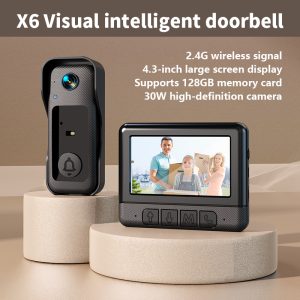
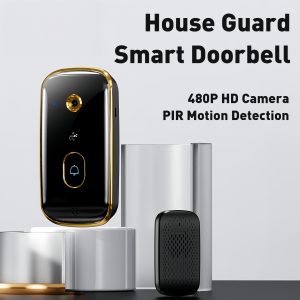
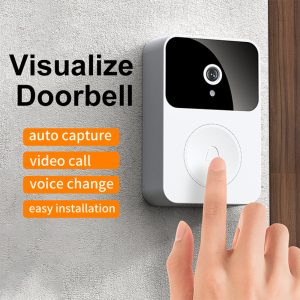
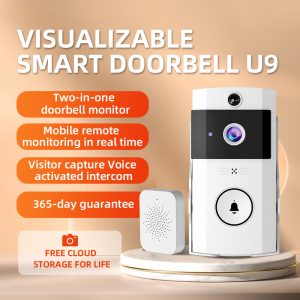
A Video doorbell can work without Home WiFi in two different ways. The first is local operation: the doorbell still joins your WiFi, but records to a microSD card in the indoor chime and rings locally, so a broadband outage does not stop it. The second is no home internet at all: a 4G model with a SIM card sends Video over mobile data. Only the second One works if you have no broadband, or if the Door is out of WiFi range.

Understanding which of the two you need saves most of the disappointment, because the two are often sold under the same “no WiFi required” Label. Automatic Pet Feeder Portions: How to Calibrate and Schedule Meals

Why doors are the hardest place for WiFi

A front door combines the three worst things for a radio link: an exterior wall (often brick or concrete), a door leaf that may be metal or foil-backed insulation, and — in flats — a corridor full of other people’s access points. A doorbell that measures fine indoors can drop 15–20 dB once it is mounted. Practical consequences:

  • Live view takes several seconds to connect, or times out.
  • Motion notifications arrive minutes late, or only when you open the app.
  • Firmware updates fail halfway and the unit appears “dead” until it is brought indoors.

Fix the link before you blame the camera: add a mesh node on the inside wall nearest the door, or move the router. If neither is possible, go 4G.

Type 1: local recording, still on WiFi

These models pair to your 2.4 GHz network, but store clips on a microSD card inside the plug-in chime. If your broadband drops, the doorbell keeps recording and still rings the chime; you simply cannot watch remotely until the internet returns. This is the right choice for houses with a decent router and an occasional outage. Hotel Smart Security OEM Solutions

Check before buying: the card slot must be in the chime or the doorbell (state which), the maximum supported capacity (commonly 32–128 GB), and whether clips loop-record or stop when full.

Type 2: 4G doorbell with a SIM

The doorbell contains a mobile modem. You insert a data SIM, top up a plan, and the doorbell talks to the app over LTE. Use cases Where this is not a luxury but the only workable answer:

  • Driveway gates and farm entrances 20–100 m from the house.
  • Rental and holiday properties without broadband.
  • Site offices, workshops and outbuildings.
  • Houses with stone or foil-insulated walls where no mesh node helps.

Data budgeting: standby Costs very little; the cost is streaming. Expect a few hundred MB per month if you only watch motion clips, and several GB if you open live view often or keep high bitrate 2K/4MP streams. Buy a plan with a hard cap, and set the app to push a thumbnail first rather than auto-downloading every clip.

Power: 4G modems draw more than WiFi ones. Choose a large battery (or a solar panel) and expect a shorter interval between charges than an equivalent WiFi model.

Type 3: RF doorbells and local intercoms

Some wireless video doorbells link the outdoor unit to an indoor screen over a dedicated radio (often 433 MHz or similar) and never touch the internet. You get a live picture on the indoor monitor and two-way talk, but no remote viewing and no cloud clips. This is a good fit for elderly relatives, for households that do not want an app, and for buildings where WiFi is impossible and a data plan is unwanted.

Comparison at a glance

  • WiFi + cloud: best convenience, needs reliable 2.4 GHz at the door and a subscription for cloud history.
  • WiFi + microSD: no subscription, survives broadband outages, still needs WiFi at the door.
  • 4G + SIM: works anywhere with mobile coverage, costs a data plan, higher battery drain.
  • RF + indoor screen: no internet at all, no remote access, simplest to live with.
Comparison at a glance
Type Uses home Wi-Fi Where video is stored Works during an outage Typical use
Local recording over Wi-Fi Yes microSD in the indoor chime Yes, rings locally Homes that want video kept on site
4G doorbell with SIM No microSD and/or cloud Yes Gates, farms, remote sites
RF doorbell / local intercom No None, or local screen Yes Apartments and buildings needing only voice and a live view
Frequently Asked Questions

Do video doorbells work without internet?

Yes, in two ways. Models with a microSD slot keep recording to the card and still trigger the indoor chime. Models with an RF link to an indoor screen work with no internet whatsoever, but you cannot watch from your phone.

Does a video doorbell need WiFi to ring?

Not for the chime. On most battery kits the button, the chime and the doorbell talk over their own radio link. WiFi is only needed for app notifications, remote live view and cloud storage.

Can I use a 4G doorbell indoors or at a gate?

Yes — that is its main advantage. Just check mobile coverage at the exact mounting position before committing, and check the IP rating (IP65 or better for an exposed gate).

How much data does a 4G video doorbell use?

Push notifications and thumbnails use very little. Full live view is the expensive part: a few MB per minute. Plan a few hundred MB per month for normal motion-clip use, and several GB if you stream often.

Will my doorbell still record if the power or broadband fails?

Battery models keep running and keep recording to microSD. The chime needs mains power, so a power cut silences the ring unless the chime has battery backup.

Is 2.4 GHz necessary, or can I use 5 GHz?

Almost all video doorbells are 2.4 GHz only. Make sure your router broadcasts a 2.4 GHz SSID and that AP/client isolation is off.

Related guides

See video doorbells, including no-WiFi and 4G models · Tell us your door and we will recommend one

Related Articles

You Might Also Like