Posted on — Leave a comment

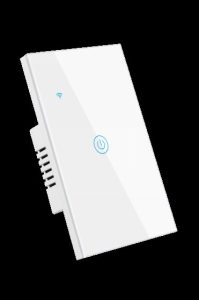
DS-101KWL WiFi Hand Wave Gesture Switch Relay EU UK CN

The DS-101KWL is a WiFi Smart wall Switch from the XingLiao switch line: WiFi Hand Wave Gesture Switch Relay EU UK CN. It is built for buyers who need a documented model number, a defined panel standard and a repeatable OEM file rather than a generic catalog photo. This page collects the factory specification, the Control functions and the product images in one place so you can shortlist the model before requesting a sample.

What the DS-101KWL does

  • Network: WiFi, with the Tuya / Smart Life app flow used across XingLiao switch programs.
  • Panel format: Hand Wave Gesture Switch Relay EU UK CN.
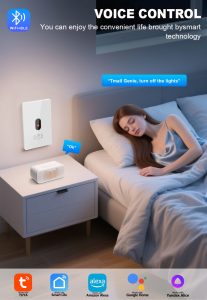
  • Voice control: works with Amazon Alexa and Google Home through the app integration, subject to region and firmware.
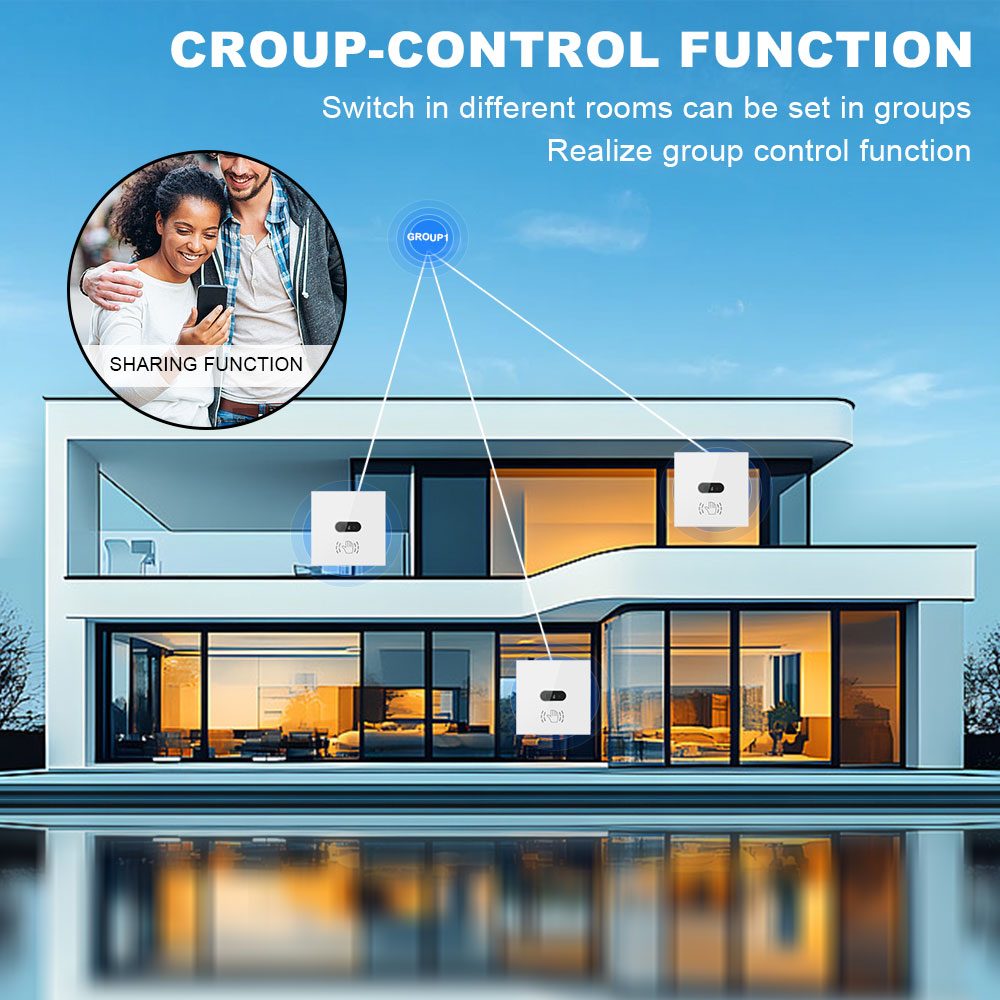
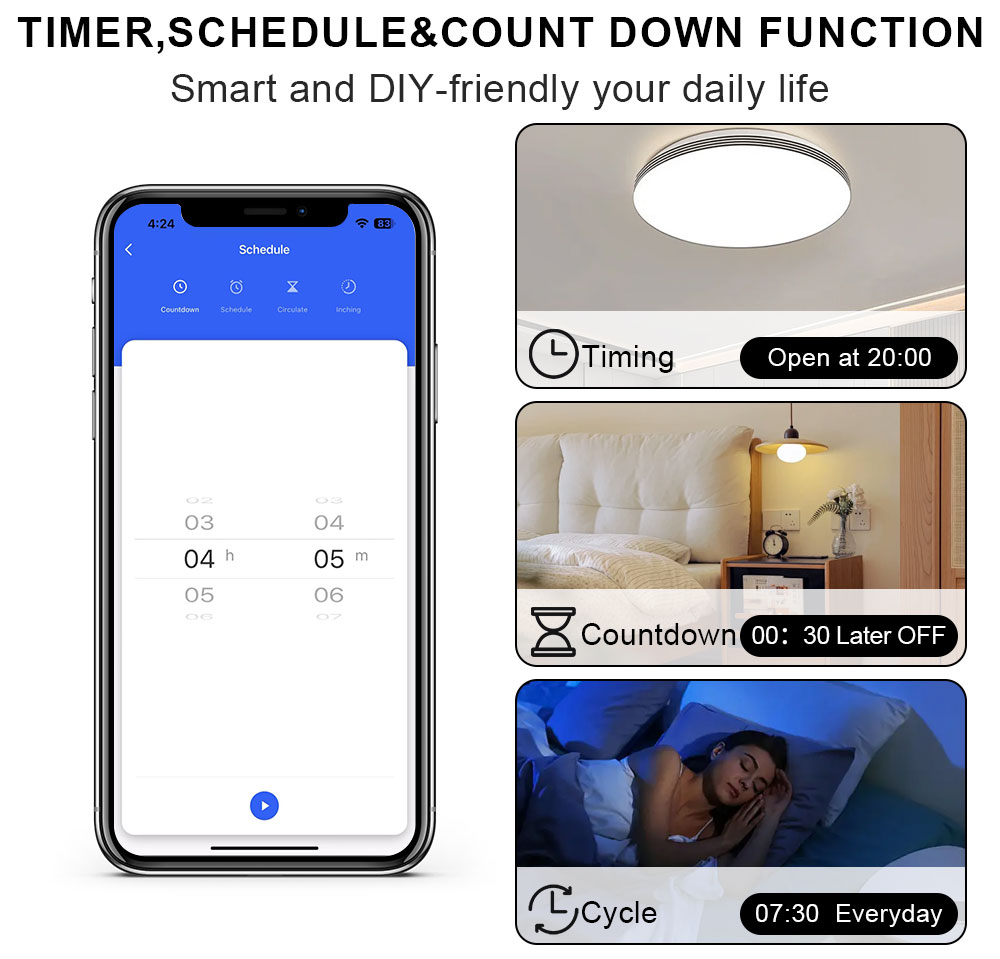
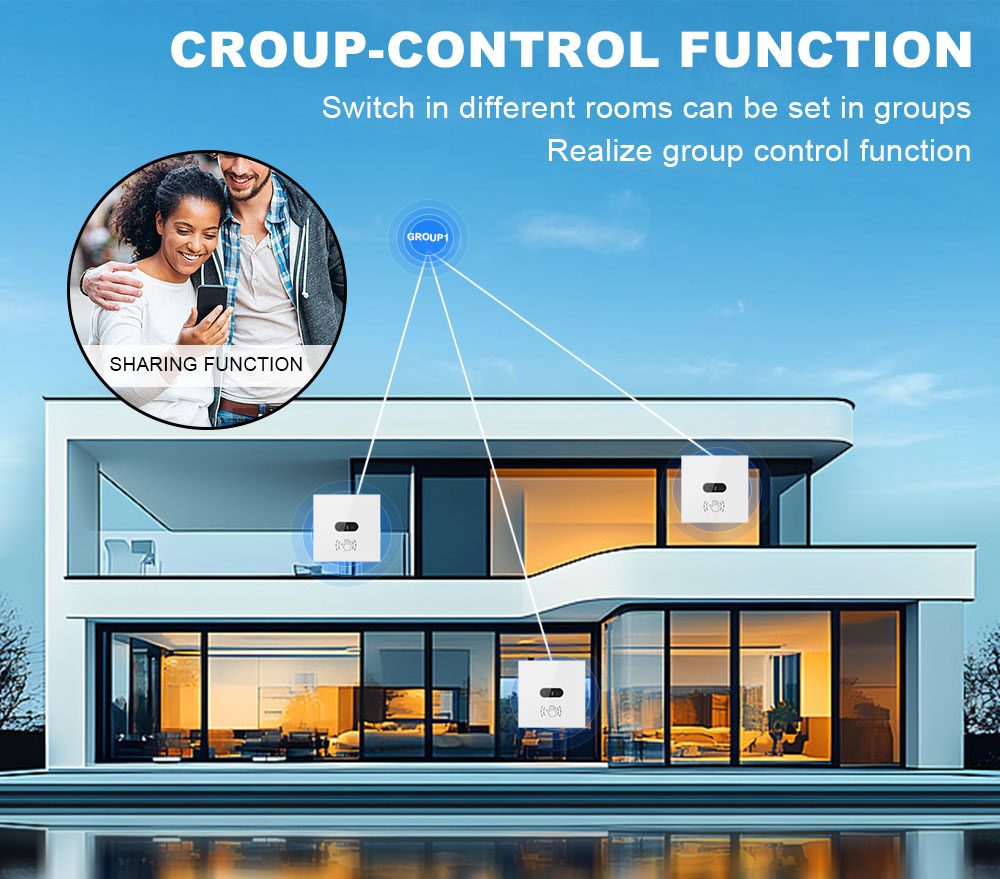
  • Control modes: app remote control, timer and countdown, status feedback, power-off memory, sharing control and manual operation.
  • Multi-control association is available for two-way and three-way installations where the wiring supports it.

Specification snapshot

**Input Voltage:** 100–240VAC, 50/60Hz **Network Mode:** WiFi **Peak Power:** 400W **Standard Colors:** White / Black **Product Dimensions:** 86 × 86 × 35 mm (Europe) **Package Dimensions:** 106 × 100 × 51 mm **Product Gross Weight:** 211g

Certification listed for this family: CE、ROHS. Ask for the current certificate file before artwork approval.

Indicative quotation tiers from the factory sheet: 51-199 pcs – USD 6.5; 200-999 pcs – USD 6; 1000-3000 pcs – USD 5.5. Prices exclude tax and freight; confirm the live tier with the sales team.

Product photos: DS-101KWL
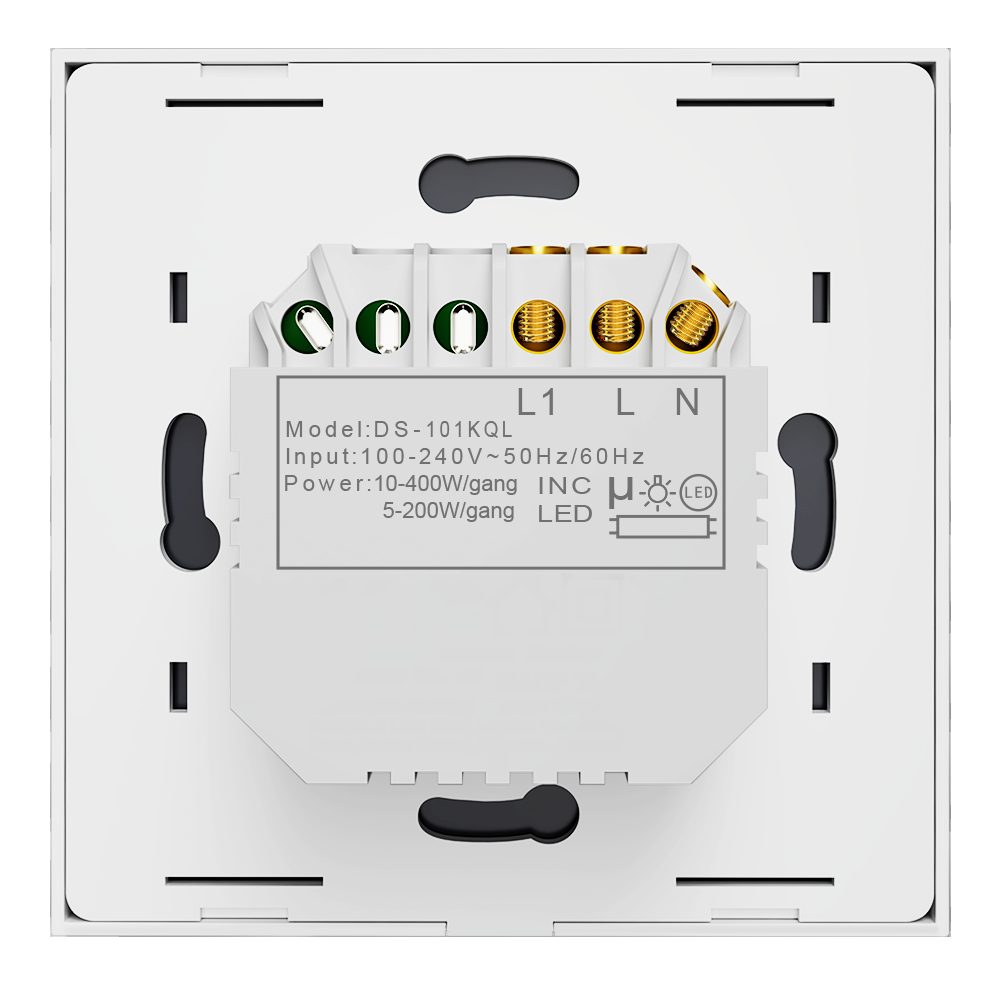
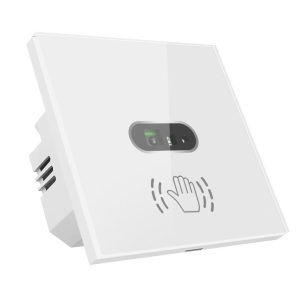
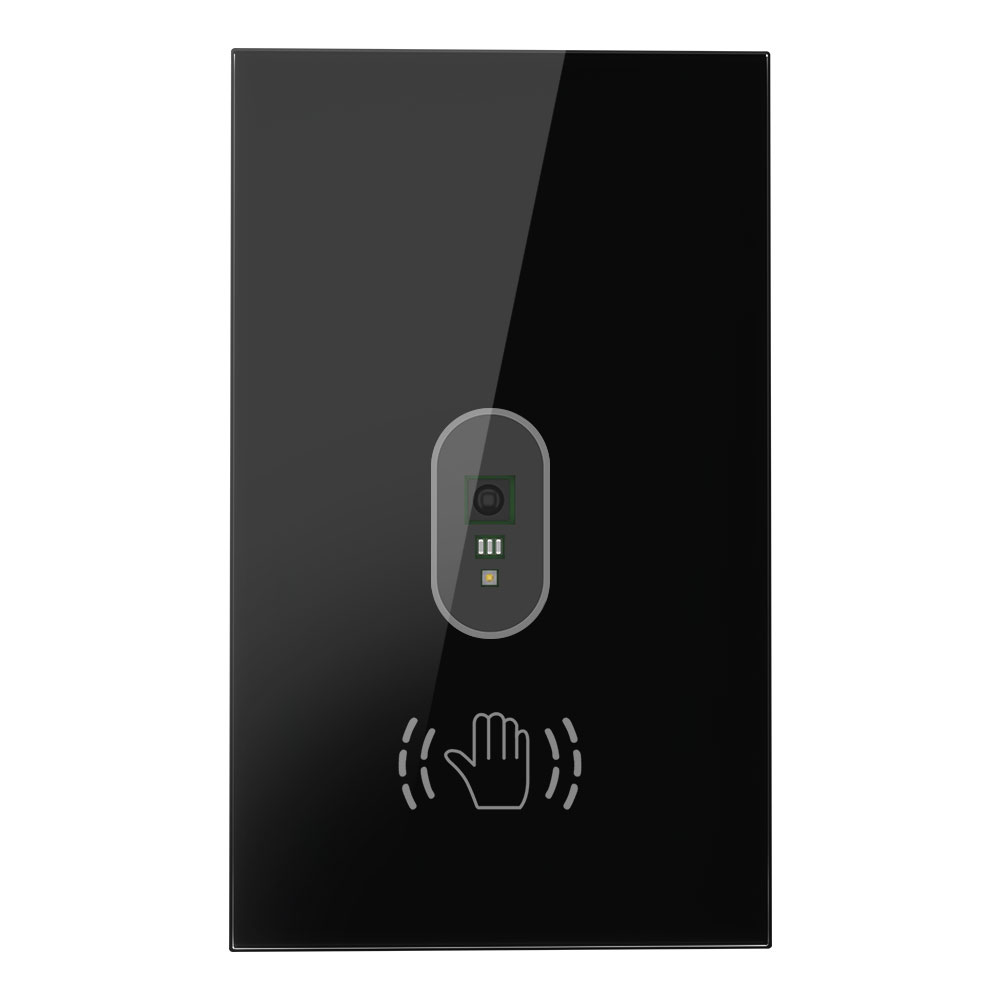
DS-101KWL WiFi Hand Wave Gesture Switch Relay EU UK CN - product photo 1 from XingLiao factory
DS-101KWL: WiFi Hand Wave Gesture Switch Relay EU UK CN. Photo 1 of the factory image set.
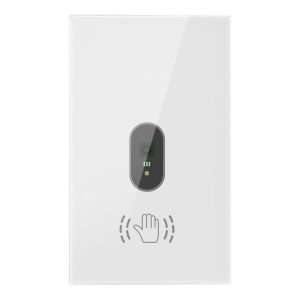
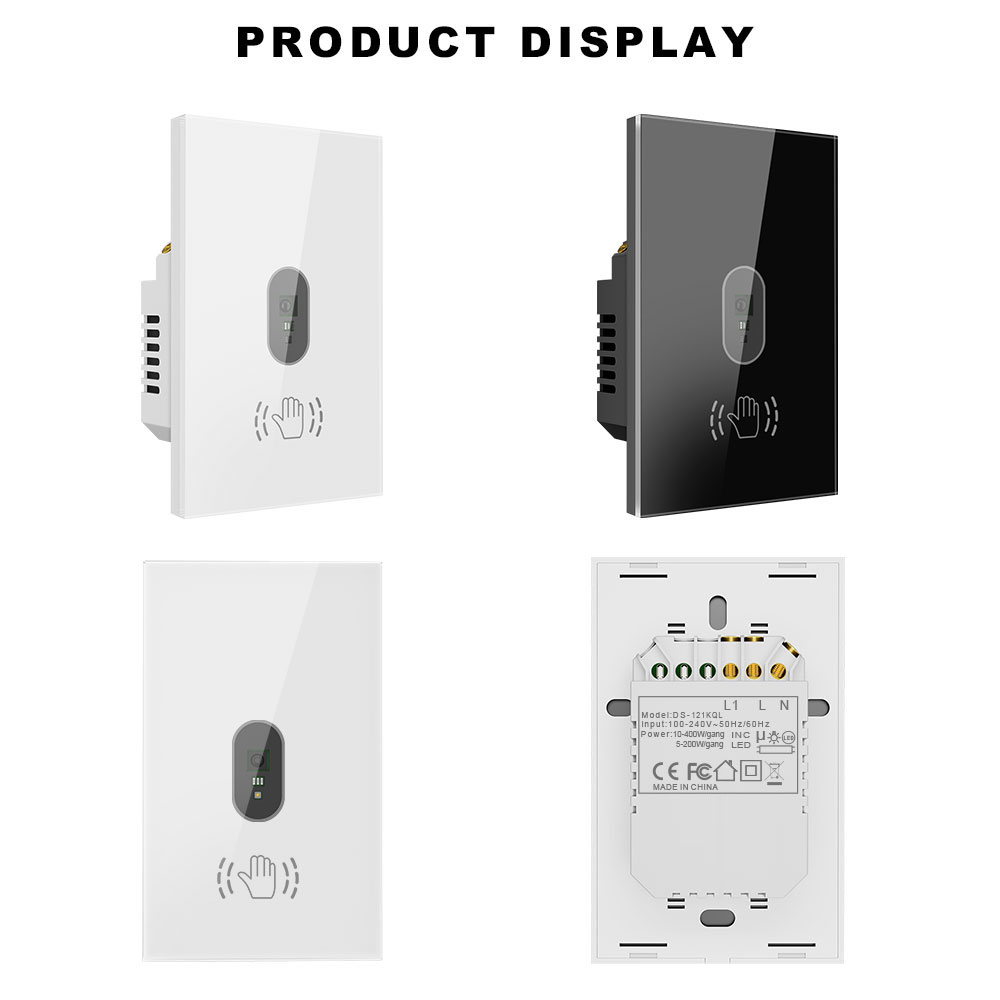
DS-101KWL WiFi Hand Wave Gesture Switch Relay EU UK CN - product photo 2 from XingLiao factory
DS-101KWL: WiFi Hand Wave Gesture Switch Relay EU UK CN. Photo 2 of the factory image set.
DS-101KWL WiFi Hand Wave Gesture Switch Relay EU UK CN - product photo 3 from XingLiao factory
DS-101KWL: WiFi Hand Wave Gesture Switch Relay EU UK CN. Photo 3 of the factory image set.

OEM / ODM notes

For DS-101KWL, the usual customization points are faceplate color, frame finish, logo print or laser mark, packaging and app branding. State your market, panel standard, wiring type (single-wire or neutral) and annual quantity in the first inquiry so the factory can propose the correct base model. CE, FCC, RoHS, UKCA, CCC and PSE support is documented where applicable; do not assume a listing without asking for the file number.

Questions buyers ask about DS-101KWL

Is DS-101KWL a WiFi or ZigBee model?

The model designation in the title identifies the platform. DS-101KWL is the corresponding line in the factory quotation sheet; confirm the exact protocol and firmware before ordering. Why Cameras Miss Faces but Doorbells Don’t

Can the DS-101KWL be used with Google Home or Alexa?

Yes through the Tuya app integration, provided the app region and firmware support the integration. Ask for a short app screen recording with your sample.

What must be checked before ordering?

Door or wall box dimensions, panel standard, load type, wiring (neutral present or not), and the certification file for your market. Sendphotos of the installation site with your inquiry.

Related XingLiao pages

Need a quotation for DS-101KWL? Send the model, market and quantity to the XingLiao team. WhatsApp +86 176 6666 9273.

Related Articles

You Might Also Like

Frequently Asked Questions

Is 101kwl Wifi Hand worth buying?

Based on the breakdown in this article, 101kwl Wifi Hand offers a solid mix of features and value. If your main goal matches the key benefits described above, it is a practical choice for everyday use.

How do I choose the right 101kwl wifi hand for my needs?

Start with your core use case, then compare battery life, compatibility, and build quality as covered above. Choosing the right 101kwl wifi hand comes down to matching specs with how you actually use it.

Does 101kwl wifi hand require a companion app?

Most devices of this type pair with a free companion app for setup and firmware updates. A few advanced features may sit behind a paid plan, so check the official specs page before buying.

Posted on — Leave a comment

Touchless Wave Switches: When Not Touching the Switch Is the Whole Idea

Wave Gesture Switch — Contactless, WiFi & Standalone, EU & US Plates
Touchless Wave Switches: When Not Touching the Switch Is the Whole Idea

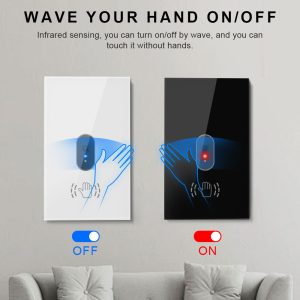
A wave Switch solves a problem that has nothing to do with convenience apps: the plate gets touched by hands that have just handled raw food, cleaning chemicals or a bathroom door. If you have ever wiped a light Switch twice in a row, you already know the use case.

How it works

An infrared field in front of the glass detects a hand passing within a few centimetres and toggles the channel. There is no contact, no mechanical travel and nothing to wear out — the glass stays clean because nobody touches it. Where the DS-129JL Series Fits: Apartments, Hotels and Office Retrofits

Two versions, with and without the network

  • Pure wave (no network) — behaves like a normal Switch that you operate by waving. Nothing to configure, nothing to hack, ideal for kitchens, clinics and food prep areas.
  • Wave + WiFi — adds the Tuya / Smart Life app: schedules, countdown, remote status and voice through Alexa and Google Home.

EU or US plate

The EU version is 86 × 86 mm for European, British and GB boxes; the US version is 118 × 72 mm for US and equivalent boxes. Both are single-fire and zero-fire universal, so they fit older two-wire boxes as well as new ones with a neutral. Where the DS-123Y Series Fits: Apartments, Hotels and Office Retrofits

Where it earns its keep

Kitchens and bathrooms first, then clinics, labs, food factories and anywhere with a hand-washing protocol. In a domestic setting the most common install is One plate by the kitchen door and one in the guest bathroom.

Practical notes

Keep the sensing area clear of tall taps or decorations. The switch responds to a hand pass within a few centimetres — a deliberate wave, not a brush past — so accidental triggering is rare. Where the DS-121JLHK Series Fits: Apartments, Hotels and Office Retrofits

FAQ

Does it work without a neutral?
Yes — both versions accept single-fire and zero-fire Wiring.
Can I still control it from the phone?
On the WiFi version, yes. The pure-wave version is offline by design.
Is the response reliable with wet hands?
Yes — the sensor reads the hand, not the surface, so moisture on the plate is not an issue.

Ready to specify it? Full specifications, gang options, colors and quantity pricing are on the Wave Gesture Switch — Contactless, WiFi & Standalone, EU & US Plates product page — OEM logo, manual and packaging are available from the first order.

Related Articles

You Might Also Like
Frequently Asked Questions

Is Touchless Wave Switches worth buying?

Based on the breakdown in this article, Touchless Wave Switches offers a solid mix of features and value. If your main goal matches the key benefits described above, it is a practical choice for everyday use.

How do I choose the right touchless wave switches for my needs?

Start with your core use case, then compare battery life, compatibility, and build quality as covered above. Choosing the right touchless wave Switches comes down to matching specs with how you actually use it.

Does touchless wave switches require a companion app?

Most devices of this type pair with a free companion app for setup and firmware updates. A few advanced features may sit behind a paid plan, so check the official specs page before buying.

Posted on — Leave a comment

DS-121KWL Wave & WiFi Smart Touch Switch (No Neutral Required) – Advanced Hands-Free Control for Modern Homes

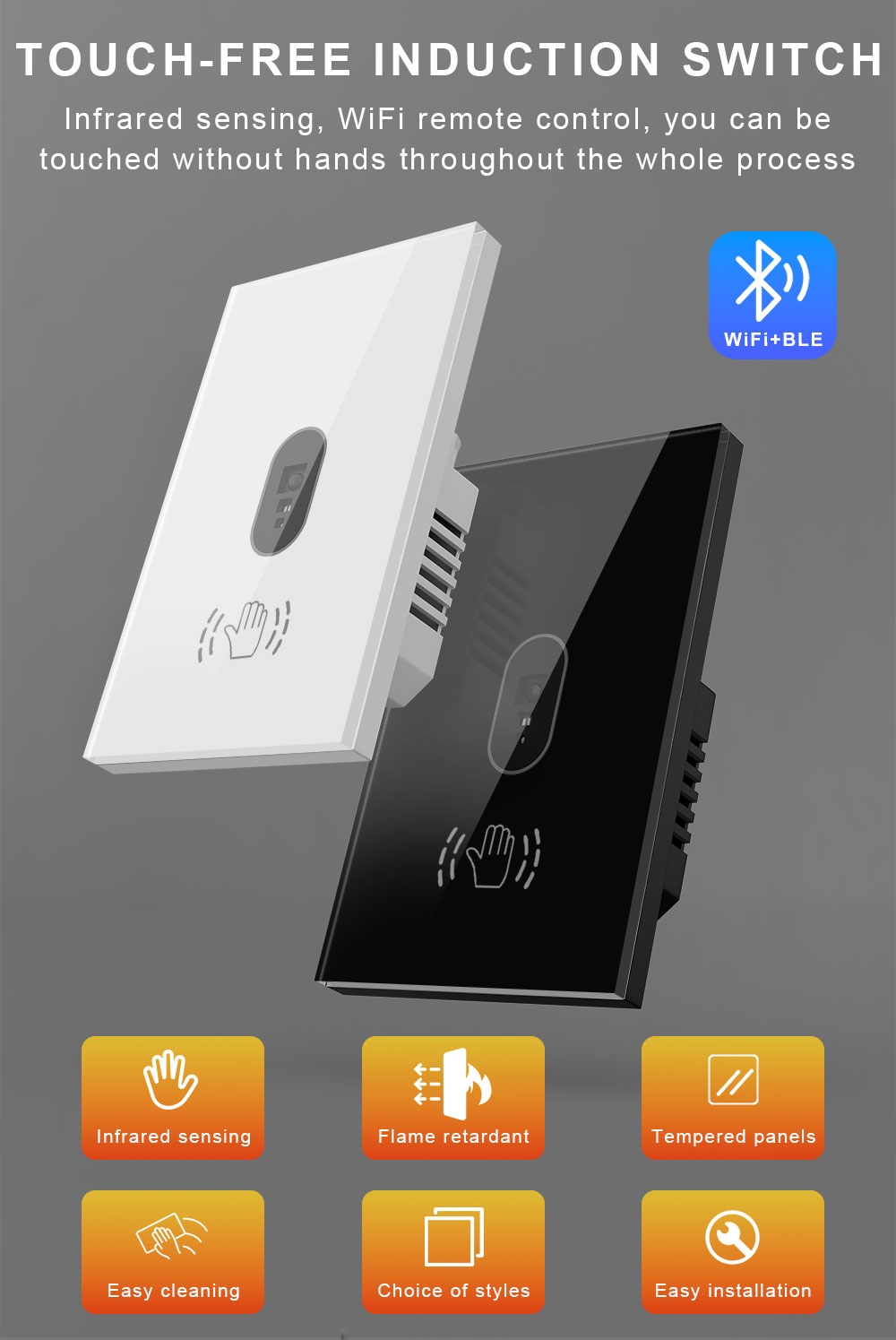
The DS-121KWL Wave & WiFi Smart Touch Switch is a premium single-gang switch designed for modern residential and commercial projects. Combining wave (gesture) sensing with WiFi + Bluetooth control, it delivers true hands-free lighting management without the need for a neutral wire — making retrofitting quick and cost-effective.

DS-121KWL Wave WiFi Smart Touch Switch main

Key Selling Points for Buyers

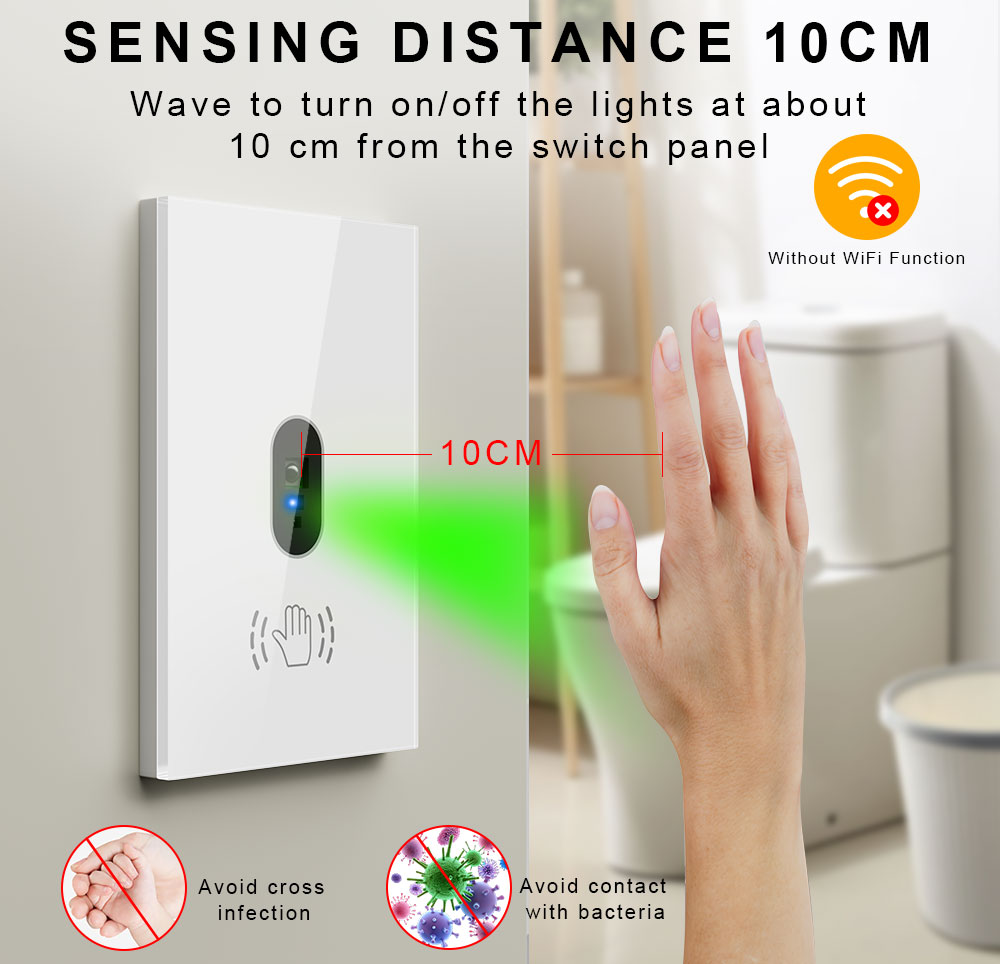
  • Wave Hands-Free Control: Simply wave your hand within 10 cm of the panel to turn lights on or off — ideal for kitchens, hallways, bedrooms and elderly-friendly spaces.
  • WiFi + BLE Dual Connectivity: Works with Tuya / Smart Life, Amazon Alexa, Google Home and Yandex for voice and app control from anywhere.
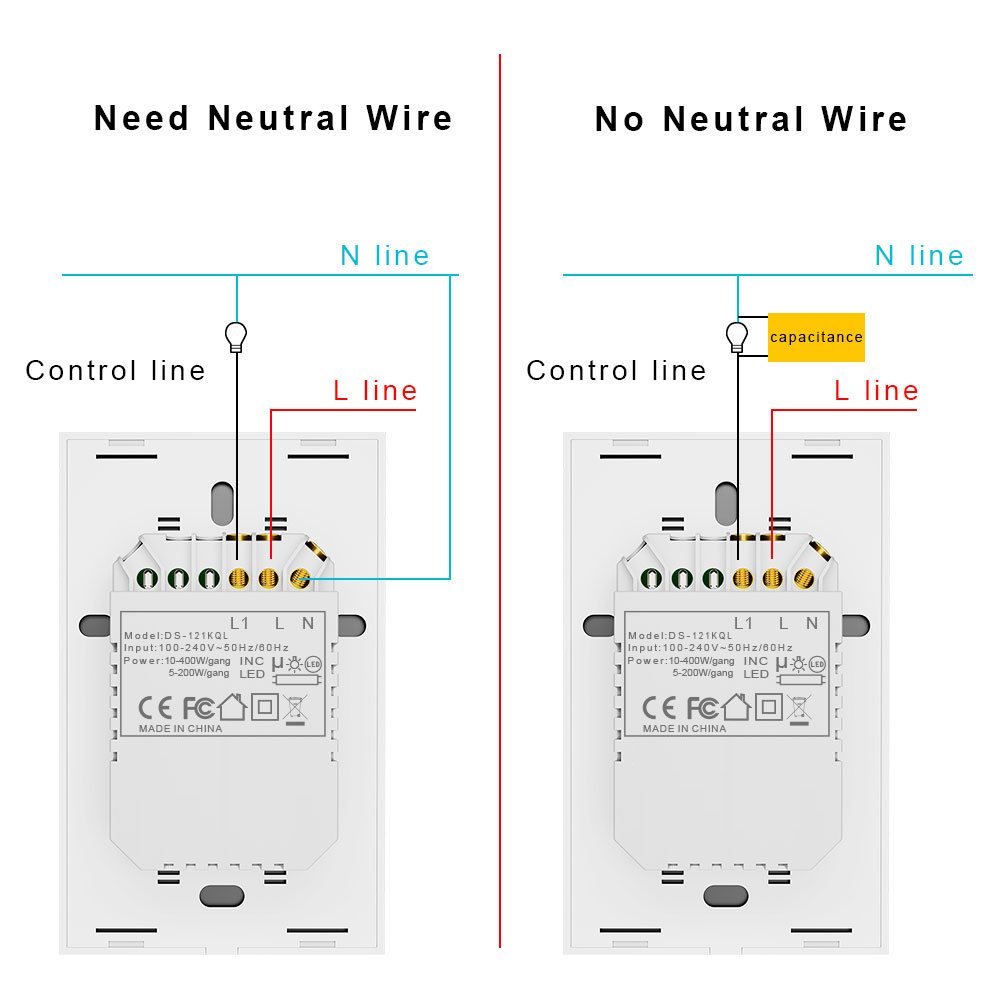
  • No Neutral Wire Required: Compatible with both single-live and neutral-live Wiring; when no neutral is available, simply connect a capacitor (per diagram) for a fast retrofit.
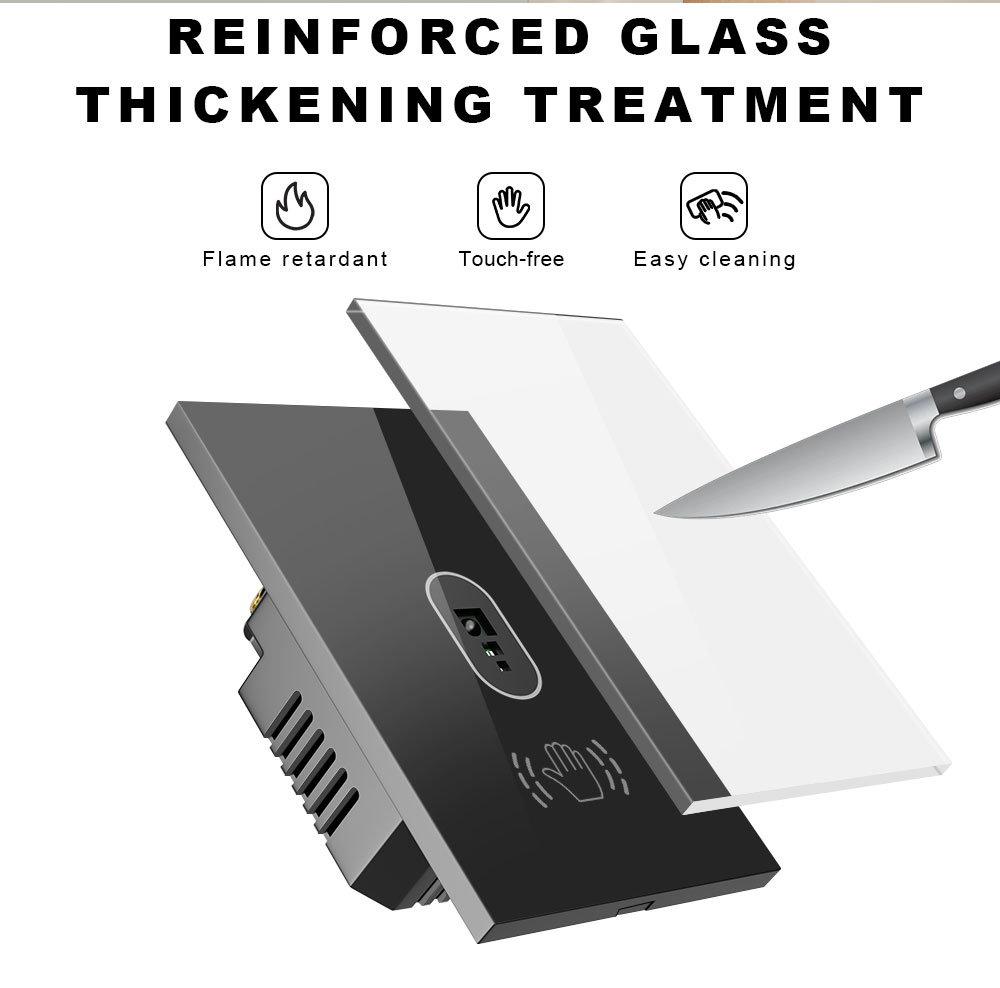
  • Glass Panel & Flame-Retardant Build: Toughened glass surface with a flame-retardant housing delivers a sleek look and reliable safety.
  • Smart Scheduling: Built-in timer, schedule and countdown functions let end users automate daily lighting routines.

DS-121KWL features overview

Technical Specifications

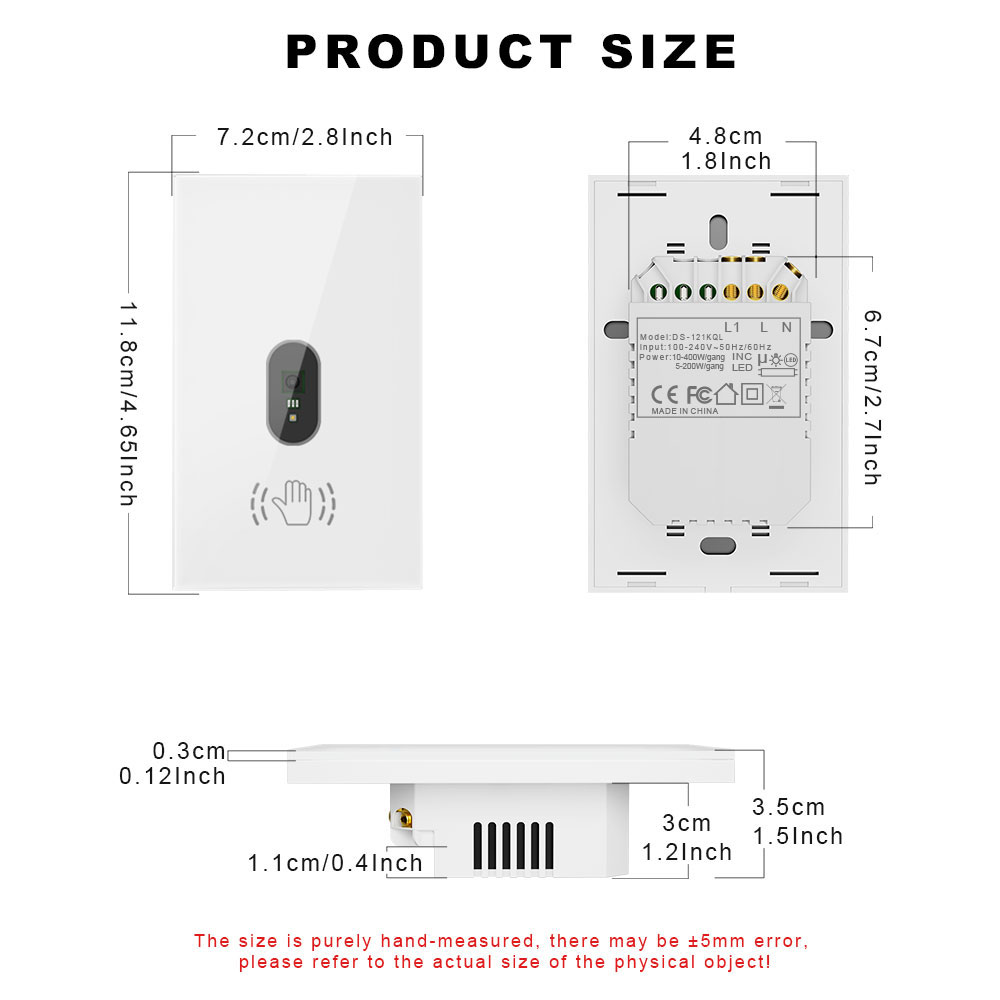
  • Model: DS-121KQL
  • Input: 100-240V ~ 50/60Hz
  • Load: 10-400W (LED) / 5-200W (Incandescent), single channel
  • Certifications: CE / FC
  • Gesture sensing range: approx. 10 cm
  • Colors: Black / White

DS-121KWL size dimensions

Wiring & Installation

The switch supports both single-live and neutral-live installations. When no neutral line is present, connect the supplied capacitor as shown in the Wiring diagram below. Standard wall box installation applies — no hub required.

DS-121KWL wiring diagram

Sensing & Daily Automation

The wave sensor responds reliably at close range, and combined with the app timer you can set scenes, countdowns and schedules for energy-saving routines. The toughened glass panel is easy to clean and resists fingerprints. Where the DS-1042ZC Series Fits: Apartments, Hotels and Office Retrofits

DS-121KWL gesture sensing

DS-121KWL timer and schedule

Elegant Glass Design

Available in black and white, the glass panel complements modern interior styles and is built with flame-retardant materials for added safety. Where the DS-101YJL Series Fits: Apartments, Hotels and Office Retrofits

DS-121KWL glass panel design

DS-121KWL white variant

Ordering & OEM Support

As a factory-direct supplier, we offer competitive wholesale pricing, OEM/ODM customization, fast lead times and full after-sales support. Contact our sales team for a quote, samples and bulk order terms.

Related Articles

You Might Also Like
Frequently Asked Questions

Is 121kwl Wave Wifi worth buying?

Based on the breakdown in this article, 121kwl Wave Wifi offers a solid mix of features and value. If your main goal matches the key benefits described above, it is a practical choice for everyday use.

How do I choose the right 121kwl wave wifi for my needs?

Start with your core use case, then compare battery life, compatibility, and build quality as covered above. Choosing the right 121kwl wave wifi comes down to matching specs with how you actually use it.

Does 121kwl wave wifi require a companion app?

Most devices of this type pair with a free companion app for setup and firmware updates. A few advanced features may sit behind a paid plan, so check the official specs page before buying.

Posted on — Leave a comment

Smart Home Protocols Compared: Wi-Fi vs Zigbee vs Z-Wave vs Matter (2026 Buyer’s Guide)

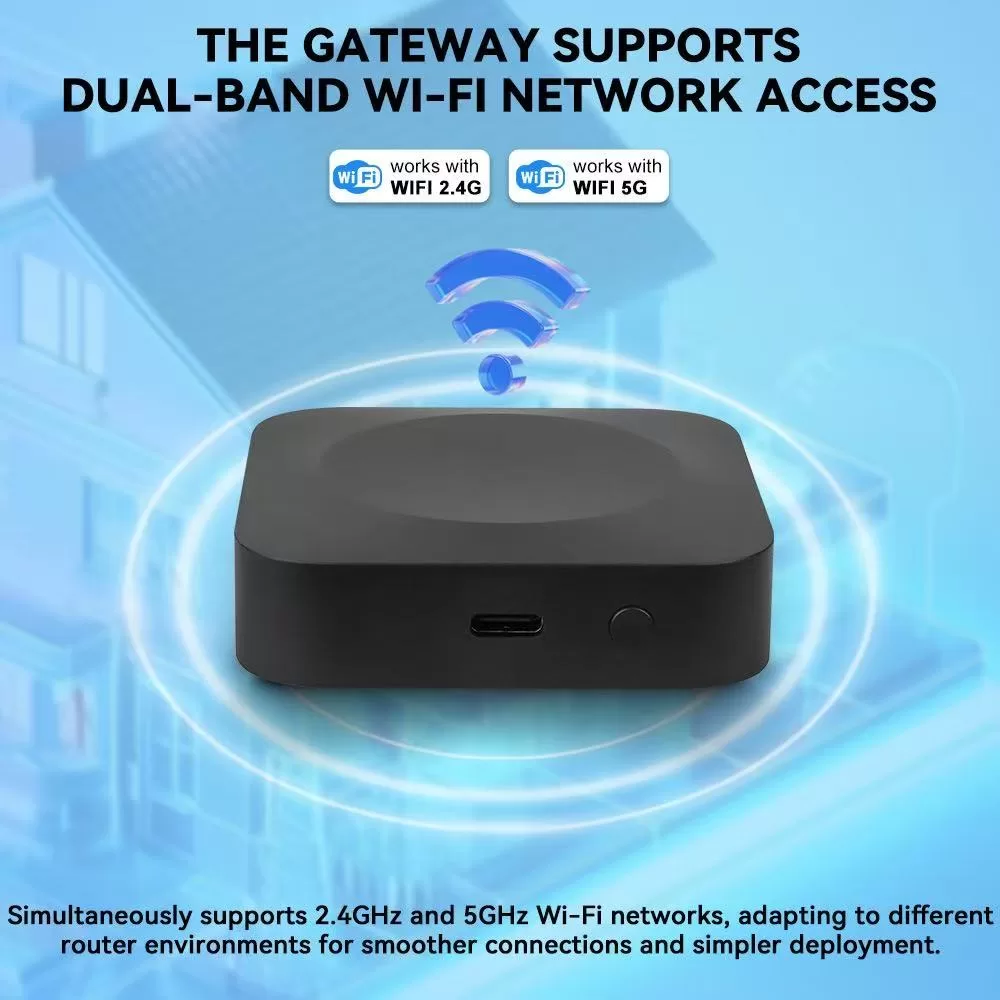
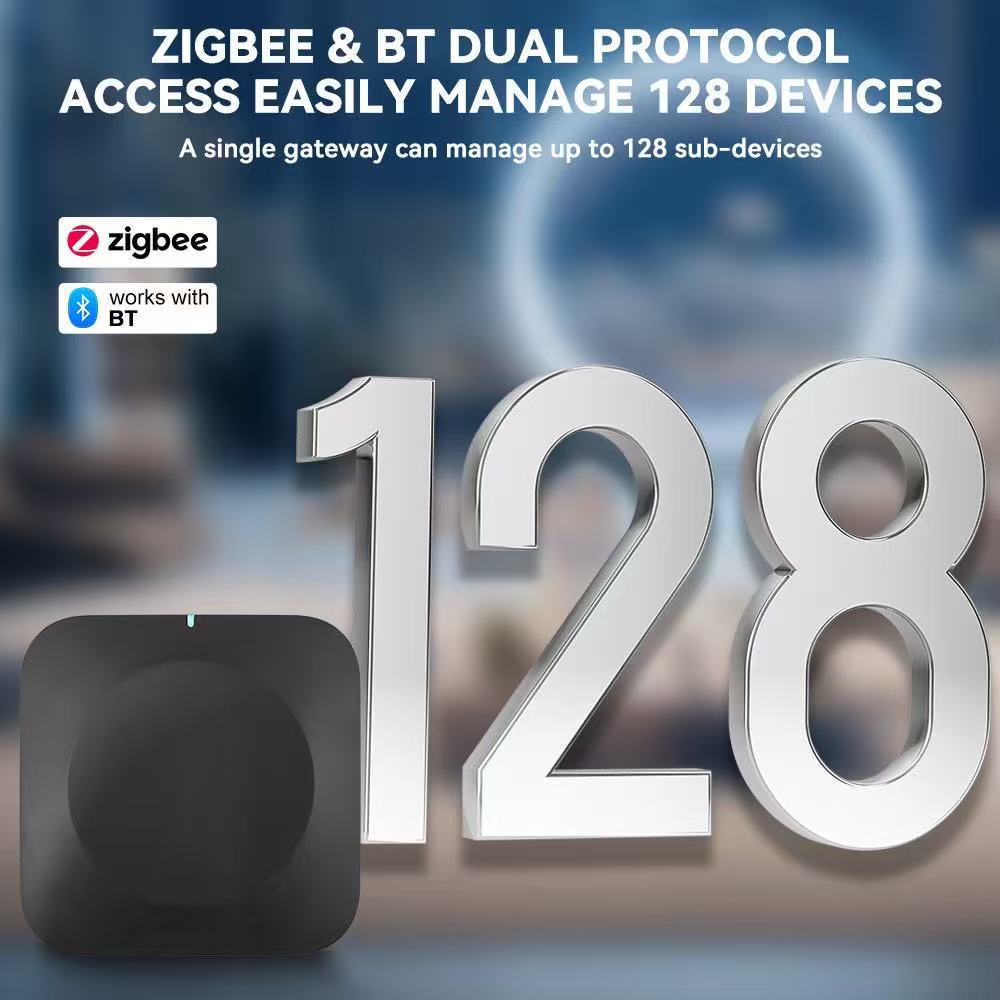
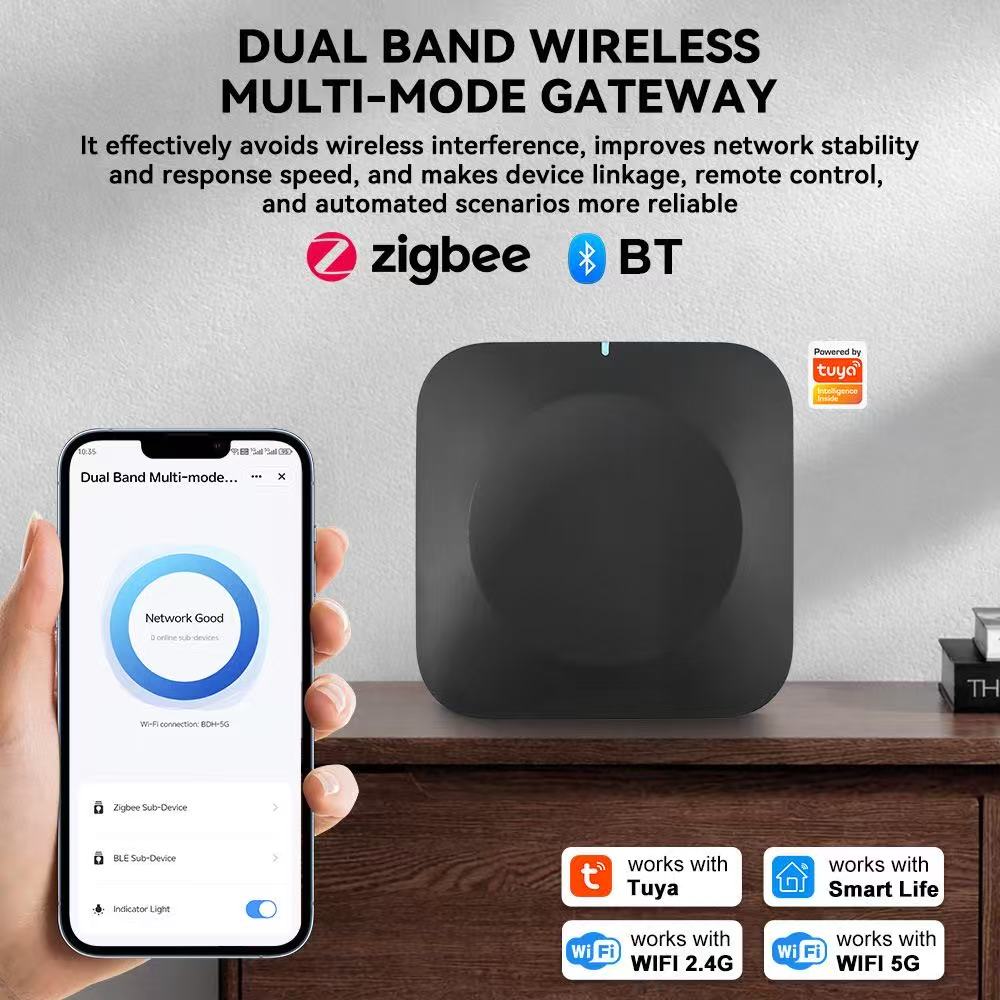
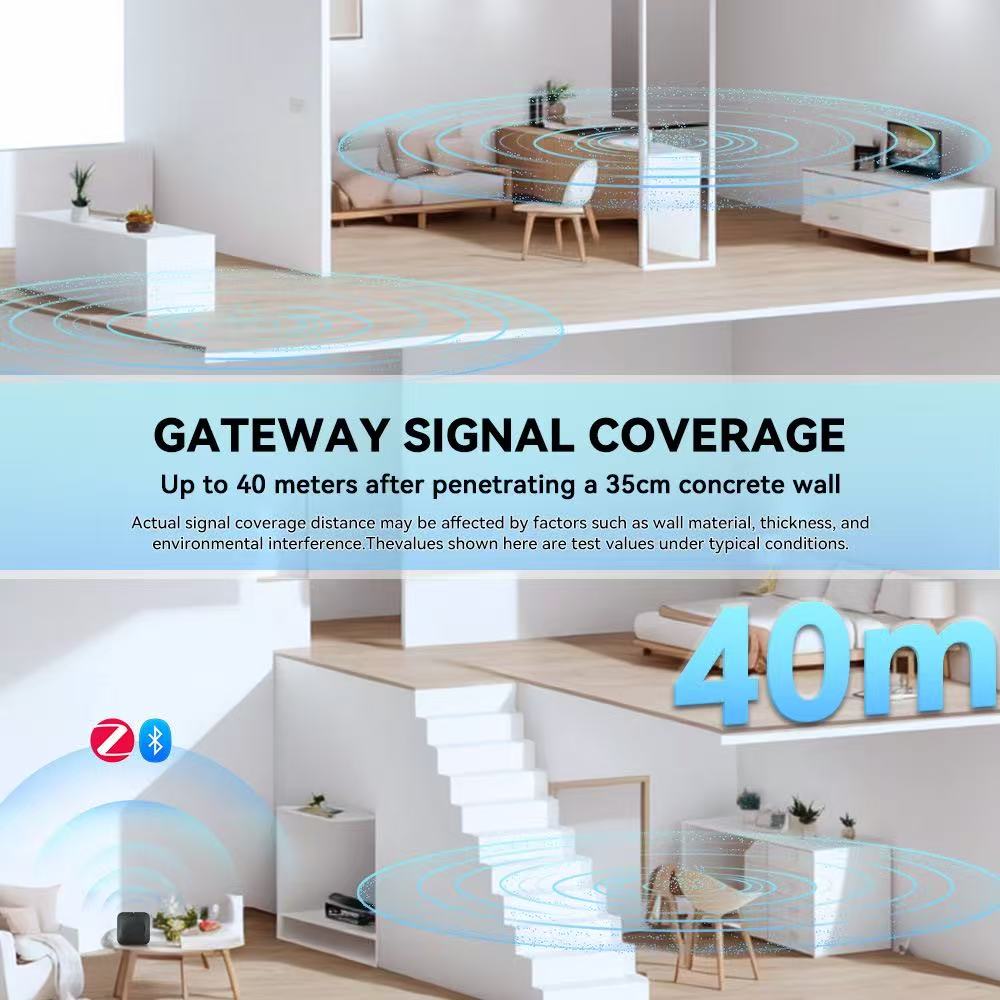
Zigbee smart home gateway hub with connected devices

However, Quick answer: Wi-Fi is the easiest to set up but the hungriest for power and network bandwidth. Zigbee and Z-Wave are low-power mesh networks designed for sensors and Switches — Zigbee is cheaper and far more widely manufactured. Meanwhile, Z-Wave enforces stricter certification and suffers less interference. Matter is not a radio at all; it is a compatibility layer that lets devices from different brands work together over Wi-Fi, Thread or Ethernet. Therefore, Almost Every real installation ends up using more than one of them at the same time.

Zigbee smart home gateway hub with connected devices
A hub is what lets low-power protocols like Zigbee talk to your router and your phone.

The Four Names You Keep Seeing

Therefore, One reason protocol comparisons get confusing is that the four terms are not the same kind of thing. Wi-Fi, Zigbee and Z-Wave are wireless radios. Matter is a software standard that sits on top of radios. For example, Once you separate those two categories, the rest of the comparison falls into place. Smart Home Automation Guide 2026: 7 Practical Scenes That Save Time, Money and Energy

Protocol Band Typical indoor range Mesh Power use Best for
Wi-Fi 2.4 / 5 GHz 15–30 m No (star) High Cameras, doorbells, anything streaming video
Zigbee 2.4 GHz (some regions 868/915 MHz) 10–20 m per hop Yes Very low Sensors, switches, locks, bulbs
Z-Wave 868 / 908 MHz (regional) 30 m per hop Yes Very low Security sensors, locks, retrofit installs
Matter Runs over Wi-Fi, Thread or Ethernet Depends on the radio underneath Depends on transport Depends on transport Cross-brand compatibility

Wi-Fi: Simple, Fast and Easily Overloaded

Moreover, Wi-Fi needs no hub. The device joins your existing network and you control it from an app. That simplicity is why almost every video doorbell and camera uses it — nothing else carries a video stream as cheaply.

In addition, The cost shows up later. In addition, Every Wi-Fi device is a client on your router, and consumer routers start struggling somewhere between 20 and 40 simultaneous clients. Battery-powered Wi-Fi devices are worse: maintaining a Wi-Fi association drains a coin cell in weeks. This is why you rarely see a Wi-Fi door sensor that runs on a small battery for years.

  • Strengths — no hub, high bandwidth, universal Smartphone app support, works for video.
  • Weaknesses — high power draw, router congestion, shorter battery life, 2.4 GHz crowding.
  • Use it for — video doorbells, cameras, smart displays, anything mains-powered that moves a lot of data.
Smart home protocol comparison showing Zigbee gateway and sensors
Video devices stay on Wi-Fi; everything small and battery-powered does not.

Zigbee: The Default for Sensors and Switches

For example, Zigbee builds a mesh. Every mains-powered Zigbee device — a smart plug, an in-wall switch, a control panel — acts as a repeater for the others, so adding more devices actually strengthens the network rather than loading it. Moreover, Battery sensors sleep and wake only to report, which is how a door sensor survives two years on a coin cell. Smart Home Market Trends 2026: What Distributors Must Know About Modular Security, Voice Control and Energy-Saving Devices

Therefore, Zigbee’s real advantage is manufacturing scale. Because the specification is open and chip supply is broad, Zigbee hardware is inexpensive and available from a very large number of factories. This keeps both unit cost and lead times attractive for volume buyers.

  • Strengths — very low power, self-healing mesh, low module cost, huge device ecosystem, multi-year battery life.
  • Weaknesses — requires a hub, shares the crowded 2.4 GHz band, needs at least a few mains-powered nodes to form a reliable mesh.
  • Use it for — door/window sensors, motion sensors, smart switches, locks, smart plugs.

Z-Wave: The Quiet, Well-Behaved Alternative

Z-Wave runs on sub-GHz frequencies well below Wi-Fi, so it does not compete with your router or your neighbour’s. It reaches further per hop, and because the standard is tightly controlled by a single certifying body, interoperability between brands is genuinely reliable.

The trade-off is cost and regional fragmentation. Furthermore, Modules cost more than Zigbee, and the frequency differs by region. This means separate SKUs for EU, US and other markets — a real consideration if you are stocking a warehouse.

  • Strengths — excellent range, minimal interference, strict certification, strong security-device support.
  • Weaknesses — higher module cost, regional frequency variants, smaller device selection, licensing.
  • Use it for — security systems, locks, larger homes, retrofit projects where 2.4 GHz is already congested.
Zigbee mesh network hub installed in a smart home
Sub-GHz protocols reach further per hop and stay clear of Wi-Fi congestion.

Matter: The Compatibility Layer, Not a Radio

Matter is the piece most articles get wrong. It does not replace Zigbee or Wi-Fi. Matter is an application standard backed by the major platform owners that defines how devices describe themselves and talk to controllers, regardless of brand. As a result, A Matter device can run over Wi-Fi, over Thread (a low-power mesh similar in spirit to Zigbee) or over Ethernet.

For the end user, the promise is simple: buy a Matter device from any brand and it pairs with any Matter controller without a brand-specific app or cloud. For manufacturers, Matter removes the need to maintain separate firmware builds for each ecosystem.

  • What it changes — cross-brand pairing, local control without cloud dependency, one less app per device.
  • What it does not change — the underlying radio. A Matter-over-Wi-Fi camera still uses as much power as any Wi-Fi camera.
  • Adoption advice — for new product lines, Matter support is increasingly expected; for existing Zigbee ranges, Matter compatibility at the hub level is usually the pragmatic route.

How to Choose: A Practical Decision Path

  1. Does it stream video? Wi-Fi. Importantly, There is no realistic alternative for a doorbell or camera.
  2. Is it battery-powered and reports occasionally? Zigbee or Z-Wave, not Wi-Fi.
  3. Is the home already congested on 2.4 GHz, or is it a large property? Lean Z-Wave.
  4. Is unit cost and breadth of supply the priority? Zigbee.
  5. Does the customer need it to work with everything they already own? Look for Matter certification or a Matter-capable hub.

Most well-designed homes end up with a hybrid: Wi-Fi for video, Zigbee for sensors and switches, and a hub that ties both together and exposes them to the phone app. If you want to see what that looks like in practice, our Tuya smart home control panel guide walks through the screen that ends up controlling all of it.

Smart home hub controlling Zigbee sensors and switches
A hybrid network — Wi-Fi for video, Zigbee for sensors — is what most real homes end up with.

What Buyers and Importers Should Ask a Factory

If you are sourcing rather than installing, the protocol decision is a supply-chain decision, not just a technical one. These are the questions worth putting to any supplier:

  • Which protocol modules are already in production? A factory shipping Zigbee at volume can usually add Matter firmware far faster than one starting from scratch.
  • Is the hub firmware maintained in-house? Protocol support lives or dies on firmware updates.
  • Are regional frequency variants handled? Essential for Z-Wave, and relevant for Zigbee in some markets.
  • What certifications already exist — CE, FCC, UKCA, RoHS and Matter certification where claimed?
  • Can the same hardware carry two protocols? Dual-protocol modules reduce SKU count significantly.

Xingliao Smart Home builds Wi-Fi, Zigbee and Tuya-connected devices on the same production lines, so a product range can mix protocols without changing supplier. See the factory for how these units are assembled and tested.

Zigbee gateway with app control for home automation
One production line, multiple protocol options — fewer suppliers to manage.
Frequently Asked Questions

Do I need a hub for Zigbee devices?

Yes. Notably, Zigbee devices cannot join a Wi-Fi network directly; they need a Zigbee coordinator. This usually ships inside a smart hub, a control panel, or an echo-style speaker. Many modern control panels include one.

Can Zigbee and Z-Wave devices work together?

Not directly — they are different radios. A hub that contains both (or a platform like SmartThings or Home Assistant) can present them together in one app and run automations across both.

Will Matter make my existing Zigbee devices obsolete?

No. However, Matter runs alongside existing protocols. A Matter-capable hub can expose your current Zigbee devices to Matter controllers. This is the usual upgrade path.

Which protocol is best for a whole-house installation?

There is no single winner. Video on Wi-Fi, sensors and switches on Zigbee or Z-Wave, and a Matter-capable hub to unify control is the combination that scales most reliably.

Plan Your Protocol Mix

Choosing the right protocol up front avoids the most expensive problem in smart home projects — a network that works in the demo and struggles in the finished house. Browse the range or talk to our engineers about which protocol fits your market.

Related Articles

You Might Also Like
Posted on — Leave a comment

Touch‑Free Hand‑Wave Wall Switch: Hygienic Smart Lighting for Hotels, Healthcare & Modern Homes

TUYA Smart Wave Sensor Light Switch, Touch‑Free Infrared Wall Switch - view 5
TUYA Smart Wave Sensor Light Switch, Touch‑Free Infrared Wall Switch - view 1
Demonstration of hand‑wave induction for Tuya infrared wall switch, no touch needed to turn lights on and off.

Touch‑Free Hand‑Wave Wall Switch: Hygienic Infrared Sensing Solution for Homes, Hotels and Healthcare Facilities

When we talk about home and commercial lighting upgrades, most people focus on brightness, energy saving or Smart APP control. Yet one easily overlooked detail is the light switch itself. Traditional touch or push‑button wall switches are touched dozens or hundreds of times every day. Fingerprints, grease and bacteria accumulate on the surface, especially in high‑traffic public spaces, hotel bathrooms and nursing care rooms. Regular cleaning takes extra labour, and cross‑contamination risk cannot be fully avoided.

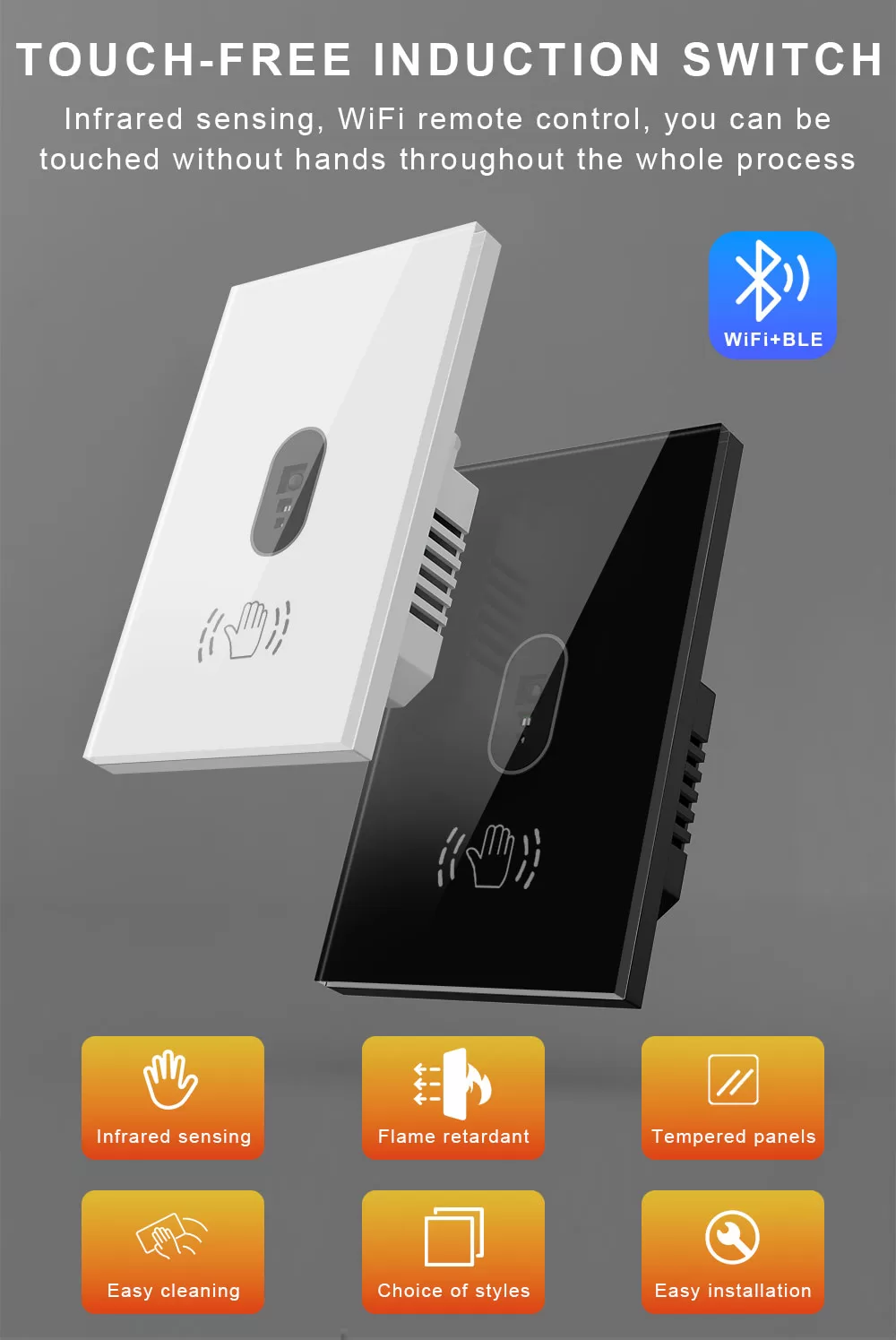
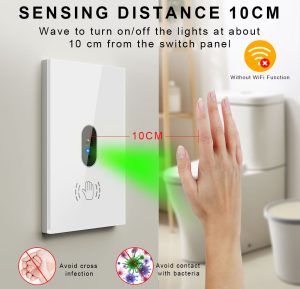
Our infrared touch‑free hand‑wave wall switch is designed exactly for this pain point. Instead of pressing or touching the panel, you only need to wave your hand about 10 centimetres in front of the switch to complete light on and off operation. Zero physical contact greatly reduces germ transfer, bringing cleaner and safer lighting control for residential and commercial environments.

Two Versions To Fit Different Project Requirements

We provide two complete functional variants, both support single‑wire and neutral‑wire universal wiring, so they can adapt to old‑building renovation as well as new construction projects. No need to change the original wall circuit structure in most scenarios.

Tuya WiFi + Bluetooth Smart Version

This is the full‑feature smart model built on Tuya ecosystem. Equipped with WiFi and Bluetooth dual‑mode connection, it works perfectly with Tuya Smart and Smart Life APP.

Home users can realise remote light control anywhere, set timed on/off, countdown lighting and cyclic scene modes. For example, you can automatically turn on corridor lights at dusk or turn off bathroom lights after a fixed delay. It also supports voice control via Amazon Alexa, Google Home and Yandex Alice. Hands‑free voice command plus hand‑wave sensing creates a fully contact‑free smart lighting experience.

This version is widely chosen for Tuya WiFi + Bluetooth smart version, smart home renovation, high‑end boutique hotels and intelligent apartment projects.

Standard Non‑WiFi Basic Version

If you do not need remote APP or voice functions but focus purely on hygienic non‑contact control, the non‑WiFi version is your cost‑effective choice. It keeps the core infrared hand‑wave sensing function, with stable and sensitive response. Without smart module, the cost is lower, which is very suitable for large‑quantity hotel retrofits, nursing institutions, public restrooms and budget renovation projects. All wiring advantages are reserved: single‑wire / neutral‑wire compatible, wide‑voltage 100‑240V input.

Tuya smart wave switch function graphic, WiFi Bluetooth APP control non‑contact wall light switch feature
Feature introduction graphic for Tuya infrared sensor wall switch, support Tuya App remote control, WiFi and Bluetooth connectivity.

Hardware & Installation Advantages

Many non‑contact switches on the market are only compatible with neutral‑wire circuits, bringing huge trouble for old‑house reconstruction. Our hand‑wave switch solves this difficulty. Both versions support single‑fire and zero‑fire universal installation.

  • Input Voltage: 100‑240V, 50/60Hz, maximum load 400W, compatible with most LED lamps and household lighting sources.
  • Front panel adopts high‑hardness tempered glass, scratch‑resistant, anti‑fingerprint, easy to wipe and disinfect.
  • Back shell uses flame‑retardant PC material, with overload and overheat protection for daily safety.
  • Standard EU wall‑mount size, fits conventional EU junction boxes, convenient for electricians to install.
  • Two classic colour options: matte black and milky white glass panel, match modern minimalist, Nordic and hotel interior decoration styles.

touch free hand waveTypical Application Scenarios

🏨 Hotel & Hospitality Industry
Guest room bathrooms, public toilets, corridor lighting. Contact‑free operation reduces cleaning workload for housekeeping staff and improves guest experience.

🏥 Senior Care & Medical Institutions
Nursing rooms, rehabilitation wards. Elderly people with limited mobility can control lights without touching panels; meanwhile it lowers bacterial cross‑transmission risk.

🏠 Residential Renovation
Kitchens, bathrooms, children’s rooms. Hands stained with water, oil or detergent do not need to dirty the switch panel.

🏢 Commercial Public Spaces
Office restrooms, shared apartments, serviced accommodation.

About Sourcing & Order Options

As an ODM smart home hardware manufacturer, Xingliao Tech supports multiple cooperation modes.

  • Retail samples: you can order small quantity samples for project testing.
  • Bulk wholesale: competitive price for hotel and engineering bulk orders.
  • ODM customisation: support panel surface, logo printing and function customisation according to project demands.

Whether you are an end‑user upgrading your house, an interior designer, hotel purchaser or hardware distributor, you can select the WiFi smart version or basic non‑WiFi hand‑wave switch according to your actual needs.

👉 View our touch‑free hand‑wave wall switch product page

If you have project‑related questions about wiring, bulk quotation or custom requirements, feel free to contact our sales team.

However, Xingliao Tech Official Site — ODM smart home devices & factory production capacity
ODM Home Custom Solutions — custom smart hardware & project OEM‑ODM service
Smart Solutions for Hotels & Hospitality — touch‑free switches for guest rooms and bathrooms
Senior Care & Healthcare Solutions — hygienic, user‑friendly controls for care facilities
Xingliao Shop — retail samples and small‑batch orders

Related Articles

You Might Also Like

Related guides

Frequently Asked Questions

Is Touch Free Hand Wave worth buying?

Based on the breakdown in this article, Touch Free Hand Wave offers a solid mix of features and value. If your main goal matches the key benefits described above, it is a practical choice for everyday use.

How do I choose the right touch free hand wave for my needs?

Start with your core use case, then compare battery life, compatibility, and build quality as covered above. Choosing the right touch free hand wave comes down to matching specs with how you actually use it. Smart Home Beginner’s Guide 2026: 8 Practical Devices Worth Starting With

Does touch free hand wave require a companion app?

Most devices of this type pair with a free companion app for setup and firmware updates. A few advanced features may sit behind a paid plan, so check the official specs page before buying.