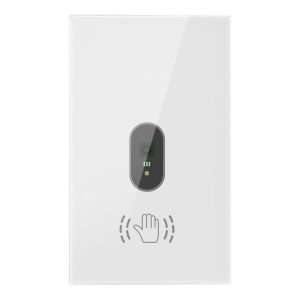
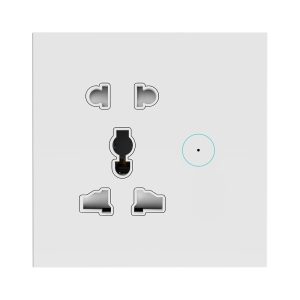
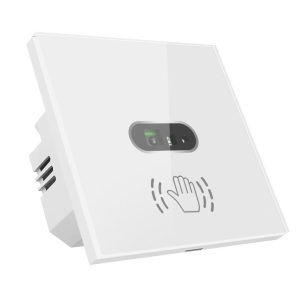
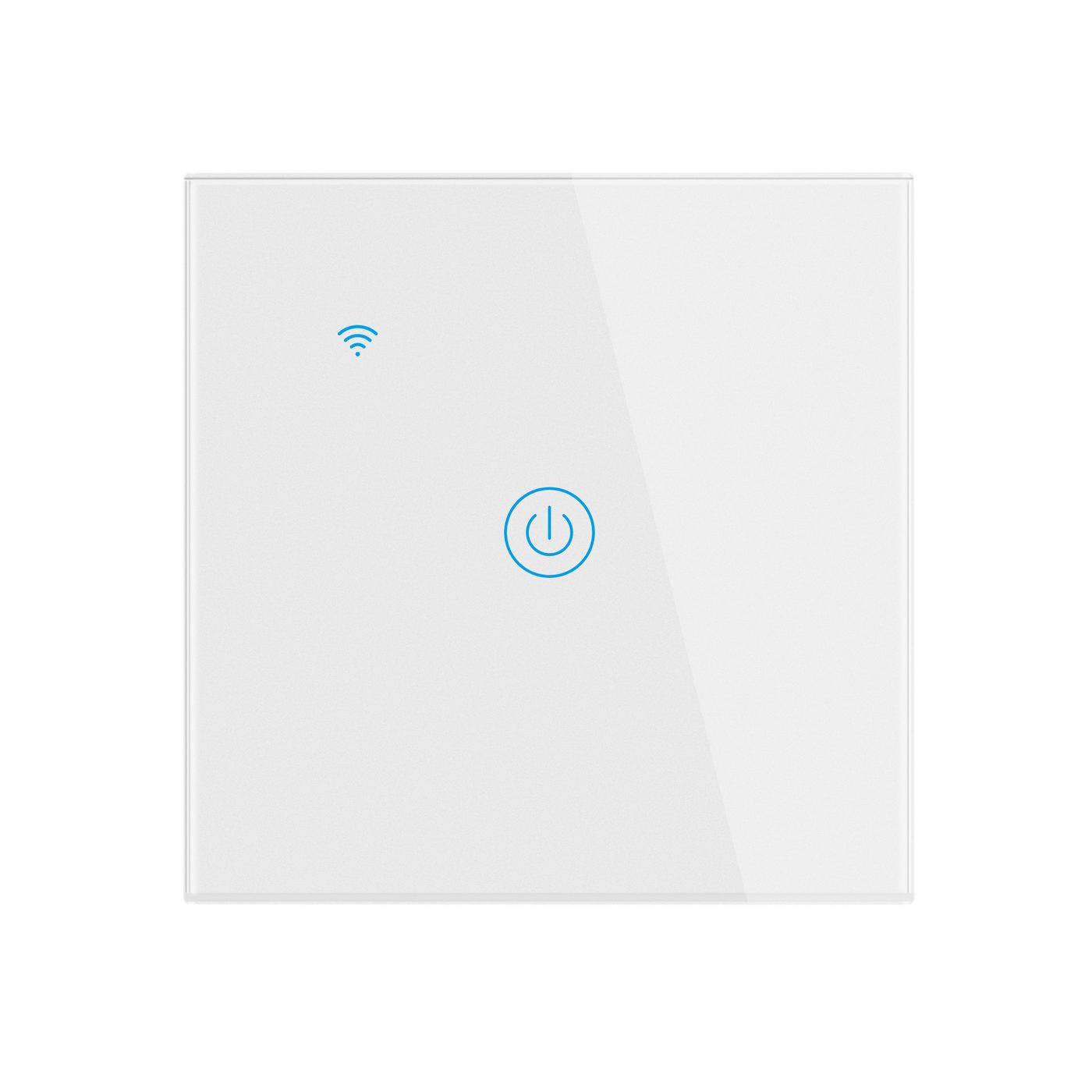
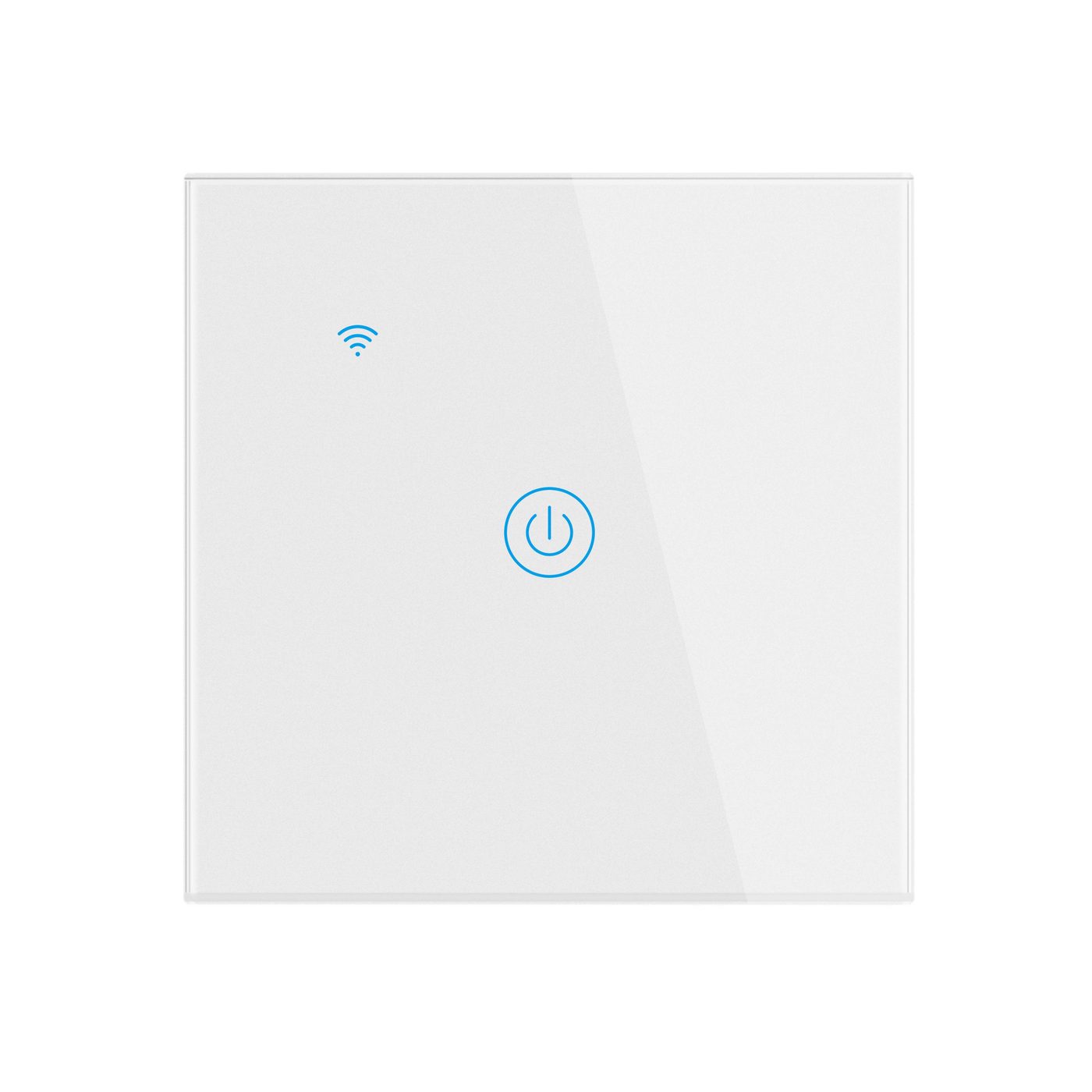
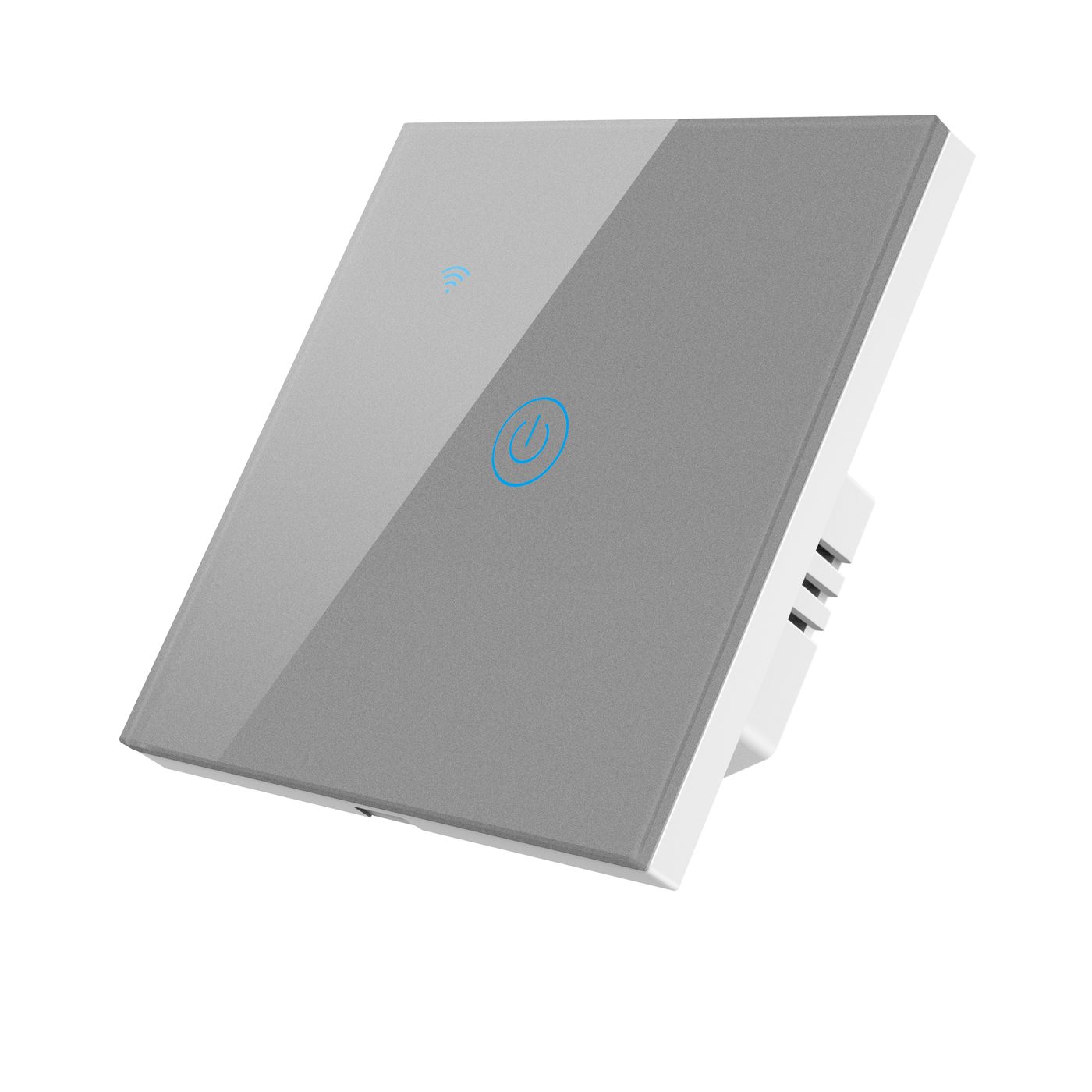
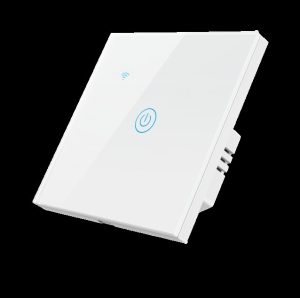
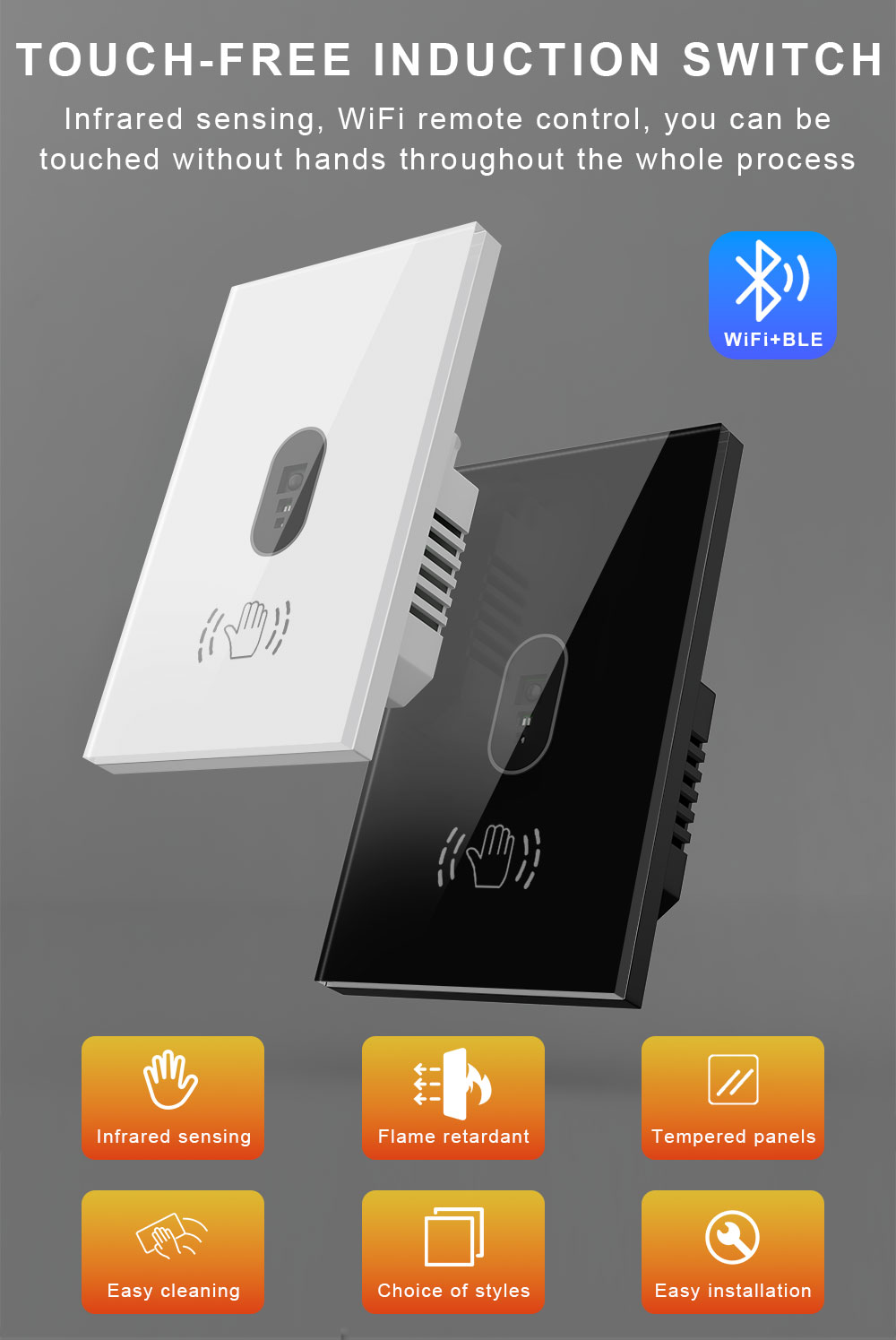
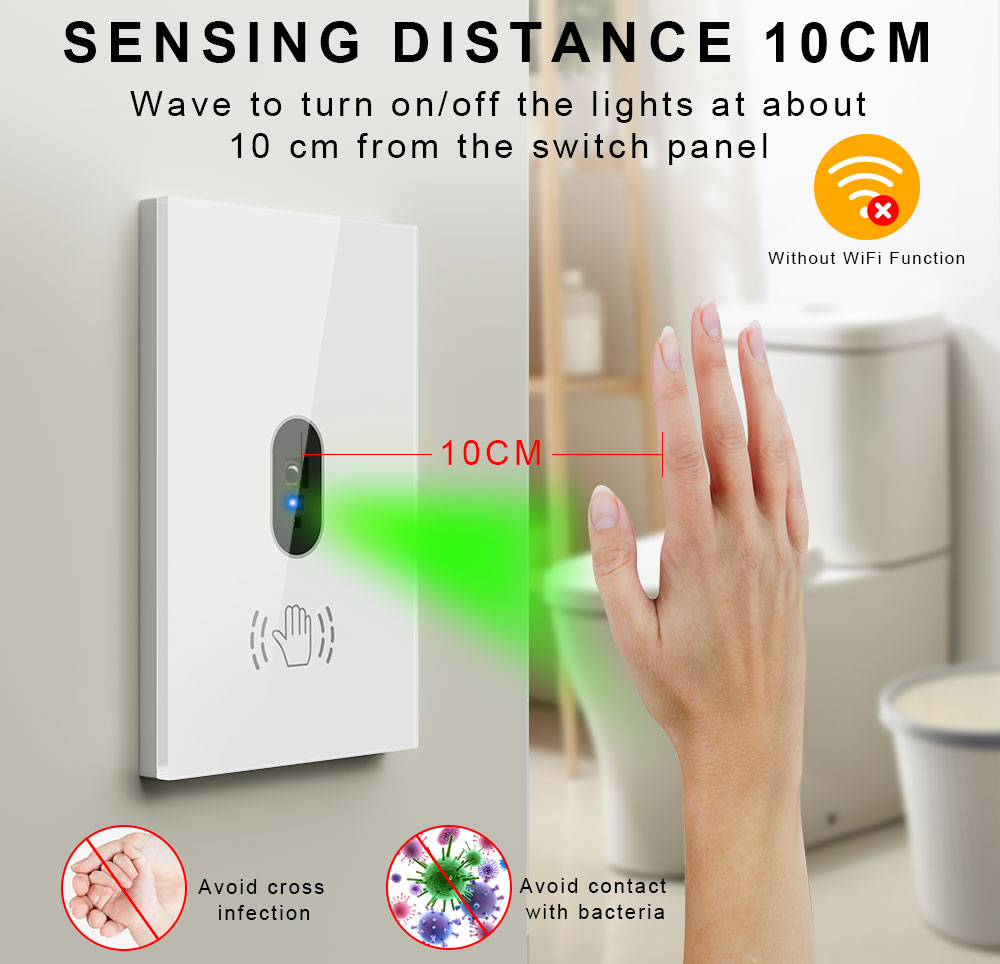
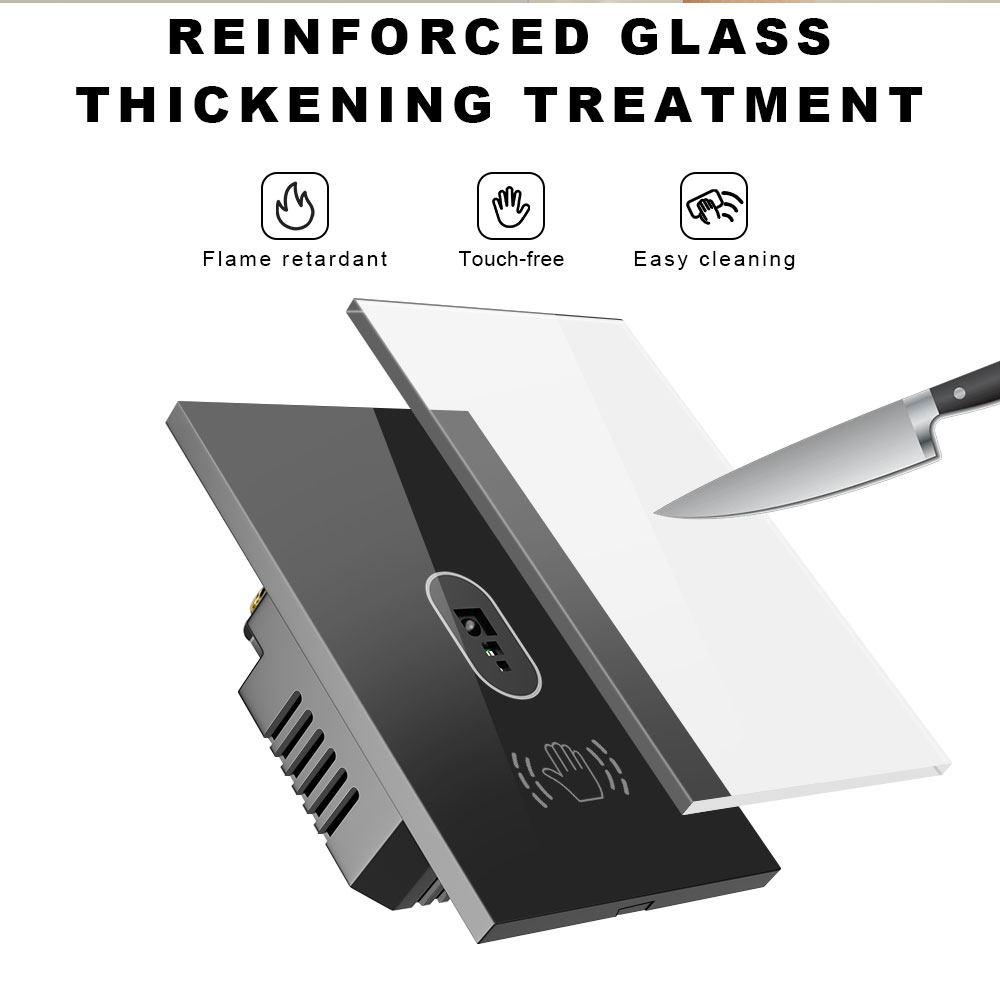
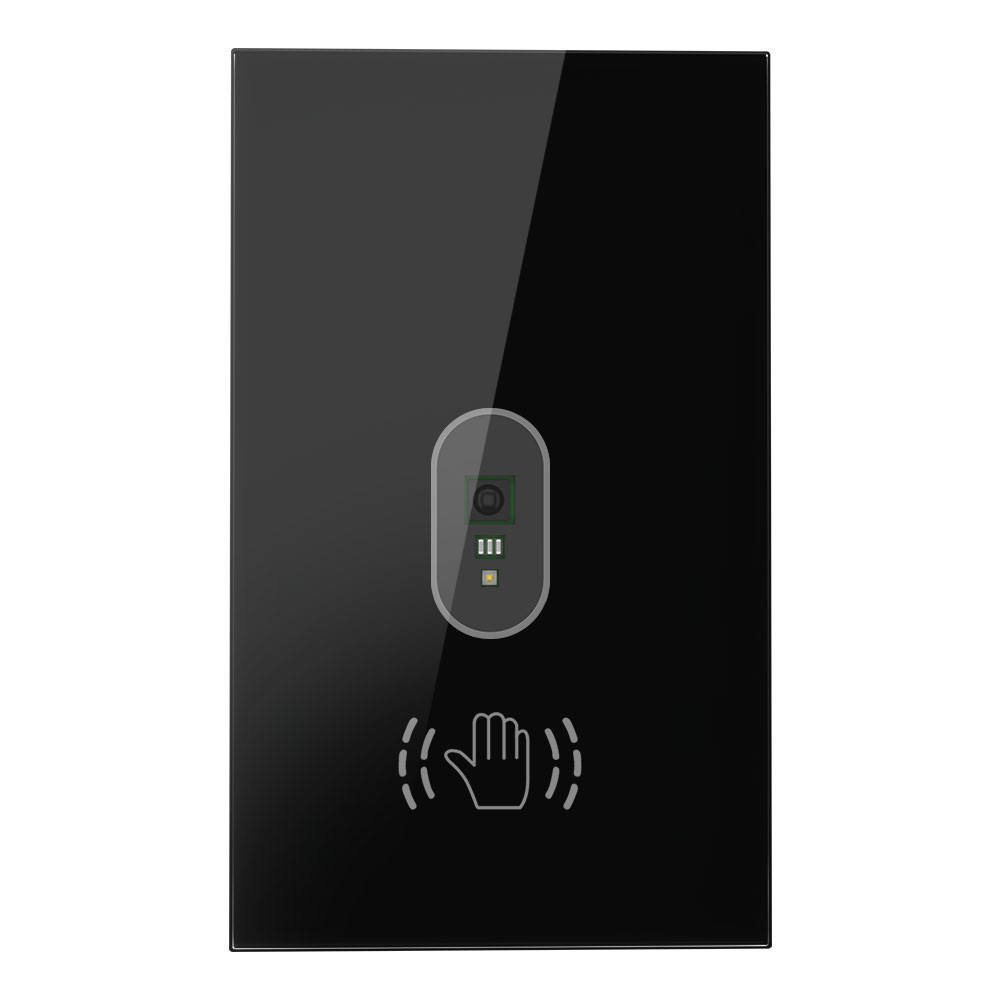
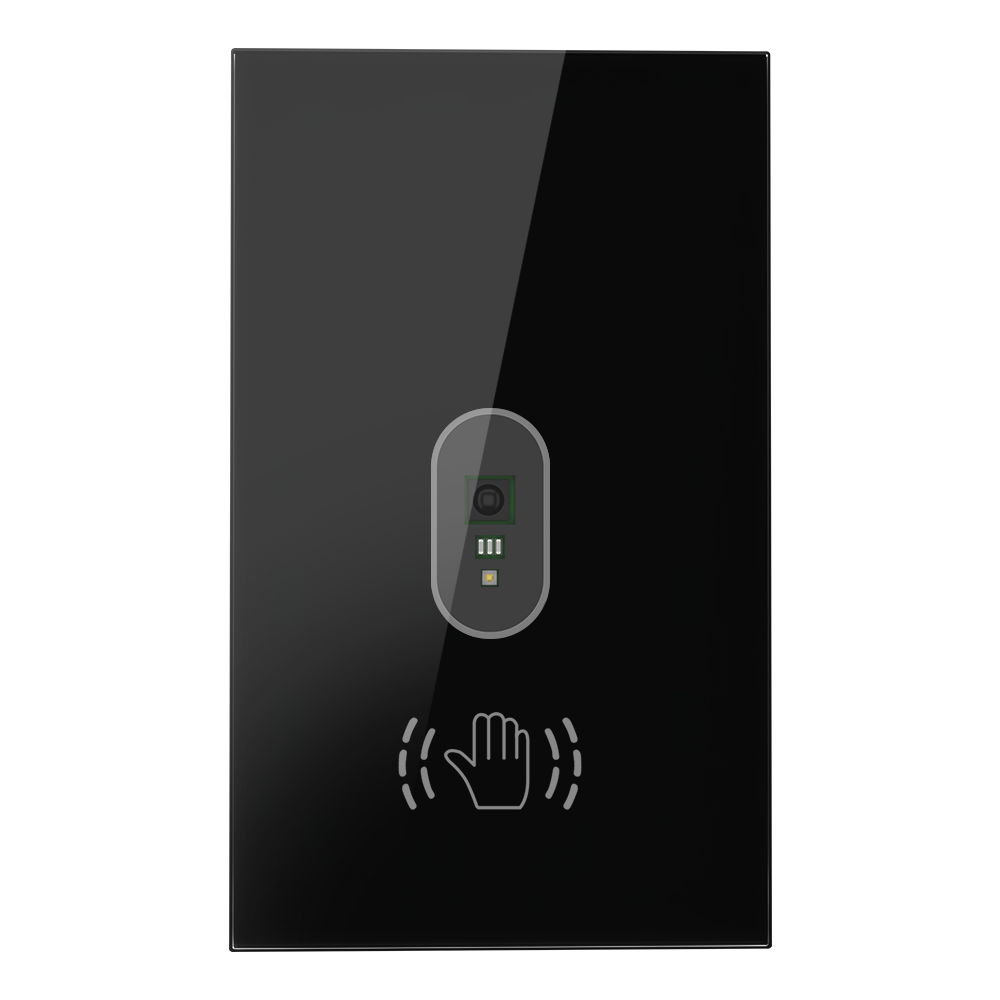
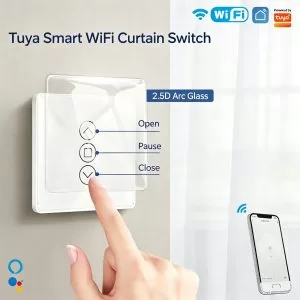
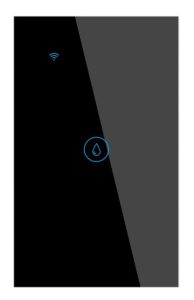
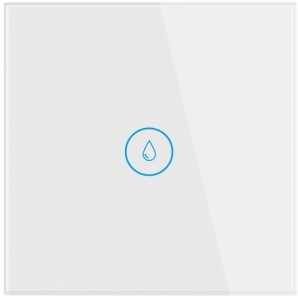
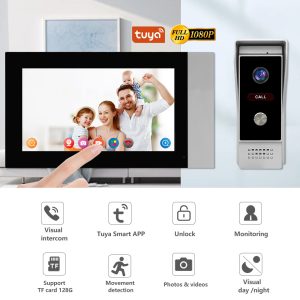
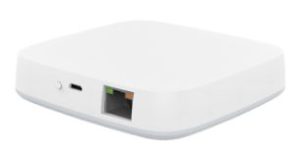
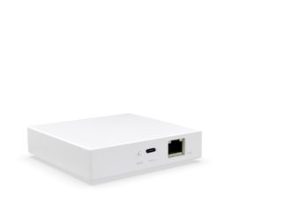
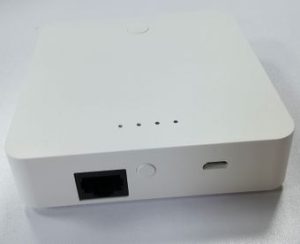
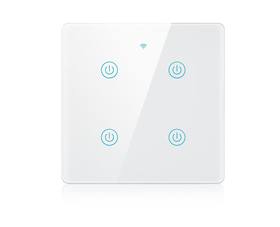
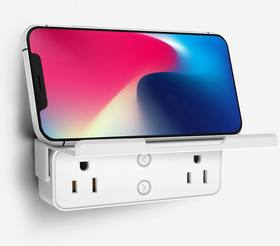
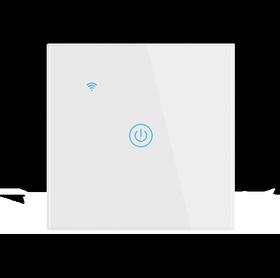
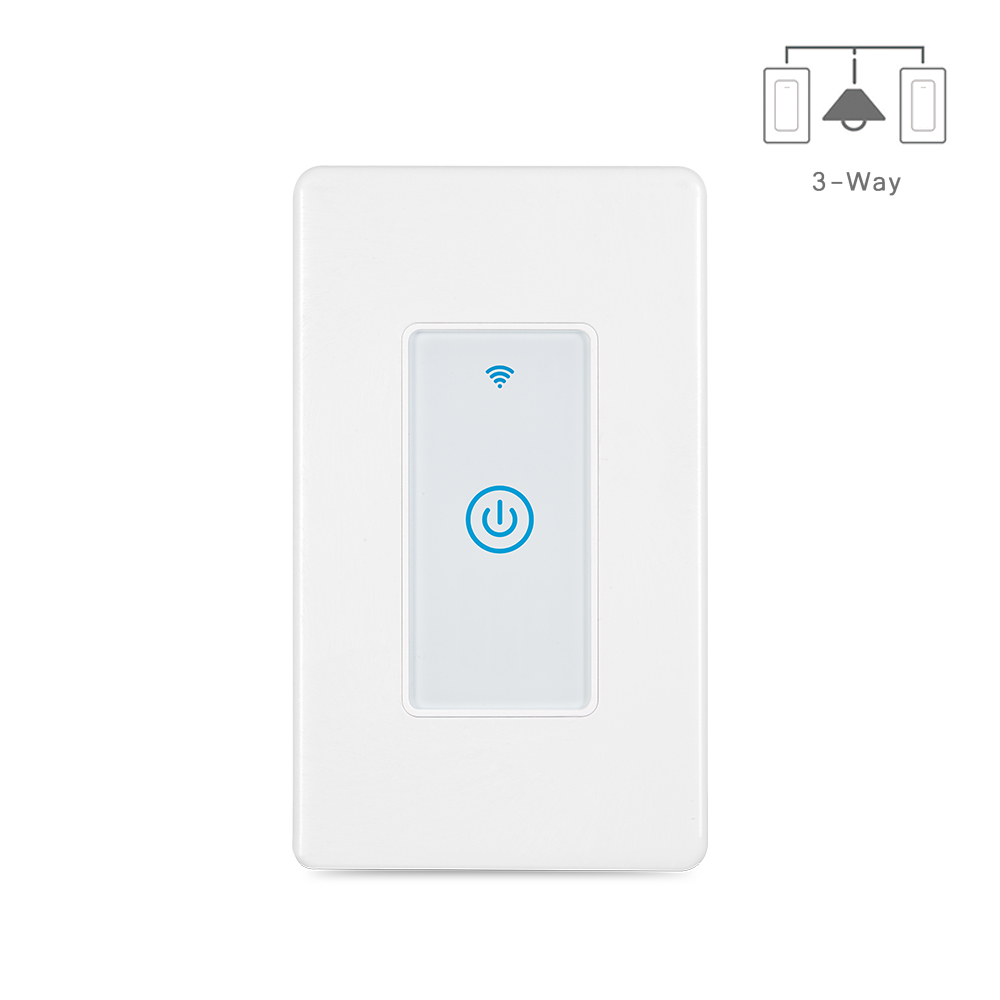
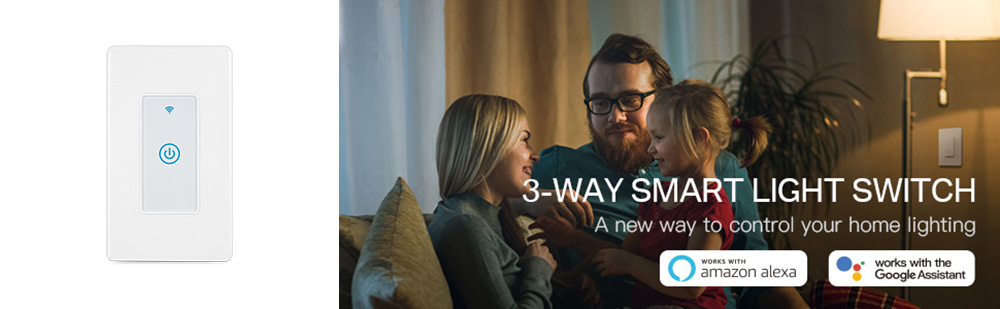
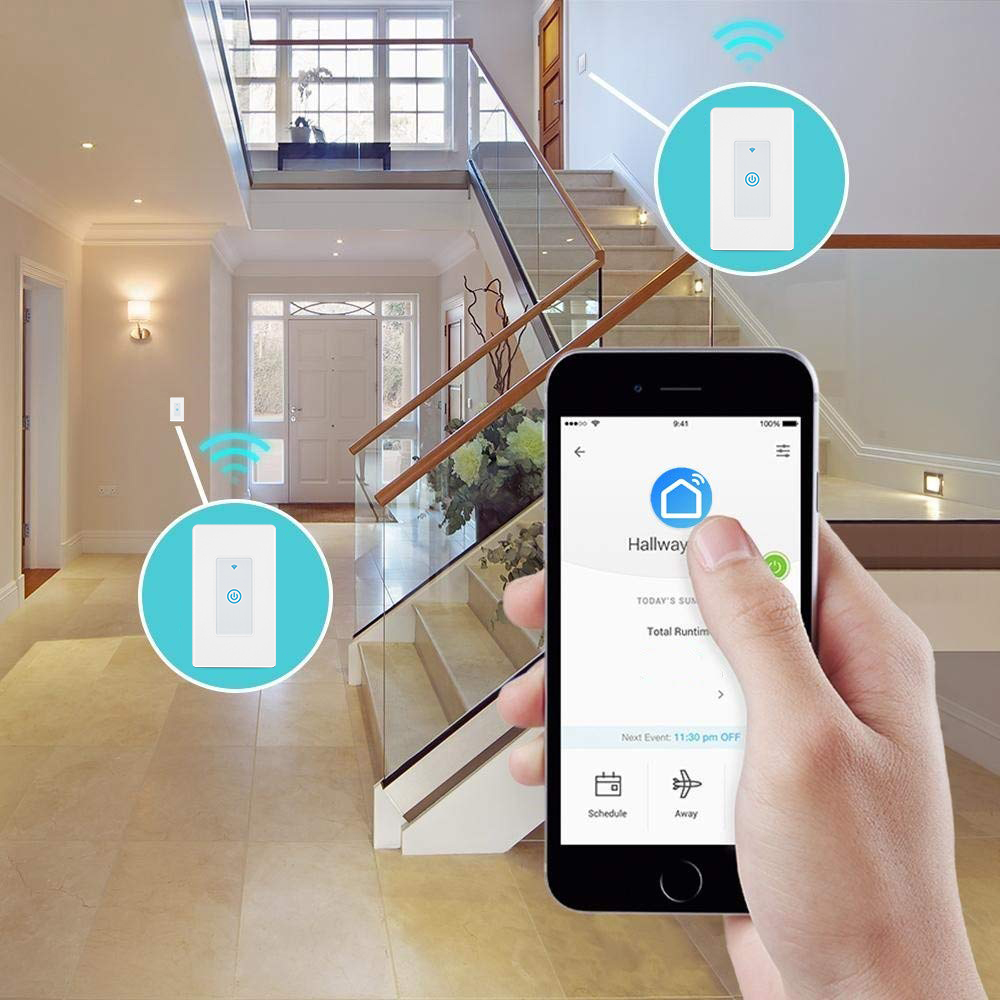
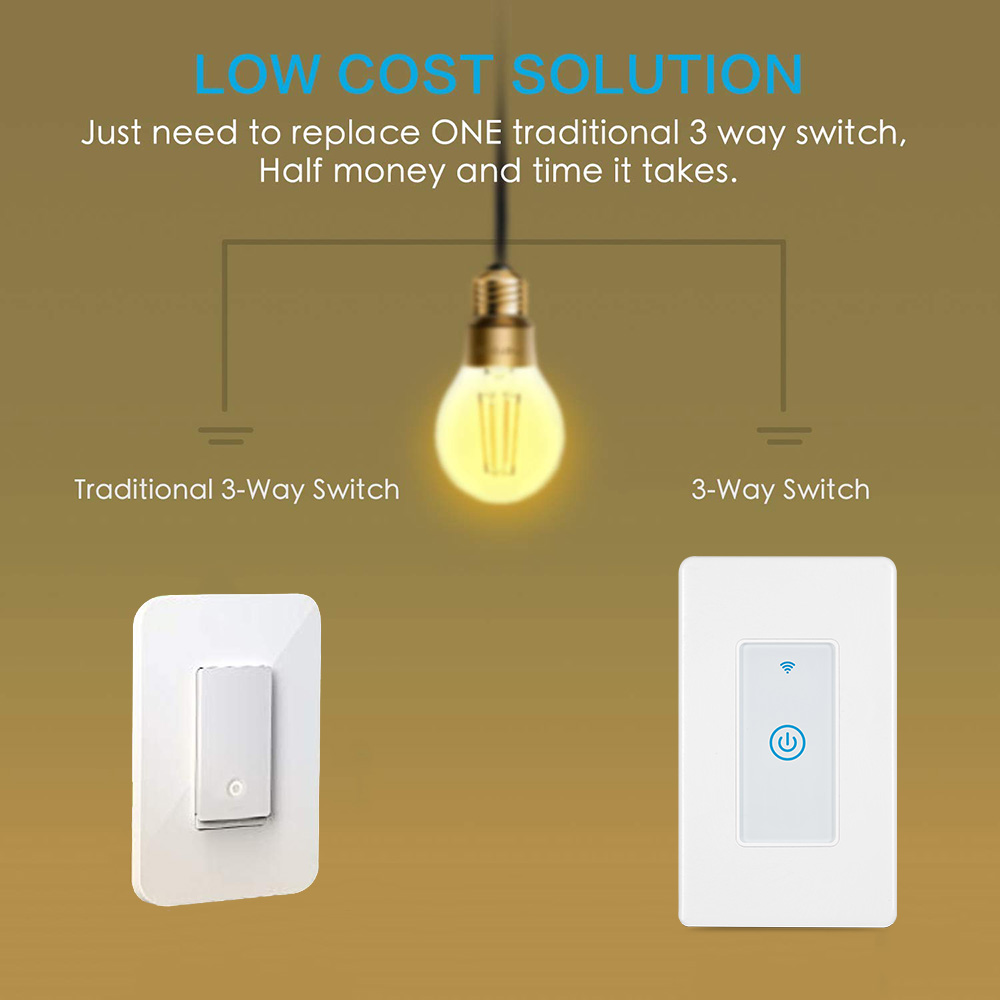
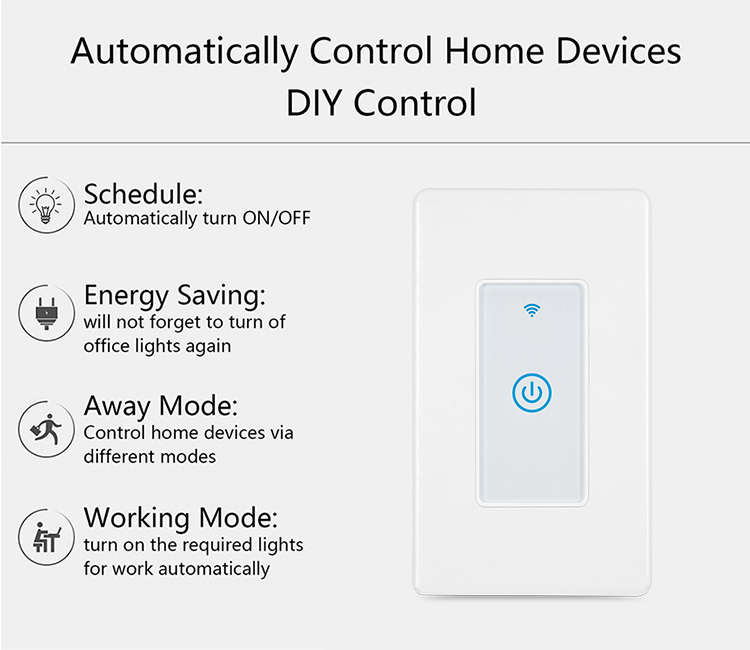
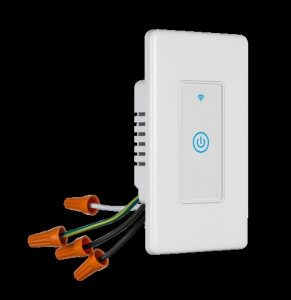
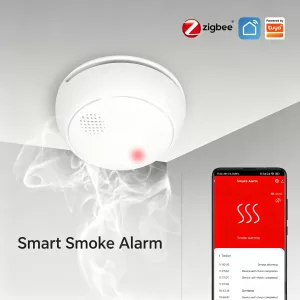
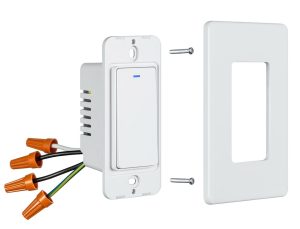
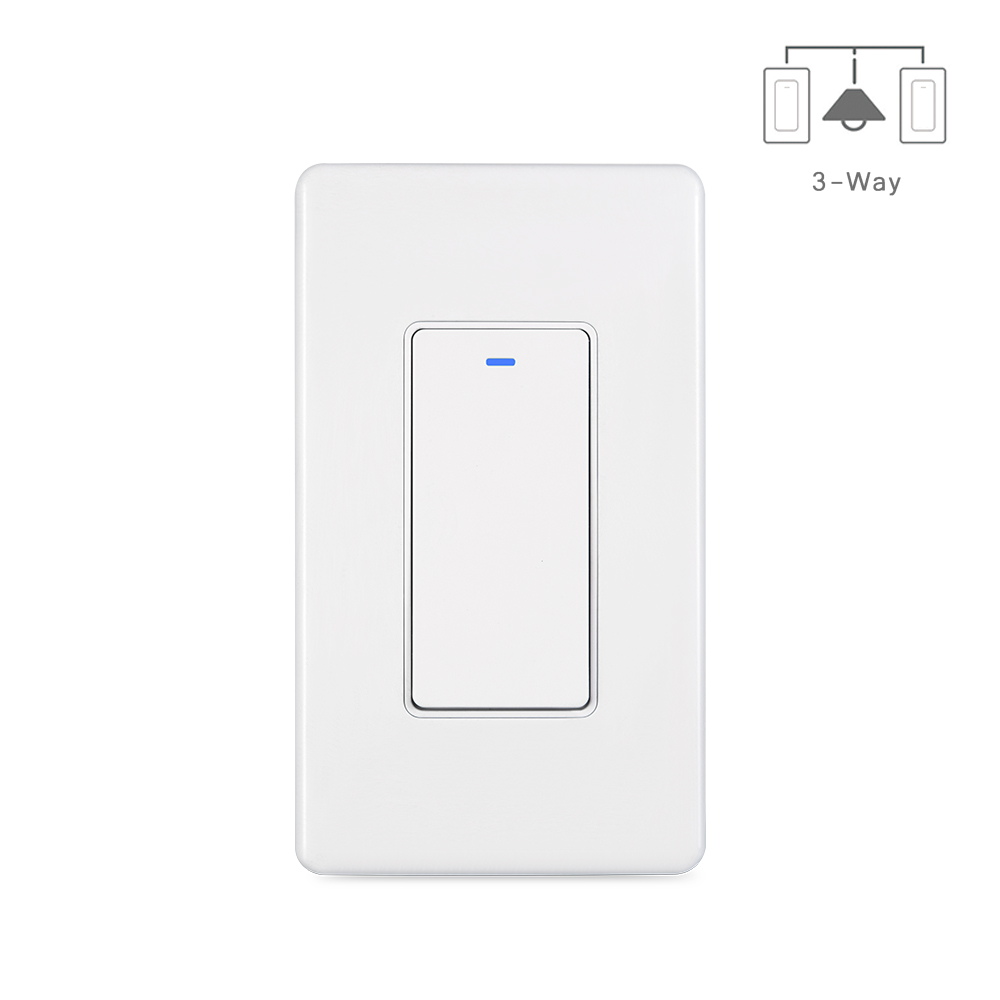
The DS-102DWN is a WiFiSmart wall Switch from the XingLiao switch line: WiFi Button Switch EU UK CN Zero-Fire. It is built for buyers who need a documented model number, a defined panel standard and a repeatable OEM file rather than a generic catalog photo. This page collects the factory specification, the Control functions and the product images in one place so you can shortlist the model before requesting a sample.
What the DS-102DWN does
Network: WiFi, with the Tuya / Smart Life app flow used across XingLiao switch programs.
Panel format: Button Switch EU UK CN Zero-Fire.
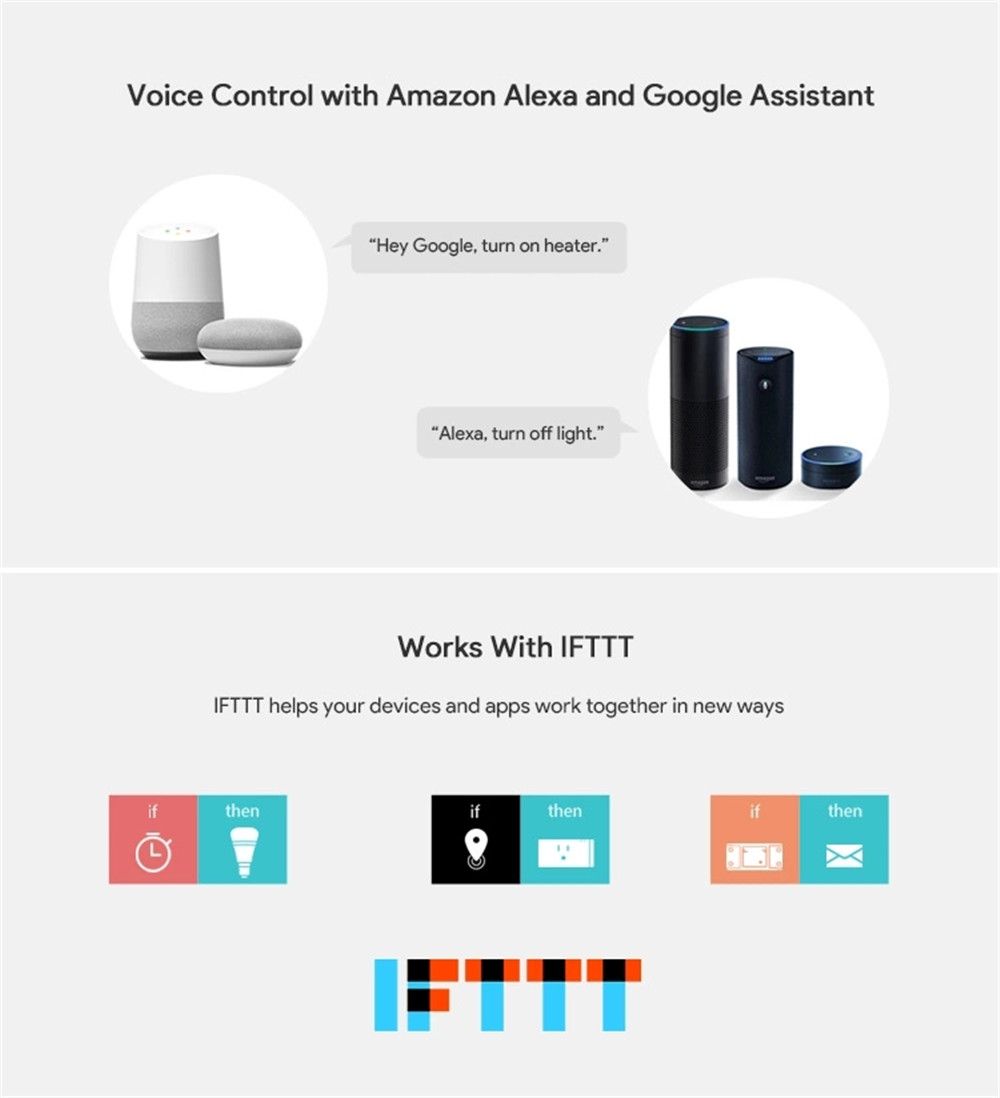
Voice control: works with Amazon Alexa and Google Home through the app integration, subject to region and firmware.
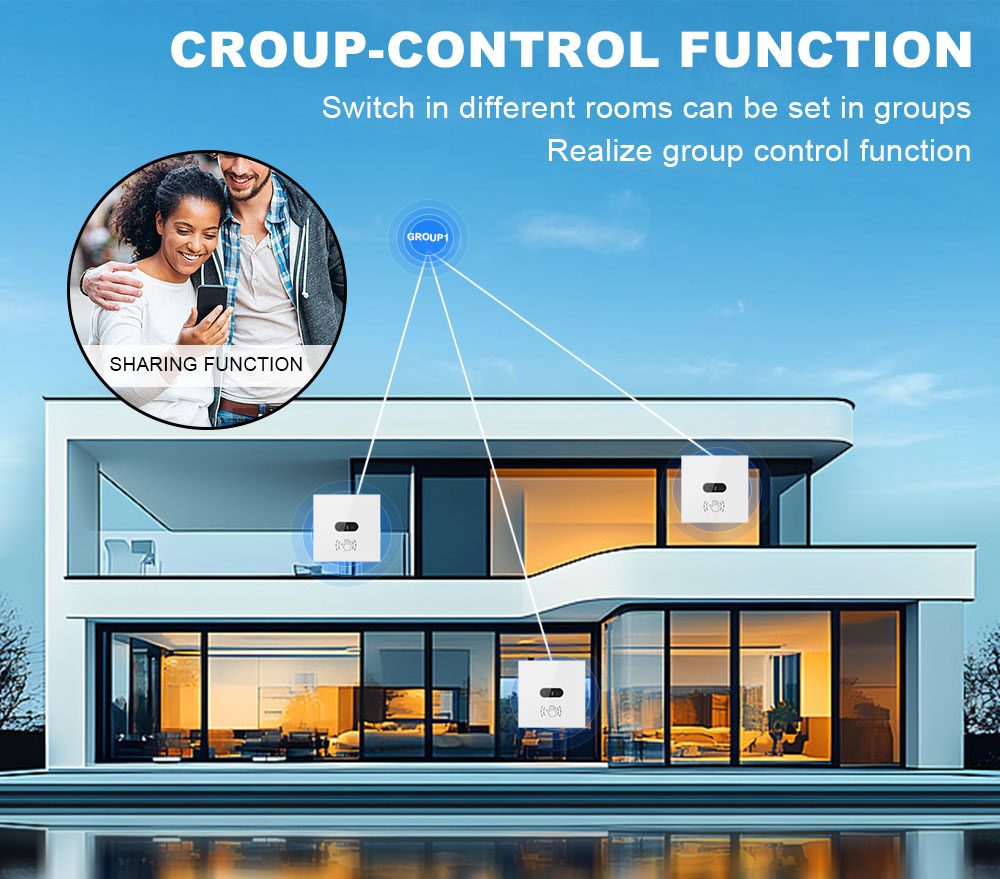
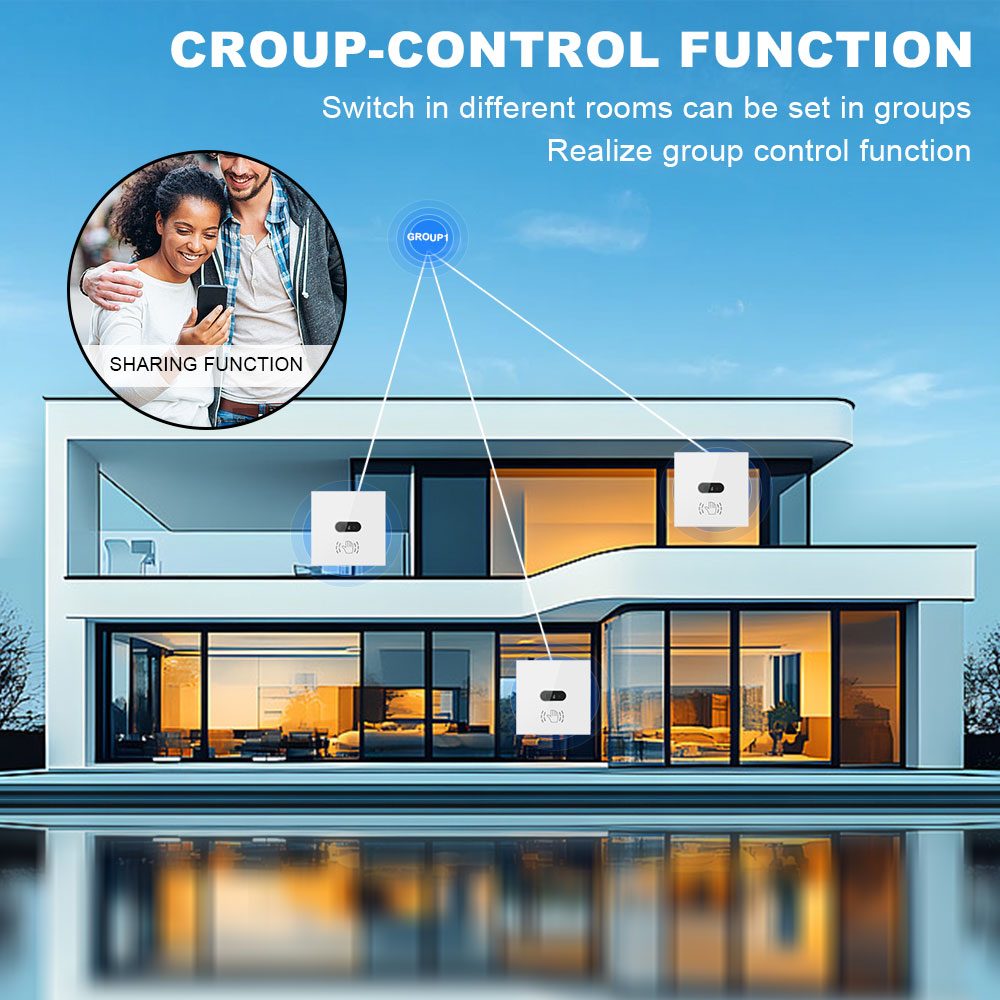
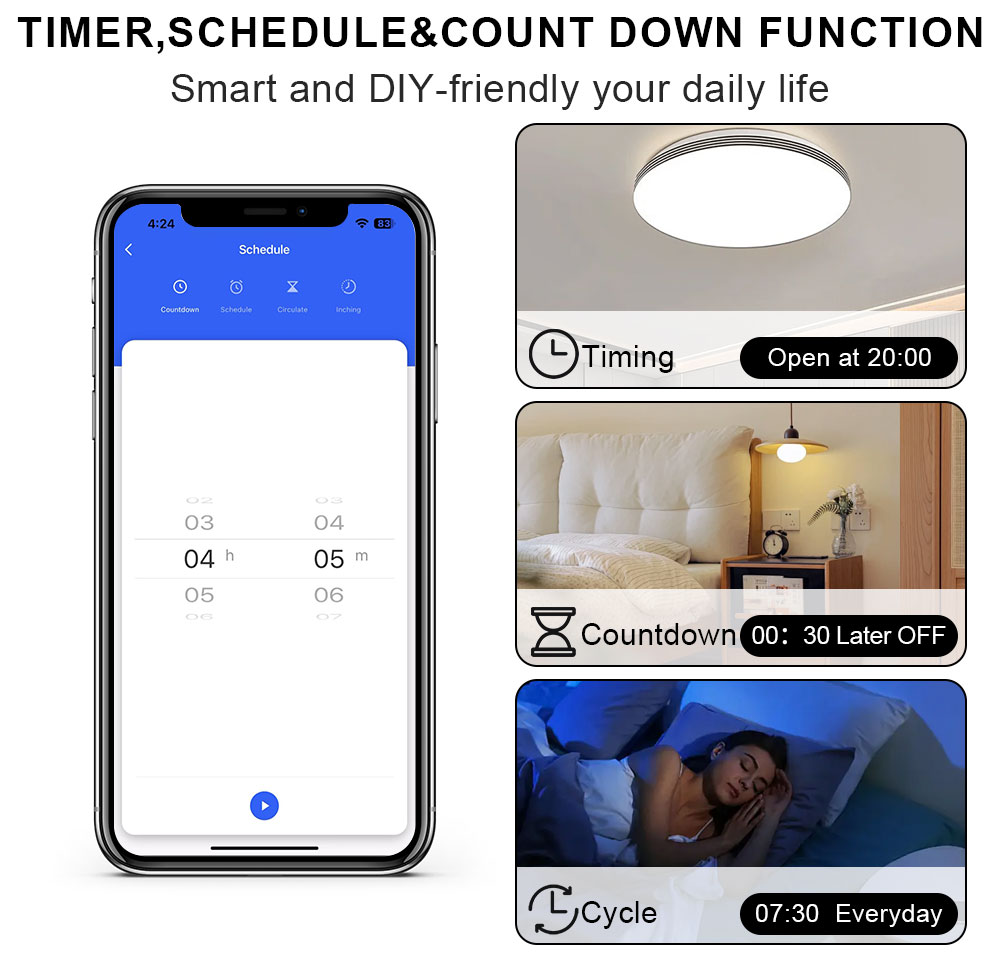
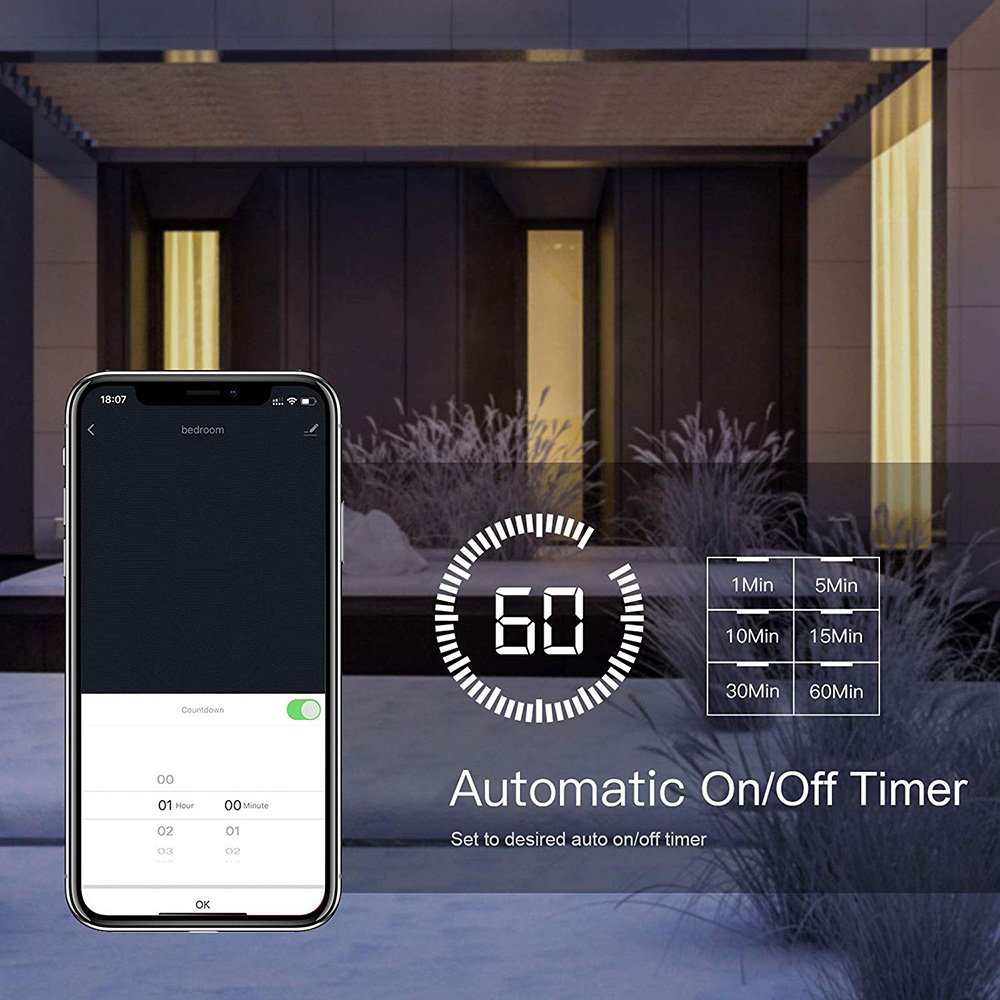
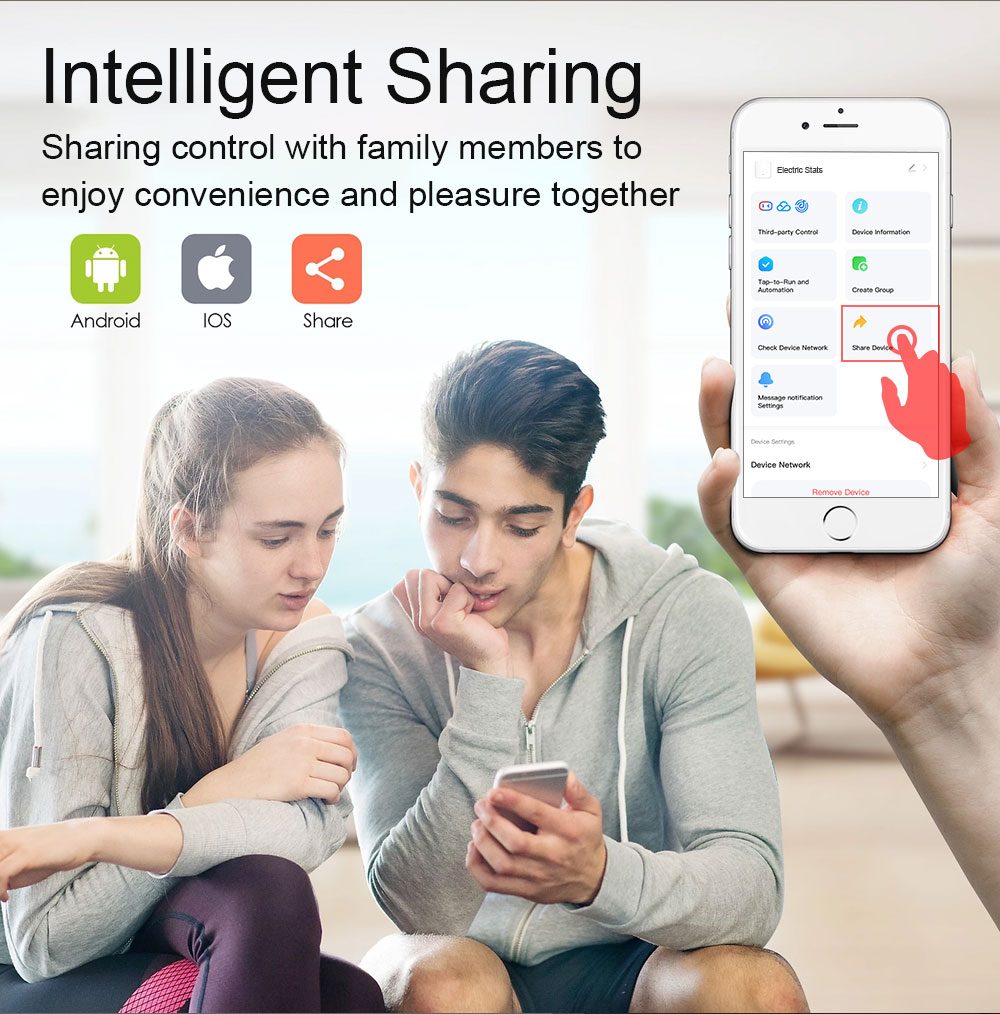
Control modes: app remote control, timer and countdown, status feedback, power-off memory, sharing control and manual operation.
Multi-control association is available for two-way and three-way installations where the wiring supports it.
Certification listed for this family: CE, ROHS. Ask for the current certificate file before artwork approval.
Indicative quotation tiers from the factory sheet: 51-199 pcs – USD 8; 200-999 pcs – USD 7.5; 1000-3000 pcs – USD 6.7. Prices exclude tax and freight; confirm the live tier with the sales team.
Product photos: DS-102DWN
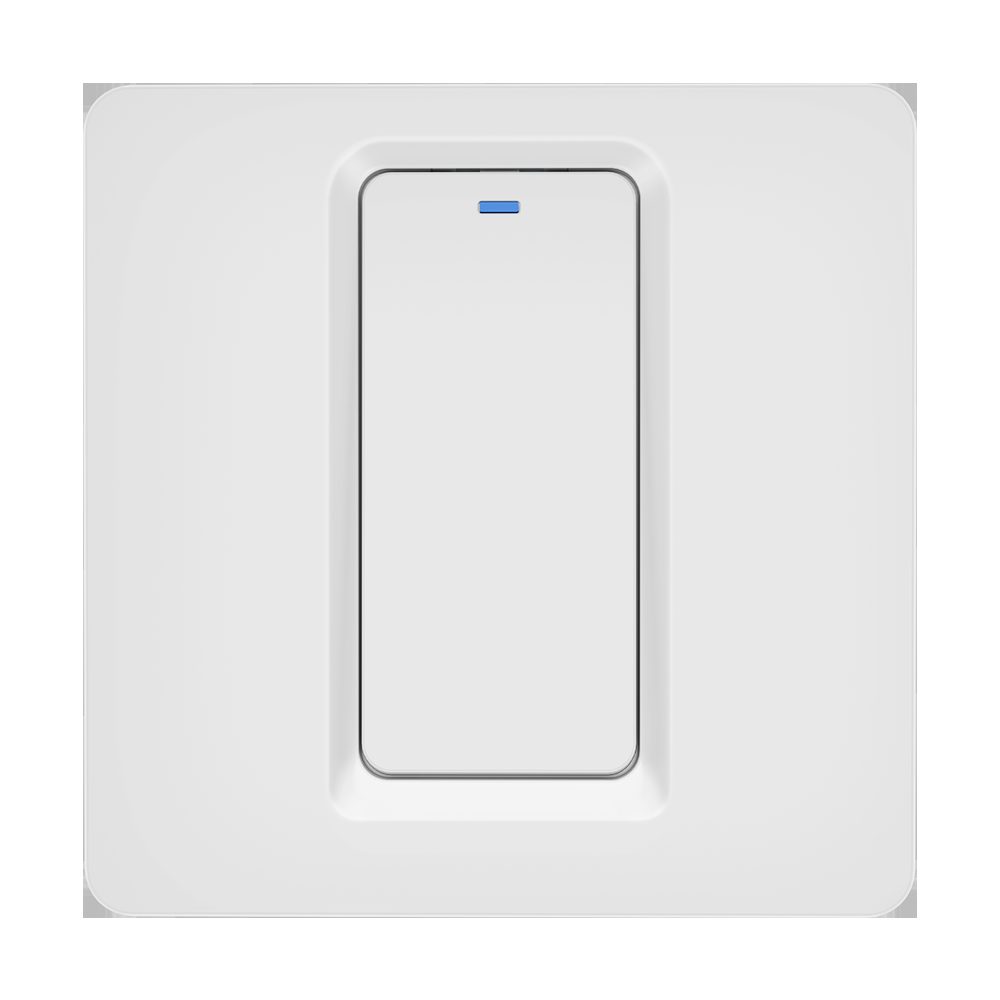
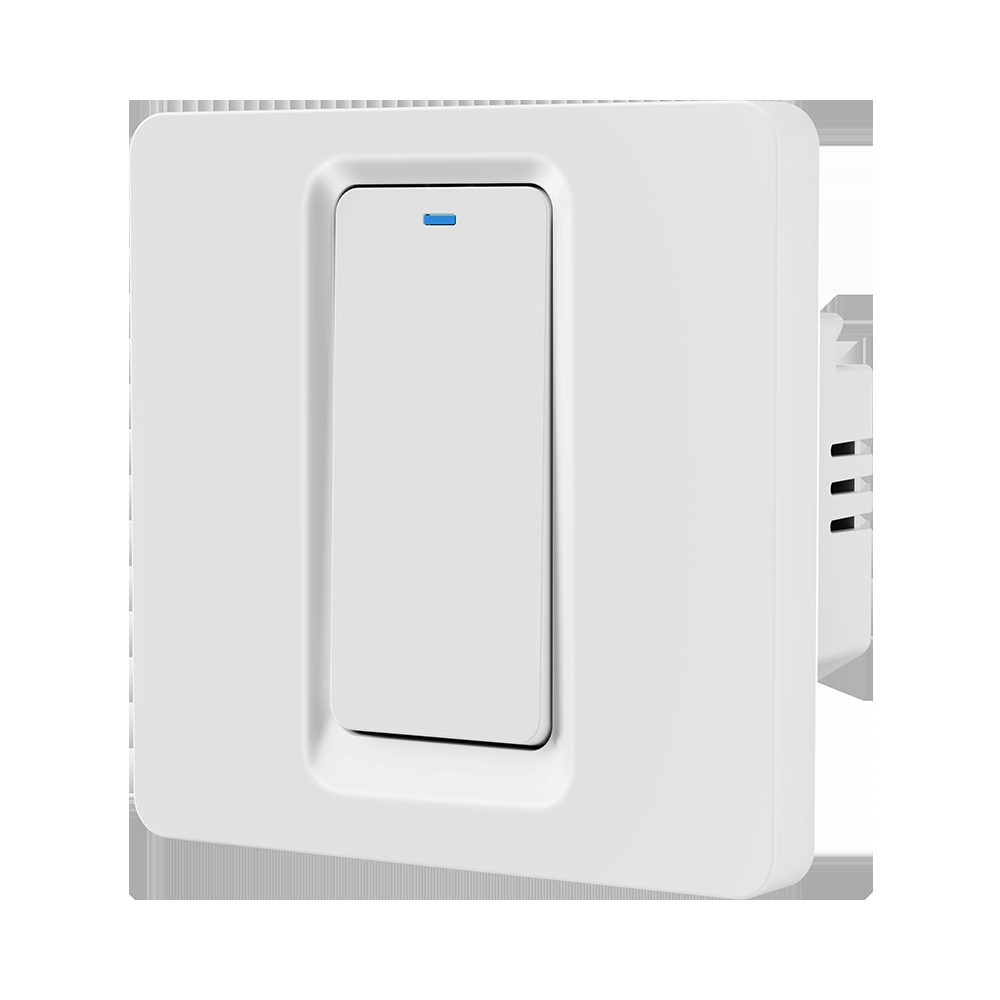
DS-102DWN: WiFi Button Switch EU UK CN Zero-Fire. Photo 1 of the factory image set.DS-102DWN: WiFi Button Switch EU UK CN Zero-Fire. Photo 2 of the factory image set.DS-102DWN: WiFi Button Switch EU UK CN Zero-Fire. Photo 3 of the factory image set.
OEM / ODM notes
For DS-102DWN, the usual customization points are faceplate color, frame finish, logo print or laser mark, packaging and app branding. State your market, panel standard, wiring type (single-wire or neutral) and annual quantity in the first inquiry so the factory can propose the correct base model. CE, FCC, RoHS, UKCA, CCC and PSE support is documented where applicable; do not assume a listing without asking for the file number.
Questions buyers ask about DS-102DWN
Is DS-102DWN a WiFi or ZigBee model?
The model designation in the title identifies the platform. DS-102DWN is the corresponding line in the factory quotation sheet; confirm the exact protocol and firmware before ordering.
Can the DS-102DWN be used with Google Home or Alexa?
Yes through the Tuya app integration, provided the app region and firmware support the integration. Ask for a short app screen recording with your sample.
What must be checked before ordering?
Door or wall box dimensions, panel standard, load type, wiring (neutral present or not), and the certification file for your market. Sendphotos of the installation site with your inquiry.
Based on the breakdown in this article, 102dwn Wifi Button offers a solid mix of features and value. If your main goal matches the key benefits described above, it is a practical choice for everyday use.
How do I choose the right 102dwn wifi button for my needs?
Start with your core use case, then compare battery life, compatibility, and build quality as covered above. Choosing the right 102dwn wifi button comes down to matching specs with how you actually use it.
Does 102dwn wifi button require a companion app?
Most devices of this type pair with a free companion app for setup and firmware updates. A few advanced features may sit behind a paid plan, so check the official specs page before buying.
The DS-101KWL is a WiFiSmart wall Switch from the XingLiao switch line: WiFi Hand Wave Gesture Switch Relay EU UK CN. It is built for buyers who need a documented model number, a defined panel standard and a repeatable OEM file rather than a generic catalog photo. This page collects the factory specification, the Control functions and the product images in one place so you can shortlist the model before requesting a sample.
What the DS-101KWL does
Network: WiFi, with the Tuya / Smart Life app flow used across XingLiao switch programs.
Panel format: Hand Wave Gesture Switch Relay EU UK CN.
Voice control: works with Amazon Alexa and Google Home through the app integration, subject to region and firmware.
Control modes: app remote control, timer and countdown, status feedback, power-off memory, sharing control and manual operation.
Multi-control association is available for two-way and three-way installations where the wiring supports it.
Specification snapshot
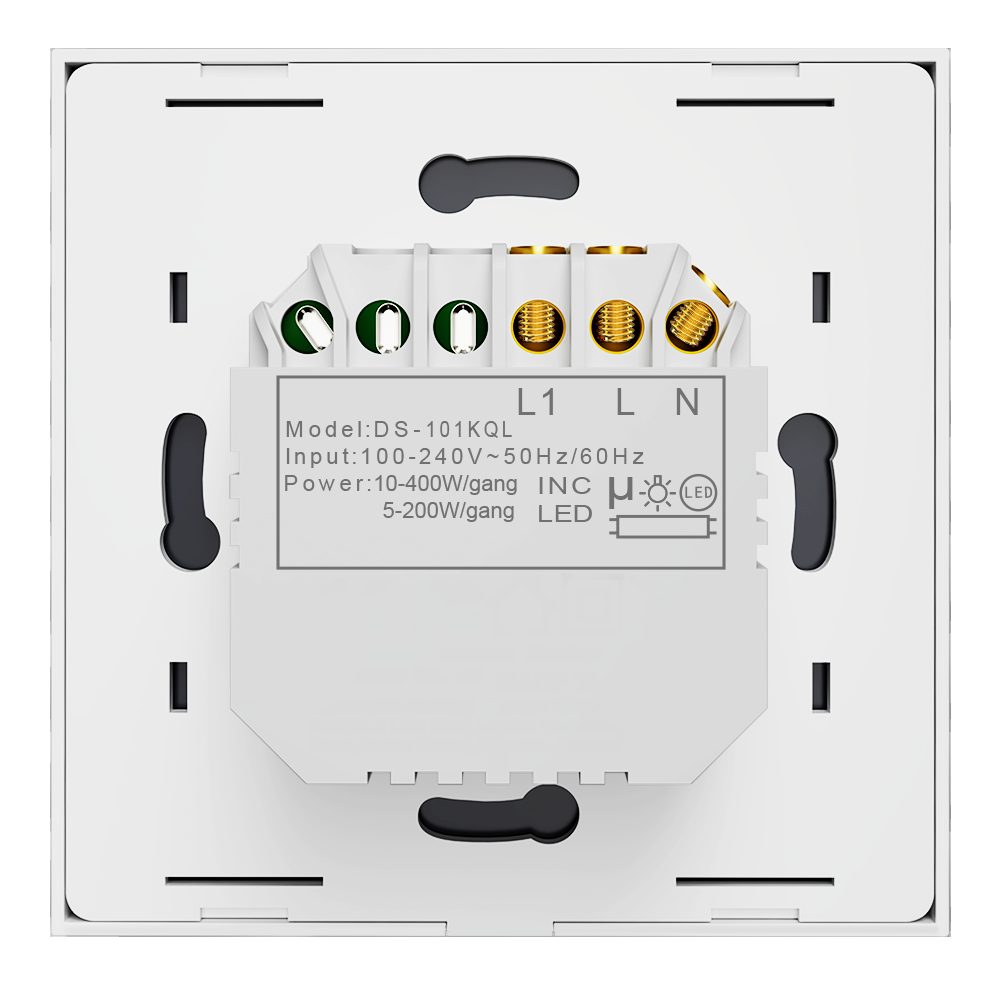
**Input Voltage:** 100–240VAC, 50/60Hz **Network Mode:** WiFi **Peak Power:** 400W **Standard Colors:** White / Black **Product Dimensions:** 86 × 86 × 35 mm (Europe) **Package Dimensions:** 106 × 100 × 51 mm **Product Gross Weight:** 211g
Certification listed for this family: CE、ROHS. Ask for the current certificate file before artwork approval.
Indicative quotation tiers from the factory sheet: 51-199 pcs – USD 6.5; 200-999 pcs – USD 6; 1000-3000 pcs – USD 5.5. Prices exclude tax and freight; confirm the live tier with the sales team.
Product photos: DS-101KWL
DS-101KWL: WiFi Hand Wave Gesture Switch Relay EU UK CN. Photo 1 of the factory image set.DS-101KWL: WiFi Hand Wave Gesture Switch Relay EU UK CN. Photo 2 of the factory image set.DS-101KWL: WiFi Hand Wave Gesture Switch Relay EU UK CN. Photo 3 of the factory image set.
OEM / ODM notes
For DS-101KWL, the usual customization points are faceplate color, frame finish, logo print or laser mark, packaging and app branding. State your market, panel standard, wiring type (single-wire or neutral) and annual quantity in the first inquiry so the factory can propose the correct base model. CE, FCC, RoHS, UKCA, CCC and PSE support is documented where applicable; do not assume a listing without asking for the file number.
Questions buyers ask about DS-101KWL
Is DS-101KWL a WiFi or ZigBee model?
The model designation in the title identifies the platform. DS-101KWL is the corresponding line in the factory quotation sheet; confirm the exact protocol and firmware before ordering. Why Cameras Miss Faces but Doorbells Don’t
Can the DS-101KWL be used with Google Home or Alexa?
Yes through the Tuya app integration, provided the app region and firmware support the integration. Ask for a short app screen recording with your sample.
What must be checked before ordering?
Door or wall box dimensions, panel standard, load type, wiring (neutral present or not), and the certification file for your market. Sendphotos of the installation site with your inquiry.
Based on the breakdown in this article, 101kwl Wifi Hand offers a solid mix of features and value. If your main goal matches the key benefits described above, it is a practical choice for everyday use.
How do I choose the right 101kwl wifi hand for my needs?
Start with your core use case, then compare battery life, compatibility, and build quality as covered above. Choosing the right 101kwl wifi hand comes down to matching specs with how you actually use it.
Does 101kwl wifi hand require a companion app?
Most devices of this type pair with a free companion app for setup and firmware updates. A few advanced features may sit behind a paid plan, so check the official specs page before buying.
📌 This article is part of our Complete Wifi Hub — more guides and buying tips inside.
The DS-101BW is a WiFi+BluetoothSmart wall switch from the XingLiao switch line: TuyaWiFiTouch Switch EU UK CN 86mm Zero-Fire. It is built for buyers who need a documented model number, a defined panel standard and a repeatable OEM file rather than a generic catalog photo. This page collects the factory specification, the Control functions and the product images in one place so you can shortlist the model before requesting a sample.
What the DS-101BW does
Network: WiFi+Bluetooth, with the Tuya / Smart Life app flow used across XingLiao switch programs.
Panel format: WiFi Touch Switch EU UK CN 86mm Zero-Fire.
Voice control: works with Amazon Alexa and Google Home through the app integration, subject to region and firmware.
Control modes: app remote control, timer and countdown, status feedback, power-off memory, sharing control and manual operation.
Multi-control association is available for two-way and three-way installations where the wiring supports it.
Certification listed for this family: CE, ROHS. Ask for the current certificate file before artwork approval.
Indicative quotation tiers from the factory sheet: 51-199 pcs – USD 5.1; 200-999 pcs – USD 4.8; 1000-3000 pcs – USD 4.5. Prices exclude tax and freight; confirm the live tier with the sales team. Why Cameras Miss Faces but Doorbells Don’t
Product photos: DS-101BW
DS-101BW: Tuya WiFi Touch Switch EU UK CN 86mm Zero-Fire. Photo 1 of the factory image set.DS-101BW: Tuya WiFi Touch Switch EU UK CN 86mm Zero-Fire. Photo 2 of the factory image set.DS-101BW: Tuya WiFi Touch Switch EU UK CN 86mm Zero-Fire. Photo 3 of the factory image set.
OEM / ODM notes
For DS-101BW, the usual customization points are faceplate color, frame finish, logo print or laser mark, packaging and app branding. State your market, panel standard, wiring type (single-wire or neutral) and annual quantity in the first inquiry so the factory can propose the correct base model. CE, FCC, RoHS, UKCA, CCC and PSE support is documented where applicable; do not assume a listing without asking for the file number.
Questions buyers ask about DS-101BW
Is DS-101BW a WiFi or ZigBee model?
The model designation in the title identifies the platform. DS-101BW-1 is the corresponding line in the factory quotation sheet; confirm the exact protocol and firmware before ordering.
Can the DS-101BW be used with Google Home or Alexa?
Yes through the Tuya app integration, provided the app region and firmware support the integration. Ask for a short app screen recording with your sample.
What must be checked before ordering?
Door or wall box dimensions, panel standard, load type, wiring (neutral present or not), and the certification file for your market. Sendphotos of the installation site with your inquiry.
Based on the breakdown in this article, 101bw Tuya Wifi offers a solid mix of features and value. If your main goal matches the key benefits described above, it is a practical choice for everyday use.
How do I choose the right 101bw tuya wifi for my needs?
Start with your core use case, then compare battery life, compatibility, and build quality as covered above. Choosing the right 101bw tuya wifi comes down to matching specs with how you actually use it.
Does 101bw tuya wifi require a companion app?
Most devices of this type pair with a free companion app for setup and firmware updates. A few advanced features may sit behind a paid plan, so check the official specs page before buying.
📌 This article is part of our Complete Wifi Hub — more guides and buying tips inside.
Every wall Switch in a commercial building gets touched hundreds of times a day. In hotel bathrooms, clinic corridors, factory canteens and public washrooms, that single square of Glass is where fingerprints, soap residue and cross-contact accumulate fastest. Buyers who source Switches for these environments are no longer only asking about price per unit — they are asking whether the Switch can be operated without being touched at all.
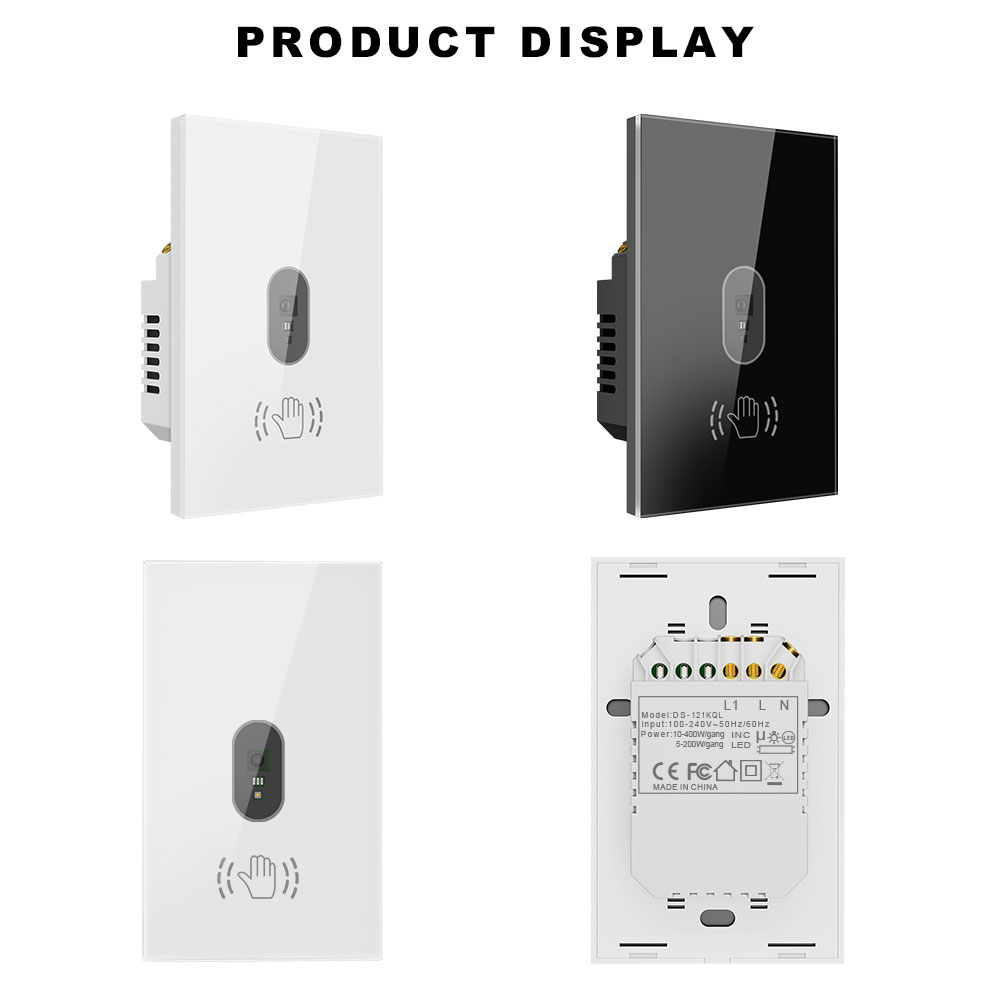
121KWL wave-sensor Wi-Fi wall switch – a single hand gesture within 10 cm toggles the load
The wave-sensor Wi-Fi wall switch answers that question with a hand gesture. Move your palm within 10 cm of the panel and the load toggles; there is nothing to press, nothing to wipe down, and nothing for a guest to figure out at 2 a.m. ZigBee vs ZigBee 3.0: What Actually Changed
What is a wave-sensor wall switch?
A wave-sensor switch is a Standard wall switch that carries an infrared gesture sensor behind its glass front. Instead of a mechanical rocker or a capacitive Touch pad, the trigger is proximity motion: the panel detects a hand entering its sensing field and cycles the relay between on and off. The physical panel stays sealed, so the surface never collects the greasy fingerprint film that capacitive touch panels develop in kitchens and hotel bathrooms.
Two variants are available in this platform, and the difference matters when you build a price ladder for your market:
Wave + Wi-Fi version — gesture control plus full app control: remote on/off, app timers with weekday repeat, OTA firmware upgrades, device sharing, and SmartConfig pairing on both Android and iOS.
Wave-only version — gesture control and nothing else. No app, no cloud, no pairing. Ideal for corridors, storage rooms and public washrooms where a network connection adds cost without adding value.
Wave-only and wave + Wi-Fi versions share one platform; the gesture relay replaces the mechanical rocker
Technical specifications
The figures below are taken directly from the product specification sheet. EU and US versions share the same electrical platform; only the wall-plate geometry differs.
Model-to-market mapping should be confirmed on quotation; the EU and US plates are not interchangeable, and the 400 W rating refers to resistive lighting loads such as LED panels, downlights and filament lamps rather than motor or heating loads.
EU 86 mm and US 118 mm plate geometry, 35 mm depth behind the wall plate
How the gesture sensing actually behaves
One gesture, one state change
The sensor uses a cycling logic rather than a toggle-on-motion rule. Each detected wave flips the current state — on becomes off, off becomes on — so the panel behaves exactly like the rocker it replaces. There is no ambiguity about whether the light was already on, and there is no need to hold the hand in place.
Ten centimetres is the sweet spot
A 10 cm sensing envelope is deliberately short. It is long enough that a person walking past with wet hands can trigger the switch with an open palm, and short enough that nobody in the corridor outside a bathroom door switches the light on by accident. For installers, this also means the sensor does not need a cut-out or a separate aperture — it sits behind the same glass as the legend.
The 10 cm sensing envelope: long enough for a wet hand, short enough to avoid corridor false triggers
Touch still works
The panel remains a functional wall switch. Guests who instinctively press it are not punished with a dead plate; the relay responds either way. In hotels this quietly removes the single most common guest complaint about unfamiliar in-room technology.
The app layer (Wi-Fi version only)
When the Wi-Fi module is fitted, the gesture switch becomes part of the property’s connected layer:
Remote control — switch any load on or off from the phone, provided both the panel and the phone are online.
Timers with weekday repeat — schedule a load per day of the week, which is what makes the product usable for signage lighting, display windows and bathroom exhaust fans on a fixed routine.
OTA firmware updates — new functions can be pushed to panels already on the wall, so a fleet installed this quarter does not become obsolete next quarter.
Device sharing — hand access to family members, staff or facility managers without handing over the account.
SmartConfig pairing — network credentials are pushed from the phone, supported on both Android and iOS, so no per-panel commissioning laptop is required.
App layer: remote switching, weekday timers, OTA updates and device sharing
Where this switch earns its place
Hotel bathrooms and guest rooms
A wet hand never has to find a switch plate. Combined with the timer function, the bathroom exhaust Fan can run on a fixed daily schedule regardless of whether the room is occupied.
Touchless operation in hotel bathrooms, clinics and public washrooms reduces contact points
Clinics, dental surgeries and care facilities
Touchless operation reduces contact points on high-frequency surfaces. The sealed glass front is also easier to disinfect than a rocker with a gap around its paddle.
Commercial washrooms and factory corridors
Public washrooms are the classic case for the wave-only version: gesture control, no app, no network, no commissioning, and a load rating that suits LED battens and downlights.
Short-let apartments and serviced units
Remote control lets the operator cut lighting between guest stays, and device sharing allows cleaning staff to be given access without sharing owner credentials.
Kitchens and food preparation areas
Grease and flour are the enemies of capacitive touch. A gesture panel stays clean because it is never contacted.
OEM and ODM capability for brand owners
This switch is built as a platform rather than a single SKU, which is what makes it usable for distributors who need a differentiated product without a full development cycle:
Plate and colour customisation — white and black are standard; plate geometry follows the EU 86 mm and US 118 mm standards so the product drops into existing box systems.
Branding — logo and legend printing on the glass, plus customised packaging for retail or project cartons.
Firmware and app configuration — the connectivity can be delivered under your own app identity, with the product provisioning flow adapted to your onboarding screen.
Variant mix — order the Wi-Fi and wave-only boards under one purchase order so a single container covers both the connected and the budget tier of your catalogue.
Documentation package — product specification sheets, wiring diagrams and packaging artwork supplied for your own marketplace listings.
Because the sensing element, the relay and the wireless module are shared across the range, changes to colour or plate do not restart the certification and testing cycle — a practical advantage when you are trying to launch before a selling season.
Selection checklist before you order
Question
If yes
If no
Does the location need app or remote control?
Specify the Wi-Fi version (101KWL / 121KWL)
Specify the wave-only version (101KQL / 121KQL)
Is the wall box EU 86 mm or US 118 mm?
Match the plate to the box before ordering
Confirm box standard with the installer first
Is the connected load under 400 W resistive?
Product is suitable as specified
Move to a higher-rated switching solution
Will the panel sit in direct sunlight or near a heat source?
Check the -20 to 45 °C range against the site
Standard installation applies
Do you need a private-label app?
Request the OEM app configuration package
Standard app is sufficient
White-plate version – standard finish for project and retail cartons
Frequently asked questions
Does the switch need a neutral wire?
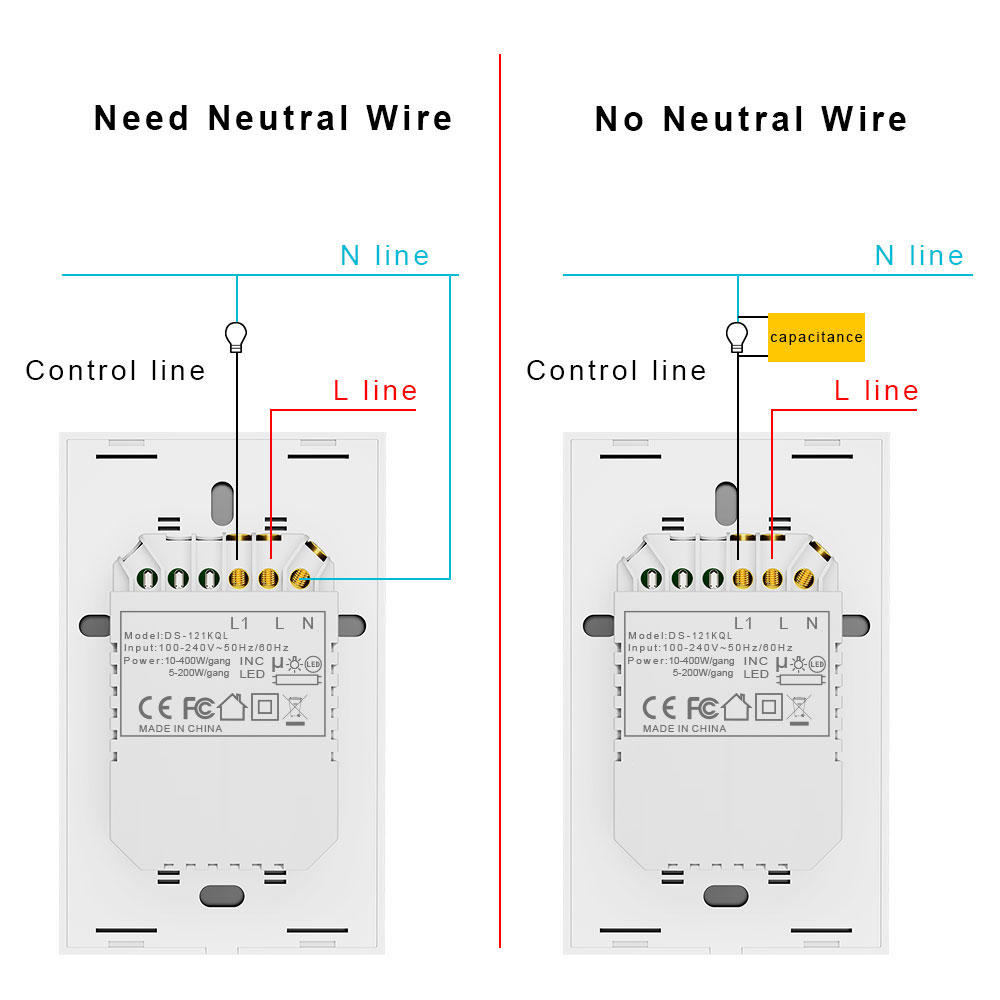
Wiring requirements depend on the specific board version. Confirm the wiring diagram for the exact model you are ordering before the electrician starts work; do not assume the wave-sensor board shares the wiring of a no-neutral touch switch.
Can the gesture sensor be disabled?
The sensor and the physical switch operate on the same relay. Where a project requires motion-free operation, specify the configuration with your sales contact at quotation stage.
How many panels can one app account manage?
Multiple panels can be added to a single account and grouped by room or by property. The practical limit depends on your Wi-Fi infrastructure rather than the panel itself.
Talk to us about your wave-sensor programme
If you are building a touchless switching line for hotels, healthcare or public washrooms, we can supply the EU and US variants under a single order, with your branding on the glass and packaging, plus the specification documents your marketplace listing needs.
Send us your target market, plate standard, annual volume and whether you need the Wi-Fi tier or the wave-only tier — we will come back with a quotation and a sample plan.
Cut-out asset supplied for your own marketplace and catalogue listings
All technical figures in this article are taken from the manufacturer’s product specification sheet for the wave-sensor switch range. Confirm the exact configuration of your ordered model on the datasheet before installation.
Tuya devices reach your phone over one of three radio paths: WiFi, Zigbee or Bluetooth. The protocol is not a preference — it is decided by the device you buy, and it determines whether you Need a hub, how often you change batteries, and how the system behaves when the internet drops. One rule covers most cases: high-bandwidth devices go on WiFi, battery sensors and wall switches go on TuyaZigBee through a gateway, and a small set of close-range devices runs on Bluetooth alone.
Why the protocol is decided at purchase
A WiFi camera cannot join a Zigbee mesh, and a ZigBee sensor cannot talk to your router directly. The radio is soldered in. That is why choosing the mix matters before the first device ships: the hub decision, the router capacity and the battery replacement schedule all follow from it. The good news is the Smart Life app treats all three paths as one system, so a mixed home still controls everything from a single screen.
Tuya WiFi: bandwidth without a hub
WiFi suits devices that push video or need a direct internet path: Cameras, video doorbells, and simple plugs and switches in homes that will never buy a hub. The trade-offs are power and congestion. A WiFi device never truly sleeps, so battery-powered WiFi cameras measure their charge in weeks or months, not years, and every WiFi device added to a 2.4 GHz router competes for airtime with laptops, TVs and phones. After a power cut, dozens of WiFi devices reconnecting at once is why some homes see a ten-minute smart-home brownout. Mains power plus reasonable router placement makes WiFi dependable; batteries and distance make it disappointing.
Tuya ZigBee: the whole-home backbone
ZigBee devices form their own mesh around a gateway, which is why the Tuya ZigBee Gateway is the first purchase for a serious setup. Battery sensors sleep between events, so a door sensor or leak probe runs one to Two years on a coin cell. Mains-powered ZigBee switches and plugs route traffic for everything else, extending coverage room by room without new hardware. The mesh is local: during an internet outage, hub-stored automations still fire, sensors still report to the hub, and wall switches always work physically. For sensors, wall switches, locks and curtain motors, ZigBee is the protocol that behaves the same on day one thousand as on day one.
Tuya Bluetooth: close range, no hub at all
Bluetooth in the Tuya world plays two roles. First, every Tuya device uses BLE for first-time pairing — the app finds the new device over Bluetooth even before it is on any network. Second, a small class of devices runs entirely on Bluetooth: CO2 detectors, some knob locks, and small battery monitors live in the Smart Life app without a hub, because the phone talks to them directly. The limits are range and presence: reliable control needs the phone within a few meters, and remote control or voice assistants do not exist without a bridge. Bluetooth devices are the right choice for single-room tools you check while standing in the room — not for whole-home automation.
Putting all three together
Start with the hub. One Tuya ZigBee gateway covers sensors and switches for the whole home.
Sensors and wall switches on ZigBee. Battery devices last years, and mains switches strengthen the mesh for free.
Cameras and doorbells on WiFi. Nothing else moves video well; give them a clean 2.4 GHz channel.
Bluetooth for room-local tools. A CO2 detector on the desk or a knob lock on an interior door Works hub-free.
Keep the router lean. Every device you move to ZigBee is one less WiFi client fighting for airtime.
One device per protocol, chosen well
Tuya ZigBee Gateway — the anchor of the whole system: hosts ZigBee sensors and switches locally and bridges them to Smart Life.
Tuya WiFi Smart Thermostat (16A) — a mains-powered WiFi device done right: floor heating and boiler control with weekly scheduling.
Frequently Asked Questions
Do I need a hub for Tuya devices?
WiFi and Bluetooth devices need no hub. ZigBee devices need a Tuya ZigBee gateway, and that hub is what unlocks the best battery life and local automations for sensors and switches.
Can a Bluetooth Tuya device be controlled away from home?
Not on its own — Bluetooth range is a few meters and the phone must be nearby. Add a Bluetooth-to-cloud bridge or choose the WiFi/ZigBee version of the device if remote control matters.
Why does my WiFi camera go offline when the router reboots?
Every WiFi device re-joins the router after a reboot, and dozens of devices re-joining at once slows them all down. Cameras feel it most because video needs sustained bandwidth, not a one-shot reconnect.
Is ZigBee better than WiFi for smart switches?
For wall switches, usually yes. A ZigBee switch adds mesh routing for nearby sensors and keeps local control during outages, while a WiFi switch is simpler to install hub-free but adds one more client to a busy router.
Can one Smart Life account mix all three protocols?
Yes. The app presents WiFi, ZigBee and Bluetooth devices in one home, and scenes can combine them — a ZigBee motion sensor can trigger a WiFi camera to start recording.
Which protocol is best for battery-powered sensors?
Tuya ZigBee. Event-driven reporting lets a sensor sleep for months, which is why door, water, motion and temperature sensors on ZigBee run a year or two on coin cells.
The battery-versus-wired decision shapes everything else about a Videodoorbell: Where you can mount it, whether it can record continuously, and how often you think about it afterwards. Almost every other spec — resolution, field of view, night vision — matters less than this one.
A battery doorbell sleeps and wakes on a trigger — a button press or a PIR detection. That is what makes a battery last months, and it is also why battery models can miss the moments between triggers. A wired unit can afford to stream and record continuously, which matters on a street-facing door where the interesting event might be a car, not a visitor.
If catching everything matters more than easy installation, wired wins. If you want a doorbell that simply works when someone presses it, battery is fine and far easier to fit.
WiFi is the other constraint, and it applies to both
App-based battery and WiFi doorbells both need a usable 2.4 GHz signal at the door. That is where installations usually fail, not at the power stage. Test before you buy: stand at the door with your phone, switch to 2.4 GHz, and check the signal. A thick external wall or a metal door can turn a strong indoor network into nothing at the doorstep.
If the signal is poor, the options are a WiFi extender nearer the entrance, or a kit that does not use your network at all — the monitor-based kits in our wireless doorbell comparison run their own link between camera and screen.
Choosing for a rental
Battery, every time. You can mount it with an adhesive bracket, take it with you when you leave, and refit the original bell. Avoid drilling into a frame unless your tenancy allows it, and keep the original chime wiring untouched so the next tenant inherits what you found.
Choosing for an owned home with existing bell wires
If there is already a working chime, you have free power at the door and a wired doorbell is the low-effort, high-reliability choice. A 2-wire Video intercom system also gives you a large indoor monitor and a properly loud ring — worth considering if the household includes people who will not check a phone notification.
FAQ
Can a battery doorbell record 24/7?
No, not practically. Continuous streaming would flatten the battery in days. Battery models record clips on motion or button presses.
Does a wired doorbell keep working during a power cut?
The doorbell loses power with the house, same as a wired chime. A battery model keeps running, though its WiFi usually goes with the router.
How often will I charge a battery doorbell?
Typically every two to six months depending on traffic, temperature and how often you view live Video. Cold winters shorten it.
Can I use the existing chime?
Some wired models can drive the existing chime; battery kits usually ship with their own indoor chime or rely on phone notifications. Check the product page for the specific model.
Based on the breakdown in this article, Battery Wired Video offers a solid mix of features and value. If your main goal matches the key benefits described above, it is a practical choice for everyday use.
How do I choose the right battery wired video for my needs?
Start with your core use case, then compare battery life, compatibility, and build quality as covered above. Choosing the right battery wired video comes down to matching specs with how you actually use it.
Does battery wired video require a companion app?
Most devices of this type pair with a free companion app for setup and firmware updates. A few advanced features may sit behind a paid plan, so check the official specs page before buying.
📌 This article is part of our Complete Wifi Hub — more guides and buying tips inside.
How to Choose a WiFi Touch Switch for a standard Wall Box — DS-1611WL Series
Replacing a wall switch looks simple until you open the box. The Plate size, whether a neutral is present, and which radio the switch uses decide whether the job takes ten minutes or a visit from an electrician. The DS-1611WL Series is built around single-fire (no neutral) Wiring and WiFi 2.4 GHz, and it ships in 4 Gang — so the same look can run through a whole flat or hotel floor.
This guide walks through the four things to settle before you order, with the numbers that matter for Brazilian Standard installations.
1. Match the wall box first
The DS-1611WL plate is made for the Standard wall box, which is the standard box in Brazilian standard installations. Measure the box, not the old plate: a cover frame can hide a smaller opening, and a plate that is a few millimetres out will not sit flush against the wall. Where the DS-123Y Series Fits: Apartments, Hotels and Office Retrofits
2. Check whether you have a neutral
This unit runs without a neutral wire, so it drops into older two-wire boxes as a straight replacement. You do not need a neutral, which is why this model is the usual choice for older buildings.
DS-1611WL covers 4 Gang. Fewer plates means fewer boxes to chase into the wall and one clean frame instead of three, which is usually the reason people move to multi-gang Touch plates in the first place.
Specifications
Quantity pricing
Indicative unit prices ($11.30–$11.30 depending on gang and finish):
Yes — through the Tuya / Smart Life skill for Alexa and Google Home.
Can I order mixed gangs and colors in one shipment?
Yes. Gang sizes and finishes can be mixed within one order; tell us the split at checkout.
Ready to specify it? Full specifications, gang options, colors and quantity pricing are on the DS-1611WL series product page — OEM logo, manual and packaging are available from the first order.
Based on the breakdown in this article, Choose Wifi Touch offers a solid mix of features and value. If your main goal matches the key benefits described above, it is a practical choice for everyday use.
How do I choose the right choose wifi touch for my needs?
Start with your core use case, then compare battery life, compatibility, and build quality as covered above. Choosing the right choose wifi touch comes down to matching specs with how you actually use it.
Does choose wifi touch require a companion app?
Most devices of this type pair with a free companion app for setup and firmware updates. A few advanced features may sit behind a paid plan, so check the official specs page before buying.
📌 This article is part of our Complete Wifi Hub — more guides and buying tips inside.
How to Choose a WiFi Touch Switch for a 86 Wall Box — DS-104JL Series
Replacing a Wall switch looks simple until you open the box. The plate size, whether a neutral is present, and which radio the switch uses decide whether the job takes ten minutes or a visit from an electrician. The DS-104JL Series is built around single-fire and zero-fire Wiring and WiFi 2.4 GHz, and it ships in 1 Gang / 2 Gang / 3 Gang / 4 Gang — so the same look can run through a whole flat or hotel floor.
The DS-104JL plate is made for the 86 × 86 mm square wall box (EU / UK / China), which is the standard box in European standard / British standard / China national standard installations. Measure the box, not the old plate: a cover frame can hide a smaller opening, and a plate that is a few millimetres out will not sit flush against the wall.
2. Check whether you have a neutral
This unit works in both single-fire (no neutral) and zero-fire (with neutral) boxes. If your box has no neutral, the switch still works — fit the supplied capacitor across the first lamp port of L1 to stop LED lamps glowing or flickering when off. With a neutral present, skip the capacitor.
3. Pick the radio for the project
No hub needed — it joins the router directly through the Tuya / Smart Life app. WiFi is the simplest to commission — one app, one router, nothing else to buy.
4. Count the gangs per plate
DS-104JL covers 1 Gang / 2 Gang / 3 Gang / 4 Gang. Fewer plates means fewer boxes to chase into the wall and one clean frame instead of three, which is usually the reason people move to multi-gang Touch plates in the first place.
Specifications
Quantity pricing
Indicative unit prices ($7.72–$9.51 depending on gang and finish):
FAQ
Is a neutral wire required?
No, but if there is no neutral you fit the supplied capacitor on L1.
Yes — through the Tuya / Smart Life skill for Alexa and Google Home.
Can I order mixed gangs and colors in one shipment?
Yes. Gang sizes and finishes can be mixed within one order; tell us the split at checkout.
Ready to specify it? Full specifications, gang options, colors and quantity pricing are on the DS-104JL series product page — OEM logo, manual and packaging are available from the first order.
Based on the breakdown in this article, Choose Wifi Touch offers a solid mix of features and value. If your main goal matches the key benefits described above, it is a practical choice for everyday use.
How do I choose the right choose wifi touch for my needs?
Start with your core use case, then compare battery life, compatibility, and build quality as covered above. Choosing the right choose wifi touch comes down to matching specs with how you actually use it.
Does choose wifi touch require a companion app?
Most devices of this type pair with a free companion app for setup and firmware updates. A few advanced features may sit behind a paid plan, so check the official specs page before buying.
📌 This article is part of our Complete Wifi Hub — more guides and buying tips inside.
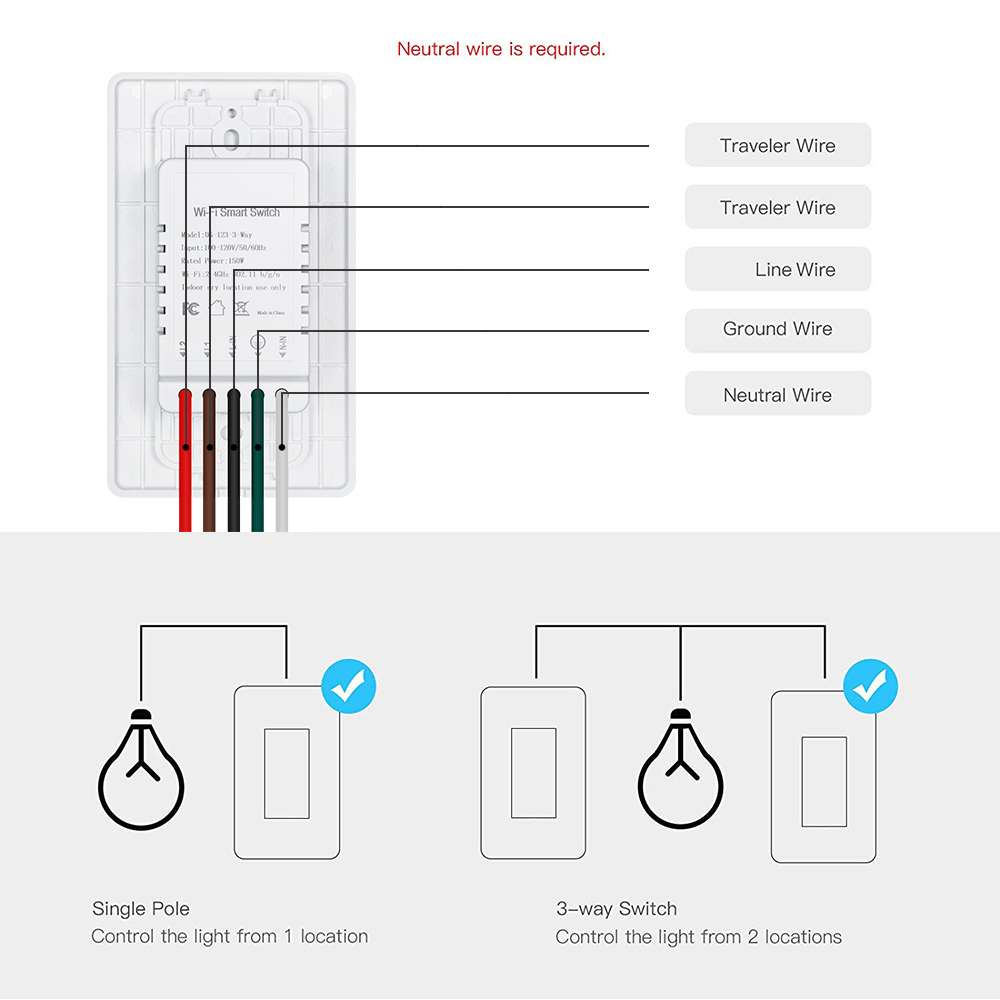
The DS-123 3-Way Smart Touch Switch brings touch-panel control to circuits that already use two switches for one light. It is a WiFi wall switch rated for 120V that works in single-pole and 3-wayWiring, so it fits the raised ranch, the long hallway and the stairwell – the places Where a normal Smart switch is awkward to install.
Touch Panel Plus WiFi Control
The glass touch panel gives the switch a clean, flat face that wipes down easily – useful in rental units, hospitality rooms and anywhere fingerprints and cleaning products are a daily reality. Under the panel the DS-123 is a WiFi device: once it is on the network it answers to the app, to a schedule and to a voice assistant.
Touch panel that keeps working when the network is down.
Single-pole and 3-way wiring from one model.
Mobile app control, schedules, countdown timers and away mode.
Single-pole smart switches are easy to find. A smart switch that also covers the 3-way position is not, and that is the circuit electricians keep running into. Stocking the DS-123 means the same box answers both calls, which keeps an installer moving on the same visit instead of ordering a second part.
Single-pole circuits
Line, load, neutral and ground go into the box and the DS-123 replaces the old switch directly.
3-way circuits
Where two switches control one light, the DS-123 occupies the 3-way position and the existing second switch keeps working as it always did.
Everyday Use: Schedules, Voice and Remote Access
Schedules and countdown timers
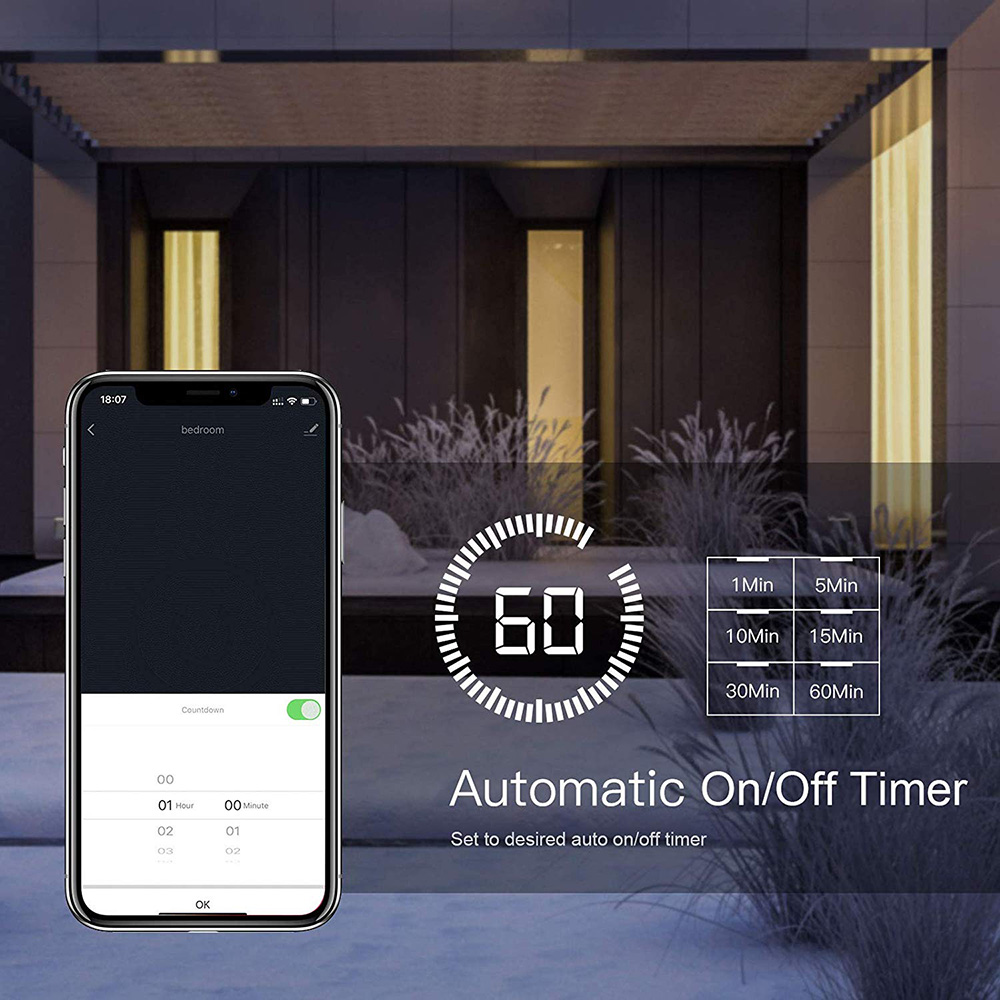
Put the exterior lights on a sunset-to-sunrise schedule, or set a countdown so a fan or bathroom light switches itself off.
Voice control
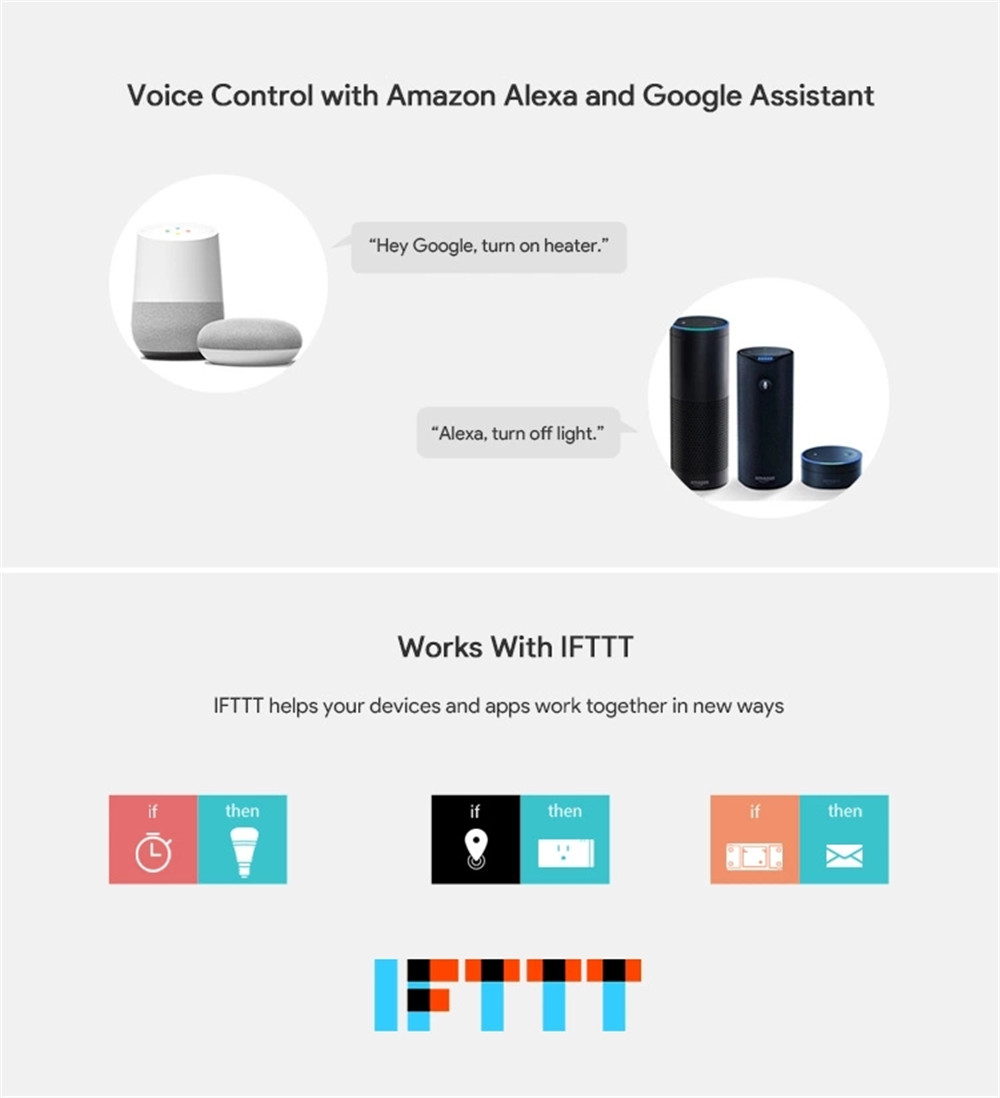
The DS-123 works with Amazon Alexa and Google Assistant, and IFTTT covers the extra automations. Saying a light on is faster than crossing a dark room.
Control from anywhere
The app reaches the switch from any network, so a landlord can check that a unit is lit and an owner can run an away pattern while travelling.
Compliance and Documentation
Each order ships with the technical datasheet and the conformity documentation for the configuration you buy. Tell our sales team the market you sell into – United States, Canada or another region – and we will confirm the applicable standard and the paperwork that has to accompany the goods before production starts. Buyers who need to review the documents before listing are welcome to request samples and files first.
Yes. A neutral wire is required in the wall box. If there is no neutral, use the DS-121KWL series.
Can it replace a 3-way switch?
Yes. The DS-123 supports both single-pole and 3-way circuits.
Will it work with Alexa and Google Home?
Yes. It works with Amazon Alexa, Google Assistant and IFTTT through the mobile app.
What is the maximum load?
150W. Add up the wattage of the fixtures on the circuit before installing.
Does the touch panel still work without WiFi?
Yes. The touch panel keeps switching the light locally; WiFi only adds app, schedule and voice control.
Can the panel be printed with our logo?
Yes. Panel printing, packaging and manuals can be customised for OEM and ODM orders.
Request a Quote
Send your quantity, market and branding requirements and we will reply with pricing and lead time. See the rest of the smart switch series for other models.
Based on the breakdown in this article, 123 Way Smart offers a solid mix of features and value. If your main goal matches the key benefits described above, it is a practical choice for everyday use.
How do I choose the right 123 way smart for my needs?
Start with your core use case, then compare battery life, compatibility, and build quality as covered above. Choosing the right 123 way smart comes down to matching specs with how you actually use it.
Does 123 way smart require a companion app?
Most devices of this type pair with a free companion app for setup and firmware updates. A few advanced features may sit behind a paid plan, so check the official specs page before buying.
📌 This article is part of our Complete Wifi Hub — more guides and buying tips inside.
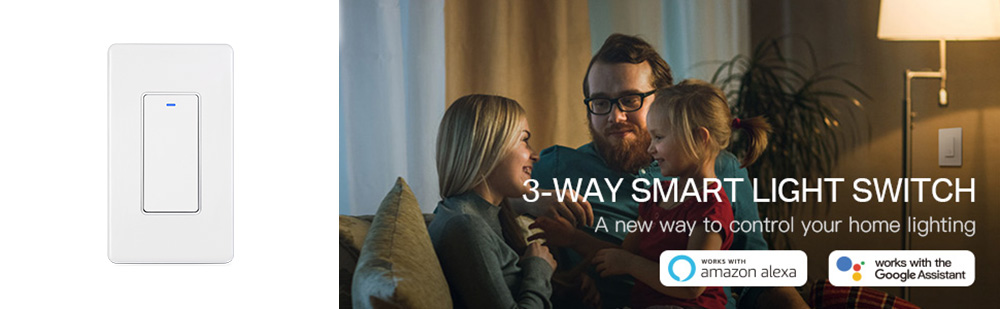
The DS-122 3-Way Smart Light Switch is a WiFi wall switch built for the North American market. It works in both single-pole and 3-way circuits – the two Wiring situations you meet in almost every US and Canadian home – and it adds app control, voice control, schedules and timers to an ordinary lighting circuit.
What Makes the DS-122 Different
Most smart switches on the market only handle single-pole wiring. The DS-122 handles both. That single detail matters for distributors, because it means one SKU covers two installation scenarios and you carry less stock for the same coverage.
Touch panel on the wall – the switch still works if the WiFi is down.
3-way and single-pole support from the same unit.
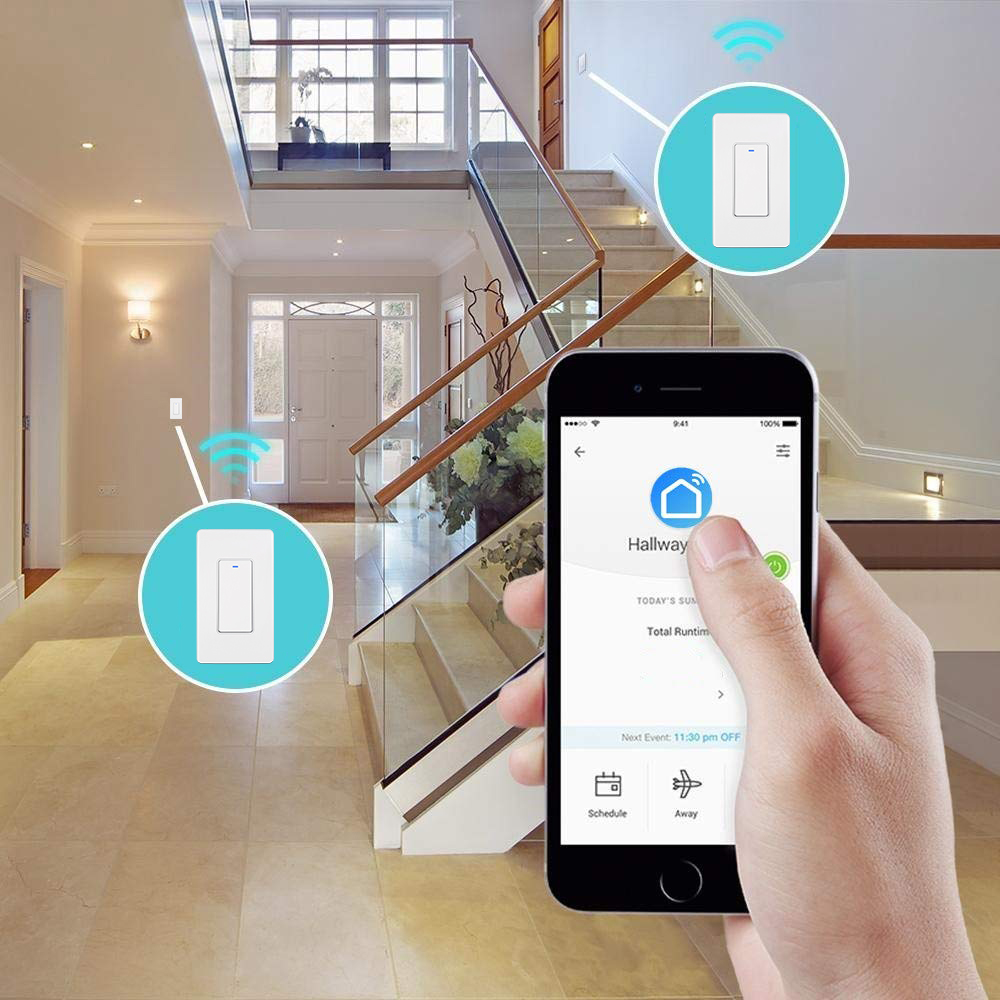
Mobile app control for every connected switch in the building.
Single-Pole and 3-Way: One Switch, Two Wiring Jobs
Single-pole installation
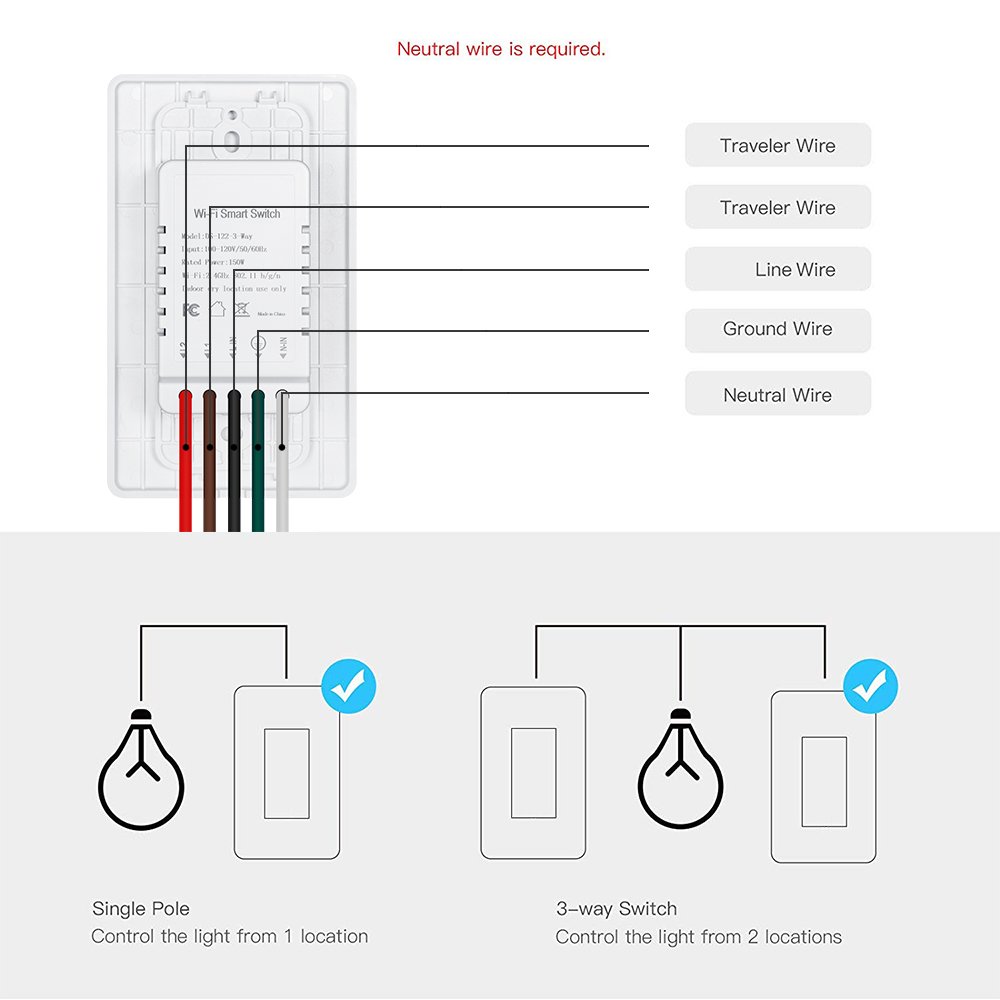
In a single-pole circuit one switch controls the light. You connect line, load, neutral and ground, and the DS-122 behaves exactly like the switch you removed – with app and voice control added on top.
3-way installation
In a 3-way circuit two switches control the same light, the classic top-and-bottom-of-the-stairs arrangement. Traditionally both ends have to be replaced when you want smart control. The DS-122 is designed for the 3-way position, so a single unit can take over the circuit while the existing second switch continues to work as before.
Smart Control That Works Every Day
Schedules and timers
Set the porch light to come on at sunset and go off at midnight, or run a countdown so the bathroom fan switches itself off. Timers run without you having to touch anything.
Voice control
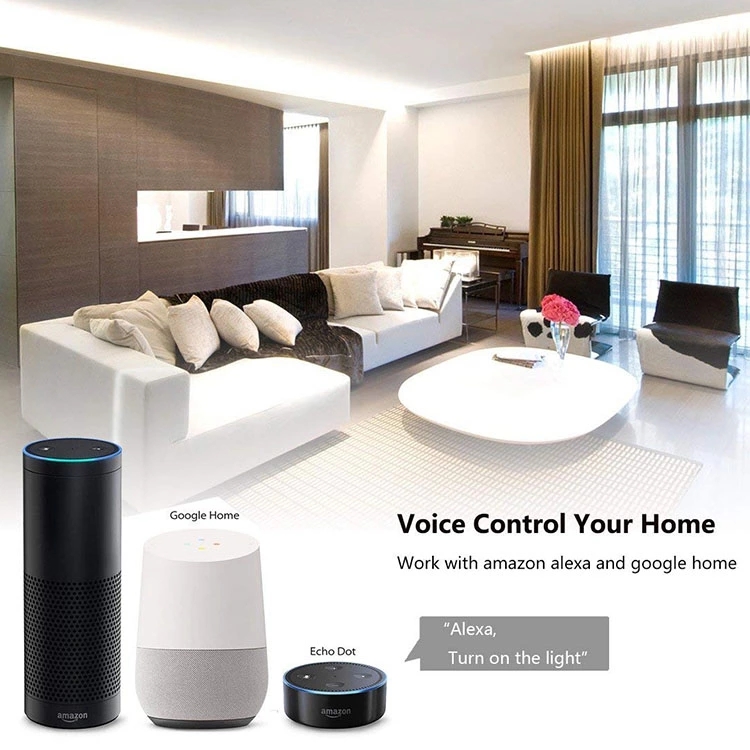
The DS-122 responds to Amazon Alexa and Google Assistant, so a room can be switched by voice when hands are full. IFTTT gives you extra automation recipes when you need them.
Remote and away mode
Control the lights from the app whether you are in the next room or another country, and run an away pattern so an empty property does not look empty.
Compliance and Documentation for Your Market
Every shipment is supplied with the technical datasheet and the conformity documentation that applies to the configuration you order. Tell our sales team which market you sell into – United States, Canada or another region – and we will confirm the matching standard and the paperwork required before the order goes into production. Buyers who need to check documents before listing a product are welcome to request samples and files first.
Yes. The DS-122 requires a neutral wire in the wall box. If the box has no neutral, the DS-121KWL Series is the right choice.
Can it be used in a 3-way circuit?
Yes. It supports both single-pole and 3-way wiring.
Does it work with Alexa and Google Home?
Yes. It works with Amazon Alexa, Google Assistant and IFTTT through the mobile app.
What is the maximum load?
150W. Check the total wattage of the fixtures on the circuit before installing.
Can you print our brand on the switch and packaging?
Yes. Logo, faceplate, packaging and manual can all be customised for OEM and ODM orders.
Request a Quote
Send us your required quantity, target market and branding requirements and we will reply with pricing and lead time. Browse the full smart switch series to see the other models.
Based on the breakdown in this article, 122 Way Smart offers a solid mix of features and value. If your main goal matches the key benefits described above, it is a practical choice for everyday use.
How do I choose the right 122 way smart for my needs?
Start with your core use case, then compare battery life, compatibility, and build quality as covered above. Choosing the right 122 way smart comes down to matching specs with how you actually use it.
Does 122 way smart require a companion app?
Most devices of this type pair with a free companion app for setup and firmware updates. A few advanced features may sit behind a paid plan, so check the official specs page before buying.
📌 This article is part of our Complete Wifi Hub — more guides and buying tips inside.
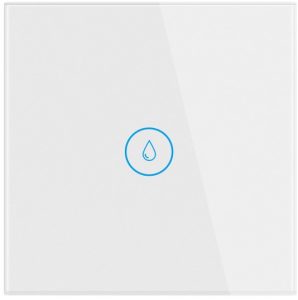 Tuya WiFi High-Power Water Heater Switch 20A / 40A (Touch & Button) Price range: $7.90 through $8.50