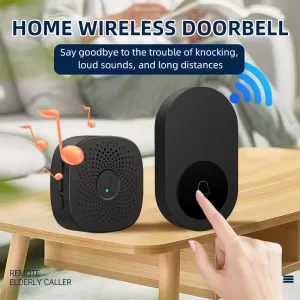
A home security camera is the One Smart home device people buy first and keep the longest, because it answers a simple question: what is happening at home right now? But the shopping guides rarely explain the trade-offs. Should you get a plug-in indoor camera or a battery one? Is 2MP enough or do you need 4MP? Does an outdoor camera need solar? This guide walks through every decision in plain terms, so the camera you order is the camera you actually keep using.
Start with the location, not the camera
Every camera is designed around a placement, so decide where it will watch before deciding what to buy:
- Indoor monitor: a room, a pet, a baby, the front hallway. Any camera works; comfort features matter most.
- Entry watch: the front door or driveway. Weatherproofing and motion detection matter most.
- Whole-property watch: yard, parking, outbuildings. Battery life or solar charging becomes the deciding factor.
Buying an indoor camera and mounting it under the eaves “temporarily” is how people end up with a dead camera in month two. Match the camera to the spot and the rest of the choices follow. M3 Pro Foldable 3-Axis Gimbal Stabilizer, Professional Handheld Gimbal for Smartphones
Power: plug-in, battery, or solar
Plug-in cameras (USB or adapter) never run flat and can stream continuously. Put them wherever a socket is within reach — a shelf, a countertop, near the crib. Their one limit is placement freedom: you are tied to the socket.
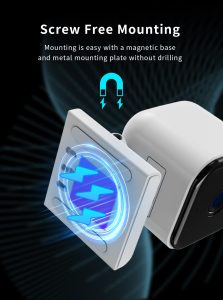
Battery cameras Install anywhere in minutes with no drilling and no wiring, which is exactly why landlords and renters love them. The trade-off is that they wake on motion rather than streaming all day, so a busy street can drain a battery in a week and a quiet room can run three months. Check whether the battery is rechargeable and how it charges.
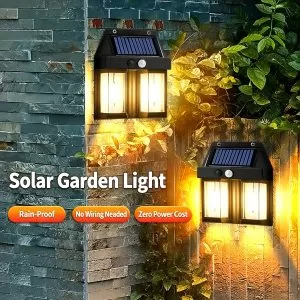
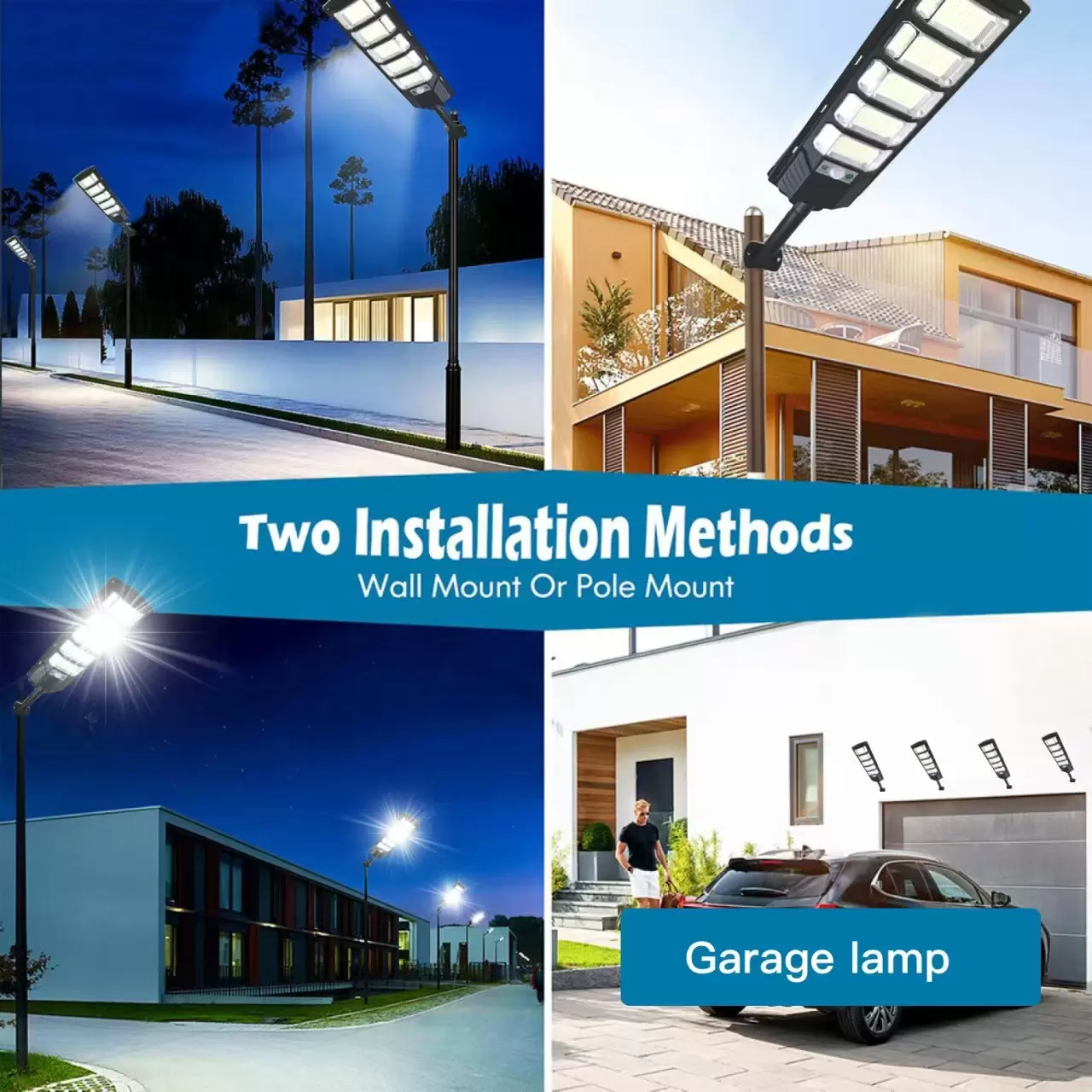
Solar cameras are battery cameras with a panel that tops them up daily. For outdoor spots with reasonable sun, they effectively remove charging from your chore list forever. A few cloudy weeks are fine; a permanently shaded north wall is not — put a plug-in or wired model there instead.
Resolution: what 2MP, 3MP and 4MP actually mean
Resolution is the most oversold number in the market. The honest version:
- 2MP (1080p): plenty for seeing a person, a pet, or whether the door was left open. Fine for small rooms.
- 3MP: a comfortable middle ground — wider view, sharper detail, still light on bandwidth.
- 4MP and above: worth it when you need to read a license plate at the gate, recognize a face across a yard, or crop into recordings and still see detail.
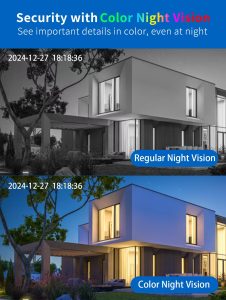
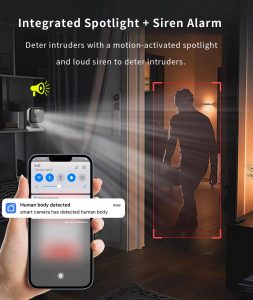
Two features matter more than megapixels in practice: night vision quality and motion detection accuracy. Basic infrared night vision shows grey shapes; full-color night vision keeps usable detail after dark. And a camera that alerts on every passing cat will get its notifications muted within a week — human detection or PIR-based detection is what keeps alerts useful long-term.
Framing: fixed, pan/tilt, or dual-lens
A fixed camera watches one angle. Simple, cheap, and nothing to mechanically wear out.
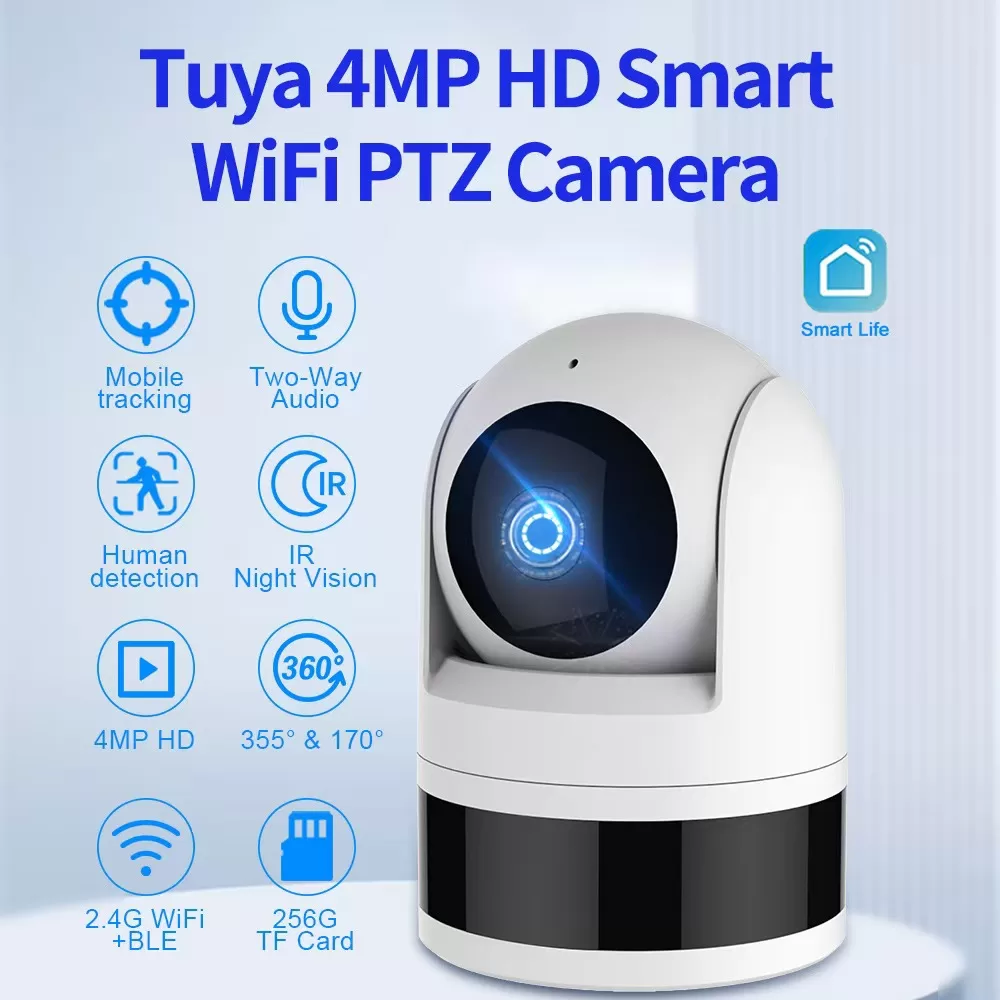
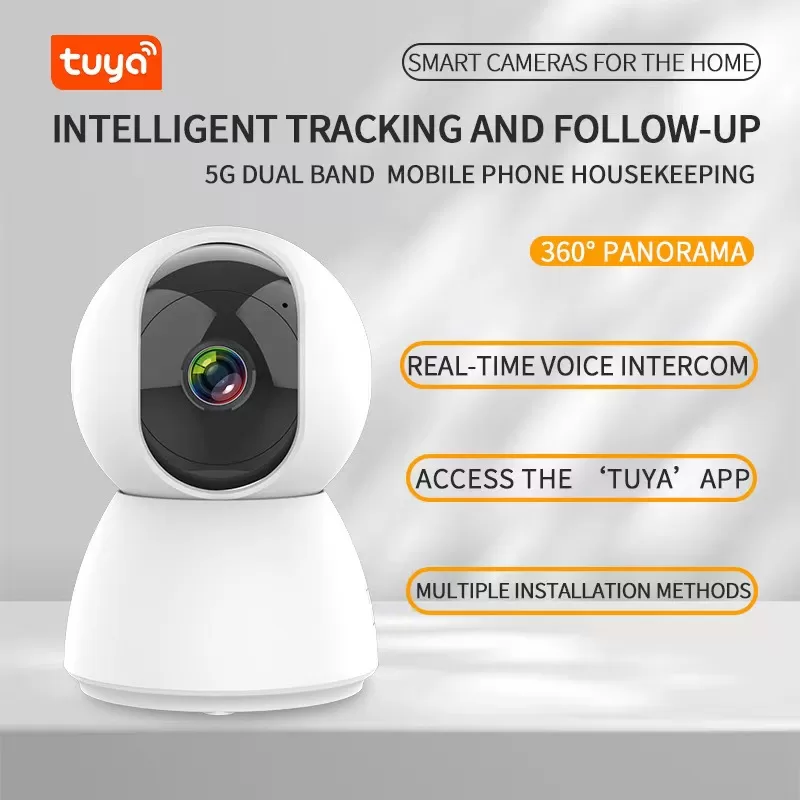
A pan/tilt (PTZ) camera turns and tilts on command from your phone, covering a whole room from one corner. Ideal as a single indoor watcher — one camera, every angle.
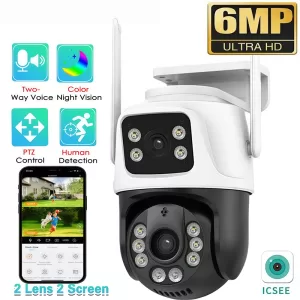
A dual-lens camera combines a wide fixed lens with a zooming lens: the wide one detects, the tele one zooms in automatically. For driveways and gates this is the current best value, because you get context and detail from one device.
Storage and what happens when you need the footage
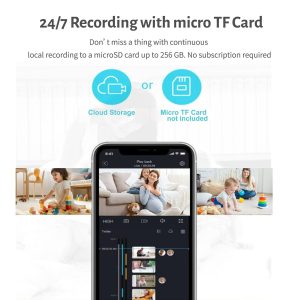
- TF card (microSD): records locally in the camera, works without any subscription, footage stays in your house. Most home users should insist on this option.
- Cloud storage: convenient and survives a stolen or smashed camera, but usually a recurring fee.
- Both: the comfortable answer — card for everyday, cloud as backup for the events that matter.
WiFi and app reality checks
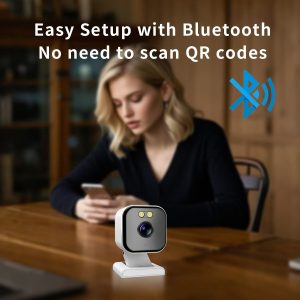
Nearly every consumer camera in this class uses 2.4 GHz WiFi. If your router merges 2.4 and 5 GHz into one network name, pairing usually still works, but a weak signal at the far end of the garden is the number-one cause of “my camera keeps going offline.” Check the signal where the camera will hang before you blame the camera. The app side matters too: a camera running the Tuya or Smart Life ecosystem can sit in the same app as your switches, sockets and sensors, which is worth a lot once your Smart home grows past three devices.
A quick buying checklist
- Where exactly will it hang, and is there power or sun there?
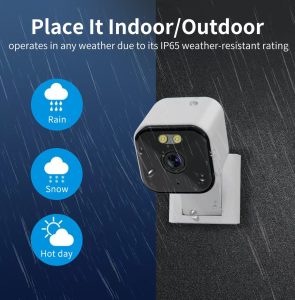
- Indoor comfort or outdoor weatherproofing (IP65 or better)?
- Do I need to identify faces and plates (4MP, dual-lens) or just see what’s happening (2-3MP)?
- Full-color night vision if the area matters after dark.
- Human or PIR detection, so alerts stay useful.
- TF card slot, cloud, or both.
- Does it join the same app as my other devices?
XingLiao security cameras
- P11 wireless battery security camera — no drill, no wire, motion detection and remote live view from your phone.
- P10 mini WiFi security camera — plug-in indoor watcher with night vision and motion alerts.
- Tuya solar WiFi PTZ security camera 4MP — outdoor, solar-charged, full-color night vision, IP65.
- Tuya 4MP outdoor dual-lens PTZ camera — wide + tele lenses with auto tracking for gates and driveways.
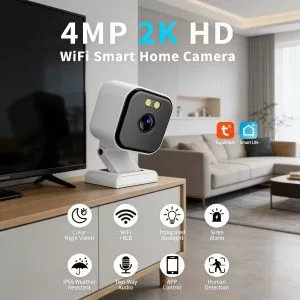
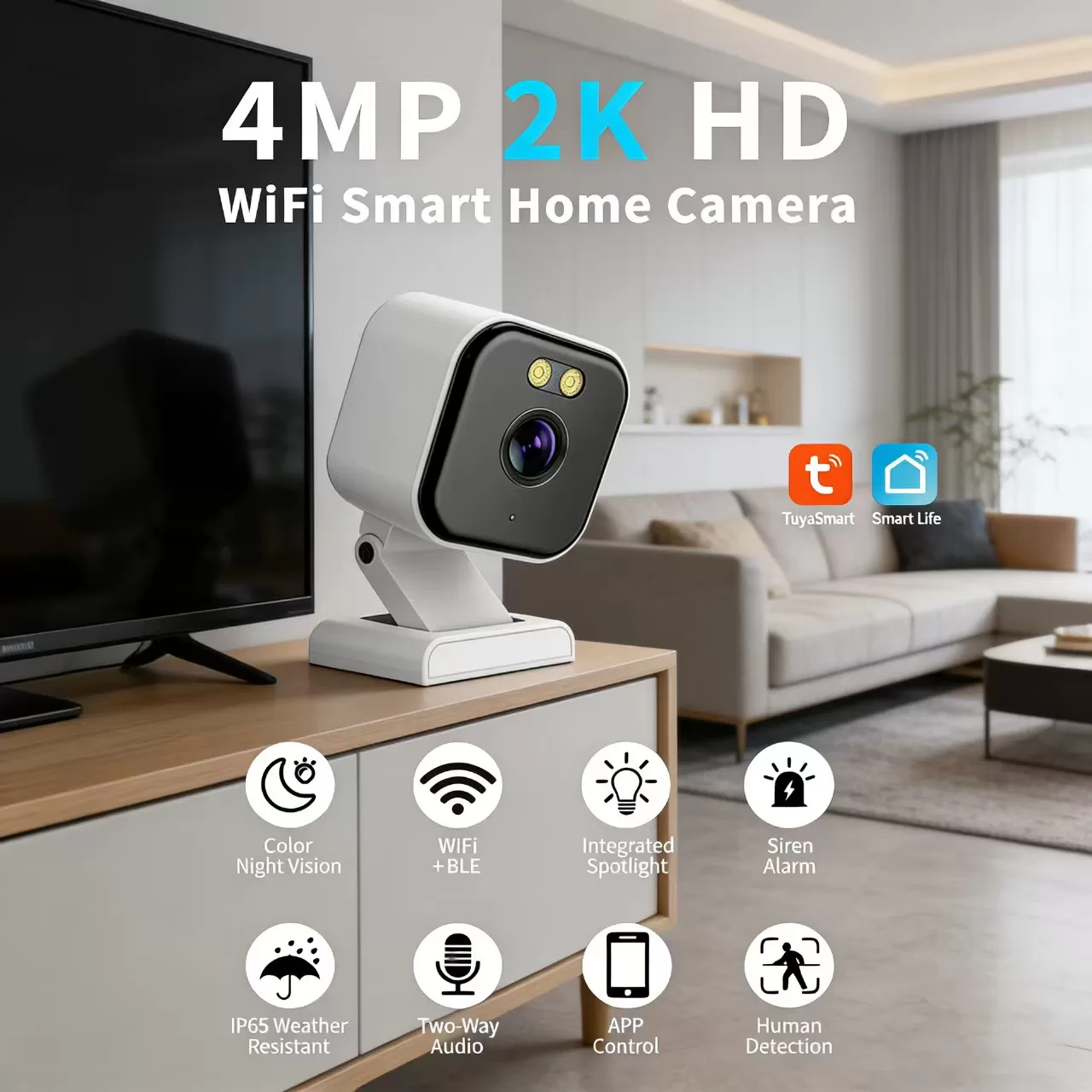
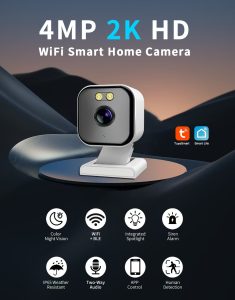
- Tuya 4MP 2K indoor smart camera — color night vision, pet monitoring and human detection.
Frequently Asked Questions
How many cameras do I need for a house?
One well-placed camera per priority area beats four covering random corners. Typical starters: one indoor main-area watcher, one at the main entry. Add a solar outdoor unit for the driveway when the first two prove their value.
Do security cameras need WiFi?
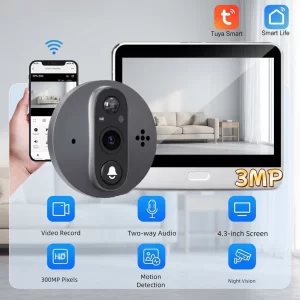
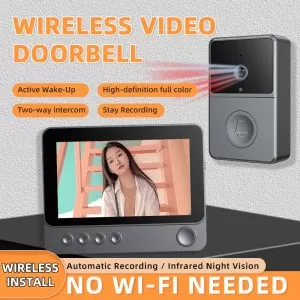
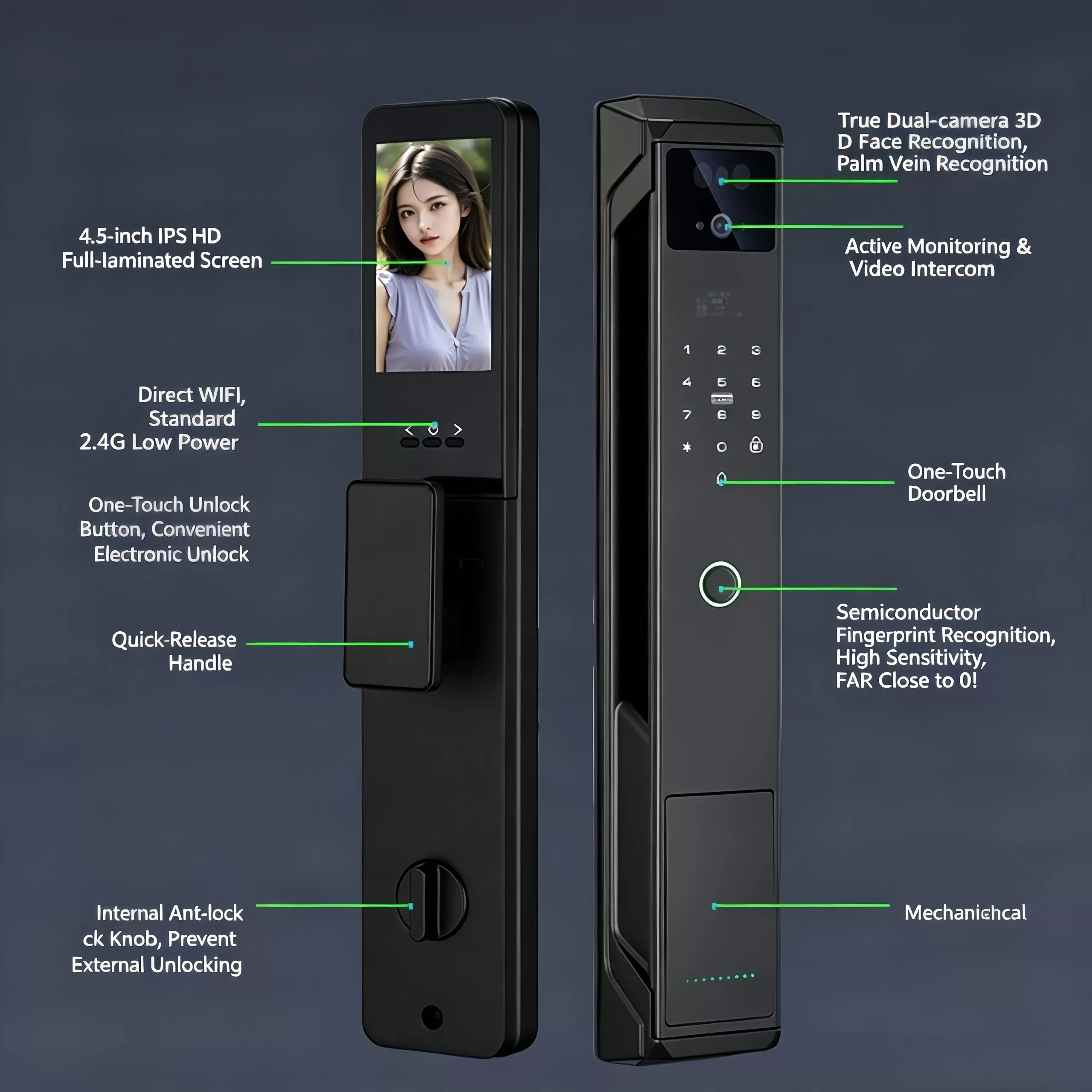
WiFi cameras do — that is how you get live view and alerts on your phone. If the camera spot has no usable WiFi, options include cameras with local TF recording and screen-based Doorbell systems that run their own wireless link, no router required.
What resolution should I choose?
For rooms and general awareness, 2MP is fine. For entries, driveways or anything you might need as evidence, choose 3MP or 4MP. Beyond that, lens quality and night vision matter more than extra pixels.
Are battery cameras reliable?
Yes, with realistic expectations. They wake on motion rather than streaming continuously, so battery life depends on how busy the spot is. In a quiet indoor spot a charge lasts months; on a street with constant traffic it can be weeks. Solar panels solve this outdoors.
Can I use a security camera as a baby or pet monitor?
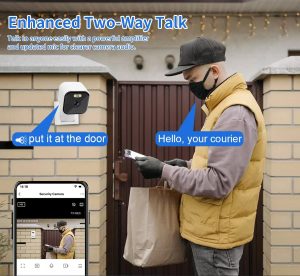
Indoor cameras with two-way audio and pan/tilt do this well — you can talk, listen and follow movement. Look for color night vision so the room stays visible without lights.
What is the difference between a security camera and a video doorbell?
A doorbell is a camera with a button and a chime, designed for the door and two-way conversation with visitors. A security camera is a general watcher. Many homes end up with one of each — the doorbell handles people, the camera handles everything else.
Do I need to pay a monthly fee?
Not with TF-card cameras — recording is local and free. Cloud plans are optional extras for off-site backup, typically a few dollars a month per camera.
Related guides
- Wireless security cameras explained
- How to install a video doorbell without existing wiring
- Video doorbell without WiFi: how it works
- Smoke detector placement guide
- Where to place water leak sensors
- How to set up a CCTV camera system at home
- Reolink vs Tuya security camera: which to buy
Browse all security cameras · Tell us where you want coverage and we will recommend the right model
Related Articles
- Smart Door Lock: How to Choose the Right One
- CCTV Camera vs IP Camera: What a Home Really Needs
- P11 Wireless Low-Power Battery Security Camera: No-Wire No-Drill Indoor Home Surveillance
- P10 Mini WiFi Security Camera: Compact 24/7 Indoor Surveillance for Home & Pets
- P9 Low Power Battery Camera: Best Wire-Free Home Security Solution for 2026
You Might Also Like
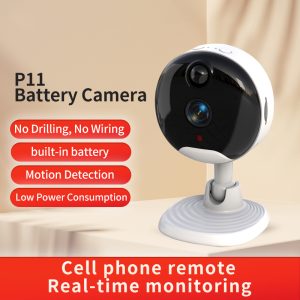 P11 Wireless Battery Powered Security Camera, No Drill No Wire Indoor Surveillance Camera with Motion Detection, Remote Real-Time Monitoring Original price was: $19.96.$11.99Current price is: $11.99.
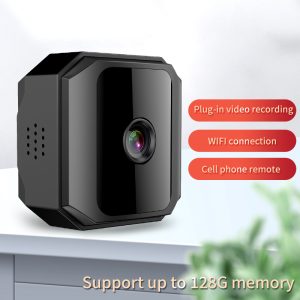 P10 Mini WiFi Security Camera Plug-in Indoor Surveillance Camera with Night Vision Motion Detection Original price was: $19.96.$11.99Current price is: $11.99.
 P9 Low Power Battery Camera Wireless WiFi Security Camera, Plug-Free Home Surveillance Camera with Motion Detection, Phone Remote Monitoring Original price was: $49.96.$33.99Current price is: $33.99.
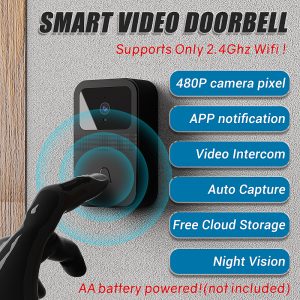 Smart WiFi Video Doorbell 480P Wireless Door Camera with Night Vision Voice Change Free Cloud Storage 2.4G WiFi AA Battery Powered Original price was: $29.96.$15.99Current price is: $15.99.
📌 This article is part of our Complete Camera Hub — more guides and buying tips inside.