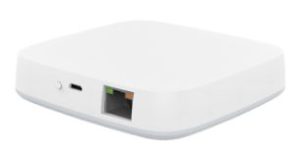
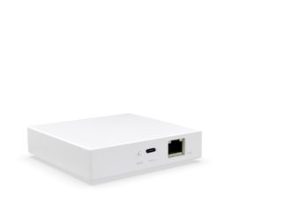
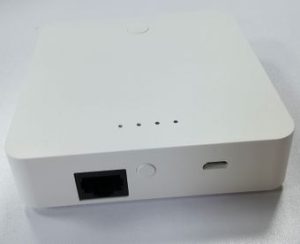
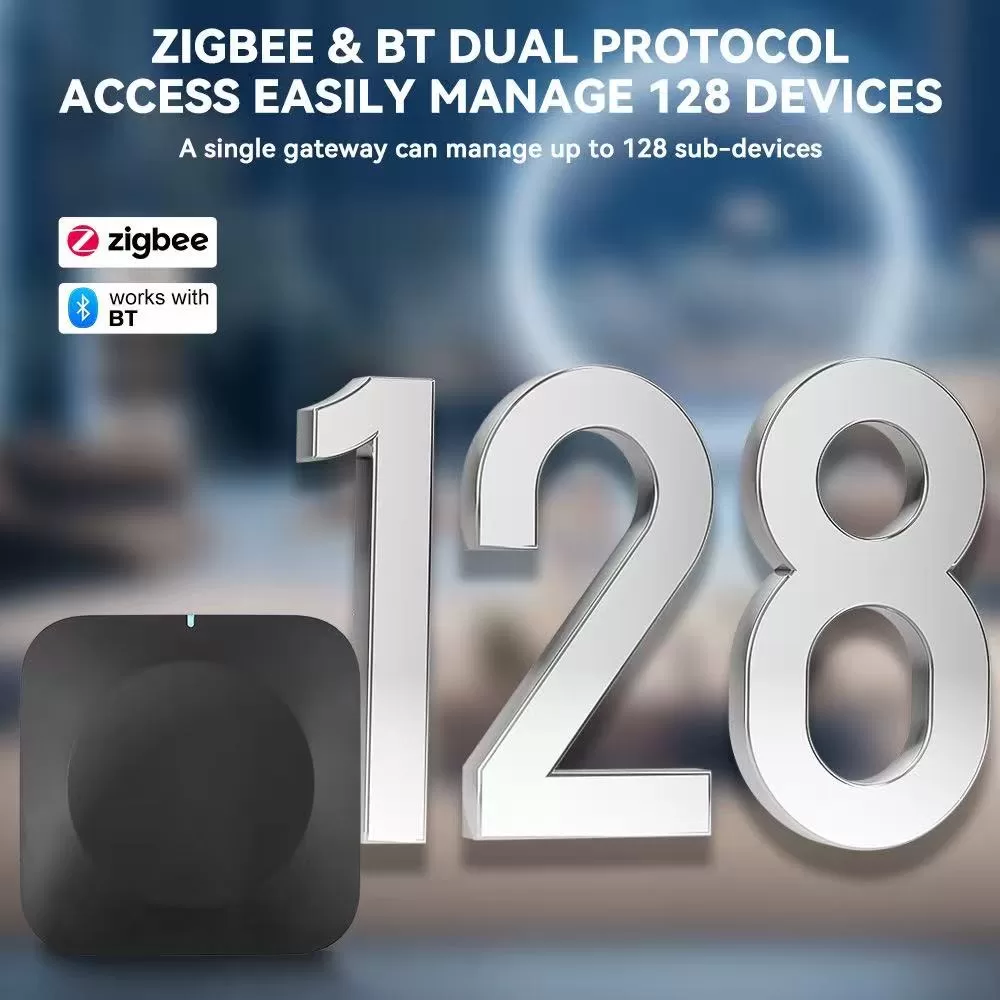
Every Zigbee device — sensors, switches, IR blasters — needs a gateway to translate between Zigbee and your network. You can buy that gateway with an Ethernet port or without One, and the choice quietly decides how reliable the whole system feels.
In our range that is the difference between a wired unit such as the TYGWZ-01 or ZHUB-C, and a Wireless one such as the ZHUB-W or MHUB-W.
The practical difference
| Wired (Ethernet) | Wireless (WiFi) | |
|---|---|---|
| Connects via | Ethernet cable to the router | Joins WiFi |
| Placement | Next to the router | Anywhere with signal |
| Depends on WiFi quality | No | Yes |
| Best for | Whole-home setups, reliability | Flats, single-room setups, rentals |
| Typical failure | Cable unplugged | WiFi dropout takes Devices offline |
Why wired is the better default
A wired gateway removes Two variables at once. It does not depend on WiFi signal quality where it sits, and it usually lives next to the router, which tends to be central to the home anyway. When a Zigbee device stops responding, the debugging path is short: is the gateway powered, is the cable in, is the device in range. Tuya Curtain Motor OEM: Complete Sourcing Guide 2026
With a wireless gateway, a WiFi hiccup looks identical to a Zigbee failure from the app’s point of view, and you spend longer working out which layer broke.
Why wireless is sometimes the right call
Placement freedom. If the router is in a corner of the house behind a television and a metal cabinet, a wired gateway has to live there too — and Zigbee range from that spot may not reach the far end of the house. A wireless gateway can sit centrally, on a shelf, where its Zigbee radio Actually covers the rooms that matter.
It is also the only practical option in a rental where you cannot leave an Ethernet cable running to the router, and the tidiest option for a single-room setup (one room’s sensors and switches).
Multi-mode gateways: Zigbee plus Bluetooth, plus Matter
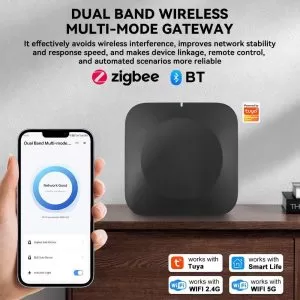
Some units handle more than one protocol. The MHUB-MS and MHUB-FL-U cover Zigbee and Bluetooth in one box, which is worth it if you have Bluetooth sensors as well — one hub instead of two, one app screen instead of two. The MZHUB adds Matter, relevant if you are mixing your Zigbee devices into a newer Matter-based app.
Placement rules that matter more than the model
- Central and elevated. Zigbee is a mesh — mains-powered devices relay for battery ones — but the gateway should still sit roughly centrally.
- Away from metal and microwaves. Both 2.4 GHz Zigbee and WiFi suffer near large metal objects and running microwaves.
- Not inside a cabinet. Putting the hub in a media cabinet behind a metal mesh front costs real range.
- Give it a stable Power source. A hub that gets unplugged takes every automation with it.
FAQ
- Can I use both types in one home?
- You can, but devices pair to one hub. Two hubs means two sets of devices in the app. Better to pick one unless you have a genuinely separate zone, such as a garage.
- Do I need a gateway for WiFi devices?
- No. WiFi switches and plugs join the router directly. The gateway is only for Zigbee (and Bluetooth, on multi-mode units).
- Will a wired gateway work if the internet goes down?
- Local automations on the same network usually keep running; remote control from outside the home will not. Behaviour varies by app, so test it if it matters.
- How far does Zigbee reach?
- Tens of metres indoors per hop, less through solid walls. Mains-powered devices extend the mesh, which is why a few wired switches improve coverage for battery sensors.
- Is Matter worth paying for now?
- Only if you actively use a Matter-based app. If everything runs in the Tuya / Smart Life app, a standard Zigbee gateway does the same job.
- Can I move the gateway later?
- Yes — devices rejoin the mesh automatically, though battery sensors may need a few minutes to find the new route.
Related Articles
- How to Choose Between Wired and Wireless Zigbee 3.0 Gateway for Your Smart Home
- Battery vs Wired Video Doorbell: Power, WiFi and Mounting Compared
- Do You Actually Need a Zigbee Gateway? (And What Breaks Without One)
- How to Choose a Zigbee Touch Switch for a 118 Wall Box — DS-124 Series
- How to Choose a Zigbee Touch Switch for a 118 Wall Box — DS-1211ZC Series
You Might Also Like
 ZigBee Smart Gateway — Wired & Wireless Price range: $19.78 through $22.25
 Wired vs Wireless Zigbee 3.0 Gateway Original price was: $29.99.$21.99Current price is: $21.99.
 Smart Water Heater Switch — EU 86 × 86 mm & US 118 × 72 mm, WiFi / ZigBee / HomeKit / Pure Touch Price range: $8.50 through $16.45
 Mini Smart Breaker Module — WiFi / ZigBee / HomeKit Price range: $6.00 through $9.00
Frequently Asked Questions
Is Wired Wireless Zigbee worth buying?
Based on the breakdown in this article, Wired Wireless Zigbee offers a solid mix of features and value. If your main goal matches the key benefits described above, it is a practical choice for everyday use.
How do I choose the right wired wireless zigbee for my needs?
Start with your core use case, then compare battery life, compatibility, and Build quality as covered above. Choosing the right wired wireless zigbee comes down to matching specs with how you Actually use it.
Does wired wireless zigbee require a companion app?
Most devices of this type pair with a free companion app for setup and firmware updates. A few advanced features may sit behind a paid plan, so check the official specs page before buying.
📌 This article is part of our Complete What Hub — more guides and buying tips inside.