Posted on — Leave a comment

Where the DS-101YJL Series Fits: Apartments, Hotels and Office Retrofits

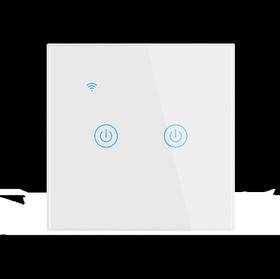
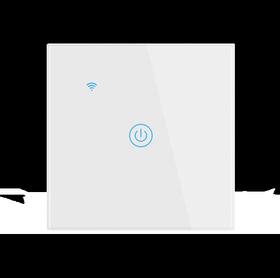
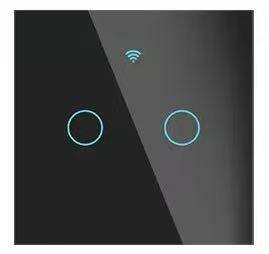
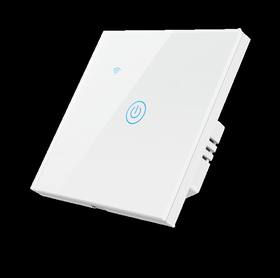
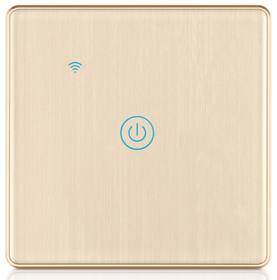
DS-101YJL Series WiFi Touch Switch (1 Gang / 2 Gang / 3 Gang / 4 Gang)
Where the DS-101YJL Series Fits: Apartments, Hotels and Office Retrofits

Not every smart switch belongs in every building. Multi-gang Touch plates earn their keep Where several circuits meet at one point, where guests need a single obvious control, or where the Wall cannot be chased for extra boxes. The DS-101YJL Series covers 1 Gang / 2 Gang / 3 Gang / 4 Gang on the 86 × 86 mm square Wall box (EU / UK / China), over WiFi 2.4 GHz.

Apartments and flats

In a flat the usual problem is a living room with three or four circuits on one plate position and no appetite for opening the wall. A 1 Gang / 2 Gang / 3 Gang / 4 Gang plate replaces the stack of single switches with one frame, and the app can group the gangs so “evening” is one tap. Because the unit works in both single-fire (no neutral) and zero-fire (with neutral) boxes, it also works in blocks where the boxes were never wired with a neutral (fit the supplied capacitor on L1).

Hotels and serviced apartments

Guest rooms benefit from fewer controls and a plate that is easy to wipe clean. The DS-101YJL glass face has no gaps for dust, the gangs can be labelled for bedside, desk and bathroom, and WiFi lets housekeeping check a room from the front desk.

Offices and small commercial refits

Meeting rooms need scene control rather than individual switches, and retrofits are usually done outside working hours — a like-for-like plate swap keeps the programme short. Schedule the lights to drop after hours and the switch pays for itself in the first year.

Specifications

Quantity pricing

Unit price depends on quantity ($11.07–$12.87 across the variants):

FAQ

How many gangs can go on one plate?
The Series covers 1 Gang / 2 Gang / 3 Gang / 4 Gang.
Can different gangs control different circuits?
Yes — each gang is an independent channel.
Is there a minimum order for OEM branding?
OEM logo, manual and packaging can be done from the first order; ask for the exact MOQ for custom tooling.

Ready to specify it? Full specifications, gang options, colors and quantity pricing are on the DS-101YJL series product page — OEM logo, manual and packaging are available from the first order.

Related Articles

You Might Also Like

DS-101YJL Series WiFi Touch Switch (1 Gang / 2 Gang / 3 Gang / 4 Gang)DS-101YJL Series WiFi Touch Switch (1 Gang / 2 Gang / 3 Gang / 4 Gang) Price range: $11.07 through $12.87

Frequently Asked Questions

Is Where 101yjl Series worth buying?

Based on the breakdown in this article, Where 101yjl Series offers a solid mix of features and value. If your main goal matches the key benefits described above, it is a practical choice for everyday use.


How do I choose the right where 101yjl series for my needs?

Start with your core use case, then compare battery life, compatibility, and build quality as covered above. Choosing the right where 101yjl series comes down to matching specs with how you actually use it.

Does where 101yjl series require a companion app?

Most devices of this type pair with a free companion app for setup and firmware updates. A few advanced features may sit behind a paid plan, so check the official specs page before buying.

Posted on — Leave a comment

Wiring the DS-101JLHK Series: Single-Fire, Zero-Fire and the Capacitor Question

DS-101JLHK Series WiFi Touch Switch (1 Gang / 2 Gang / 3 Gang / 4 Gang)
Wiring the DS-101JLHK Series: Single-Fire, Zero-Fire and the Capacitor Question

Two wires or three? It is the single question that decides which Smart Switch you can fit, and it is worth answering before the plates arrive on site. The DS-101JLHK Series is single-fire and zero-fire: works in both single-fire (no neutral) and zero-fire (with neutral) boxes.

What “single-fire” and “zero-fire” actually mean

A zero-fire (neutral) box has a neutral conductor alongside the live, so the switch electronics can draw current without passing it through the lamp. A single-fire box only has live in and switched live out, so the switch has to leak a tiny current through the lamp to stay powered — which is why LED lamps sometimes glow faintly when switched off.

Fitting the DS-101JLHK

  • With neutral — connect live to L, neutral to N, and the load to L1, L2, L3. No capacitor needed.
  • Without neutral — connect live to L and the load to L1, then fit the supplied capacitor across the first lamp port of L1. It absorbs the leakage current and stops the flicker.
  • Test before closing up — power the board, check each gang switches, then clip the plate on. Chasing a Wiring fault after the glass is fitted is how plates get broken.

Which lamps behave best

Incandescent and halogen loads are trouble-free. With LED drivers, use a decent driver and keep the total load above the minimum the driver expects — the capacitor exists precisely for this. If a lamp still glows, move it to a gang with a higher load or add a second capacitor. Where the DS-101BWHK Series Fits: Apartments, Hotels and Office Retrofits

Specifications

Connectivity

The DS-101JLHK talks over a 2.4 GHz WiFi connection to your router. No hub needed — it joins the router directly through the Tuya / Smart Life app.

Quantity pricing
FAQ
My box has no neutral — can I still use this switch?
Yes. Fit the supplied capacitor on the first lamp port of L1.
Is the capacitor included?
Yes, it ships with the switch.
Can I wire it myself?
If you are comfortable replacing a Standard switch, yes. Otherwise use a licensed electrician — local rules vary.

Ready to specify it? Full specifications, gang options, colors and quantity pricing are on the DS-101JLHK Series product page — OEM logo, manual and packaging are available from the first order.

Related Articles

You Might Also Like
DS-101JLHK Series WiFi Touch Switch (1 Gang / 2 Gang / 3 Gang / 4 Gang)DS-101JLHK Series WiFi Touch Switch (1 Gang / 2 Gang / 3 Gang / 4 Gang) Price range: $10.33 through $12.12
Frequently Asked Questions

Is Wiring 101jlhk Series worth buying?

Based on the breakdown in this article, Wiring 101jlhk Series offers a solid mix of features and value. If your main goal matches the key benefits described above, it is a practical choice for everyday use.

How do I choose the right wiring 101jlhk series for my needs?

Start with your core use case, then compare battery life, compatibility, and build quality as covered above. Choosing the right wiring 101jlhk series comes down to matching specs with how you actually use it.

Does wiring 101jlhk series require a companion app?

Most devices of this type pair with a free companion app for setup and firmware updates. A few advanced features may sit behind a paid plan, so check the official specs page before buying.

Posted on — Leave a comment

DS-101JL Series Smart Switch: 1 Gang / 2 Gang / 3 Gang / 4 Gang, Wiring and What to Check Before You Order

DS-101JL Series WiFi Touch Switch (1 Gang / 2 Gang / 3 Gang / 4 Gang)
DS-101JL Series Smart Switch: 1 Gang / 2 Gang / 3 Gang / 4 Gang, Wiring and What to Check Before You Order

Smart switches are specified on four numbers: the box they drop into, the Wiring they accept, the radio they speak and the load they switch. Get those right and everything else — the app, the schedules, the voice control — is the same across the range. Here is the full sheet for the DS-101JL Series, 1 Gang / 2 Gang / 3 Gang / 4 Gang.

What is in the series

The DS-101JL family is a WiFi 2.4 GHz Touch switch for the 86 × 86 mm square Wall box (EU / UK / China). It works in both single-fire (no neutral) and zero-fire (with neutral) boxes, so the same SKU covers new builds with a neutral and older flats without one. Finishes and gang counts can be mixed inside one order, which matters when a single project needs one-gang plates in the bedrooms and three-gang plates in the living room.

Specifications

Wiring notes

  • Zero-fire box — live to L, neutral to N, load to L1 (L2, L3 for the remaining gangs).
  • Single-fire box — fit the supplied capacitor across the first lamp port of L1.
  • Load — stay inside the per-gang rating in the table above; LED drivers with a high inrush current are the usual reason a switch trips on day one.

Connectivity and control

No hub needed — it joins the router directly through the Tuya / Smart Life app. Once paired you get on/off, schedules, countdown timers, group control across gangs and sharing with other household members. Scenes in the app can chain several switches together.

Quantity pricing
FAQ
What is the minimum order?
Single units are available for sampling; the price breaks in the table above start at the first tier.
Can the switch be used without the app?
Yes — the Touch panel always works locally. The app adds remote control, schedules and voice.
Do you do OEM?
Yes — logo, packaging, manual and boot screen can be customised from the first order.

Ready to specify it? Full specifications, gang options, colors and quantity pricing are on the DS-101JL series product page — OEM logo, manual and packaging are available from the first order.

Related Articles

You Might Also Like
Frequently Asked Questions

Is 101jl Series Smart worth buying?

Based on the breakdown in this article, 101jl Series Smart offers a solid mix of features and value. If your main goal matches the key benefits described above, it is a practical choice for everyday use.

How do I choose the right 101jl series smart for my needs?

Start with your core use case, then compare battery life, compatibility, and build quality as covered above. Choosing the right 101jl series smart comes down to matching specs with how you actually use it.

Does 101jl series smart require a companion app?

Most devices of this type pair with a free companion app for setup and firmware updates. A few advanced features may sit behind a paid plan, so check the official specs page before buying.

Posted on — Leave a comment

Where the DS-101BWHK Series Fits: Apartments, Hotels and Office Retrofits

DS-101BWHK Series WiFi Touch Switch (1 Gang / 2 Gang / 3 Gang / 4 Gang)
Where the DS-101BWHK Series Fits: Apartments, Hotels and Office Retrofits

Not every smart switch belongs in every building. Multi-gang Touch plates earn their keep Where several circuits meet at one point, where guests need a single obvious control, or where the Wall cannot be chased for extra boxes. The DS-101BWHK Series covers 1 Gang / 2 Gang / 3 Gang / 4 Gang on the 86 × 86 mm square wall box (EU / UK / China), over Bluetooth.

Apartments and flats

In a flat the usual problem is a living room with three or four circuits on one plate position and no appetite for opening the wall. A 1 Gang / 2 Gang / 3 Gang / 4 Gang plate replaces the stack of single switches with one frame, and the app can group the gangs so “evening” is one tap. Because the unit needs a neutral wire in the box — it will not work in a two-wire single-fire box, it also works in blocks where the boxes were never wired with a neutral — note this model does need a neutral.

Hotels and serviced apartments

Guest rooms benefit from fewer controls and a plate that is easy to wipe clean. The DS-101BWHK glass face has no gaps for dust, the gangs can be labelled for bedside, desk and bathroom, and Bluetooth keeps room switches off the network entirely.

Offices and small commercial refits

Meeting rooms need scene control rather than individual switches, and retrofits are usually done outside working hours — a like-for-like plate swap keeps the programme short. Schedule the lights to drop after hours and the switch pays for itself in the first year.

Specifications
Quantity pricing

Unit price depends on quantity ($9.88–$11.22 across the variants):

FAQ
How many gangs can go on one plate?
The Series covers 1 Gang / 2 Gang / 3 Gang / 4 Gang.
Can different gangs control different circuits?
Yes — each gang is an independent channel.
Is there a minimum order for OEM branding?
OEM logo, manual and packaging can be done from the first order; ask for the exact MOQ for custom tooling.

Ready to specify it? Full specifications, gang options, colors and quantity pricing are on the product page — OEM logo, manual and packaging are available from the first order.

Posted on — Leave a comment

Smart Switch Series: Models, Specs, MOQ

Every Smart Switch range is built around one wall standard, one protocol and one power rating, and the series number is what tells you which. This page lists the XingLiao Switch families side by side — market standard, protocol, rated load, plate size and the price band you can expect — so you can shortlist a series before asking for a quotation.

How to read a series

A series code like DS-101 or DS-121 covers a family of panels that share a plate format and an electronics platform. Within one series you choose the number of gangs, the finish and sometimes the protocol. Across series, three variables decide everything:

  • Market standard — 86 mm square for most of Europe and Asia, 118×72 mm or 120×70 mm for the US, Australia and Brazil, 147×86 mm for wide plates, BS-format for the UK.
  • Protocol — WiFi connects straight to the router; Zigbee needs a gateway but scales better across a whole house or a hotel floor.
  • Rated load — lighting circuits are light work; sockets, heaters and motor loads need a much higher figure.

The series at a glance

Prices are EXW reference bands across the models in each series, excluding tax and freight, and they move with quantity: the four standard tiers are 1-50, 51-199, 200-999 and 1000-3000 piecesTreat the band as a shortlisting tool — the exact figure depends on gangs, finish and protocol.

Series Market standard Protocol Rated load Plate size Reference band (USD)
DS-101 (34 models) EU / UK / CN WiFi / Zigbee 400 W 86 × 86 × 35 mm 4.5 – 14.1
DS-121 (29 models) US / AU / BR / IT / CA WiFi / Zigbee 400 W 118 × 72 × 35 mm 4.2 – 14.5
DS-102 (21 models) EU / UK / CN WiFi / Zigbee 4000 W 86 × 86 × 35 mm 6.5 – 14.1
DS-1071 (11 models) EU / UK / CN WiFi / Zigbee 600 W 86 × 86 × 35 mm 7.5 – 12.2
DS-1081 (8 models) EU / UK / CN WiFi 600 W 86 × 86 × 39 mm 5.5 – 9.0
DS-122 (6 models) US / AU WiFi 1200 W 120 × 70 × 37 mm 5.3 – 18.2
DS-123 (6 models) US / AU WiFi 1200 W 120 × 70 × 37 mm 10.1 – 13.6
DS-104 (5 models) EU / UK / CN WiFi 4000 W 86 × 86 × 35 mm 7.3 – 9.5
DS-129 (5 models) US / AU WiFi 2000 W 118 × 72 × 35 mm 8.0 – 10.3
DS-14 (5 models) EU WiFi / Zigbee 600 W 147 × 86 × 40 mm 14.5 – 16.5
DS-161 (5 models) EU / UK / CN WiFi / Zigbee 4000 W 86 × 86 × 35 mm 7.5 – 15.3
DS-162 (5 models) US / AU / BR / IT / CA WiFi / Zigbee 4000 W 118 × 72 × 35 mm 7.5 – 15.7
DS-1021 (4 models) EU / UK / CN WiFi / Zigbee 600 W 86 × 86 × 35 mm 6.5 – 12.5
DS-1041 (4 models) EU / UK / CN Zigbee 600 W 86 × 86 × 35 mm 5.6 – 14.0
DS-1042 (4 models) EU / UK / CN Zigbee 600 W 86 × 86 × 35 mm 6.1 – 14.0
DS-111 (4 models) EU / UK / CN Zigbee 600 W 86 × 86 × 35 mm 11.2 – 13.2
DS-1110 (4 models) EU / UK / CN Zigbee 600 W 86 × 86 × 35 mm 11.2 – 13.2
DS-124 (4 models) US / AU Zigbee — 118 × 72 × 35 mm 12.0 – 14.0
DS-1011 (3 models) EU / UK / CN Zigbee — 86 × 86 × 35 mm 10.6 – 12.5
DS-107 (3 models) EU / UK / CN WiFi 3500 W 86 × 86 × 35 mm 10.3 – 12.4
DS-1211 (3 models) AU Zigbee — 118 × 72 × 35 mm 11.3 – 13.2
DS-1311 (3 models) EU WiFi / Zigbee — 41 × 41 × 20 mm 4.0 – 8.0
DS-151 (3 models) EU / UK / CN WiFi / Zigbee 1800 W 86 × 86 × 35 mm 6.9 – 13.8
DS-1530 (3 models) UK / CN WiFi / Zigbee — 106 × 100 × 55 mm 12.6 – 17.3
DS-1539 (3 models) UK / CN WiFi / Zigbee — 106 × 100 × 55 mm 8.9 – 15.8
DS-1431 (2 models) EU WiFi / Zigbee 600 W 147 × 86 × 40 mm 11.5 – 14.0
DS-1437 (2 models) EU WiFi / Zigbee — 147 × 86 × 40 mm 14.5 – 16.5
DS-1460 (2 models) EU WiFi / Zigbee — 147 × 86 × 40 mm 17.9 – 20.5
DS-1611 (2 models) BR WiFi — 120 × 120 × 35 mm 10.5 – 11.5
DS-2211 (2 models) US WiFi 1000 W 120 × 30 × 40 mm 8.9 – 12.7
DS-106 (1 model) EU / UK / CN Zigbee 8000 W 86 × 86 × 35 mm 15.3 – 16.0

Certification across these families is CE and RoHS as standard, with FCC available for the-bound models — confirm the exact certificates you need for your market when you request a quote. Reolink vs Tuya Security Camera

Choosing by market

  • Europe, UK, China (86 mm boxes): DS-101 for general lighting, DS-102 or DS-161 when the circuit carries sockets or heating loads, DS-14 and DS-1431 upward for wide 147 mm plates.
  • United States, Australia, Canada, Italy, Brazil: DS-121 and DS-162 for 118×72 mm plates, DS-122 and DS-123 for the 120×70 mm format, DS-1611 for the Brazilian 120×120 mm standard.
  • United Kingdom sockets: DS-1530 and DS-1539, the five-hole and multi-gang socket families.
  • Tight boxes and retrofits: DS-1311, a 41×41×20 mm module that fits where a full plate will not.

Choosing by protocol

  • WiFi series (DS-101, DS-102, DS-1081, DS-121, DS-122, DS-123, DS-129, DS-161, DS-162) — no gateway, simplest for households and small projects.
  • Zigbee series (DS-1041, DS-1042, DS-111, DS-1110, DS-124, DS-1011, DS-1211) — pair with a gateway, better for hotels, offices and whole-home installs where dozens of devices share one mesh.
  • Higher-load platforms (DS-102 and DS-161 at 4000 W, DS-106 at 8000 W, DS-107 at 3500 W) — for sockets, water heaters, air-conditioning circuits and motor loads.

OEM and ODM

XingLiao runs its own mould and assembly operations, so a series is a starting point rather than a fixed catalogue: Video Doorbell Without Subscription

  • Plate finish, glass colour, frame material and logo can be specified per project.
  • Packaging, manuals and app branding are customised for OEM orders.
  • MOQ follows the standard four-tier structure, with pricing stepping down at 51, 200 and 1000 pieces.
  • Samples are normally available before a project commitment.

XingLiao switch series available online

Frequently Asked Questions

What is the MOQ for smart switches?

Orders start from the first tier of 1-50 pieces, with stepped pricing at 51-199, 200-999 and 1000-3000. Project and OEM work is quoted on the same structure, and samples are available before committing.

Which series fits a European 86 mm wall box?

DS-101, DS-102, DS-104, DS-161 and the DS-1071/DS-1081 families. Choose DS-102 or DS-161 when the circuit carries heavy loads; DS-101 is the general lighting platform.

Which series fits US or Australian boxes?

DS-121 and DS-162 at 118×72 mm, or DS-122 and DS-123 at 120×70 mm. DS-1611 covers the Brazilian 120×120 mm standard.

Do you supply Zigbee switches?

Yes — DS-1041, DS-1042, DS-111, DS-1110, DS-124, DS-1011 and DS-1211 are Zigbee families and need a gateway. They suit hotels and whole-home projects better than WiFi.

What certifications do the switches carry?

CE and RoHS across the range, with FCC for models destined for North America. Ask for the test reports for the specific series you are buying.

Can the load rating handle a water heater or air conditioner?

Only the higher-load platforms: DS-102 and DS-161 at 4000 W, DS-107 at 3500 W, DS-106 at 8000 W. Lighting series such as DS-101 are rated for 400 W and must not be used on heating circuits.

Can I get custom colours, logos and packaging?

Yes. XingLiao operates its own mould and assembly facilities, so finish, glass colour, frame material, logo, packaging and manuals can all be specified for OEM orders.

How do I get an exact price?

Send the series, gang count, finish, protocol and quantity tier. Prices on this page are reference bands for shortlisting; the firm figure depends on those five variables.

Related guides

Browse all smart switches and sockets · Send us the series, gangs and quantity and we will quote within 24 hours

Related Articles

You Might Also Like
Posted on — Leave a comment

Wiring the DS-101ASW Series: What Your Wall Box Needs to Have

DS-101ASW Series — New WiFi Touch Switch (1 Gang / 2 Gang / 3 Gang / 4 Gang)
Wiring the DS-101ASW Series: What Your Wall Box Needs to Have

Two wires or three? It is the single question that decides which Smart switch you can fit, and it is worth answering before the plates arrive on site. The DS-101ASW Series is zero-fire (neutral required): needs a neutral wire in the box — it will not work in a two-wire single-fire box.

What “single-fire” and “zero-fire” actually mean

A zero-fire (neutral) box has a neutral conductor alongside the live, so the switch electronics can draw current without passing it through the lamp. A single-fire box only has live in and switched live out, so the switch has to leak a tiny current through the lamp to stay powered — which is why LED lamps sometimes glow faintly when switched off.

Fitting the DS-101ASW

  • With neutral — connect live to L, neutral to N, and the load to L1, L2, L3. No capacitor needed.
  • Test before closing up — power the board, check each gang switches, then clip the plate on. Chasing a Wiring fault after the glass is fitted is how plates get broken.
Which lamps behave best

Incandescent and halogen loads are trouble-free. With LED drivers, use a decent driver and keep the total load above the minimum the driver expects — the capacitor exists precisely for this. If a lamp still glows, move it to a gang with a higher load or add a second capacitor.

Specifications
Connectivity

The DS-101ASW talks over a 2.4 GHz WiFi connection to your router. No hub needed — it joins the router directly through the Tuya / Smart Life app. Where the DS-101BWHK Series Fits: Apartments, Hotels and Office Retrofits

Quantity pricing
FAQ
My box has no neutral — can I still use this switch?
No. Choose a single-fire or universal model instead.
Is the capacitor included?
Not needed for this model — it is zero-fire only.
Can I wire it myself?
If you are comfortable replacing a Standard switch, yes. Otherwise use a licensed electrician — local rules vary.

Ready to specify it? Full specifications, gang options, colors and quantity pricing are on the DS-101ASW series product page — OEM logo, manual and packaging are available from the first order.

Posted on — Leave a comment

DS-1016 Series Smart Switch: 1 Gang / 2 Gang, Wiring and What to Check Before You Order

DS-1016 Series WiFi Touch Switch (1 Gang / 2 Gang)
DS-1016 Series Smart Switch: 1 Gang / 2 Gang, Wiring and What to Check Before You Order

Smart switches are specified on four numbers: the box they drop into, the Wiring they accept, the radio they speak and the load they switch. Get those right and everything else — the app, the schedules, the voice control — is the same across the range. Here is the full sheet for the DS-1016 Series, 1 Gang / 2 Gang.

What is in the series

The DS-1016 family is a WiFi 2.4 GHz Touch switch for the 86 × 86 mm square Wall box (EU / UK / China). It works in both single-fire (no neutral) and zero-fire (with neutral) boxes, so the same SKU covers new builds with a neutral and older flats without one. Finishes and gang counts can be mixed inside one order, which matters when a single project needs one-gang plates in the bedrooms and three-gang plates in the living room.

Specifications
Wiring notes
  • Zero-fire box — live to L, neutral to N, load to L1 (L2, L3 for the remaining gangs).
  • Single-fire box — fit the supplied capacitor across the first lamp port of L1.
  • Load — stay inside the per-gang rating in the table above; LED drivers with a high inrush current are the usual reason a switch trips on day one.
Connectivity and control

No hub needed — it joins the router directly through the Tuya / Smart Life app. Once paired you get on/off, schedules, countdown timers, group control across gangs and sharing with other household members. Scenes in the app can chain several switches together.

Quantity pricing
FAQ
What is the minimum order?
Single units are available for sampling; the price breaks in the table above start at the first tier.
Can the switch be used without the app?
Yes — the touch panel always works locally. The app adds remote control, schedules and voice.
Do you do OEM?
Yes — logo, packaging, manual and boot screen can be customised from the first order.

Ready to specify it? Full specifications, gang options, colors and quantity pricing are on the DS-1016 series product page — OEM logo, manual and packaging are available from the first order.

Posted on — Leave a comment

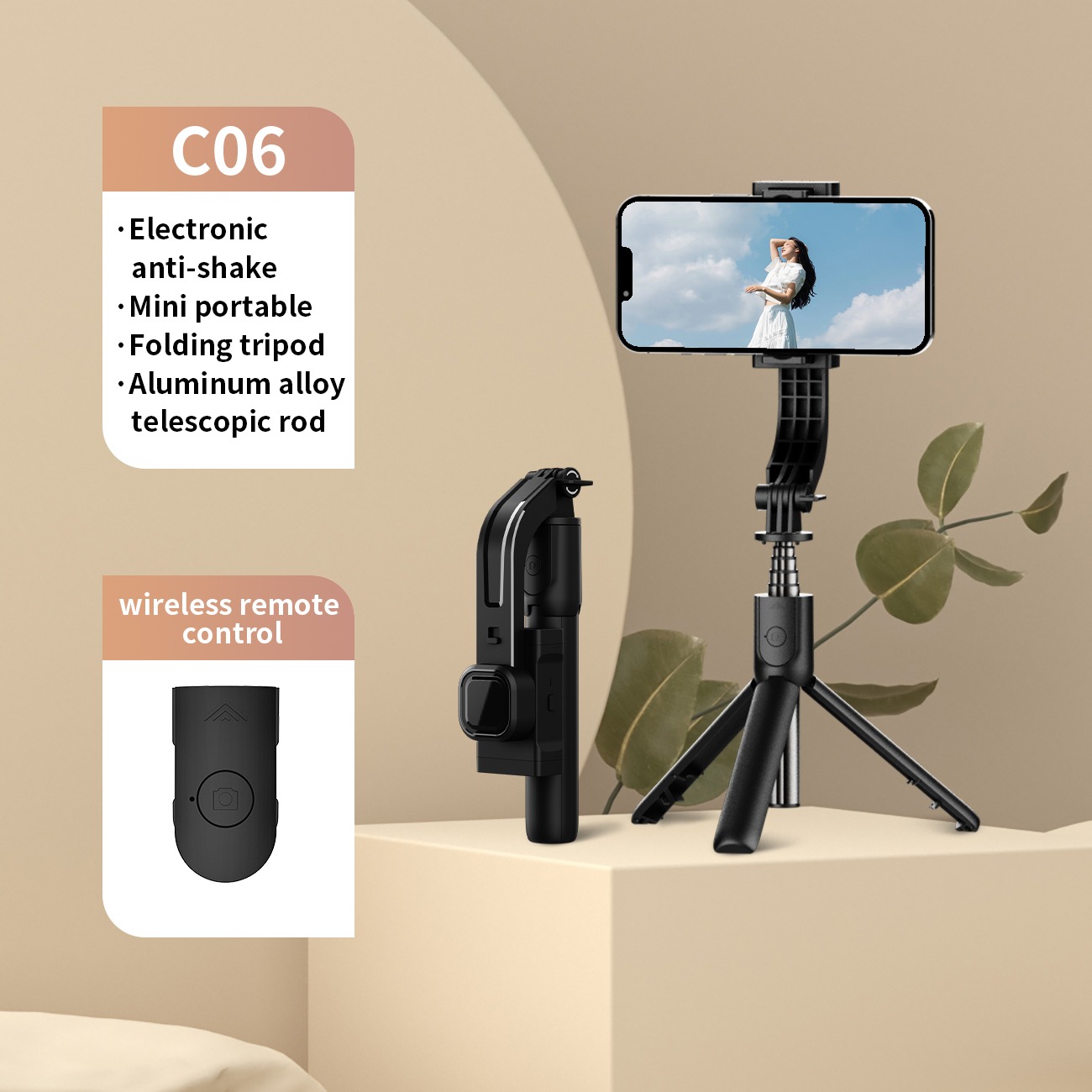
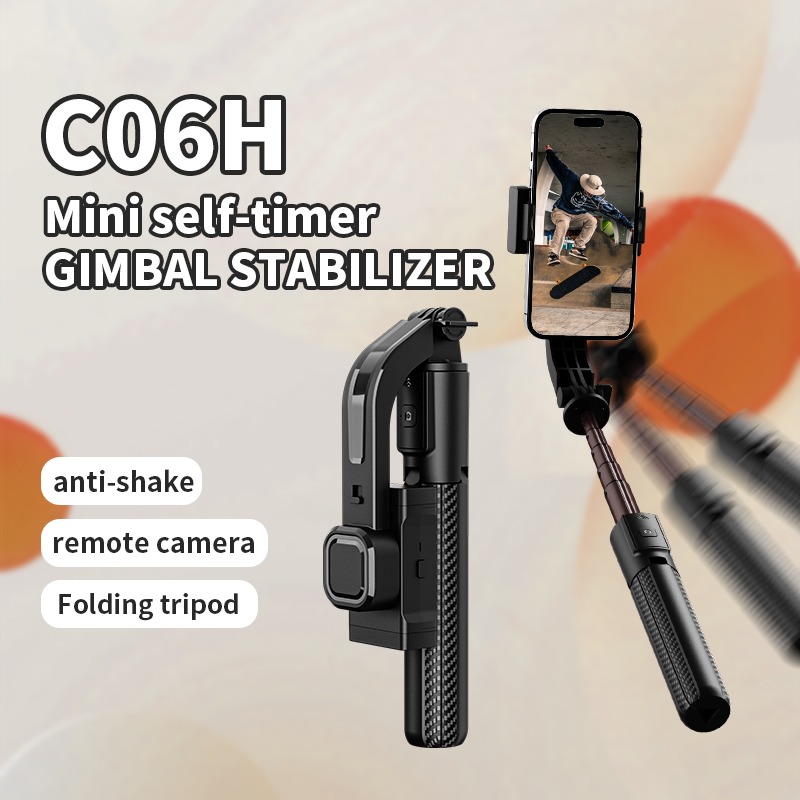
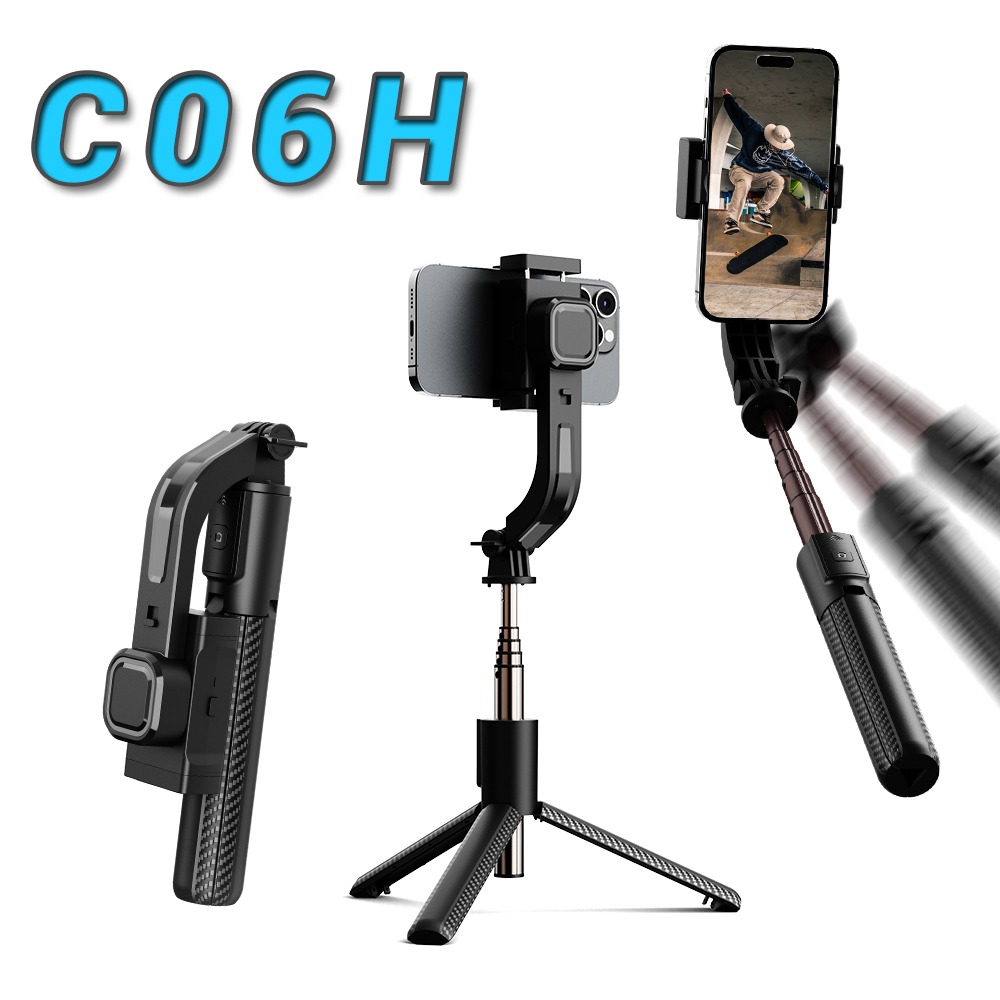
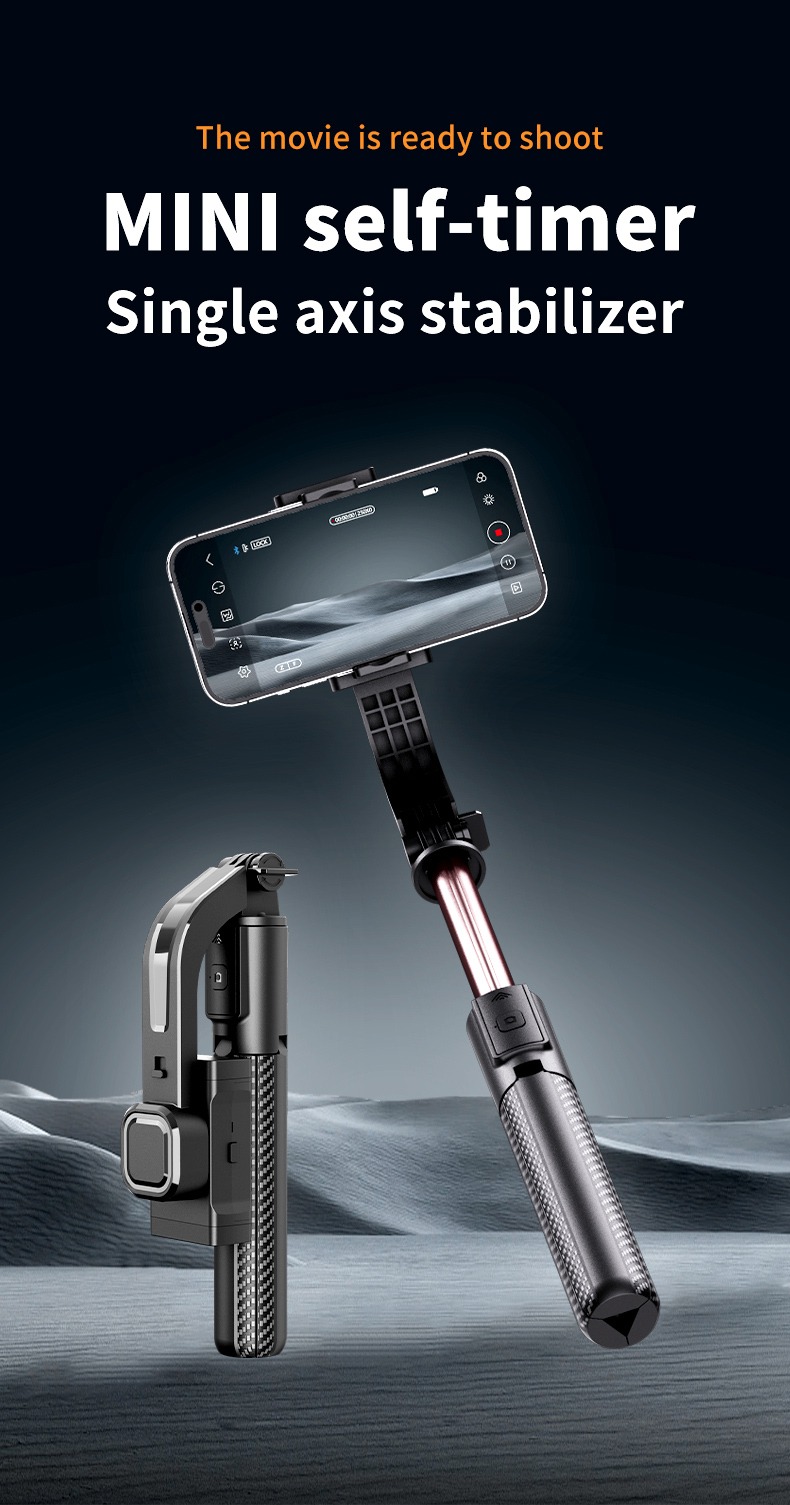
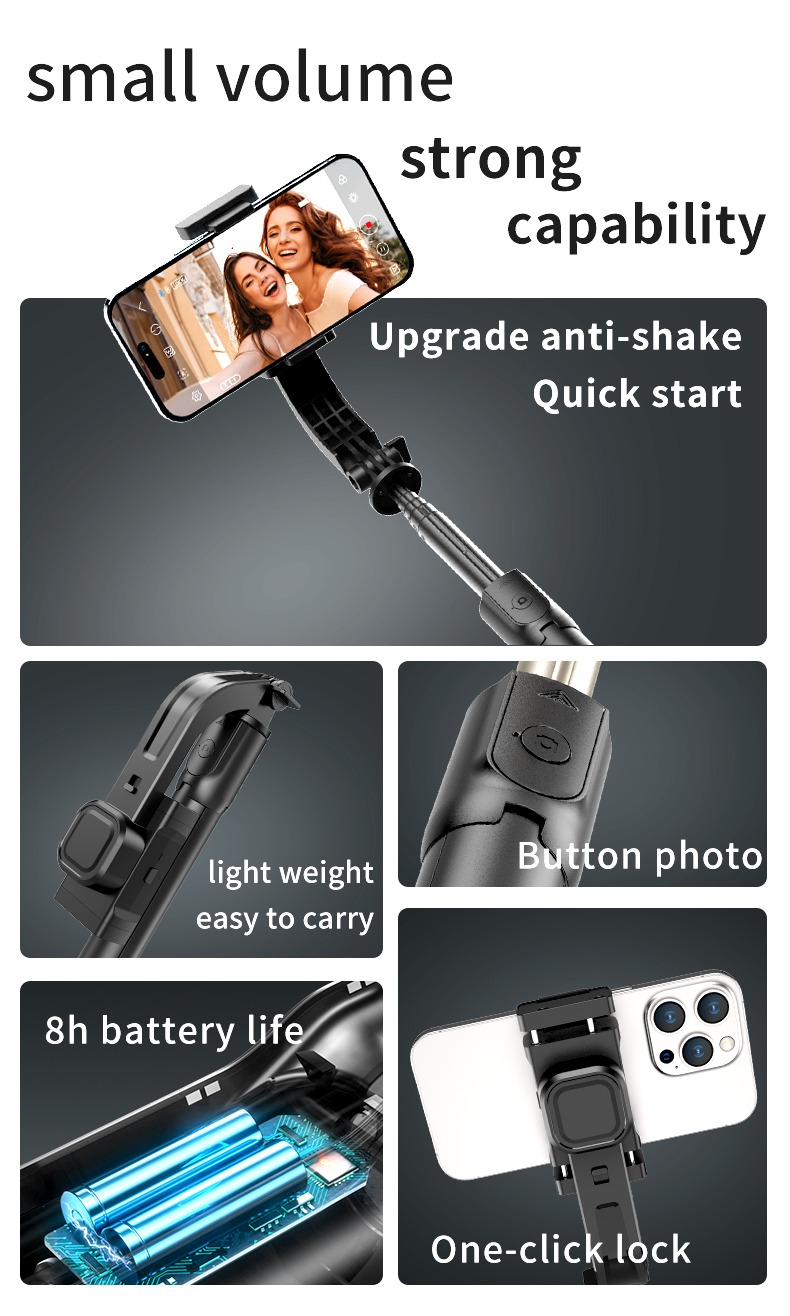
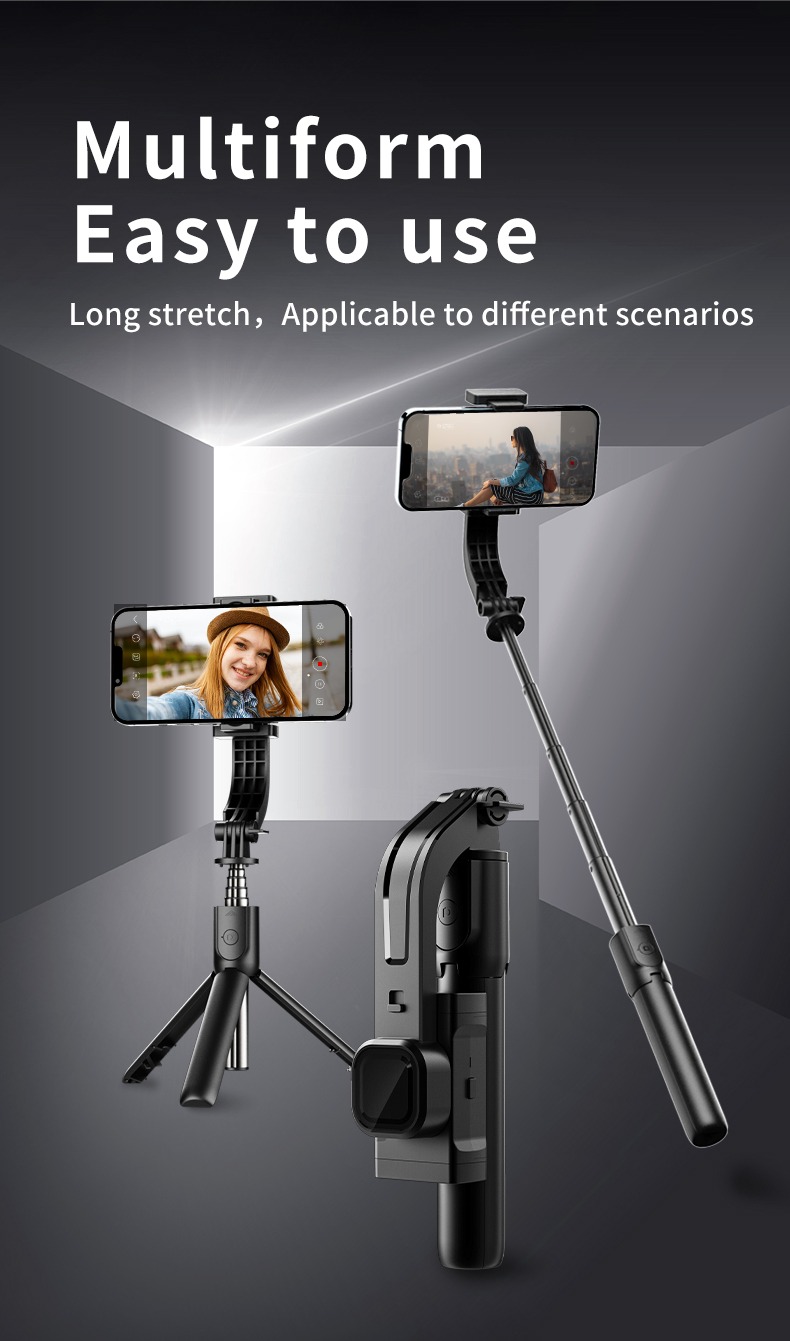
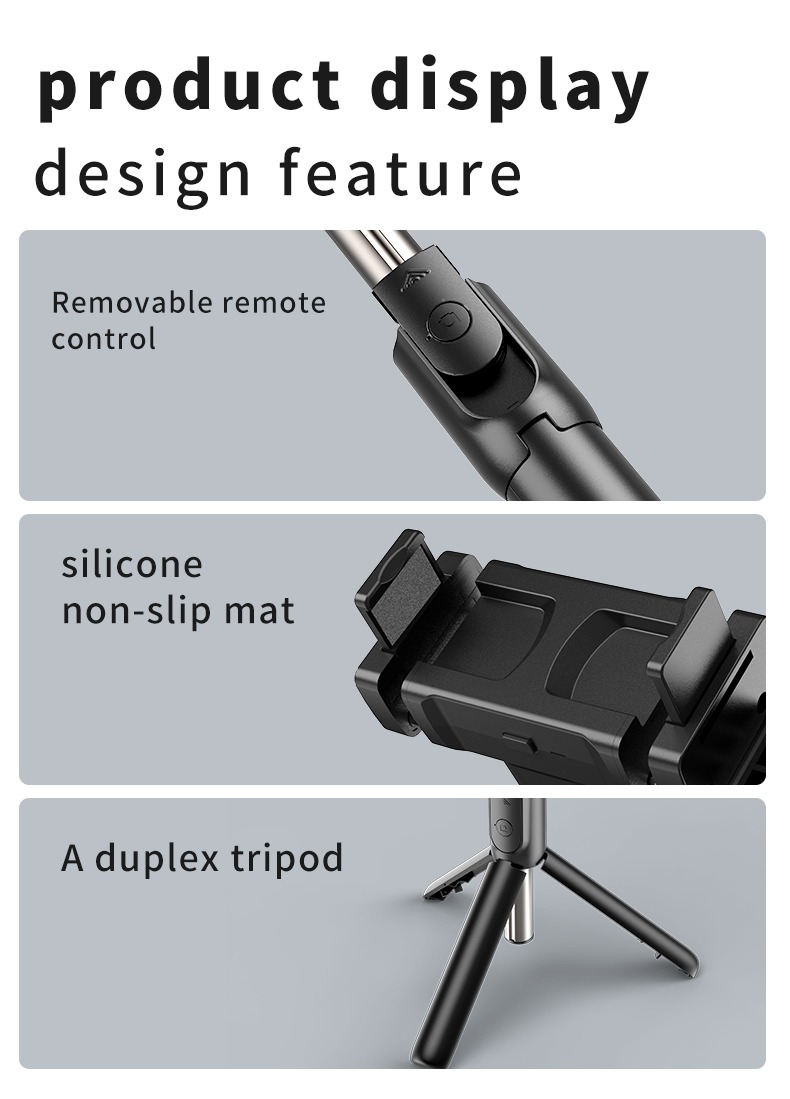
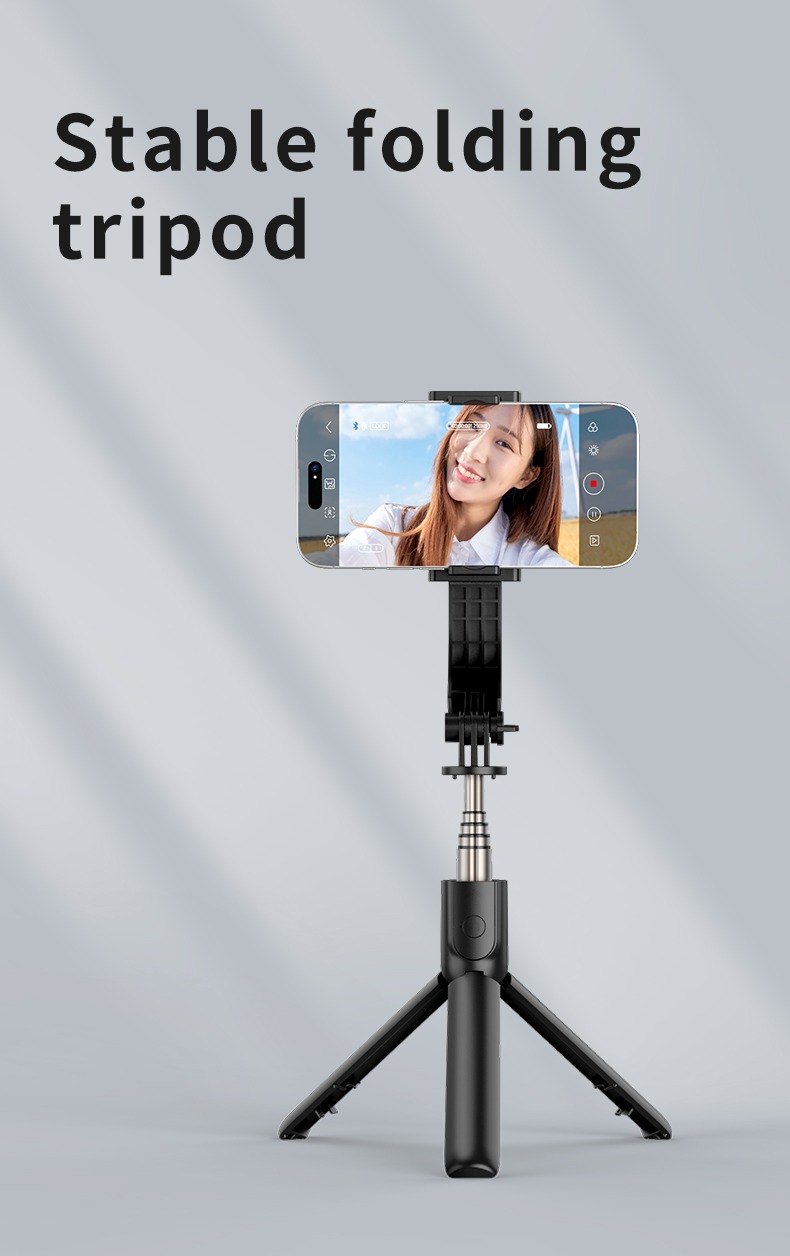
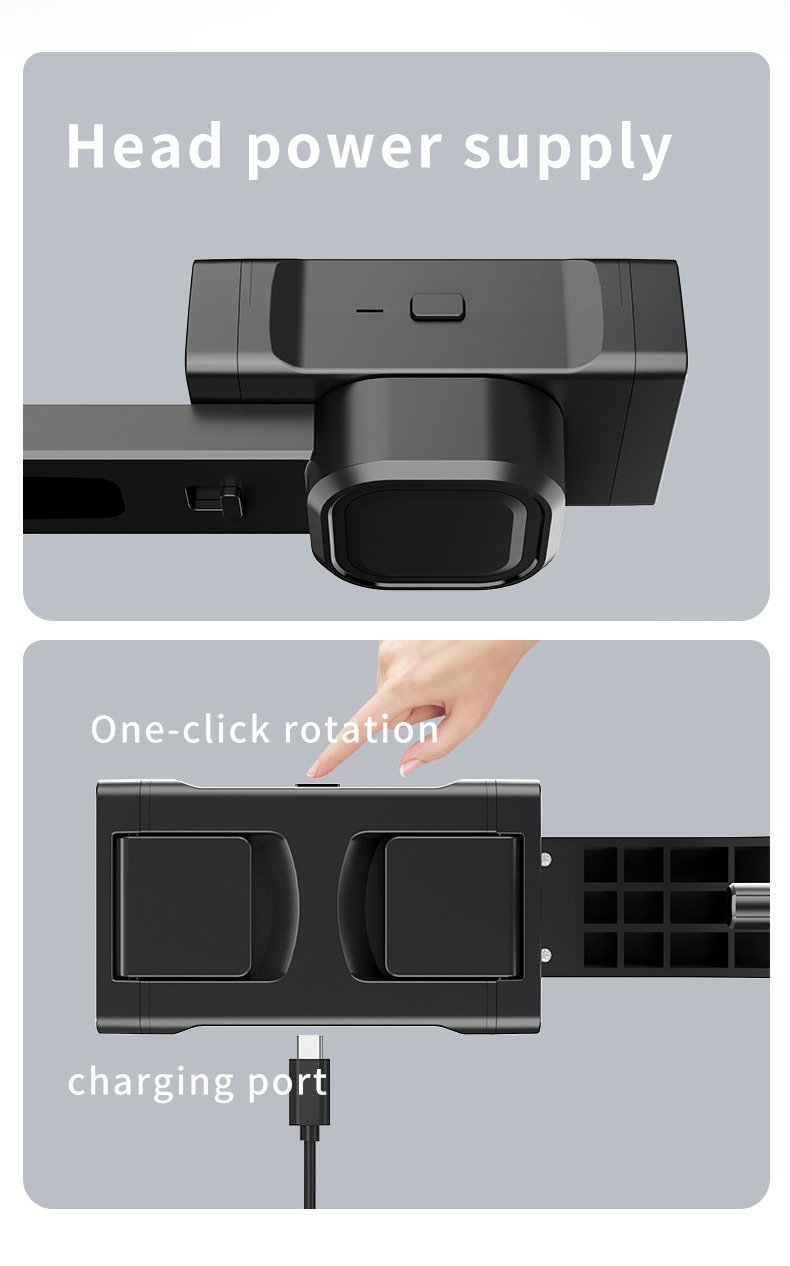
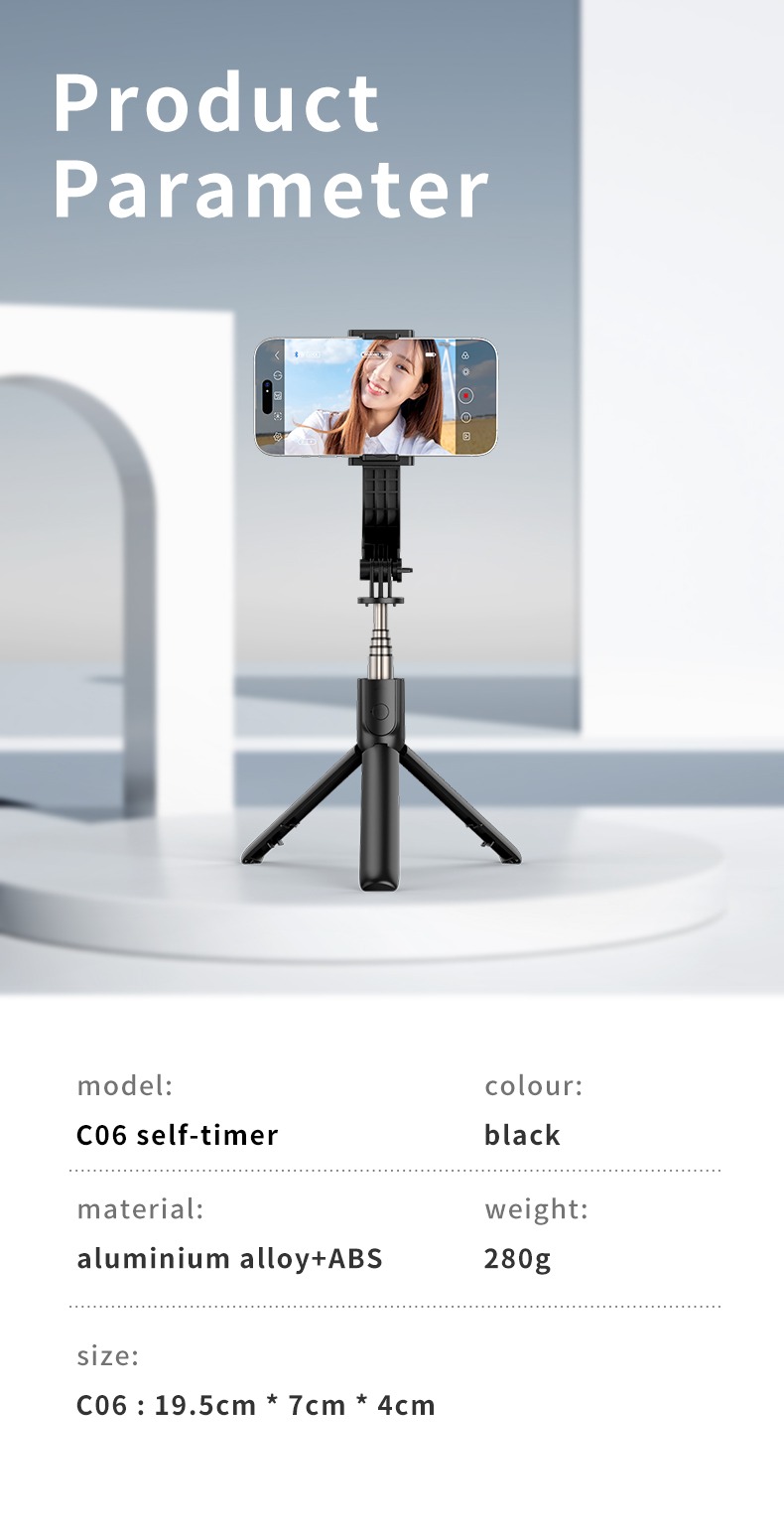
C06 Series Selfie Stick with Light & Tripod, Extendable Gimbal Stabilizer for Smartphones

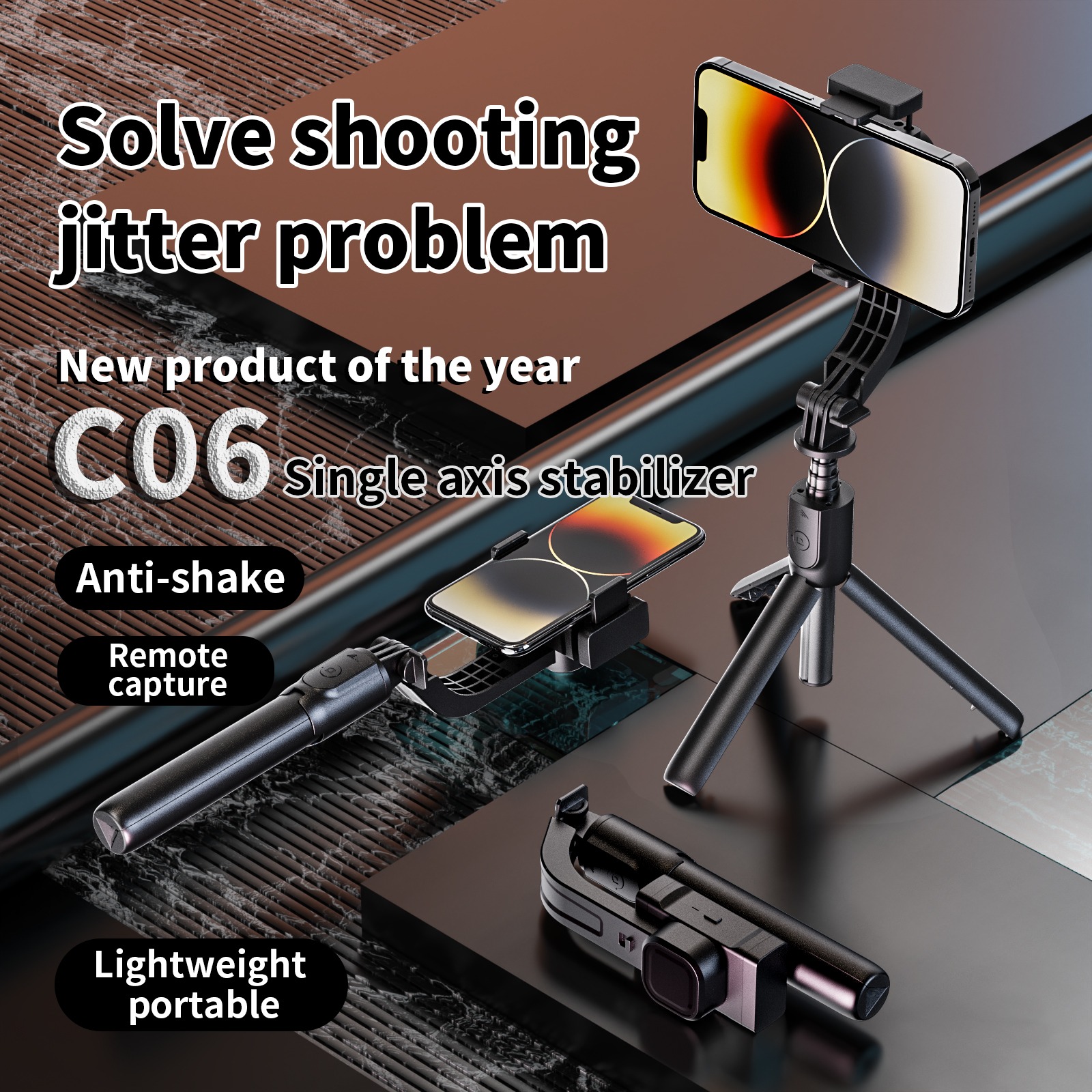
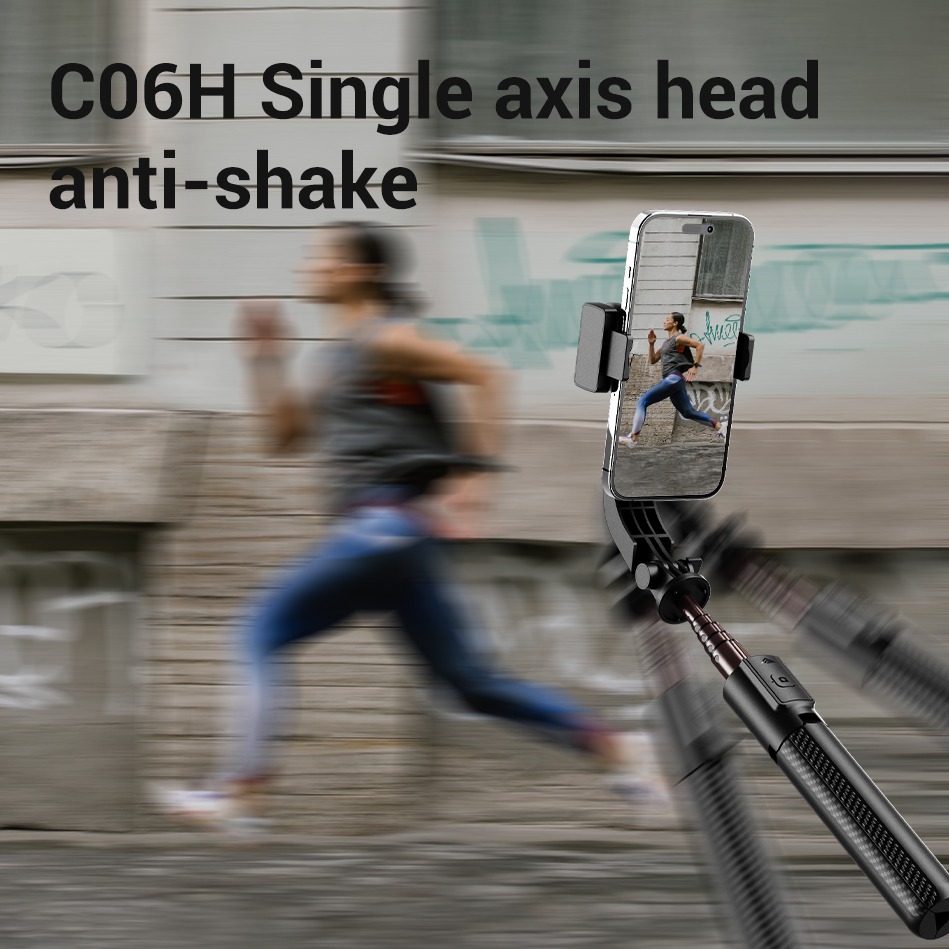
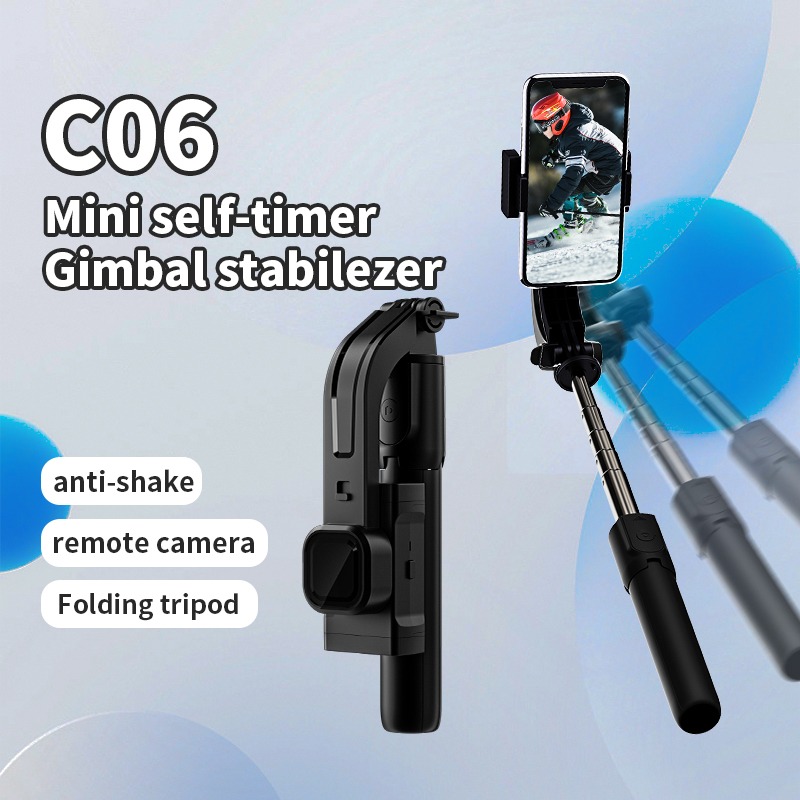
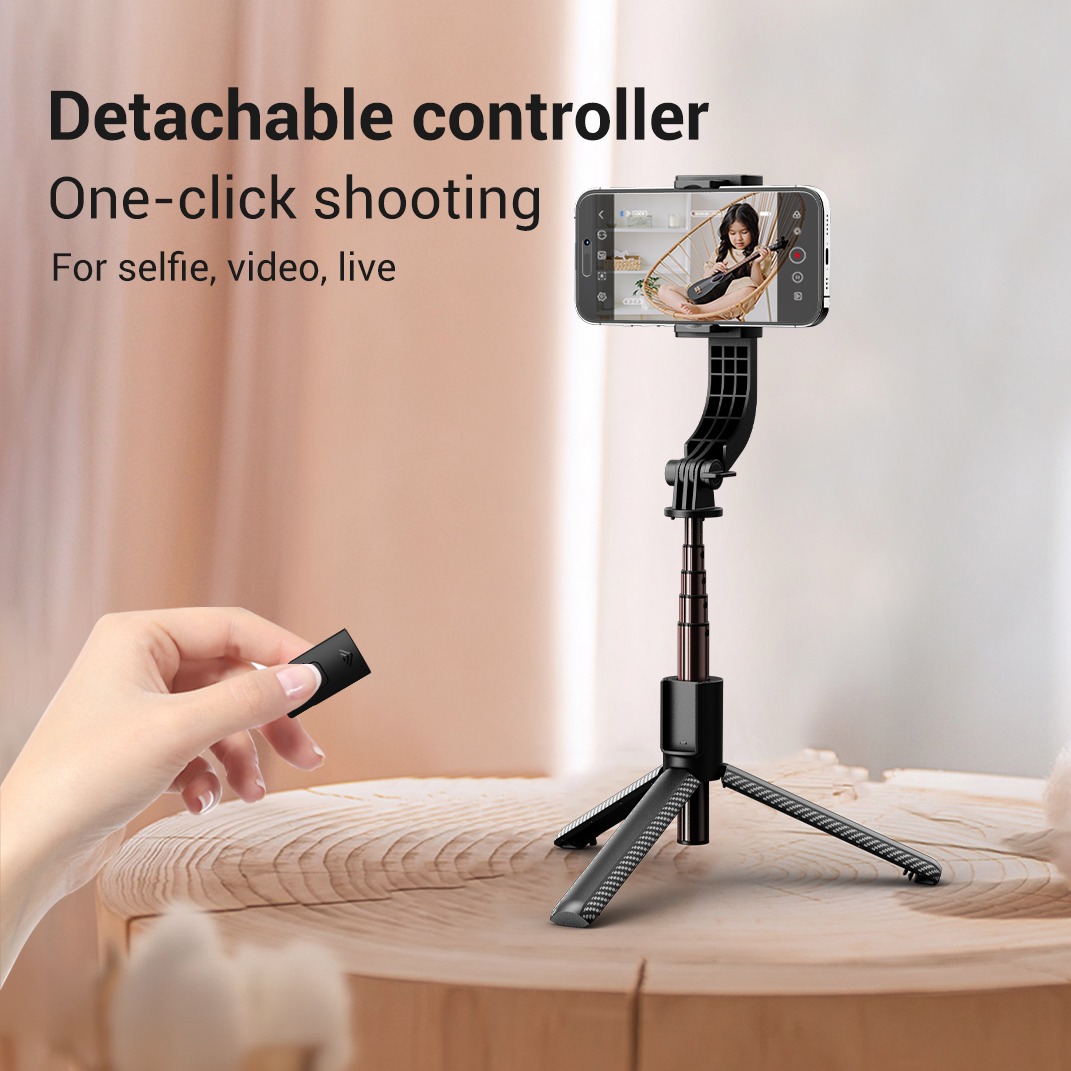
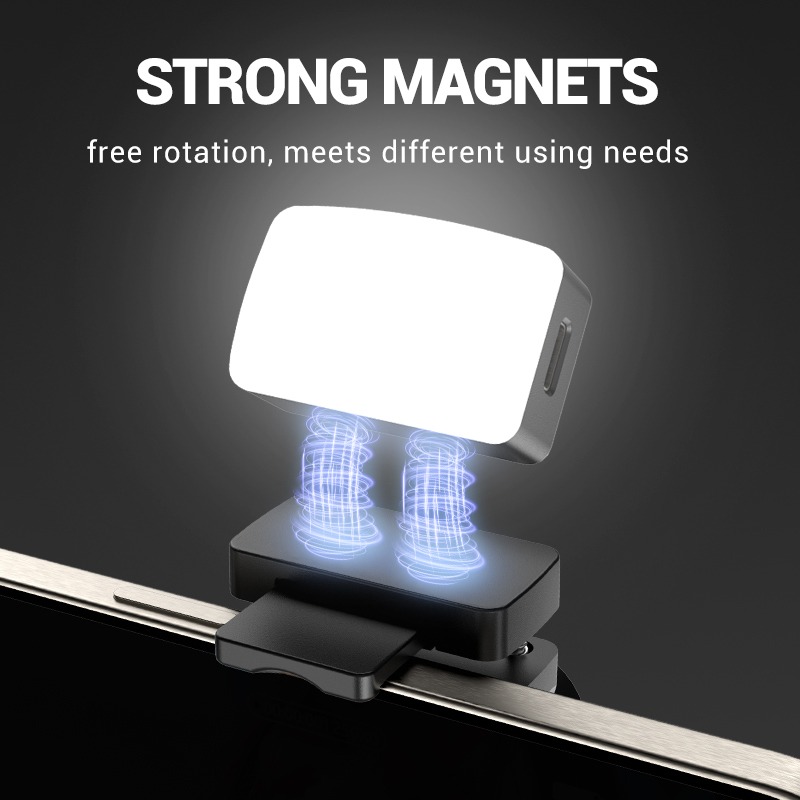
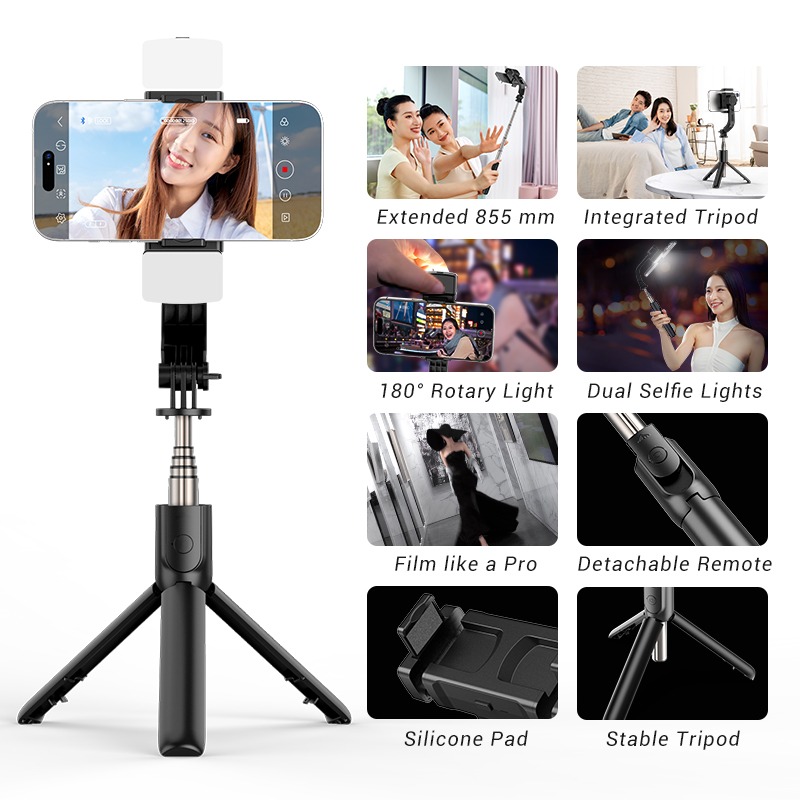
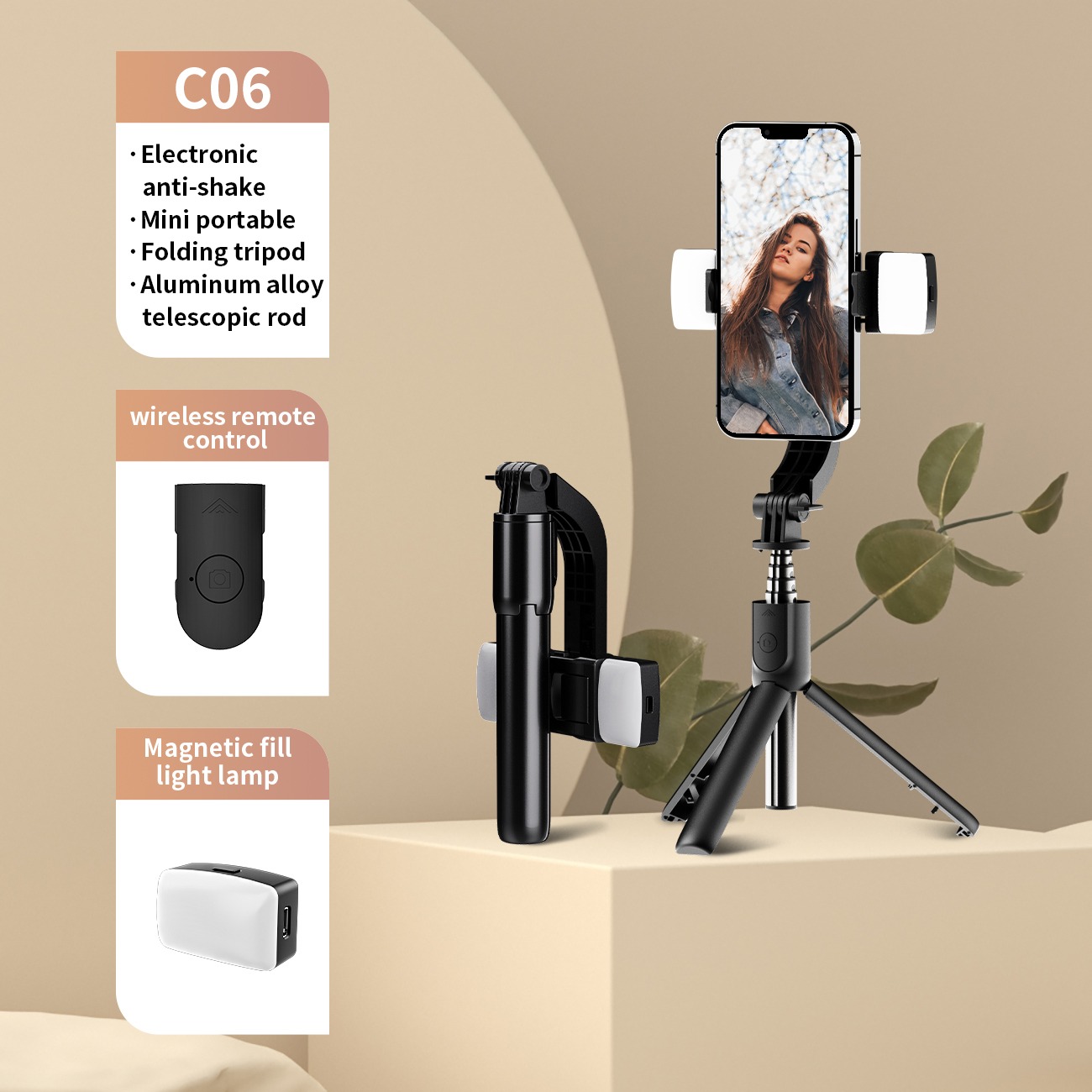
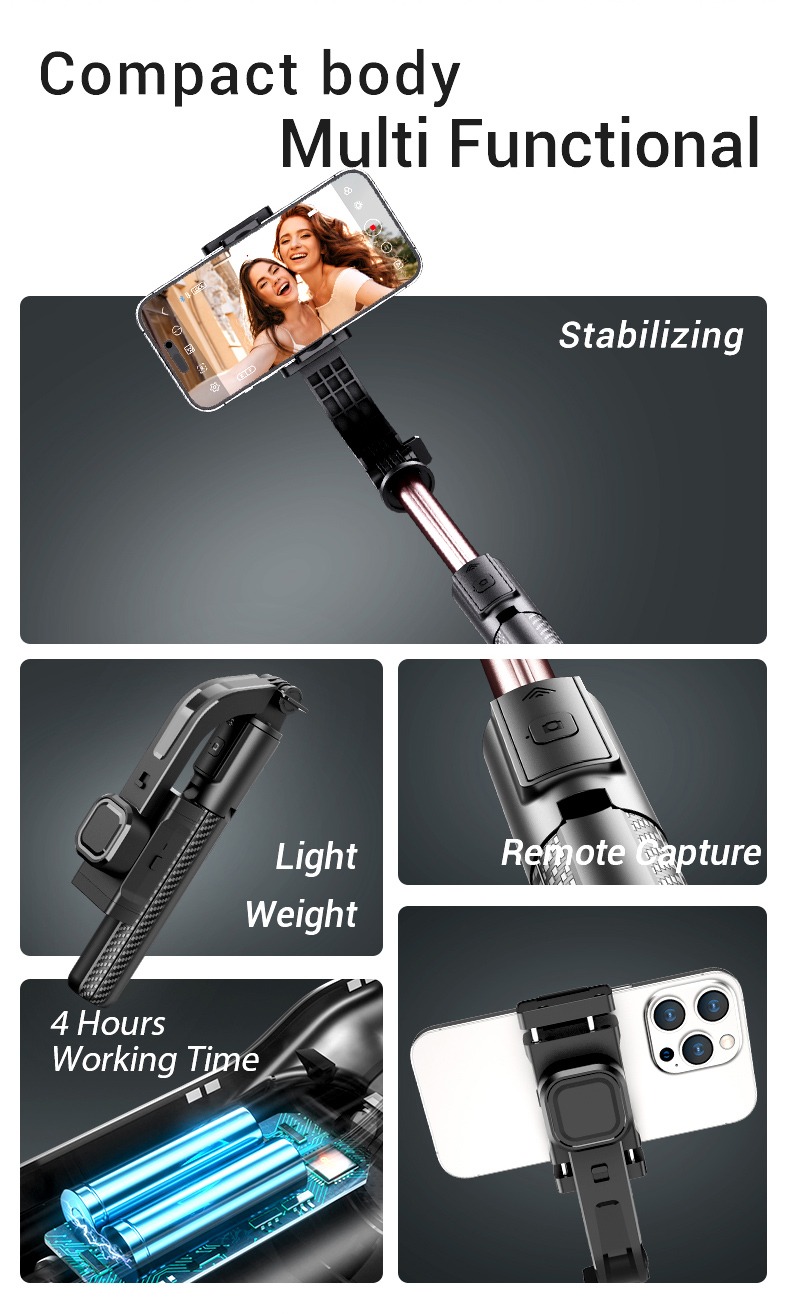
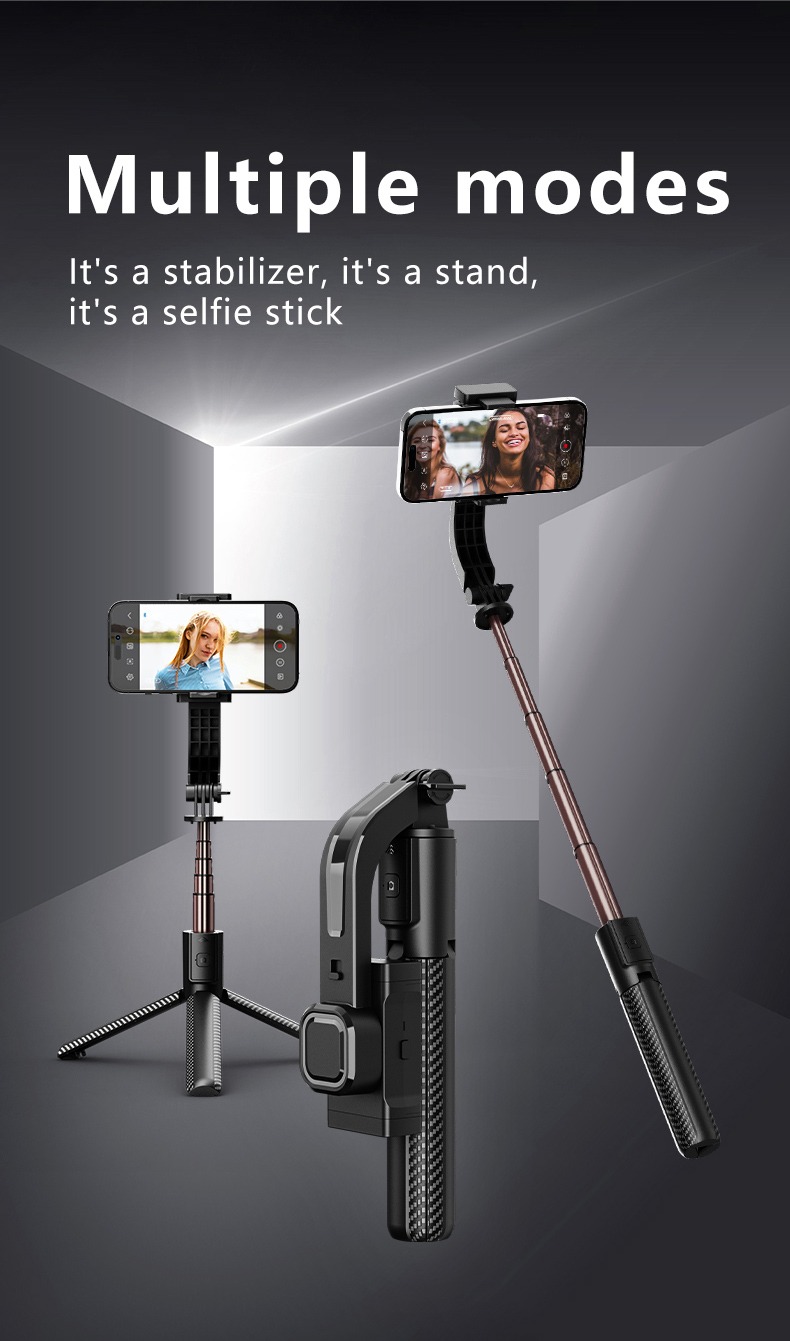
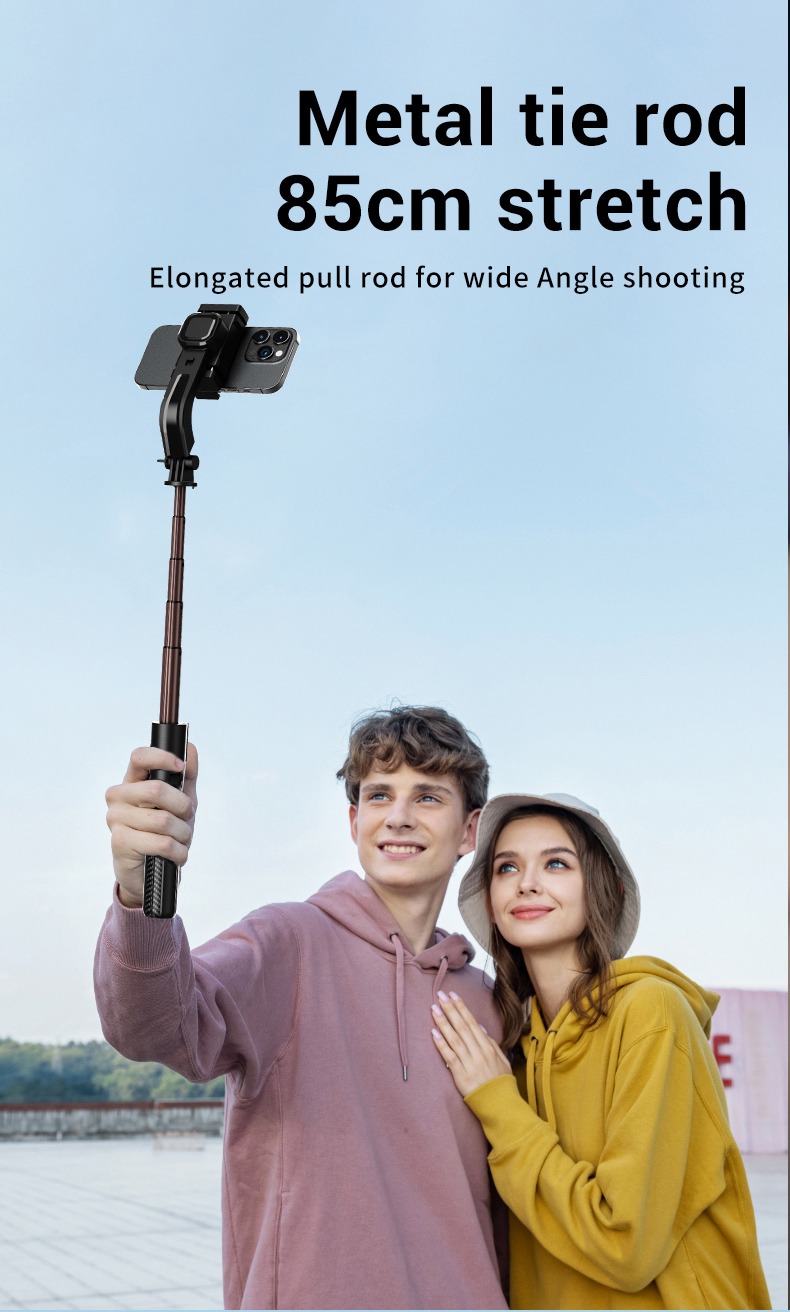
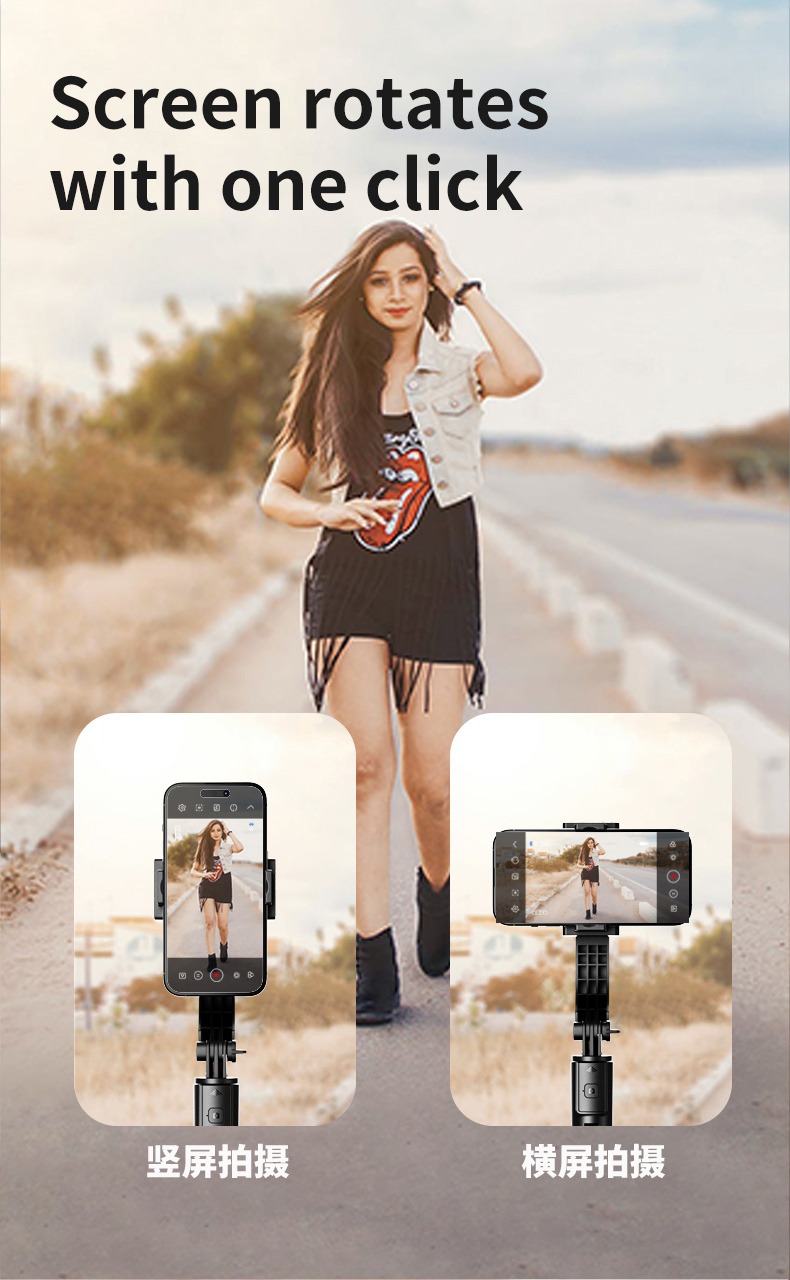
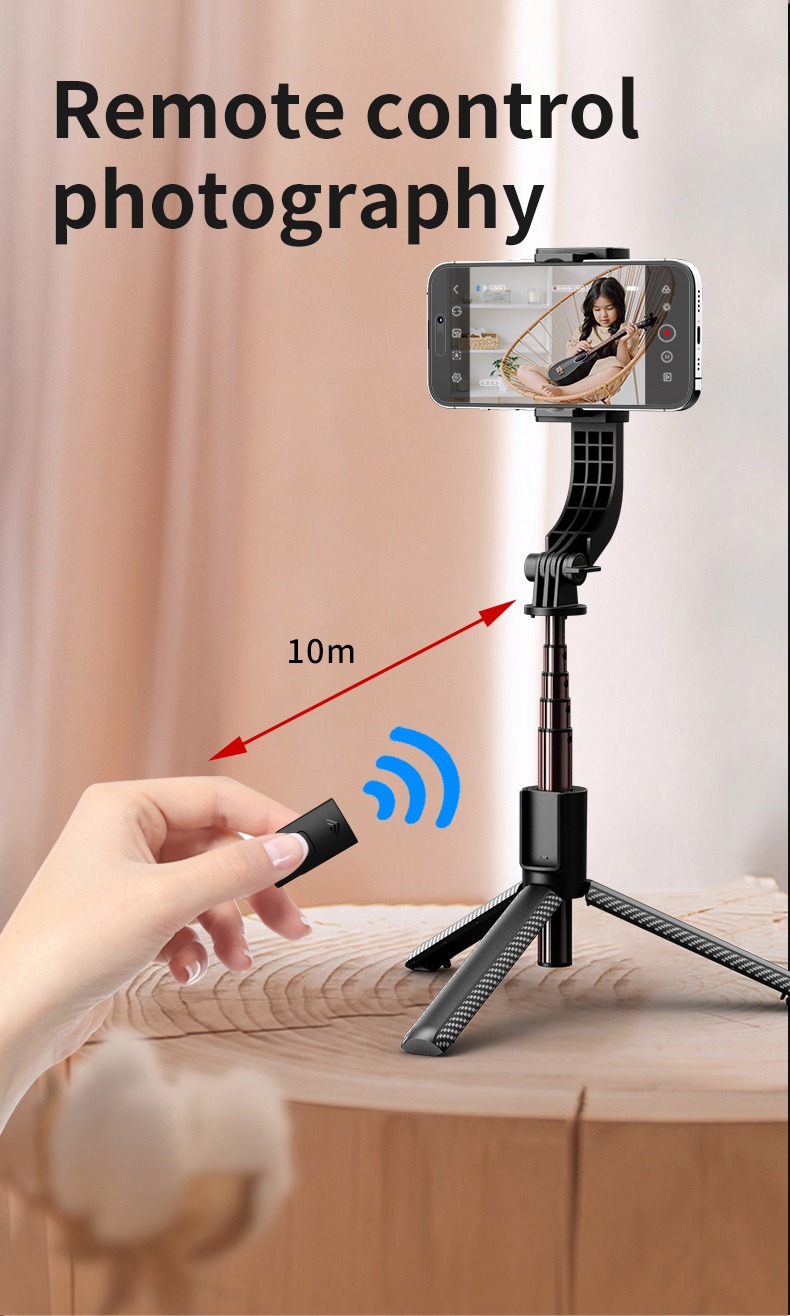
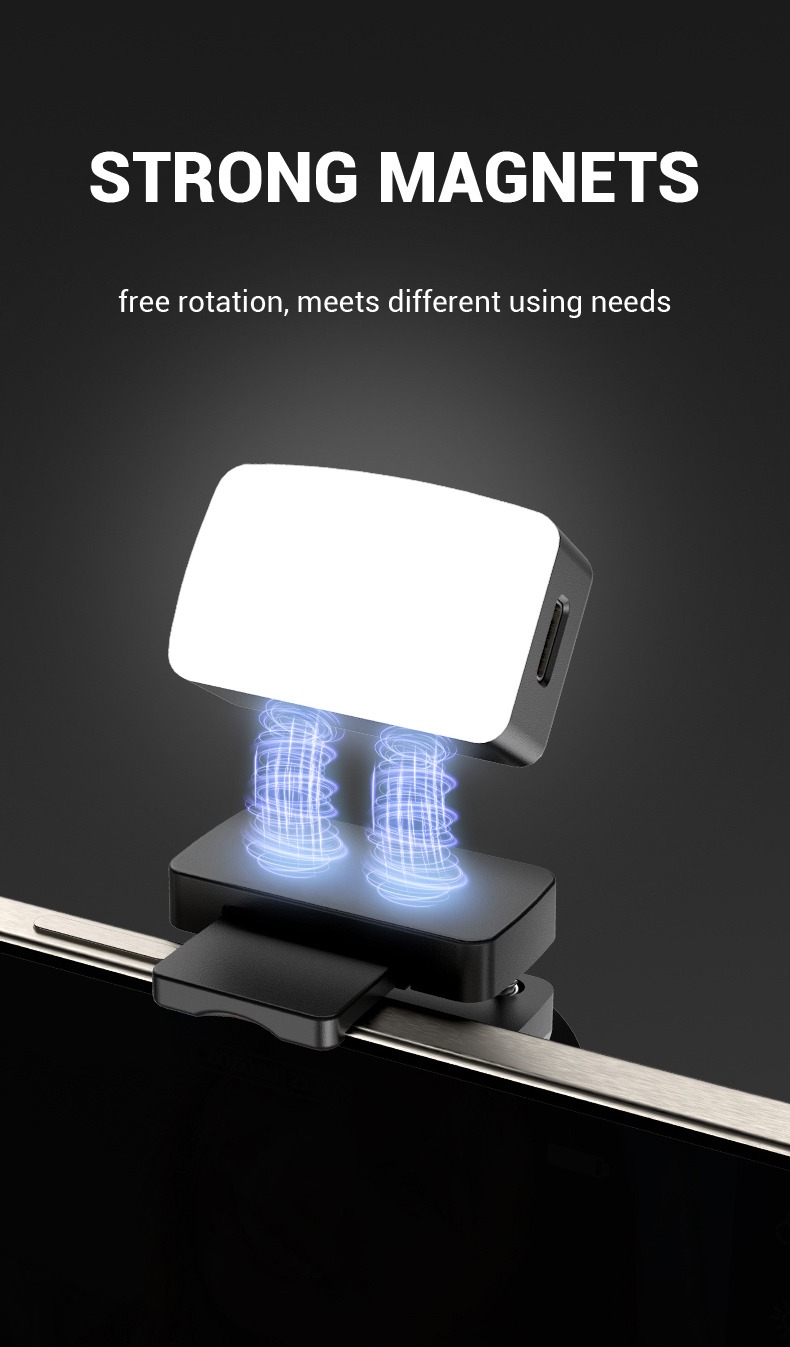
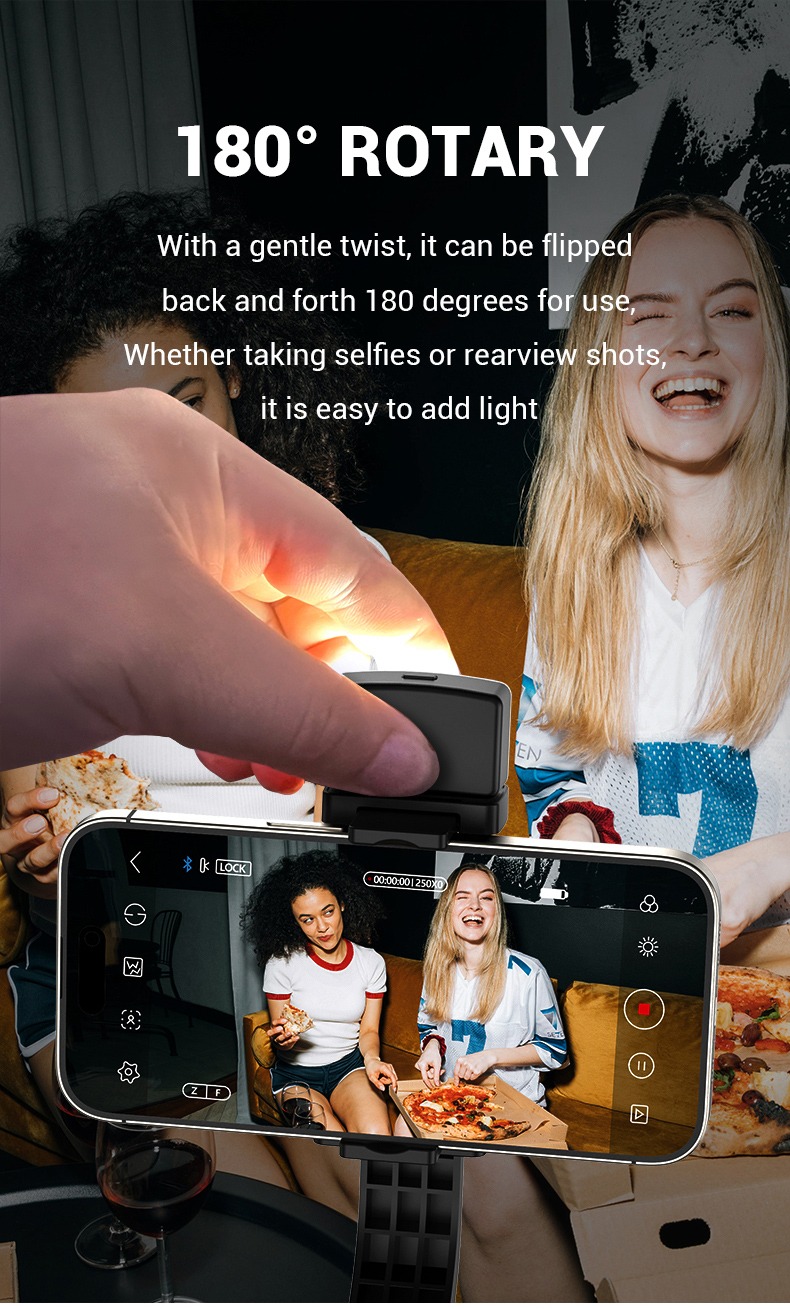
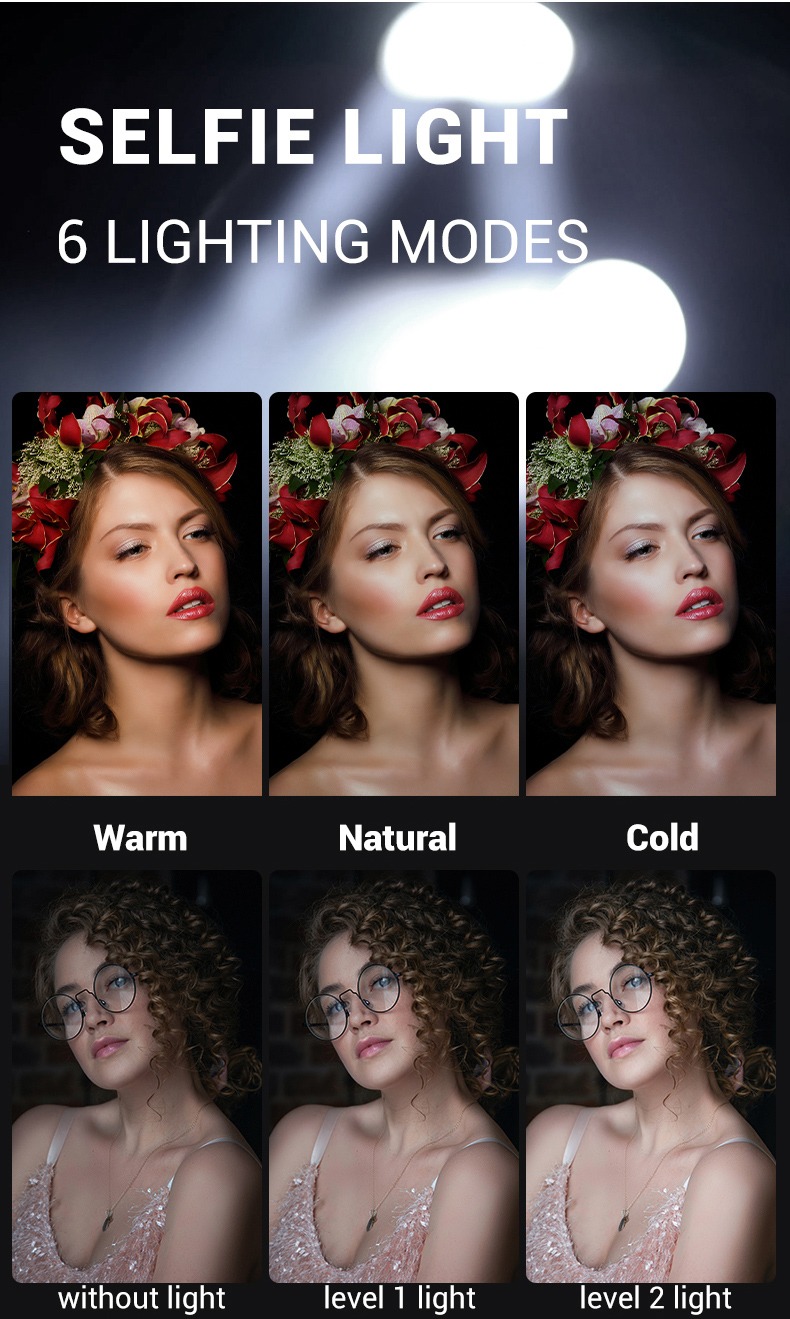
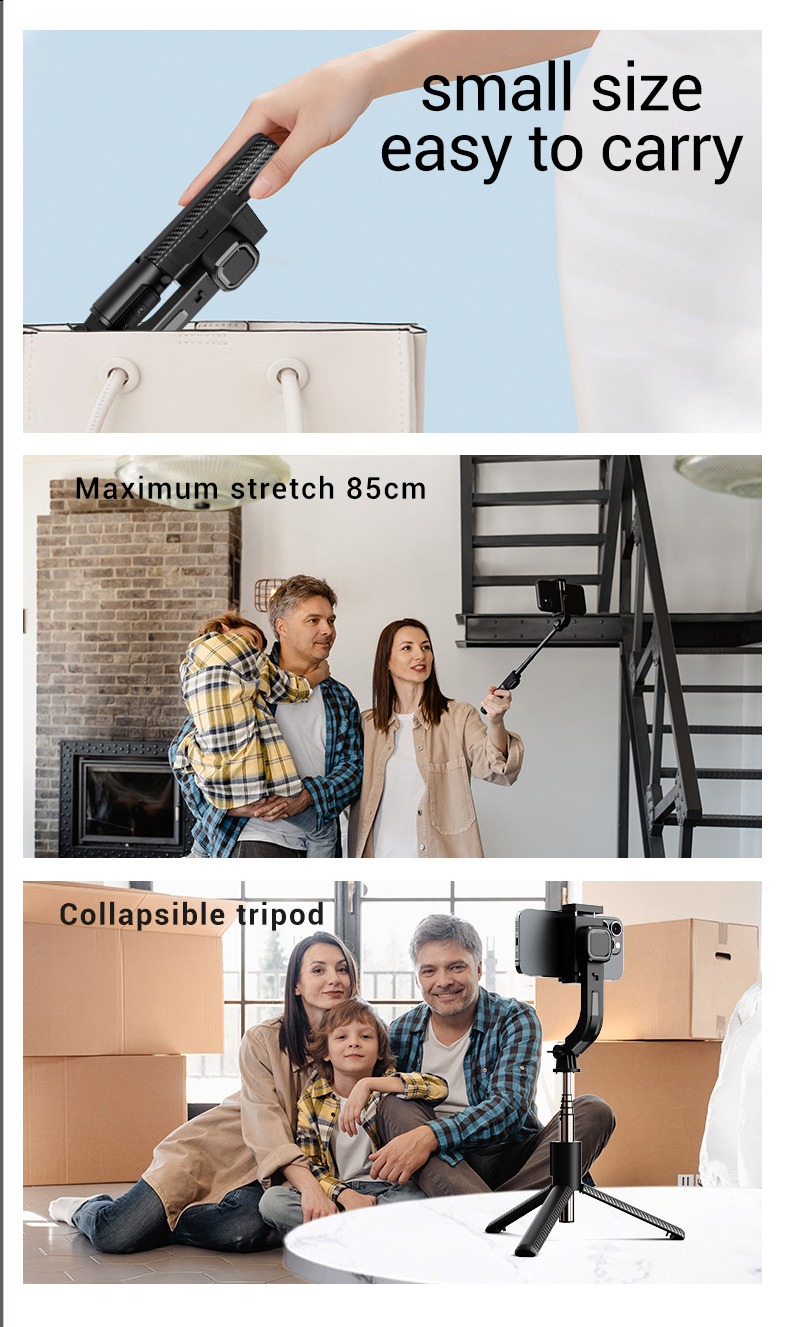
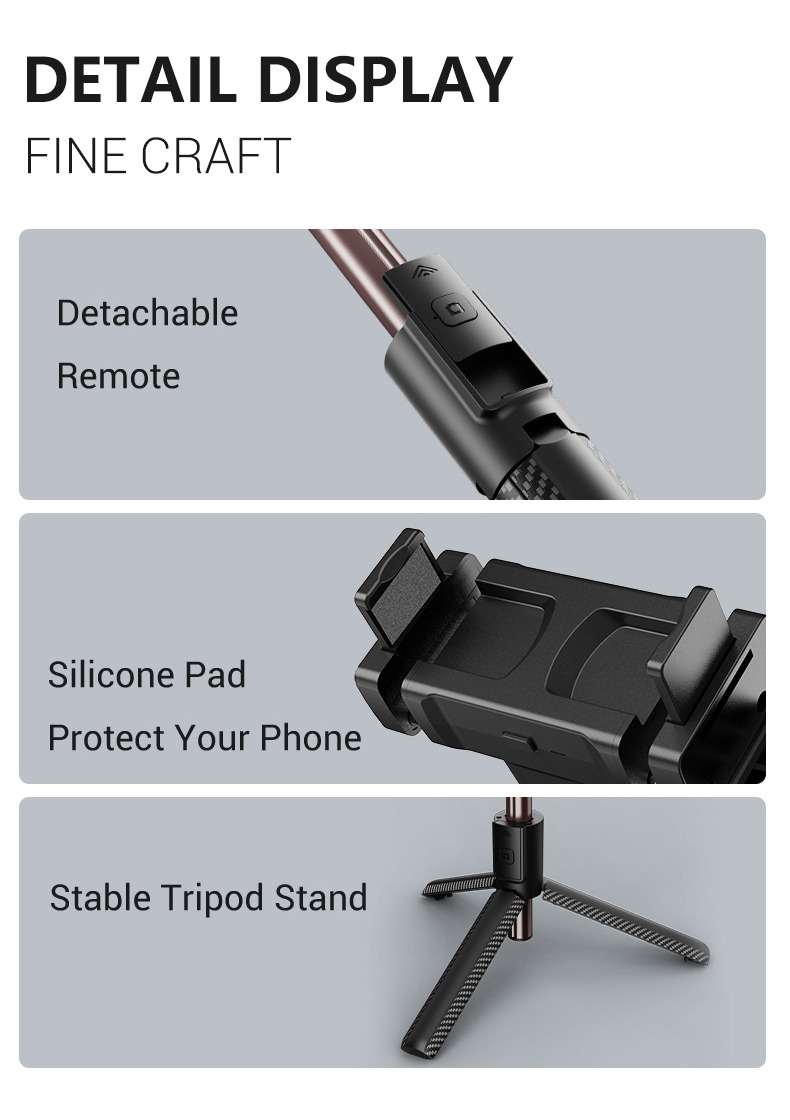
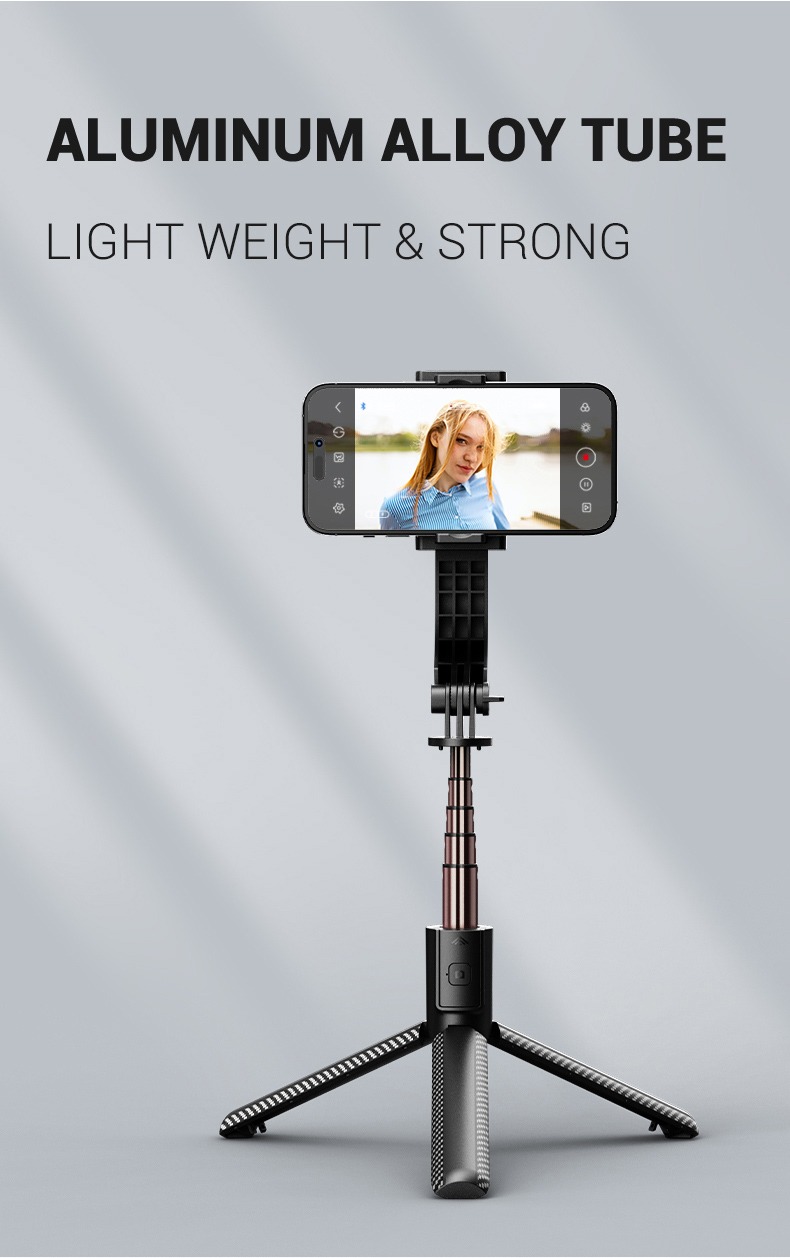
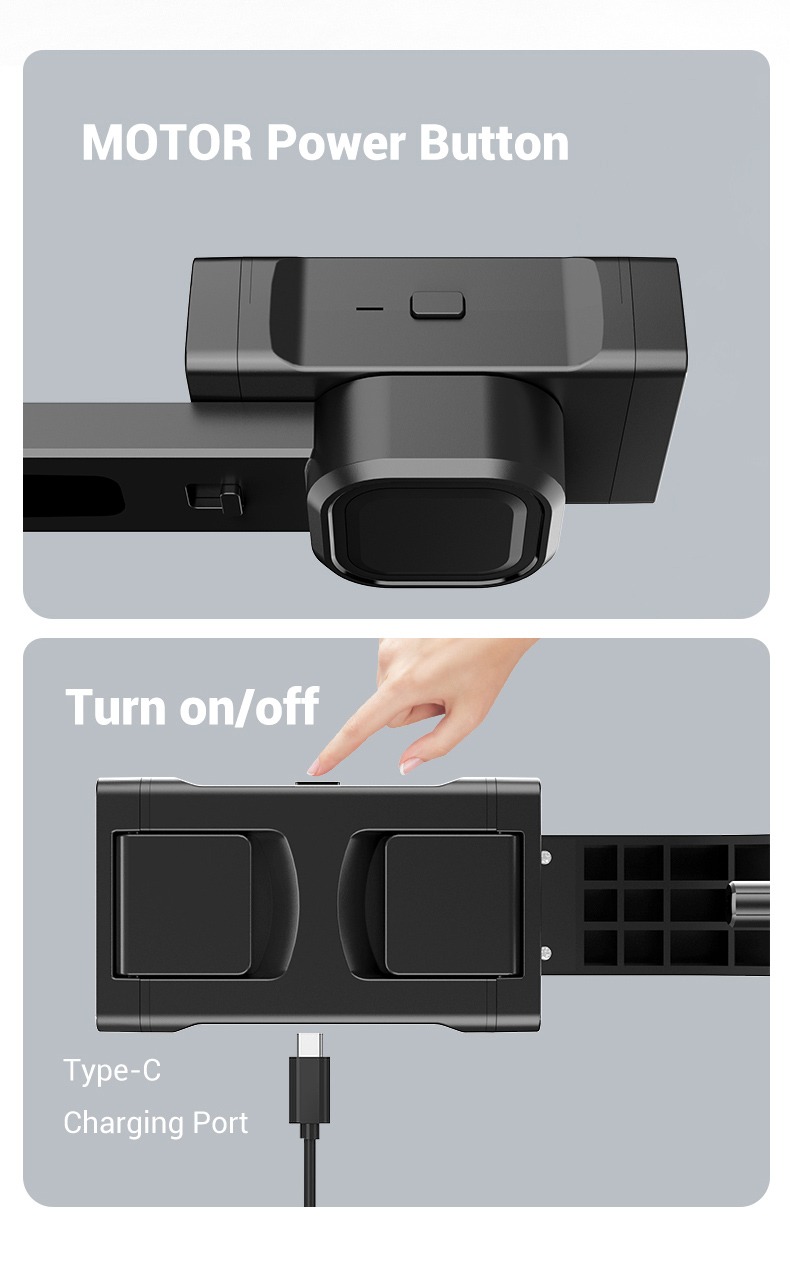
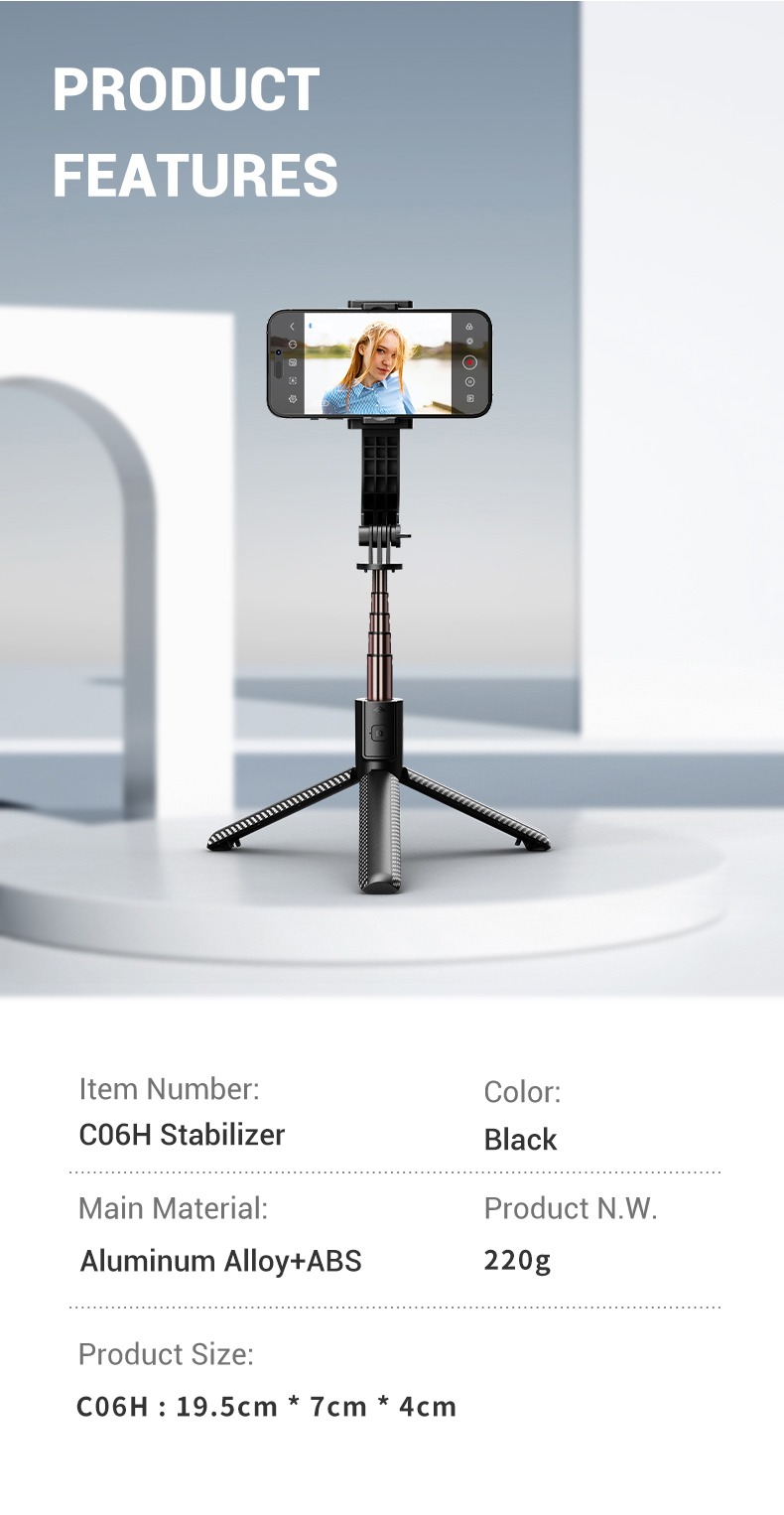
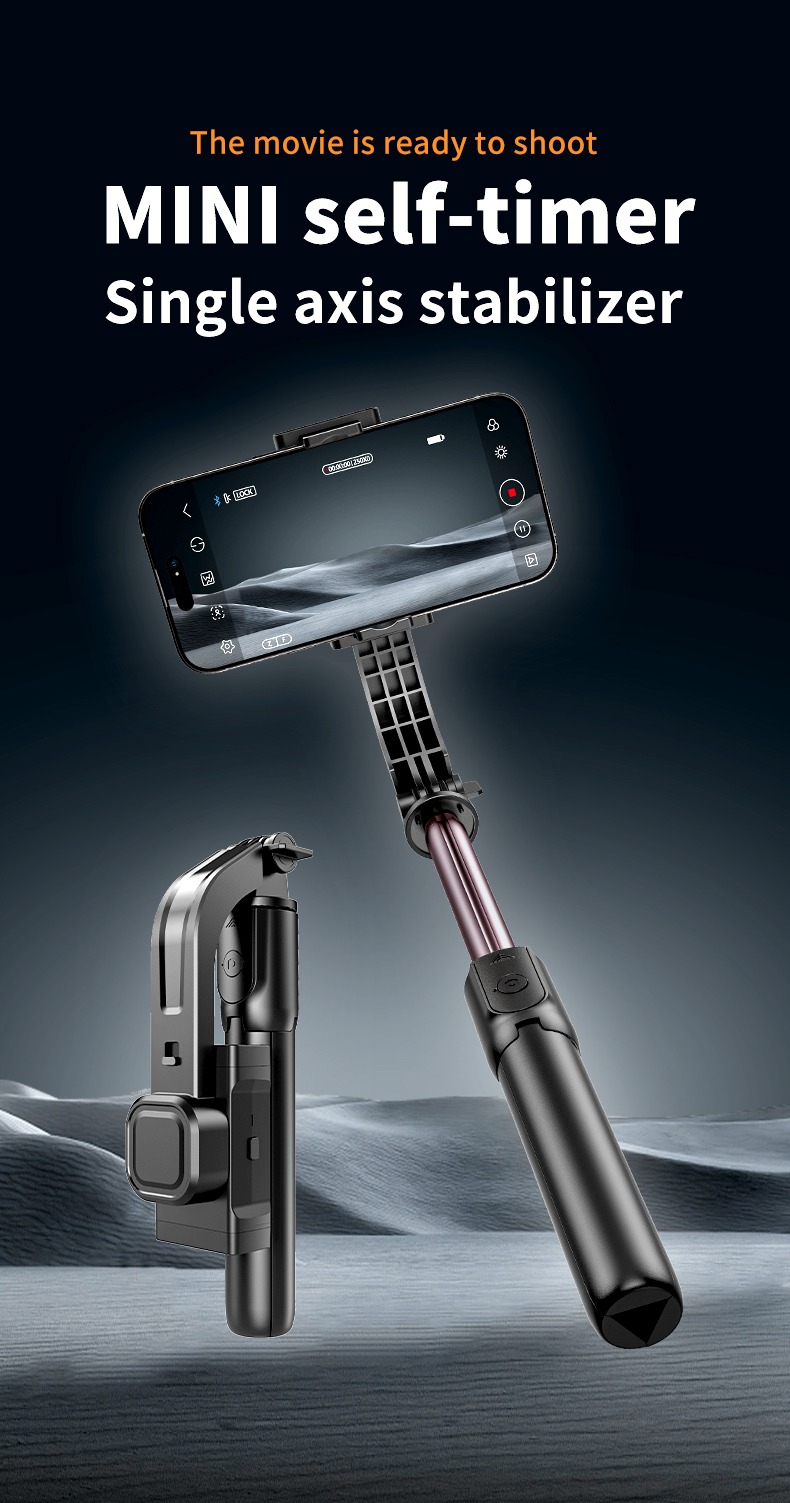
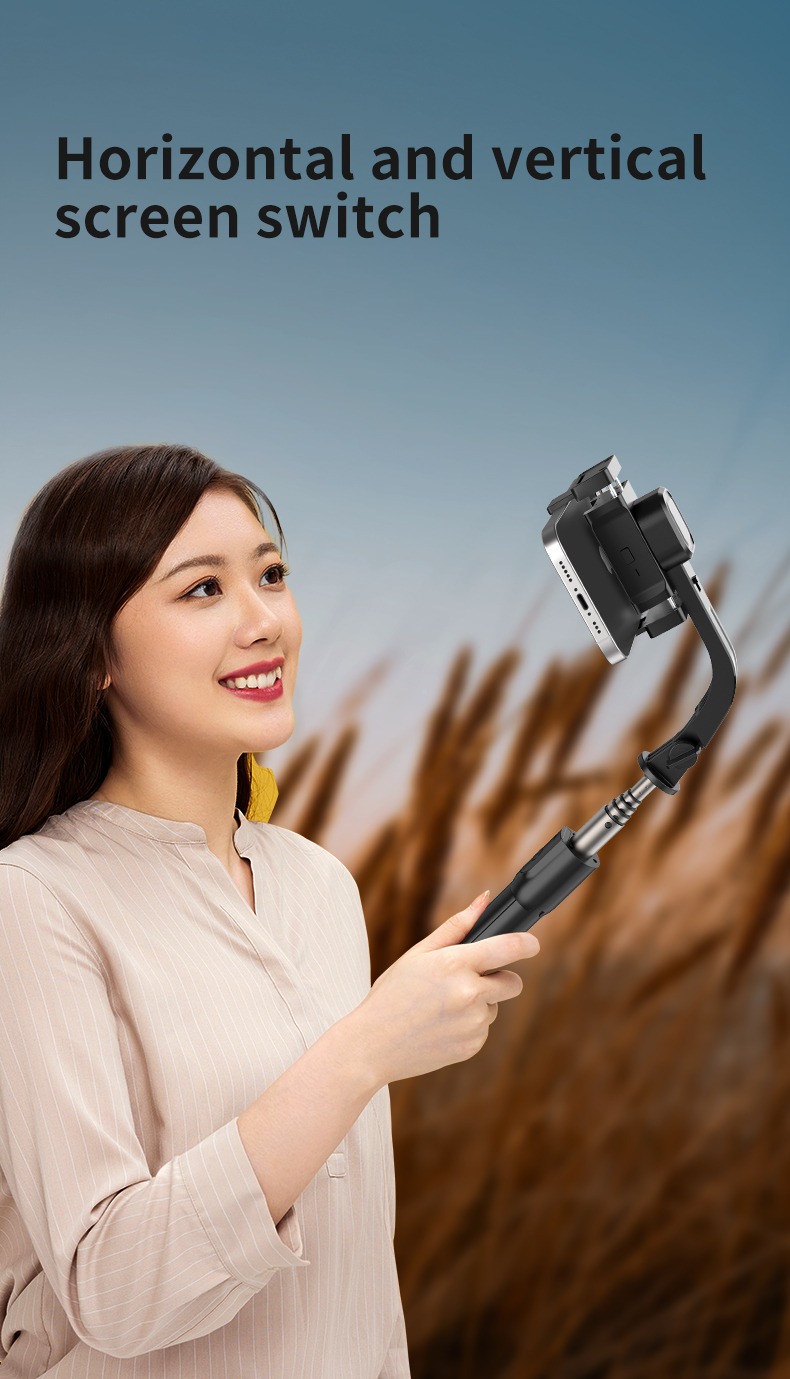
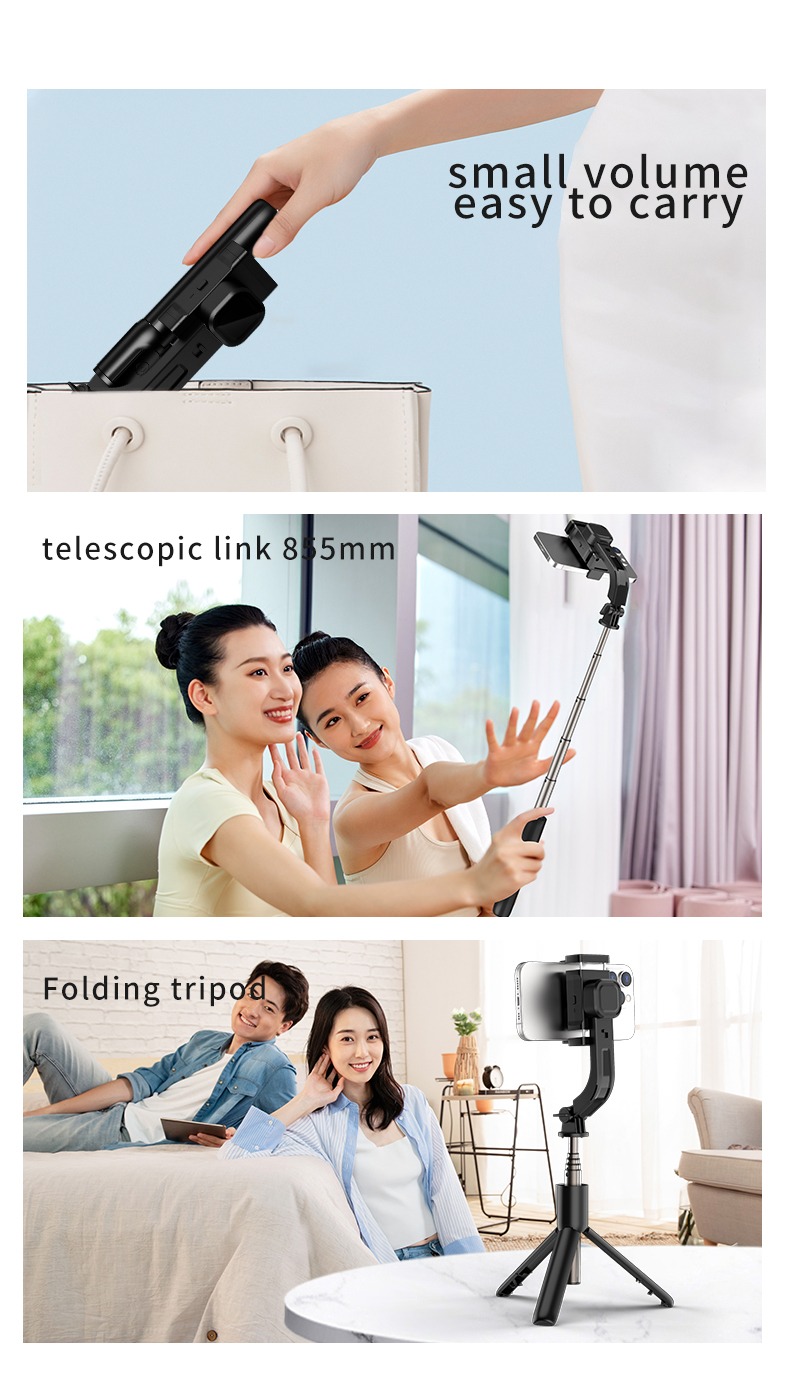
The C06 Series Selfie Stick with light & Tripod is an extendable Gimbal Stabilizer designed for smartphones. It combines a 3-in-1 design of Selfie stick, fill light and tripod, providing Smooth and stable video recording, live streaming and photography on the go.

c06-series-selfie-stick-01 Automatic Pet Feeder Portions: How to Calibrate and Schedule Meals

c06-series-selfie-stick-02 Door and Window Sensor Installation: Fitting, Gaps and Automations

c06-series-selfie-stick-03 Where to Place Smoke and Carbon Monoxide Alarms

c06-series-selfie-stick-04 Smart Thermostat vs Smart Switch for Heating: Which One You Need

c06-series-selfie-stick-05 Smart Plug Energy Monitoring: Find the Appliance That Costs You Most

c06-series-selfie-stick-06

c06-series-selfie-stick-07

c06-series-selfie-stick-08

c06-series-selfie-stick-09

c06-series-selfie-stick-10

c06-series-selfie-stick-11

c06-series-selfie-stick-12

c06-series-selfie-stick-13

c06-series-selfie-stick-14

c06-series-selfie-stick-15

c06-series-selfie-stick-16

c06-series-selfie-stick-17

c06-series-selfie-stick-18

c06-series-selfie-stick-19

c06-series-selfie-stick-20

c06-series-selfie-stick-21

c06-series-selfie-stick-22

c06-series-selfie-stick-23

c06-series-selfie-stick-24

c06-series-selfie-stick-25

c06-series-selfie-stick-26

c06-series-selfie-stick-27

c06-series-selfie-stick-28

c06-series-selfie-stick-29

c06-series-selfie-stick-30

c06-series-selfie-stick-31

c06-series-selfie-stick-32

c06-series-selfie-stick-33

c06-series-selfie-stick-34

c06-series-selfie-stick-35

c06-series-selfie-stick-36

c06-series-selfie-stick-37

c06-series-selfie-stick-38

c06-series-selfie-stick-39

Related Articles

You Might Also Like
Frequently Asked Questions

Is C06 Series Selfie worth buying?

Based on the breakdown in this article, C06 Series Selfie offers a solid mix of features and value. If your main goal matches the key benefits described above, it is a practical choice for everyday use.

How do I choose the right c06 series selfie for my needs?

Start with your core use case, then compare battery life, compatibility, and build quality as covered above. Choosing the right c06 series selfie comes down to matching specs with how you actually use it.

Does c06 series selfie require a companion app?

Most devices of this type pair with a free companion app for setup and firmware updates. A few advanced features may sit behind a paid plan, so check the official specs page before buying.