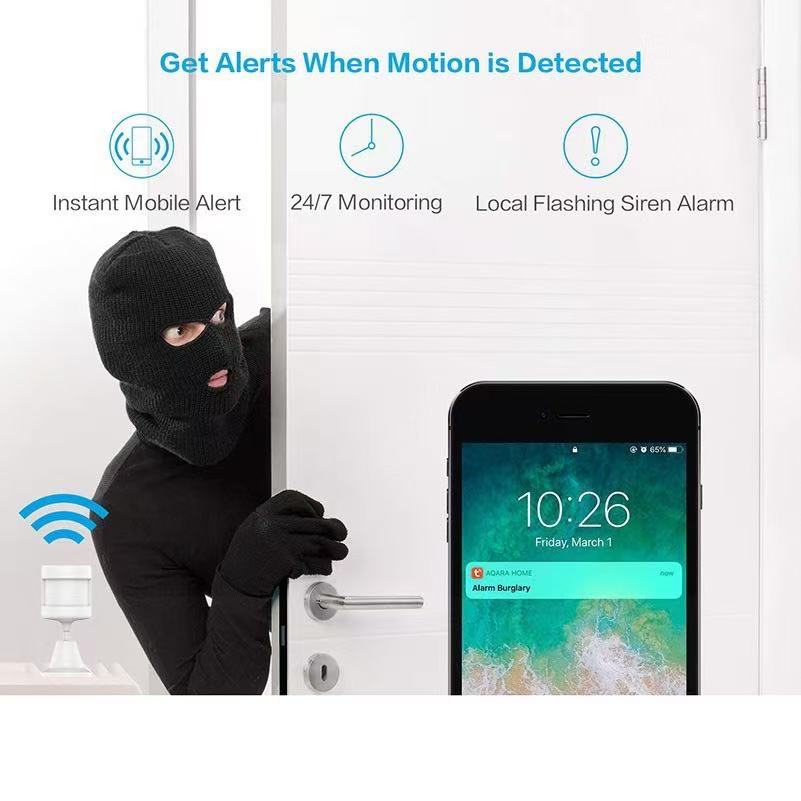
Quick answer: a Matter PIR sensor gives you occupancy, not presence. It tells a hub that someone moved through a space in the last few seconds, which is enough for lighting, heating setbacks, fans and alerts — and not enough for “is someone still in the room”. Build automations that only need a trigger plus a timeout, mount the sensor 2–2.2m high facing across the room rather than at a window, and most reliability problems disappear before they start.
Eight Automations Worth Running
- Hallway light on movement, off after two minutes. The classic, and still the one people notice most. Two minutes is long enough to walk through with your hands full.
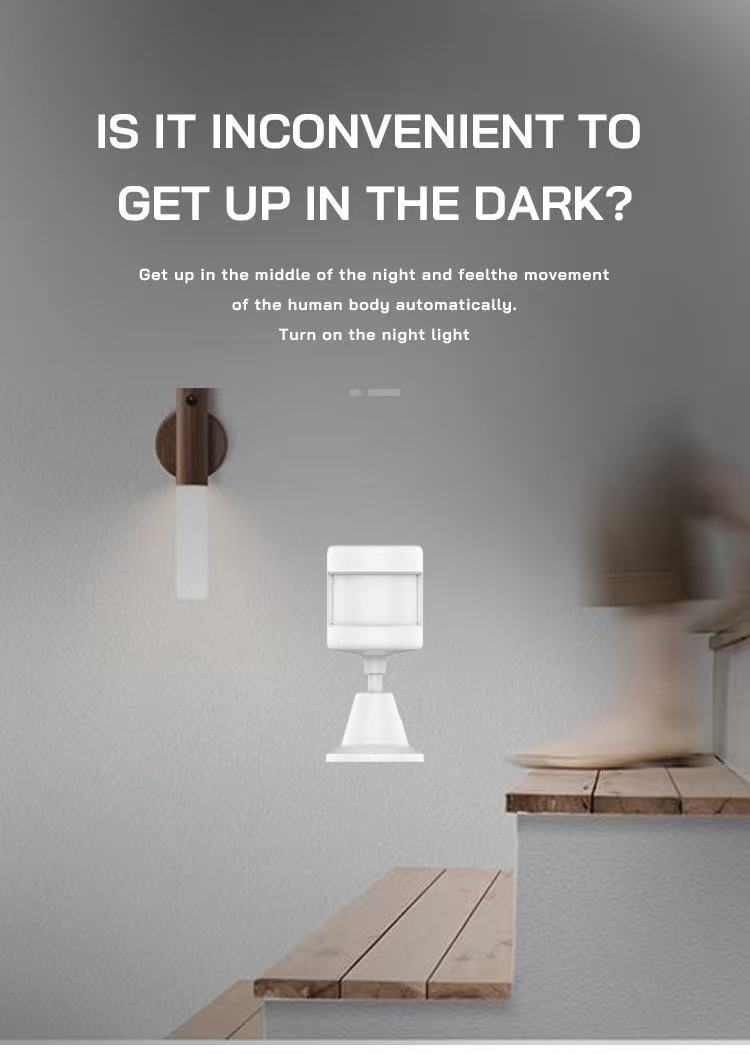
- Night-only pathway lighting. Same trigger, but only between 23:00 and 06:00, at 10–20% brightness. Full brightness at 3am is a design failure.
- Bathroom extractor fan. Trigger the fan on entry, run it for ten minutes after the last trigger. Cheaper and more reliable than a humidity sensor in most bathrooms.
- Heating or air-conditioning setback. No movement in a room for 30 minutes → drop the setpoint by 2°C. Movement → restore. This is where a sensor pays for itself.
- Standby kill for a Home office or a media wall. No occupancy for 45 minutes → cut the socket strip. Screens, speakers and chargers draw more than people expect.
- Arrival lighting at the entrance. Movement in the porch during the evening → porch light plus the hallway light, so nobody unlocks a Door in the dark.
- Away-mode alerting. Movement in a room that should be empty while the house is in away mode → notification. It is not an alarm system, but it is a useful second opinion.
- Staircase handover. Sensor at the bottom triggers the stair lights, sensor at the top keeps them on until the top landing is reached. Two sensors, no switch.
Why Automations Fail: Occupancy Is Not Presence
A PIR reports motion, then goes quiet after a timeout. The moment someone sits still — reading, working at a desk, watching a film — the sensor reports “no motion” and a naive automation switches the lights off on them. Three ways out:
- Use a generous timeout (10–15 minutes) for rooms where people sit still.
- Do not let motion switch lights off in those rooms — let motion switch them on and let a schedule or a manual switch handle off.
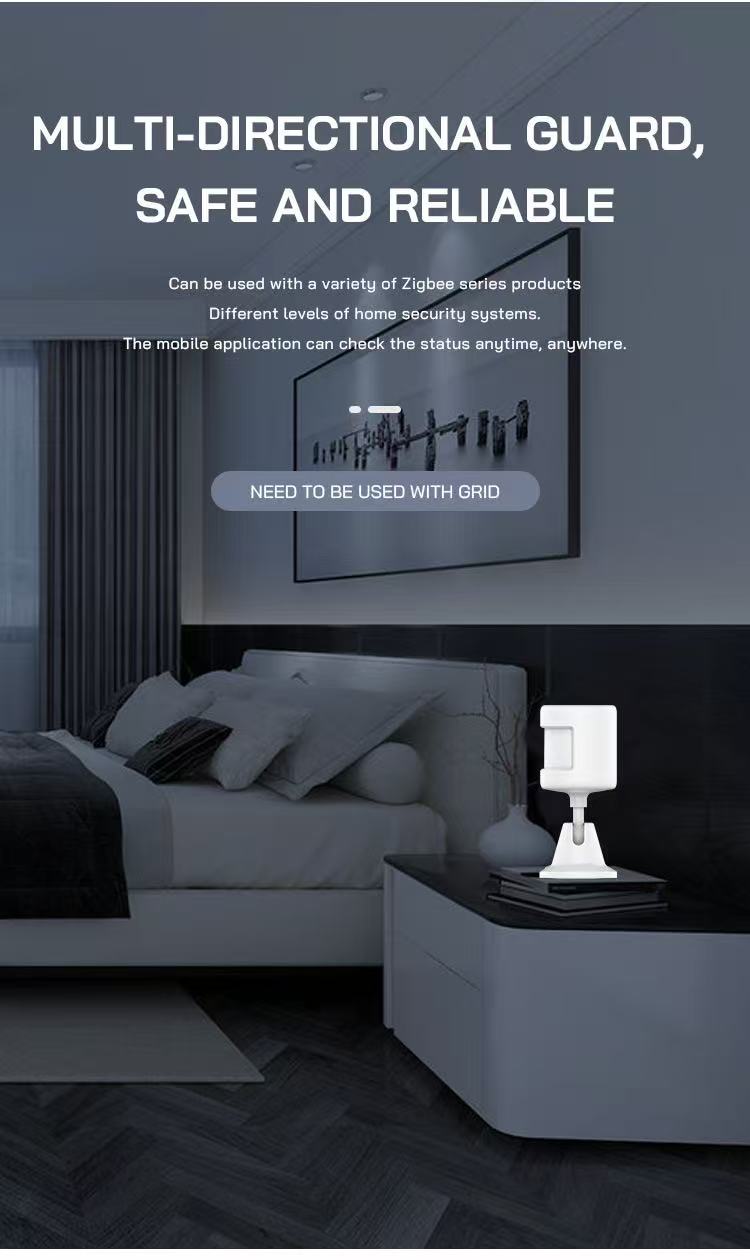
- Combine with a door contact if you need real room state: door closed plus no motion is far more reliable than motion alone.
Five Things That Cause False Triggers
- Direct sunlight or a hot draught on the lens. PIR detects infrared change; a sunbeam moving across a floor or warm air from a heater vent looks like a person. Move the sensor, not the radiator.
- Curtains and plants above a heater or an open window. Air movement plus fabric is the most common daytime false trigger.
- Pets at sensor height. Mount at 2–2.2m and, if the sensor supports it, angle it slightly downward; a cat on the floor is then mostly outside the pattern.
- Sensors pointed at windows. Cars, pedestrians and reflections outside the glass are all infrared events. Point the sensor into the room, across the walkway.
- Mounting on a vibrating surface. A sensor on a loose door frame or next to a washing machine can self-trigger. Solid wall, solid fixings.
Placement Rules That Hold Up in Real Homes
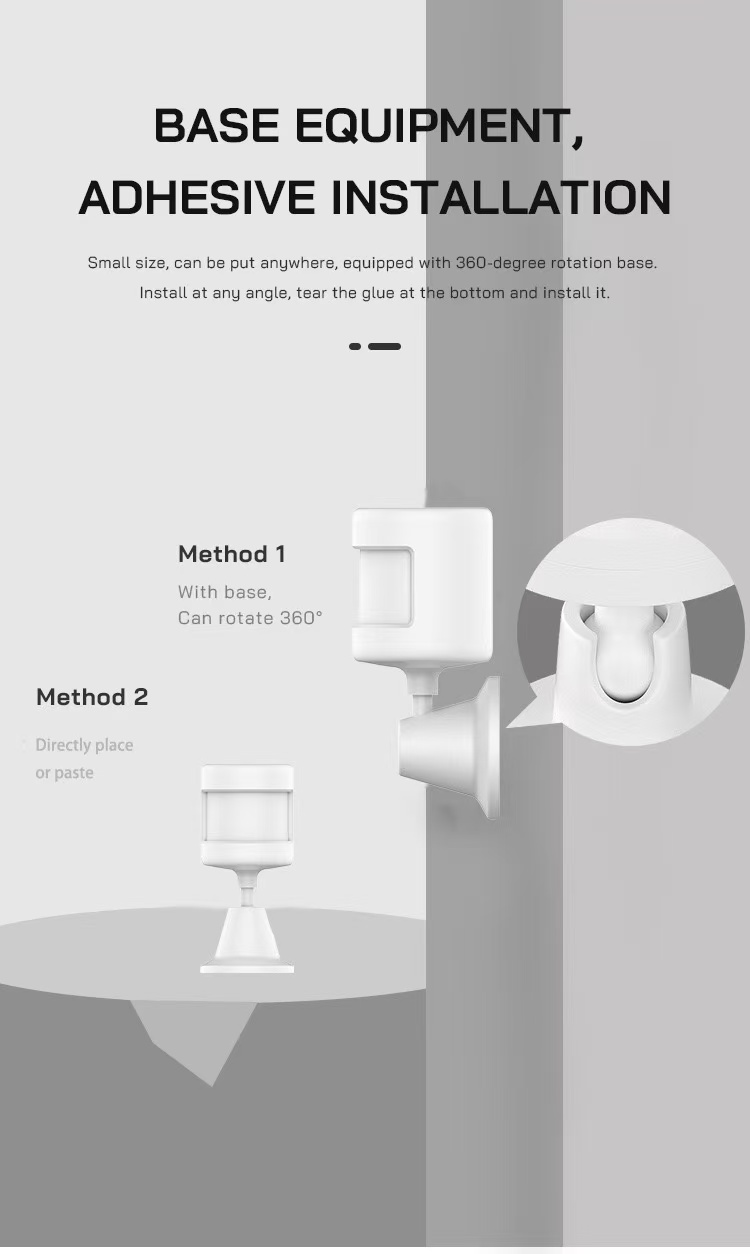
- 2–2.2m highon a wall rather than a ceiling corner, for room sensors.
- Face across the walking pathnot along it — crossing the detection pattern registers far more reliably than walking towards it.
- Cover the entry point. The first two metres inside a door is where the trigger has to happen, otherwise the light comes on after you are already in the dark.
- Keep it away from heat sources — radiators, boiler cupboards, the top of a fridge, direct sun.
- Test before fixing. Walk the room for two minutes with the app open and watch the trigger log. Move it then, not after the adhesive is set.
Why Matter Matters Here
Matter is the reason a sensor like this is worth buying now rather than in two years. It pairs locally with any Matter controller instead of locking you to one app, it joins a Thread mesh that does not congest Wi-Fi, and it keeps working when the internet does not — automations that depend on a cloud round-trip are the ones that fail at 2am during an outage. For distributors it also removes the “which ecosystem does the customer use” question from the sales conversation.
Battery vs USB-C
Battery buys placement freedom and a clean install; USB-C buys zero maintenance and the ability to place the sensor somewhere awkward for a battery swap. In practice: battery for hallways, landings and anywhere you cannot run a cable discreetly; USB-C for offices, media walls and anywhere with a socket already behind furniture. A sensor that supports both, as this one does, means you can install on battery and move to USB-C later without replacing hardware.
Frequently Asked Questions
Will it work without internet?
Yes. Matter automations run on the local controller and over Thread, so lighting and heating scenes keep working during an outage. U9 2-in-1 Smart Video Doorbell: No-Drill Home Security With Free Cloud Storage
Can it tell who is in the room?
No. It reports motion in its field of view, not identity. For per-person automations you need a phone presence or a wearable.
How long does the battery last?
Months rather than weeks in a normal hallway. High-traffic positions and very cold rooms shorten it; USB-C removes the question entirely.
Does it detect a seated person?
Not reliably — small movements are often missed. Use a long timeout, or add a door contact if you need to know whether a room is occupied.
Do I need a hub?
You need a Matter controller, which most current Smart speakers and smart home hubs already are. Pair it the same way you would pair any Matter accessory.
Related Reading
- Matter PIR motion sensor: buyer’s guide
- Six automation setups that make a home feel automatic
- Choosing the right sensor for each room
Product page: Matter Thread PIR Motion Sensor — USB-C and battery dual power
Related Articles
- Matter PIR Motion Sensor: The 2027 Buyer’s Guide to Truly Smart Home Motion Detection
- Smart Home Protocols Compared: Wi-Fi vs Zigbee vs Z-Wave vs Matter (2026 Buyer’s Guide)
- Smart PIR Motion Sensor: The Wireless, Battery-Powered Home Security Upgrade
- Motion-Sensing Night Light: The Smart Way to Navigate Your Home After Dark
- Zigbee PIR Motion Sensor: A Smart Home Upgrade That Actually Works
You Might Also Like
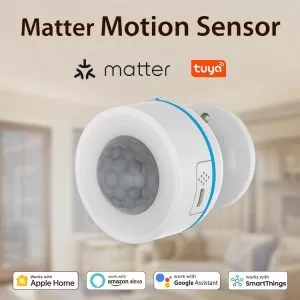 Matter Thread PIR Motion Sensor – USB-C & Battery Dual Power$29.99
 4G LTE Solar Trail & Hunting Camera – Outdoor Infrared Motion. Original price was: $110.96.$82.96Current price is: $82.96.
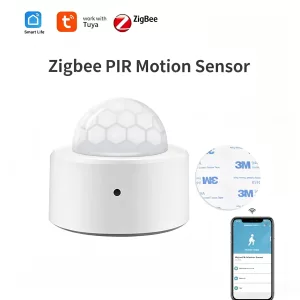 Tuya Zigbee PIR Motion Sensor – Wireless Human Body Infrared D. Original price was: $29.96.$19.96Current price is: $19.96.
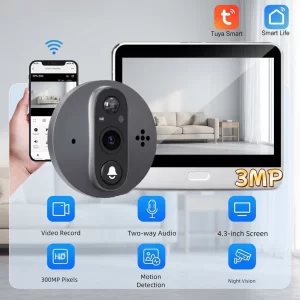 3MP WiFi Smart Peephole Video Doorbell Camera – 5000mAh Batter. Original price was: $89.86.$49.99Current price is: $49.99.
📌 This article is part of our Complete Sensor Hub — more guides and buying tips inside.
