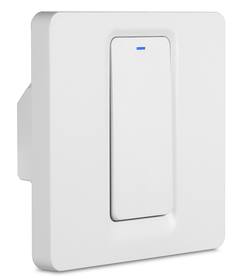
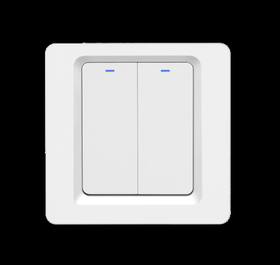
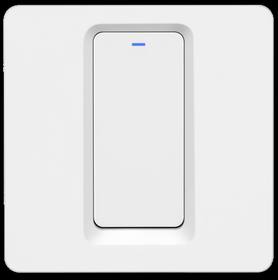
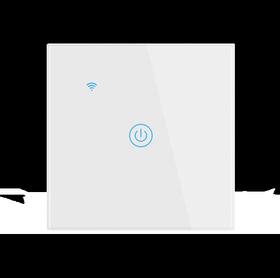
A Smart switch replaces the ordinary switch on your wall and puts the light, the fan or the heater behind it on your phone, on a schedule, and on voice command. It is the least glamorous device in a Smart home and the one people end up using every single day, because it needs no new habits: you still walk up and touch the wall.
What a smart switch actually is
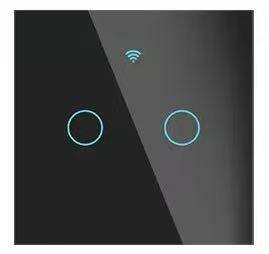
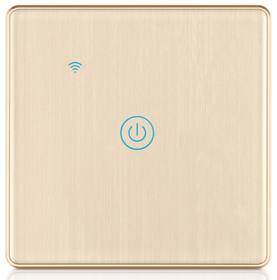
Behind the plate there are two parts. A relay does the switching, exactly like the mechanism in a normal switch. A radio module — WiFi, Zigbee, Bluetooth or Thread — keeps the device on your network so it can receive commands. Add a touch or push-button surface on the front and, on many models, a small LED indicator, and that is the whole device.
What that buys you over a normal switch:
- Remote control: turn things off from bed, from the office, or after you have left the house.
- Schedules: hallway lights on at dusk, towel rail on at 6 am, everything off at midnight.
- Scenes: one button or one tap that sets a whole room — lights, curtains, sockets together.
- Voice control: once the account is linked, Alexa and Google Home can switch anything by name.
- Measurement on some models or on the matching socket: what that appliance costs to run.
Four ways to make a switch smart
Not every “Smart switch” is the same product, and picking the wrong category is the most common disappointment:
- Smart switch panel: replaces the plate entirely. Cleanest result, works with any fitting, needs wiring work. This is what most people mean by a smart switch.
- Relay module: hides behind your existing switch or in the ceiling rose. Keeps the decorator look, adds app control. Best when you like the switches you have.
- Smart socket or plug: controls what is plugged into it rather than what is wired to it. No wiring at all, ideal for lamps, heaters and appliances, and the easiest way to start.
- Smart bulb: keeps the wall switch as a physical isolator and controls the lamp itself. Cheapest entry point, but the wall switch must stay on, which visitors will switch off.
Protocol: WiFi, Zigbee, Matter or Bluetooth
- WiFi: connects straight to your router, no hub, and is the simplest to understand. Each device is on your network, so a crowded 2.4 GHz band is the main risk in a house with many devices.
- Zigbee: needs a gateway, but builds a mesh where each powered device relays for the next — more robust at scale and far less load on the router. Good for whole-house installs.
- Matter: the newer cross-brand standard. A Matter device can join Apple, Google, Amazon and SmartThings ecosystems without a per-brand app, which is the direction the market is moving.
- Bluetooth: fine for setup and for a handful of devices near the phone, not for a whole house.
For most homes the practical answer is: WiFi panels for a few rooms, Zigbee panels plus a gateway if you are doing the whole house, and Matter if you want to stay ecosystem-independent.
What to check before you buy
- Neutral wire. Most panels need one to power the radio. Older houses often have only a switch loop. Deciding this first avoids the most common return.
- Gangs. One, two, three or four switches on one plate — count what the plate controls today.
- Plate size and standard. 86 mm square in most of Europe and Asia, 120 mm or 147×86 for more gangs, 118×72 in the US, BS 1363 in the UK.
- Load rating. 10 A covers lighting; 16 A is the figure to look for on sockets, heaters and anything that runs for hours.
- Load type. LED, fluorescent, inductive (fans, pumps) and resistive (heaters) behave differently — check the switch is specified for yours.
- Panel finish. Glass, acrylic or metal frame, and whether it matches the other plates in the room.
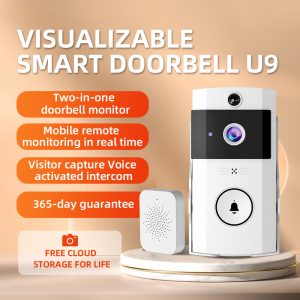
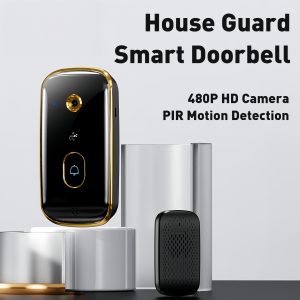
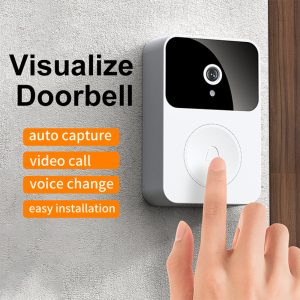
- App ecosystem. If you already run switches, sockets, sensors or a Doorbell, staying in one app is worth more than any single feature.
- Certification. CE, FCC, RoHS, UKCA or CCC as your market requires — and for project work, ask for the test reports.
Room by room: what to install where
- Living room and bedroom: a 1-2 gang touch panel, optionally with a dimmer channel for the main light.
- Kitchen: a wider plate (147×86 or 3-gang) so task lighting, extractor and worktop sockets are controlled in one place.
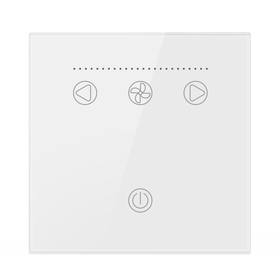
- Bathroom: a panel with a fan or curtain channel; a heater or towel rail belongs on a 16 A circuit, not on a lighting switch.
- Hallway and stairs: two-way switching with a scene button by the door — “everything off” is the scene people use most.
- Home office: a socket with energy monitoring, so you can see what the desk actually costs to run.
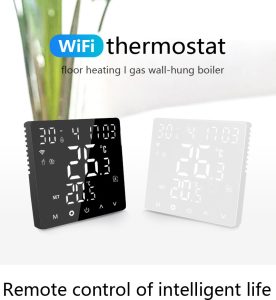
- Air conditioning and water heating: a load-rated switch, or better, a temperature controller — the thermostat saves more than the schedule does.
Installation essentials
- Isolate at the breaker and test twice — once at the consumer unit, once at the plate. Never trust the label alone.
- Photograph the existing wiring before disconnecting anything.
- Label live, neutral and each load as you identify them.
- Pair the device near the router first, then move it to its final position.
- Use 2.4 GHz for pairing; a merged SSID usually works, but a 5 GHz-only network will not.
- Test the physical button before you screw the plate back on.
- No neutral, shared neutrals, no earth, or a consumer unit without RCD protection: stop and call an electrician.
Six mistakes that cost people money
- Buying before checking for neutral. Everything else follows from this.
- Putting a heater on a 10 A lighting switch. Size the switch to the load, with headroom for motors.
- WiFi-only in a house with 40 devices. Use Zigbee for scale, or at least check the router’s device limit.
- Expecting a dimmer to control a fan. Fan speed control is a different channel.
- Mixing three brands. Three apps, three notification feeds, no shared scenes.
- Skipping the scene setup. A smart switch that is only a phone-controlled switch gets used for a week.
Smart switch or something else?
- Fixed ceiling lights, renovation planned: a smart switch panel.
- Renting, or the existing switches must stay: a relay module behind the plate.
- Lamp, heater, coffee machine, anything with a plug: a smart socket or plug, no wiring at all.
- Colour or brightness effects: smart bulbs, and leave the wall switch alone.
- Heating and hot water: a temperature controller rather than any switch.
Go deeper on each part
XingLiao smart switches and sockets
Frequently Asked Questions
What is a smart switch?
A wall switch with a radio inside. It replaces your existing plate, controls the circuit the old switch controlled, and adds app control, schedules, scenes and voice commands without changing how anyone physically uses the room.
Do smart switches need WiFi?
WiFi models do. Zigbee and Matter models talk to a gateway instead, which then connects to your network — that is the option for large houses, because it keeps dozens of devices off the WiFi band.
Do I need a neutral wire?
Most panels do, because the radio needs a permanent supply. Older homes often have only a switch loop at the plate. No-neutral versions exist, and a smart socket or a relay module at the fitting are the usual workarounds.
Can I install one myself?
If you can replace a normal switch and you are comfortable testing for dead before touching wires, yes — budget 30 to 60 minutes for the first one. If the box has shared neutrals, no earth, or aluminium wiring, use an electrician.
Are smart switches worth it?
For fixed lighting and appliances you already switch by hand, yes — it is the one smart device that needs no behaviour change. For a single bedside lamp, a smart plug does the same job for less money and no wiring.
What is the difference between a smart switch and a smart plug?
A switch is wired into the wall and controls a fixed circuit; a plug goes into an outlet and controls whatever is plugged in. Switches are permanent and invisible, plugs are portable and reversible — see the full comparison.
Can a smart switch dim lights?
Only models with a dimming channel, and only with dimmable lamps. A standard on/off switch will not dim, and a dimmer channel will not control a fan speed.
How many can I have in one house?
As many as circuits you have. On WiFi, watch the router’s device limit and the 2.4 GHz band; past roughly 20 devices a Zigbee or Matter setup with a gateway is the steadier choice.
Will the lights still work if the internet is down?
Yes. The physical switch always works, and schedules stored on the device keep running. App control and voice control are the only things that pause.
What should a project or hotel specify?
Plate standard and size per market, gang count per room type, load rating per circuit, panel finish, protocol and gateway capacity, plus certification documents for the destination market — then order one series so every room matches.
Related guides
Browse all smart switches and sockets · Send us your room list and we will quote the matching series
Related Articles
You Might Also Like
📌 This article is part of our Complete Smart Hub — more guides and buying tips inside.
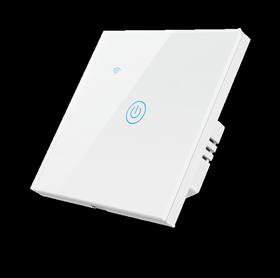
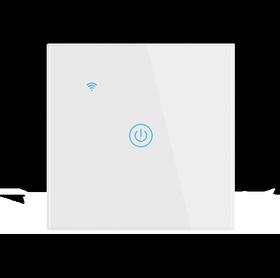 DS-104JL Series WiFi Touch Switch (1 Gang / 2 Gang / 3 Gang / 4 Gang) Price range: $7.72 through $9.51
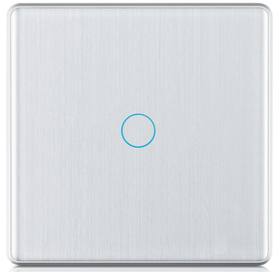 DS-1042ZC Series WiFi Touch Switch (1 Gang / 2 Gang / 3 Gang) Price range: $12.49 through $13.99
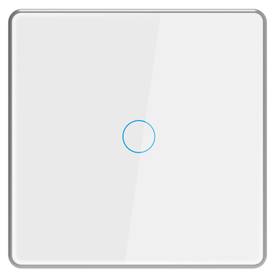 DS-1041ZC Series WiFi Touch Switch (1 Gang / 2 Gang / 3 Gang) Price range: $12.49 through $13.99