Tuya USB Camera Review: A Tiny 3MP Plug-In Smart Camera That Actually Makes Sense
However, If you’ve ever wished a security camera could just. plug into a wall outlet and start working — no drilling, no cables, no mess — the Tuya USB camera is built for exactly that. After several weeks of testing it as a baby monitor, a pet camera, and a casual home-security device, here’s everything you need to know before buying one.
Why a USB Plug-In Camera Is Worth Considering
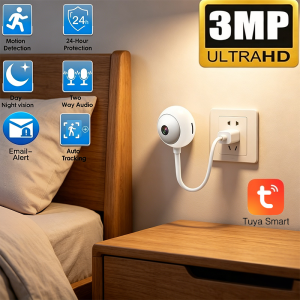
Therefore, Most home security cameras today are either battery-powered (great for outdoors, painful to charge) or wall-mounted with a thick power brick (great for fixed locations, terrible for renters). The Tuya USB camera takes a third path: a tiny egg-shaped unit with a built-in USB-A cable that you simply plug into any USB power source. Wall adapter, power bank, laptop — anything works.
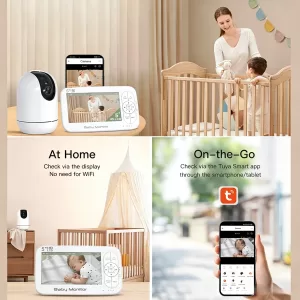
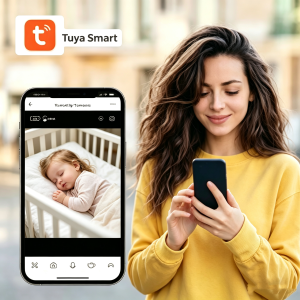
Moreover, What makes this design genuinely useful is how invisible the installation feels. There’s no app to set up for power, no screws, no cable to hide. You plug it in, scan the QR code in the Tuya Smart app, and you’re live.
3MP Image Quality: Sharper Than You Expect for the Price
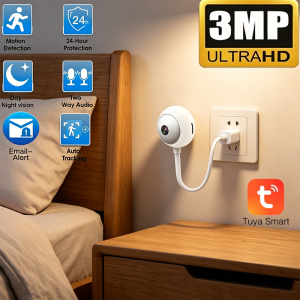
In addition, Let’s talk specs first. The Tuya USB camera is a 3MP sensor (2304×1296) recording at 2K resolution, which puts it ahead of most 1080p cameras in the same price bracket. In real-world use, the extra resolution matters when you need to zoom into a detail later — a face, a pet’s collar tag, a package label.
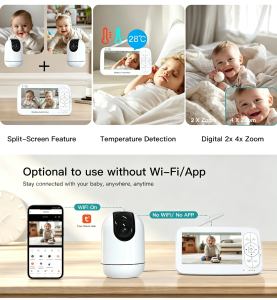
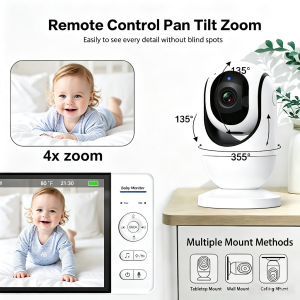
For example, The 4mm fixed lens gives a moderate wide-angle view that works well for a bedroom corner, a doorway, or a kitchen counter. It’s not a panoramic lens, so plan your placement accordingly. The camera also supports 4× digital zoom through the app, which is helpful when you want to inspect something specific without physically moving the camera.
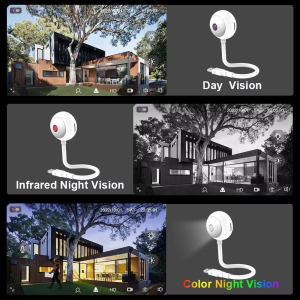
Day Vision, Infrared Night Vision, and Color Night Vision
Consequently, A pleasant surprise: the Tuya USB camera actually delivers three distinct viewing modes.
Day Vision is sharp and natural-looking. Colors are accurate, motion is smooth, and there’s no over-sharpening that makes indoor scenes look artificial.
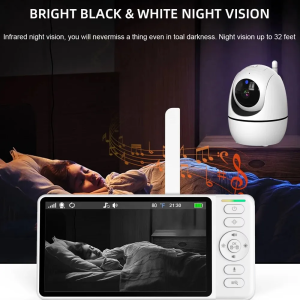
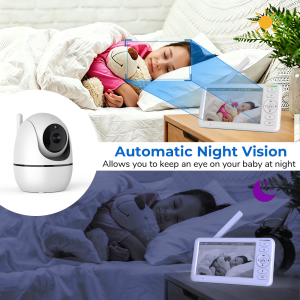
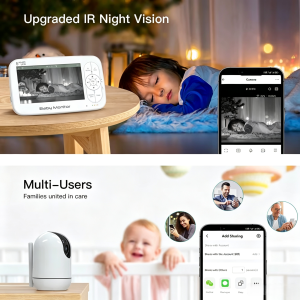
Infrared Night Vision kicks in automatically when the lights go down, producing a clean black-and-white image. It’s not pitch-black cinematic night — it’s the kind of clear, readable footage you’d expect from a dedicated baby monitor. The 30m (98 ft) range is more than enough for indoor rooms and small yards.
Color Night Vision is the standout. Thanks to dual-light LEDs (infrared + a small white spotlight), the camera can produce a full-color image even in very low light. For parents checking on sleeping kids, or anyone wanting to identify clothing colors and details at night, this is genuinely useful — not a gimmick.
Two-Way Audio: Clear Enough to Calm a Crying Baby
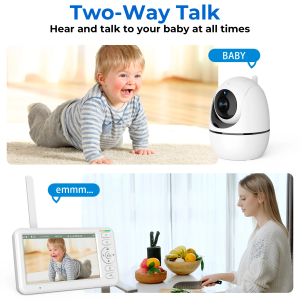
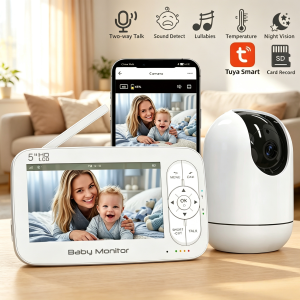
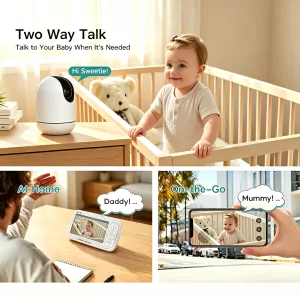
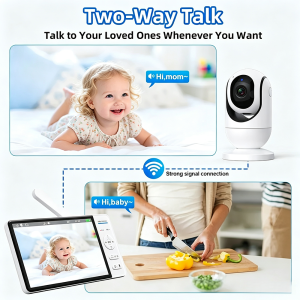
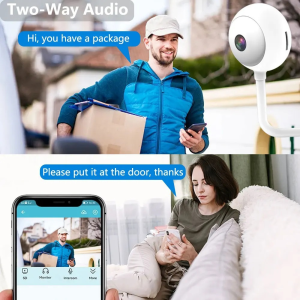
The built-in microphone and speaker are not just a checkbox feature here — they actually work. We tested the two-way audio as a baby monitor (parent unit in another room speaking into the phone), and the sound came through the camera cleanly enough to soothe a toddler back to sleepThere’s a small delay (typical for WiFi cameras), but no distortion or cut-out.
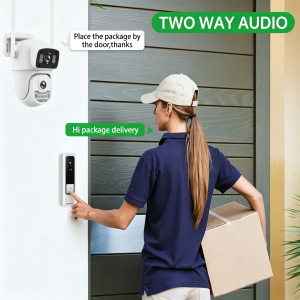
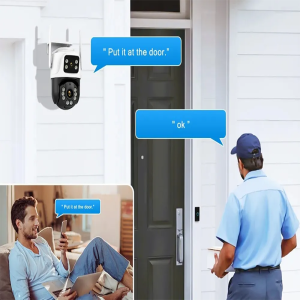
For everyday use, the two-way audio also handles practical jobs well: telling a delivery driver where to leave a package, calling the family to dinner, or scaring off an opportunistic cat on the kitchen counter.
AI Human Detection and Auto-Tracking That Actually Works
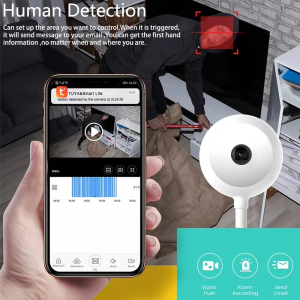
This is where most budget cameras fall apart — they detect every shadow and send you 200 useless alerts a day. The Tuya USB camera’s AI human detection is genuinely smarter.
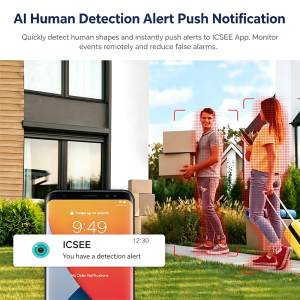
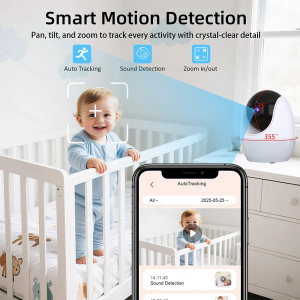
You can set up a custom detection zone (only the front door, only the baby’s crib, only the kitchen entrance), and the camera filters out motion from pets, swaying curtains, and light changes. When a person actually enters the zone, you get a real-time push notification on your phone with a snapshot. From there, you can open the live feed, talk through the speaker, or trigger an alarm sound.
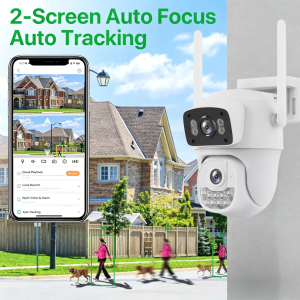
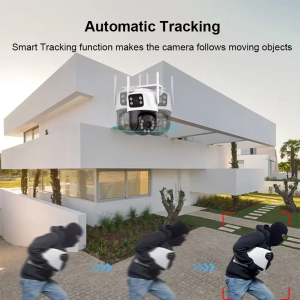
The auto-tracking feature follows the detected person as they move across the frame. It’s smooth, not jumpy, and re-centers the moment the person leaves the scene. For a camera in this price range, this is impressive.
USB Convenient Interface: The Single Best Feature
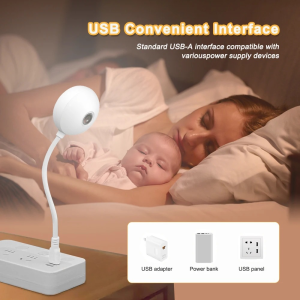
Here’s the thing that makes this camera special: the USB Convenient InterfaceThe cable ends in a standard USB-A plug, which means you can power it from:
- The wall adapter that came with your old phone
- A power bank (great for temporary setups, traveling, camping)
- A laptop USB port (perfect for monitoring a room while you work)
- A USB wall outlet panel (cleanest install)
No proprietary connectors. No “you need to buy our specific adapter.” Just USB. This also makes it trivially easy to relocate the camera — unplug it, move it, plug it back in. Done.
355° Pan & 90° Tilt via the Flexible Neck — Almost a Pan-Tilt Camera
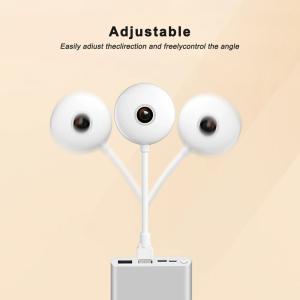
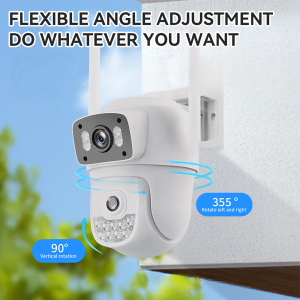
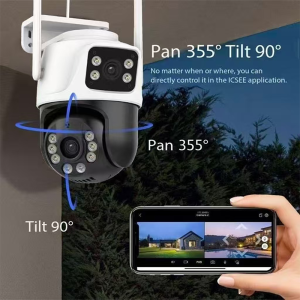
Strictly speaking, the Tuya USB camera isn’t a motorized pan-tilt camera. But the flexible gooseneck arm between the camera head and the USB plug lets you manually point the camera in almost any direction — 355° horizontal pan, 90° vertical tilt — and then adjust it again whenever you need to.
In practice, this means you can aim it at the crib today, then re-aim it at the front door tomorrow, without unmounting anything. The neck is stiff enough to hold position but easy to bend with one hand.
If you want true motorized pan-tilt control from the app, you’ll need a different product. But for fixed-point monitoring that you occasionally re-aim, this design is honestly more reliable than a motorized mechanism that will eventually wear out.
Storage: Local SD Card and Cloud, Both Supported
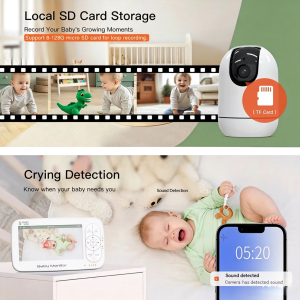
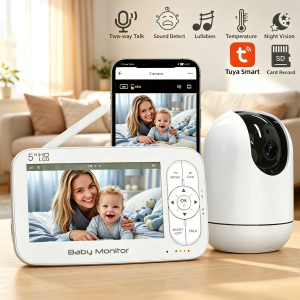
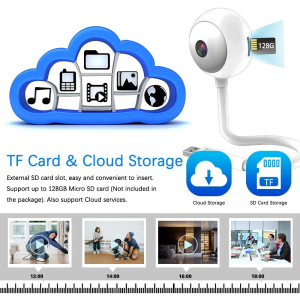
The Tuya USB camera supports both TF card (microSD) storage up to 128GB and cloud storage through the Tuya app. Both can run simultaneously, which is the safest setup — local storage for quick playback, cloud storage as backup if the camera is tampered with or stolen.
128GB of microSD storage gives you roughly 10–14 days of continuous 2K recording, or longer with motion-only recording enabled. The cloud storage plan is optional and reasonably priced, but the camera works perfectly fine without it.
The Free Tuya Smart App — No Subscription Required
Unlike many “smart” cameras that lock basic features behind a monthly fee, the Tuya USB camera works fully without any subscription:
- Live streaming: free
- Two-way audio: free
- Motion/human detection alerts: free
- Local recording playback: free
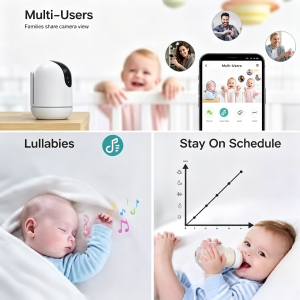
- Multi-device sharing: free
The Tuya Smart app (or Smart Life — they’re essentially the same platform) also ties into the wider Tuya ecosystem, so if
(truncated).
Related Articles
- V15S Tuya Smart Watch: Alexa Voice Control, SpO2 Health Monitoring, and Smart Home Integration
- 4MP 2K HD WiFi Smart Home Camera: Color Night Vision, Spotlight, and Siren Alarm Guide
- WiFi Smart Wall Socket: Tuya 16A with PD20W Fast Charging
- 4G Solar-Powered PTZ Security Camera: Wireless Outdoor Surveillance
- P8 Facial Recognition Door Lock: 3D Face + Palm Vein Smart Lock with Tuya Video Intercom
You Might Also Like
 Tuya USB camera Original price was: $59.99.$36.88Current price is: $36.88.
 Tuya 4MP Indoor WiFi Smart Camera – HD Night Vision Pan-Tilt Remote Home Monitor with Two-Way Audio Original price was: $39.96.$29.98Current price is: $29.98.
 Tuya 2MP 4MP Indoor PTZ Smart Camera – 360° Panoramic WiFi Pan-Tilt Home Monitor with Two-Way Audio Price range: $21.69 through $25.96
 3D Face Recognition Smart Lock – Tuya App Fingerprint Password Video Intercom Anti-Theft Door Lock for Home Original price was: $165.98.$130.96Current price is: $130.96.
Frequently Asked Questions
Is Tuya Usb Camera worth buying?
Based on the breakdown in this article, Tuya Usb Camera offers a solid mix of features and value. If your main goal matches the key benefits described above, it is a practical choice for everyday use.
How do I choose the right tuya usb camera for my needs?
Start with your core use case, then compare battery life, compatibility, and build quality as covered above. Choosing the right tuya usb camera comes down to matching specs with how you actually use it.
Does tuya usb camera require a companion app?
Most devices of this type pair with a free companion app for setup and firmware updates. A few advanced features may sit behind a paid plan, so check the official specs page before buying.
📌 This article is part of our Complete Camera Hub — more guides and buying tips inside.


 Stay connected with your baby anytime, anywhere:
 Create the perfect
 Power that lasts through the day and night: