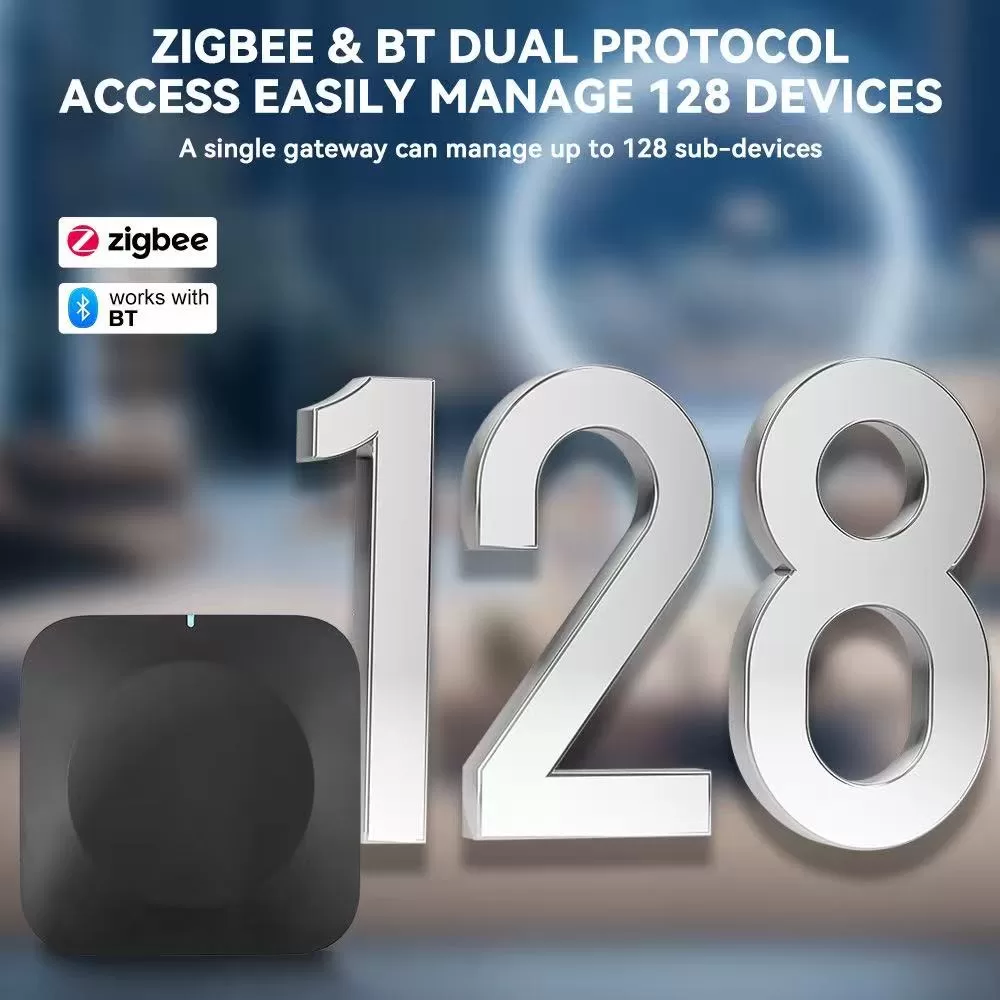
Why Your Gateway Choice Matters
Wired Gateway: The Powerhouse
A wired Zigbee 3.0 gateway connects via Ethernet cable. It’s the heavy-duty option built for serious smart homes.
Best for:
- Large homes with 50+ devices
- Users who want maximum stability
- Smart home enthusiasts expanding their ecosystem
The numbers: Supports up to 130 connected devicesThat’s enough for every room, every sensor, every switch in a multi-story house.
Pros:
- Rock-solid connection. No Wi-Fi interference, no dropouts.
- Faster response times. Commands travel through cable, not air.
- Handles massive device loads without slowing down.
- Works even if your Wi-Fi router acts up.
Cons:
- Needs an Ethernet port nearby.
- Less flexible placement. You’re tied to the cable.
Wireless Gateway: The Flexible Starter
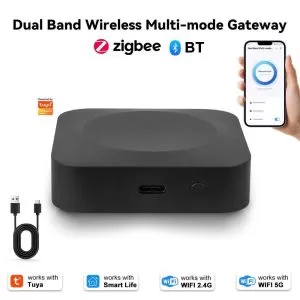
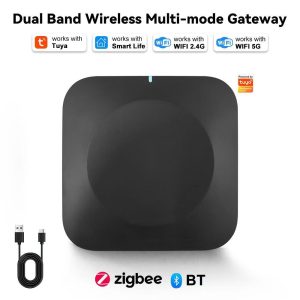
A wireless Zigbee 3.0 gateway connects through Wi-Fi. It’s the plug-and-play option for getting started fast.
Best for:
- Apartments and small homes
- Renters who can’t run cables
- Beginners testing smart home waters
The numbers: Supports 30-40 connected devicesPerfect for a few rooms of automation.
Pros:
- Place it anywhere. No cable restrictions.
- Setup in minutes. Plug in, connect to Wi-Fi, done.
- Easy to relocate if you rearrange your space.
Cons:
- Wi-Fi.
| 1-2,30 | |
| 3,30, | |
| () | |
| Wi-Fi | |
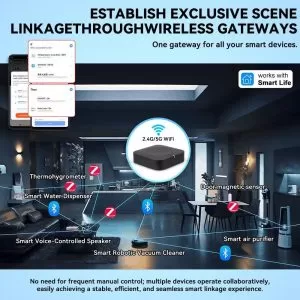
Zigbee 3.0:
- AES-128—
- —,
- —,
- —
- —,
odmhome.com?WhatsApp+86 176 6666 9273xingliaoshop@gmail.comxingliaotech.com
?
odmhome.com —,
odmhome.com?WhatsApp +86 176 6666 9273,xingliaoshop@gmail.com.xingliaotech.com.
Related Articles
- WiFi Smart Temperature and Humidity Switch Module: Complete Guide to Automated Climate Control for Home, Garden & Poultry
- tuya_dual_lens_camera_guide_2026
- smart_home_panel_guide_2026
You Might Also Like
Frequently Asked Questions
Is Choose Between Wired Wireless worth buying?
Based on the breakdown in this article, Choose Between Wired Wireless offers a solid mix of features and value. If your main goal matches the key benefits described above, it is a practical choice for everyday use.
How do I choose the right choose between wired wireless for my needs?
Start with your core use case, then compare battery life, compatibility, and build quality as covered above. Choosing the right choose between wired wireless comes down to matching specs with how you actually use it. Smart Fingerprint Door Lock: Keyless Security with Tuya Smart
Does choose between wired wireless require a companion app?
Most devices of this type pair with a free companion app for setup and firmware updates. A few advanced features may sit behind a paid plan, so check the official specs page before buying. Video Doorbell Review 2026: What to Look For, Smart Features Compared, and Buyer's Guide