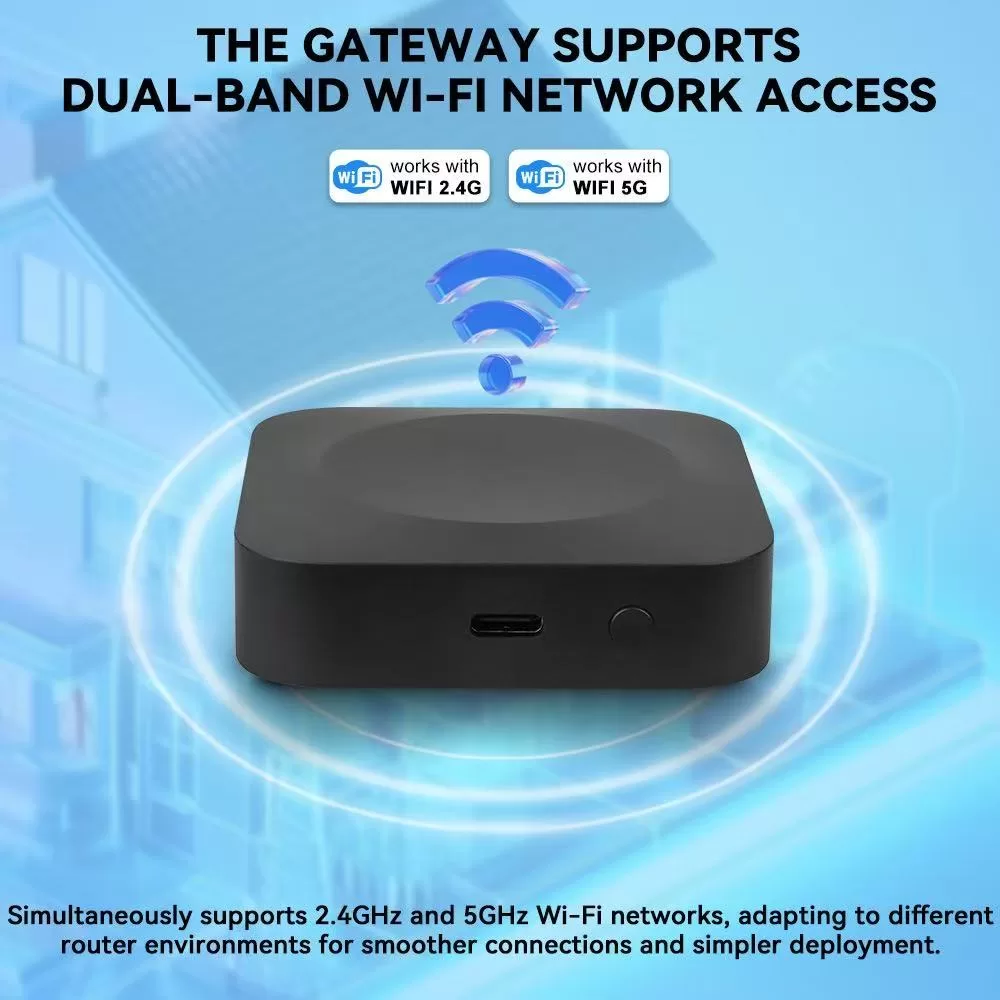
However, Quick answer: Wi-Fi is the easiest to set up but the hungriest for power and network bandwidth. Zigbee and Z-Wave are low-power mesh networks designed for sensors and Switches — Zigbee is cheaper and far more widely manufactured. Meanwhile, Z-Wave enforces stricter certification and suffers less interference. Matter is not a radio at all; it is a compatibility layer that lets devices from different brands work together over Wi-Fi, Thread or Ethernet. Therefore, Almost Every real installation ends up using more than one of them at the same time.
The Four Names You Keep Seeing
Therefore, One reason protocol comparisons get confusing is that the four terms are not the same kind of thing. Wi-Fi, Zigbee and Z-Wave are wireless radios. Matter is a software standard that sits on top of radios. For example, Once you separate those two categories, the rest of the comparison falls into place. Smart Home Automation Guide 2026: 7 Practical Scenes That Save Time, Money and Energy
| Protocol | Band | Typical indoor range | Mesh | Power use | Best for |
|---|---|---|---|---|---|
| Wi-Fi | 2.4 / 5 GHz | 15–30 m | No (star) | High | Cameras, doorbells, anything streaming video |
| Zigbee | 2.4 GHz (some regions 868/915 MHz) | 10–20 m per hop | Yes | Very low | Sensors, switches, locks, bulbs |
| Z-Wave | 868 / 908 MHz (regional) | 30 m per hop | Yes | Very low | Security sensors, locks, retrofit installs |
| Matter | Runs over Wi-Fi, Thread or Ethernet | Depends on the radio underneath | Depends on transport | Depends on transport | Cross-brand compatibility |
Wi-Fi: Simple, Fast and Easily Overloaded
Moreover, Wi-Fi needs no hub. The device joins your existing network and you control it from an app. That simplicity is why almost every video doorbell and camera uses it — nothing else carries a video stream as cheaply.
In addition, The cost shows up later. In addition, Every Wi-Fi device is a client on your router, and consumer routers start struggling somewhere between 20 and 40 simultaneous clients. Battery-powered Wi-Fi devices are worse: maintaining a Wi-Fi association drains a coin cell in weeks. This is why you rarely see a Wi-Fi door sensor that runs on a small battery for years.
- Strengths — no hub, high bandwidth, universal Smartphone app support, works for video.
- Weaknesses — high power draw, router congestion, shorter battery life, 2.4 GHz crowding.
- Use it for — video doorbells, cameras, smart displays, anything mains-powered that moves a lot of data.
Zigbee: The Default for Sensors and Switches
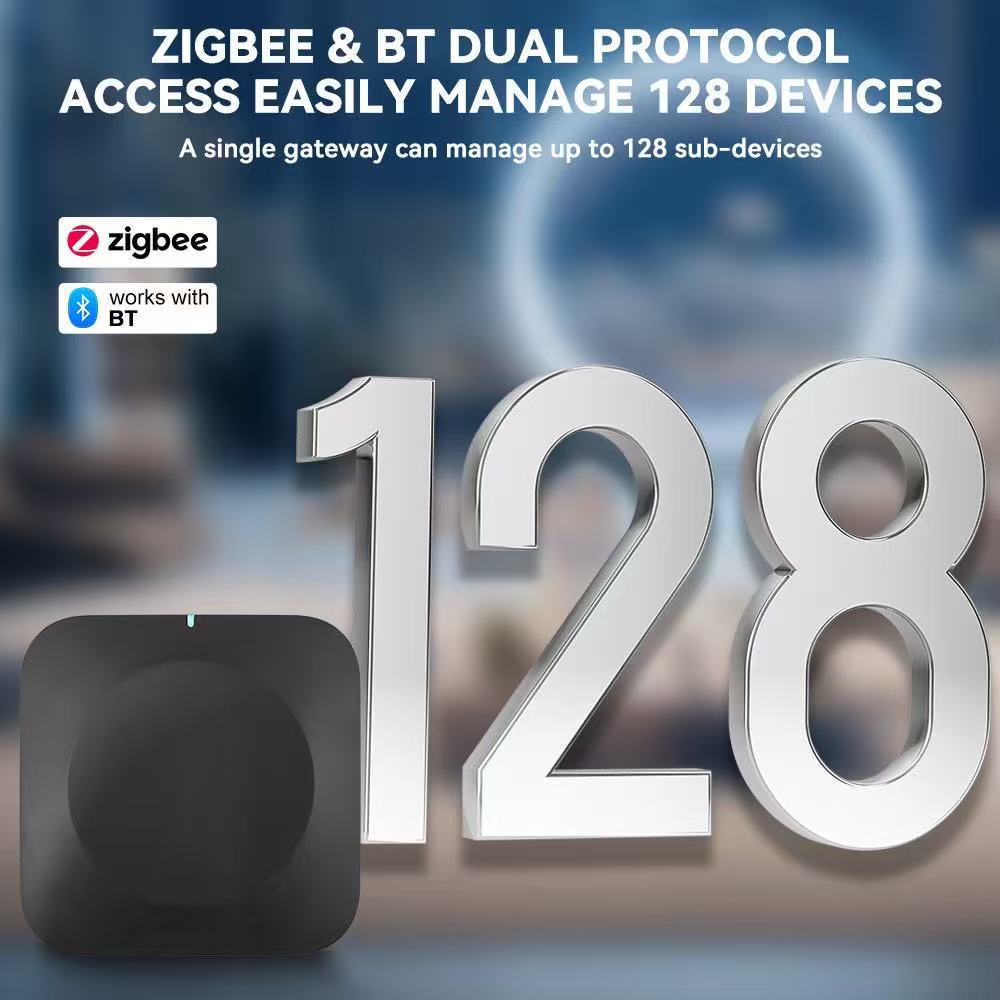
For example, Zigbee builds a mesh. Every mains-powered Zigbee device — a smart plug, an in-wall switch, a control panel — acts as a repeater for the others, so adding more devices actually strengthens the network rather than loading it. Moreover, Battery sensors sleep and wake only to report, which is how a door sensor survives two years on a coin cell. Smart Home Market Trends 2026: What Distributors Must Know About Modular Security, Voice Control and Energy-Saving Devices
Therefore, Zigbee’s real advantage is manufacturing scale. Because the specification is open and chip supply is broad, Zigbee hardware is inexpensive and available from a very large number of factories. This keeps both unit cost and lead times attractive for volume buyers.
- Strengths — very low power, self-healing mesh, low module cost, huge device ecosystem, multi-year battery life.
- Weaknesses — requires a hub, shares the crowded 2.4 GHz band, needs at least a few mains-powered nodes to form a reliable mesh.
- Use it for — door/window sensors, motion sensors, smart switches, locks, smart plugs.
Z-Wave: The Quiet, Well-Behaved Alternative
Z-Wave runs on sub-GHz frequencies well below Wi-Fi, so it does not compete with your router or your neighbour’s. It reaches further per hop, and because the standard is tightly controlled by a single certifying body, interoperability between brands is genuinely reliable.
The trade-off is cost and regional fragmentation. Furthermore, Modules cost more than Zigbee, and the frequency differs by region. This means separate SKUs for EU, US and other markets — a real consideration if you are stocking a warehouse.
- Strengths — excellent range, minimal interference, strict certification, strong security-device support.
- Weaknesses — higher module cost, regional frequency variants, smaller device selection, licensing.
- Use it for — security systems, locks, larger homes, retrofit projects where 2.4 GHz is already congested.

Matter: The Compatibility Layer, Not a Radio
Matter is the piece most articles get wrong. It does not replace Zigbee or Wi-Fi. Matter is an application standard backed by the major platform owners that defines how devices describe themselves and talk to controllers, regardless of brand. As a result, A Matter device can run over Wi-Fi, over Thread (a low-power mesh similar in spirit to Zigbee) or over Ethernet.
For the end user, the promise is simple: buy a Matter device from any brand and it pairs with any Matter controller without a brand-specific app or cloud. For manufacturers, Matter removes the need to maintain separate firmware builds for each ecosystem.
- What it changes — cross-brand pairing, local control without cloud dependency, one less app per device.
- What it does not change — the underlying radio. A Matter-over-Wi-Fi camera still uses as much power as any Wi-Fi camera.
- Adoption advice — for new product lines, Matter support is increasingly expected; for existing Zigbee ranges, Matter compatibility at the hub level is usually the pragmatic route.
How to Choose: A Practical Decision Path
- Does it stream video? Wi-Fi. Importantly, There is no realistic alternative for a doorbell or camera.
- Is it battery-powered and reports occasionally? Zigbee or Z-Wave, not Wi-Fi.
- Is the home already congested on 2.4 GHz, or is it a large property? Lean Z-Wave.
- Is unit cost and breadth of supply the priority? Zigbee.
- Does the customer need it to work with everything they already own? Look for Matter certification or a Matter-capable hub.
Most well-designed homes end up with a hybrid: Wi-Fi for video, Zigbee for sensors and switches, and a hub that ties both together and exposes them to the phone app. If you want to see what that looks like in practice, our Tuya smart home control panel guide walks through the screen that ends up controlling all of it.
What Buyers and Importers Should Ask a Factory
If you are sourcing rather than installing, the protocol decision is a supply-chain decision, not just a technical one. These are the questions worth putting to any supplier:
- Which protocol modules are already in production? A factory shipping Zigbee at volume can usually add Matter firmware far faster than one starting from scratch.
- Is the hub firmware maintained in-house? Protocol support lives or dies on firmware updates.
- Are regional frequency variants handled? Essential for Z-Wave, and relevant for Zigbee in some markets.
- What certifications already exist — CE, FCC, UKCA, RoHS and Matter certification where claimed?
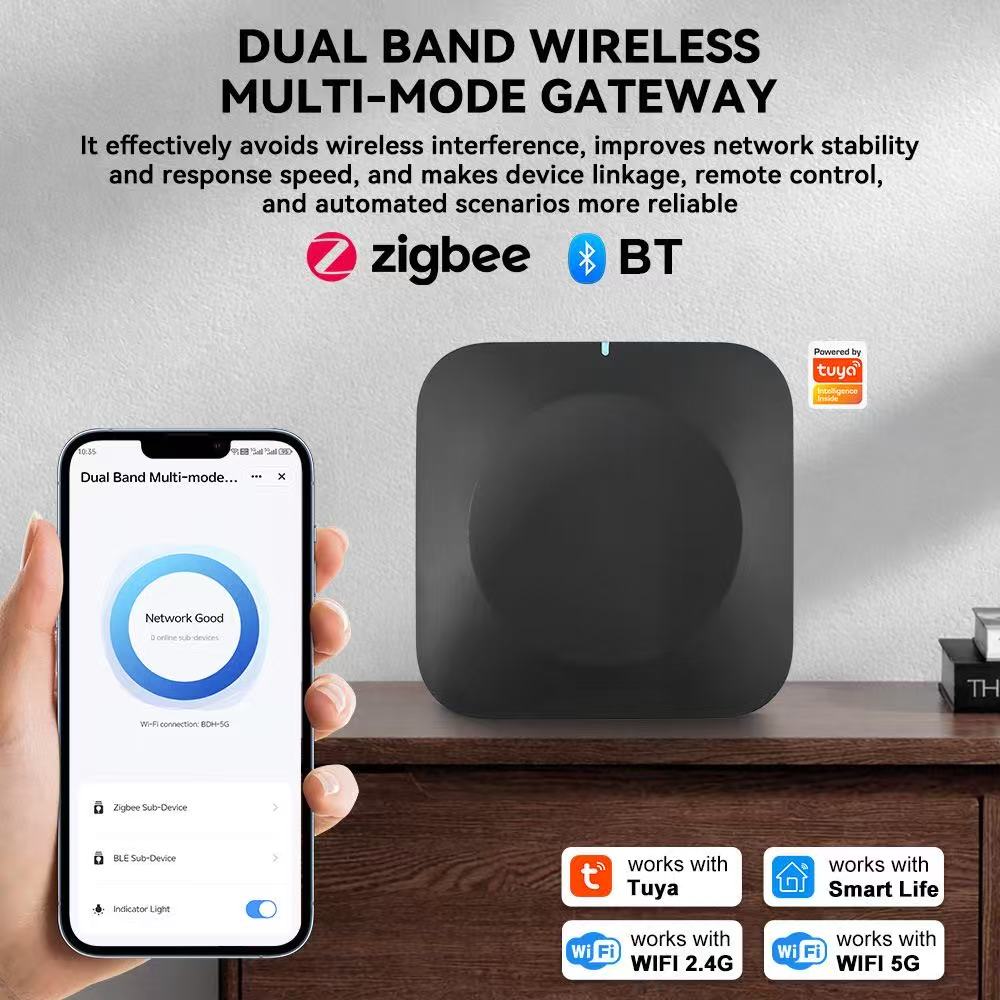
- Can the same hardware carry two protocols? Dual-protocol modules reduce SKU count significantly.
Xingliao Smart Home builds Wi-Fi, Zigbee and Tuya-connected devices on the same production lines, so a product range can mix protocols without changing supplier. See the factory for how these units are assembled and tested.
Frequently Asked Questions
Do I need a hub for Zigbee devices?
Yes. Notably, Zigbee devices cannot join a Wi-Fi network directly; they need a Zigbee coordinator. This usually ships inside a smart hub, a control panel, or an echo-style speaker. Many modern control panels include one.
Can Zigbee and Z-Wave devices work together?
Not directly — they are different radios. A hub that contains both (or a platform like SmartThings or Home Assistant) can present them together in one app and run automations across both.
Will Matter make my existing Zigbee devices obsolete?
No. However, Matter runs alongside existing protocols. A Matter-capable hub can expose your current Zigbee devices to Matter controllers. This is the usual upgrade path.
Which protocol is best for a whole-house installation?
There is no single winner. Video on Wi-Fi, sensors and switches on Zigbee or Z-Wave, and a Matter-capable hub to unify control is the combination that scales most reliably.
Plan Your Protocol Mix
Choosing the right protocol up front avoids the most expensive problem in smart home projects — a network that works in the demo and struggles in the finished house. Browse the range or talk to our engineers about which protocol fits your market.
Related Articles
- Tuya ZigBee IR Remote
- Wireless Smart Home: No-Wiring Devices Every Renter Needs
- Wearable Ionic Air Purifier: What a Neck-Hung Negative Ion Device Actually Does (and What It Doesn’t)
- How to Choose a Smart Home Manufacturer in China: A Buyer’s Checklist
- Matter PIR Motion Sensor: The 2027 Buyer’s Guide to Truly Smart Home Motion Detection
You Might Also Like
 Tuya Smart Watch 1.28 Inch Full Round HD – Alexa Voice Control Blood Oxygen Heart Rate Pressure Monitor Original price was: $69.96.$52.99Current price is: $52.99.
 Tuya 4MP Indoor WiFi Smart Camera – HD Night Vision Pan-Tilt Remote Home Monitor with Two-Way Audio Original price was: $39.96.$29.98Current price is: $29.98.
 Tuya 2MP 4MP Indoor PTZ Smart Camera – 360° Panoramic WiFi Pan-Tilt Home Monitor with Two-Way Audio Price range: $21.69 through $25.96
📌 This article is part of our Complete Zigbee Hub — more guides and buying tips inside.