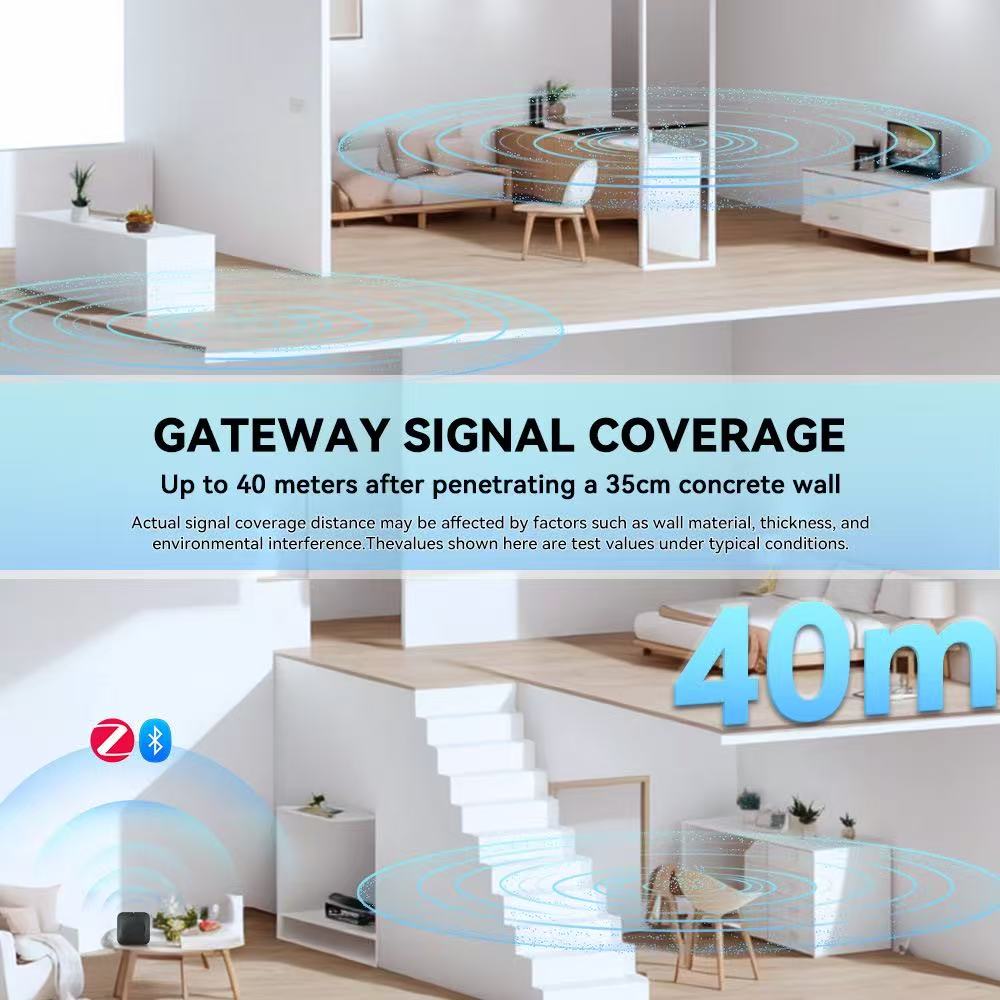
An app-based Video Doorbell assumes three things: a router close enough to the front door, a phone that is always charged, and everybody in the house willing to install another app. Plenty of homes fail at least one of those tests — a thick concrete wall between the door and the router, grandparents who do not want an app, or a rental where the internet account belongs to somebody else.
A Wireless doorbell kit with its own indoor monitor skips the router entirely. The camera talks straight to the screen over a private 2.4 GHz link, so pressing the button lights up the monitor in the hallway or kitchen. This guide compares the kits in our range — X3, X6, X6A, X7 and X8 — on the four things that change how they feel to live with.
What “no WiFi needed” actually means
It does not mean the Doorbell is offline. It means the Video link between the door unit and the indoor monitor uses its own digital radio hop instead of your home network. You press the button, the monitor rings, you see and talk to the visitor — all without an internet connection, a router, or a cloud account.
The trade-off is honest: you can answer the door from the monitor, but not from your office across town. If being able to answer from anywhere matters more than simplicity, look at a WiFi model instead, or run both — a kit at the door and an app-based unit elsewhere. If WiFi at the door is the problem rather than the feature, our guide to how a video doorbell works without WiFi covers the same question in more detail.
Screen size decides who can use it
Every kit here puts a display indoors, but the size changes who actually answers the door:
- 4.3 inch (X6, X6A, X7, X8) — compact, easy to wall-mount or leave on a side table. Fine for recognising a face at the door.
- 4.5 inch (X3) — slightly larger, more comfortable if the monitor sits across the room.
- Large-screen outdoor units (X6F) — a display at the door itself, used where the visitor needs to see instructions or where the owner wants a bigger intercom panel outside.
The X7 and X8 use IPS panels, which matters if the monitor is not viewed head-on — a cheaper TN screen viewed from the side or above washes out badly.
Power: the question people forget to check
A Wireless kit still needs power at both ends. The indoor monitor is the easy part — it plugs into a socket or runs from its own rechargeable battery. The door unit is where surprises happen:
- Rechargeable battery — mount anywhere, including a door with no wiring at all. You will charge it every few months depending on traffic.
- AA batteries — the simplest option for a rental, and easy to swap in winter when cold cuts capacity.
- Existing bell wires — if there is already a chime, some installs can reuse those two wires.
If there is genuinely no power and no wiring at the door, read how to install a video doorbell with no existing wiring before you buy — the answer shapes which kit fits.
Night vision and image quality
Doorbell cameras do most of their useful work after dark, so this is not a spec to skip. Infrared night vision is the standard: the door unit lights the scene with IR LEDs and the monitor shows a monochrome image that is clear enough to identify a person and a parcel. Full-colour night vision (X3) keeps colour in low light, which helps when you need to describe a delivery uniform or a vehicle.
Resolution figures on these kits look modest compared with a phone camera, and that is normal — a 300K-pixel door camera filling a 4-inch screen is perfectly readable. What matters more is the lens angle: a wide-angle lens captures the person and the parcel on the doorstep, whereas a narrow lens gives you a face but crops out the package at their feet.
Which kit fits which door
| Kit | Screen | Best for |
|---|---|---|
| X3 | 4.5 inch | Households that want a slightly larger monitor and full-colour night vision |
| X6 | 4.3 inch | Flats and rentals with no router near the door; infrared night vision |
| X6A | 4.3 inch | Anyone who wants snapshot storage plus an indoor chime |
| X7 | 4.3 inch IPS | Off-angle viewing — a monitor mounted above eye level |
| X8 | 4.3 inch IPS, IP66 | Exposed entrances, gates and doors with no porch cover |
Check these three things before you order
- Door and frame thickness. Peephole-style units have a barrel that has to pass through the door; measure the thickness before choosing one.
- Distance and walls between door and monitor. A private 2.4 GHz link handles a normal flat easily and struggles through several solid concrete walls. Put the monitor in the room nearest the entrance first.
- Weather exposure. If the door unit faces rain without a porch, choose a waterproof model such as the X8 rather than a basic indoor-rated unit.
Full specifications, mounting plates and quantity pricing are on each product page, and the whole range sits under smart video doorbells. OEM branding, manuals and packaging are available from the first order.
FAQ
- Can a wireless doorbell kit work without any internet at all?
- Yes. The door unit and the indoor monitor pair directly over their own radio link, so the bell, the Video and the two-way talk all work with no router and no broadband. You lose remote answering from outside the home, not local function.
- How many monitors can one doorbell call?
- Most kits support more than one indoor monitor, so a two-storey house can have one upstairs and one downstairs. Confirm the supported number on the individual product page before ordering extra screens.
- Does it record if nobody answers?
- Kits with snapshot storage (such as the X6A) capture an image when the button is pressed, and units with a TF card slot record continuously or on motion. Without a card, you get live viewing only.
- Will it interfere with my home WiFi?
- The private link shares the 2.4 GHz band but uses its own channel. If the monitor and the door unit are both working, interference is rare; if you notice dropouts, move the monitor away from the router.
- Can I install it on a rental door without drilling?
- Yes for the battery models — the usual approach is a mounting bracket fixed with strong adhesive tape or a screw into the frame, and the unit lifts off for charging. Check your tenancy terms before drilling anything.
- What happens in winter?
- Battery capacity drops in the cold, so expect to charge more often between November and February. If the door is exposed, an IP-rated unit matters as much as the battery.
Related Articles
- Smart Wireless Video Doorbell – 24/7 HD Front Door Security With Night Vision & Voice Change
- Smart Visual Wireless Video Doorbell: Upgrade Your Home Security in 2026
- X6-A Visual Intelligent Doorbell: How A Wireless Video Doorbell Improves Your Home Front Door Security
- The NT601A Wireless Video Doorbell: A Practical Guide for No WiFi Required Security
- No Wi‑Fi? This Wireless Video Doorbell Still Works For Your Front Door
You Might Also Like
 Smart Wireless Video Doorbell 480P HD PIR Motion Detection Infrared Night Vision Voice Change Original price was: $29.96.$26.99Current price is: $26.99.
 Smart Visual Wireless Video Doorbell with Indoor Chime, Voice Change & Cloud Storage Original price was: $19.96.$12.96Current price is: $12.96.
 X6A Visual Intelligent Doorbell Wireless Video Doorbell with Indoor Chime Remote Video Intercom & Cloud Snapshot Storage Original price was: $39.96.$29.99Current price is: $29.99.
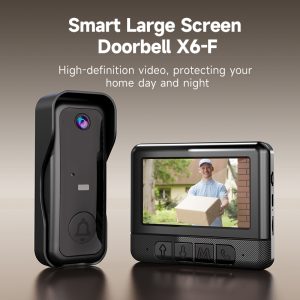 X6F Smart Large Screen Doorbell – Outdoor Waterproof Wireless Video Doorbell with Display Two-Way Intercom HD Video Monitoring Original price was: $69.96.$59.99Current price is: $59.99.
Frequently Asked Questions
Is Wireless Video Doorbell worth buying?
Based on the breakdown in this article, Wireless Video Doorbell offers a solid mix of features and value. If your main goal matches the key benefits described above, it is a practical choice for everyday use.
How do I choose the right wireless video doorbell for my needs?
Start with your core use case, then compare battery life, compatibility, and build quality as covered above. Choosing the right wireless Video doorbell comes down to matching specs with how you actually use it.
Does wireless video doorbell require a companion app?
Most devices of this type pair with a free companion app for setup and firmware updates. A few advanced features may sit behind a paid plan, so check the official specs page before buying.
📌 This article is part of our Complete Doorbell Hub — more guides and buying tips inside.