Why Smart Home Security Matters
However, Home Security has changed dramatically in recent years. You no longer need professional installation, monthly contracts, or expensive monitoring services. Today’s Smart security devices are affordable, easy to install yourself, and often more capable than traditional systems.
Therefore, This guide breaks down the five essential categories of Smart home security devices and explains how each one contributes to protecting your home and family.
1. Video Doorbells ??Your First Line of Defense
Moreover, A Smart video doorbell is the single most impactful security device you can buy. It lets you see, hear, and speak to anyone at your door from anywhere in the world.
Key Features to Look For
- 1080p or higher resolution ??Clear enough to identify faces
- Night vision ??Infrared or color night vision for after-dark visibility
- Two-way audio ??Talk to visitors or delivery drivers
- Motion detection with person recognition ??Avoid false alerts from cats and cars
- Cloud or local storage ??Review footage after an incident
Placement Tips
In addition, Install at chest height (about 48 inches / 120cm), angled slightly downward. This captures faces clearly without being blocked by porch overhangs. Smart Lighting Complete Guide: From Color Temperature to Automation Scenes
2. Indoor Security Cameras ??Watch What Matters Most
For example, Indoor cameras serve multiple purposes: monitoring pets, checking on kids, keeping an eye on elderly family members, and deterring intruders who make it past your exterior defenses.
What to Consider
- Field of view ??130? or wider covers most rooms
- Two-way audio ??Talk to family members or scare off intruders
- Pan/tilt capability ??Follow movement across a room
- Privacy shutter ??Physical cover when you are home
- Person detection ??Alerts only when a human is detected, not when a dog walks by
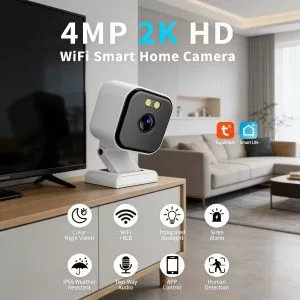
Consequently, Place cameras in main living areas, near entry points, and in hallways. Avoid bedrooms and bathrooms for privacy reasons. Tuya 4MP 2K HD Indoor Smart Camera: Color Night Vision for Family and Pet Monitoring
3. Door and Window Sensors ??Silent Guardians
Contact sensors are small, battery-powered devices that detect when a door or window opens. They are inexpensive, easy to install with adhesive backing, and form the backbone of any security system.
How They Work
Each sensor has two parts: a magnet and a sensor. When they separate (the door opens), the sensor triggers an alert. Modern sensors can also detect vibration and tilt, making them versatile.
Where to Install
- All exterior doors (front, back, side, garage)
- Ground-floor windows
- Basement windows and access points
- Pet doors and mail slots
Set up automation rules: if any sensor triggers after 10 PM, turn on all lights and send a phone notification.
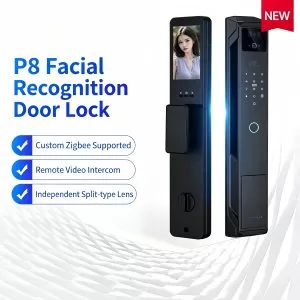
4. Smart Locks ??Keyless, Worry-Free
A smart lock replaces or supplements your traditional deadbolt, giving you keyless entry, remote locking, and access management.
Key Benefits
- No more spare keys ??Create temporary codes for guests, dog walkers, or service providers
- Auto-lock ??Door locks automatically after 30 seconds
- Remote control ??Lock or unlock from your phone
- Entry logs ??See exactly who entered and when
- Voice control ??”Lock the front door” as you go to bed
Choose a lock with both keypad and app control, so you have a backup if your phone dies.
5. Motion Sensors ??Detecting Movement Inside and Out
Motion sensors add another layer of detection to your security setup. They monitor large areas and trigger alerts or automations when movement is detected.
Indoor Motion Sensors
Use for security and automation. If armed at night, they detect intruders who bypass door sensors (through a broken window, for example). During the day, they turn lights on when you enter a room and off when you leave.
Outdoor Motion Sensors
Place near driveways, backyards, and side passages. Connect them to outdoor lights for instant illumination when someone approaches ??both for convenience and to deter potential intruders.
Putting It All Together: A Complete Security Setup
A well-rounded smart home security system for a typical house includes:
- 1x Video doorbell (front door)
- 1x outdoor camera (backyard or driveway)
- 1-2x indoor cameras (main living areas)
- Contact sensors on all exterior doors and ground-floor windows
- 1x smart lock on the front door
- 2-3x motion sensors (hallways, living room, exterior)
Connect everything to your smart home hub and create automation rules for “Home,” “Away,” and “Night” modes. The system should alert you instantly when something is wrong and take action automatically.
Conclusion
You do not need to buy everything at once. Start with a video doorbell ??it provides the most value for the money. Then add sensors and cameras over time. Each device you add multiplies the effectiveness of your security system, creating overlapping layers of protection that keep your family and belongings safe.
Related Articles
- Home Security Sensors Wholesale: B2B Guide to Sourcing and Selling Security Sensor Systems
- Smart Home Starter Guide 2026: How to Build Your First Connected Home
- Tuya WiFi Smart Boiler Switch: Energy‑Saving Control for Electric Water Heaters & Home Heating
- Smart Fingerprint Door Lock: Keyless Security with Tuya Smart
- Smart Home FAQ: Must-Read Guide for Beginners
You Might Also Like
 Tuya Zigbee Solar Rainwater Leak Sensor – Smart Home Water Detection Alarm with AI Automation Original price was: $35.96.$26.99Current price is: $26.99.
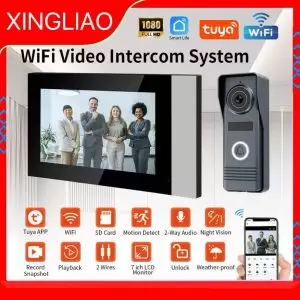 2-Wire Video Door Phone Intercom System 7-Inch IPS Touchscreen Monitor Original price was: $149.00.$115.00Current price is: $115.00.
 Tuya Smart WiFi IR Remote Control Temperature & Humidity Senso… Original price was: $29.96.$25.96Current price is: $25.96.
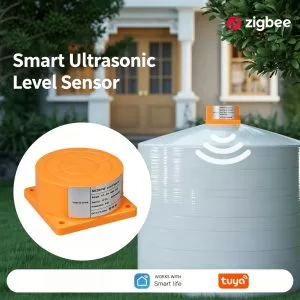 Tuya Zigbee Smart Ultrasonic Level Sensor | 0-5m Range | IP65 … Original price was: $129.96.$98.99Current price is: $98.99.
Frequently Asked Questions
Is Home Security Systems worth buying?
Based on the breakdown in this article, Home Security Systems offers a solid mix of features and value. If your main goal matches the key benefits described above, it is a practical choice for everyday use.
How do I choose the right home security systems for my needs?
Start with your core use case, then compare battery life, compatibility, and build quality as covered above. Choosing the right home security systems comes down to matching specs with how you actually use it.
Does home security systems require a companion app?
Most devices of this type pair with a free companion app for setup and firmware updates. A few advanced features may sit behind a paid plan, so check the official specs page before buying.
📌 This article is part of our Complete Home Hub — more guides and buying tips inside.
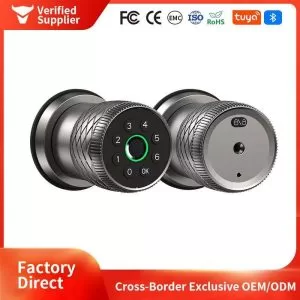

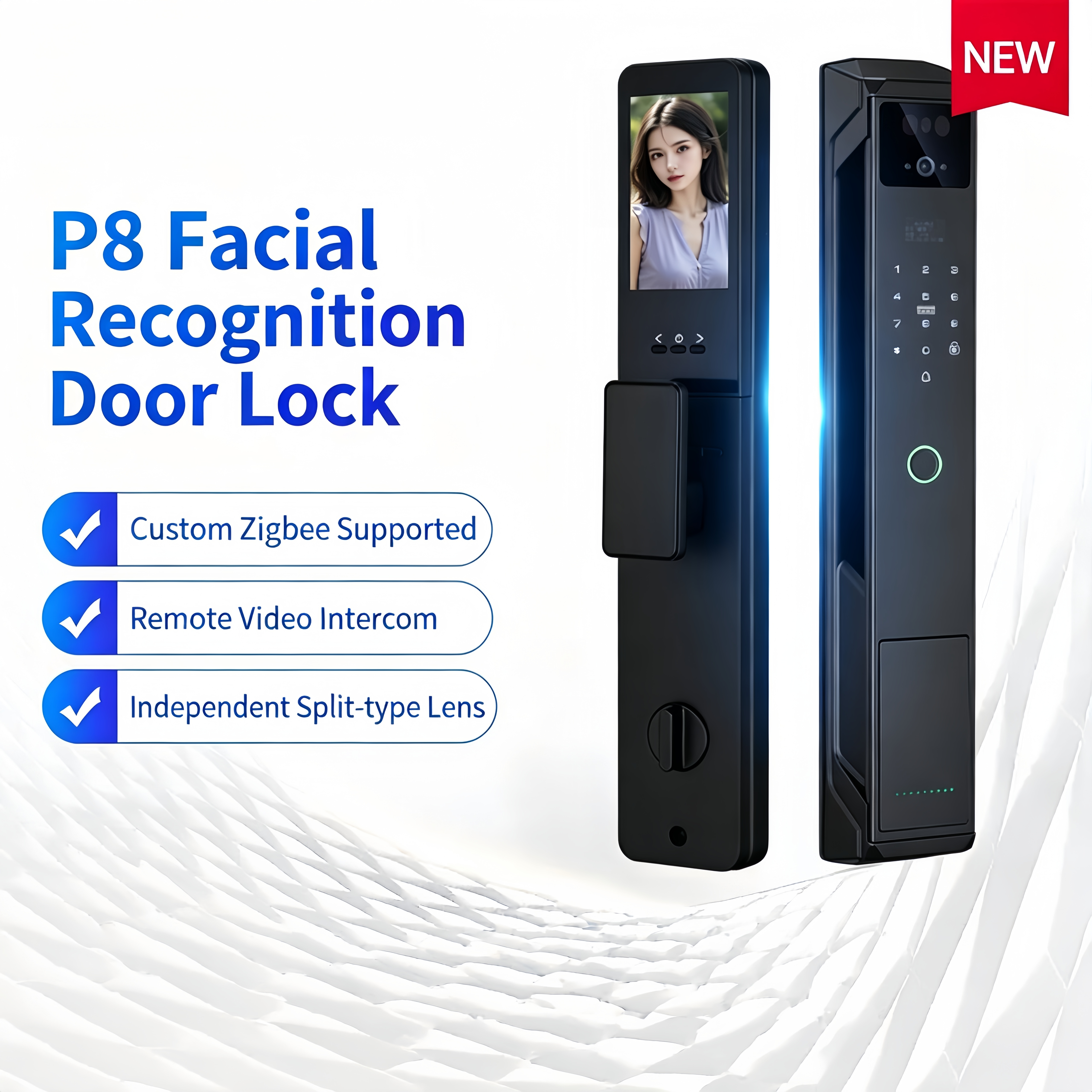 Smart lock” width=”800″ />

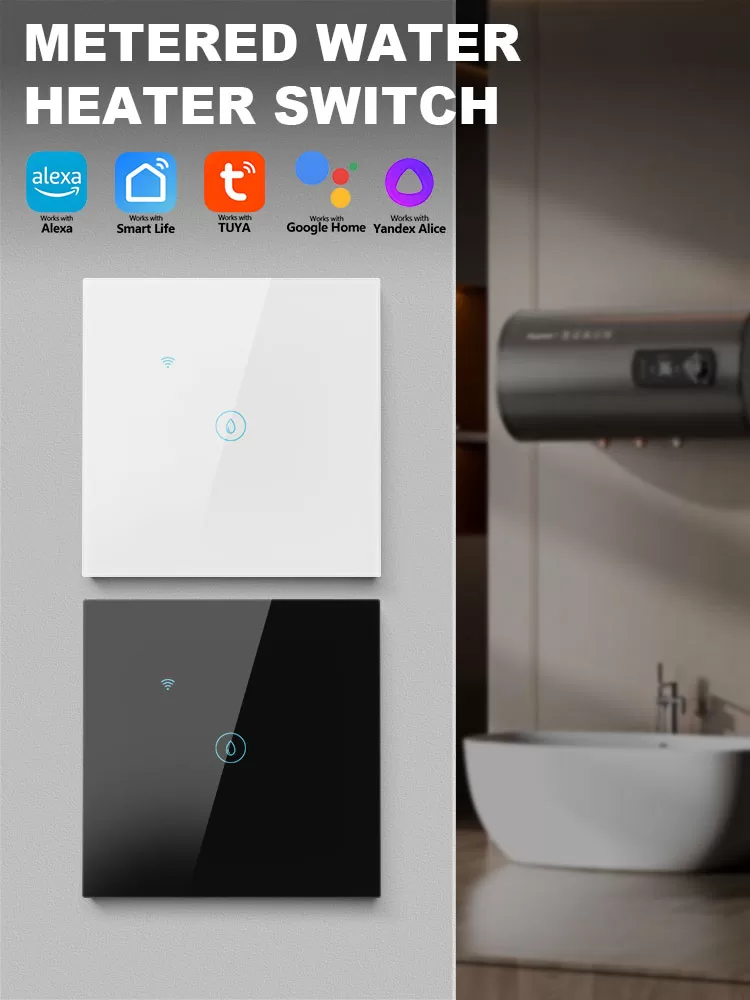 Smart energy saving switch” width=”800″ />