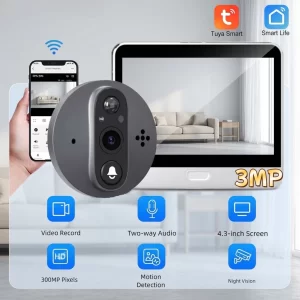
A peephole Video Doorbell replaces the small glass viewer in your door with a camera unit. It is the least invasive way to add Video to a front door: no drilling into the frame, no bracket on the wall beside the door, and nothing that looks out of place in a block of flats where the management company has opinions about modifications.
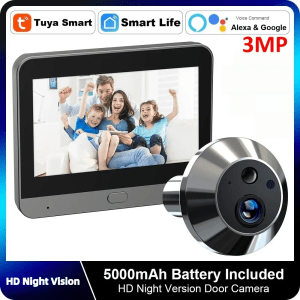
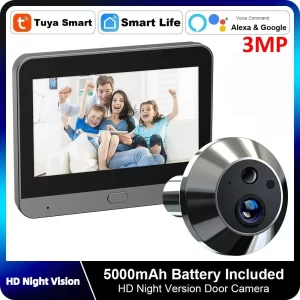
That makes it a strong fit for apartments, rented homes and any door that already has a viewer. This guide covers what you are actually swapping out, the measurement that decides whether one fits, and where a conventional doorbell is still the better answer. Our two peephole models are the Tuya WiFi peephole camera (3 MP, app-based) and the 3 MP peephole doorbell with a 5000 mAh battery.
What a peephole camera replaces — and what it does not
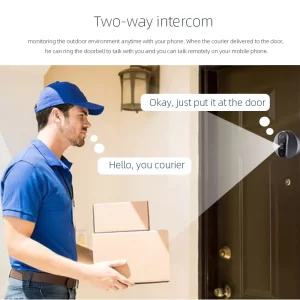
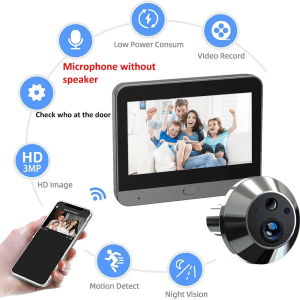
The mechanical viewer stays useful: you can still look through it. The camera unit screws into the same hole, with the lens outside and the body inside, so the door itself is barely changed. What you gain is a Video feed, motion detection and two-way talk.
What you do not gain is the wide side-to-side view of a wall-mounted Doorbell. A peephole camera looks straight ahead from door height. It sees the person at the door well and the parcel at their feet poorly. If watching packages is the main job, a wall unit angled downward does it better — see our video doorbell range for those.
The one measurement that decides everything: door thickness
The camera barrel has to pass through the door and be clamped from the inside, so every peephole model has a thickness range it fits — typically covering standard apartment and house doors. Measure the door itself, not the frame, and measure at the existing hole if there is one.
Also check the existing hole diameter. A viewer hole that is already there makes installation a five-minute job; drilling a new hole through a solid or composite door is a job for someone with the right bit and the willingness to use it.
Power: battery or the existing viewer space
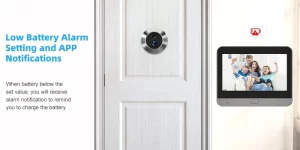
The 5000 mAh model runs for months between charges on typical household traffic, and lifts off the mount to charge. That matters because a peephole camera cannot be wired to the bell — there are no wires at a viewer. If you already have bell wires at the door and want a permanently powered unit, a conventional doorbell is the more sensible choice.
Who is it right for
- Apartment dwellers — no drilling into common areas, and nothing visible from the corridor except a lens where the viewer already was.
- Renters — reversible; the original viewer can be refitted when you move out.
- Anyone whose door opens straight onto a shared landing — a wall-mounted unit would stick out into a walkway.
It is the wrong choice if you need a wide view of a porch, if the door is unusually thick, or if you want to power the unit from the existing bell transformer.
What to expect from the app side
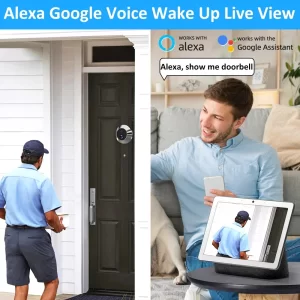
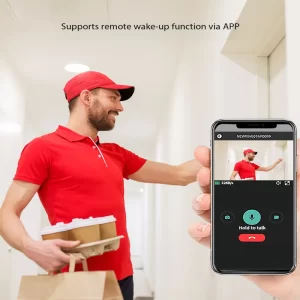
The Tuya-based models connect over 2.4 GHz WiFi to the Tuya / Smart Life app, which means remote answering, recorded clips and shared access for family members. 2.4 GHz only is a real constraint worth checking: if your router runs a single combined SSID for 2.4 and 5 GHz, the setup step usually needs you to be standing near the router, and some mesh systems need a temporary 2.4 GHz-only guest network during pairing.
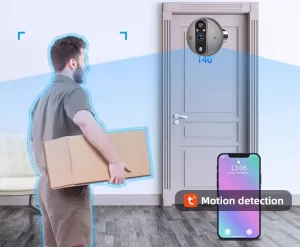
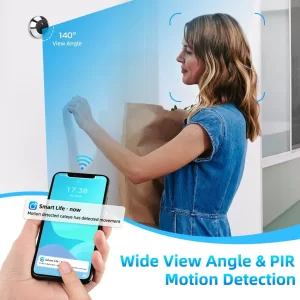
Motion detection catches people approaching the door and pushes a notification. Sensitivity is adjustable, and turning it down is usually the right move on a busy corridor where every passer-by would otherwise trigger an alert.
Installation in five steps
- Remove the existing viewer (it unscrews from the inside) and measure the hole and door thickness.
- Confirm the camera barrel fits that thickness range.
- Feed the barrel through from outside, fit the backing plate inside and tighten by hand — do not use a tool, the thread is plastic.
- Pair with the app on 2.4 GHz WiFi, then set motion sensitivity and recording preferences.
- Test from outside: press the bell, check the notification arrives and two-way audio is clear.
FAQ
- Will it fit my door?
- Check the door thickness range on the product page against your measurement. Standard interior and apartment doors are covered by the usual range; very thick hardwood or security doors may not be.
- Does it need WiFi?
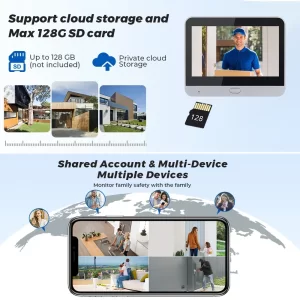
- The Tuya models use 2.4 GHz WiFi for remote viewing and notifications. Local recording to a card still works if the internet drops; you just cannot view it remotely while offline.
- Can I still look through it?
- Yes — a peephole camera replaces the optics with a camera, and you view the feed on the screen or phone instead of with your eye.
- How long does the battery last?
- The 5000 mAh model is designed for months of typical household use. Heavy traffic, cold weather and frequent live viewing all shorten that; the unit lifts off to recharge.
- Is it visible from outside?
- Only the lens barrel, roughly where the old viewer was. There is no wall bracket or protruding body on the outside of the door.
- Can more than one phone receive alerts?
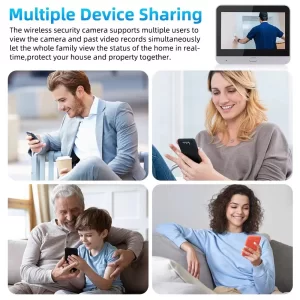
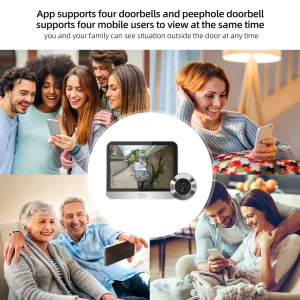
- Yes, the Tuya / Smart Life app supports sharing a device with other household members.
Related Articles
- Wireless Video Doorbell With Indoor Monitor: X3, X6, X7 and X8 Compared
- Upgrade Home Security – X8 Wireless Visual Doorbell 4.3 Inch IPS Screen IP66 Waterproof
- Meet X7 Intelligent Visual Doorbell Set – Upgrade Your Home Security Today
- The SELFIECOM D10 Smart Video Doorbell: A Practical Guide for Home Security
- Video Doorbell Review 2026: What to Look For, Smart Features Compared, and Buyer’s Guide
You Might Also Like
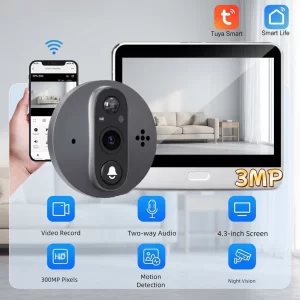 3MP WiFi Smart Peephole Doorbell Camera – 5000mAh Battery Original price was: $89.86.$49.99Current price is: $49.99.
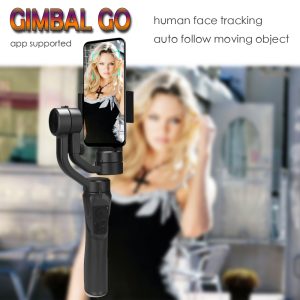 F6 3-Axis Handheld Smartphone Gimbal Stabilizer, APP Supported Face & Moving Object Tracking, Brushless Motor Phone Video Stabilizer for Vlog Travel Shooting Original price was: $69.96.$59.96Current price is: $59.96.
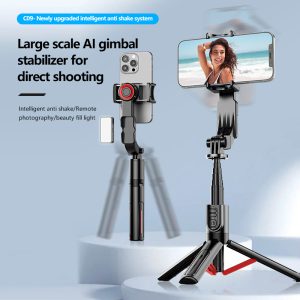 C09 AI Smartphone Gimbal Stabilizer, Portable Selfie Stick Tripod with Magnetic Fill Light & Bluetooth Remote, Intelligent Anti-Shake Handheld Video Stabilizer for Vlog Travel Shooting Original price was: $29.96.$21.99Current price is: $21.99.
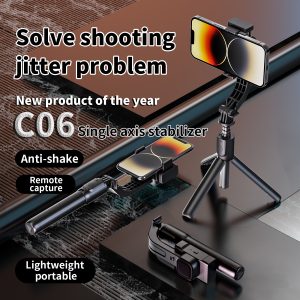 C06 Single Axis Gimbal Stabilizer, Phone Selfie Stick Tripod with Wireless Remote, Anti-Shake Handheld Video Stabilizer for Smartphone Vlog Live Streaming Price range: $13.96 through $17.96
Frequently Asked Questions
Is Peephole Video Doorbell worth buying?
Based on the breakdown in this article, Peephole Video Doorbell offers a solid mix of features and value. If your main goal matches the key benefits described above, it is a practical choice for everyday use.
How do I choose the right peephole video doorbell for my needs?
Start with your core use case, then compare battery life, compatibility, and build quality as covered above. Choosing the right peephole video doorbell comes down to matching specs with how you actually use it.
Does peephole video doorbell require a companion app?
Most devices of this type pair with a free companion app for setup and firmware updates. A few advanced features may sit behind a paid plan, so check the official specs page before buying.
📌 This article is part of our Complete Doorbell Hub — more guides and buying tips inside.