Every wall Switch in a commercial building gets touched hundreds of times a day. In hotel bathrooms, clinic corridors, factory canteens and public washrooms, that single square of Glass is where fingerprints, soap residue and cross-contact accumulate fastest. Buyers who source Switches for these environments are no longer only asking about price per unit — they are asking whether the Switch can be operated without being touched at all.
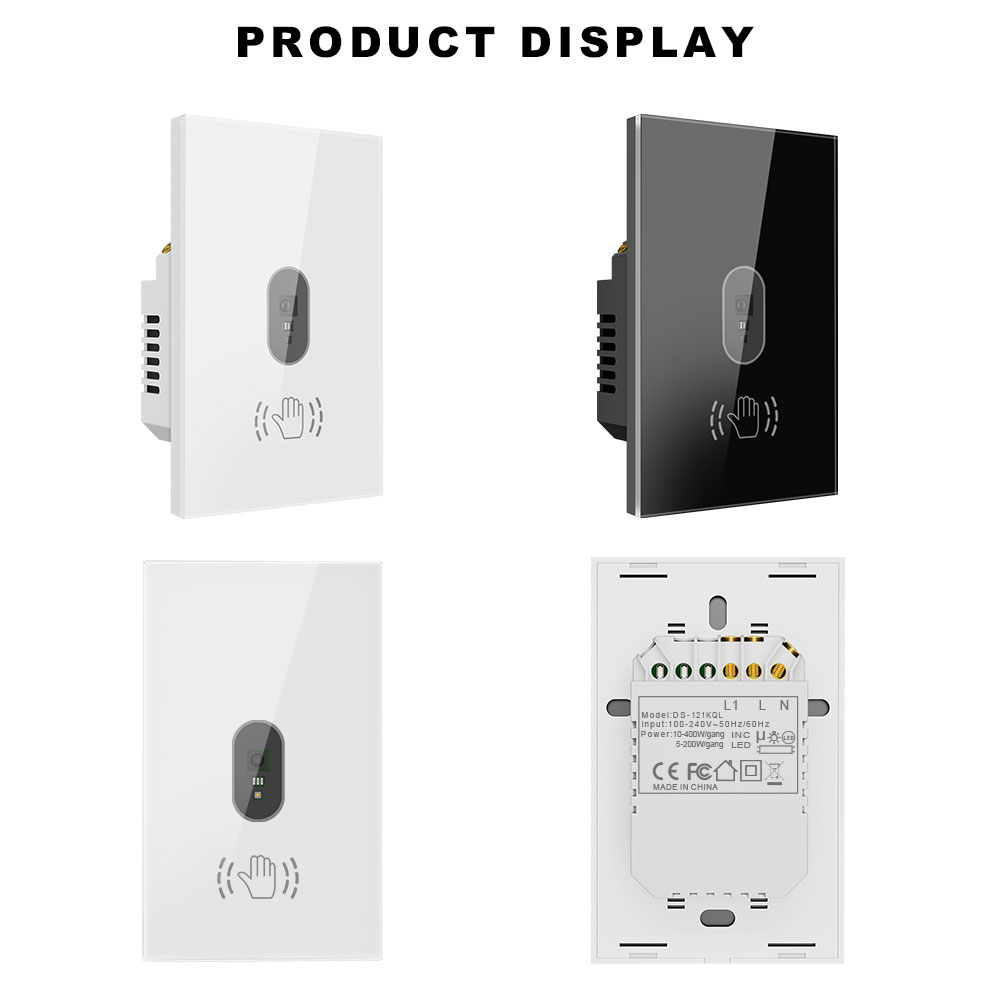
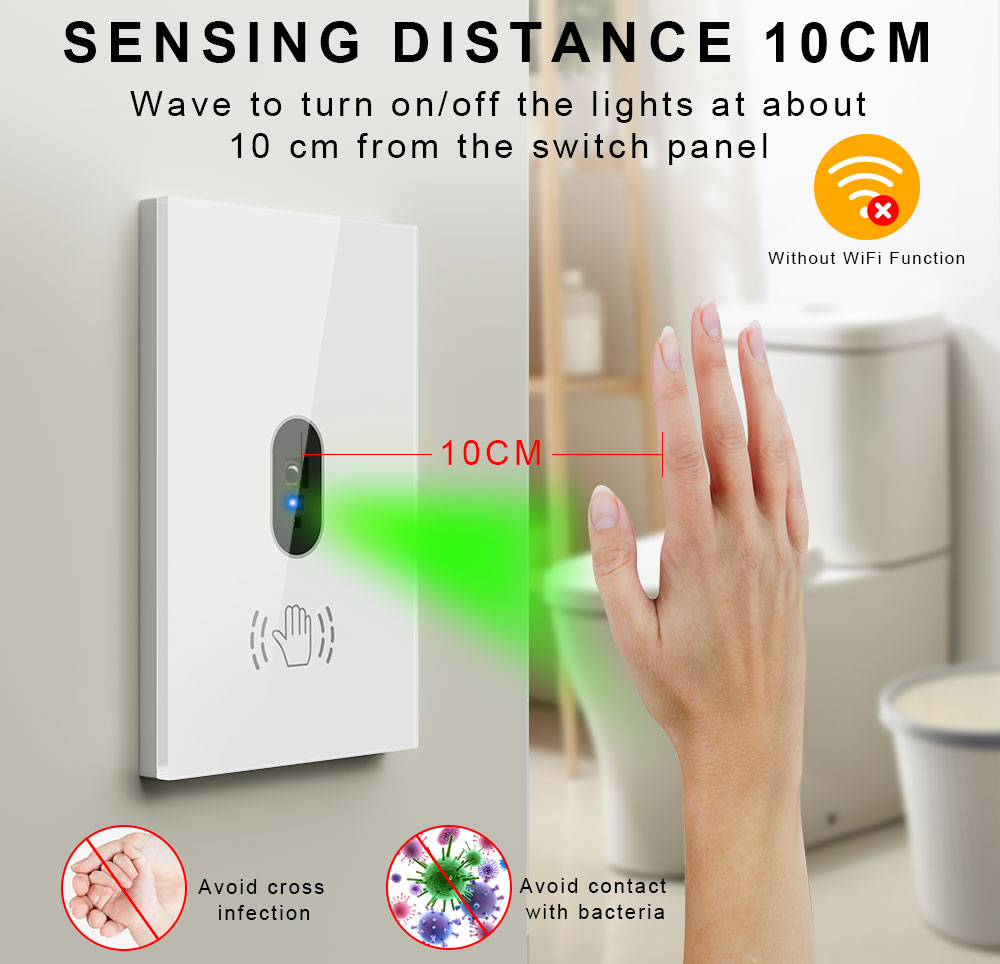
The wave-sensor Wi-Fi wall switch answers that question with a hand gesture. Move your palm within 10 cm of the panel and the load toggles; there is nothing to press, nothing to wipe down, and nothing for a guest to figure out at 2 a.m. ZigBee vs ZigBee 3.0: What Actually Changed
What is a wave-sensor wall switch?
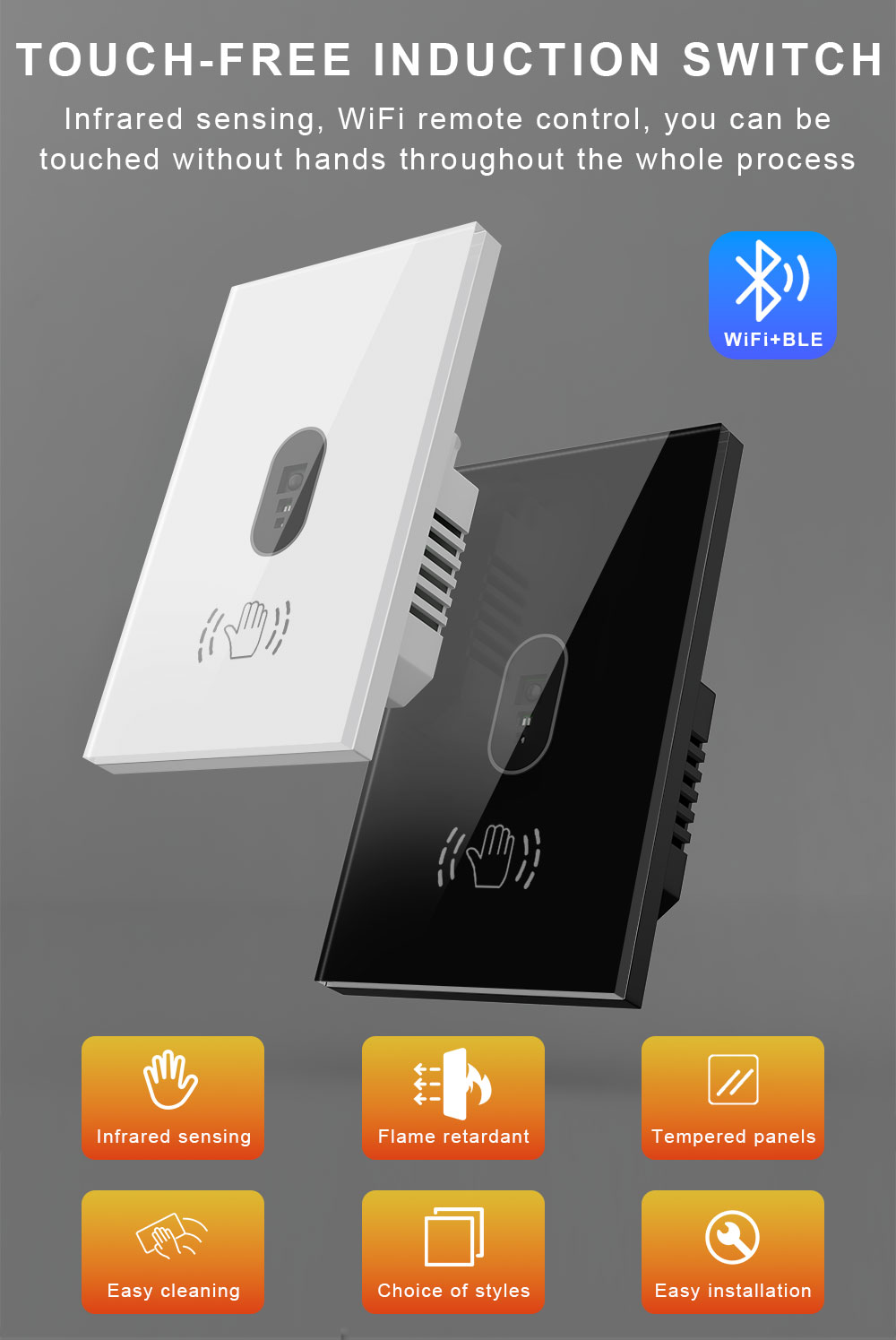
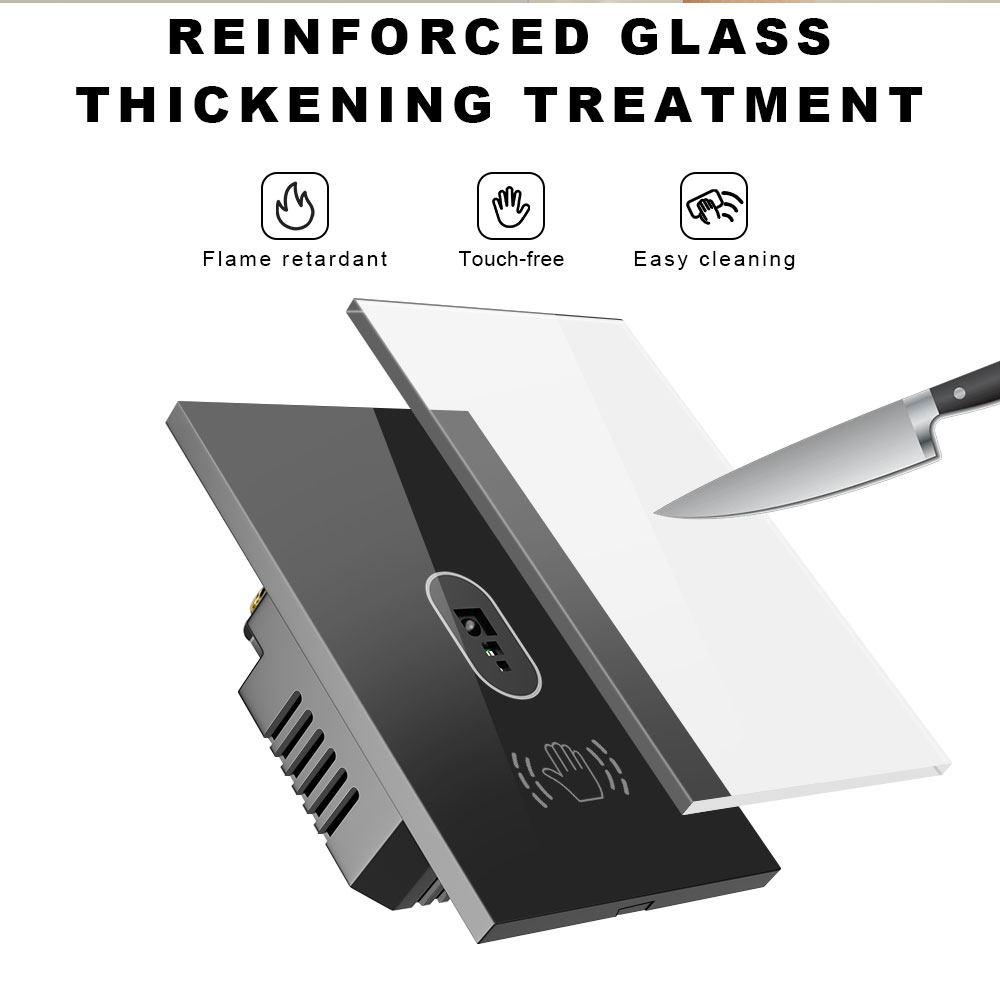
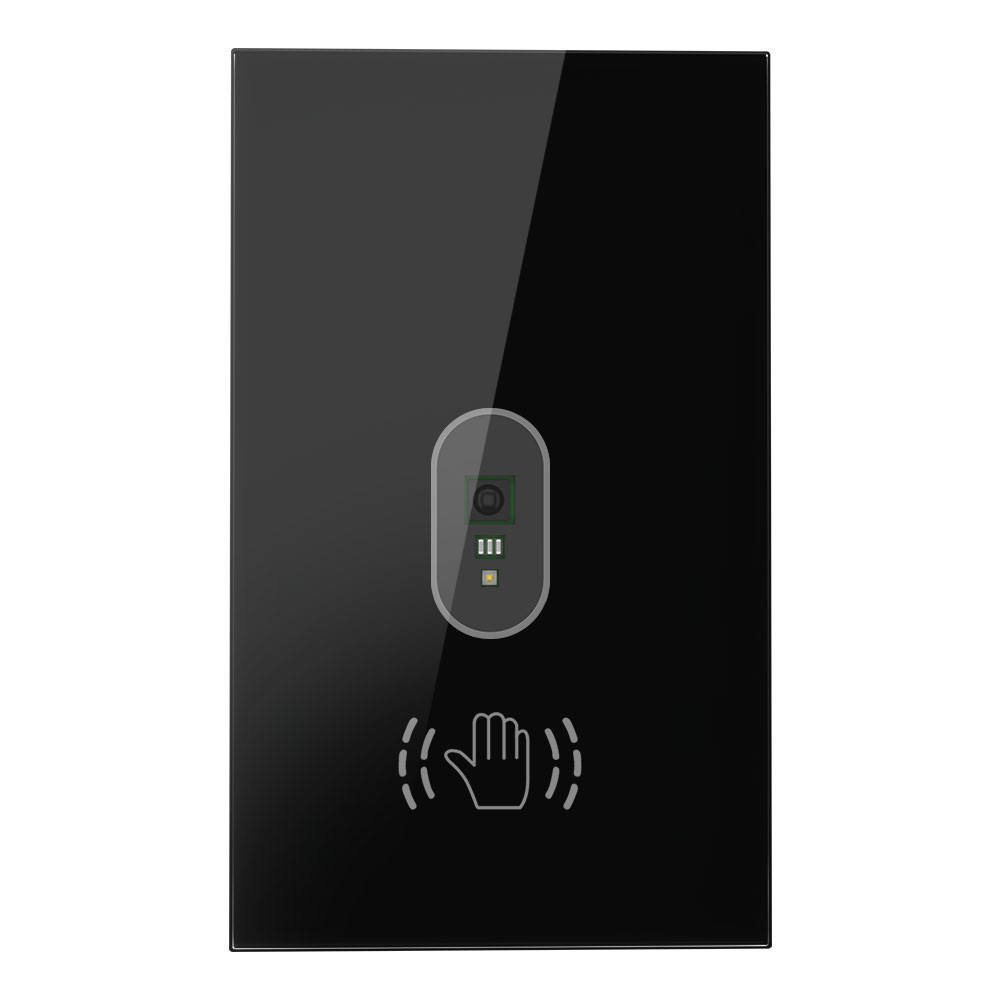
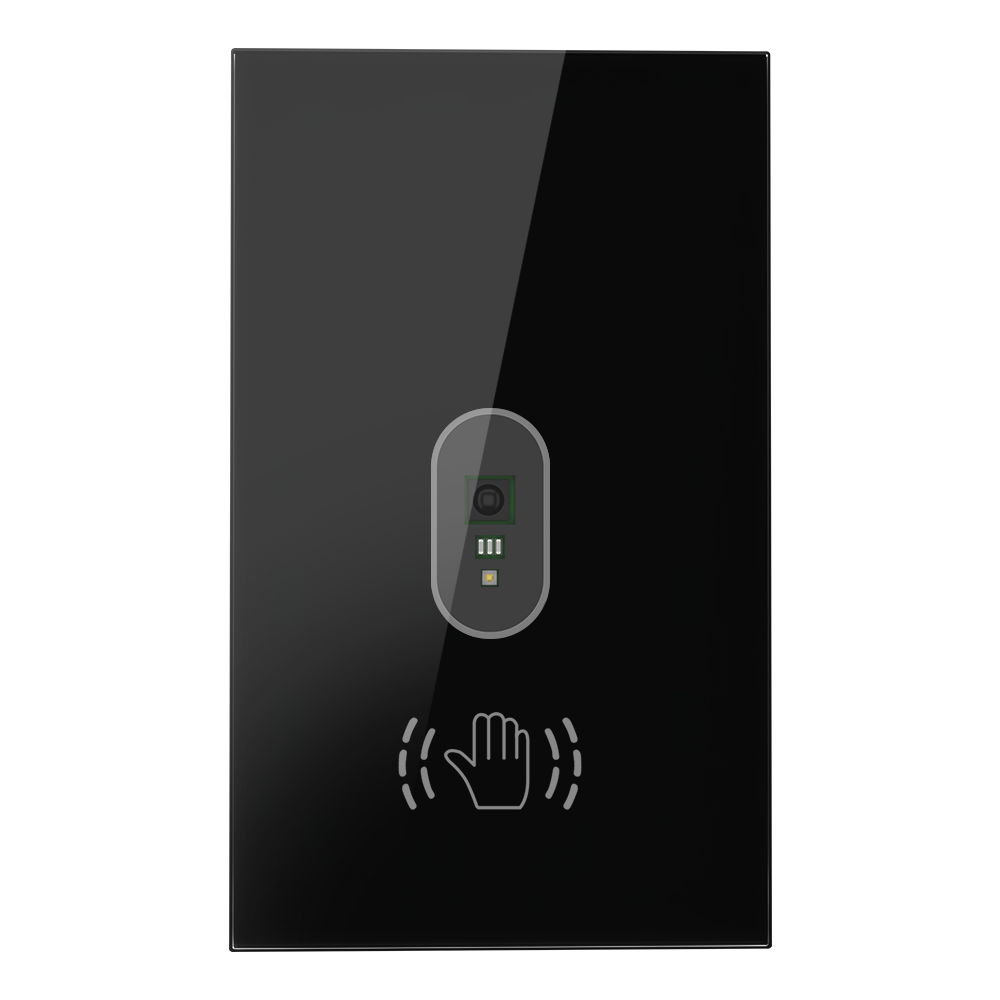
A wave-sensor switch is a Standard wall switch that carries an infrared gesture sensor behind its glass front. Instead of a mechanical rocker or a capacitive Touch pad, the trigger is proximity motion: the panel detects a hand entering its sensing field and cycles the relay between on and off. The physical panel stays sealed, so the surface never collects the greasy fingerprint film that capacitive touch panels develop in kitchens and hotel bathrooms.
Two variants are available in this platform, and the difference matters when you build a price ladder for your market:
- Wave + Wi-Fi version — gesture control plus full app control: remote on/off, app timers with weekday repeat, OTA firmware upgrades, device sharing, and SmartConfig pairing on both Android and iOS.
- Wave-only version — gesture control and nothing else. No app, no cloud, no pairing. Ideal for corridors, storage rooms and public washrooms where a network connection adds cost without adding value.
Technical specifications
The figures below are taken directly from the product specification sheet. EU and US versions share the same electrical platform; only the wall-plate geometry differs.
| Parameter | EU version (86 mm) | US version (118 mm) |
|---|---|---|
| Model series | 101KWL (Wi-Fi) / 101KQL (wave-only) | 121KWL (Wi-Fi) / 121KQL (wave-only) |
| Panel dimensions | 86 × 86 × 35 mm | 118 × 72 × 35 mm |
| Output channels | 1 gang | 1 gang |
| Input voltage | AC 100–240 V | AC 100–240 V |
| Input frequency | 50/60 Hz | 50/60 Hz |
| Maximum load | 400 W | 400 W |
| Wireless frequency | 2.4 GHz Wi-Fi | 2.4 GHz Wi-Fi |
| Operating temperature | -20 °C to 45 °C | -20 °C to 45 °C |
| Operating humidity | < 80 % RH | < 80 % RH |
| Colours | White / Black | White / Black |
| Gesture range | ≤ 10 cm | ≤ 10 cm |
Model-to-market mapping should be confirmed on quotation; the EU and US plates are not interchangeable, and the 400 W rating refers to resistive lighting loads such as LED panels, downlights and filament lamps rather than motor or heating loads.
How the gesture sensing actually behaves
One gesture, one state change
The sensor uses a cycling logic rather than a toggle-on-motion rule. Each detected wave flips the current state — on becomes off, off becomes on — so the panel behaves exactly like the rocker it replaces. There is no ambiguity about whether the light was already on, and there is no need to hold the hand in place.
Ten centimetres is the sweet spot
A 10 cm sensing envelope is deliberately short. It is long enough that a person walking past with wet hands can trigger the switch with an open palm, and short enough that nobody in the corridor outside a bathroom door switches the light on by accident. For installers, this also means the sensor does not need a cut-out or a separate aperture — it sits behind the same glass as the legend.
Touch still works
The panel remains a functional wall switch. Guests who instinctively press it are not punished with a dead plate; the relay responds either way. In hotels this quietly removes the single most common guest complaint about unfamiliar in-room technology.
The app layer (Wi-Fi version only)
When the Wi-Fi module is fitted, the gesture switch becomes part of the property’s connected layer:
- Remote control — switch any load on or off from the phone, provided both the panel and the phone are online.
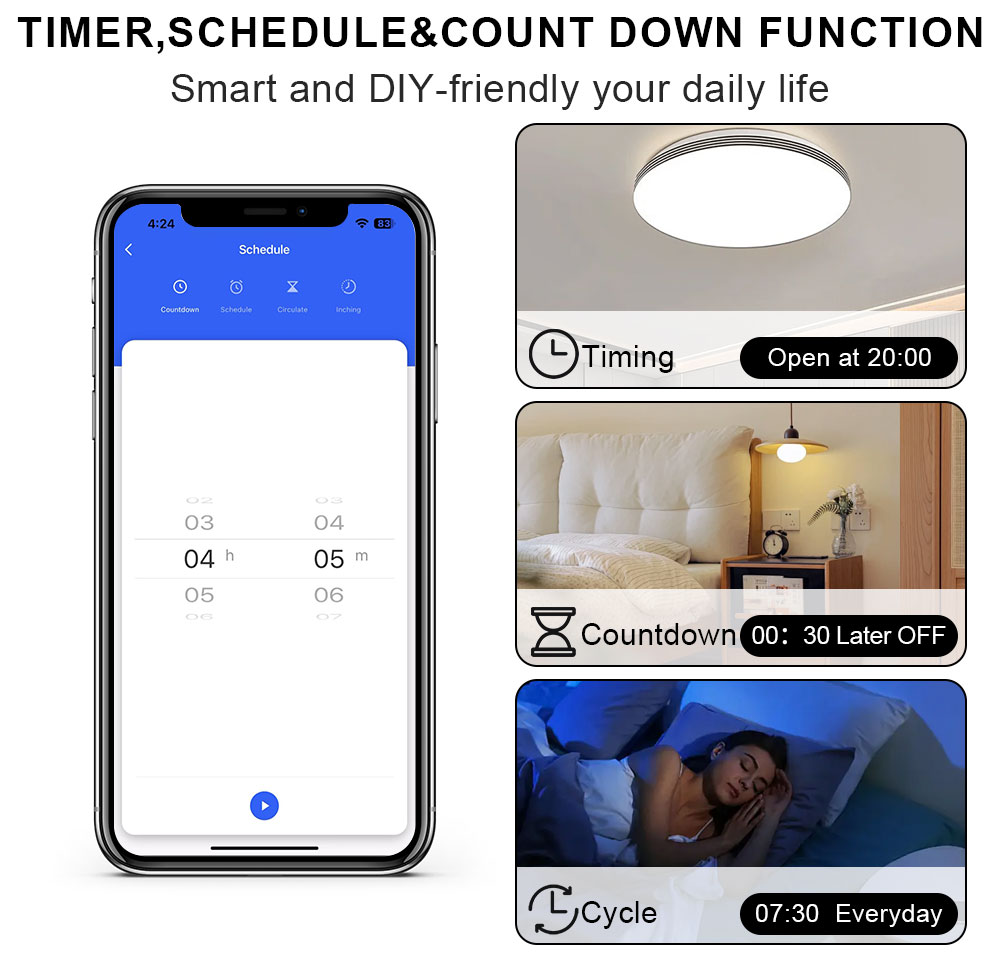
- Timers with weekday repeat — schedule a load per day of the week, which is what makes the product usable for signage lighting, display windows and bathroom exhaust fans on a fixed routine.
- OTA firmware updates — new functions can be pushed to panels already on the wall, so a fleet installed this quarter does not become obsolete next quarter.
- Device sharing — hand access to family members, staff or facility managers without handing over the account.
- SmartConfig pairing — network credentials are pushed from the phone, supported on both Android and iOS, so no per-panel commissioning laptop is required.
Where this switch earns its place
Hotel bathrooms and guest rooms
A wet hand never has to find a switch plate. Combined with the timer function, the bathroom exhaust Fan can run on a fixed daily schedule regardless of whether the room is occupied.
Clinics, dental surgeries and care facilities
Touchless operation reduces contact points on high-frequency surfaces. The sealed glass front is also easier to disinfect than a rocker with a gap around its paddle.
Commercial washrooms and factory corridors
Public washrooms are the classic case for the wave-only version: gesture control, no app, no network, no commissioning, and a load rating that suits LED battens and downlights.
Short-let apartments and serviced units
Remote control lets the operator cut lighting between guest stays, and device sharing allows cleaning staff to be given access without sharing owner credentials.
Kitchens and food preparation areas
Grease and flour are the enemies of capacitive touch. A gesture panel stays clean because it is never contacted.
OEM and ODM capability for brand owners
This switch is built as a platform rather than a single SKU, which is what makes it usable for distributors who need a differentiated product without a full development cycle:
- Plate and colour customisation — white and black are standard; plate geometry follows the EU 86 mm and US 118 mm standards so the product drops into existing box systems.
- Branding — logo and legend printing on the glass, plus customised packaging for retail or project cartons.
- Firmware and app configuration — the connectivity can be delivered under your own app identity, with the product provisioning flow adapted to your onboarding screen.
- Variant mix — order the Wi-Fi and wave-only boards under one purchase order so a single container covers both the connected and the budget tier of your catalogue.
- Documentation package — product specification sheets, wiring diagrams and packaging artwork supplied for your own marketplace listings.
Because the sensing element, the relay and the wireless module are shared across the range, changes to colour or plate do not restart the certification and testing cycle — a practical advantage when you are trying to launch before a selling season.
Selection checklist before you order
| Question | If yes | If no |
|---|---|---|
| Does the location need app or remote control? | Specify the Wi-Fi version (101KWL / 121KWL) | Specify the wave-only version (101KQL / 121KQL) |
| Is the wall box EU 86 mm or US 118 mm? | Match the plate to the box before ordering | Confirm box standard with the installer first |
| Is the connected load under 400 W resistive? | Product is suitable as specified | Move to a higher-rated switching solution |
| Will the panel sit in direct sunlight or near a heat source? | Check the -20 to 45 °C range against the site | Standard installation applies |
| Do you need a private-label app? | Request the OEM app configuration package | Standard app is sufficient |
Frequently asked questions
Does the switch need a neutral wire?
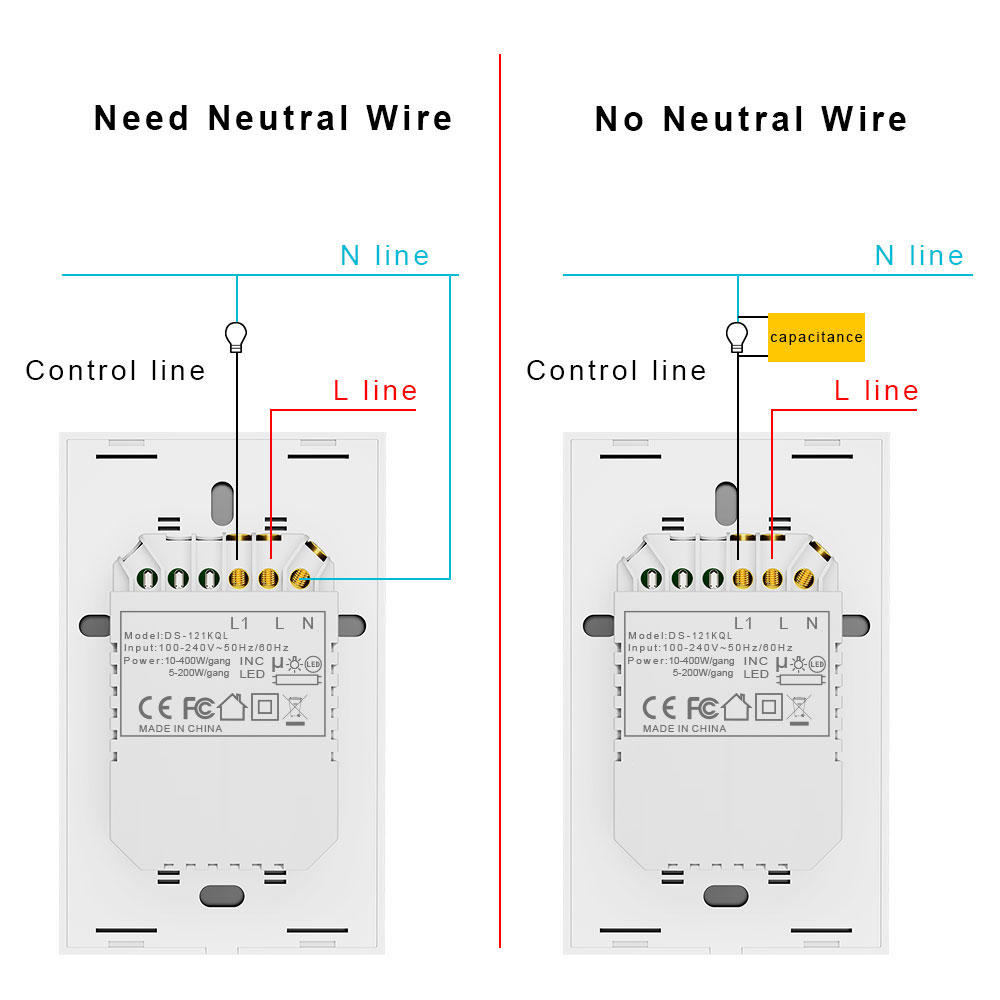
Wiring requirements depend on the specific board version. Confirm the wiring diagram for the exact model you are ordering before the electrician starts work; do not assume the wave-sensor board shares the wiring of a no-neutral touch switch.
Can the gesture sensor be disabled?
The sensor and the physical switch operate on the same relay. Where a project requires motion-free operation, specify the configuration with your sales contact at quotation stage.
How many panels can one app account manage?
Multiple panels can be added to a single account and grouped by room or by property. The practical limit depends on your Wi-Fi infrastructure rather than the panel itself.
Talk to us about your wave-sensor programme
If you are building a touchless switching line for hotels, healthcare or public washrooms, we can supply the EU and US variants under a single order, with your branding on the glass and packaging, plus the specification documents your marketplace listing needs.
Send us your target market, plate standard, annual volume and whether you need the Wi-Fi tier or the wave-only tier — we will come back with a quotation and a sample plan.
All technical figures in this article are taken from the manufacturer’s product specification sheet for the wave-sensor switch range. Confirm the exact configuration of your ordered model on the datasheet before installation.
Related Articles
- Touchless Wave Switches: When Not Touching the Switch Is the Whole Idea
- How to Choose a WiFi Touch Switch for a standard Wall Box — DS-1611WL Series
- DS-121KWL Wave & WiFi Smart Touch Switch (No Neutral Required) – Advanced Hands-Free Control for Modern Homes
- Fly Repeller Fan: The Chemical-Free Guide to Keeping Flies Off Your Dining Table
- Tuya Smart WiFi Curtain Switch Review: Touch, App, and Voice Control for Modern Smart Homes
You Might Also Like
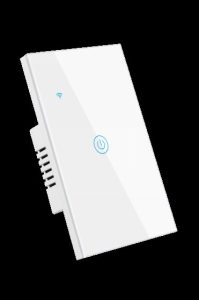 DS-121BW Series US Standard WiFi + Bluetooth Touch Switch, Zero-Fire (1-4 Gang) Price range: $5.90 through $7.70
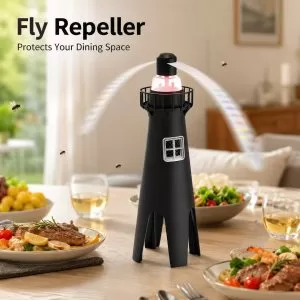 Fly Repeller Fan Lighthouse Design Chemical-Free Insect Deterrent for Outdoor Dining Table Kitchen Picnic Original price was: $35.86.$24.96Current price is: $24.96.
 2-Wire Video Door Phone Intercom System 7-Inch IPS Touchscreen Monitor Original price was: $149.00.$115.00Current price is: $115.00.
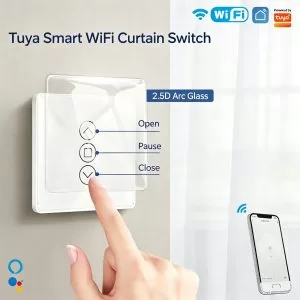 Tuya Smart WiFi Curtain Switch | 2.5D Arc Glass | Touch | App … Original price was: $39.98.$32.96Current price is: $32.96.
📌 This article is part of our Complete Wifi Hub — more guides and buying tips inside.
